
Web scraping has quietly become the secret sauce behind some of the smartest business moves I’ve seen in recent years. Whether you’re in sales, operations, or market research, chances are you’ve benefited from data that was scraped—maybe without even realizing it.
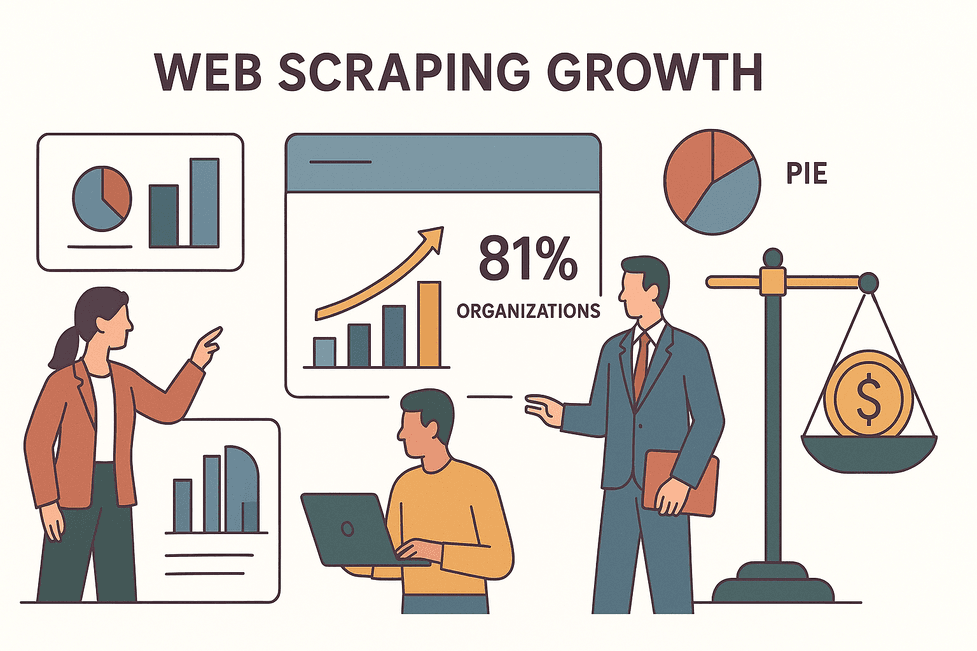
But as the web scraping software market races toward a projected $1–3.5 billion by 2025, and with over 81% of organizations now using scraping in some form, the stakes are higher than ever. Efficiency and compliance aren’t just buzzwords—they’re the difference between building a sustainable data pipeline and ending up with a lawsuit (or a very angry IT department).
In this guide, I’ll break down the best practices for web scraping that I’ve learned as Thunderbit’s co-founder (and a long-time automation nerd). We’ll talk about why compliance is non-negotiable, how to pick the right tools (hint: AI is your friend), strategies for scraping faster and smarter, and how to keep your data—and your reputation—safe. Let’s dive in.
Understanding Web Scraping: What Every Business User Should Know
Scrape data from any website using AI Get Started Free
At its core, web scraping is just using software to automatically collect information from websites—think of it as a supercharged copy-paste robot that never gets tired. Instead of manually gathering product prices, lead emails, or competitor news, a web scraper pulls that data into a neat spreadsheet or database in minutes.
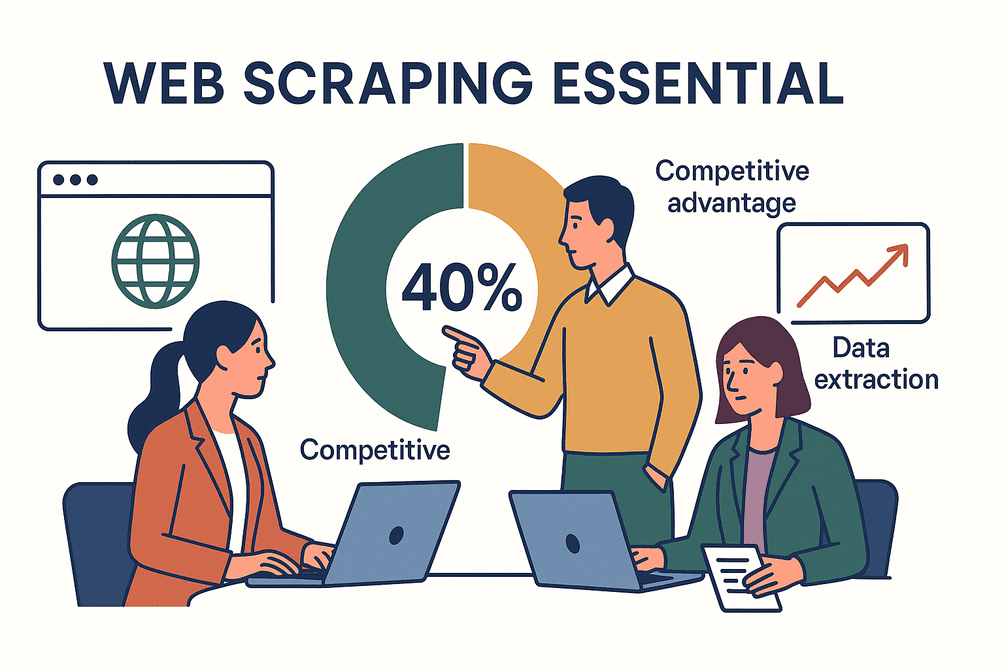 For business users, the magic isn’t in the code—it’s in what you can do with the data. Sales teams build prospect lists, ecommerce managers track competitor prices, and analysts monitor market trends, all thanks to scraping. In fact, over 40% of all data extraction in companies now involves web scraping, and it’s become a must-have for staying competitive.
Modern tools (like Thunderbit) have made scraping accessible for everyone—not just developers. You can now use point-and-click interfaces or even describe what you want in plain English, and the AI does the heavy lifting.
Web Scraping Compliance: Why It Matters and How to Stay Safe
Here’s the not-so-fun part: with great data power comes great responsibility. Compliance in web scraping means making sure you’re not breaking laws, violating website terms, or mishandling personal data. And trust me, the risks are real—companies have faced IP bans, lawsuits, and even $277 million GDPR fines for sloppy scraping practices.
Ignoring compliance isn’t just a legal risk—it can trash your company’s reputation overnight. That’s why I always recommend a “compliance-first” mindset, building safeguards into every scraping project from day one.
Key Compliance Areas for Web Scraping
Let’s break down the main compliance risks:
- Website Terms of Service (ToS): Many sites explicitly forbid scraping in their ToS. Violating these can get your IP blocked or land you in a breach-of-contract lawsuit. Always check the rules before you start.
- robots.txt and Crawling Etiquette: This file tells bots what’s off-limits. While not legally binding, ignoring it is a fast track to being labeled a “bad actor.”
- Personal Data and Privacy Laws (GDPR, CCPA): Scraping anything that identifies a person (names, emails, social profiles) triggers privacy laws—even if the data is public. Fines can reach millions, and regulators are watching.
- Copyright and Database Rights: Facts are usually fair game, but scraping large amounts of text, images, or creative content can violate copyright. In Europe, even the structure of a database can be protected.
- Computer Hacking Laws (CFAA): Scraping public data is generally okay, but bypassing logins, CAPTCHAs, or technical barriers can cross into illegal territory.
For a deeper dive, check out this compliance guide.
Building a Compliance-First Web Scraping Process
Here’s my step-by-step compliance checklist:
- Plan and Document: Before scraping, review the site’s ToS, check robots.txt, and note if you’re collecting personal data. Document your compliance steps—it’s your insurance policy if questions arise.
- Respect Access Rules: Honor robots.txt, implement crawl delays, and avoid hammering sites with requests. If you see errors like HTTP 429 (Too Many Requests), slow down.
- Avoid Unauthorized Areas: Don’t scrape behind logins or paywalls without permission. Stick to what an anonymous user can see.
- Minimize Personal Data: Only collect what you need. Anonymize or aggregate personal info whenever possible.
- Use Legitimate Proxies: If you use proxies, make sure they’re sourced ethically. Shady proxy networks can land you in hot water.
- Monitor and Adjust: If a site changes or you get a cease-and-desist, stop and reassess. Regularly review your scraping practices for compliance.
- Educate Your Team: Make sure everyone involved understands these best practices. One uninformed intern can cause a world of pain.
For more, I recommend this compliance checklist.
Choosing the Right Web Scraping Tool for Your Business Needs
Not all scrapers are created equal. The right tool depends on your technical skills, the complexity of your target sites, your automation needs, and your budget. Here’s what I look for:
- Ease of Use: Can non-coders use it? Tools like Thunderbit and Browse AI are designed for business users, with 2-click setup and AI-powered field suggestions.
- Automation & AI: Does it handle pagination, subpages, and scheduling? Can it adapt to layout changes? Thunderbit’s AI can suggest columns and even format data as it scrapes.
- Complex Site Support: Need to scrape dynamic or JavaScript-heavy sites? Make sure your tool supports browser-based or cloud scraping.
- Integration Options: Can you export directly to Google Sheets, Airtable, Notion, or your CRM? Thunderbit offers 1-click exports to all of these.
- Cost & Scalability: Free tiers are great for small jobs, but if you’re scraping at scale, look for cloud-based options with parallel processing (Thunderbit’s cloud mode scrapes 50 pages at once).
Comparing Web Scraping Tools: What to Look For
| Tool | Ease of Use | Automation & AI | Complex Sites | Integrations | Cost |
|---|---|---|---|---|---|
| Thunderbit | Very High | AI-driven, 2-click, scheduling | High (cloud & browser) | Sheets, Airtable, Notion, Excel | Free tier, paid plans |
| Browse AI | High | AI robots, scheduling | High (cloud) | Sheets, Airtable, API | Free tier, paid plans |
| Octoparse | Medium | Visual, templates | High (cloud) | CSV, Excel, API | Free tier, paid plans |
| Web Scraper | Medium | Manual setup | Medium | CSV, JSON | Free, paid cloud |
| Bardeen | Medium-High | Automation-first | High | Sheets, CRMs | Free, paid plans |
For a more detailed breakdown, check out this review.
Boosting Web Scraping Efficiency: Strategies for Faster, Smarter Data Collection
Efficiency is where scraping goes from “nice-to-have” to “superpower.” Here’s how to level up:
- Parallelize Requests: Modern tools (like Thunderbit’s cloud mode) scrape dozens of pages at once, cutting hours down to minutes. Just don’t go overboard—too many requests can get you blocked.
- Smart Scheduling: Automate scrapes to run at off-peak hours or at regular intervals. Thunderbit lets you schedule scrapes using natural language (“every Monday at 9am”).
- Stepwise Extraction: Break big jobs into steps—first scrape a list of URLs, then scrape details from each. Thunderbit’s subpage scraping makes this a breeze.
- Use Templates: For popular sites, use instant templates to skip setup. Thunderbit and Octoparse both offer these for Amazon, LinkedIn, and more.
- Automate Data Processing: Clean and format data as you scrape. Thunderbit’s AI can reformat phone numbers, translate text, and even categorize data on the fly.
Stepwise and Automated Web Scraping
Let’s say you want to scrape all products from an ecommerce site:
- Scrape the listing pages for product names and URLs (using pagination).
- Feed those URLs into a detail scraper (Thunderbit’s subpage feature does this in one click).
- Merge results into a single, structured table—ready for analysis.
This approach is faster, more reliable, and easier to debug. Plus, if something breaks, you only need to fix one step.
Data Storage and Export: Keeping Your Scraped Data Organized
Don’t let your hard-won data turn into a messy pile. Here’s how to keep it organized:
- Choose the Right Format: Export to CSV, Excel, Google Sheets, or Airtable—whatever your team uses. Thunderbit offers 1-click exports to all of these.
- Structure Your Data: Use clear, consistent columns. Name fields logically (“Price,” not “col3”).
- Add Metadata: Include source URLs and timestamps for traceability.
- Watch for Size Limits: Google Sheets has a 10 million cell limit; split large datasets as needed.
- Automate Exports: Use integrations to send data directly to your workflow—no manual downloads required.
For more tips, see this guide.
Try Thunderbit AI Web Scraper for Free
Data Cleaning and Management: Turning Raw Data into Business Insights
Raw scraped data is often messy—duplicates, inconsistent formats, missing values. Cleaning is where the magic happens.
- Remove Duplicates: Use unique IDs or URLs to de-dup your data.
- Standardize Formats: Dates, prices, phone numbers—make them consistent. Thunderbit’s AI can handle this automatically.
- Handle Missing Values: Decide how to fill or flag blanks.
- Validate Outliers: Spot-check for errors or weird values.
- Enrich Data: Add categories, tags, or translations as you scrape.
Thunderbit’s Field AI Prompts let you define how each field should be formatted or labeled, so your output is ready for analysis—no extra Excel gymnastics required.
Practical Data Cleaning Steps for Web Scraping
- Remove duplicates.
- Standardize formats (dates, numbers, text).
- Fill or flag missing values.
- Validate data accuracy.
- Merge with internal data as needed.
- Automate cleaning steps where possible.
For more on cleaning, check out this resource.
Securing and Protecting Your Scraped Data
Once you’ve got your data, keeping it safe is non-negotiable—especially if it includes personal info or sensitive business intelligence.
- Store Data Securely: Use encrypted databases or secure cloud storage. Be careful with Google Sheets—don’t overshare access.
- Encrypt Personal Data: Hash or encrypt emails and phone numbers if you don’t need them in plain text.
- Limit Access: Only give data access to those who need it.
- Anonymize Where Possible: Strip out personal identifiers if you don’t need them.
- Follow Data Retention Policies: Don’t keep data longer than necessary.
- Secure the Scraping Process: Use reputable cloud services (Thunderbit’s cloud scraping runs on secure US/EU/Asia servers).
- Comply with Privacy Laws: Be ready to delete data if requested (GDPR/CCPA).
For more on data security, see this article.
Ensuring Data Privacy in Web Scraping Projects
- Only collect what you need.
- Aggregate and de-identify for analysis.
- Don’t scrape login-only or private content.
- Stay updated on privacy laws.
- If sharing data, anonymize or get agreements.
Treat scraped data with the same respect as your internal databases—your reputation (and legal standing) depends on it.
Common Pitfalls in Web Scraping and How to Avoid Them
Even seasoned pros make mistakes. Here are the big ones I see (and how to dodge them):
- Scraping Too Aggressively: Getting blocked or crashing a site. Solution: throttle requests, respect crawl delays, use proxies responsibly.
- Ignoring Compliance: Skipping ToS checks or privacy laws. Solution: always review compliance before scraping.
- Poor Data Management: Ending up with messy, unusable data. Solution: clean and structure your data as you scrape.
- Overreliance on One Tool: Forcing every job through the same tool. Solution: be flexible—sometimes an API or a different tool is better.
- Neglecting Monitoring: Not checking if your scraper is still working. Solution: set up alerts and regularly review outputs.
- Lack of Error Handling: Letting one error crash the whole job. Solution: build in retries and error logs.
- Ethical Pitfalls: Scraping sensitive or personal data without thinking through the consequences. Solution: always ask, “Would I be okay with my data being used this way?”
For more real-world horror stories (and how to avoid them), check out this Medium post.
Conclusion: Building a Sustainable, Compliant Web Scraping Practice
Explore more web scraping tips on Thunderbit Blog Get Started Free
Web scraping is a game-changer for business intelligence—but only if you do it right. The best results come when you balance speed and efficiency with compliance and ethics. Here’s my quick recap:
- Plan before you scrape: Know your goals, check compliance, and pick the right tool.
- Build compliance into every step: Laws and ethics aren’t optional.
- Leverage automation and AI: Tools like Thunderbit make scraping faster, smarter, and more accessible.
- Clean and organize your data: High-quality data leads to better decisions.
- Secure your data: Protect privacy and business secrets.
- Monitor and adapt: The web changes—your scraping strategy should too.
If you want to see what modern, responsible web scraping looks like, download the Thunderbit Chrome Extension and give it a spin. And for more deep dives, tips, and tutorials, check out the Thunderbit Blog.
Happy (and responsible) scraping!
Try Thunderbit AI Web Scraper for Free Get Started Free
FAQs
1. Is web scraping legal for business use?
Web scraping is legal when done responsibly—collecting public data, respecting website terms, and following privacy laws like GDPR and CCPA. Always check a site’s ToS and avoid scraping personal data unless you have a lawful basis.
2. How can I avoid getting blocked while scraping?
Throttle your requests, respect crawl delays in robots.txt, and use proxies if needed. Don’t scrape too aggressively, and monitor for errors like HTTP 429 (Too Many Requests).
3. What’s the best tool for non-coders to start web scraping?
Thunderbit is a top choice for non-coders, with AI-powered field suggestions, 2-click setup, and instant exports to Google Sheets, Airtable, and Notion.
4. How do I keep scraped data organized and clean?
Use structured exports (CSV, Excel, Sheets), clear column names, and automate cleaning steps like deduplication and formatting. Thunderbit’s AI can help format and label data as you scrape.
5. What are the biggest compliance risks in web scraping?
The main risks are violating website ToS, mishandling personal data (GDPR/CCPA), and scraping copyrighted content. Always review compliance before starting and document your process.
Want to go deeper? Check out these resources:
- How to Scrape Website Data into Excel using AI
- What Is Data Scraping and How to Do It in 2025
- The Best Web Scraping Tools & Software in 2025
Learn More




