
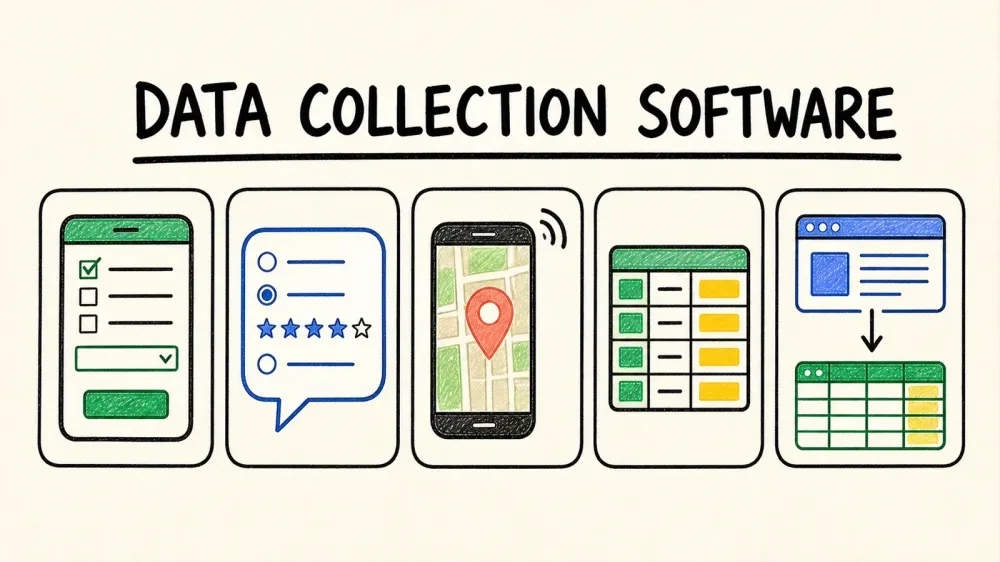
Paper forms are basically dead. What replaced them is a mess of overlapping categories—survey builders, offline field apps, database platforms, and now AI extraction tools—that most "best data collection software" roundups lump together like they're interchangeable. They're not.
I went through 12 tools that actually solve different problems: forms that collect answers from people, field apps that work without WiFi, and a newer category that skips the form entirely by pulling data straight from web pages and documents. This list is organized by what you're actually trying to do, not by which vendor paid for the best SEO.
What Makes the Best Data Collection Software Tools?
"Best" is meaningless without a use case attached. I evaluated these tools across six dimensions that actually matter in practice:
- Ease of use for non-technical staff — how fast can someone build a working form without a manual
- Offline and field reliability — does it actually survive a spotty connection, or just claim to
- Integrations and export destinations — where does the data go once you've collected it
- Pricing transparency at scale — what happens to your bill at 10x your current volume
- Compliance and security posture — encryption, permissions, and whether "HIPAA compliant" actually applies to your plan
- Acquisition fit (for the newer AI category) — can it collect data without making anyone fill out a form at all
A field researcher in rural Kenya and a sales ops manager building a lead database need completely different tools. Keep that in mind as you read.
The Best Data Collection Software Tools by Use Case

Instead of forcing you through 12 generic entries, jump to your scenario:
- Field research & inspections — KoboToolbox, ODK, Fulcrum, FastField, Forms On Fire
- Marketing & customer experience surveys — Typeform, SurveyMonkey, Google Forms
- Enterprise research — Qualtrics
- Structured & automated data — Airtable, Jotform, Thunderbit
Most competitor lists pick one lens—Zapier covers field tools, survey-focused blogs cover Typeform and SurveyMonkey—and never tell you which bucket you're actually in. This list covers all four, so skip ahead to the one that matches your problem.
The Best Data Collection Software Tools at a Glance
Here's the summary. Pricing is dated—verify current rates before you buy anything, because SaaS pricing pages change more often than you'd think.
| Tool | Best For | Offline Support | Starting Price (captured Aug 2026) | Standout Feature |
|---|---|---|---|---|
| Jotform | General business forms, intake, payments | Partial (mobile app; payments/some widgets need connectivity) | Free; Bronze $34/mo annual | 20,000+ templates, 150+ integrations |
| Google Forms | Free/basic surveys | No | Free standalone | Zero learning curve, native Sheets sync |
| Typeform | Design-forward conversational surveys | No | Free (10 responses/mo); Basic $39/mo or $28/mo annual | One-question-at-a-time UI |
| SurveyMonkey | Marketing/CX survey programs | Enterprise-only (SurveyMonkey Anywhere) | Free Basic; Standard $99/mo | 500+ templates, 200+ integrations |
| Qualtrics | Enterprise-grade research | Separate paid entitlement, major restrictions | Strategic Research $420/mo ($5,040/yr) | Conjoint, MaxDiff, advanced stats |
| KoboToolbox | Humanitarian/NGO field work | Yes (KoboCollect + webforms) | Free (nonprofit); Starter $25/mo (for-profit) | Built for low-connectivity regions |
| ODK | Open-source field data, self-hosting | Yes, auto-send on reconnect | Free (self-host); ODK Cloud $199/mo | Native Entities, explicit conflict review |
| Fulcrum | GIS/location-based field inspections | Yes, full/auto sync | $55/user/mo, 5-user minimum | Point/line/polygon capture, offline maps |
| FastField | Field inspections/audits | Yes (advertised; sync mechanics unverified) | Trial only, no public pricing | AI-assisted OCR from paper forms |
| Forms On Fire / Appenate | Offline worker-facing ops | Yes (full offline; auto-sync unverified) | Trial/demo only | Native iOS/Android/Windows, GPS/NFC/OCR |
| Airtable | Structured/database-style data | No verified offline mode | Free; current plan cards unverified | Relational database + no-code apps |
| Thunderbit | AI-assisted extraction from existing pages/docs | Not a field collector—browser/page dependent | Free (6 pages/mo); Starter $15/mo | One Click Extract, no form-building needed |
Best Data Collection Software Tool for General Business Forms
1. Jotform
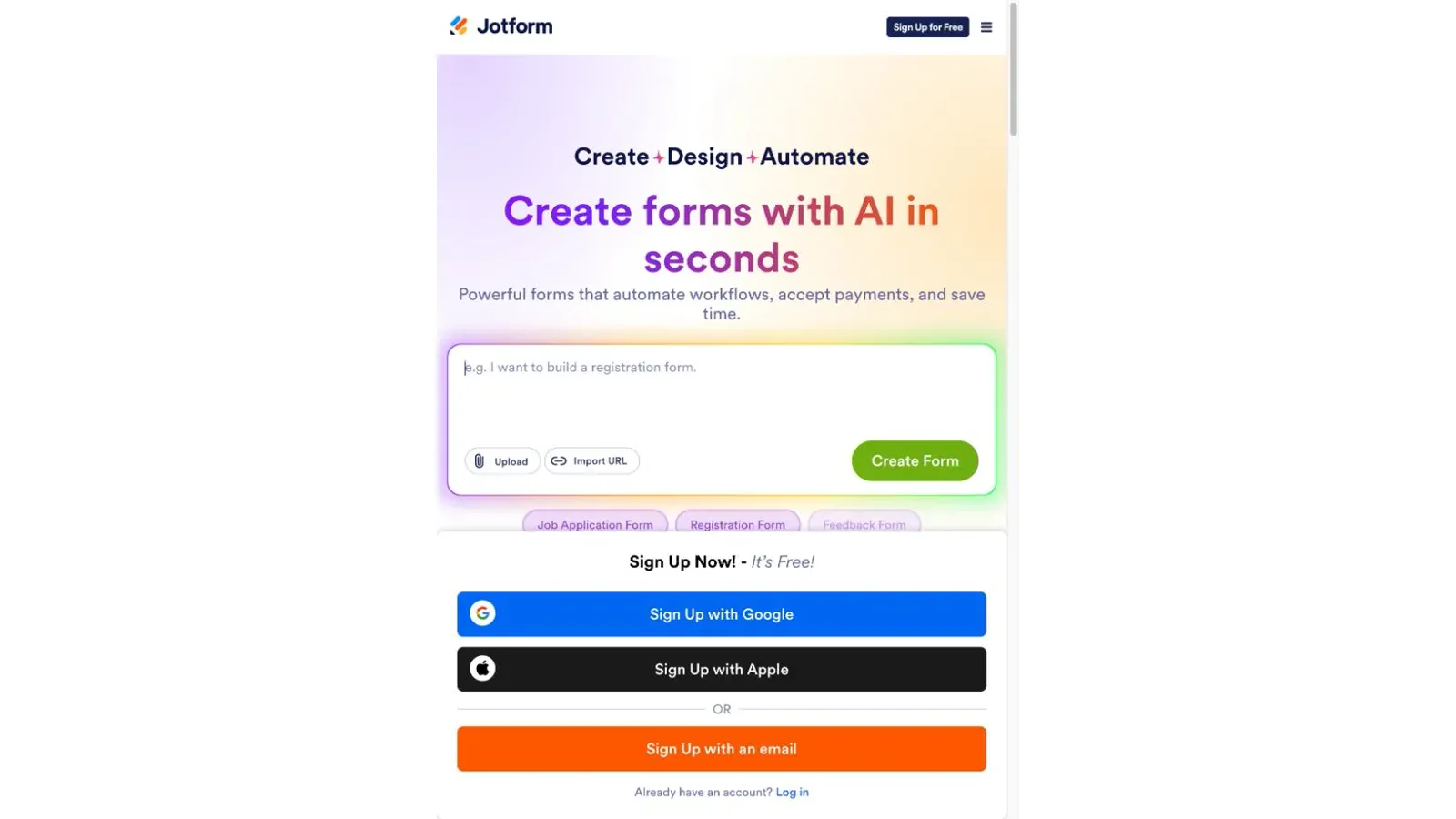
Jotform is the form builder most people default to, and for good reason—it comes loaded with over 20,000 templates and 150+ integrations covering CRM, payments, and storage. It handles conditional logic, page-skipping, calculations, and thank-you-page routing, all without code, and it's one of the few tools in this list with a genuinely useful offline mobile app.
- 5 forms and 100 monthly submissions on the free Starter tier
- Conditional logic available even on free plans
- 30+ payment gateway integrations (Stripe, PayPal, Square) with no extra Jotform transaction fee
- Mobile app supports offline save-and-sync, though payment fields and some widgets won't work without connectivity
- HIPAA-capable configuration, but only on Gold and Enterprise plans
Pricing: Free Starter (100 submissions/mo); Bronze $34/mo billed annually (1,000 submissions); Silver $39/mo (2,500); Gold $99/mo (10,000, HIPAA available). Submission limits are account-wide and reset monthly—deleting old submissions doesn't free up quota.
Best for: Teams that need a flexible form builder with real payment processing and don't mind occasional offline use, not full field operations.
Best Free Data Collection Tool for Basic Surveys
2. Google Forms
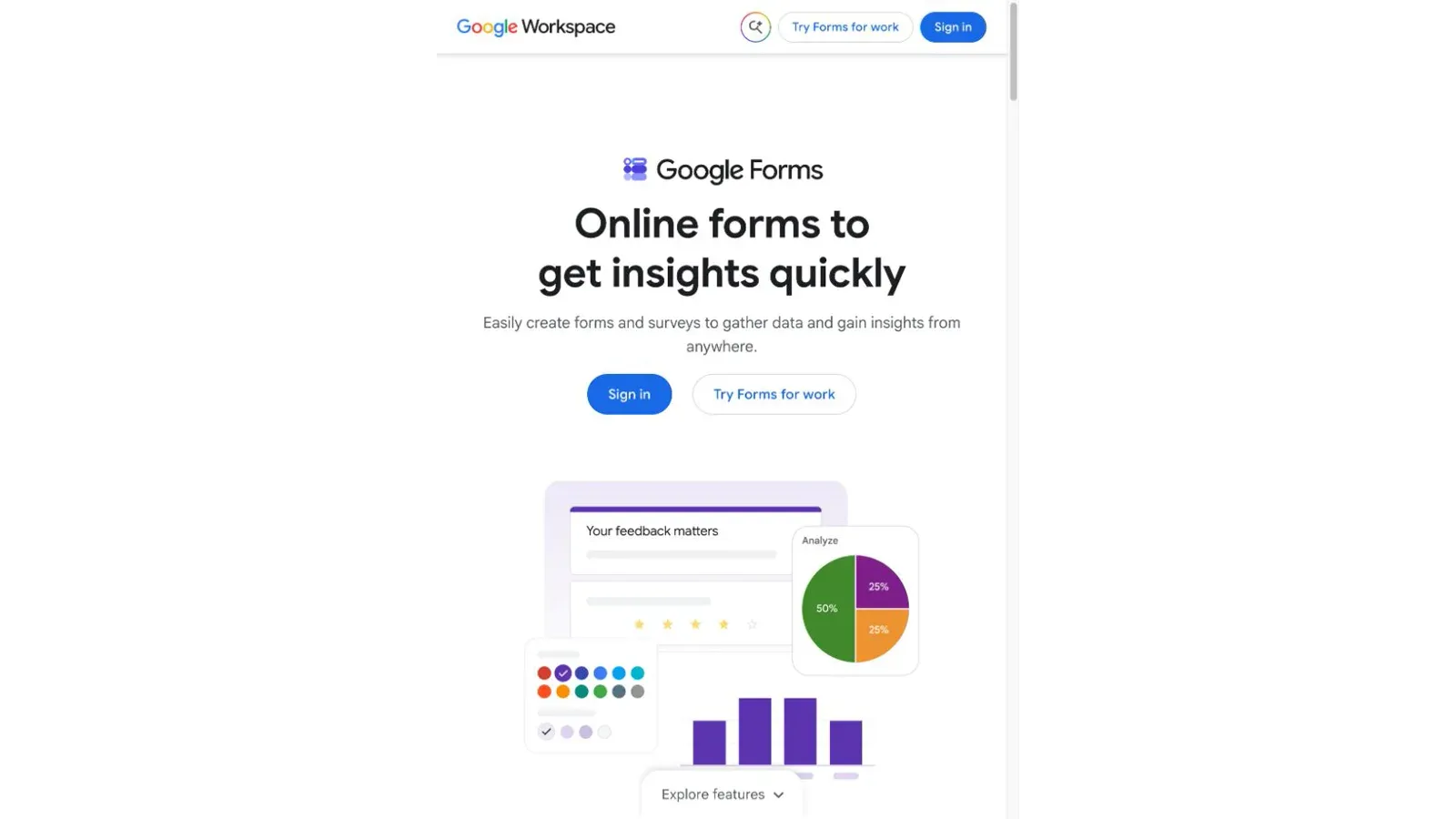
Google Forms is the tool you reach for when you need a survey out the door in five minutes and don't want to think about it again. There's no standalone subscription—you get it free with any Google account—and every response lands directly in a linked Google Sheet.
- No published monthly response cap, though Google documents real thresholds: individual response views can drop off past 10,000 responses, and Sheet sync can stop working past 100,000
- Branching logic exists but only triggers from Multiple Choice or Dropdown questions—nowhere near Jotform's rule engine
- No native payment processing; you'll need a third-party add-on or external link
- Zero offline support—Google's own help docs confirm autosave doesn't work without a connection
One permission trap worth flagging: removing a collaborator from the Form doesn't automatically revoke their access to the linked response Sheet. You have to audit both separately.
Pricing: Free standalone. Google Workspace bundles (which include Forms alongside Gmail, Drive, and Meet) start around $7/user/month annual on the public pricing page—but that's the Workspace price, not the Forms price.
Best for: Quick, no-budget surveys where you're comfortable with Google's ecosystem and don't need offline collection or complex logic.
Best Data Collection Software Tool for Conversational Surveys
3. Typeform

Typeform is the one-question-at-a-time format that made "conversational forms" a category. It's genuinely well-designed, and the free plan is more generous than people expect—unlimited typeforms with branching logic, calculations, and even basic API access.
- Free plan: unlimited forms, but capped at 10 responses per month across your entire account
- Branching, scoring, and variables all work on free
- Payment questions (via Stripe) are paid-tier only and unavailable in embedded forms or the EU data center
- No offline mode—Typeform's own docs state a connection is required to load and submit
Typeform runs pricing experiments, so the price you see may not match what shows at checkout. As of my last check, Basic ran $39/month or about $28/month if you commit annually.
Pricing: Free (10 responses/mo); Basic $39/mo or ~$28/mo annual; Plus $79/mo (1,000 responses); Business $129/mo (10,000 responses). Response limits reset monthly and don't roll over.
Best for: Teams that want higher completion rates on shorter surveys and can live within a modest monthly response cap.
Best Data Collection Tool for Marketing & Customer Experience Surveys
4. SurveyMonkey
SurveyMonkey is built for teams running repeat CX or market-research programs, not one-off intake forms. It ships with 500+ templates, AI-assisted survey creation, and built-in analysis tools that go beyond what Typeform or Google Forms offer.
- Free Basic plan technically lets you collect unlimited responses, but only 25 per survey are viewable without upgrading
- Skip logic and advanced branching are paid-only features
- Payments supported via PayPal or Stripe, but only when data is stored in the US or Canada
- Offline mode exists—but only on Enterprise, through "SurveyMonkey Anywhere," and it disables file uploads, A/B tests, payments, and several other features
The upgrade-prompt complaints you'll find in forums are grounded in something real: the free tier gates response visibility, export, skip logic, and payments all at once, which means most serious use cases hit a wall fast.
Pricing: Free Basic (25 viewable responses/survey); Standard Monthly $99/mo (1,000 responses); Advantage Annual ~$39/mo equivalent (15,000/year); Premier Annual ~$139/mo equivalent (40,000/year). Additional responses run $0.15 each on paid plans.
Best for: Marketing and CX teams running recurring survey programs who need built-in analysis, not a one-time form.
Best Data Collection Software Tool for Enterprise Research
5. Qualtrics
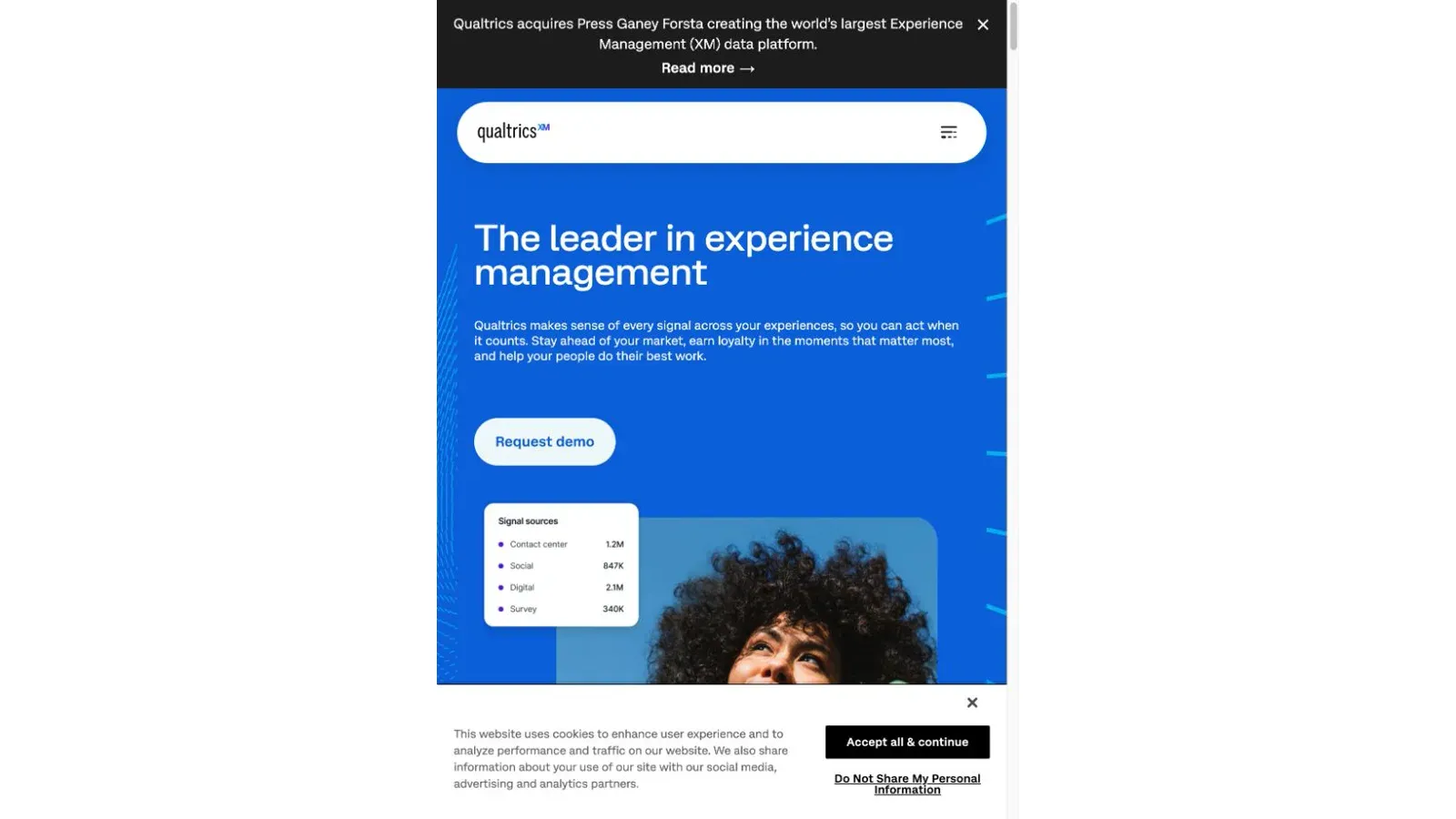
Qualtrics is less a form builder and more a research operations platform. Its self-service Strategic Research tier includes 23 question types, guided project templates for Conjoint and MaxDiff analysis, and statistical tools (regression, cross-tabs, ANOVA) that none of the other tools in this list attempt.
- Free tier: 1 user, 3 active surveys, 500 total responses
- Strategic Research self-service runs $420/month ($5,040 billed annually) for 1,000 responses shared across all users on the account
- Enterprise pricing is custom-quoted based on interactions—survey responses plus things like minutes of video feedback
- Offline collection exists as a separate paid entitlement with substantial incompatibilities: unsupported question types include Autocomplete, CAPTCHA, and Video Response, and several project types (Conjoint, MaxDiff, 360) can't be collected offline at all
If you're planning to run this survey offline, run it through Qualtrics' Mobile Compatibility Advisor first. A sophisticated online survey can be structurally unsuitable for the offline app.
Pricing: Free Surveys tier; Strategic Research $420/mo ($5,040/yr) for 1,000 shared responses; Enterprise custom quote for 5,000+ responses.
Best for: Organizations running large-scale, statistically rigorous research programs—market research, panels, longitudinal studies—where the analysis depth justifies the price.
Best Data Collection Tool for Field Research in Low-Connectivity Areas
6. KoboToolbox
KoboToolbox is the go-to for humanitarian and NGO field research, and it's built specifically for places where connectivity isn't guaranteed. It's hosted, so you skip the server administration, while still being interoperable with the broader XLSForm/ODK ecosystem.
- KoboCollect (its Android app) downloads forms while online, then works fully offline, with configurable auto-send when connectivity returns
- Webforms (browser-based) work on iOS, Android, and desktop, but the form must fully load and cache before you go offline
- GPS point/line/area capture works without internet
- XLSForm public-key encryption is available for sensitive projects, though it removes in-platform maps and export views
Pricing: Nonprofit-eligible Community tier is free with 5,000 submissions/month and 1 GB storage. For-profit Starter runs $25/month ($21/month billed annually) for 1,000 submissions/month.
Best for: NGOs, humanitarian organizations, and researchers working in regions with unreliable connectivity who want a hosted solution without server management.
Best Open-Source Data Collection Tool for Full Customization
7. ODK (Open Data Kit)
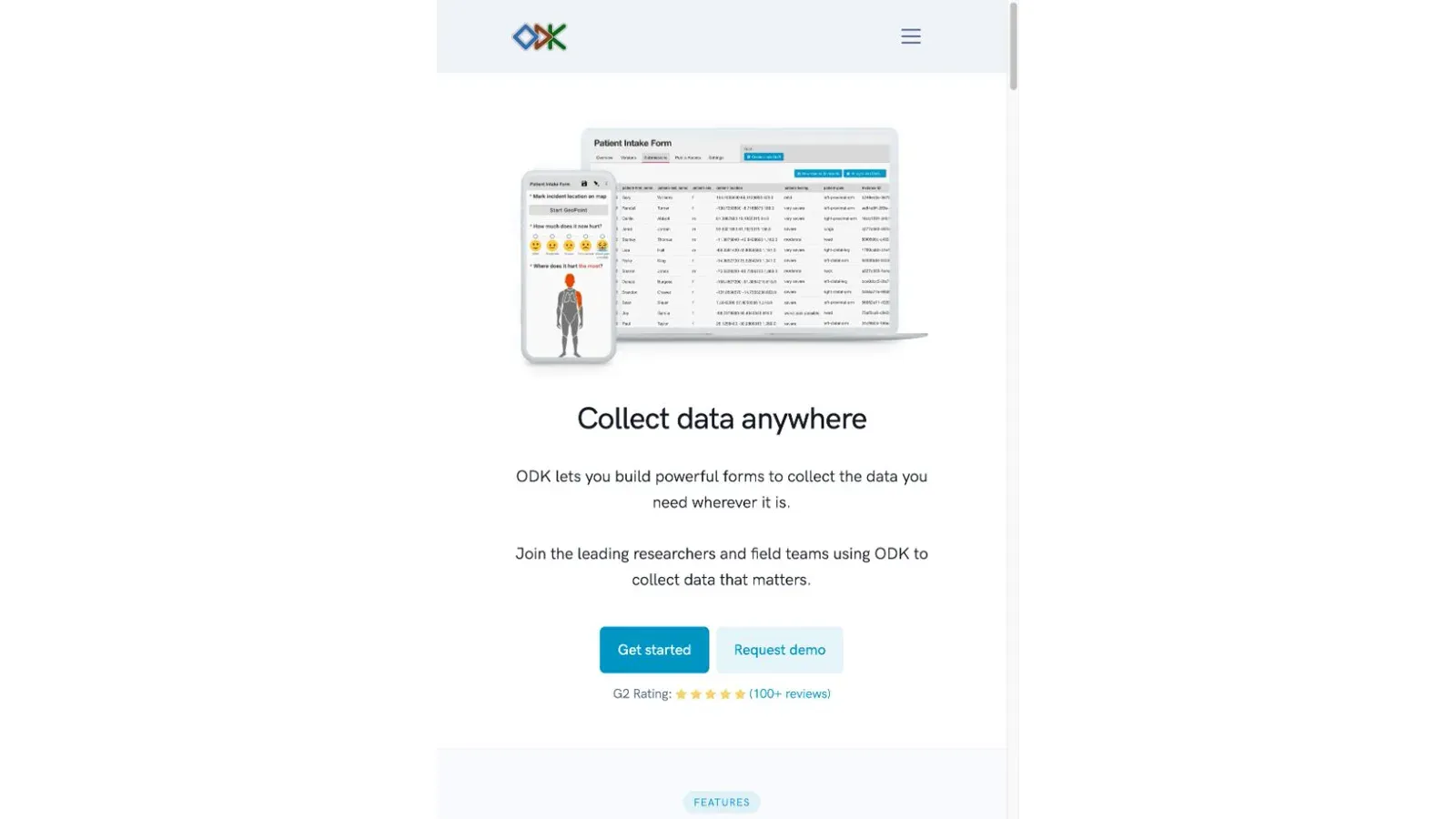
ODK is the raw, open-source backbone that KoboToolbox itself is built on—but ODK gives you the option to run it entirely yourself. Central (the server), Collect (the Android app), and XLSForm work together, and you can either self-host for free or pay for the fully managed ODK Cloud.
- Collect can auto-send finalized submissions the moment connectivity returns, or you can restrict it to Wi-Fi-only, manual sending, or delete-after-send
- ODK Entities let you track people, sites, or cases across multiple forms over time—genuinely useful for longitudinal or case-management work
- Conflict handling is unusually well-documented: Central applies updates in a last-write-wins model but flags parallel updates for manual review, and can hold out-of-order offline updates for up to five days before force-processing
- Self-hosting is free in license terms but not in effort—ODK's own docs require Docker, a domain, backups, and ongoing Linux administration
Pricing: Self-hosted Central: free software, but you own the infrastructure. ODK Cloud Standard: $199/month (10,000 submissions/month); Professional $499/month (25,000 submissions, adds Entities and API access).
How ODK Differs from KoboToolbox
These two get confused constantly because they share XLSForm roots—KoboCollect is literally a fork of ODK Collect. But the practical split is this: KoboToolbox is the faster, more approachable hosted option built for humanitarian teams who want a visual builder and don't want to manage servers. ODK is the infrastructure-first choice for technical teams who want self-hosting control or need native Entities for longitudinal case work.
If you're eligible for Kobo's nonprofit tier and don't need Entities, start there. If you need self-hosting control or explicit conflict review across follow-up visits, go with ODK.
Best for: Technical field research teams who want full control over hosting, or projects that need longitudinal case tracking with documented conflict resolution.
Best Data Collection Software Tool for GIS and Location-Based Field Work
8. Fulcrum
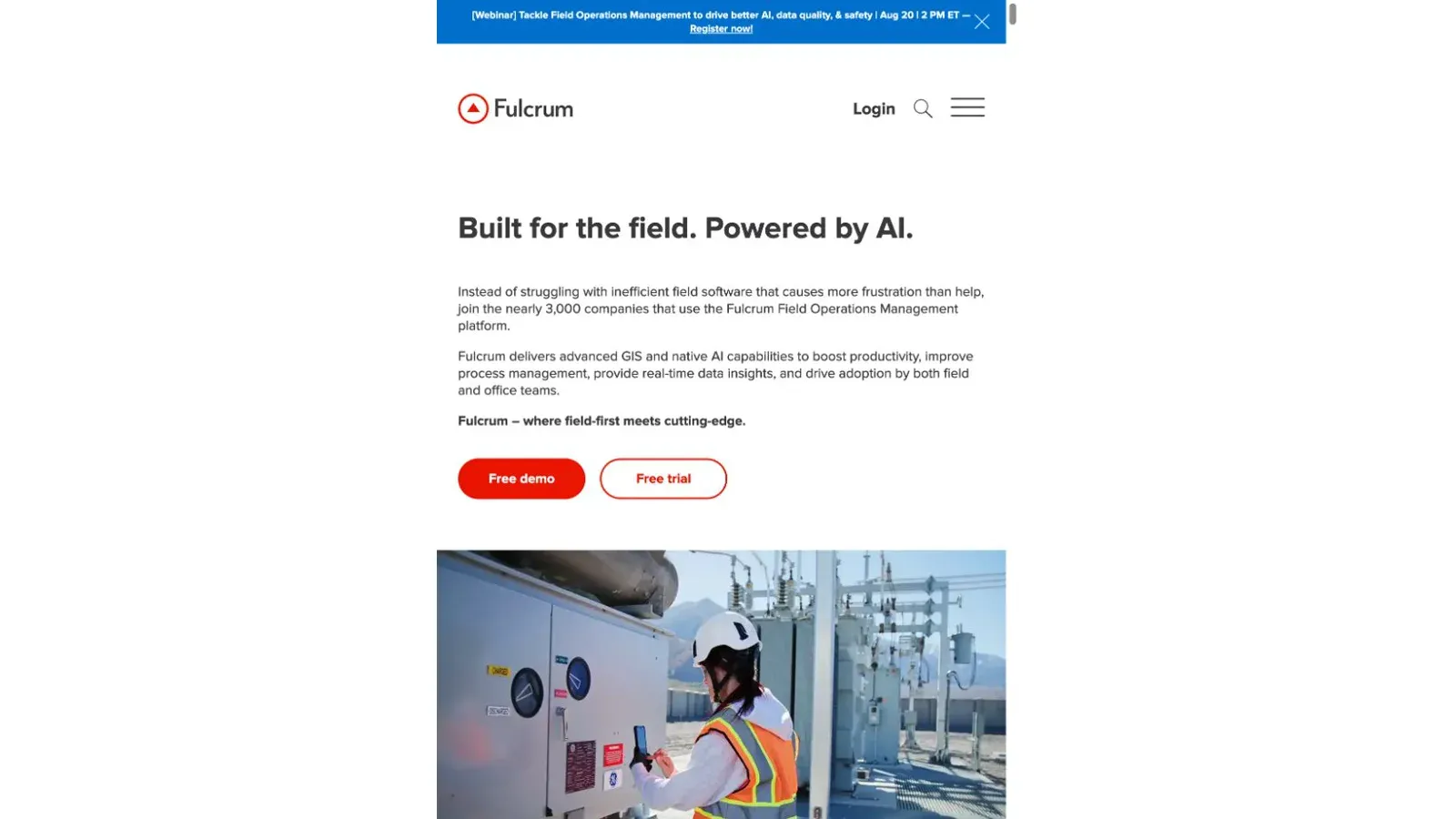
Fulcrum puts mapping at the center of the record instead of treating location as just another field. Every record can carry a point, line, or polygon alongside structured attributes, and the app supports custom map layers including ArcGIS Feature Services, MBTiles, and KML/KMZ.
- Full offline capture once apps, records, and maps are downloaded; auto-sync runs on sign-in, launch, and record save
- Conflict handling is field-level: if two people edit different fields on the same record, both merge; if they edit the same field, whoever syncs last wins
- Offline basemaps currently only support Streets and Satellite—switching to Hybrid or Terrain while offline won't show downloaded areas
- Media (photos, video, signatures) syncs in stages—office visibility depends on the parent record syncing successfully first, not just the media upload starting
Pricing: Professional $55/user/month ($43/user/month annual), with a five-user minimum—so a pilot starts around $275/month. Elite tier adds SSO, SCIM, and audit logging.
Best for: Field inspection teams where the location and geometry of the record matters as much as the data collected—utilities, environmental surveys, asset mapping.
Best Data Collection Tool for Field Inspections and Audits
9. FastField
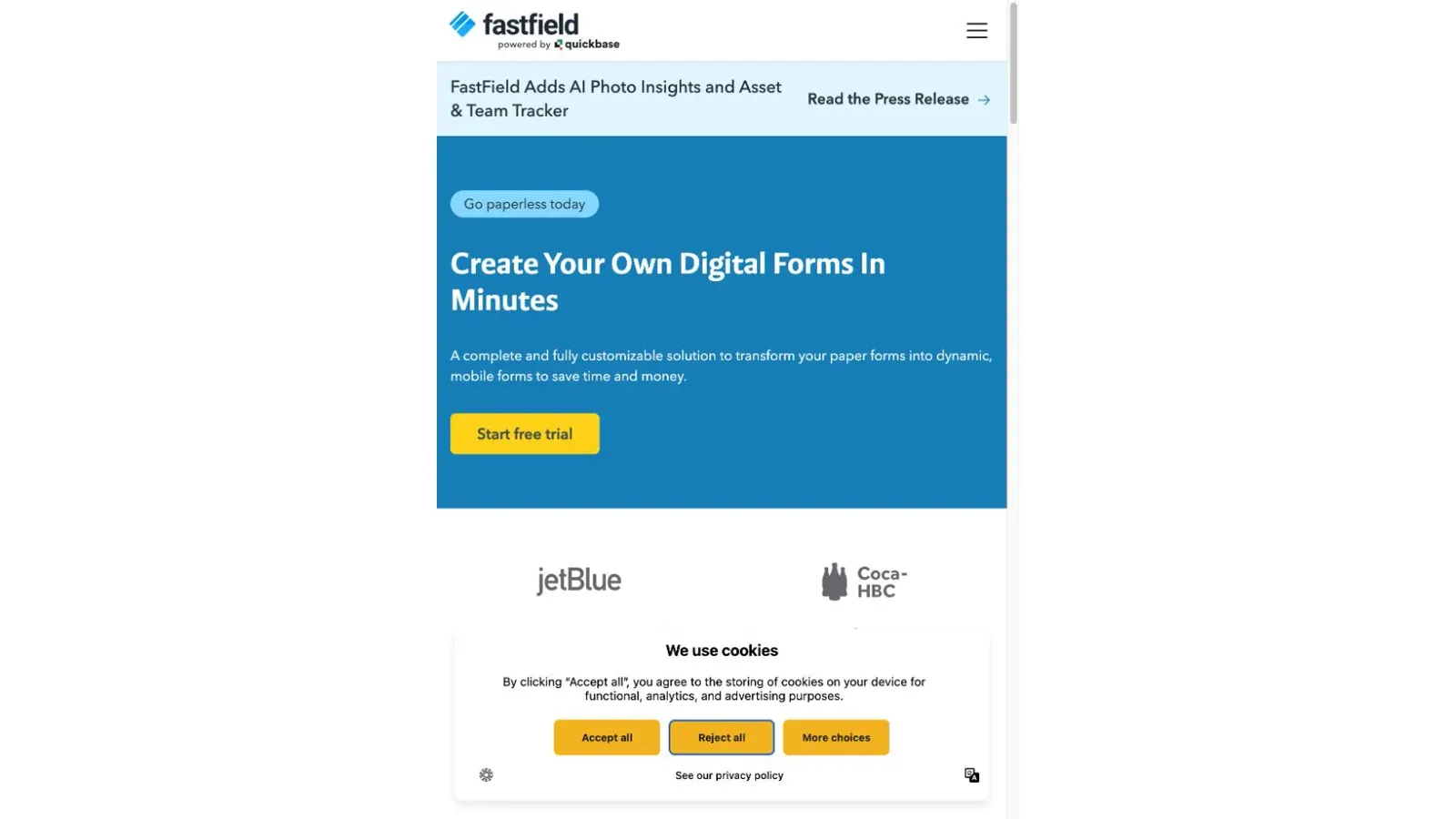
FastField is now part of the Quickbase family and follows a clear Build → Collect → Distribute workflow aimed squarely at inspections, audits, checklists, and timesheets. It leans hard into AI-assisted conversion—turning a photo of a paper form into a working digital form via OCR.
- Offline data capture is confirmed on the official product page
- AI Photo Insights and an AI form converter can parse labels, barcodes, and photos to populate fields automatically
- Built-in dashboards can filter submissions and map results into custom PDF/Word report templates
- Sync-conflict handling, device storage ceilings, and current dollar pricing are not publicly documented—only a free trial is offered
I want to be upfront about the gap here: FastField's offline capture is verified, but exactly how it handles sync conflicts or storage limits isn't published anywhere I could find. If reliable field sync is make-or-break for you, get that answered directly from FastField before committing.
Pricing: Trial available; no current public pricing tier disclosed. Contact FastField directly for rates.
Best for: Teams converting existing paper inspection/audit processes into mobile forms, especially when OCR-based paper-to-digital conversion saves setup time.
Best Data Collection Software Tool for Offline Business Operations
10. Forms On Fire (now Appenate)
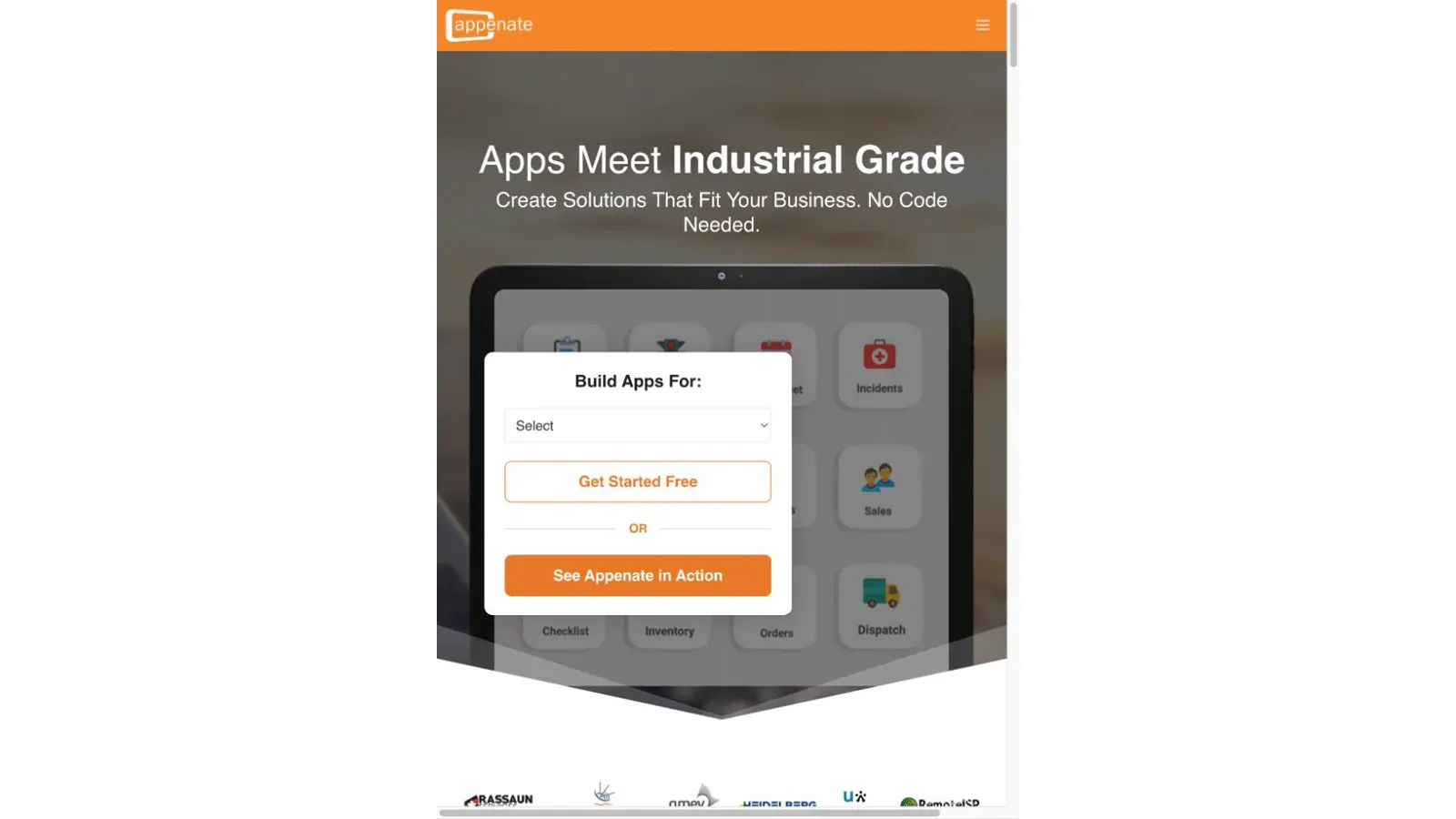
Here's something worth knowing before you go looking for this tool: the official Forms On Fire URL now redirects to Appenate's current product. If you're an existing Forms On Fire customer, confirm migration details, billing, and support directly with the vendor—this isn't the same standalone product it may have been.
Appenate itself is a no-code platform for worker-facing mobile apps, natively built for iOS, Android, and Windows, with genuinely deep device capability:
- Full offline capabilities advertised, though auto-sync behavior and conflict handling on reconnect aren't documented in the current product page
- GPS, NFC, OCR, and contactless signatures built in
- AI form generation from text or voice, plus AI Photo Fill that maps a paper document into digital fields
- Integration catalog covers CRM records, databases, and custom REST APIs
Like FastField, current dollar pricing isn't public—only a free signup and demo are available.
Pricing: Free signup/demo; no public per-user rate disclosed. Request current pricing directly.
Best for: Operational field teams (maintenance, dispatch, inventory) needing native mobile apps across all three major platforms—just verify sync mechanics before deploying at scale.
Best Data Collection Tool for Structured, Database-Style Data
11. Airtable
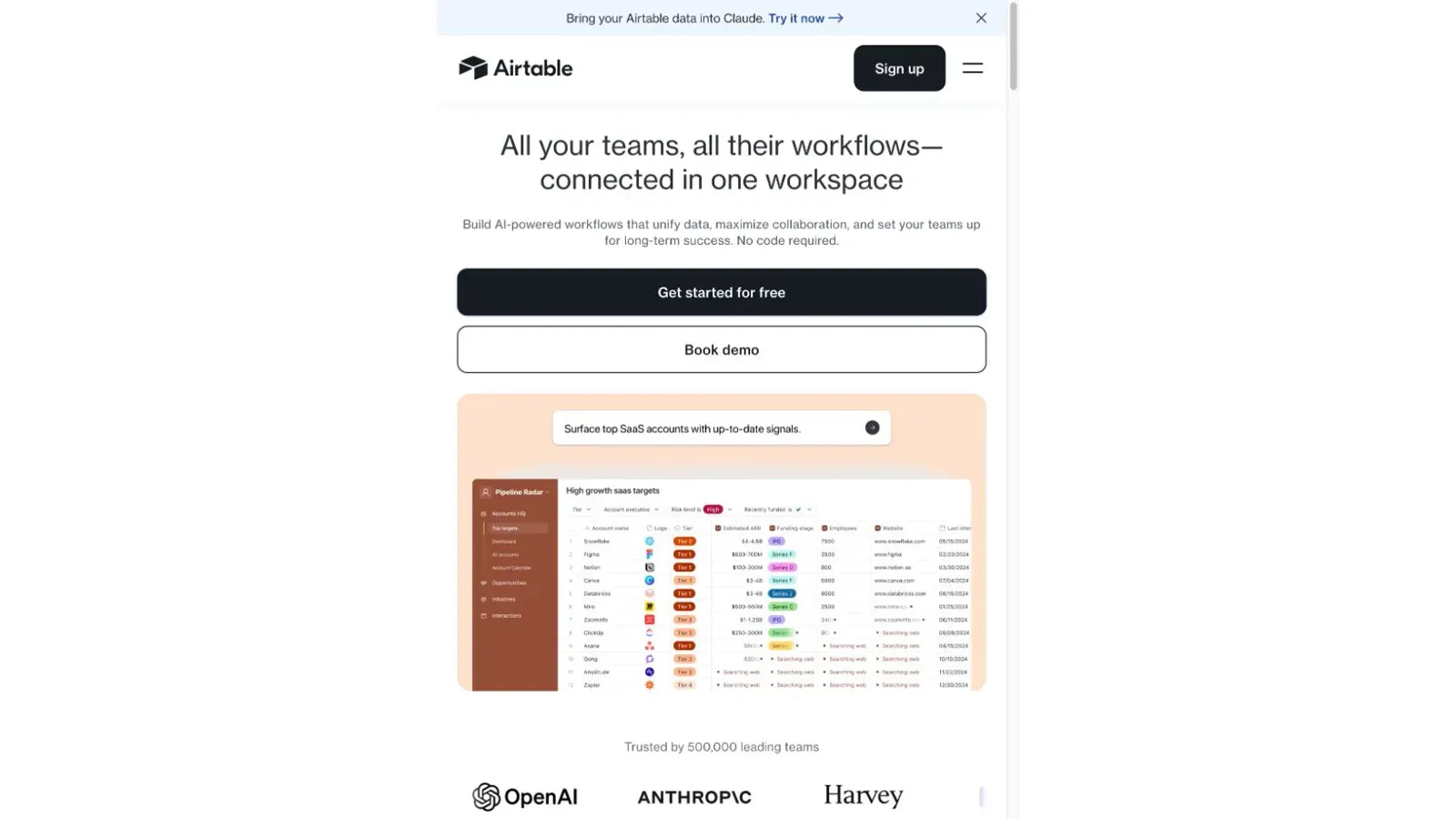
Airtable isn't a form tool first—it's where collected data goes to become useful. Think of it as a spreadsheet with database bones: relational structure, multiple views, permissions, and increasingly, AI-powered workflows layered on top of your records.
- No-code application building with role-based access and identity-provider-synced groups
- Airtable's Web API lets you treat it as the structured backbone connecting multiple collection tools together
- Enterprise claims include ISO, HIPAA, and SOC 2 compliance, plus a stated commitment not to use customer data for AI model training
- No verified offline mode—mobile apps exist, but nothing in Airtable's current documentation claims offline data entry or delayed sync
This is the tool you pair with a field app or survey, not the tool that replaces one. Kobo or FastField captures the data in the field; Airtable organizes it once it lands.
Pricing: Free signup available; current plan pricing (Team/Business/Enterprise) wasn't verifiable at time of research—check Airtable's pricing page directly.
Best for: Teams that need to relate, govern, and operationalize collected data after capture, not during it.
Best AI-Powered Data Collection Tool for Automated Extraction
12. Thunderbit
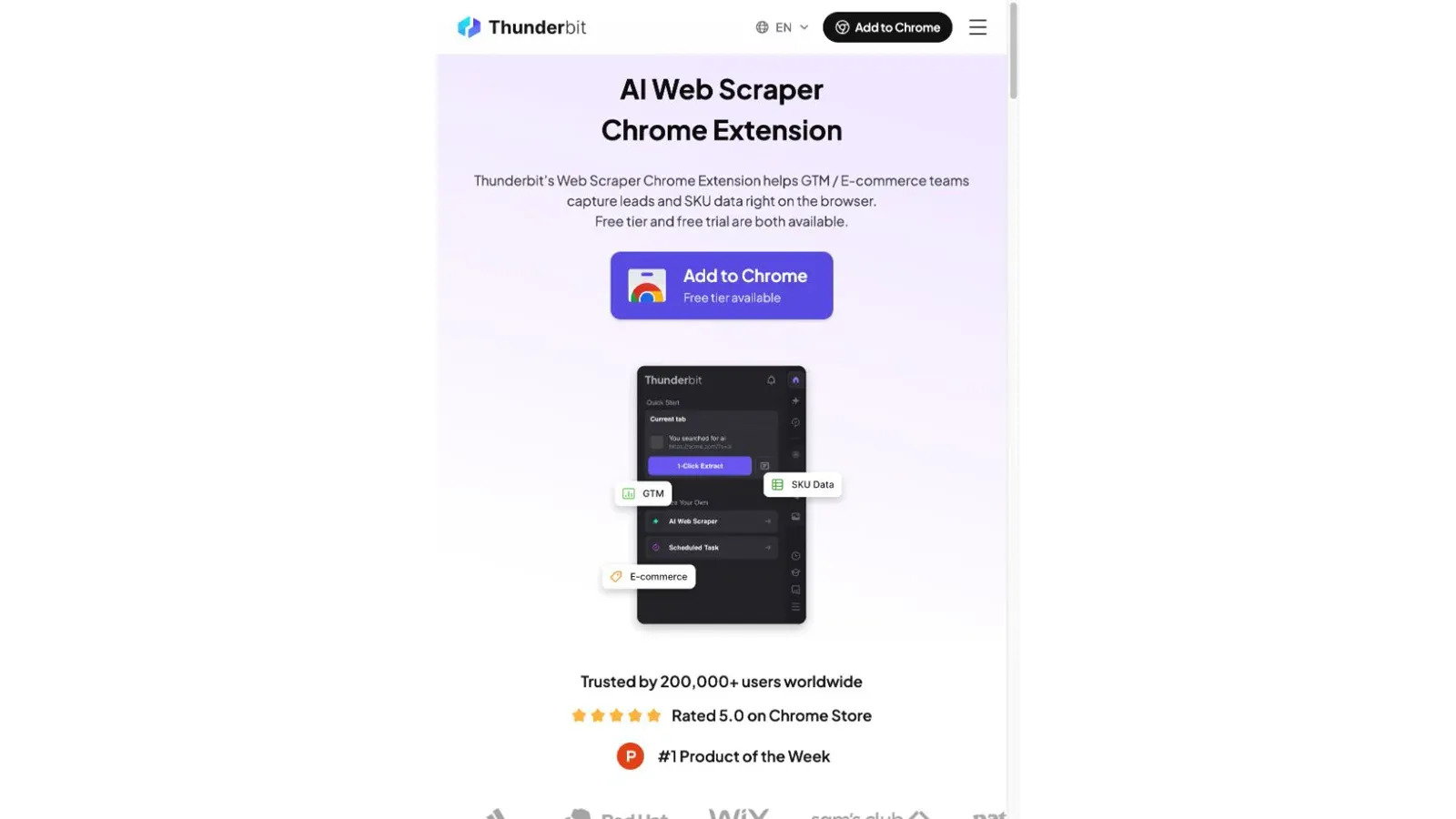
This is where the list breaks from tradition. Thunderbit doesn't collect data by asking anyone to fill out a form—it pulls structured data directly from web pages, PDFs, or images that already contain the information you need. If a competitor's pricing page, a directory of business listings, or a stack of scanned documents already has your data, why build a form to re-collect it?
The core browser-extension workflow: open the target page, click One Click Extract, and Thunderbit's AI analyzes the page structure and suggests what to extract. You get Run Now to kick things off, with the option to review and adjust fields first.
- Extracts text, URLs, images, emails, phone numbers, and dates from accessible, authorized pages and documents
- Supports pagination and bulk-URL workflows for scraping across multiple pages at once
- Screenshot and file-upload support for content that's harder to capture through standard page reading
- Exports to Excel, Google Sheets, Airtable, and Notion—so extracted data can land directly in the database tools mentioned earlier in this list
- Runs in-browser (using your authenticated session where authorized) or in the cloud for public content
One thing worth being precise about: this only works on pages and documents you're authorized to access. It's not a universal bypass for logins, CAPTCHAs, or paywalls—Thunderbit's own terms explicitly prohibit using it to circumvent access controls.
Pricing: Free tier (6 pages/month, up to 30 credits per page); Starter $15/month (500 credits, subpage and pagination support); Pro $38/month (3,000 credits, unlimited scheduled scrapers). Annual billing drops the effective monthly rate.
Best for: Sales, ops, and research teams that need structured data from sources that already exist online—competitor pricing, business directories, product catalogs—without manually building a form to re-enter it.
Offline & Field Reliability: How the Top Field Tools Actually Compare
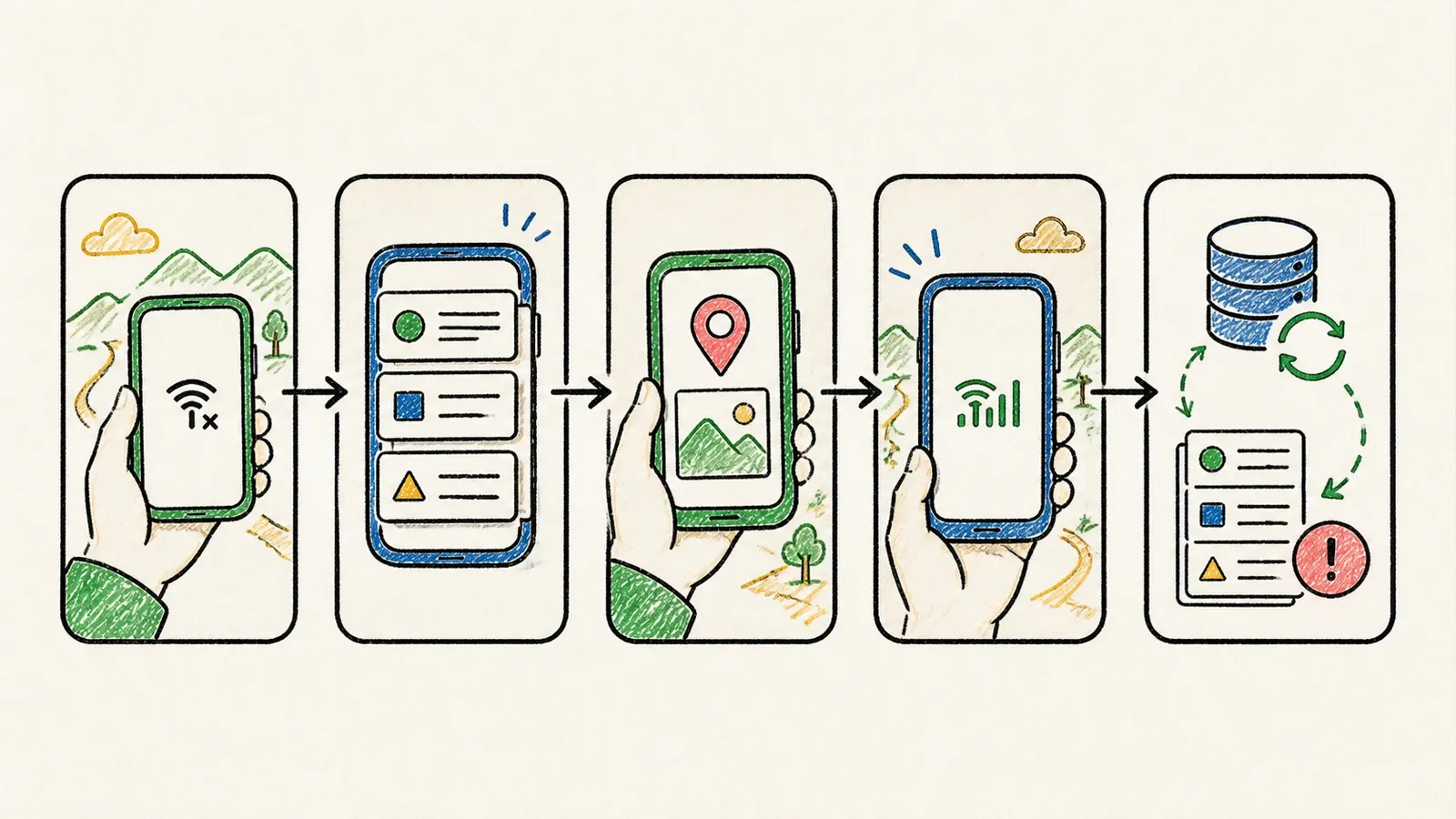
A checkbox that says "offline: yes" tells you almost nothing. What actually breaks field deployments is sync-conflict handling, storage ceilings, and what happens when two people edit the same record without a connection. Here's the deeper comparison:
| Tool | Sync Trigger | Conflict Handling | Storage/Device Evidence | Photo/GPS Support |
|---|---|---|---|---|
| KoboToolbox | Manual or auto-send on reconnect | No documented same-record merge rule—design workflows to avoid overlap | 1 GB (Community tier); no fixed device ceiling | GPS without internet; photo/video/audio |
| ODK | Auto-send by default, configurable | Last-write-wins with conflict flags for review; can hold out-of-order updates up to 5 days | No Collect ceiling; Central default 100 MB per file | Photo/audio/video, geopoint/geotrace/geoshape with accuracy rules |
| Fulcrum | Manual full sync + auto-sync on key actions | Different-field edits merge; same-field edits are last-sync-wins | 100–500 GB media quota depending on tier | GPS, point/line/polygon, photo/video/audio/signature |
| FastField | Not publicly documented | Not publicly documented | Not publicly documented | Offline capture + AI/OCR photo workflow confirmed |
| Forms On Fire / Appenate | Not publicly documented | Not publicly documented | Not publicly documented | Full offline + GPS/NFC/OCR/signatures confirmed |
If reliable field sync is critical to your workflow, KoboToolbox and ODK give you the clearest documented behavior. Fulcrum's field-level merge is solid for GIS work. FastField and Appenate have the offline capture confirmed, but you'll need to get sync mechanics answered directly from the vendor before trusting them at scale.
Understanding Real Cost at Scale
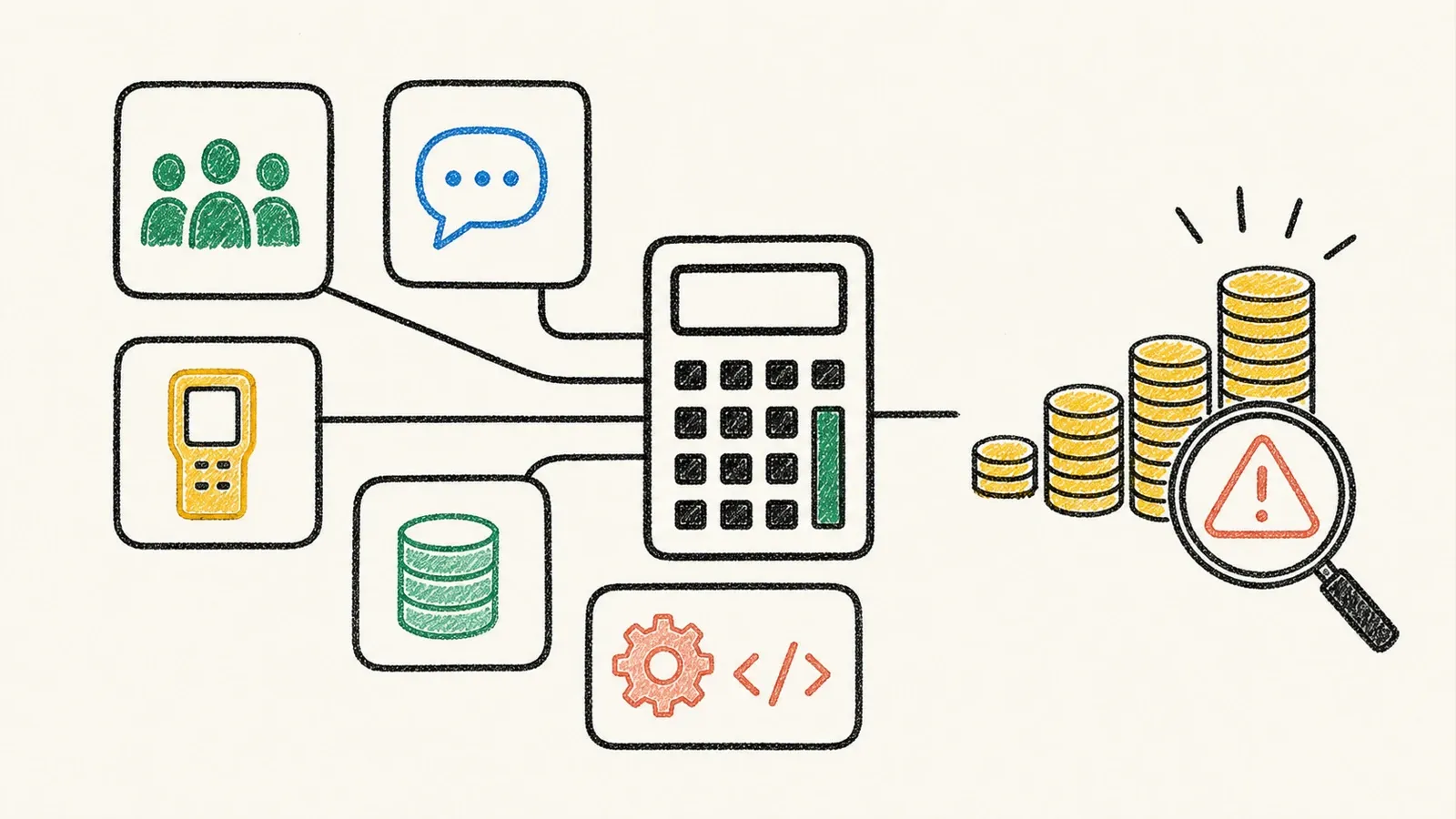
Entry-tier pricing tells you almost nothing about what you'll actually pay once your team, response volume, or data grows. A few patterns worth flagging before you sign anything:
SurveyMonkey's free tier hides more than it shows. Basic technically lets you collect unlimited responses, but only 25 per survey are viewable without upgrading—and skip logic, export, and payments are all paid-only. If your survey needs any of those, you're paying from day one regardless of what the "free" tier implies.
Qualtrics scales in enterprise-sized jumps, not gradual tiers. Strategic Research runs $5,040/year for 1,000 shared responses across your entire team—not per user. Beyond that, pricing moves to custom quotes based on "interactions," which can include things like minutes of video feedback. There's no small-team middle ground.
Response/submission caps reset differently across tools. Typeform and SurveyMonkey Standard reset monthly with no rollover. Kobo's nonprofit and for-profit tiers, and SurveyMonkey's Advantage Annual, use yearly allowances instead—meaning a busy month can eat into a full year's quota if you're not tracking it.
Before signing with any of these, ask the vendor directly: "What does this cost at 10x my current volume?" If they can't answer that clearly, that's information too.
Which Data Collection Software Tool Is Right for You?
Back to the four tracks from earlier:
- Need respondents to give you new answers? Google Forms for free basics, Jotform for payments and workflows, Typeform for a polished conversational experience, SurveyMonkey for repeat CX programs, Qualtrics for enterprise-grade research.
- Need field workers capturing observations offline? KoboToolbox for hosted humanitarian work, ODK for self-hosted control, Fulcrum for GIS-heavy inspections, FastField or Appenate for general field ops (verify sync mechanics first).
- Need to organize data you've already collected? Airtable, as the structured system of record behind everything else.
- Need data that already exists somewhere online or in documents? Thunderbit, since building a form to re-collect information that's already public doesn't make sense.
Most teams I've seen end up using two or three of these together—a field tool to capture, Airtable to structure, maybe Thunderbit to enrich records with data pulled from elsewhere. Don't force one tool to do everything.
FAQs
What is data collection software?
It's software that captures, validates, and stores information—whether through forms asking respondents for answers, offline mobile apps capturing field observations, structured database platforms, or AI tools extracting existing data from web pages and documents.
What's the difference between a data collection tool and a data collection platform?
A tool typically handles one form or survey at a time. A platform coordinates multiple projects, users, permissions, workflows, and integrations across an organization. In practice, the line blurs—compare what each product actually does, not just what it's called.
Can data collection software work without an internet connection?
Yes, for tools built with offline-first architecture: KoboToolbox, ODK, Fulcrum, FastField, and Appenate all support offline capture. But "offline: yes" doesn't guarantee automatic conflict-free syncing—check how each tool handles reconnection and simultaneous edits before relying on it in the field.
Is there a free data collection tool?
Yes. Google Forms has no standalone cost at all. Jotform, Typeform, SurveyMonkey, Qualtrics, and Thunderbit all have free entry tiers, and ODK's software can be self-hosted without license fees. Just check what's actually included—free tiers often gate export, logic, or response visibility.
Can AI collect data without building a form?
Yes—this is exactly what Thunderbit does. Instead of asking someone to fill out a form, it extracts structured data directly from web pages, PDFs, or images that already contain the information. It's a fundamentally different collection method than a survey or field app, better suited for data that already exists publicly rather than data you need someone to generate.
Learn More




