
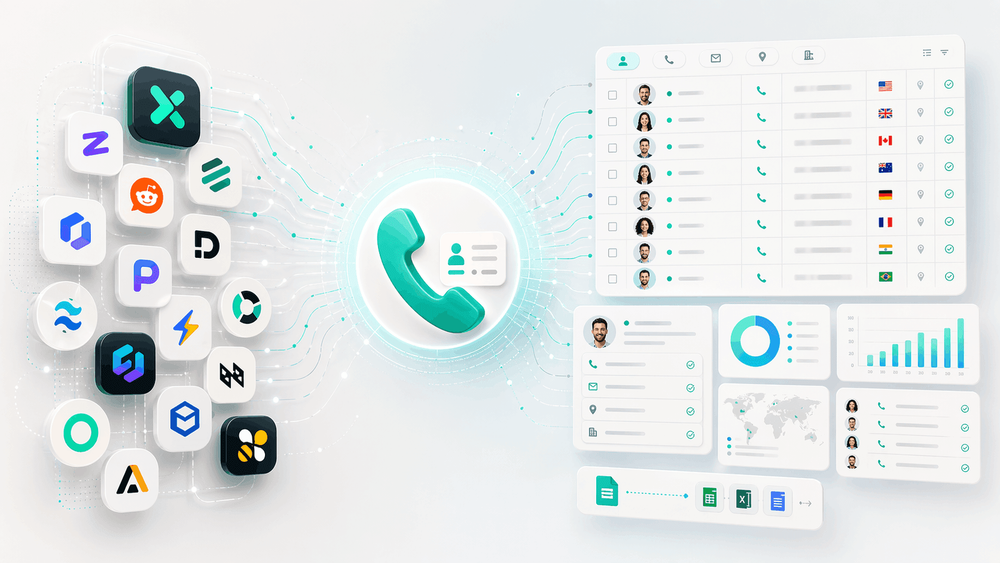
Somewhere between the third and fourth hour of copy-pasting phone numbers from a business directory into a spreadsheet, most sales reps start to question their life choices.
I get it — I've been in SaaS and automation long enough to know that the average seller spends only 40% of their time actually selling, and Gen Z reps lose about two hours per week just on manual data entry. Meanwhile, 51% of all sales pipeline still comes from phone conversations. So the phone matters — a lot.
But finding the right numbers? That's where things get messy. The market is flooded with tools that call themselves "phone number scrapers," but half of them are actually lead databases, a quarter are LinkedIn enrichment widgets, and the rest are developer-grade platforms that require a PhD in JSON.
I've spent weeks digging into 10 tools across 8 real-world criteria to figure out what actually works, what breaks, and what's worth your money. If you've ever searched for a phone scraper and ended up more confused than when you started, this one's for you.
Phone Number Scraper vs. Lead Database vs. Enrichment Tool: Know What You're Actually Buying
Before we get into the tools, we need to clear up the single biggest source of buyer confusion in this space. People use the phrase "phone number scraper" to mean three fundamentally different things — and picking the wrong category is one of the fastest ways to waste money.
A recent Reddit thread asked where tools like Lusha, ZoomInfo, and Apollo actually get their data: "Are they scraping public profiles, buying data, or relying on user contributions?" That confusion is everywhere. And in another sales intelligence discussion, a user pointed out that for local SMBs, B2B databases "drop to almost nothing" — Google Maps is the actual database for that segment.
Here's the cheat sheet:
| Category | How It Works | Best For | Example Tools |
|---|---|---|---|
| Web Scrapers | Extract phone numbers directly from any website's visible content | Directories, Google Maps, niche/local sites, company pages | Thunderbit, Apify, Outscraper, BrowserAct |
| B2B Lead Databases | Search a proprietary, pre-built database of business contacts | High-volume B2B prospecting, finding decision-maker direct dials | Apollo.io, ZoomInfo, Seamless.ai |
| LinkedIn Enrichment Tools | Enrich LinkedIn profiles with phone/email from external data sources | SDRs running LinkedIn-first outreach | Lusha, Kaspr, PhantomBuster |
The practical difference matters more than most people realize. Web scrapers find numbers because the number is visible on the page. Lead databases sell you contact records they aggregated from multiple sources. Enrichment tools match a LinkedIn identity to phone/email data from outside sources — they don't literally scrape the number off LinkedIn.
If your target list is local businesses, restaurants, agencies, or directory-style SMBs, a web scraper is usually the first tool to try, not a B2B database.
Try Thunderbit for AI Phone Number Scraping
How We Evaluated: 8 Criteria That Actually Matter
Most "best phone scraper" articles compare tools across three or four columns and call it a day. That's not enough. I evaluated every tool across eight criteria because these are the dimensions that actually determine whether a tool saves you time or wastes it.
| Criterion | Why It Matters |
|---|---|
| Tool Type | Prevents you from comparing fundamentally different products |
| AI / Auto-Detection | Reduces setup time and breakage for non-technical users |
| Data Sources | Determines whether it works on Maps, directories, LinkedIn, or only its own database |
| Phone + Email Together | Most outbound workflows need both, not just one |
| Accuracy / Hit Rate | The real source of frustration — one user said Apollo "was the best, but still only hit <50% of the time" |
| Learning Curve | Determines whether a sales rep can get value without a developer |
| Free Tier / Pricing | Exposes bait-and-switch and opaque enterprise pricing |
| Export Destinations | Controls whether data flows into Sheets, Excel, Airtable, Notion, or your CRM |
With that framework in mind, here are the 10 tools — starting with the one we built at Thunderbit.
1. Thunderbit
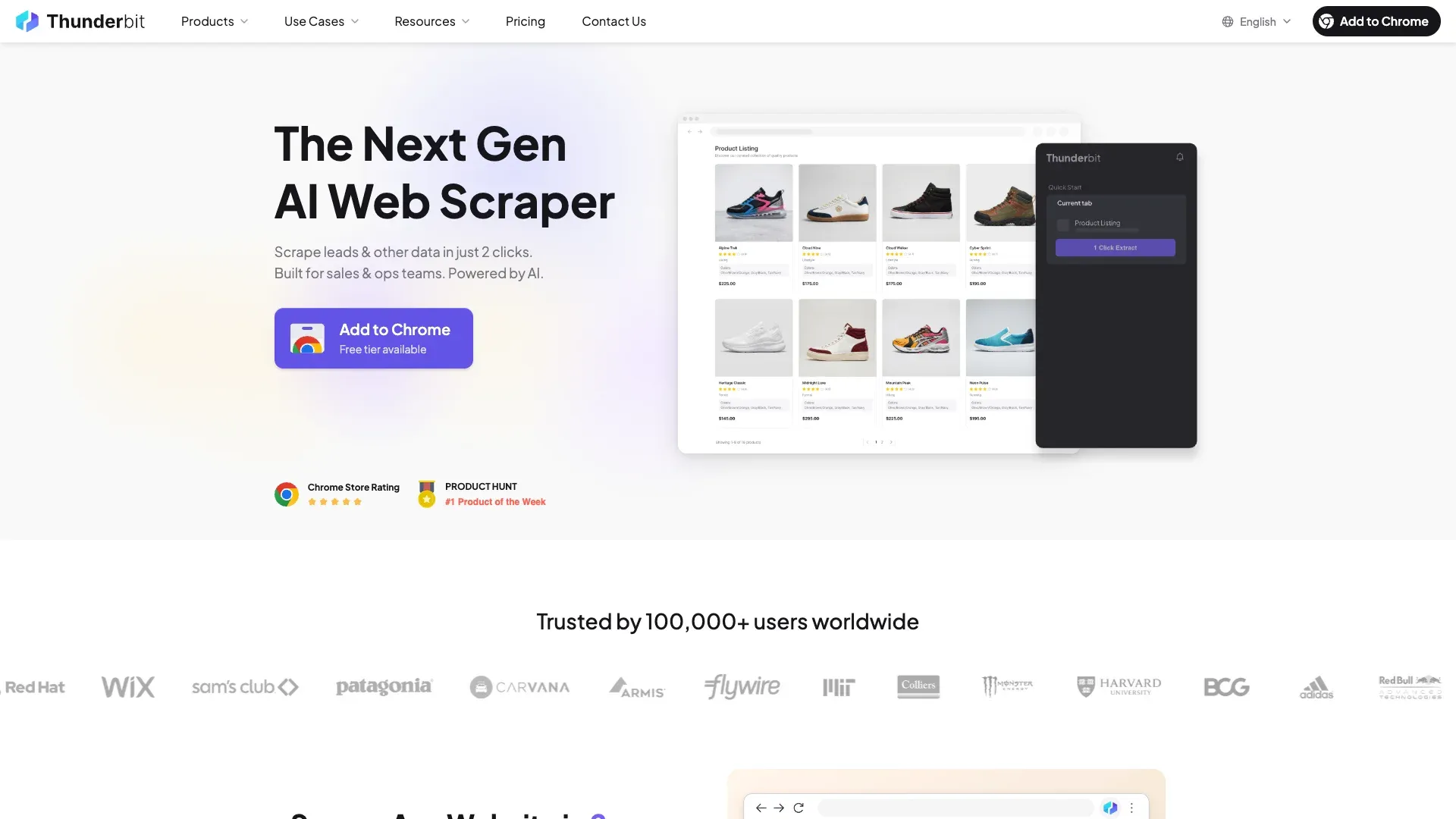 Thunderbit is an AI-powered web scraper built as a Chrome extension. It's the tool I'd recommend first for non-technical teams because it replaces the entire "find the right CSS selector, configure JSON inputs, debug why nothing worked" workflow with two clicks.
The core idea: you navigate to any page — a business directory, Google Maps results, a niche listing site — click AI Suggest Fields, and Thunderbit's AI reads the page and proposes structured columns like Phone Number, Business Name, Address, and Email. You click Scrape, and data populates in a table. No selectors, no code, no actor configuration.
Key features:
- AI field detection: Thunderbit auto-identifies phone number fields and reformats them into clean, standardized output. The Phone Number Extractor works on web pages, files, and text.
- Subpage scraping: If phone numbers live on detail pages (e.g., each business listing has its own page), Thunderbit visits each subpage and appends the number back to your main table.
- Pagination and scrolling: Handles click-based pagination and infinite scroll automatically.
- Browser Scraping + Cloud Scraping: Browser mode runs in your actual browser session (great for sites that need login or handle anti-bot protections). Cloud mode processes up to 50 pages concurrently for speed.
- Free export to Excel, Google Sheets, Airtable, and Notion — no paywall on exports.
- Scheduled scraping for recurring data collection.
If your phone-number workflow starts from a specific public source, it is often faster to begin with a purpose-built template instead of a blank scrape. For lookup-style contact research, try the ReversePhoneLookup Scraper. For marketplace lead collection where phone numbers sit inside listings or detail pages, the Craigslist Phone Number Scraper gives you a more direct starting point.
Pricing: Credit-based system. Free tier available. Starter plan from ~$9/month. Full pricing details here.
Best for: Sales teams scraping directories or Google Maps, ops teams collecting vendor contacts, marketers and researchers who need structured contact data without a technical workflow.
Tradeoffs: Chrome-extension-first (no standalone desktop app). Credit-based pricing is simple for small jobs but scales up on large recurring extractions.
I'll walk through a full step-by-step tutorial with Thunderbit later in the article — it's the fastest way to show the difference between AI-driven scraping and the traditional approach.
2. Apollo.io
 Apollo.io is not a phone scraper in the web-scraping sense. It's a B2B lead database with built-in sequencing, CRM sync, and enrichment. I'm including it because many people searching for "phone number scrapers" actually want a contact database with phone + email together.
Apollo's database is large, its filters are strong (industry, company size, job title, location, intent data), and it bundles outreach tools so you can find a contact and email/call them from the same platform.
Key features:
- Advanced contact and company filters
- Phone + email in one workflow
- CRM integrations (Salesforce, HubSpot)
- CSV export and API access
- Built-in email sequencing and dialer
Pricing: Free tier (900 credits/year). Paid plans from $49/user/month (annual).
Accuracy reality: This is where you need honest expectations. A Reddit user reported Apollo "was the best, but still only hit <50% of the time" for phone numbers. A 2026 Apollo-focused discussion said "Apollo leads are 50% valid in average." And a Cleanlist benchmark found a 41% mobile match rate for Apollo vs. 67% for ZoomInfo on a 1,000-lead test.
Best for: SDR teams wanting one system for contacts, emails, dialing, and CRM sync — especially those who prioritize workflow convenience over best-in-class phone accuracy.
3. Lusha
 Lusha sits between a database and an enrichment tool. Its Chrome extension reveals direct dials and emails when you're browsing LinkedIn or company websites, and it also has a searchable contact database.
Key features:
- LinkedIn overlay for instant phone/email reveal
- Company search filters
- CRM push (Salesforce, HubSpot)
- API access
- Compliance certifications (ISO 27701)
Pricing: Free plan with up to 70 credits/month. The credit system charges 1 credit per email and 5 credits per phone number. Paid plans start from ~$36/month per user.
Best for: Individual SDRs or small sales teams who work primarily on LinkedIn and need quick, one-off phone number lookups. The extension-first design makes it very fast for reveal-style workflows.
Tradeoffs: Per-user/per-credit pricing adds up for larger teams. The database isn't as broad as ZoomInfo or Apollo.
4. Kaspr
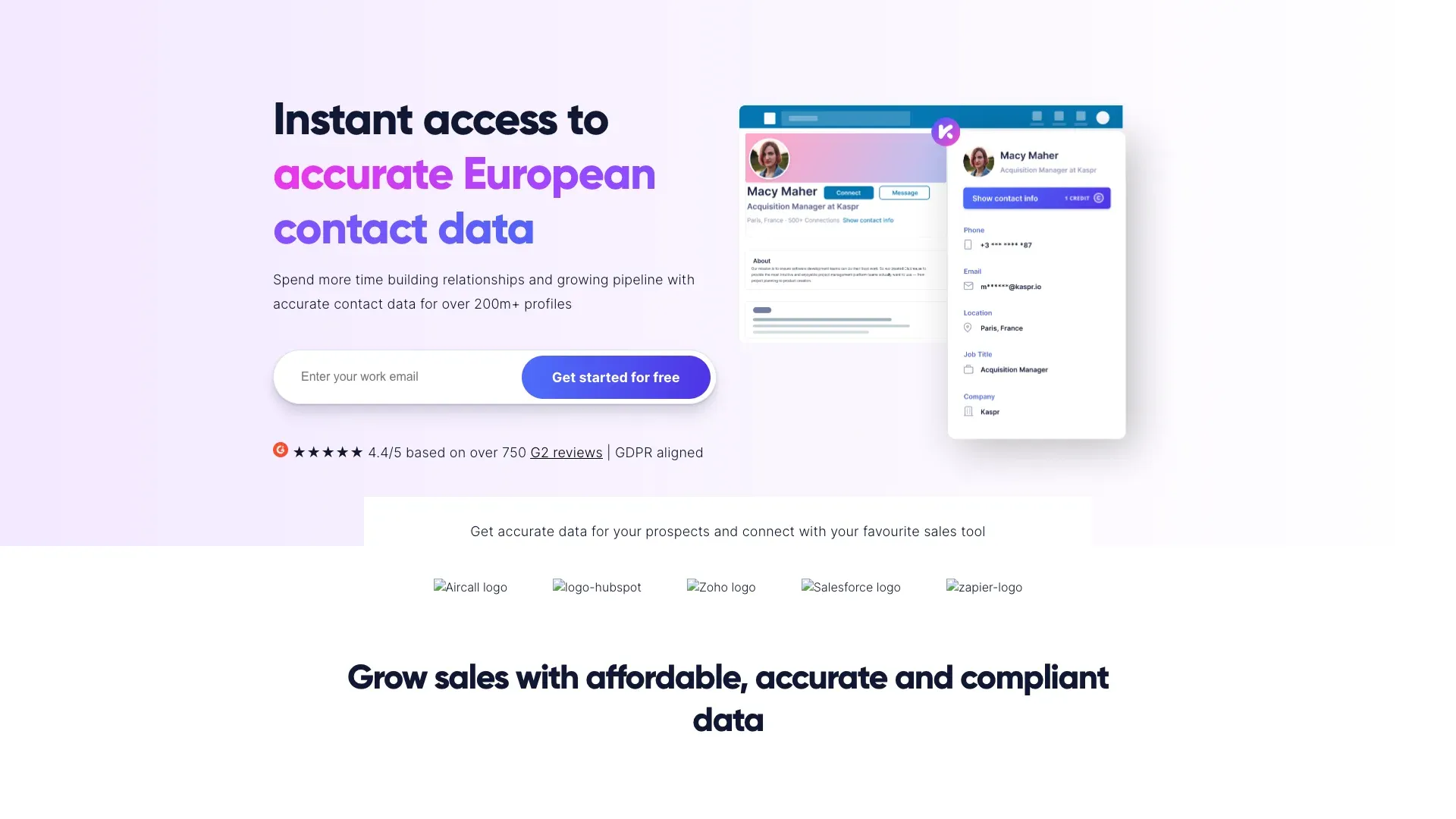 Kaspr is the most clearly LinkedIn-centric tool in this list, with notably strong European data coverage. Think of it as a LinkedIn enrichment layer, not a general-purpose phone scraper.
Key features:
- LinkedIn profile and Sales Navigator enrichment
- Bulk enrichment from LinkedIn lists
- CSV enrichment
- Automated workflows
- Integrations: Salesforce, HubSpot, Pipedrive, Lemlist
Pricing: Free plan with 5 phone credits/month, 5 direct email credits/month, and a 100-lead export cap. Paid plans from €45/month annual (Starter) and €79/month annual (Business).
In a marketing forum discussion, one user said Kaspr "just works for me" and estimated accuracy around 90% in their use case, while noting results vary by company context.
Best for: Europe-focused SDR teams running LinkedIn-first outbound campaigns. Transparent seat pricing is a plus compared to enterprise opacity.
5. ZoomInfo
 ZoomInfo remains the enterprise benchmark for B2B contact data. Largest proprietary database, most advanced filters, deepest enterprise packaging — and the least transparent pricing.
Key features:
- Advanced company and contact search with org charts
- Intent signals and technographic data
- Phone-verified contacts (premium tiers)
- CRM/MAP integrations and API access
Pricing: No free tier. No transparent public pricing. Multiple 2026 analyses converge on a real-world entry point of around $4,995/year, with most teams paying meaningfully more. Annual contracts are standard.
Accuracy: The Cleanlist benchmark found 67% mobile match for ZoomInfo — the best in the database category. But G2 reviews still mention outdated and inaccurate data as recurring complaints.
Best for: Mid-market and enterprise sales organizations with budget for premium contact intelligence and the CRM maturity to use it.
6. Seamless.ai
 Seamless.ai markets itself as a real-time B2B search engine rather than a static database. The pitch is that it searches and verifies contact data at the moment you request it, which theoretically addresses the stale-number problem.
Key features:
- Real-time search and verification
- Chrome extension
- CRM integrations
- Buyer intent data
- List building with filters
Pricing: Free plan with 50 credits (1 user). Paid pricing is not transparent on the public page — public estimates place the first paid tier around $47/month.
Accuracy: User feedback is genuinely split. User reviews praise ease of use and speed, but many note inaccurate data, outdated contacts, and aggressive upselling. One reviewer mentioned the dashboard is cluttered and "sometimes direct phone numbers are old."
Best for: Teams that want a "search now, verify now" approach and can tolerate a sales-led pricing process.
7. Apify
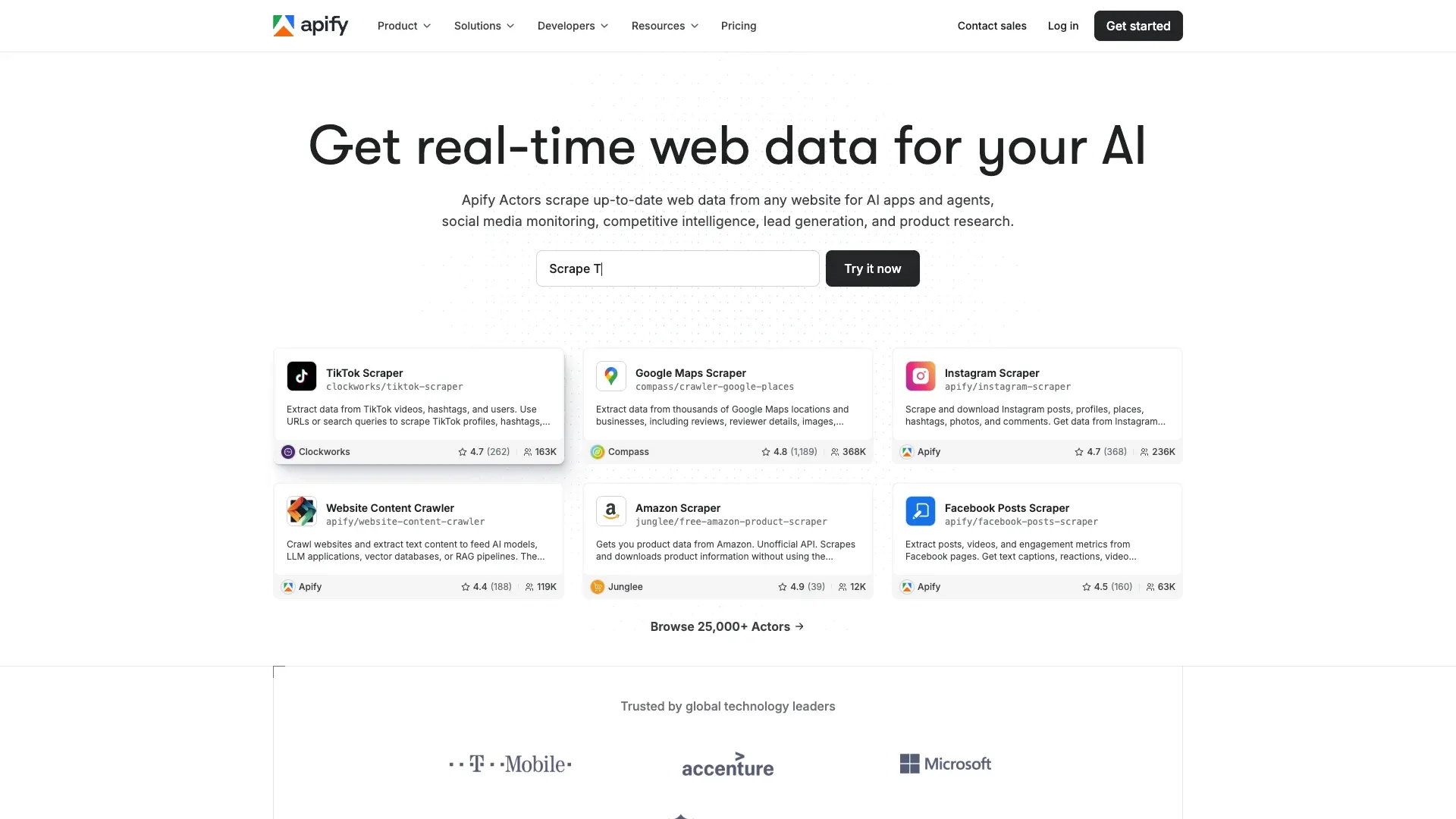 Apify is the most versatile true scraping platform in this list, but it's built for users who are comfortable with configuration. Its marketplace of pre-built "Actors" includes Google Maps Scraper, Contact Details Scraper, and hundreds of others.
Key features:
- Massive actor marketplace (Google Maps, contact pages, directories)
- Scheduled runs and API access
- JSON/CSV/Excel exports
- Integrations (Zapier, Make, Google Sheets, Airtable)
Pricing: Free tier with $5/month credit. Starter $29/month. Scale $199/month. Business $999/month. Plus pay-as-you-go usage.
The honest take: Apify is powerful, but G2's review summary explicitly calls out a "steep learning curve for beginners," especially when customizing actors. If you've never configured a JSON input schema, expect a ramp-up period.
Best for: Technical teams or ops teams with a developer who need large-scale, customizable phone scraping pipelines.
Google Maps Phone Scraping: Why Tools Keep Breaking
I want to pause the tool list here because Google Maps extraction deserves its own honest discussion. It's one of the most requested use cases — and one of the most frustrating.
Google aggressively updates its anti-scraping protections. Tools that rely on fixed HTML/CSS selectors break every few weeks when Google changes page structure, rendering behavior, or anti-automation cues. This isn't a theoretical problem. Recent forum evidence is blunt:
- An r/automation user said: "Outscraper no longer works."
- Another in the same thread: "it takes forever literally...so slow" and "last 30 days has been awful."
- A user building a directory said Apify's Google Maps Scraper was "the worst of the 3 main apps" in their experience.
Here's how the tools in this list stack up for Maps reliability:
| Tool | Google Maps Reliability |
|---|---|
| Thunderbit | AI reads the page dynamically (no CSS selectors to break), so it adapts to layout changes automatically. Browser Scraping mode handles Google's protections; Cloud Scraping processes 50 pages concurrently for larger jobs. |
| Outscraper | Purpose-built for Maps, but public complaints about downtime and slowness are frequent in 2026. |
| Apify | Powerful and scalable, but actor setup and variability make it less forgiving for non-technical users. |
My practical advice: for small batches (under 100 listings), a browser-native AI tool like Thunderbit is usually safer and faster than jumping into a cloud actor. For large-scale extraction, test a sample first before committing credits.
8. Outscraper
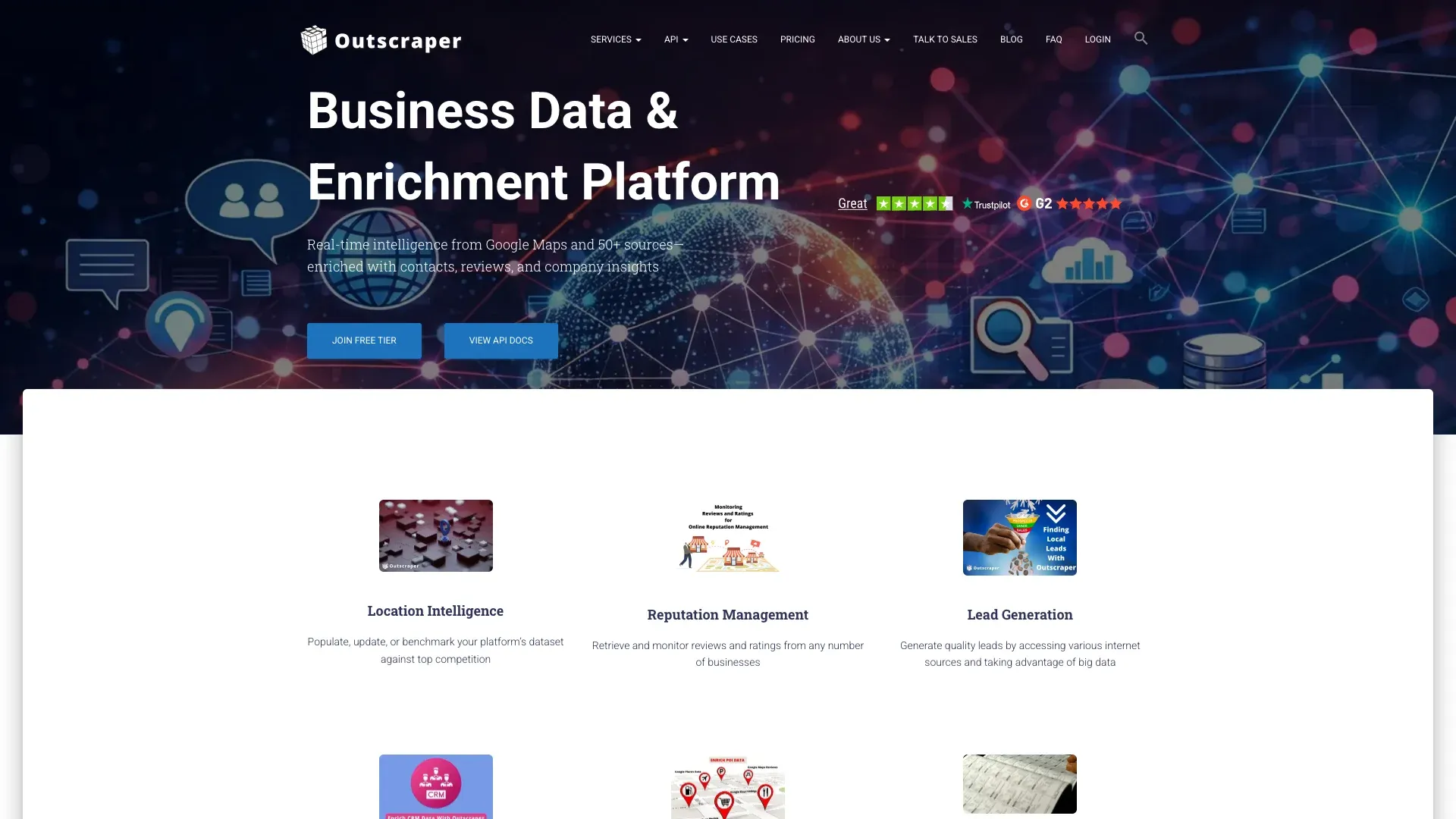 Outscraper is the most obvious specialist for Google Maps data. If your entire workflow is "get phone numbers, addresses, and reviews from Google Maps listings," this is one of the most targeted options available.
Key features:
- Google Maps extraction (phone, email, address, reviews, ratings)
- Google Search scraping
- Bulk processing
- API access
- Export to CSV, Excel, JSON, Parquet
Pricing: Usage-based. First 500 Google Maps businesses free. Then $3/1,000 records up to 100K, then $1/1,000 above 100K.
Reliability reality: As noted above, multiple users have reported intermittent breakage and slowness in 2026. When it works, it works well for Maps-specific data. When Google updates its protections, expect downtime.
Best for: Local SEO agencies and sales teams specifically targeting businesses listed on Google Maps.
9. BrowserAct
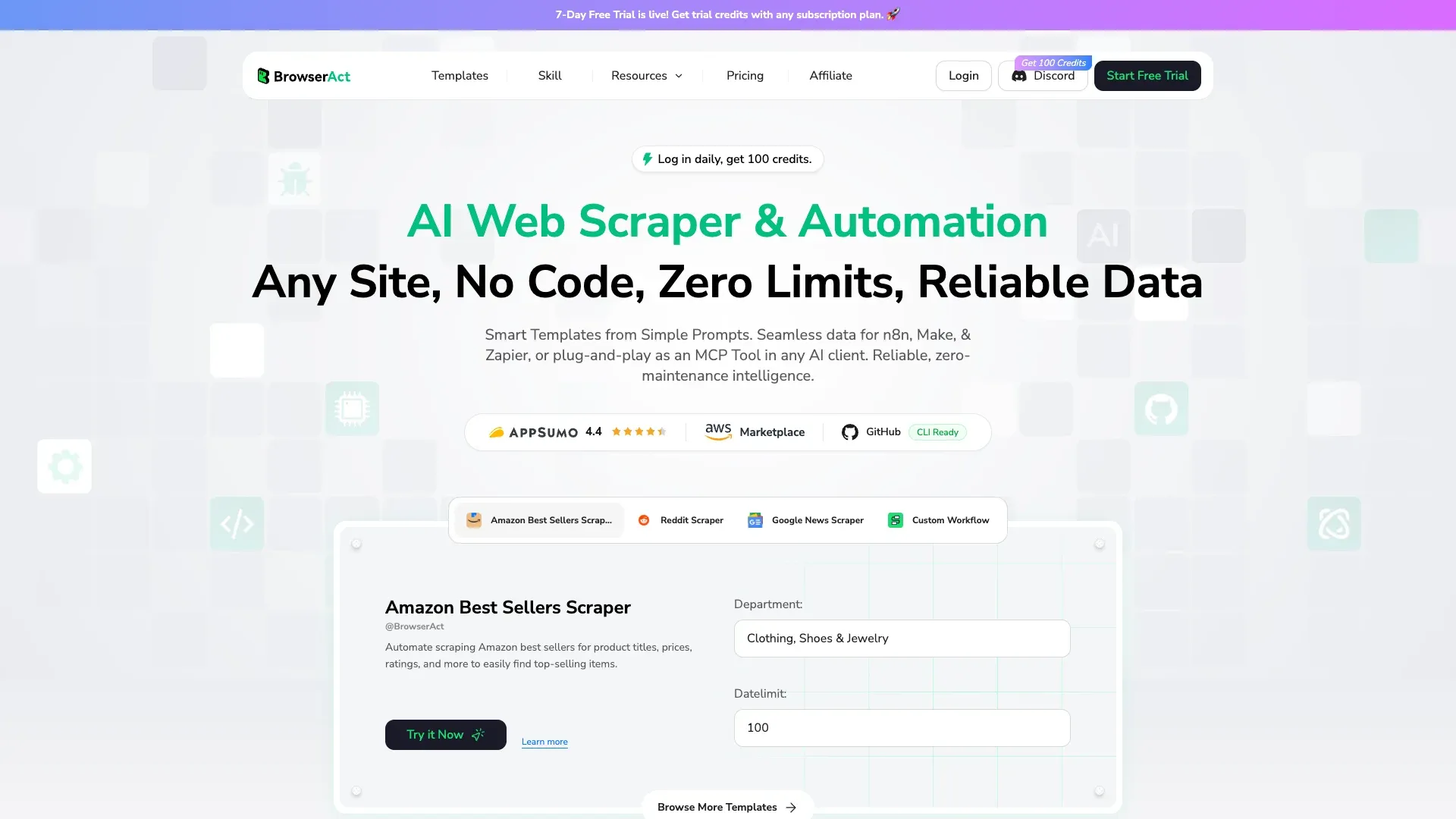 BrowserAct is a newer-style no-code browser automation tool. It runs automations directly in the browser using natural-language prompts and pre-built templates, including phone extraction from search results and directories.
Key features:
- No-code setup with natural-language prompts
- Pre-built phone extraction templates
- CAPTCHA handling
- Integrations with Make and n8n
- CSV/JSON output
Pricing: Usage-based, not a flat monthly tier. The verified pricing page meters by resource: Local Fingerprint Browser sessions from $0.064 each (100 credits), Dynamic Proxy from $3.20/GB (5,000 credits), and Workflow Steps from $0.0032 each (5 credits). New accounts get a 7-day free trial with trial credits.
Best for: Budget-conscious users who need basic phone extraction from search results and directories without coding. The ecosystem is smaller than Apify's, and phone extraction depends on templates rather than broad AI auto-detection.
10. PhantomBuster
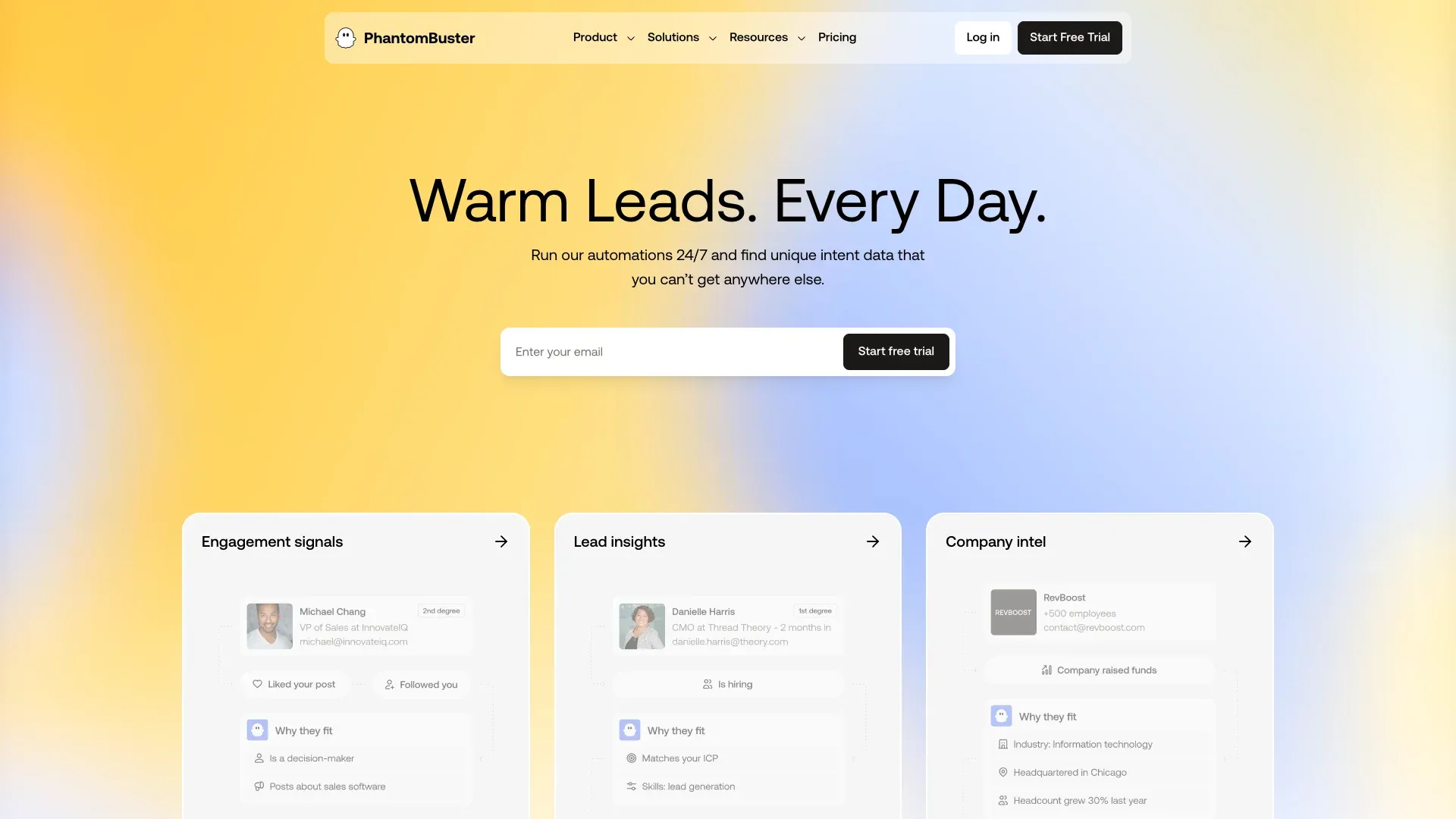 PhantomBuster is best understood as an automation platform, not a static phone-number provider. Its strength is chaining LinkedIn and social media workflows into enrichment and export pipelines.
Key features:
- LinkedIn Profile Scraper and Sales Navigator extraction
- AI LinkedIn Profile Enricher for phone/email enrichment
- Multi-platform scraping (Google Maps, Instagram, etc.)
- Cloud-based (runs 24/7)
- Automated outreach sequences
Pricing: 14-day free trial. Paid plans: Start $56/month annual, Grow $128/month annual, Scale $352/month annual. All paid plans include unlimited CSV/JSON exports and API access.
Accuracy note: PhantomBuster is stronger for email than phone. Phone enrichment hit rates depend on LinkedIn data availability and external data-source matching. The main risk is LinkedIn account safety — overuse of automation on LinkedIn carries real account-restriction risk.
Best for: Growth teams and SDRs who want to automate LinkedIn-based prospecting and need phone numbers enriched alongside email and profile data.
How to Scrape Phone Numbers from Any Website in 2 Minutes (Step-by-Step)
Every competing article I found is a tool list with feature bullets. Not one of them includes an actual walkthrough of extracting phone numbers. So here's how to do it with Thunderbit — it's the simplest flow to demonstrate because the whole point is that there's almost nothing to configure.
Step 1: Install the Thunderbit Chrome extension and navigate to your target page — a local business directory, Google Maps results, or any contact page.
Step 2: Click "AI Suggest Fields." Thunderbit's AI reads the page and proposes columns like Phone Number, Business Name, Address, Email, and Website. You don't pick selectors or write any configuration.
Step 3: Review the suggested fields. Thunderbit auto-detects phone fields and will reformat numbers into a clean, standardized format. Adjust or remove columns as needed.
Step 4: Click "Scrape." Data populates in a structured table inside the extension.
Step 5: For directories with multiple pages, enable pagination scraping — Thunderbit handles click-based pagination and infinite scroll.
Step 6: If phone numbers only appear on detail pages (e.g., each business listing has its own page with the phone number), use Subpage Scraping. Thunderbit visits each detail page and appends the phone number back to your original row.
Step 7: Export to Google Sheets, Excel, Airtable, or Notion. Exports are free.
For comparison, the same job in Apify typically means: choose an actor → configure JSON inputs → set limits → run in the cloud → download the dataset → normalize fields if needed. That's not a flaw in Apify — it's a different product for a different user. But if you're a sales rep who just needs 200 phone numbers from a directory, the difference in time-to-value is real.
Realistic Accuracy Expectations: What Marketing Pages Won't Tell You
This is the section I wish every "best tools" article included, because accuracy is the number-one pain point in this entire space. No single tool gives you perfect phone coverage across all segments. Here's what to actually expect:
| Workflow Type | Realistic Hit Rate | Why |
|---|---|---|
| Web scraper on directory/listing pages | 85–95% | The number is literally visible on the page |
| Web scraper on general company sites | 50–70% | Many companies don't list direct dials |
| B2B database for mobile numbers | 30–60% | Mobile data decays fast and varies by region |
| Waterfall (2–3 tools combined) | 60–80% | Multiple sources fill each other's gaps |
These are directional ranges based on public user reports, not lab benchmarks. But they line up with reality better than vendor marketing claims.
The evidence: Apollo phone coverage often lands around sub-50% in user reports. The Cleanlist benchmark found 41% mobile match for Apollo and 67% for ZoomInfo. And community discussions about local-business prospecting repeatedly say B2B databases underperform while Maps/website-first sourcing works better for that segment.
The Waterfall Enrichment Strategy
If coverage matters more than tool purity, the strongest play is a waterfall:
- Start with a web scraper (Thunderbit) for publicly listed numbers.
- Fill gaps with a B2B database (Apollo or ZoomInfo) for numbers not on any website.
- Enrich LinkedIn-centric prospects with Kaspr or PhantomBuster.
This is exactly the pattern described in a 2026 sales intelligence discussion that explicitly called out "Clay-style waterfalling" between Apollo, ZoomInfo, and Lusha to fill gaps while controlling cost.
Full Comparison: 10 Best Phone Number Scrapers Side by Side
| Tool | Type | AI Auto-Detect | Data Sources | Phone + Email | Accuracy | Learning Curve | Free Tier / Pricing | Exports |
|---|---|---|---|---|---|---|---|---|
| Thunderbit | AI web scraper | Yes | Websites, maps, directories, files, text | Yes | High for visible data | Very easy | Free; from ~$9/mo | Excel, Sheets, Airtable, Notion, CSV, JSON |
| Apollo.io | B2B database | No | Proprietary contact database | Yes | Medium (30–50% mobile) | Easy | Free; from $49/user/mo | CSV, Salesforce, HubSpot, API |
| Lusha | Database / enrichment | No | Database + LinkedIn/site overlay | Yes | Medium | Very easy | Free 70 credits/mo | CRM, extension, API |
| Kaspr | LinkedIn enrichment | No | LinkedIn, Sales Nav, CSV | Yes | Medium (stronger EU) | Easy | Free; from €45/mo annual | CSV, Excel, CRM |
| ZoomInfo | Enterprise database | No | Proprietary enterprise data | Yes | Medium-high | Medium-hard | No free tier; ~$5K+/yr | CRM, CSV, API |
| Seamless.ai | Database + live search | No | Proprietary + real-time claims | Yes | Medium | Medium | Free; paid ~$47/mo | CSV, CRM, extension |
| Apify | Scraping platform | No | Maps, websites, actors | Yes (with right actors) | High if configured | Harder | Free $5 credits; from $29/mo | JSON, CSV, Excel, Sheets via integrations |
| Outscraper | Maps scraper | No | Google Maps, Search | Yes | Medium-high on Maps | Medium | Free 500 records; $3/1K after | CSV, Excel, JSON, Parquet, API |
| BrowserAct | Browser automation | Prompt-based | Search, directories, websites | Partial | Medium | Easy | 7-day trial; usage-based from $0.0032/step | CSV, JSON, Make, n8n |
| PhantomBuster | Enrichment / automation | Partial | LinkedIn, Sales Nav, Maps, social | Yes | Medium (better for email) | Medium | Trial; from $56/mo annual | CSV, JSON, API |
Phone Number Scraping and Compliance: GDPR, TCPA, and CCPA Basics
I'm not a lawyer, and this isn't legal advice. But compliance is a real concern that most "best tools" articles handle in one vague paragraph. Here's a more practical breakdown.
| Regulation | What It Means for Phone Scraping | Risk Level |
|---|---|---|
| GDPR (EU) | Phone numbers are personal data. You need a lawful basis (legitimate interest or consent) to collect and use them. | ⚠️ High |
| TCPA (US) | Cannot auto-dial or text scraped mobile numbers without prior express consent. | ⚠️ High |
| CCPA/CPRA (California) | Consumers can request access, correction, deletion, and opt-out of sale/sharing. | Medium |
| DNC Registry (US) | Telemarketers must scrub against Do Not Call and entity-specific lists. | Medium |
Practical Do's and Don'ts
- ✅ Scraping publicly listed business phone numbers from directories — generally lower risk
- ✅ Using scraped numbers for one-to-one manual outreach (not automated dialers)
- ⚠️ Scraping personal mobile numbers for cold calling without consent = high legal risk in EU and many US states
- ⚠️ Always check the website's Terms of Service
- 💡 Keep an audit trail of source URLs and collection dates for larger operations
Tools like Thunderbit that scrape data already publicly visible on websites have a cleaner compliance story than opaque databases because the source page is visible and auditable. But for enterprise-scale operations, consult legal counsel.
Which Phone Number Scraper Is Right for You?
After testing all 10 tools, here's my scenario-based recommendation:
- Non-technical sales teams scraping directories and Google Maps: Thunderbit — AI auto-detection, 2-click scraping, free exports
- B2B SDRs who want a contact database + outreach platform: Apollo.io or Seamless.ai
- LinkedIn-first prospecting in Europe: Kaspr
- Enterprise organizations with budget: ZoomInfo
- Quick, affordable LinkedIn direct-dial lookups: Lusha
- Developer teams needing scale and flexibility: Apify
- Google Maps-specific extraction: Outscraper or Thunderbit
- Budget-conscious no-code extraction: BrowserAct
- LinkedIn-heavy workflow automation: PhantomBuster
And if coverage really matters, the best-practice stack is a waterfall: scrape public numbers first with Thunderbit, fill gaps with a database like Apollo, and enrich LinkedIn prospects with Kaspr or PhantomBuster. No single provider is complete — but combining two or three gets you meaningfully closer.
If you want to see what AI-driven phone scraping looks like in practice, give Thunderbit's free tier a spin. Two clicks, structured data, free exports. It's the fastest way to find out whether a scraper or a database is the right first move for your workflow.
For more on how to get data from any website into a spreadsheet, check out our guides on extracting website data to Excel, scraping data into Google Sheets, and best practices for web scraping tools. If you're building a broader lead-gen workflow, our lead generation with AI guide covers the full picture. You can also watch step-by-step tutorials on the Thunderbit YouTube channel.
FAQs
1. What is a phone number scraper?
A phone number scraper is a tool that automatically finds and extracts phone numbers from websites, directories, maps listings, or documents — saving hours of manual copy-pasting. Some tools scrape live web pages, while others search proprietary databases or enrich LinkedIn profiles with external data.
2. Are phone number scrapers legal to use?
Generally yes for publicly available data, but use must comply with GDPR, TCPA, CCPA, and Do Not Call rules, as well as the target website's Terms of Service. Scraping publicly listed business numbers for manual outreach is lower risk than auto-dialing scraped personal mobile numbers. For enterprise-scale operations, consult legal counsel.
3. What is the difference between a phone number scraper and a B2B lead database?
Scrapers extract data from live web pages you choose — the number has to be visible on the page. Databases sell access to pre-collected contact records aggregated from multiple sources. Scrapers are usually better for local directories and niche sites; databases are better for high-volume B2B prospecting with filters like job title and company size.
4. What is the waterfall enrichment approach for phone numbers?
It means using multiple tools in sequence to maximize coverage: first a web scraper for publicly listed numbers, then a B2B database for unlisted numbers, then a LinkedIn enrichment tool for profile-based matching. This approach fills the gaps that any single tool leaves behind and is widely recommended in sales operations communities.
5. Which phone number scraper is the easiest to use?
Based on current product evidence, Thunderbit is the easiest because it uses AI field detection instead of requiring CSS selectors, JSON configuration, or actor setup. You click "AI Suggest Fields," review the proposed columns, click "Scrape," and export — all from a Chrome extension with no coding required.
Try Thunderbit for Phone Number Scraping Get Started Free
Learn More




