
Ninety-six percent of organizations increased or maintained their open-source usage last year, according to the 2025 State of Open Source report — and "no license cost" is still the top reason why. But here's the thing nobody tells you when you're grabbing a scraper off GitHub: "open source" and "safe to use in your commercial product" are not the same claim.
I've spent a chunk of this year sorting through the usual suspects — Scrapy, Playwright, Puppeteer, and the newer AI-native crawlers like Crawl4AI and ScrapeGraphAI — and the thing that actually matters for a business decision almost never shows up in the typical "best scrapers" roundup: license type. Most lists rank by GitHub stars. I'm ranking by what happens when your legal team asks "wait, is this thing AGPL?" This list sorts 12 tools by category fit first (parsers, browser automation, AI-native scrapers, crawl frameworks, no-code extensions) and license second, because that's the order the decisions actually happen in.
Why License Type Is the First Filter for Any Open Source Web Scraper
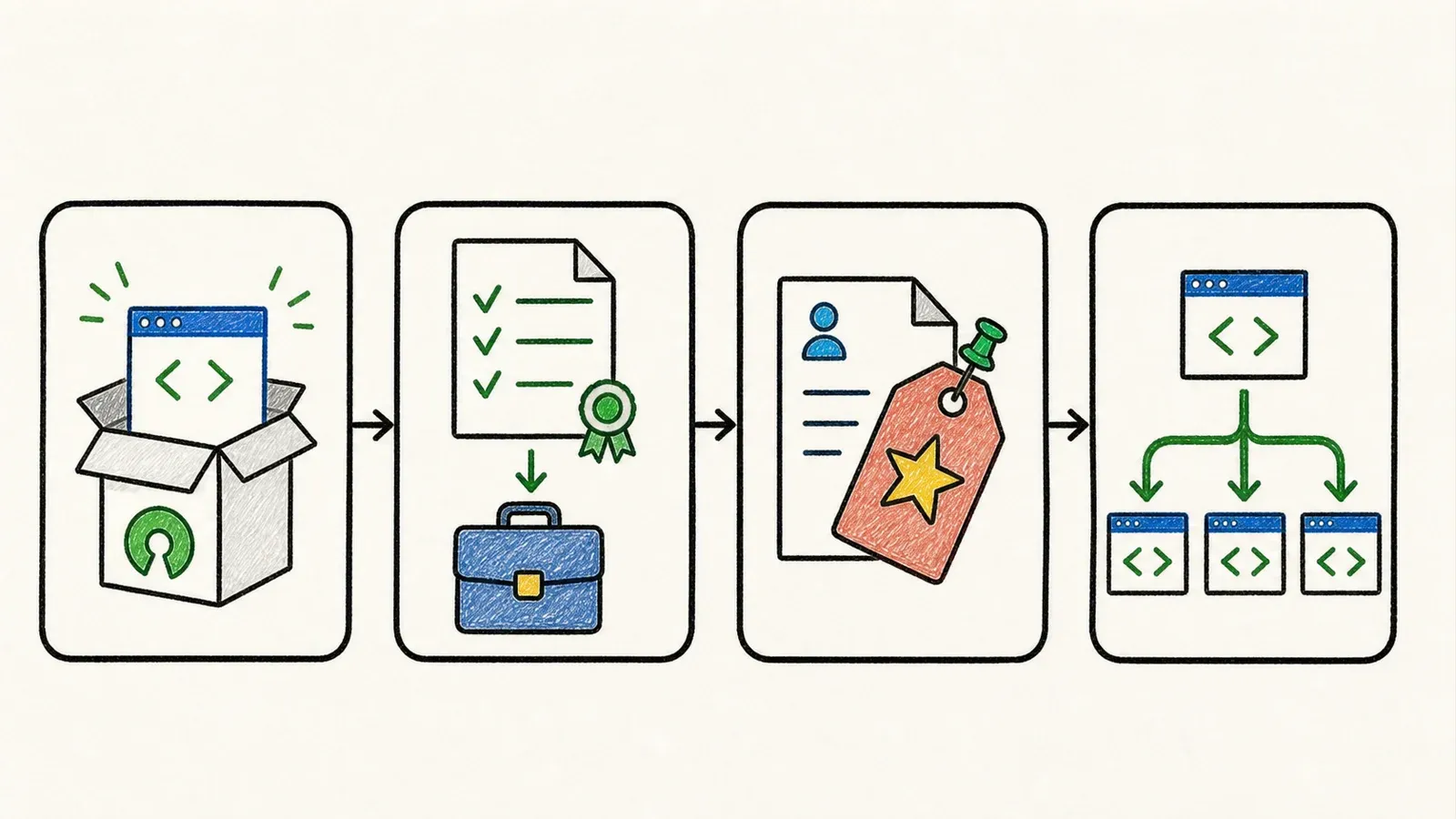
"Open source" doesn't mean "free to do whatever you want with." The Open Source Definition explicitly bans discrimination against commercial use — so every tool on this list permits business use. But how you're allowed to use it, and what obligations kick in when you ship it, depends entirely on the specific license.
Permissive licenses — MIT, BSD-3-Clause, Apache-2.0 — let you do almost anything as long as you keep the copyright notice attached. Apache-2.0 goes a step further with an explicit patent grant, which is the license lawyers tend to like most. None of these three require you to publish your own source code.
Copyleft licenses are a different animal. AGPL-3.0 is the one that trips people up, and it's exactly the license Firecrawl's self-hosted core ships under (the SDKs are MIT, but the core scraping engine is AGPL). Under Section 13 of AGPL-3.0, if you modify the covered program and let users interact with that modified version over a network, you have to offer them the corresponding source. This isn't a "the whole SaaS becomes open source" trigger the way internet forums sometimes describe it — the obligation is specifically about a modified covered program offered for remote interaction. But it's a real legal question that deserves actual counsel, not a Stack Overflow thread, before you build a closed-source product on top of it.
Then there's the murkier "open-core" category. Web Scraper, the Chrome extension, has a historical LGPL-3.0 repository on GitHub — but that repo's last code commit was 2017, and there's no verified mapping between that old source and the extension currently in the Chrome Web Store (version 1.111.13 as of this writing). The honest read: the local extension is free, the Cloud tier with scheduling and proxy rotation is a separate proprietary product, and calling the whole thing "open source" glosses over that split.
How We Compared These 12 Best Open Source Web Scraper Tools
I evaluated each tool on seven axes: license type and commercial-use friction, language/runtime, native JavaScript rendering support (versus needing a plugin pairing), learning curve, hidden compute or proxy cost, community health signals (open issues, release cadence, last commit), and best-fit use case.
The list is grouped by category — static parsers, browser-automation frameworks, AI-native scrapers, crawl frameworks, then the one no-code browser extension — rather than sorted purely by star count. That's a deliberate choice. Beautiful Soup and Scrapy solve completely different problems even though they're both wildly popular; ranking them on the same axis doesn't actually help anyone pick a tool.
| Criterion | What I Checked |
|---|---|
| License and commercial fit | Exact repo license, attribution requirements, copyleft/network clauses |
| Runtime and team fit | Python, Node/TypeScript, Java, or multi-language |
| JS rendering | Native browser support vs. plugin pairing vs. none |
| Framework scope | Parser-only, browser driver, full crawl pipeline, or managed product |
| Community health | GitHub stars, latest release date, open issues, last push |
| Hidden cost | Browser memory, proxy needs, model API dependency, maintenance burden |
| Best fit | Specific team/task match, backed by documented capabilities or issues |
One honest caveat on the community-health numbers: Beautiful Soup's canonical development happens on Launchpad, not GitHub, so its GitHub star count (an unofficial mirror sitting at 223 stars, last touched in 2022) isn't comparable to the other 10 tools. I flag that explicitly below rather than pretending it fits the same table cleanly.
The Best Open Source Parsing Library for Static Sites: BeautifulSoup
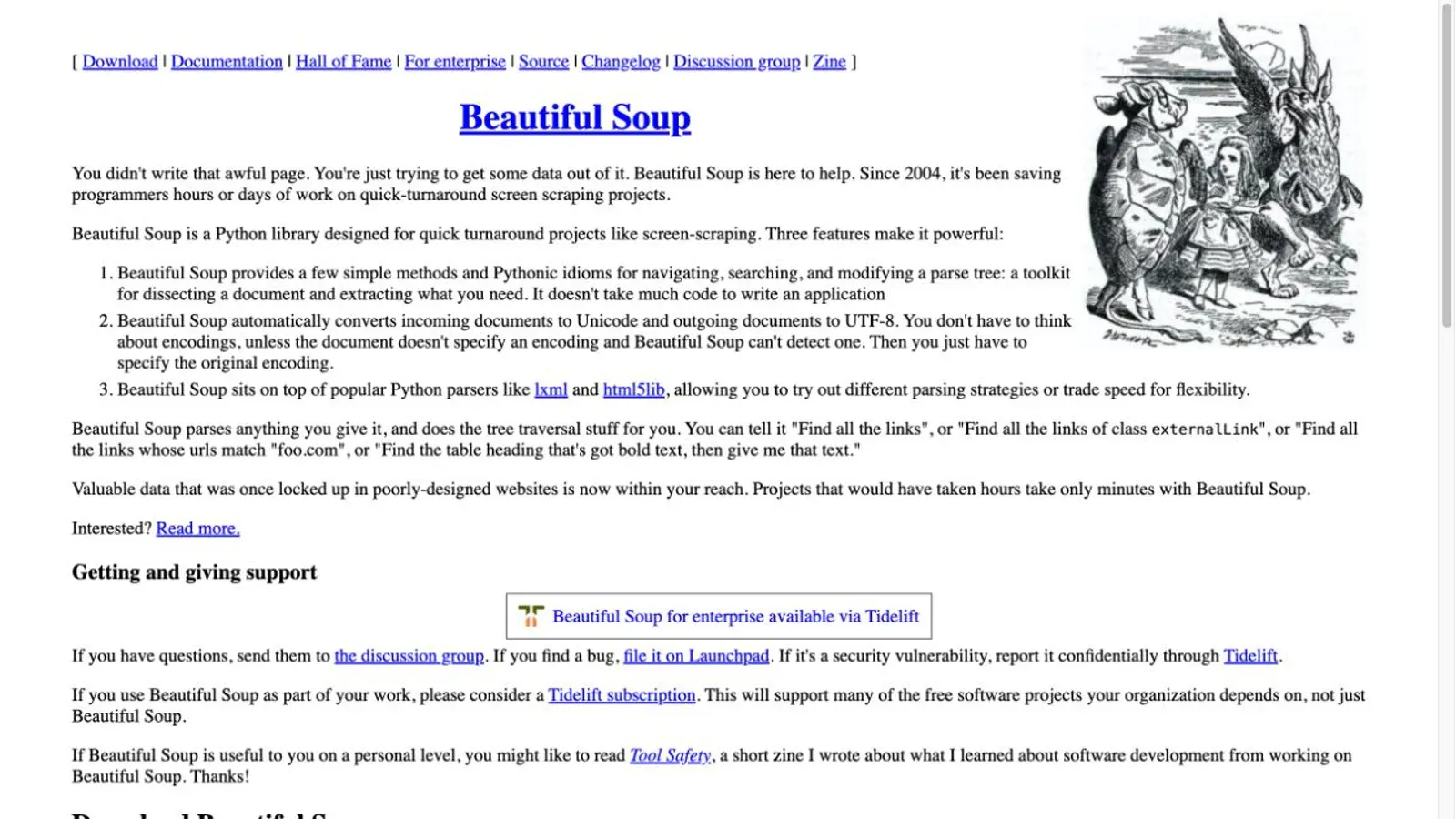
BeautifulSoup is a Python library for navigating and searching HTML/XML parse trees. It doesn't fetch pages, execute JavaScript, or manage crawl queues — it just takes markup you already have and lets you dig through it with a friendly API. This narrow scope is the whole point: it's the tool you reach for when you already have the HTML and just need to pull data out of it.
- License: MIT — permissive, no obligations beyond keeping the notice
- Learning curve: genuinely beginner-friendly; the object model is forgiving
- JS rendering: none, natively — pair it with something that fetches rendered HTML first
- Known limitation: the official docs admit it "will never be as fast as the parsers underneath it," and different parser backends (lxml vs. html5lib vs. html.parser) can produce meaningfully different trees for malformed HTML
Best for: quick internal scripts and one-off extraction from static or already-fetched HTML — not scale, not JS-heavy sites.
The Best Open Source Browser Automation Framework for Legacy Cross-Browser Testing: Selenium
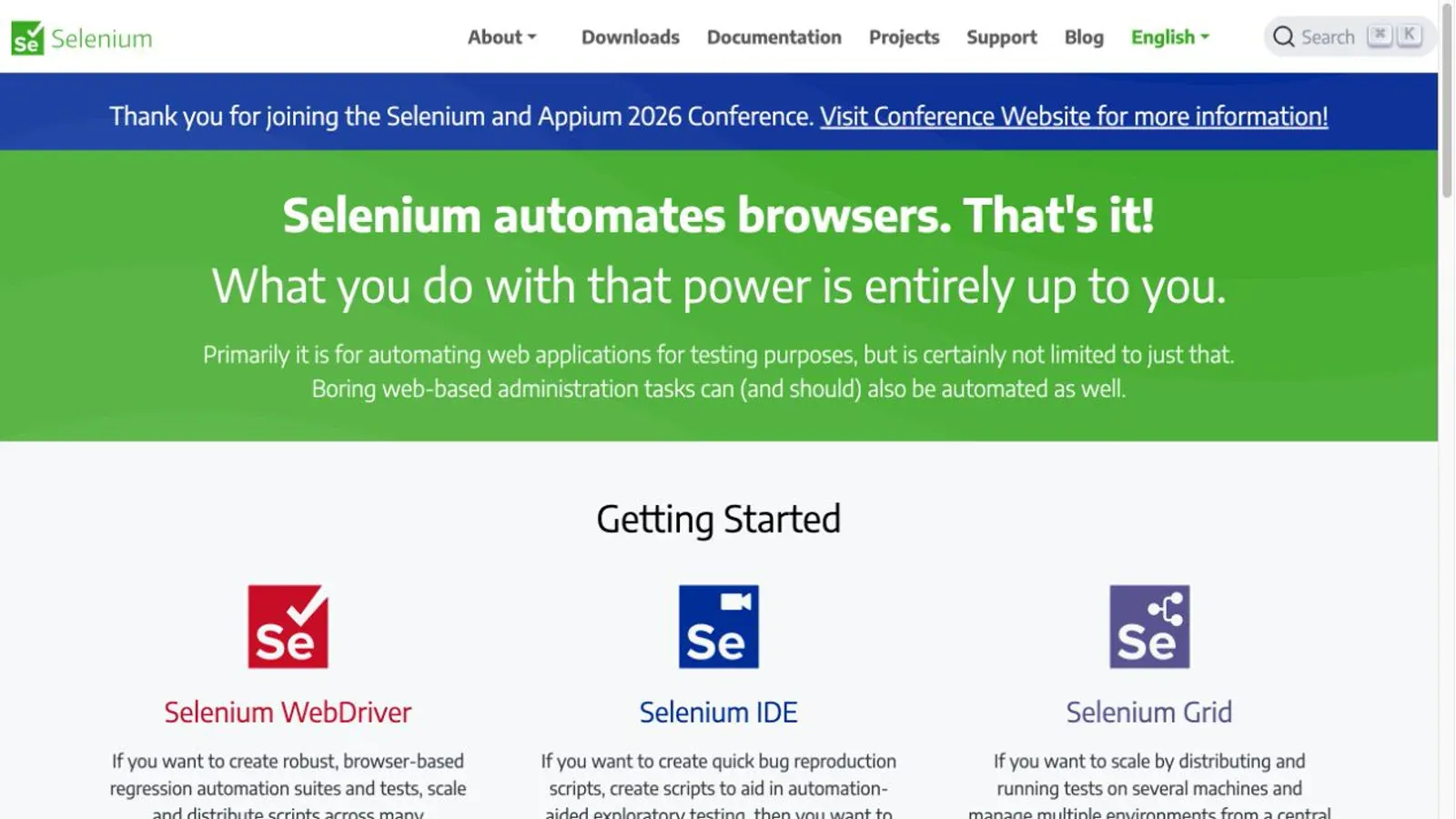
Selenium is the oldest name on this list, originally built for browser testing and repurposed by half the scraping world since. Its defining feature isn't speed — it's reach. Official Selenium 4 bindings cover Java, Python, C#, Ruby, and JavaScript, and it drives Chrome, Edge, Firefox, and Safari through the W3C WebDriver standard.
- License: Apache-2.0
- GitHub health: 34,366 stars, 98 open issues, 12 stable releases in the past year (latest: 4.47.0)
- JS rendering: native, through the real browser
- Documented friction: Selenium's own docs call out synchronization as "one of the most common challenges" — document readiness doesn't guarantee JS-added elements are ready, and a dynamic DOM refresh will throw
StaleElementReferenceExceptionon you
Best for: teams that need multi-browser or multi-language coverage, or that already lean on Selenium for QA and want to reuse the skillset for scraping.
The Best Open Source Browser Automation Framework for Modern JS-Heavy Sites: Playwright
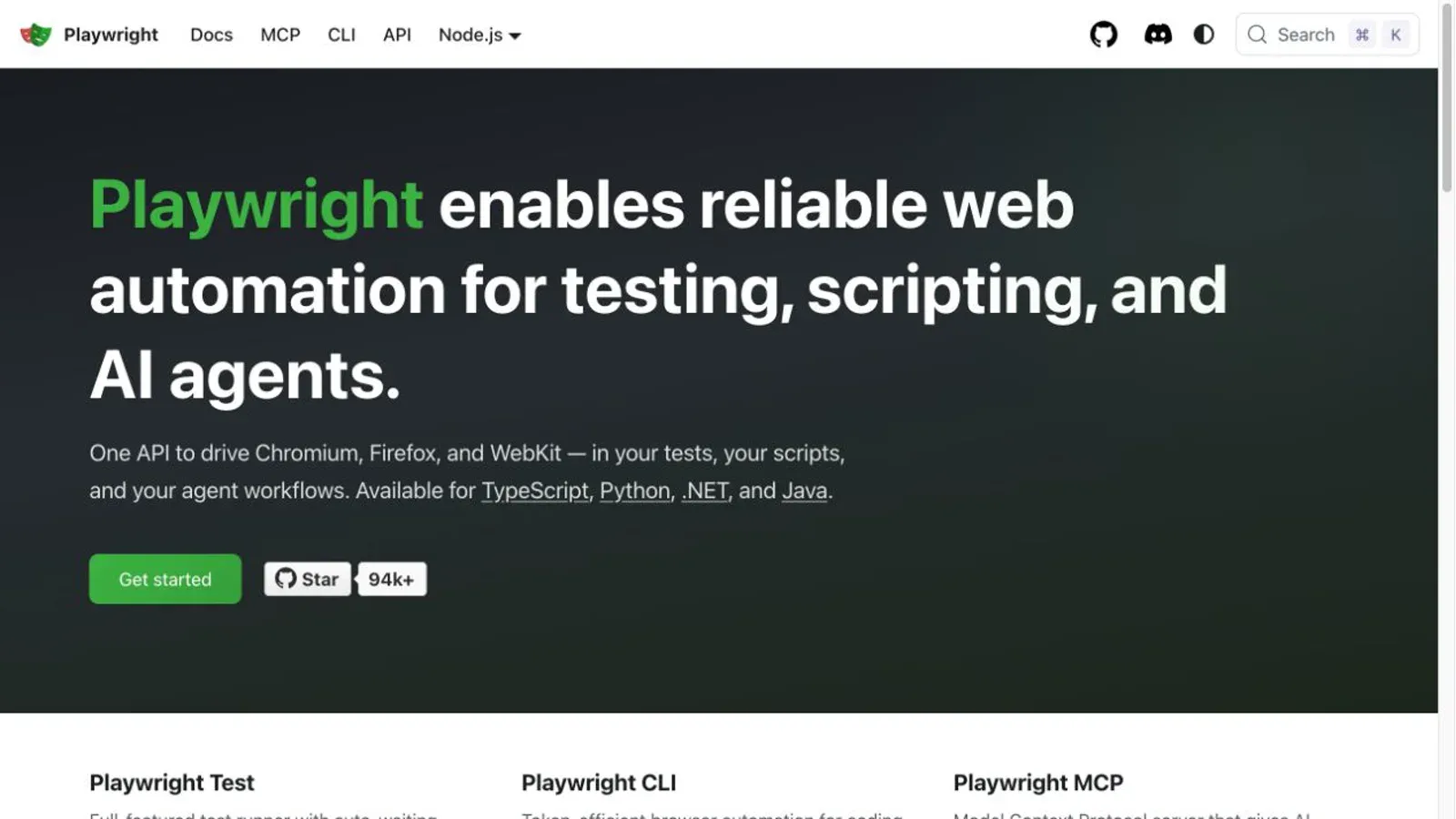
Playwright, maintained by Microsoft, is the modern answer to "Selenium feels slow and fiddly." It automates Chromium, Firefox, and WebKit natively, with actionability checks that auto-wait for elements to actually be ready — visible, stable, enabled — before interacting with them. That auto-wait behavior alone eliminates a lot of the manual WebDriverWait boilerplate Selenium users write by hand.
Here's the nuance that gets lost in every "Scrapy vs. Playwright vs. Selenium" forum thread: Scrapy doesn't render JavaScript at all on its own. It needs a separate plugin — scrapy-playwright — bolted on to get browser rendering. Playwright and Puppeteer render natively because rendering is the product.
- License: Apache-2.0
- GitHub health: 94,443 stars, 15 stable releases in the past year (latest: 1.62.1)
- Hidden cost: browser binaries alone run roughly 281 MB for Chromium, 187 MB for Firefox, and 180 MB for WebKit — and a 1.38 breaking change stopped automatic browser downloads, so version-pinning your Docker image matters
Best for: teams scraping React/Vue single-page apps who need reliable cross-browser behavior without hand-rolling wait logic.
The Best Open Source Browser Automation Tool for Chrome-Focused Projects: Puppeteer
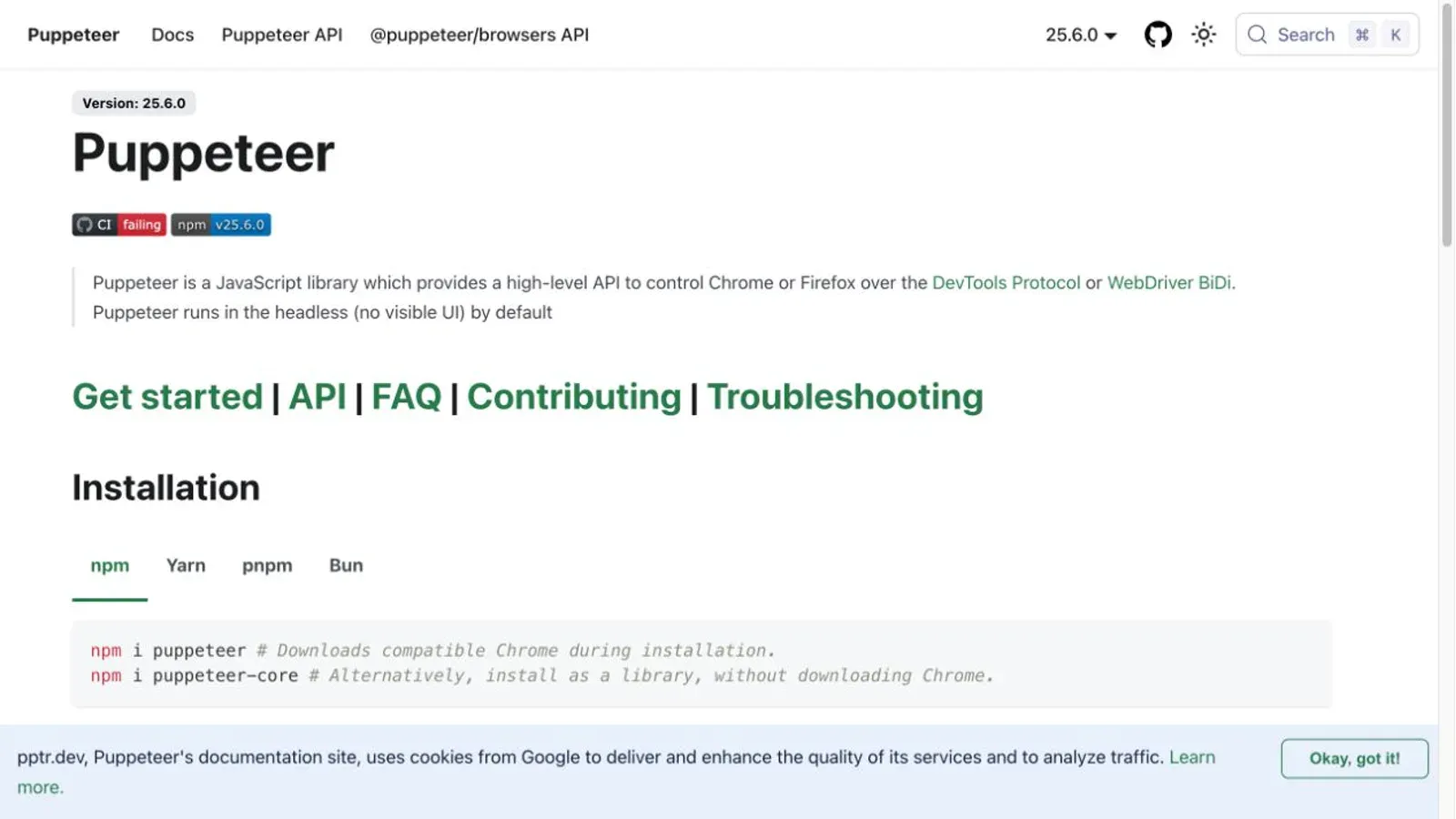
Puppeteer, Google's own automation library, is Chrome-first by design — deep Chrome DevTools Protocol integration, built-in screenshot/PDF generation, the works. Worth correcting a stale assumption here: current Puppeteer officially supports stable Firefox too, so "Chrome-only" isn't quite accurate anymore, even if Chrome remains the primary use case.
- License: Apache-2.0
- GitHub health: 95,458 stars, 249 open issues — a notably higher open-issue count than Playwright's, worth factoring in if you're weighing responsiveness
- Anti-bot reality check: Puppeteer issue #7006 documents a completely normal navigation getting hit with a Cloudflare challenge — rendering a page doesn't make you invisible to anti-bot systems, full stop
Best for: Node.js teams standardized on Chrome, especially for PDF/screenshot generation alongside scraping.
The Best Open Source AI-Native Scraper for LLM and RAG Pipelines: Crawl4AI
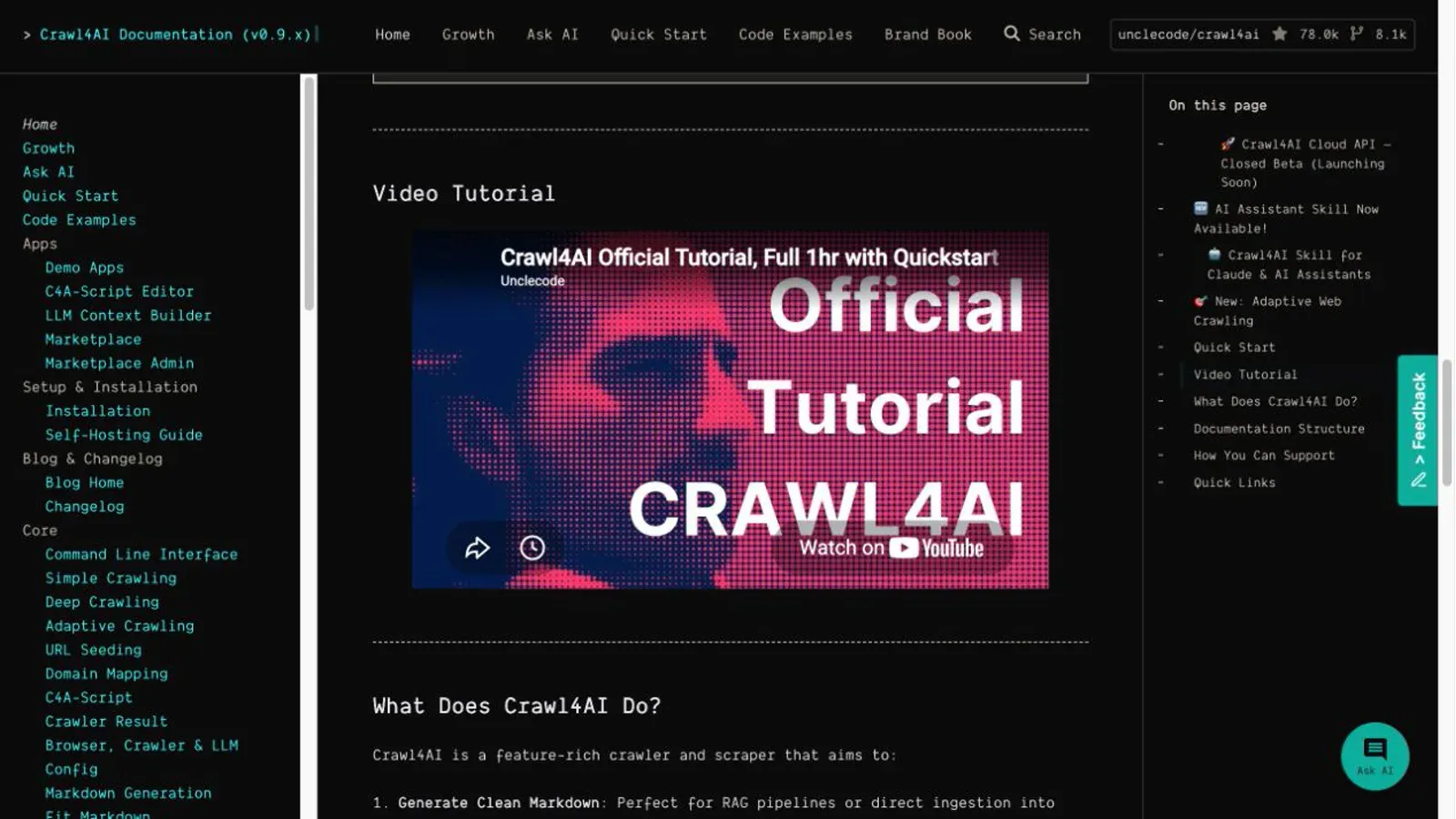
Crawl4AI is Playwright under the hood, purpose-built to output clean Markdown for LLM and RAG pipelines instead of raw HTML soup. It supports both a "clean Markdown" mode and a "Fit Markdown" mode tuned for context windows, plus optional LLM extraction if you want it — CSS/XPath and BM25 filtering work without touching a model API at all.
One thing worth flagging precisely: GitHub labels the repo Apache-2.0, but the actual license file appends a mandatory attribution requirement for public uses and distributions. That's not stock Apache-2.0 — it's Apache-2.0 plus a project-specific condition, and the exact license file is the thing to read, not the GitHub sidebar badge.
- GitHub health: 77,959 stars, latest release v0.9.2 (July 2026)
- Resource requirement: the self-hosting guide recommends at least 4 GB RAM available to the container
- Documented instability: the v0.9.0 changelog logged breaking changes to Docker-server authentication defaults and moved modules — this is an actively-moving target, pin your versions
Best for: Python teams feeding fresh web data into LLM agents or RAG pipelines who can own browser infrastructure.
The Best Open Source AI-Native Scraper for Self-Hosted Deployments (With a License Catch): Firecrawl
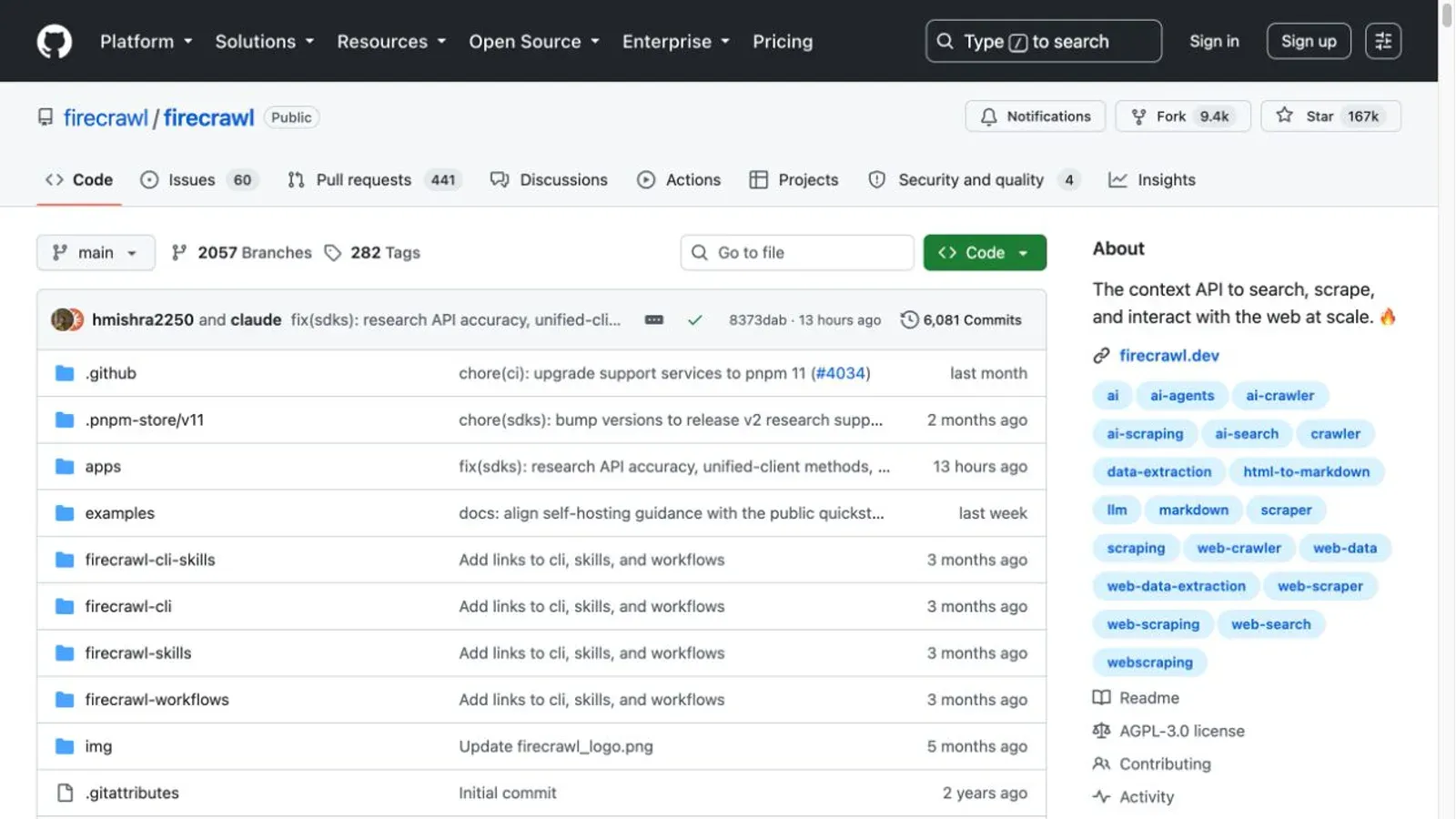
Firecrawl's self-hosted core is where the AGPL conversation gets concrete. It's an API-first crawler that returns Markdown, HTML, screenshots, and structured data — genuinely capable stuff, built on Fetch and Playwright. But the polish people associate with "Firecrawl" — the managed anti-bot handling, the proxy rotation, the Fire-engine stealth layer — belongs to Firecrawl Cloud, not the self-hosted repo. Firecrawl's own self-host documentation states plainly that Fire-engine and advanced anti-bot behavior are not included in the default self-hosted stack, and screenshots/page actions require it.
- License: primarily AGPL-3.0-or-later for the core, MIT for SDKs
- GitHub health: 166,527 stars — genuinely enormous for this category
- Setup reality: self-hosting means standing up Redis, RabbitMQ, PostgreSQL, and optionally FoundationDB — this is a multi-service operation, not a single container
Best for: internal tools or open source projects comfortable with AGPL's source-offer obligation. Think twice before building a closed-source commercial product directly on the self-hosted core without legal review.
The Best Open Source AI-Native Scraper for Natural-Language Extraction: ScrapeGraphAI
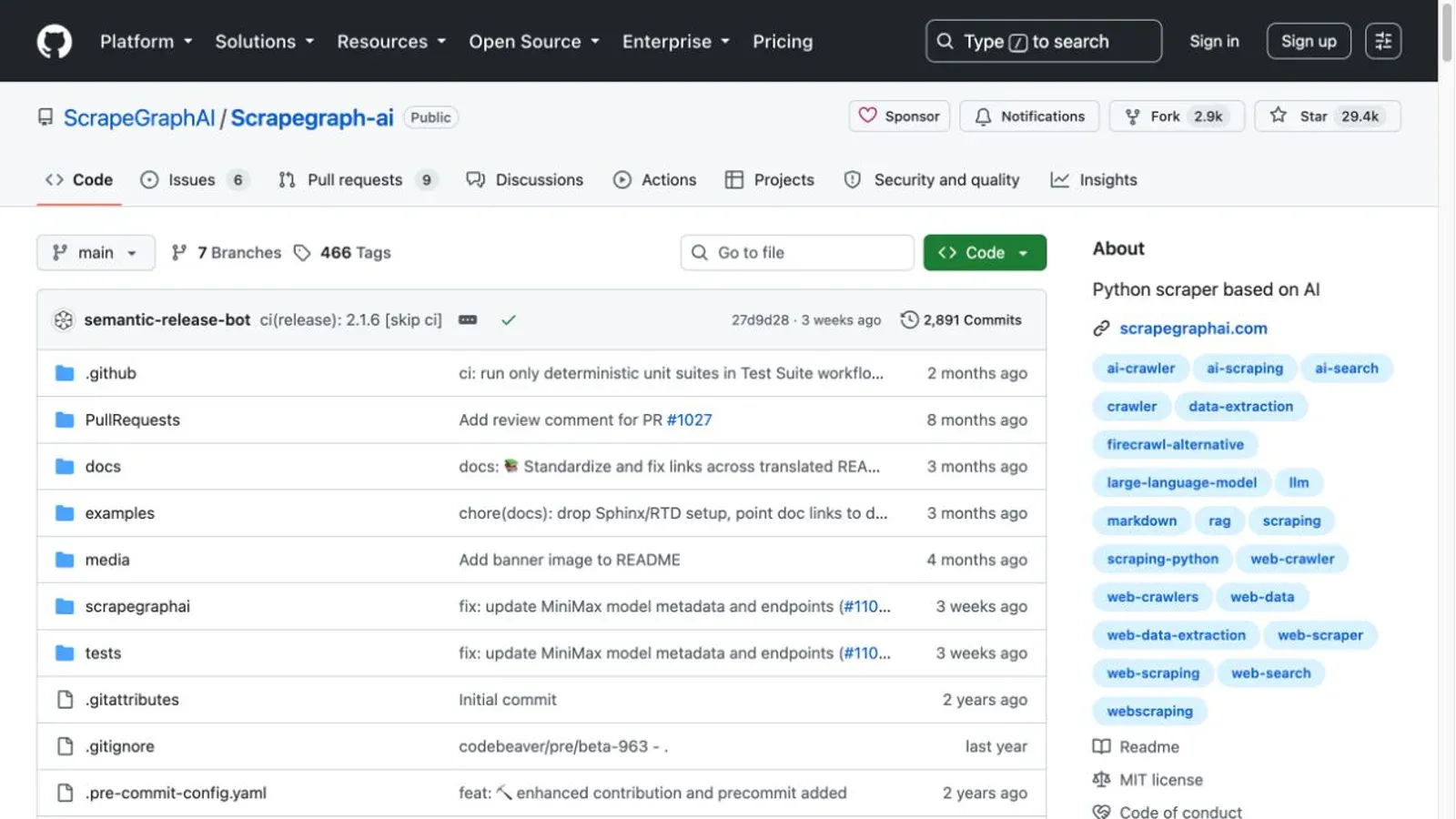
ScrapeGraphAI lets you describe what you want in plain language instead of writing selectors — it's a graph-based pipeline where LLM calls do the field-mapping work. The MIT-licensed library uses your own infrastructure: your LLM API key (or a local Ollama model if you'd rather skip the token bill), your configured Playwright instance.
That's the catch worth naming explicitly: "open source" here doesn't mean "zero ongoing cost." Every extraction burns tokens against whatever model you've hooked up. And prompt-driven extraction has a specific failure mode that selector-based tools don't: one open issue reports the pipeline completing every stage successfully while returning blank/NA fields for data that was visibly present on the page — a silent failure that deterministic CSS/XPath simply doesn't produce.
- License: MIT
- GitHub health: 29,447 stars, latest stable v2.1.6
Best for: irregular, one-off extraction jobs where prompt flexibility is worth the model cost and the validation overhead.
The Best Open Source AI-Native Scraper for Lightweight, Model-Free Extraction: AutoScraper
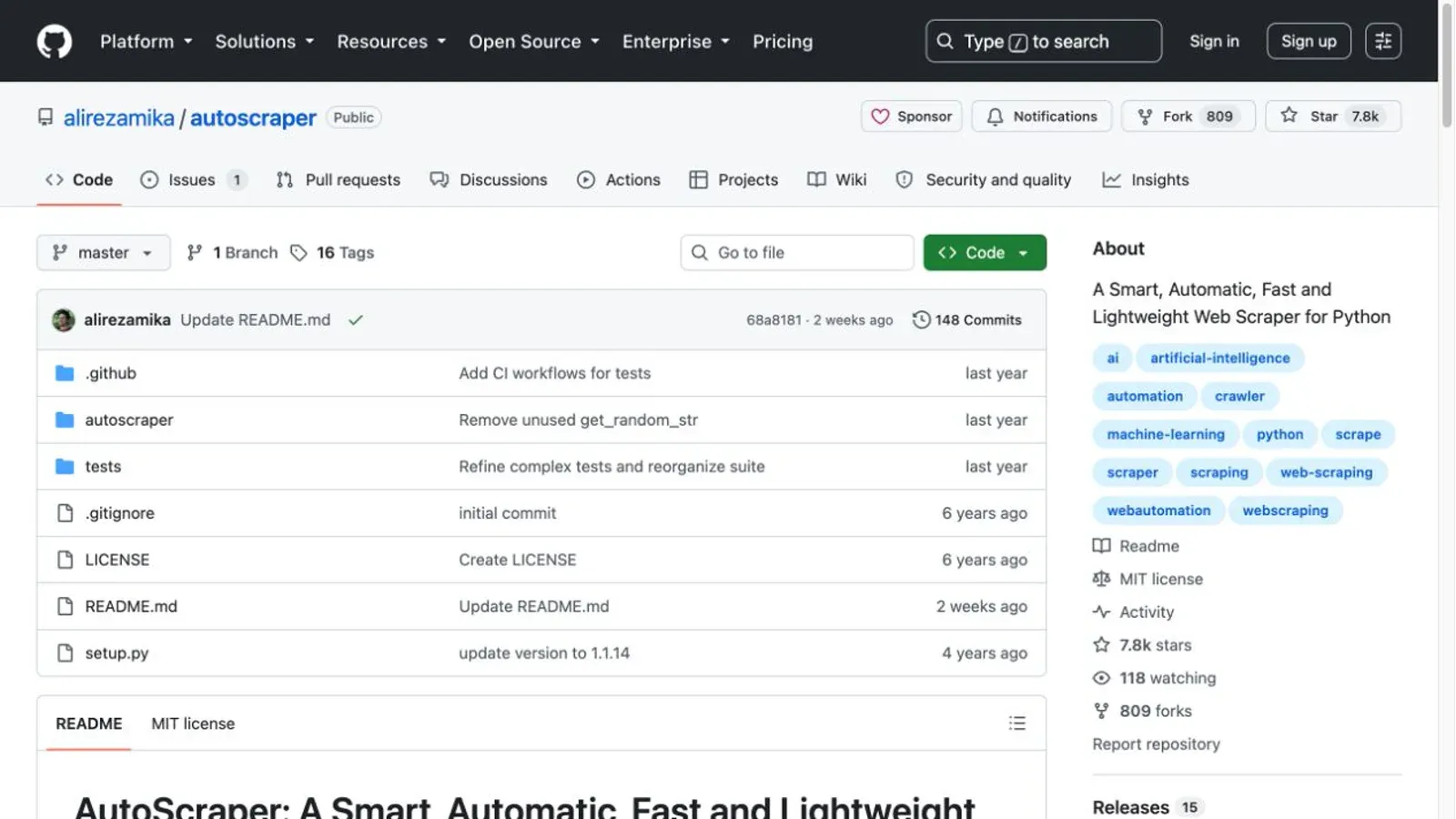
AutoScraper skips the LLM entirely. You give it a URL and a sample value you want extracted; it infers structural rules from the page and reuses them on similar pages. No model API key, no token bill — just requests and BeautifulSoup under the hood.
Be careful with the "abandoned" label some forum threads throw at this one. It's not accurate: there were real commits in mid-2025, and the repo's last push was July 2026. But the packaged release readers would actually pip install is still v1.1.14, from 2022. "Slow packaged release cadence" is the fair description — "dead project" is not.
- License: MIT
- GitHub health: 7,844 stars
- Hard limit: no native JS rendering — it calls
requests.get()and parses whatever HTML comes back, full stop
Best for: small, repetitive extraction jobs on structurally stable static pages, where you're fine retraining occasionally after a redesign.
The Best Open Source Crawl Framework for Large-Scale Python Projects: Scrapy
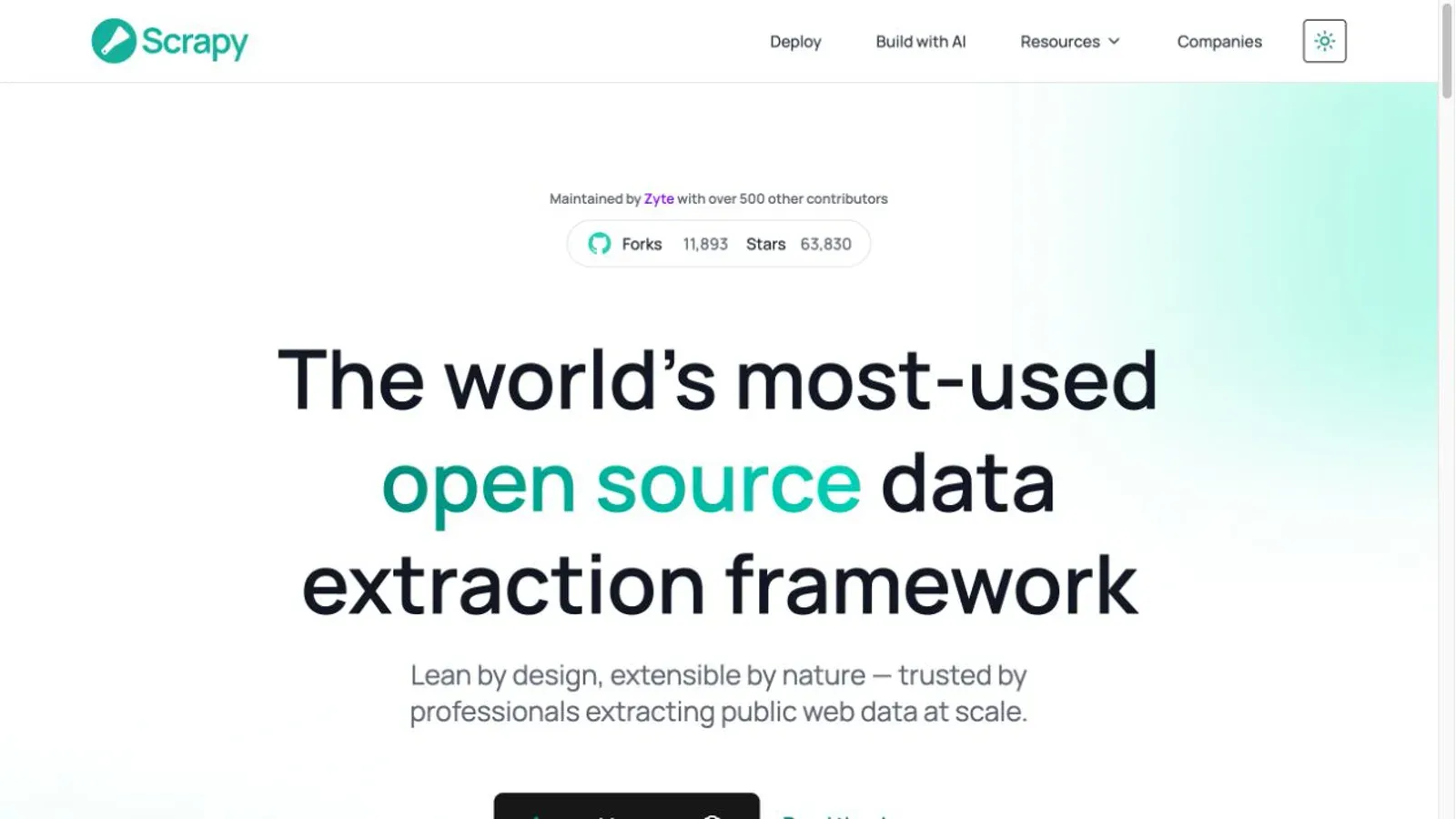
Scrapy is the production-grade Python crawling framework — engine, scheduler, downloader, item pipelines, the works. If Beautiful Soup is a scalpel, Scrapy is the whole operating room: async networking, per-domain concurrency controls, AutoThrottle, and exporters that write straight to CSV, JSON, JSON Lines, XML, or cloud storage.
The nuance I flagged earlier bears repeating here because it's Scrapy's biggest source of confusion: Scrapy has no native JavaScript rendering. Scrapy's own docs recommend finding and reproducing the underlying data request first — because that's usually faster and more complete than rendering a whole browser — and reserve scrapy-playwright for cases where a browser is genuinely unavoidable.
- License: BSD-3-Clause
- GitHub health: 63,830 stars, 304 open issues, 9 stable releases in the past year (latest: 2.17.0)
- Rate-limit gap: an open enhancement request notes that AutoThrottle tunes based on latency, not HTTP 429 responses — response-aware backoff is still on you to build
Best for: large-scale static-site crawling where structured pipelines and export flexibility matter more than JS rendering.
The Best Open Source Crawl Framework for Node.js Production Builds: Crawlee
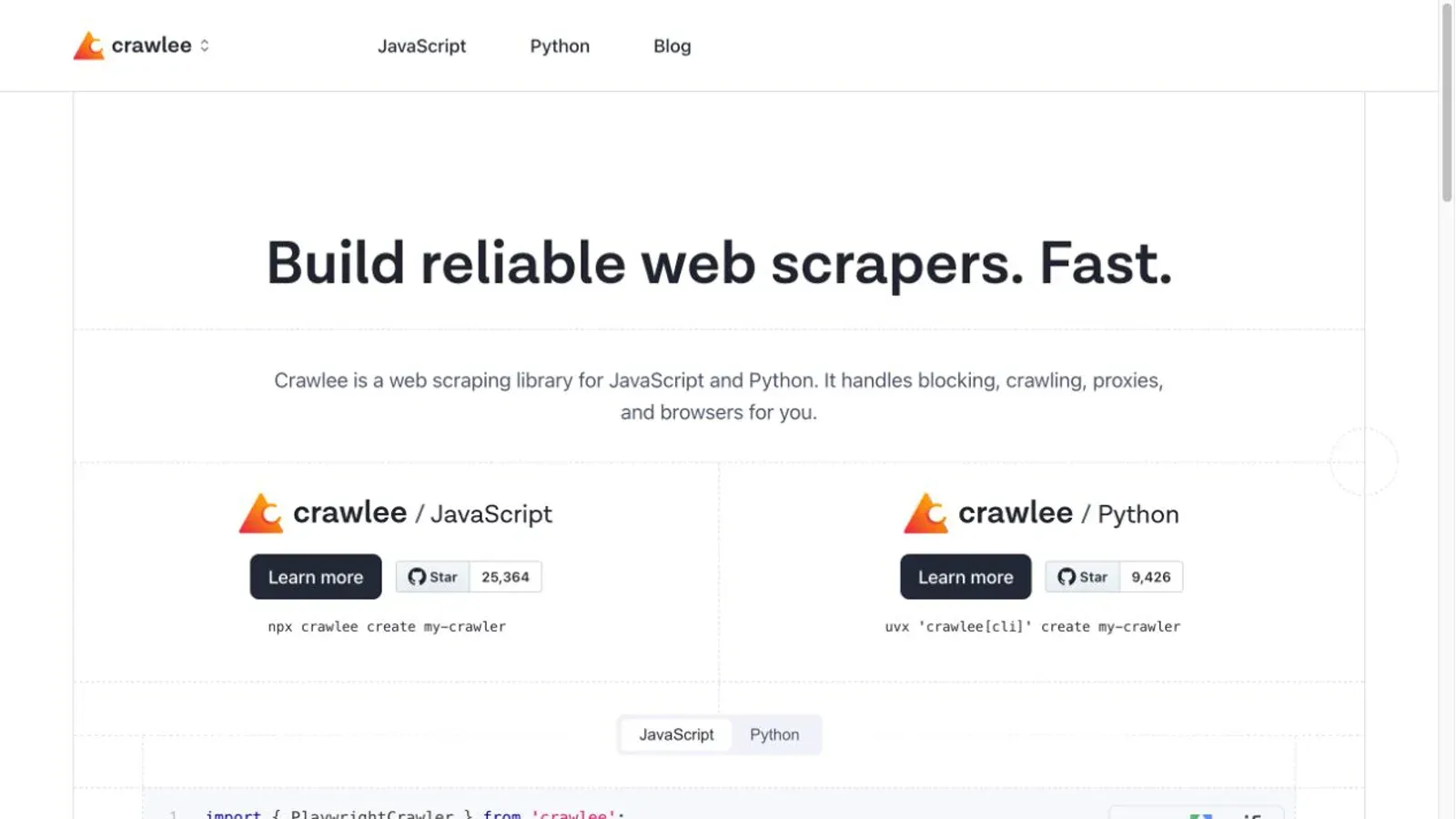
Crawlee, from the Apify team, is the closest Node/TypeScript equivalent to Scrapy — except JavaScript rendering isn't bolted on afterward, it's built in from the start via Playwright- and Puppeteer-backed crawler classes sitting under a shared queue, storage, and proxy-rotation layer.
- License: Apache-2.0
- GitHub health: 25,364 stars, 8 stable releases in the past year (latest: 3.18.1)
- Smart detail: its
AutoscaledPooldynamically adjusts concurrency based on real-time CPU, memory, and event-loop load — and the docs explicitly warn that setting minimum concurrency too high can crash the whole crawl
Best for: Node.js/TypeScript teams who want production-ready queue management and JS rendering without stitching Scrapy-equivalent pieces together themselves.
The Best Open Source Crawl Framework for Enterprise Java Indexing: Apache Nutch
Apache Nutch is the outlier on this list — a Java crawler built for large-scale web indexing, typically feeding into Solr, Elasticsearch, or OpenSearch. It's not the tool you reach for to pull product prices off a competitor's site; it's the tool enterprise search teams reach for when they're building the crawl layer underneath a search index.
- License: Apache-2.0
- GitHub health: only 3,276 stars, but pushed as recently as August 2026 — low star count reflects a specialized niche, not neglect
- JS handling: requires the separate
protocol-seleniumplugin; a JIRA ticket documents an HTTPS proxy failure specifically in that plugin path
Best for: teams already running Java/Hadoop infrastructure who need enterprise-scale web indexing, not ad-hoc data extraction.
The Best Open Source No-Code Browser Extension: Web Scraper
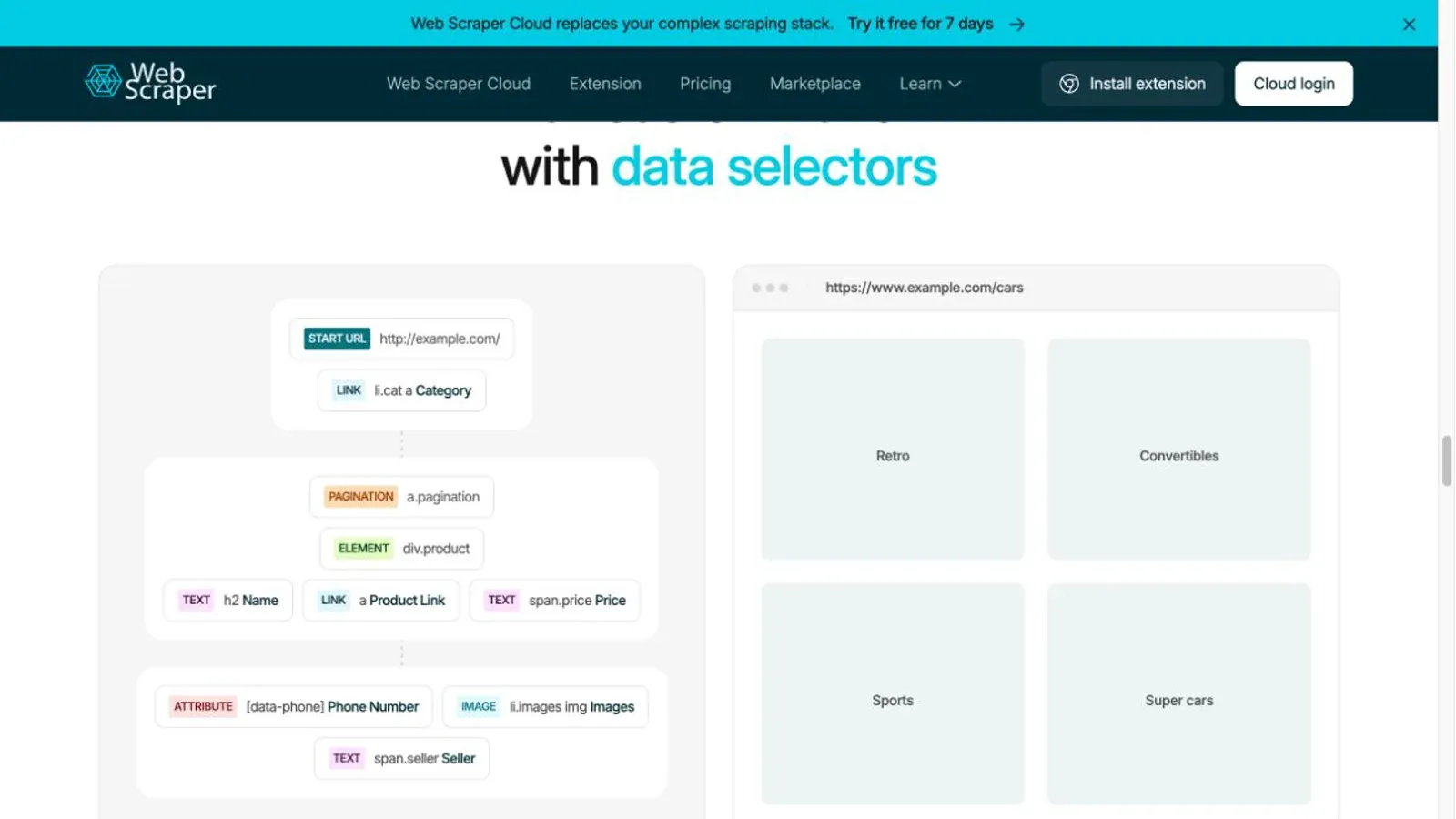
Web Scraper is the point-and-click option — a sitemap and selector-tree builder that lives inside Chrome DevTools. It follows pagination, clicks buttons, scrolls infinite-load pages, and exports locally to CSV/XLSX, all without a line of code.
The open-core split matters here more than almost anywhere else on this list. Local extraction is genuinely free. But scheduled automation, cloud execution, API access, and proxy management all live behind Web Scraper Cloud, a separate paid product. And as noted earlier, the publicly available LGPL-3.0 source repo hasn't had a code commit since 2017 — so treat "open source" as describing the local extension's historical lineage, not a guarantee about what's running in today's Chrome Web Store build.
Best for: individuals or small teams doing occasional, local extraction who don't want to write code and don't need scale.
Static Parsers vs. Headless Browsers: Picking the Right Tool for JS-Heavy Sites
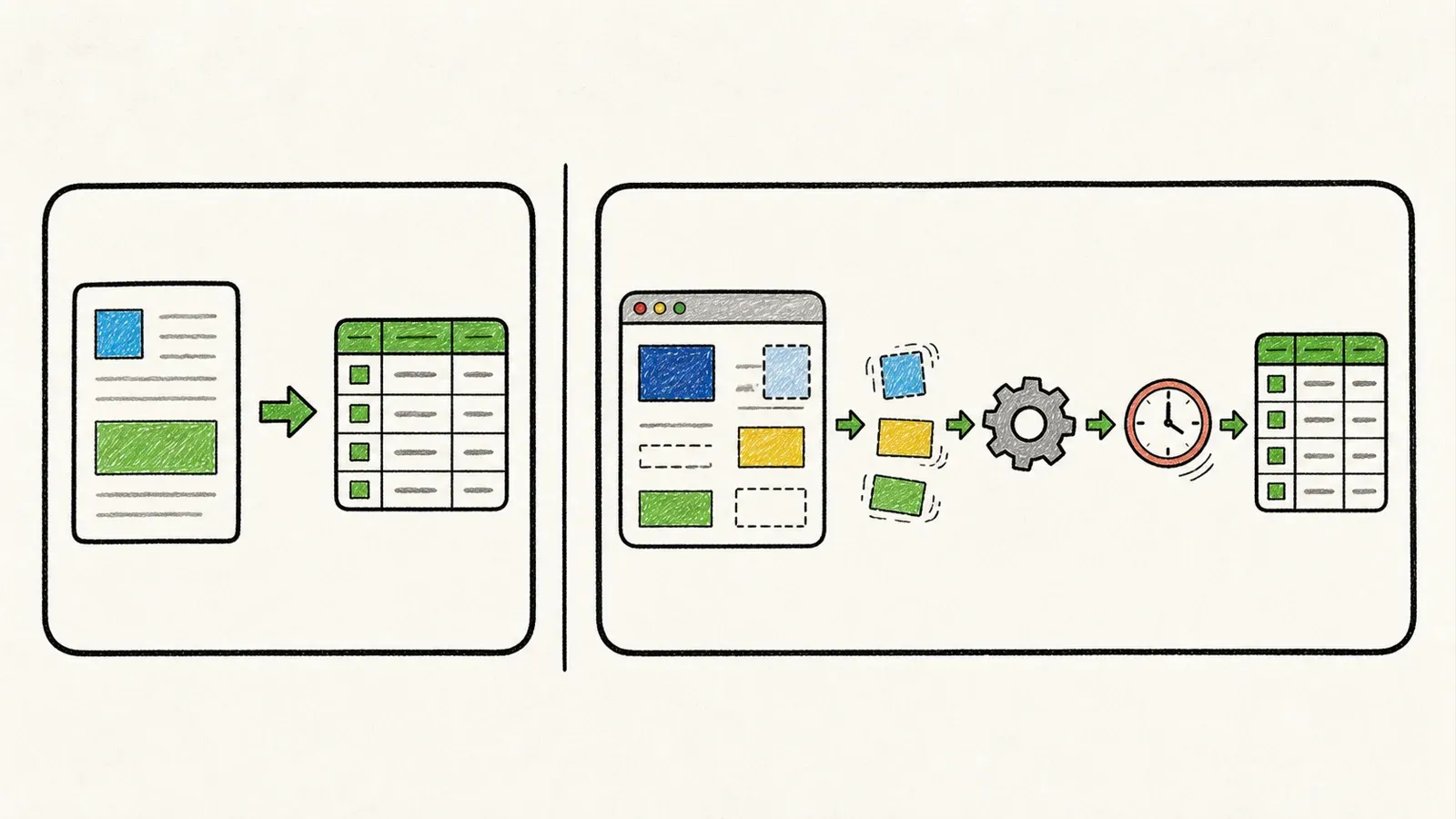
Here's a stat worth grounding this in: 98.9% of websites use JavaScript as a client-side language. But that number gets misquoted constantly as "98.9% of sites need a headless browser to scrape" — which isn't what it says. It measures JavaScript presence, not whether your specific target data lives in the initial HTML or only shows up after script execution.
That distinction is the actual decision point. Split the 12 tools into two honest buckets:
Static parsers — BeautifulSoup, AutoScraper — are fast, cheap, and completely blind to anything rendered client-side. If the data you want is sitting in the initial HTML response or a JSON endpoint you can call directly, these win on speed and simplicity every time.
Headless-browser frameworks — Playwright, Puppeteer, Selenium, Crawlee's browser crawlers — actually execute JavaScript, which means they cost real compute. HTTP Archive's 2024 data puts the median page's JavaScript payload at 558 KB on mobile with 22 separate JS requests — that's the workload a headless browser has to chew through on every single page load, compared to a static parser just grabbing raw HTML.
And Scrapy sits in an odd middle spot worth restating one more time: it's neither. It's a full crawl framework with zero native rendering, requiring scrapy-playwright bolted on if you need JS at all.
The Hidden Cost of "Free": Proxies, Compute, and Maintenance Hours
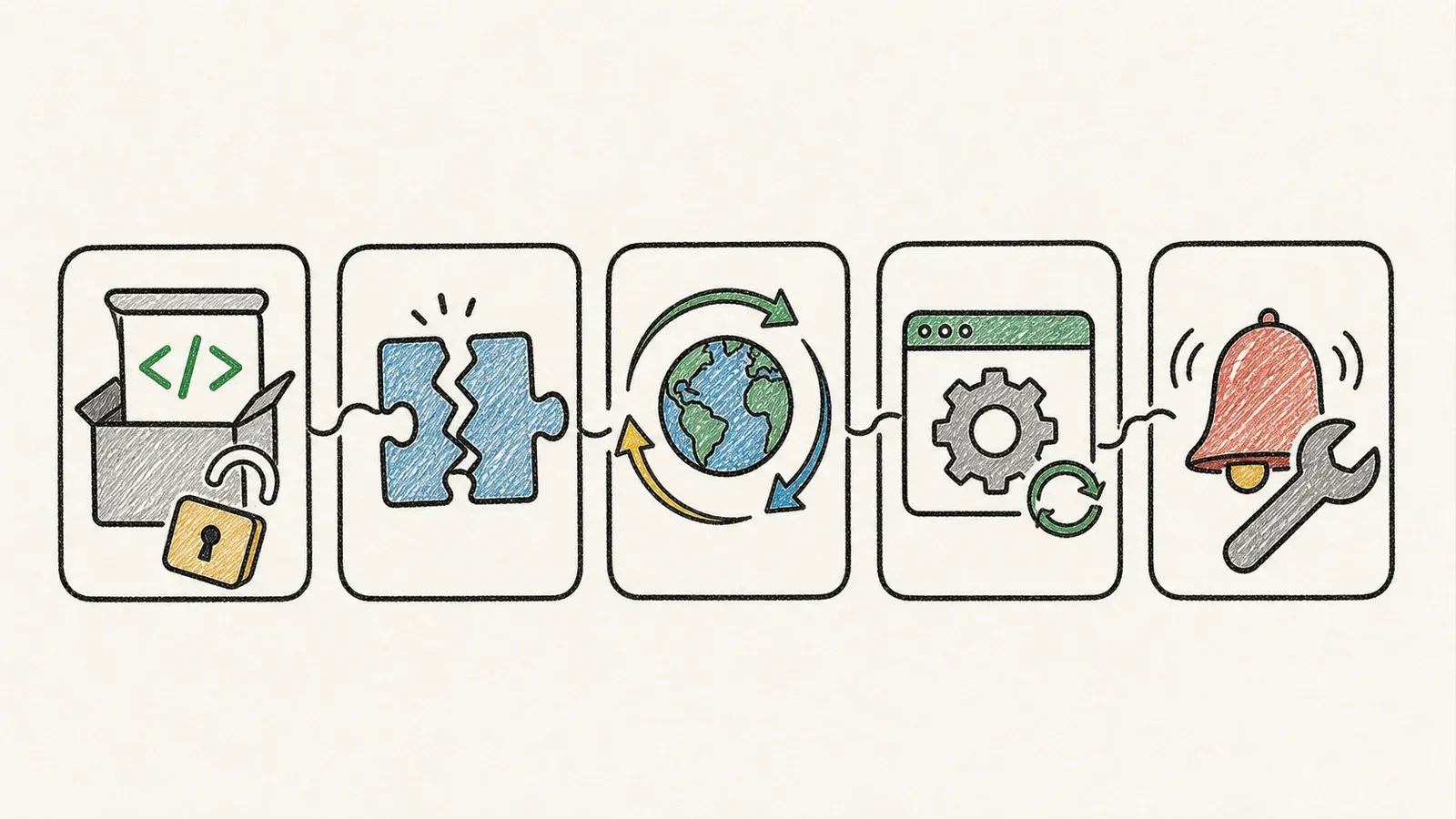
A zero-dollar license fee is one input into total cost, not the whole equation. I'd break the real cost model into a few concrete buckets:
Compute. Running headless browsers at scale means paying for browser-seconds, not just server time. AWS Fargate bills roughly $0.000011244 per vCPU-second and $0.000001235 per GB-second for Linux/x86 — multiply that by however many concurrent Playwright instances you're running, and it adds up faster than people expect.
Proxies. Bright Data's published rates showed residential proxies starting around $5/GB and datacenter proxies from $0.9/IP — and "bandwidth" in these pricing models includes both request and response payloads, not just what you download. This is the line item that catches teams off guard: avoiding rate limits and blocks isn't free, it's a recurring line in your infrastructure budget.
Maintenance. Every static parser and structural-rule tool on this list is vulnerable to site redesigns breaking your selectors. AutoScraper's own README example needed a price update after the target site changed. This is the "hidden compute/proxy cost" category that a $0 license tag never mentions — the engineering hours spent fixing broken extraction after someone on the target site's dev team ships a redesign.
For teams that keep hitting this wall — constant selector breakage, proxy account management, DevOps overhead that never seems to end — a self-hosted open source stack isn't automatically the cheaper option once you count engineer-hours. Thunderbit's Chrome extension takes a different approach for non-developers: point it at an authorized page, click One Click Extract, and it analyzes the page to figure out what to pull — no selectors, no maintenance script when the layout shifts. It's not a replacement for Scrapy at crawl-framework scale, but it's a reasonable next step for a business user who's been maintaining a fragile AutoScraper rule set by hand.
A Decision Framework: Matching the Right Tool to Your Team's Constraints
Most comparisons stop at "best for X use case." That's a single variable. In practice, teams are juggling at least four at once: JS-rendering need × team language × output format needed × license constraint.
| Team situation | Best-fit tool(s) | Why |
|---|---|---|
| Python, static HTML, quick script | BeautifulSoup, AutoScraper | No JS needed, MIT license, minimal setup |
| Python, large structured crawl | Scrapy | BSD-3-Clause, built-in pipelines, pair with scrapy-playwright only if JS is truly needed |
| Node/TypeScript, production crawl with JS | Crawlee | Apache-2.0, native browser support baked into the queue system |
| Multi-language, broad browser matrix | Selenium | Apache-2.0, widest language/browser coverage |
| Modern SPA automation, cross-browser | Playwright | Apache-2.0, native rendering, auto-wait built in |
| Chrome-specific automation with screenshots/PDF | Puppeteer | Apache-2.0, deep CDP integration |
| LLM/RAG Markdown pipeline | Crawl4AI | Apache-2.0 + attribution clause; verify against your legal team's comfort with the added condition |
| Prompt-driven, irregular extraction | ScrapeGraphAI | MIT, but budget for LLM token cost |
| API-matching self-hosted crawler, AGPL-tolerant | Firecrawl | AGPL-3.0-or-later; get legal sign-off before building closed-source SaaS on top |
| Enterprise Java/Hadoop indexing | Apache Nutch | Apache-2.0, purpose-built for search infrastructure |
| No-code, occasional, non-developer | Web Scraper extension | Free locally; understand the open-core split before assuming full transparency |
Compare All 12 Open Source Web Scraper Tools Side by Side
| Tool | Language | License | Commercial Use Safe? | JS Rendering | Learning Curve | Best For |
|---|---|---|---|---|---|---|
| BeautifulSoup | Python | MIT | ✅ Yes | None (needs pairing) | Low | Static HTML parsing |
| Selenium | Multi-language | Apache-2.0 | ✅ Yes | Native | Medium | Multi-browser/language testing-to-scraping |
| Playwright | JS/TS/Python/Java/.NET | Apache-2.0 | ✅ Yes | Native | Medium | Modern JS-heavy sites |
| Puppeteer | Node.js/TS | Apache-2.0 | ✅ Yes | Native | Medium | Chrome-focused automation |
| Crawl4AI | Python | Apache-2.0 + attribution clause | ⚠️ Review clause | Native (via Playwright) | Medium | LLM/RAG Markdown pipelines |
| Firecrawl (self-hosted) | TypeScript | AGPL-3.0-or-later (core) | ⚠️ Conditional | Native (via Playwright) | High (multi-service) | Self-hosted AI crawling, AGPL-tolerant |
| ScrapeGraphAI | Python | MIT | ✅ Yes | Native (via Playwright) | Medium | Natural-language extraction |
| AutoScraper | Python | MIT | ✅ Yes | None | Low | Lightweight repetitive static tasks |
| Scrapy | Python | BSD-3-Clause | ✅ Yes | Needs pairing | High | Large-scale static-site crawls |
| Crawlee | Node.js/TS | Apache-2.0 | ✅ Yes | Native | Medium | Node.js production crawlers |
| Apache Nutch | Java | Apache-2.0 | ✅ Yes | Needs plugin | High | Enterprise search indexing |
| Web Scraper (extension) | N/A (no-code) | Open-core | ⚠️ Depends on tier | Native (live browser) | Low | Non-developer occasional use |
Conclusion: Which Open Source Web Scraper Should You Use?
There's no single "best" tool here — the right answer depends on your license constraints, your team's language, and whether your target data lives in static HTML or behind a JavaScript wall. Scrapy wins for large static Python crawls. Playwright or Crawlee win when JS rendering is non-negotiable. Crawl4AI fits if you're feeding an LLM pipeline, with the caveat that its license file has an extra attribution clause worth a quick read. Firecrawl's self-hosted core is powerful but comes with an AGPL conversation your legal team should be part of, not skip.
And if selector maintenance and proxy management are eating more engineer-hours than the scraping itself, that's usually the signal it's time to look at a no-code alternative like Thunderbit rather than adding yet another layer to a self-hosted OSS stack.
FAQs About Open Source Web Scraper Tools
Is it legal to use open source web scraper tools for business data collection?
Generally, scraping publicly available data carries lower risk than scraping behind logins or paywalls, but it's not automatically legal in every case. Always check the target site's terms of service and robots.txt file — though note that robots.txt is a request protocol, not an authorization mechanism, so following it is good practice but doesn't itself grant legal permission. Data privacy laws like GDPR also apply regardless of whether data is publicly visible. This isn't legal advice — consult counsel for anything beyond casual, low-volume use.
Does "open source" mean a tool is free to use commercially?
Yes, in the sense that the Open Source Definition prohibits licenses from discriminating against commercial use. But "commercially usable" and "obligation-free" are different things — AGPL-3.0 (used by Firecrawl's self-hosted core) permits commercial use while still requiring you to offer corresponding source for modified versions offered over a network. MIT, BSD, and Apache-2.0 carry no such requirement.
What's the difference between an open source scraper and a no-code scraping tool?
Open source scrapers like Scrapy, Playwright, or BeautifulSoup require you to write code, manage infrastructure, and handle your own crawl logic, proxies, and exports. No-code tools like the Web Scraper Chrome extension or Thunderbit's browser extension handle field detection and extraction through a visual interface or AI-driven page analysis, trading some flexibility for a dramatically lower setup barrier.
Which open source web scraper is best for non-developers?
Almost every tool on this list — Scrapy, Playwright, Puppeteer, Crawlee, and the rest — assumes you can write code. For non-technical users, the Web Scraper Chrome extension offers point-and-click setup, though its scheduling and cloud features sit behind a paid tier. An agentic no-code tool like Thunderbit's browser extension is a more practical starting point if you want automated field detection without touching a selector.
Why does Scrapy need a separate plugin to render JavaScript?
Scrapy was built as an HTTP-first framework — it sends requests and parses whatever HTML comes back, without executing any client-side scripts. That architecture makes it fast and lightweight for static-site crawls, but it means JavaScript-rendered content simply isn't in the response Scrapy receives. scrapy-playwright bridges that gap by routing specific requests through an actual Playwright browser instance when rendering is unavoidable.
Learn More
- 15 Best Web Scraping GitHub Projects in 2026, Plus the Best No-Code Alternative
- Crawl4AI Runs a Real Browser to Make Markdown — and No, It Won't Fix Your Selectors For You
- I Ran Playwright and Puppeteer Through the Same Scraping Tests
- Top 10 No Code Web Scrapers for Automated Solutions
- Is Web Scraping Illegal? Understanding the Legal Implications




