
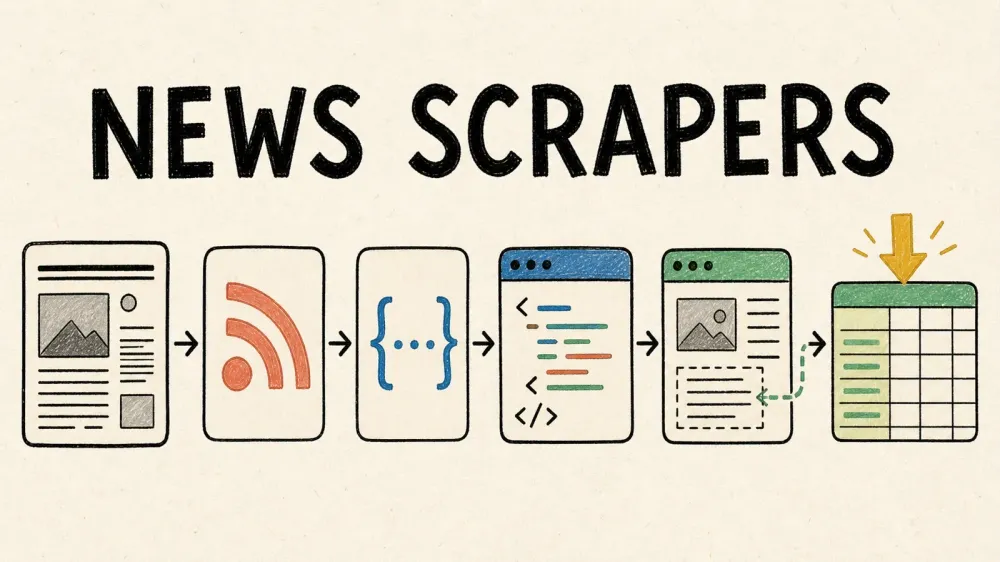
A newsroom somewhere publishes a story every few seconds, a competitor drops a press release at midnight, and a regulatory filing you actually need to see just got buried on page four of a state agency's website. Nobody's job is to babysit that many browser tabs. That's the entire reason "news scraper" became a real product category — and it's also why most buying guides for it are kind of useless.
Here's the problem I kept running into while researching this: most "best news scraper" roundups pick a lane and stay there. One article only ranks no-code SaaS tools. Another only covers Python libraries, as if every reader on Earth knows how to write a Scrapy spider. Neither approach helps someone who's trying to figure out whether they need a browser extension, an API key, or a weekend with pip install. So this list groups all ten tools into three lanes — no-code/agentic, managed API, and coding library — and lets you pick based on your actual skill level and the number of sources you need to watch, not on whoever paid for the top slot.
What Makes the Best News Scraper in 2026?
Six things actually matter here, and I'm using them as the lens for every entry below:
- Category fit — is this a point-and-click tool, a managed API that handles infrastructure, or a coding library you build with?
- Ease of use for non-engineers — this comes up constantly in forum threads asking for "a web data scraper a non-engineer can actually use," and it's not a small niche.
- Ability to scale — can it handle 20, 100, or 1,000 news sources without someone manually rewriting rules for each one?
- Honest anti-bot and JS-rendering handling — not "guaranteed bypass" marketing copy, but what actually happens when a site throws JavaScript, a CAPTCHA, or a paywall at it.
- Pricing model — subscription, credit-based, or pay-per-request, and whether the unit economics make sense for news-scale volume.
- Export options — CSV, JSON, Sheets, Airtable, webhook, whatever gets the data where it needs to go.
If a tool can't clear most of these for a news-monitoring use case specifically, it doesn't matter how good its GitHub stars look.
No-Code vs API vs Code: Which News Scraper Lane Fits You?
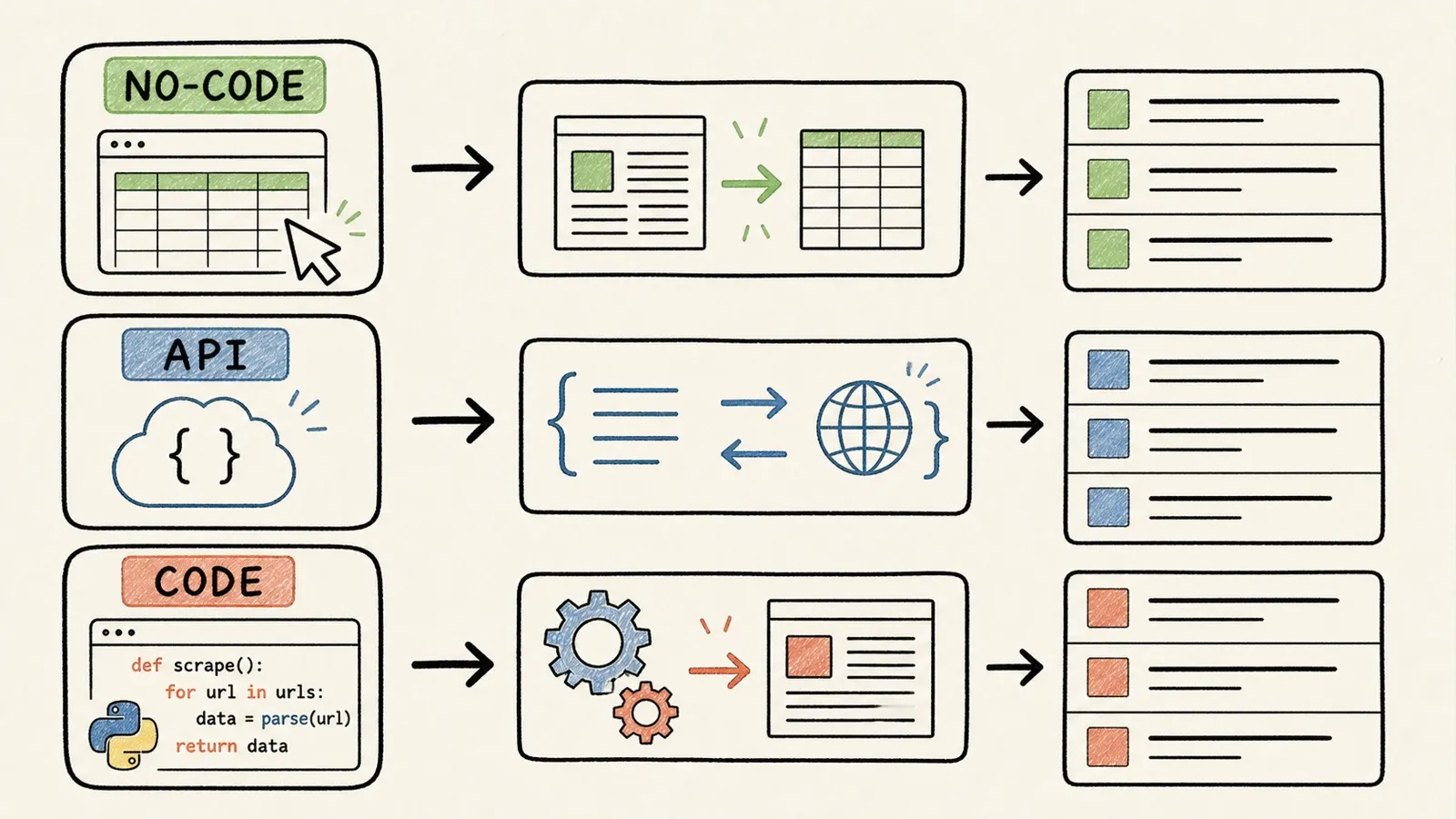
Most "top 10" lists mix these three categories together like they're competing for the same job. They're not.
No-code/agentic tools are for business users — sales, ops, research, marketing — who need a table of headlines and links without touching a line of code. Managed APIs are for developers who don't want to run proxy infrastructure or headless browsers themselves; they send a URL, get back HTML or JSON, and build the rest of the pipeline on top. Coding libraries and frameworks are for engineers who want total control over crawling, parsing, retries, and everything else — at the cost of owning all the maintenance.
Thunderbit is a decent example of what the no-code lane actually looks like day-to-day. The Thunderbit Chrome extension works through a workflow called One Click Extract — you click it, the tool reads the page and figures out what's on it, then shows you Run Now. If you click it, extraction starts immediately. If you do nothing, it starts on its own anyway. There's no selector to write, no schema to define first. That's a direct answer to the "non-engineer scraper" complaint you see over and over on forums — though, as with every tool on this list, it only works on pages you're authorized to access, and it's not a paywall-defeating device.
For a broader look at how this category evolved, I'd point you to our own breakdown of AI web scraping and what "no-code" actually means when a scraper claims it.
Check This First: Does an RSS Feed or News API Already Exist?
Before you build or pay for anything, check whether the publisher already gives the data away for free. It sounds obvious. People skip it constantly.
Most news sites still support RSS or Atom feeds, discoverable through standard <link rel="alternate"> tags defined in the WHATWG HTML spec — and the RSS 2.0 specification itself is old enough to legally drink in most countries. A publisher's sitemap.xml, following the Sitemaps protocol, can also hand you a clean inventory of article URLs without touching a single navigation menu.
Beyond individual publishers, a couple of aggregator options exist:
- NewsAPI — a commercial news aggregation API with a free developer tier and paid production plans; check the terms before shipping anything built on the free tier.
- GDELT — a massive, free, first-party global news and event dataset with a DOC 2.0 API. It's genuinely useful for discovery and trend analysis, though the project itself publishes rate-limiting guidance, so don't treat it as an infinite firehose.
Scraping is still the right call when a source has no feed, the feed skips the fields you need (full body text, for example), or you're monitoring so many sources that you need one unified pipeline instead of ten different formats. Just check first. It's the cheapest ten minutes you'll spend on this whole project.
The Best News Scrapers at a Glance
Pricing units here aren't apples-to-apples — credits, "successful requests," compute units, and flat subscriptions all measure different things. Verify current numbers before you commit budget.
| Tool | Category | Best For | JS/Anti-Bot Handling | Coding Required | Pricing Model |
|---|---|---|---|---|---|
| Thunderbit | No-code / agentic | Non-engineers needing quick extraction from open news pages | Supported on compatible, authorized pages; no guarantee on hard paywalls | None | Free tier + credit-based paid plans, see current pricing |
| Octoparse | No-code visual scraper | Point-and-click workflows with templates | Built-in browser, manual AJAX config | None–low | Free tier + subscription tiers |
| Apify | Actor platform | Developers wanting prebuilt + custom scrapers at scale | Actor-specific (varies by Actor) | Low–medium | Free usage credit + subscription tiers |
| Bright Data | Managed API/proxy | Enterprise-scale scraping across regions | Web Unlocker + separate Browser API | Medium | Pay-as-you-go + volume tiers |
| ScraperAPI | Managed API | Simple API calls for HTML/JS rendering | Optional rendering, proxy rotation | Low (API call) | Credit-based subscription tiers |
| Oxylabs | Managed API/proxy | High-volume enterprise proxy needs | Rendering + browser instructions | Medium | Per-result pricing tiers |
| Crawlbase | Managed API | JS-heavy sites, article-oriented extraction | JS token rendering + proxies | Low (API call) | Free allowance + dynamic domain pricing |
| Scrapy | Coding framework | Custom, high-control Python crawlers | Manual (needs middleware/browser integration) | High | Free, open-source |
| Beautiful Soup | Coding library | Lightweight HTML parsing for static pages | None (pair with Requests) | High | Free, open-source |
| Selenium | Browser automation library | JS-rendered or login-gated pages | Real browser execution; no CAPTCHA bypass | High | Free, open-source |
1. Thunderbit: Best No-Code News Scraper for Non-Engineers
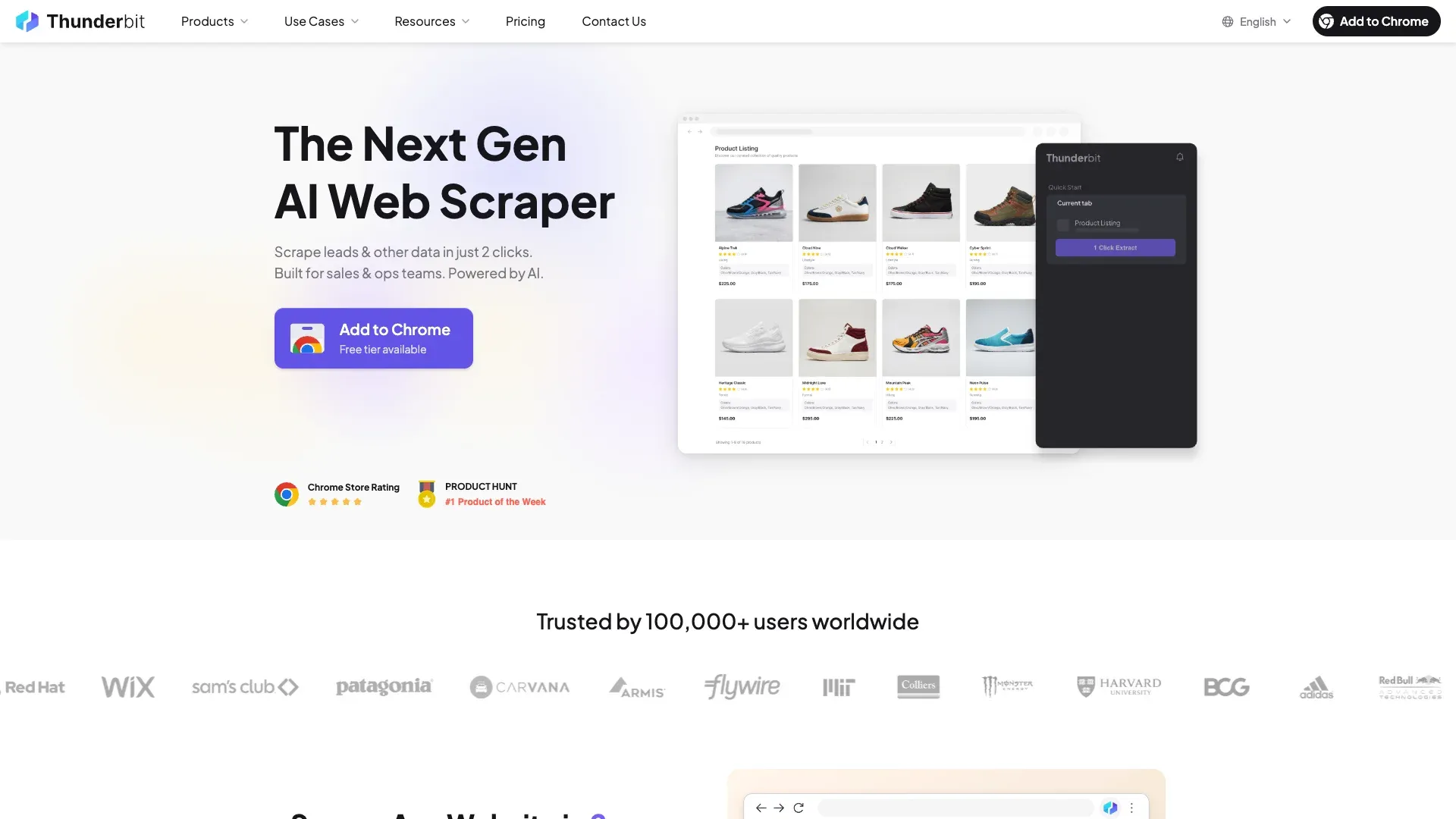
Thunderbit is a browser-based, agentic extraction tool built for business users — sales, research, and ops teams — rather than developers hunting for a custom pipeline. The workflow is deliberately minimal: click One Click Extract, let it read the page, then hit Run Now (or don't — it starts on its own after a few seconds either way).
Key features:
- No selectors, schema, or field mapping required before running an extraction
- Pagination and subpage enrichment supported on compatible pages, useful for a category-page-to-article pattern
- Export to Excel, Google Sheets, Airtable, or Notion
- A separate Open API for teams that outgrow the browser workflow later
Pricing runs a free tier plus paid credit-based plans — check the current pricing page since credit allowances and page limits shift over time. The separate API has its own pricing structure entirely, so don't assume extension credits and API units are interchangeable.
Best for: a researcher or analyst who needs a clean table of news data today, not a governed ingestion pipeline six weeks from now.
Pros and Cons
Pros: no coding required, fast setup, adapts to page layout without manual selector rework, exports straight into tools teams already use.
Cons: not designed for developers who want granular request control or custom crawl logic. Like every tool on this list, it hits a wall at hard paywalls and CAPTCHA-protected pages — there's no magic workaround, and there shouldn't be. For teams weighing this against fully manual setups, our piece on web scraping without coding covers the tradeoffs in more depth.
2. Octoparse: Best Visual Point-and-Click News Scraper
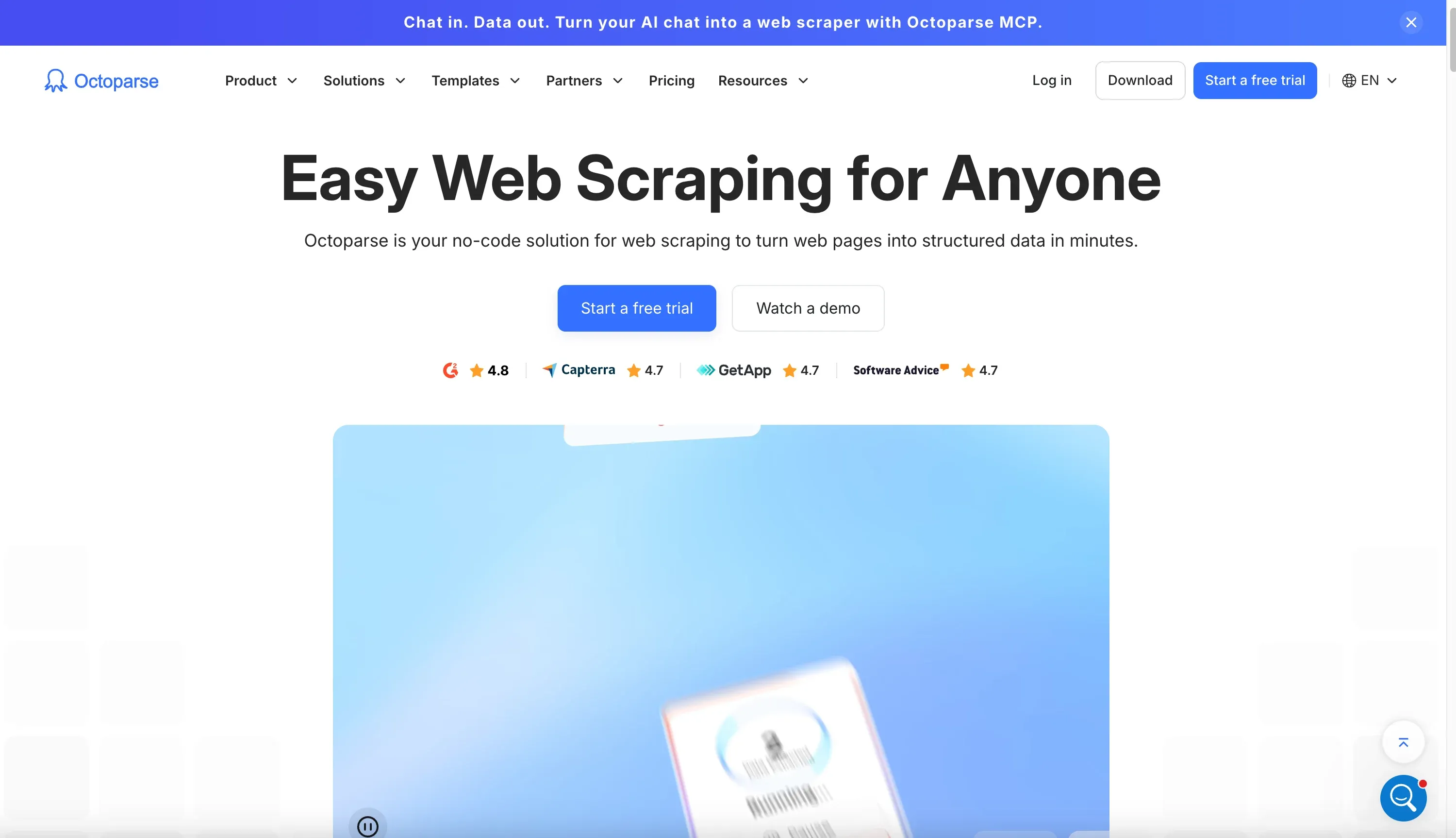
Octoparse gives non-coders a visual canvas for building scraping workflows — clicks, loops, pagination rules, and wait conditions — inside a built-in browser. It sits a notch above agentic tools in terms of manual control, and a notch below coding frameworks in terms of complexity.
Key features:
- Built-in browser executes JavaScript and handles AJAX-loaded content, though timing often needs manual configuration
- A template library that includes a News & Media category and a dedicated CNN template
- Local runs for testing, plus cloud scheduling for recurring jobs
- Free tier supports local use with up to 50,000 exported rows per month on eligible custom tasks
The tradeoff is maintenance: because workflows encode specific clicks and selectors, a publisher redesign can break a loop or field the same way it would break a hand-written Scrapy rule. Pricing runs a free local tier, Standard at $83/month (or $69/month billed annually) with three concurrent cloud processes, and Pro at $299/month (or $249/month annually) with 20 concurrent cloud processes.
Best for: non-coders who want more explicit control over page interaction than a fully automatic tool offers, and who don't mind occasional template upkeep.
3. Apify: Best Actor-Based Scraping Platform for Developers
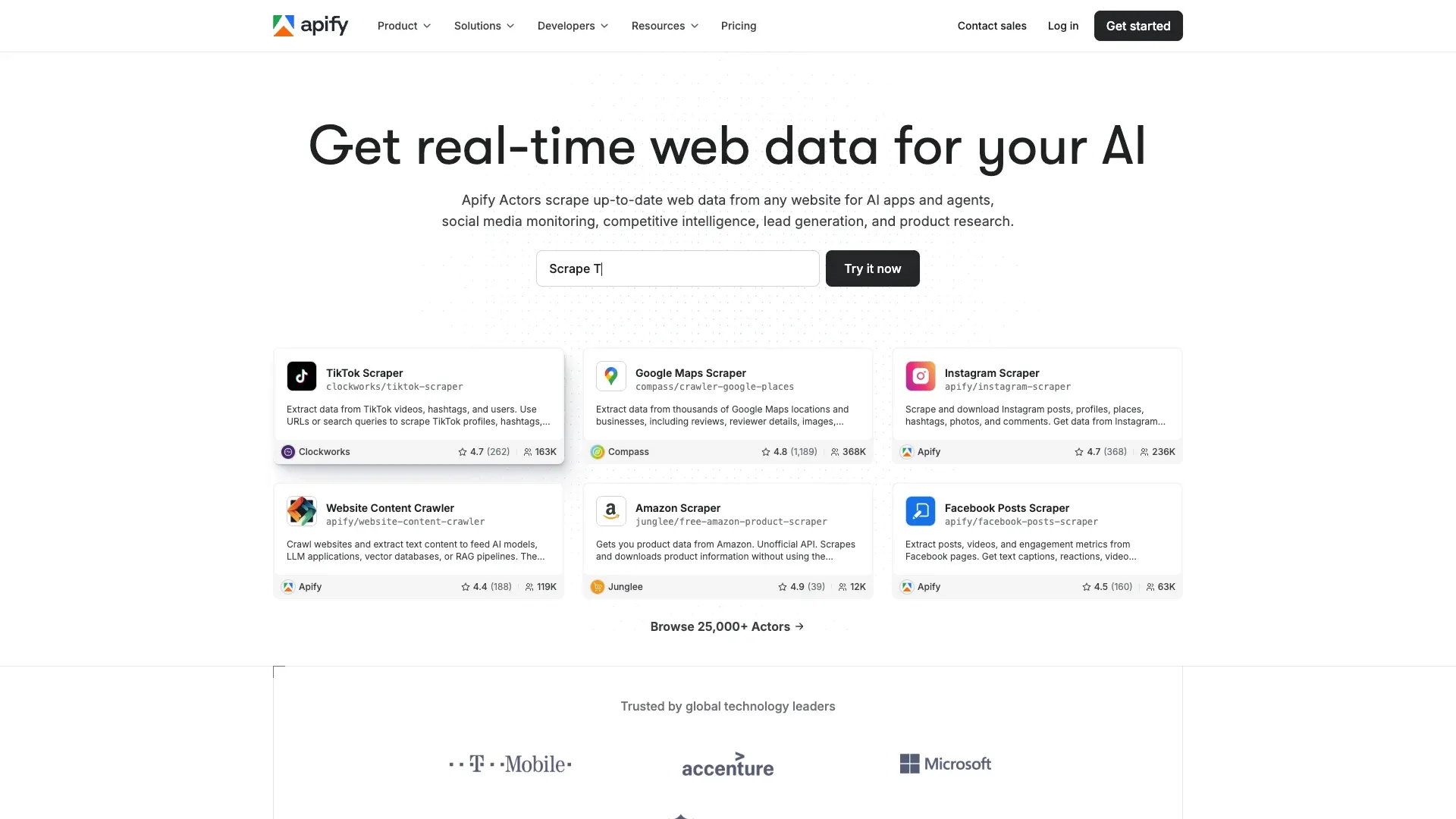
Apify runs on what it calls Actors — packaged, hosted scraping programs with defined inputs and outputs. Some are maintained by Apify itself, others by the community, and you can build your own. That makes it less a single product and more a marketplace, which cuts both ways.
Key features:
- The maintained Website Content Crawler produces clean text/Markdown output suited to search or LLM pipelines
- Community-built Google News Actors exist for discovery, but reliability and pricing vary by maintainer — check the exact Actor before building on it
- Scheduling, webhooks, and API triggers for recurring jobs
- Dataset exports in JSON, CSV, XML, Excel, HTML, RSS, and JSONL
Pricing starts free with $5 of monthly usage included, then Starter at $29/month, Scale at $199, and Business at $999 — plus usage-based compute and Actor-specific costs on top. Total spend depends heavily on which Actors you use and whether they run a full browser under the hood.
Best for: technical teams comfortable evaluating and swapping components rather than buying one fixed endpoint.
4. Bright Data: Best Enterprise Proxy Infrastructure for News Scraping
Bright Data is better understood as a stack than a single product. Discovery datasets handle search, Web Unlocker handles public-page retrieval with routing and access management, and Browser API supplies a remote browser for JavaScript-heavy pages. There isn't one universal "News Scraper API" — you're combining pieces.
Key features:
- Broad geo-targeting for accessing region-specific editions
- Separate retrieval and full-browser products, letting teams escalate cost only where needed
- API and webhook delivery for pipeline integration
Web Unlocker pricing includes 5,000 free requests per month, then pay-as-you-go at $1.50 per 1,000 successful requests (a $499/month tier drops that to $1.30/1,000 with 383,000 included). Browser API bills by bandwidth — from $8/GB pay-as-you-go. Worth noting: Bright Data's own terms define "successful" by response status, not by article validity, so budget accordingly.
Best for: enterprise teams that already own extraction and validation logic and need heavy-duty routing infrastructure underneath it.
5. ScraperAPI: Best Simple API for Scaling News Requests
ScraperAPI is the plainest managed-fetch API in this group. Send a URL, get back HTML, text, or Markdown, with optional JavaScript rendering and geographic routing along the way.
Key features:
render=truetriggers headless Chrome for client-rendered pages- Built-in parsers exist for select targets (Google News search results, for example), though there's no universal publisher-article parser
- DataPipeline supports scheduled, low-code jobs accepting up to 10,000 URLs per run
- Batch requests handle up to 50,000 URLs asynchronously
Pricing starts free with 1,000 credits, then Hobby at $49/month (100,000 credits, 20 concurrency, US/EU only), scaling up through Business at $299/month (3 million credits, global routing). Worth flagging: credit costs vary by request type — a standard page costs 1 credit, but JavaScript rendering costs 10, and a premium-plus-render request runs 25. A pile of failed 404s can quietly eat your monthly allowance.
Best for: developers who want a drop-in replacement for direct HTTP requests without managing proxy or browser infrastructure themselves.
6. Oxylabs: Best High-Volume Enterprise Proxy Service
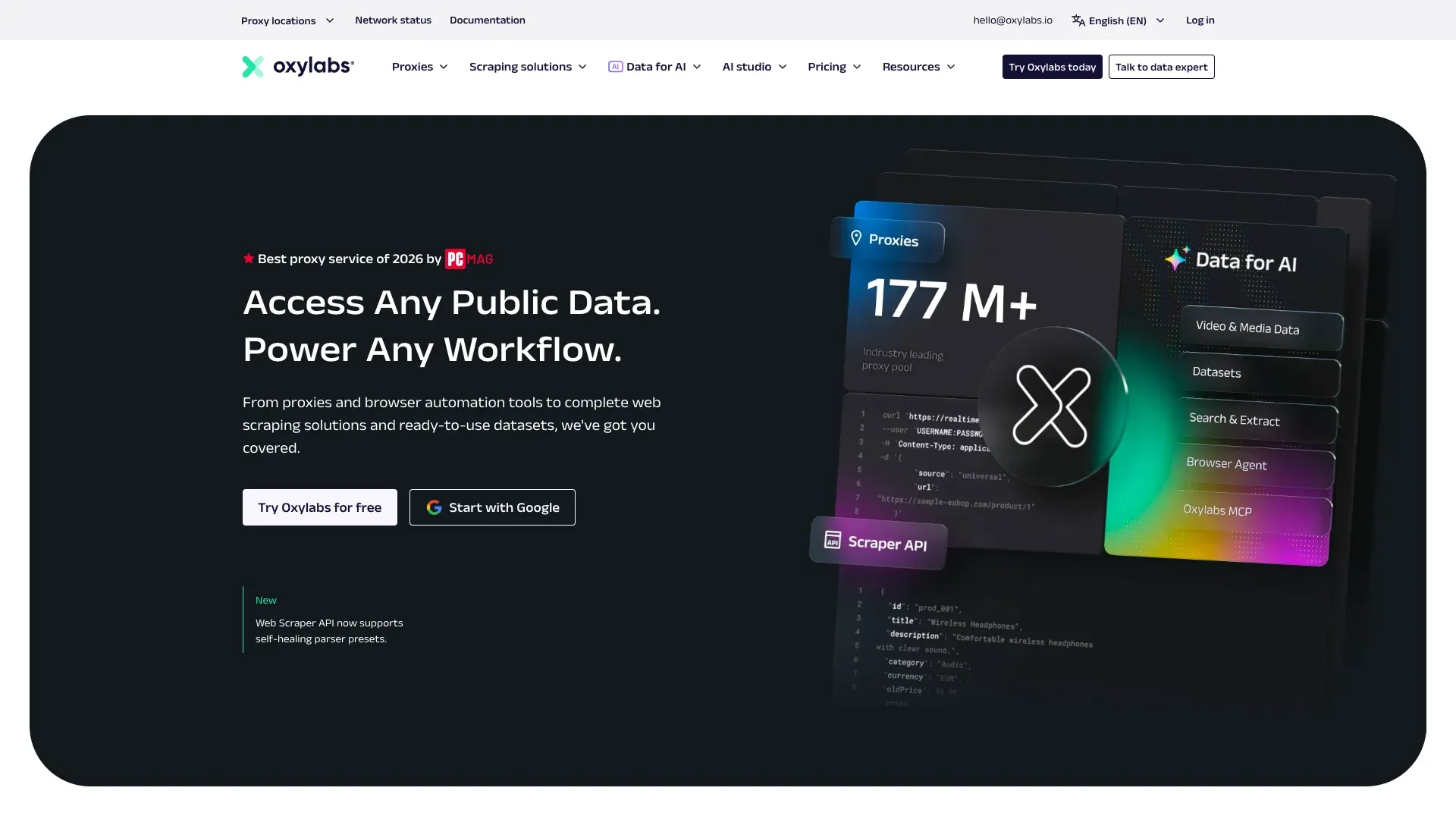
Oxylabs offers one of the broadest workflow surfaces among the managed APIs here: universal URL retrieval, optional rendering, browser instructions for clicks and waits, custom parsing, and a built-in scheduler with cron syntax.
Key features:
- Universal source target for arbitrary public URLs, plus a dedicated Google News search parser for discovery
- Detailed response codes that distinguish full success from partial or missing content — genuinely more useful than a bare HTTP status
- Cloud delivery to S3, GCS, and other object storage
- Its own scheduler explicitly warns that untested schedules can rack up spend fast, which is refreshingly honest for a pricing page
Pricing runs a free trial (up to 2,000 results), Micro at $49/month, Starter at $99/month, and Business at $999/month with per-result rates dropping as volume climbs. One catch: Oxylabs currently counts 4xx responses as billable "successful" results, so a page that returns nothing useful can still cost you.
Best for: enterprises that need geo-flexible, high-throughput retrieval and are willing to manage a more complex API surface.
7. Crawlbase: Best API for JS-Heavy News Site Parsing
Crawlbase leans into article-friendly output more than most managed APIs on this list. Its Crawling API offers a normal token for static content and a JavaScript token for full browser rendering, plus a readability mode.
Key features:
md_readability=truereturns Markdown that strips common navigation, sidebars, and ad clutter while trying to keep the main article intact- A Generic Extractor for site-agnostic content, title, and metadata pulls
- Click selectors, scroll, and wait controls for interactive JS pages
- Enterprise Crawler adds an async queue with retries over up to 48 hours — good for backfills, less ideal for breaking-news alerts
Pricing includes up to 20,000 free requests, after which cost depends on target domain complexity rather than one flat rate — check the calculator with your actual news sources before budgeting. Direct async support is currently documented as LinkedIn-specific unless support enables it elsewhere, so don't assume it applies to arbitrary publisher domains.
Best for: teams that want rendered, article-oriented output without building their own readability parser from scratch.
8. Scrapy: Best Coding Framework for Custom News Crawlers
Scrapy is the strongest option in this list for engineers who want to actually own a crawler. It's a Python framework, currently at version 2.17.0, that handles request scheduling, deduplication, retries, cookies, and pipelines out of the box.
Key features:
- CSS and XPath selectors via Parsel for precise extraction
- AutoThrottle and per-domain concurrency controls for polite crawling
- Middleware hooks for proxies, headers, and custom retry logic
- Its own dynamic content guide recommends checking for embedded JSON or structured data before reaching for a full browser integration
Pricing: free, open-source, no per-request fee. Real cost lives in compute, deployment, and someone's on-call rotation. Ordinary Scrapy requests don't execute JavaScript, so JS-heavy sites need an add-on like scrapy-playwright — and it's worth noting Scrapy's own docs warn against driving a headless browser directly inside a spider, since it can bypass middleware and deduplication.
Best for: engineering teams building a long-lived, multi-domain crawler they intend to own and maintain themselves.
9. Beautiful Soup: Best Lightweight Library for Static News Pages
Beautiful Soup is a parser, not a crawler — a distinction that gets flattened in a lot of "best scraper" lists. It takes HTML or XML that another tool already fetched and builds a navigable tree out of it. Currently at version 4.15.0 on PyPI.
Key features:
- Supports multiple parsers (
html.parser,lxml,html5lib) with different speed/leniency tradeoffs, per the official docs - CSS selector support through Soup Sieve for familiar syntax
- Typically paired with the Requests library for the actual HTTP fetch
- Excellent for parsing embedded JSON-LD or Open Graph metadata already sitting in a page's initial HTML
Pricing: free, open-source. But it comes with zero networking, no retries, no proxy rotation, and no JavaScript execution — none of that is its job. It's the right tool when a team already has permitted markup in hand and just needs to pull structured fields out of it.
Best for: engineers building a small-to-medium pipeline where another component already handles the fetch.
10. Selenium: Best Browser Automation for JS-Rendered or Login-Gated News
Selenium drives real browsers, which makes it the right call when content genuinely only exists after JavaScript runs, or when a task requires an authorized, logged-in session. Currently at version 4.47.0.
Key features:
- Selenium Manager auto-discovers and caches compatible browser drivers, cutting setup friction
- Explicit wait strategies tied to page conditions rather than fixed sleeps, which matters a lot on modern news sites that keep injecting content after initial load
- Supports headless Chrome via
--headless=newfor server-side runs - Can operate within an authorized login session where a publisher's terms permit automation
Pricing: free, open-source — but browser compute, containers, and driver maintenance are real operational costs, and running one browser instance per article is the wrong architecture for anything past a small exception queue. Selenium's own testing guidance explicitly discourages CAPTCHA automation, which is refreshing honesty from a tool most people assume can brute-force its way through anything.
Best for: a narrow escalation layer for JS-dependent or authorized-session pages — not a default transport for hundreds of ordinary articles.
Scaling to 100–1,000+ News Sources: Why Fixed Selectors Break
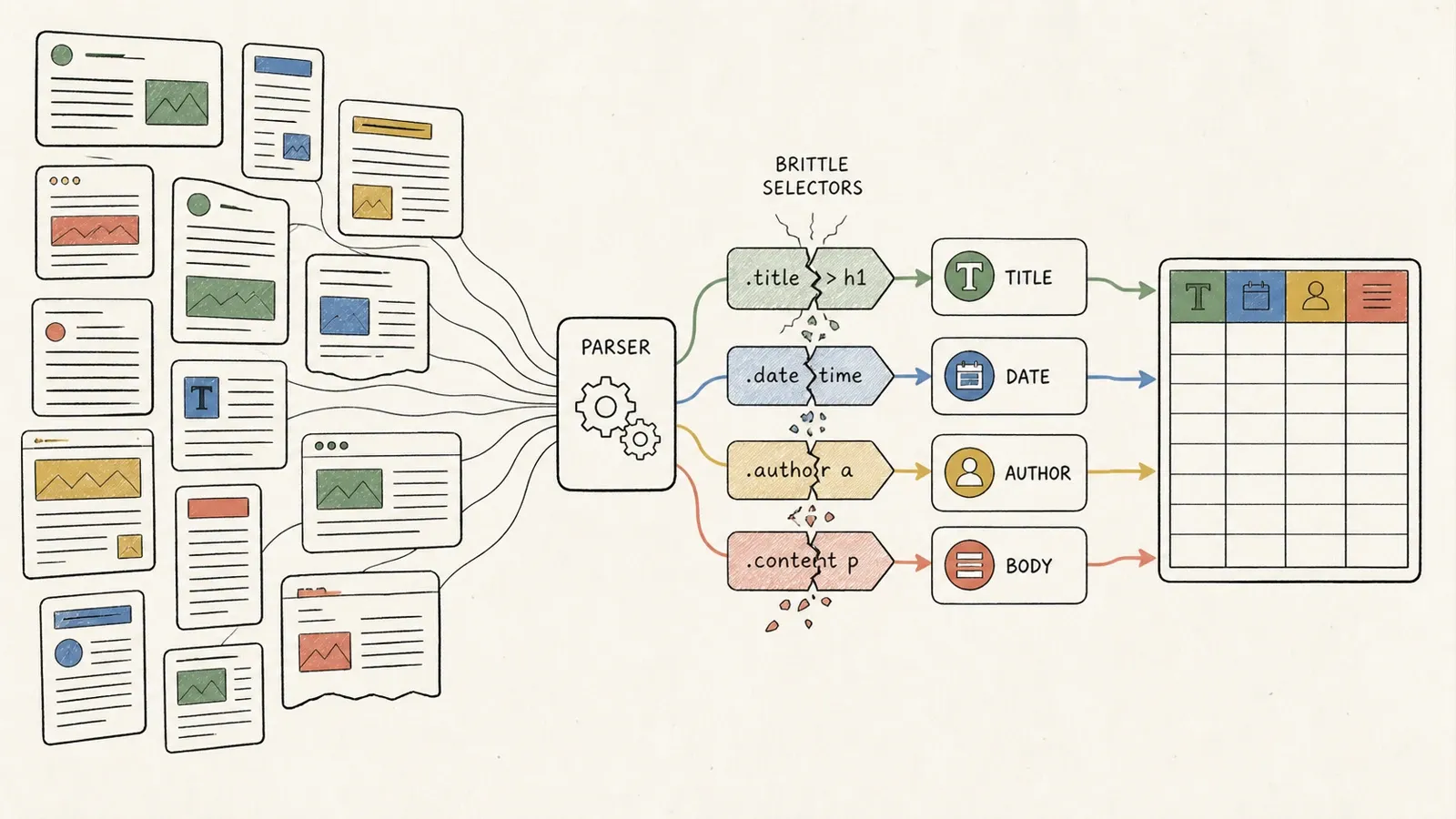
CSS and XPath rules encode an assumption: "the headline lives in this class." That assumption holds right up until a publisher redesigns, A/B tests a layout, or migrates content management systems — at which point the rule silently breaks, or worse, silently returns the wrong thing. A scraper can report success while capturing a related-articles teaser instead of the actual body, or the update timestamp instead of the original publish date. That's a much scarier failure mode than an empty result, because nobody notices until someone downstream makes a decision off bad data.
Static-selector tools — Scrapy, Beautiful Soup, template-based no-code platforms — all inherit this problem. AI-driven or agentic field detection, the kind Thunderbit and similar tools use, reduces dependence on exact class names by re-analyzing page structure each run instead of relying on a hardcoded rule. That's a real advantage at scale. It's not a maintenance-free guarantee, though — it substitutes a probabilistic judgment for a deterministic one, which trades one kind of error for another.
At real scale (100 to 1,000+ sources), the fix isn't picking one magic tool. It's building a source registry: which sites have feeds, which need HTML scraping, expected fields, per-domain rate limits, and a quarantine path for anything that returns a challenge page instead of an article. Feeds first, structured metadata second, generic or AI extraction third, source-specific rules only for the highest-value exceptions, and browser rendering reserved for pages that genuinely need it. Scrapy's own dynamic content documentation makes basically this same argument — check for structured data before reaching for a browser.
Anti-Bot and JS Rendering: What Each Approach Can (and Can't) Do
Marketing copy in this space tends to blur five completely different problems into one: client-side rendering, interaction states (clicks, scrolls, consent banners), traffic-rate controls, authentication requirements, and content-licensing rights. Only the first two are actually rendering problems. The rest have nothing to do with JavaScript.
Here's the honest breakdown, tool by tool: proxy rotation (Bright Data, Oxylabs) changes routing and can reduce rate-limiting friction, but doesn't create permission where none existed. Managed rendering (Crawlbase, ScraperAPI) executes JavaScript so client-rendered content shows up, but a rendered page can still return a login wall or subscription prompt — rendering just makes the challenge visible instead of skipping it. Headless browser automation (Selenium) can drive real interactions, but Selenium's own docs are blunt that it's not built to automate past CAPTCHAs. Thunderbit's rendering and access handling apply the same way — compatible, authorized pages only, with zero pretense of cracking a hard paywall like the ones at major subscription outlets.
None of the ten tools in this piece guarantees access through a CAPTCHA, a login wall, or a paywall. Anyone telling you otherwise is selling something that doesn't exist. If you keep hitting a wall, the right move is finding an official feed, an API, or a licensing agreement — not escalating your scraping tactics.
Is It Legal to Scrape News Content? Copyright and Terms of Service
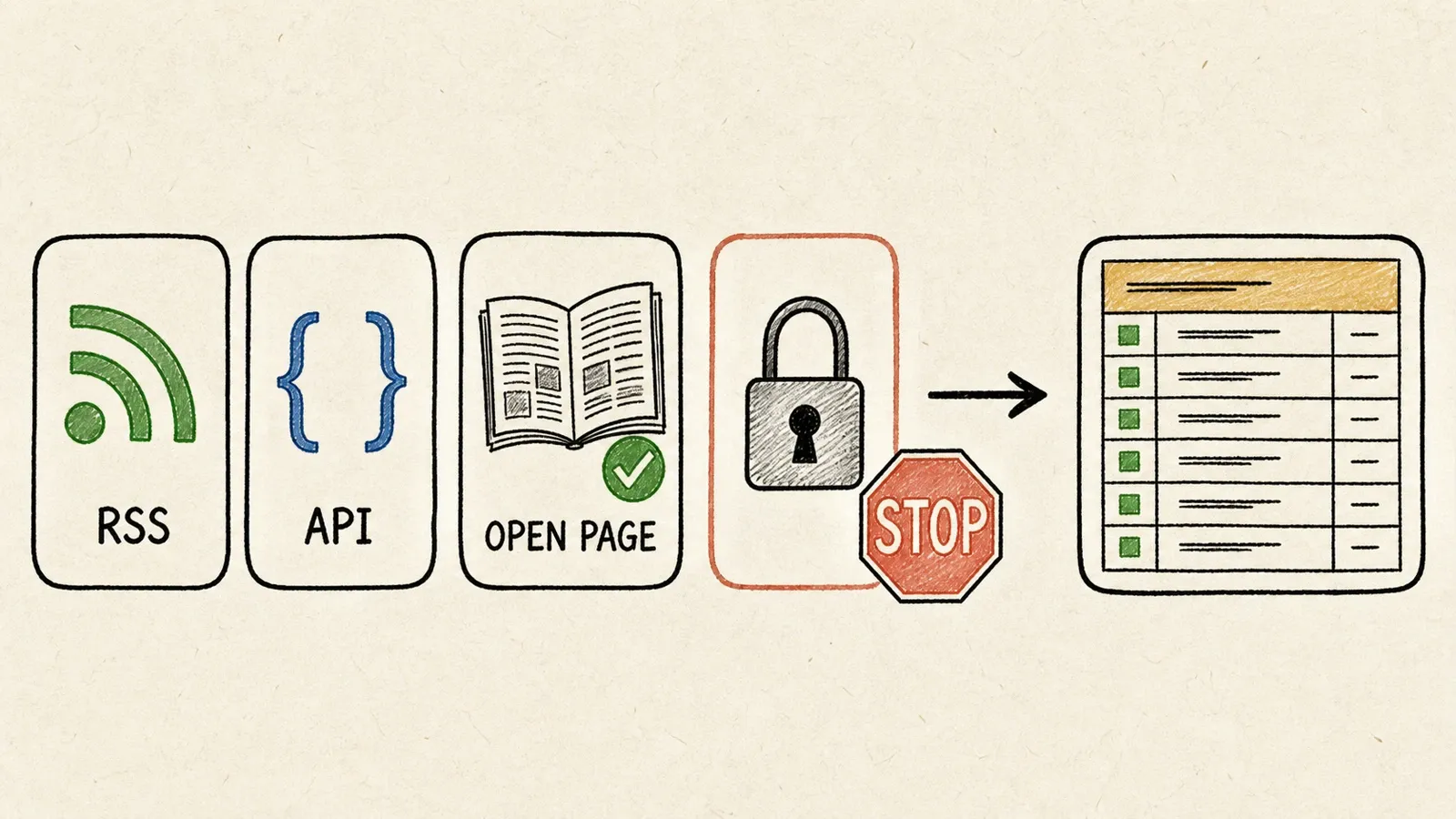
This isn't legal advice, and outcomes genuinely vary by jurisdiction and use case — but a few boundaries are worth knowing before you build anything.
Facts aren't copyrightable; expression usually is. U.S. Copyright Office Circular 33 and 17 U.S.C. §102 draw that line clearly. A fact reported in an article isn't protected just because a publisher reported it first — but the publisher's actual wording, structure, and photography usually are. That's a meaningful distinction for news scraping specifically, since news content (unlike an open dataset or a business directory) is almost always copyrighted in its expressed form.
Fair use is a factor test, not a word-count threshold, per 17 U.S.C. §107. The Copyright Office's own summary of Associated Press v. Meltwater is a useful caution here: a commercial news-monitoring service copying article excerpts wasn't found fair use on those specific facts. That's not a blanket rule against monitoring — it's a reminder that "we're just indexing it" doesn't automatically win.
On the access-law side, the Ninth Circuit's hiQ Labs v. LinkedIn opinion and the Supreme Court's Van Buren decision both narrowed how far the Computer Fraud and Abuse Act reaches — but neither one grants a general license to ignore a publisher's terms of service or defeat technical access controls. And robots.txt, standardized under RFC 9309, is explicitly described as a protocol, not a security mechanism — respecting it is good practice, but it's not the same thing as a legal green light either way.
Practical best practice: focus on publicly accessible data, avoid republishing full article text, keep source attribution and canonical links intact, and get a lawyer involved before scraping anything behind a subscription wall or building a product that redistributes full articles at scale.
Which News Scraper Should You Choose?
If you're a non-engineer who needs a table of headlines by tomorrow, start
Learn More




