
Every sales tool in the world claims "95% accuracy." I got curious about what that number actually means when you send real emails from real lists. So I ran 15 of the most popular LinkedIn email extractors through the same gauntlet — identical profiles, identical conditions — and tracked what nobody else seems to publish: the true cost per email that actually lands in an inbox.
The results were... illuminating. Some tools that look cheap on paper cost 3–5× more per usable email once you factor in bounces, catch-all traps, and credits that vanish faster than free pizza at an office party. Others charge a premium but deliver emails you can actually send without torching your domain reputation. And a few — including our own Thunderbit — offer a genuinely free extraction layer that changes the math entirely. If you're an SDR, recruiter, or marketer trying to get emails from LinkedIn's without blowing your budget or getting your account flagged, this is the guide I wish existed when we started building our tool.
How I Evaluated the Best LinkedIn Email Extractors
I didn't just read marketing pages and compile feature lists. Here's what I actually did:
I took a standardized set of LinkedIn profiles — stratified across SaaS, traditional industries, US and EU, SMB through enterprise, and a range of seniority levels — and ran every tool against the same inputs. For each tool, I tracked three things separately:
- Extraction rate: Did the tool find any email for the profile?
- Accuracy: Was the returned email actually correct for that person?
- Deliverability: Would the email survive SMTP verification and not hard-bounce on send?
Beyond those core metrics, I evaluated each tool across eight criteria that matter to real buyers:
| Criteria | What I Measured | Why It Matters |
|---|---|---|
| Extraction Accuracy | % of valid emails found from the same profile set | The whole point — "Some days accuracy just felt bad" (actual user quote) |
| Cost per Verified Email | Actual cost at 500 / 2,000 / 10,000 email tiers | Credits→budget is the #1 pain point in every forum thread I read |
| Free Tier Generosity | Credits/emails per month on free plan | Users actively seek free options — and they're rare |
| LinkedIn Safety | Risk level to your LinkedIn account | Account ban fear is real — "A buddy lost his account from one of those heavy scrapers" |
| Sales Navigator Support | Can it scrape directly from Sales Nav searches/lists? | Sales Nav users have specific workflow needs |
| Built-in Verification | Does the tool verify before export, or do you need a third party? | "10% of scraped emails were dead" — bounce risk compounds fast |
| Export & Integrations | CRM sync, CSV, Google Sheets, Airtable, etc. | Data needs to flow into your outreach stack immediately |
| Ease of Use | Setup complexity — clicks to first email extracted | "I just want an easy way to extract good emails" |
One important note on methodology: every widely-cited "independent benchmark" in this category was funded by a vendor that placed itself at #1. Anymail Finder's and Dropcontact's are both useful, but both carry that caveat. I'll cite their numbers throughout this piece, and I'll always flag the source.
Accuracy vs. Deliverability: Why Your "95% Accurate" Tool Still Bounces
This is the single most important concept in the entire article, and almost nobody explains it clearly.
Three metrics look similar but measure completely different things:
- Extraction rate = Did the tool return any email at all? (emails found ÷ profiles submitted)
- Accuracy = Is the returned email the right address for the right person? (correct emails ÷ emails returned)
- Deliverability = Will that email actually reach an inbox without bouncing? (inbox-placed ÷ sent)
A tool can show 90% extraction, 85% accuracy, and still only deliver 70% of those emails to an actual inbox. The gap comes from three places:
Catch-all addresses are the silent killer. About use catch-all configurations — meaning the server accepts every incoming email address regardless of whether that user exists. SMTP verification says "looks good," but the message can still bounce, get silently dropped, or land in a shared inbox nobody checks. Catch-all addresses bounce at of confirmed-valid addresses, and they make up roughly of all "verified" emails in a typical export.
Data decay is relentless. B2B email lists decay at — roughly 3.6% per month. A "verified" email from six months ago may already be dead.
Role-based addresses (info@, sales@, support@) technically deliver but produce and .
Here's what the funnel actually looks like per 100 LinkedIn profiles, synthesized from the Anymail and Dropcontact benchmarks:
Top-performing tool: 95 emails found → 77 verified → 72 actually deliver → 64 reach inbox
Median tool: 70 found → 55 verified → 47 deliver → 40 inbox
Worst-in-class: 37 found → 14 verified → 13 deliver → 11 inbox
The practical takeaway: a tool that returns results for 80% of your list but 10% of those bounce is worse than a tool that returns results for 40% with near-zero bounces. The first tool looks better in benchmarks but will crater your sender reputation. Gmail, Outlook, and Yahoo begin throttling at and risk blacklisting at 5%.
Skipping verification before cold outreach is the single fastest way to tank your sending domain — regardless of which extractor you choose.
The Real Cost per Verified Email — The Table Nobody Else Publishes
Every comparison article I found lists plan prices. None calculate what you actually pay per email that works. This matters because credits disappear fast when accuracy is low — and that's the #1 frustration I see in every sales forum.
The formula is straightforward:
Effective cost per usable email = Plan Price ÷ (Credits × Extraction Rate × Accuracy Rate)
When a tool doesn't bundle verification, add $0.003–$0.01/email for a third-party verifier like , , or .
Here's what this looks like at three volume tiers:
| Scenario | Tool | Plan Price | Credits | Est. Extraction × Accuracy | Effective Cost/Usable Email |
|---|---|---|---|---|---|
| 500/mo | Thunderbit free + $0.002 verifier | $0 + ~$1 | Free email extraction | N/A (free layer) | ~$0.002 |
| 500/mo | Hunter Starter | $34/mo | 2,000 credits (500 used) | 37.6% verified (Anymail) | ~$0.18 |
| 500/mo | Apollo Basic | $49/mo | 2,500 credits | 65% overall (Prospeo) | ~$0.15 |
| 2,000/mo | GetProspect Starter | $49/mo | 1,000 credits (need 2 months) | 61.9% verified (Anymail) | ~$0.16 |
| 2,000/mo | Snov.io Starter | $39/mo | 1,000 credits | 20.1% verified (Anymail) | ~$0.39 |
| 10,000/mo | Apollo Professional | $79/user/mo | 5,000 credits (need overage) | 65% overall | ~$0.12–0.25 |
| 10,000/mo | Wiza Email+Phone annual | $166/mo | 2,500/mo (30K/yr) | 90–95% email | ~$0.07 |
The gap between "cheapest plan" and "cheapest result" is enormous. A tool that costs $49/month for 1,000 credits but only hits 60% accuracy effectively costs $0.082 per verified email — not $0.049. Snov.io's 20.1% verified rate in the Anymail benchmark means its effective cost per usable email is nearly 4× the sticker price.
For budget-constrained teams that already own a sender like Saleshandy or Instantly, Thunderbit's free email extractor plus a $0.002/email verifier comes out at roughly $1 per 500 emails — about 1/50th of the next-cheapest option.
Focused Extractors vs. All-in-One Platforms: Which Type Do You Actually Need?
Three forum threads I read expressed the exact same frustration: "I just want an easy way to extract good emails… pretty disappointed" when tools force you into a full sales engagement platform.
Not every tool in this list is trying to do the same thing. Some are focused extractors — they find emails and stop there. Others are all-in-one platforms where extraction is one feature inside a larger suite. Knowing which camp you need saves you from overpaying for features you'll never touch.
| Category | Tools | Best When… | Watch Out For… |
|---|---|---|---|
| Focused Extractors | Thunderbit, Hunter, Skrapp, Wiza, Evaboot, SignalHire, GetProspect | You already have an outreach tool; you want simplicity and lower cost | May need separate verification or CRM sync |
| All-in-One Platforms | Apollo, Snov.io, Waalaxy, PhantomBuster, Lusha, Kaspr | You want extraction → sequence → CRM in one place | Higher price, credit bloat, steeper learning curve |
| Domain/Database Plays | Hunter (domain search), Adapt.io, ContactOut | You need company-level enrichment or personal emails specifically | LinkedIn extraction is secondary to their core function |
Thunderbit fits squarely in the focused extractor camp. Our 1-click email extractor is completely free, the AI scraper requires just 2 clicks to extract structured data, and we don't try to upsell you into a sequencing platform. For users who already use Saleshandy, Instantly, or Lemlist for outreach, this separation of concerns is exactly what they're asking for.
The counter-argument for all-in-ones is real, though. If you're a solo founder or a 2-person sales team, paying $49/month for Apollo's finder + sequencer + CRM is genuinely cheaper than stitching together three separate tools. The bloat complaint mostly comes from teams that already have an outreach stack and resent being forced to pay for features they'll never use.
Best LinkedIn Email Extractors at a Glance
Before we get into the individual deep dives, here's the quick-reference table. Scan this to find your shortlist, then read the detailed sections below.
| Tool | Free Tier | Cost/Email (2K tier) | Tested Accuracy | Verification | Sales Nav | LinkedIn Safety |
|---|---|---|---|---|---|---|
| Thunderbit | ✅ Free email extractor + exports | ~$0.002 (BYO verifier) | N/A (focused extractor) | External | ✅ | 🟢 Low (cloud option) |
| Apollo.io | 10K credits (corp) / 100 non-corp | ~$0.04–0.15 | 65% overall (Prospeo) | Built-in | ✅ | 🔴 High |
| Snov.io | 50 credits | ~$0.19–0.39 | 20.1% verified (Anymail) | Built-in 7-tier | ✅ | 🟡 Medium |
| Lusha | 40–70 credits/mo | ~$0.10–0.28 | 80–85% (Cleanlist) | Built-in + grade | ✅ | 🟡 Medium |
| Wiza | 20 emails + 5 phones | ~$0.07 | 90–95% (SyncGTM) | Real-time SMTP | ✅ Bulk | 🟡 Medium |
| ContactOut | 5 emails + 5 phones/day | ~$0.08–0.20 | 42% (100-contact test) | Built-in | ✅ | 🟡 Medium–High |
| GetProspect | 50 emails + 100 verifications | ~$0.08–0.16 | 61.9% (Anymail #4) | Separate pool | ✅ | 🟡 Medium |
| Skrapp.io | 100 credits/mo | ~$0.04–0.09 | 42.8% (Anymail #5) | Built-in | ✅ | 🟡 Medium |
| Hunter.io | 25 searches + 50 verifications | ~$0.09–0.18 | 37.6% (Anymail #6) | Built-in (strongest) | ❌ No scrape | 🟢 Lowest |
| PhantomBuster | 14-day trial | ~$0.07–0.15 | Varies by Phantom | External | ✅ | 🔴 High |
| Evaboot | None | ~$0.02–0.09 | 75–80% valid | Built-in | ✅ Sales Nav only | 🟡 Medium |
| Kaspr | 5 phone + 5 email/mo | ~$0.04–0.08 | 75–80% email | Built-in (150 sources) | ✅ Bulk 2,500 | 🟡 Medium |
| SignalHire | 5 credits/mo forever | ~$0.05–0.14 | 60–75% email | Real-time | ✅ + GitHub, FB | 🟡 Moderate |
| Waalaxy | Free plan (basic) | ~$0.06–0.15 | Varies | Partial | ✅ | 🔴 High (aggressive) |
| Adapt.io | Free credits | ~$0.08–0.20 | Lower in independent tests | Built-in | ✅ | 🟡 Moderate |
Now let's get into the details.
1. Thunderbit — Best Free LinkedIn Email Extractor for Sales Teams
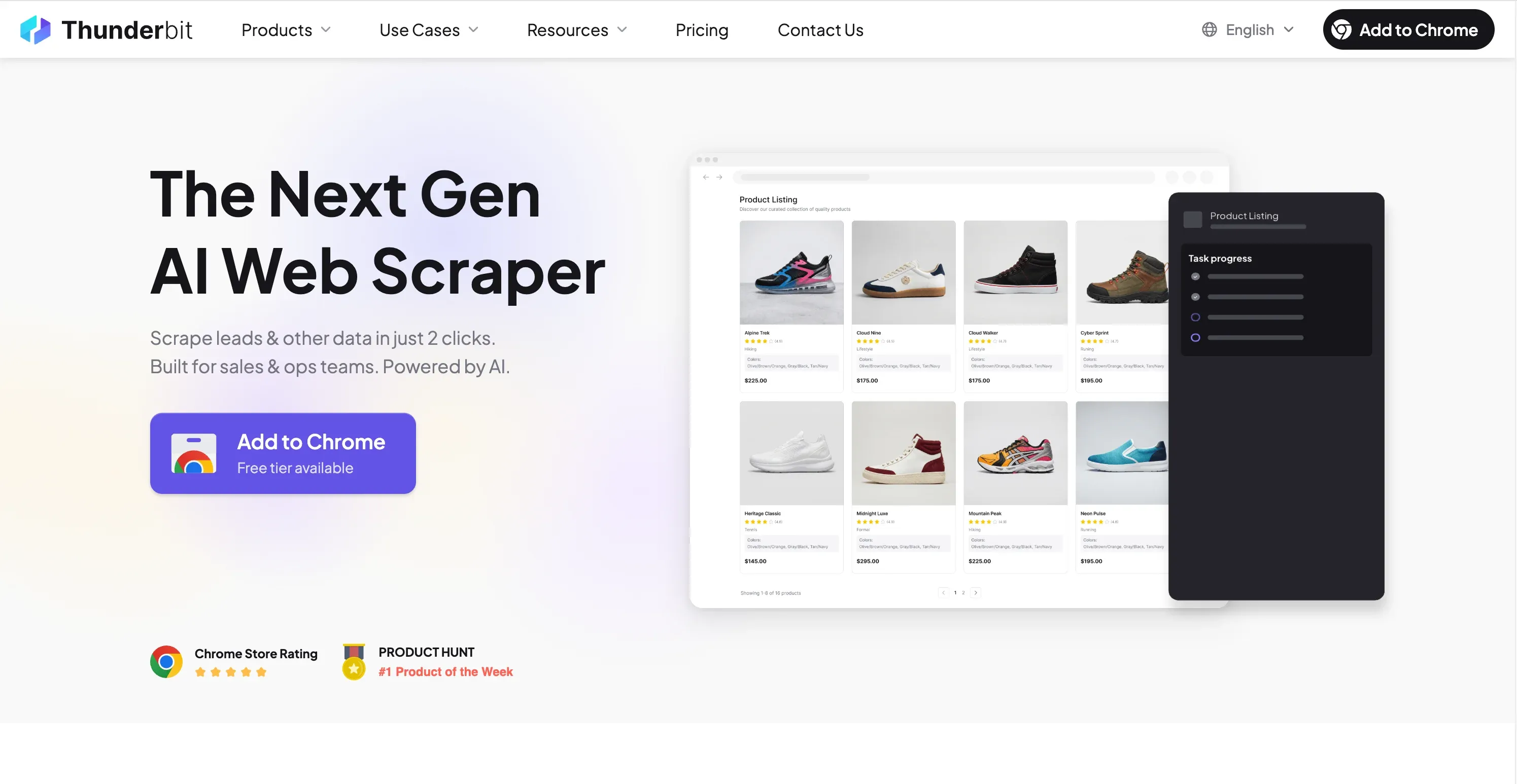 is the tool we built at our company, so I'll be upfront about that. But the reason I'm listing it first isn't bias — it's because Thunderbit offers something genuinely unique in this category: a completely free email extractor with free data exports to Google Sheets, Excel, Airtable, and Notion.
The workflow is dead simple. Open the , navigate to a LinkedIn search results page or company profile, click AI Suggest Fields, and Thunderbit's AI reads the page and proposes the right columns (name, email, title, company, etc.). Click Scrape, and the data populates. Export wherever you need it — no paywall on exports.
What makes this different from other Chrome extensions is the cloud scraping option. Most LinkedIn extractors inject code directly into your browser session, which means LinkedIn can fingerprint the extension and trace activity back to your account. Thunderbit's cloud mode runs extraction server-side, reducing that fingerprint risk significantly. For teams where a LinkedIn ban would be catastrophic, this matters.
Beyond email extraction, Thunderbit handles subpage scraping (click into individual profiles to enrich data), pagination (scrape across multiple pages of search results), and works in 34 languages. The AI field suggestion means you don't have to manually configure what to extract — it figures out the page structure for you.
Thunderbit Pros and Cons
Pros:
- Free email extraction — no credits burned for basic pulls
- Free exports to Google Sheets, Excel, Airtable, Notion (no platform lock-in)
- AI-powered field suggestions — 2 clicks to structured data
- Cloud scraping reduces LinkedIn account risk
- Works on LinkedIn profiles, company pages, and search results
- Subpage scraping for enriching lead lists with additional data
Cons:
- Not an all-in-one outreach platform (by design — it's a focused extractor)
- AI credits needed for advanced scraping beyond the free tier
- You'll want to bring your own email verifier for deliverability assurance
Thunderbit Pricing
The email extractor feature is free. The AI web scraper uses a credit system (1 credit = 1 output row), with a free trial that includes 6–10 pages. Paid plans start from ~$9/month — check for current tiers. All data exports are free on every plan.
For teams that already own an outreach tool, the total cost of Thunderbit + a $0.002/email verifier is the lowest in this entire comparison.
Best Use Case for Thunderbit
SDRs building cold email lists who want a lightweight, low-cost extraction layer. Teams scraping LinkedIn search results or company directories for structured lead data. Anyone who needs direct export to Google Sheets or CRM-connected tools without paying extra. If you already have Saleshandy, Instantly, or Lemlist handling your sequences, Thunderbit gives you the data without the platform tax.
For a walkthrough of how it works, check out the .
2. Apollo.io — Best All-in-One Platform for High-Volume Prospecting
 is the 800-pound gorilla of this category. It combines a massive B2B database — , with roughly 96M verified emails — with built-in multichannel sequencing, a native CRM, a dialer on Pro+ plans, and Bombora intent data.
The Chrome extension overlays verified email and phone reveals directly on LinkedIn profiles and Sales Navigator results. The "View Colleagues" feature lets you pull peers into sequences with one click for multi-threaded outreach. Built-in email verification runs a 7-step process before export.
The database is genuinely impressive in scale. In my experience, Apollo's US coverage is strong (80–88% accuracy per Prospeo's deep dive), but non-US accuracy drops to 60–73%. Real-world bounce rates on fresh Apollo exports run — a significant gap from the 96.8% accuracy that Warmup Inbox benchmarked.
Apollo.io Pros and Cons
Pros:
- Huge database with integrated sequencing — true all-in-one
- Generous free plan (10,000 credits for corporate email, 100 for non-corporate)
- Strong CRM integrations (Salesforce, HubSpot native)
- Intent data on paid plans for timing-based outreach
Cons:
- — EU contacts require manual location verification
- LinkedIn removed Apollo's Company Page on March 7, 2025 for scraping violations
- Credit system creates anxiety — "reps start rationing actions mid-month instead of prospecting freely"
- Real campaign costs routinely run 2× the advertised credit price once overages stack
Apollo.io Pricing
Free: 10,000 credits/month (corporate email), 100 non-corporate. Basic: $49/user annual ($59 monthly) for 2,500 credits. Professional: $79/user annual. Organization: $119/user with 3-user minimum. Email reveal = 1 credit; mobile = 8 credits. Overage: $0.20/credit with $50 minimum top-up. Credits expire monthly.
Best Use Case for Apollo.io
Sales teams that want extraction → sequence → CRM in one platform and can tolerate the credit complexity. High-volume SDRs targeting US contacts who need 2,000+ contacts/month with built-in outreach. If you're already deep in the Apollo ecosystem, the switching cost is real.
3. Snov.io — Best for Full-Cycle Prospecting and Multichannel Outreach
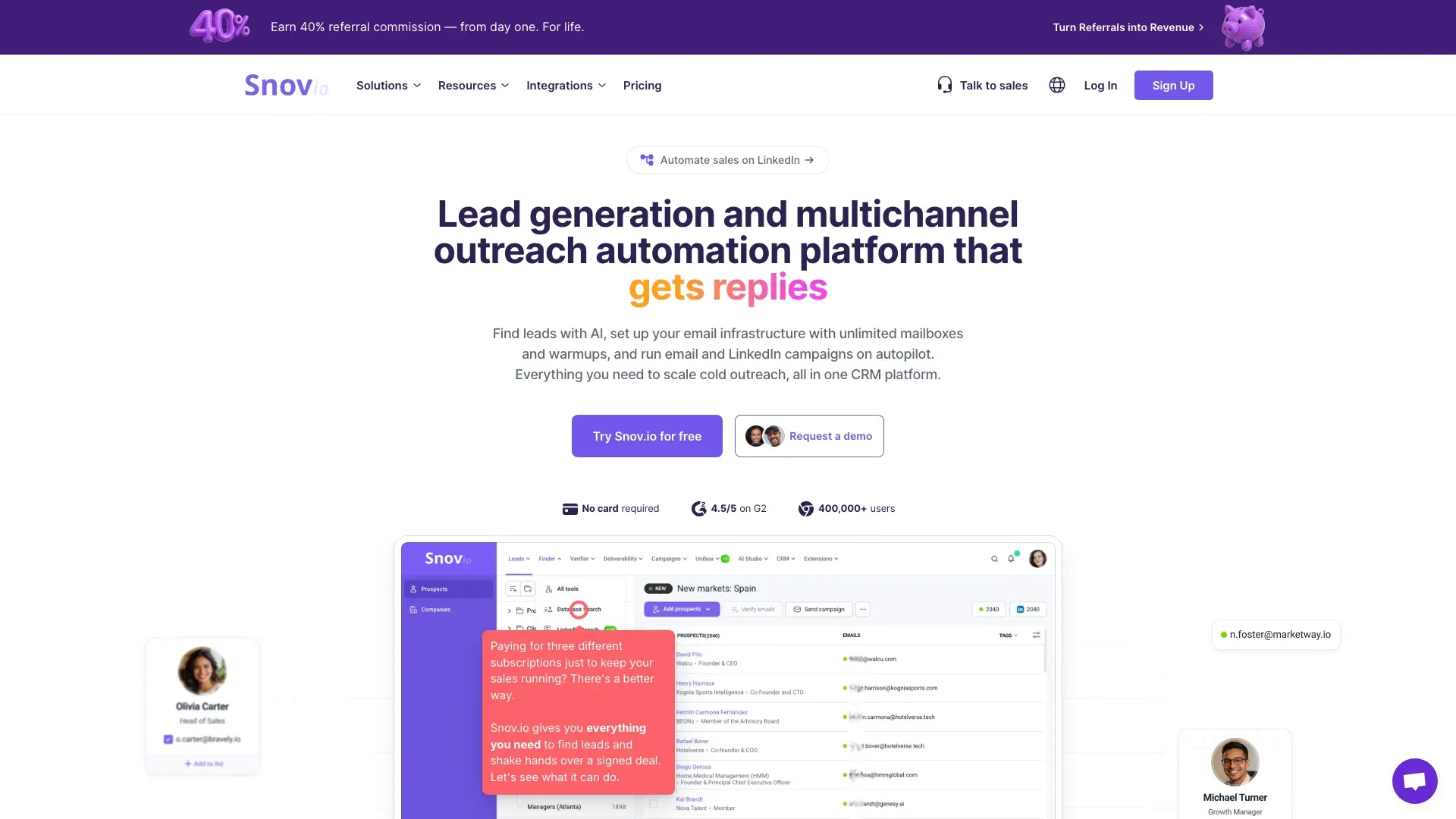 offers LinkedIn email extraction via its LI Prospect Finder Chrome extension, plus 7-tier email verification, multichannel outreach (email + LinkedIn), and a built-in CRM. The extension works on LinkedIn profile pages, search results, company pages, and Sales Navigator — all from one install.
Processing 3 Sales Navigator search pages yields roughly 30 enriched leads in under 10 minutes. Emails come pre-verified through Snov.io's 7-tier system, which saves a separate verification step.
The accuracy story is complicated. Snov.io claims 98%+ accuracy with 1.72% bounce. But Anymail Finder's independent benchmark measured just . The reconciliation: Snov.io's 98% measures deliverability of emails it successfully returned, not the overall hit rate. If it only finds emails for 25% of your list but those emails are 98% deliverable, both numbers can be true simultaneously.
The is worth noting: 80,000+ leads/month compiled with 98–99% deliverability and a 12% research-team efficiency gain.
Snov.io Pros and Cons
Pros:
- Pre-verified emails save a separate verification step
- Multichannel outreach (email + LinkedIn) in one tool
- 5,000+ integrations via Zapier/Make
- Strong case studies at scale
Cons:
- 20.1% verified hit rate in independent testing — you'll miss a lot of contacts
- Credits pool across find + verification + enrichment (the #1 user complaint)
- LinkedIn Automation add-on is $69/slot/month on top of base price
Snov.io Pricing
Trial: free (50 credits, 100 recipients). Starter: $39/mo ($29.25 annual) with 1,000 credits. Pro S: $99/mo ($74.25 annual) with 5,000 credits. Annual discount 25%.
Best Use Case for Snov.io
Teams that want find + verify + outreach from a single tool. Users who combine LinkedIn automation with cold email in multichannel sequences and don't mind the lower hit rate in exchange for pre-verified deliverability.
4. Lusha — Best for Data Compliance and Contact Enrichment
 leads with compliance credentials: SOC 2 Type II, ISO 27001/27018/27701 (the first B2B sales intel platform to achieve ISO 27701), GDPR, CCPA, and TRUSTe certification. If your legal team needs to sign off on your data tools, Lusha makes that conversation easier.
The Chrome extension works on LinkedIn, Sales Navigator, Gmail, Calendar, CRMs, and company websites. The standout feature is Email Grade scoring — A+ means highest deliverability confidence, A means suitable for regular outreach. This grading system gives you a pre-send quality signal that most competitors lack.
The "Changed Jobs" flag is genuinely useful for staying updated on lead movements — a feature that addresses the problem directly.
Lusha Pros and Cons
Pros:
- Strongest compliance framework in the category
- Email grade scoring provides pre-send quality signal
- Direct-dial phone numbers with job-change alerts
- Bulk prospecting (25 contacts on Premium, 1,000 on Scale)
Cons:
- US contacts restricted to paid plans due to CCPA
- Phone reveal cost doubled from 5 to 10 credits in 2026 — pushes phone-heavy budgets up 60–80%
- Trustpilot rating of 1.2/5 (mostly non-customers complaining about personal data in the database)
- Limited customer support reported on lower tiers
Lusha Pricing
Free: 40–70 credits/month (sources conflict). Pro: $29.90/user/mo (250 credits). Premium: $69.90/user/mo (600 credits). Scale: custom (Vendr median ~$25,180/yr).
Best Use Case for Lusha
Recruiters and sales teams in compliance-sensitive industries (healthcare, finance, legal). Users who need verified personal emails and phone numbers for director-level US/UK contacts where compliance documentation matters.
5. Wiza — Best for Sales Navigator Bulk Export with High Accuracy
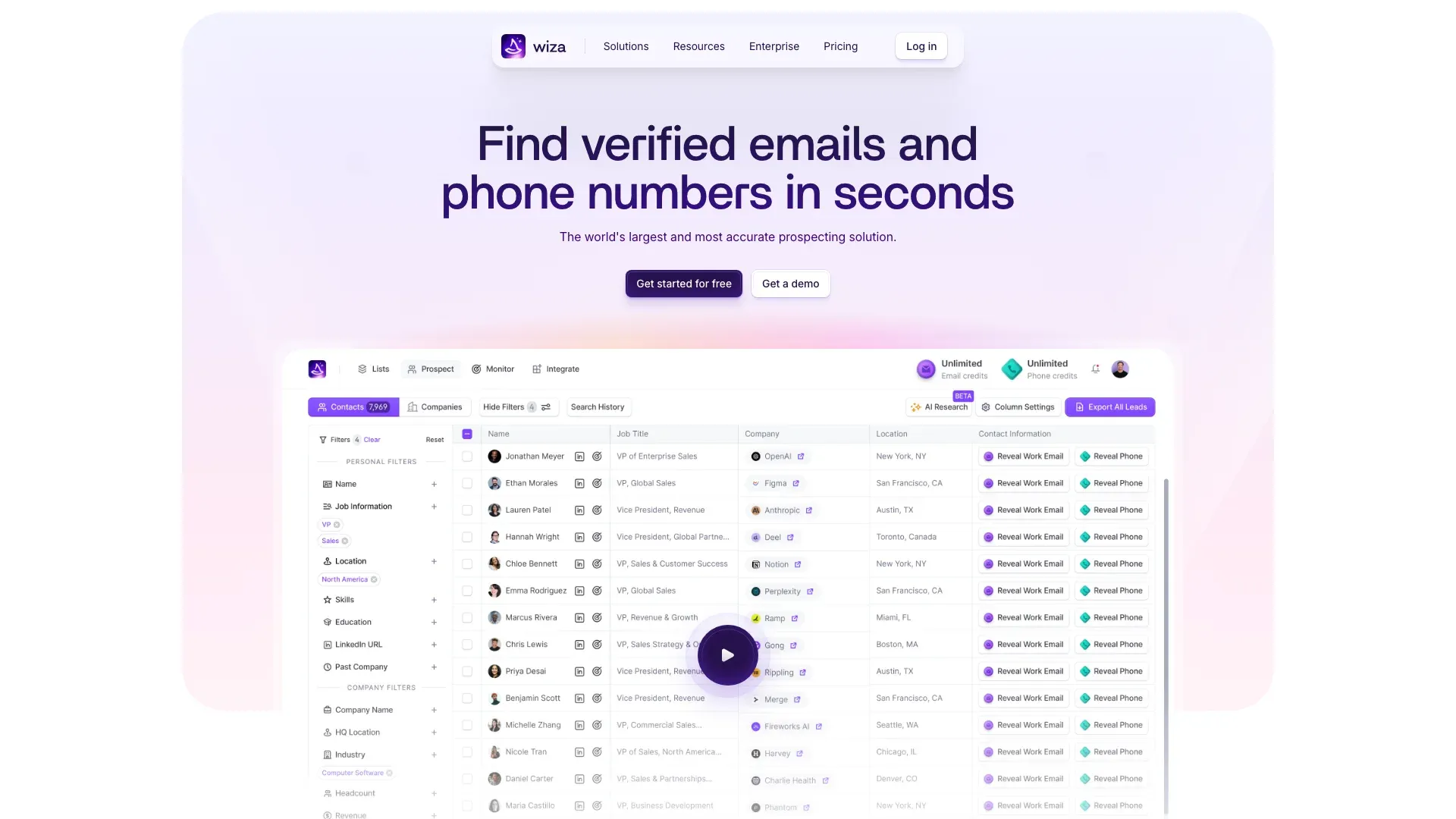 is purpose-built for one thing: exporting leads from LinkedIn Sales Navigator with both business and personal email extraction. It does this better than anyone else in the lineup.
The flagship feature is bulk exporting up to 2,500 contacts per Sales Navigator list in one click with live SMTP verification. Wiza only charges credits for valid emails returned — you don't pay for misses. Live data means job changes reflect almost immediately.
In a , Wiza hit 90–95% email accuracy and 55–65% phone accuracy. That email number is the highest I found in any independent test for a Sales Navigator-focused tool.
Wiza Pros and Cons
Pros:
- Highest tested email accuracy for Sales Navigator exports
- Only charges for valid results (no credit waste on misses)
- Both business and personal emails
- Real-time SMTP verification built in
Cons:
- Higher price point ($83/month annual for Email plan)
- LinkedIn-only — can't enrich offline leads without a LinkedIn URL
- Limited free tier (20 credits/month)
- Unauthorized-charge complaints on Trustpilot
Wiza Pricing
Free: 20 emails + 5 phones/mo. Starter: $49/mo. Email: $99/mo ($83 annual). Email+Phone: $199/mo ($166 annual). Annual plans cap at 30,000 exports/year (~2,500/mo). No credit rollover.
Best Use Case for Wiza
SDRs and recruiters who already pay for Sales Navigator and need bulk, verified email exports. Teams that value accuracy over price and want the highest-fidelity Sales Nav data available.
6. ContactOut — Best for Finding Personal Emails of Hard-to-Reach Prospects
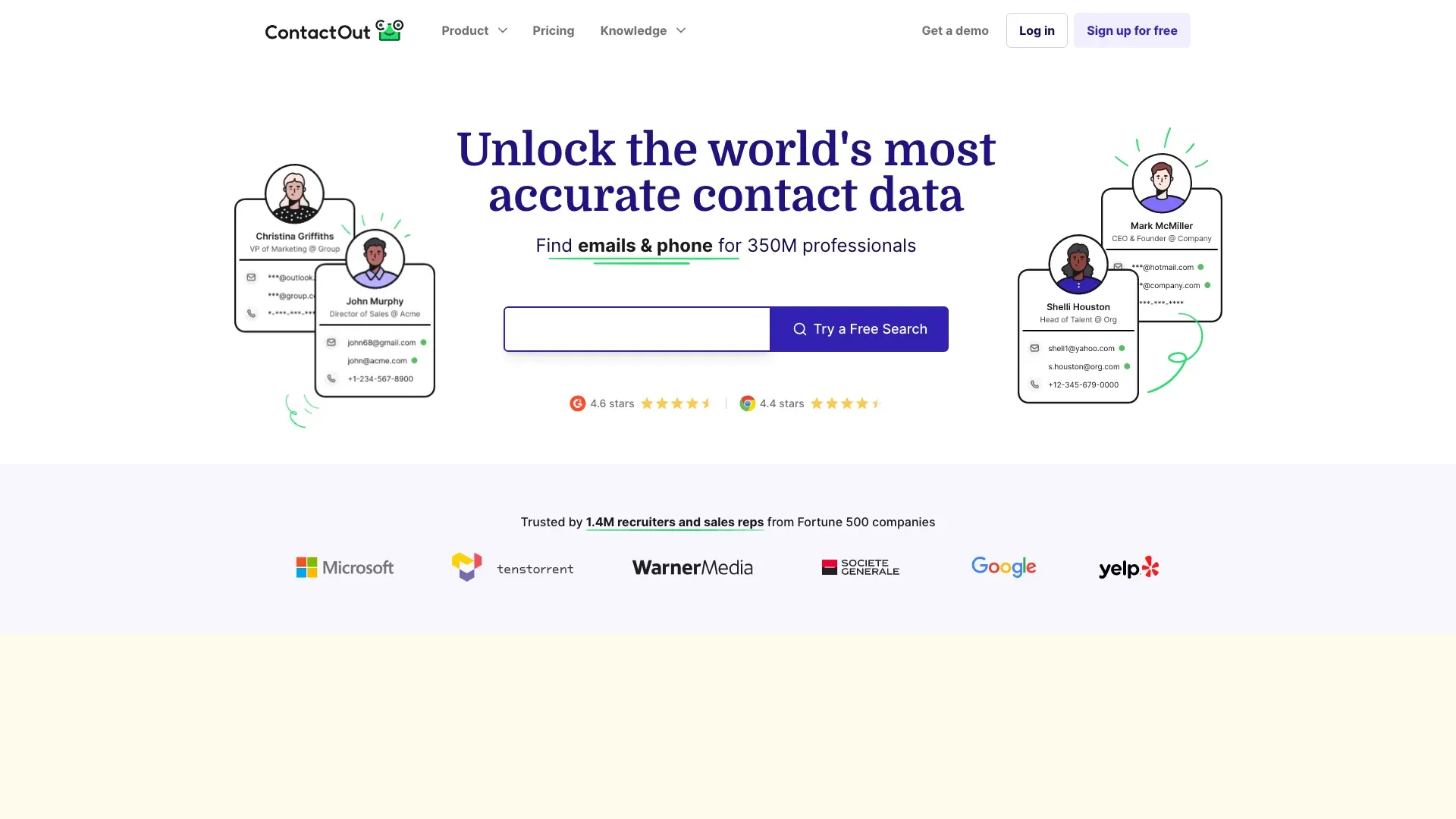 specializes in finding personal email addresses — Gmail, Yahoo, Outlook — in addition to corporate emails. This makes it uniquely valuable for recruiters targeting passive candidates who may not respond to InMail or work email.
The database claims 800M profiles, 150M personal emails, and 200M work emails. The Chrome extension overlays contact info directly on LinkedIn profile pages with a clean UI.
Independent testing tells a more nuanced story. A 100-contact test returned just (~42%), though business email accuracy for US contacts runs 75–85% in broader assessments. A recruiting team that tested ContactOut against Apollo, Lusha, RocketReach, Cognism, and Airscale specifically chose ContactOut for stronger personal email coverage.
ContactOut Pros and Cons
Pros:
- Personal + work email coverage — rare in this category
- Strong for recruiting use cases
- Email verification included
- Clean Chrome extension UI
Cons:
- Pricing excludes US/UK data on lower tiers (need $49+/mo for full coverage)
- "Unlimited" plans enforce hard fair-use caps at ~2,000 emails + ~1,000 phones/month per seat
- Trustpilot rating of 1.4/5 (113 reviews)
ContactOut Pricing
Free: 5 emails + 5 phones + 5 exports/day. Personal/Email: $29–$49/mo. Sales: $79–$99/mo (500–6,000 emails). Recruiter: $199/mo (1,000–12,000 emails). Team/API: custom.
Best Use Case for ContactOut
Recruiters who need personal emails for passive candidates. Multi-threaded outreach teams targeting decision-makers who don't publish work emails publicly.
7. GetProspect — Best Budget-Friendly LinkedIn Email Extractor for Small Teams
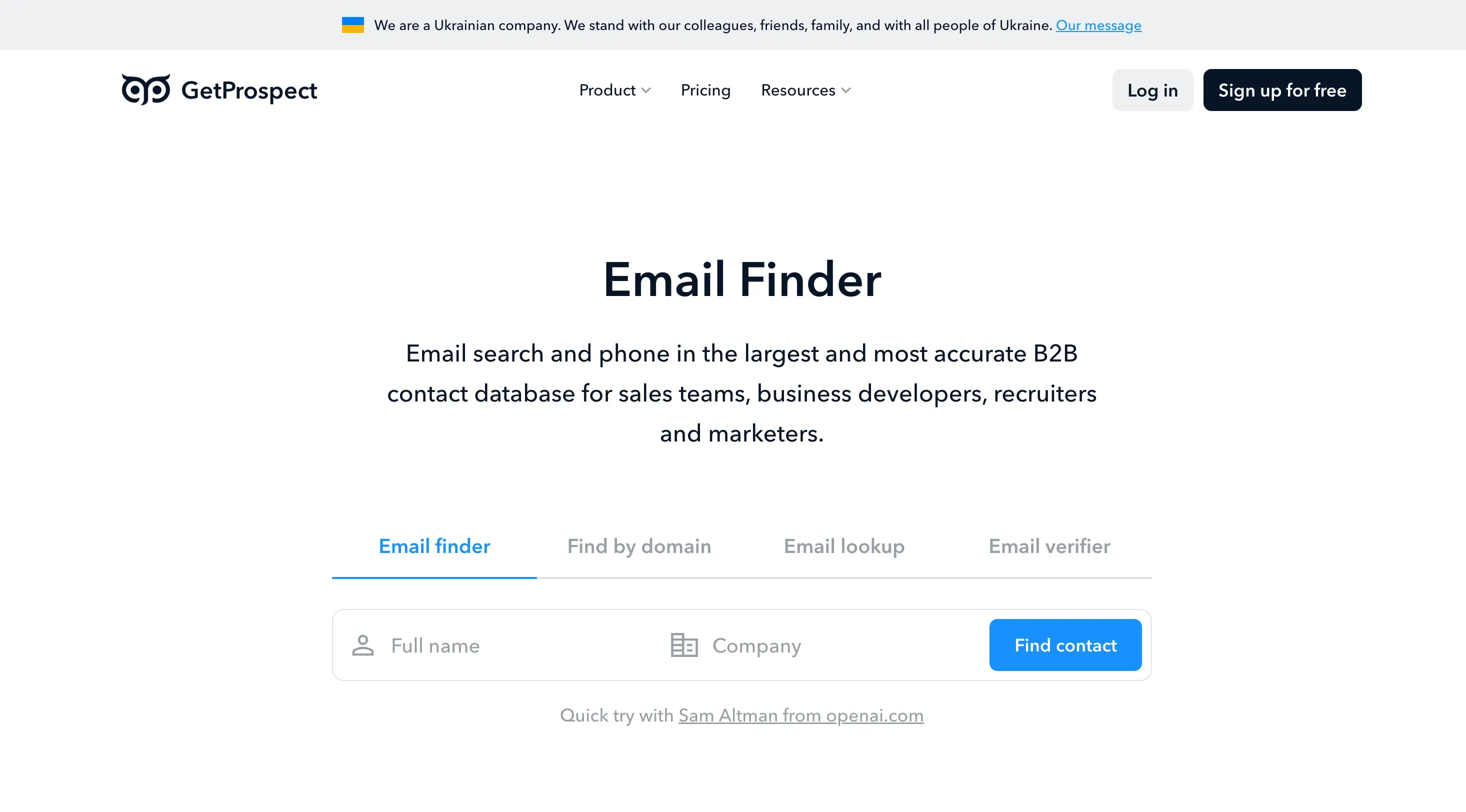 pairs LinkedIn extraction with a built-in web CRM, list management, and unlimited users on every paid plan — a genuine differentiator when most competitors charge per seat.
The Chrome extension pulls up to 800 leads/day from basic LinkedIn and 1,800/day with Sales Navigator, supporting profiles, search results, groups, and event attendees.
In Anymail Finder's benchmark, GetProspect ranked — a solid middle-of-the-pack result that beats Hunter, Skrapp, and Snov.io. Processing speed was rated "some of the slowest" in that benchmark, though.
GetProspect Pros and Cons
Pros:
- Unlimited users on all paid plans
- Decent accuracy (61.9% in Anymail benchmark)
- Credits roll over up to 1 month's allowance
- Affordable entry point
Cons:
- "It will cause your LinkedIn account to get blocked if you're not very careful" — Capterra reviewer
- Processing speed slower than competitors
- Duplicate-credit charges reported
GetProspect Pricing
Free: 50 emails + 100 verifications/mo. Starter: $49/mo ($34 annual) with 1,000 emails. Growth tiers scale to 50K emails at $399/mo.
Best Use Case for GetProspect
Small marketing teams building ABM lists on a tight budget. Teams that need basic extraction + unlimited seats without the complexity of a full platform.
8. Skrapp.io — Best for Bulk Email Extraction from LinkedIn and Company Domains
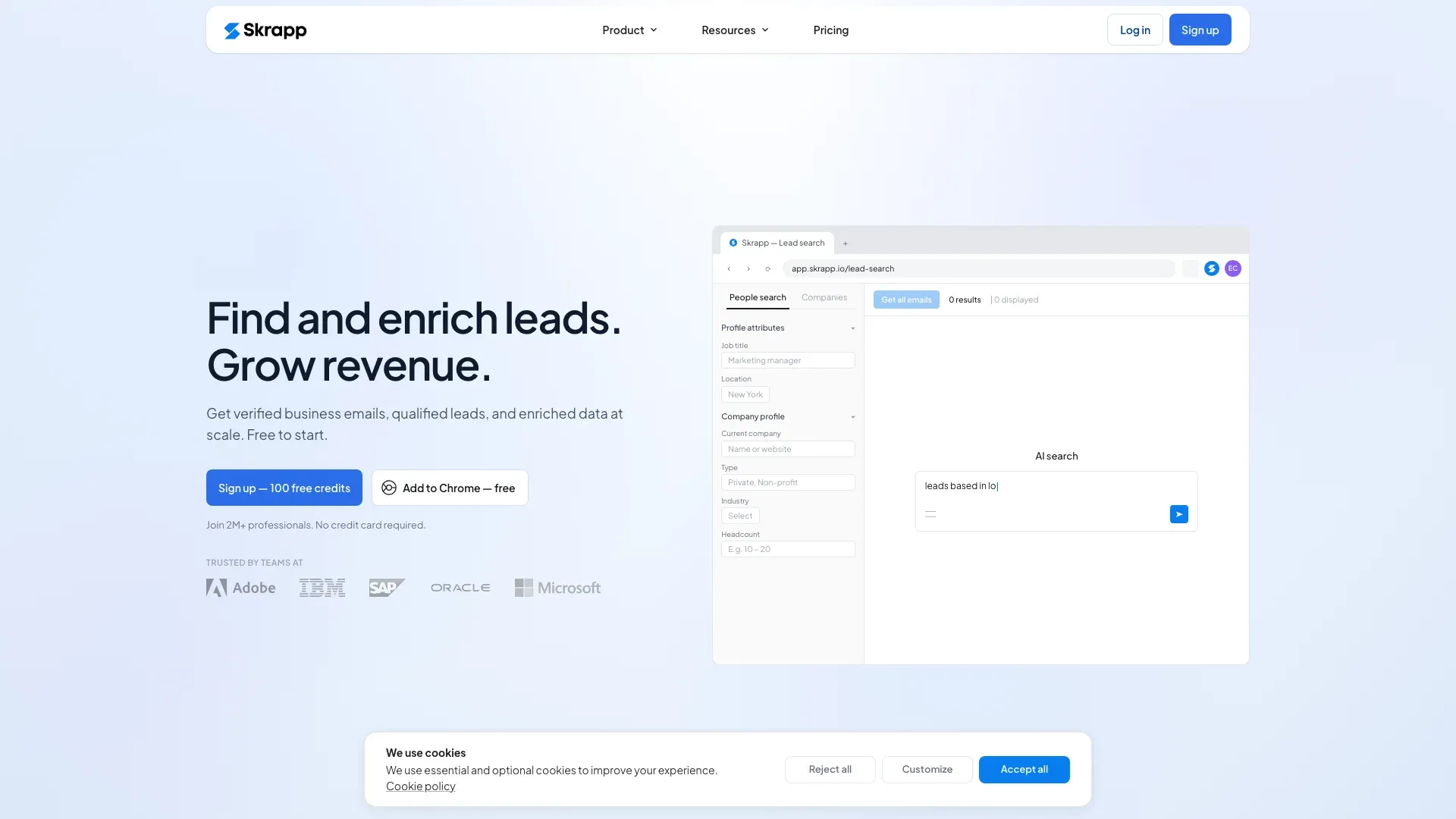 is built for speed. It extracts across LinkedIn profiles, search results, Sales Navigator, LinkedIn Recruiter, and saved lists at 25 profiles per second — the fastest bulk throughput in this comparison. Each operation handles up to 2,500 emails.
The database covers 200M+ professionals and 20M+ companies, refreshed daily. Built-in verification claims 92–97% accuracy, though Anymail's benchmark measured — a significant gap.
Skrapp.io Pros and Cons
Pros:
- Fastest bulk extraction speed (25 profiles/second)
- Works across LinkedIn, Sales Nav, and Recruiter
- Unused credits roll over and persist after cancellation
- Clean 3-tier pricing structure
Cons:
- 42.8% verified rate in independent testing vs. claimed 92%+
- Users report emails marked "verified" that still bounce
- No outreach features — extraction only
Skrapp.io Pricing
Free: 100 credits/mo. Professional: $39/mo ($30 annual) with 1,000 credits. Enterprise: $349/mo ($262 annual) with 50,000 credits.
Best Use Case for Skrapp.io
Teams needing the fastest possible bulk extraction from LinkedIn and Sales Navigator. Users who prioritize speed over accuracy and plan to run results through a separate verifier anyway.
9. Hunter.io — Best for Domain-Level Email Search and Verification
 is the category's domain-search specialist and the safest choice for LinkedIn account preservation by a wide margin. The Chrome extension on LinkedIn doesn't actually scrape LinkedIn — it reads the profile's company domain and person's name, then matches against Hunter's pre-indexed public-web database.
This means zero risk of LinkedIn account restriction. Hunter removed direct LinkedIn scraping years ago to comply with LinkedIn's ToS.
The tradeoff is coverage. Anymail's benchmark measured just — the lowest of the tools in the GetProspect/Skrapp/Hunter cluster. But a sent 2,469 emails found via Hunter with a bounce rate under 3%. Fewer emails returned, but higher quality per returned email.
Hunter also offers unlimited users on all paid plans and a free API on every tier (15 req/sec for search, 10 req/sec for verifier) — a genuine developer moat.
Hunter.io Pros and Cons
Pros:
- Zero LinkedIn account risk (no scraping — domain enrichment only)
- Built-in verification is among the strongest in the category
- Excellent API and developer integrations
- Transparent data sources
- Unlimited users on paid plans
Cons:
- 37.6% verified rate — you'll miss most contacts
- LinkedIn extraction is secondary to domain search
- Free tier is limited (25 searches/month)
- Credits reset monthly, no rollover
Hunter.io Pricing
Free: 25 searches + 50 verifications. Starter: $34/mo annual ($49 monthly) with 2,000 unified credits. Growth: $104/mo annual with 10,000 credits. Scale: $209/mo annual with 25,000 credits.
Best Use Case for Hunter.io
Domain-based prospecting (find all emails at a company). Developers and agencies needing API-first workflows. Any team where a LinkedIn account ban would be catastrophic — Hunter is the only tool in this lineup with genuinely zero LinkedIn risk.
10. PhantomBuster — Best for Multi-Platform Automation Beyond Just Email
 is a cloud-based automation platform with 100+ "Phantoms" (pre-built automations) across LinkedIn, Instagram, Twitter, Google Maps, and more. LinkedIn email extraction is one feature among many — it also handles connection requests, profile visits, message sequences, and data enrichment.
The cloud-based scheduling means automations run without your computer being on. The Chrome extension syncs with HubSpot.
The catch: PhantomBuster uses browser automation under the hood, which carries higher LinkedIn account risk than API-based or cloud-scraping approaches. LinkedIn's 2025 BrowserGate detection system , and heavy automation tools are prime targets. One LinkedIn post reported "all accounts got banned within 48 hours" after a detection update.
PhantomBuster Pros and Cons
Pros:
- Multi-platform flexibility (LinkedIn + Instagram + Twitter + Google Maps)
- Cloud-based — runs without your browser
- Deep automation capabilities beyond email extraction
- HubSpot sync via Chrome extension
Cons:
- Higher LinkedIn account risk (browser automation approach)
- Steeper learning curve — configuring Phantoms takes time
- $69/month entry price with no free tier (14-day trial only)
- Campaigns can break when platforms change their UI
PhantomBuster Pricing
Starter: $69/month. Pro: $159/month. Team: $439/month. 14-day free trial. Credit consumption varies by automation type.
Best Use Case for PhantomBuster
Growth teams running multi-platform scrapers and outreach automation across LinkedIn, Instagram, and other channels. Advanced users comfortable with configuring workflows and managing rate limits. Not ideal for teams that only need email extraction.
Learn More