
If you’ve ever found yourself buried under a mountain of copy-pasting, wrestling with endless spreadsheets, or muttering “there’s got to be a better way,” you’re not alone. In today’s data-driven world, businesses are collecting and analyzing more information than ever before—and the pressure to do it quickly, accurately, and at scale is only growing. The good news? The rise of grabber tools (also known as data extraction tools) has turned what used to be a tedious chore into a streamlined, even enjoyable, part of business operations.
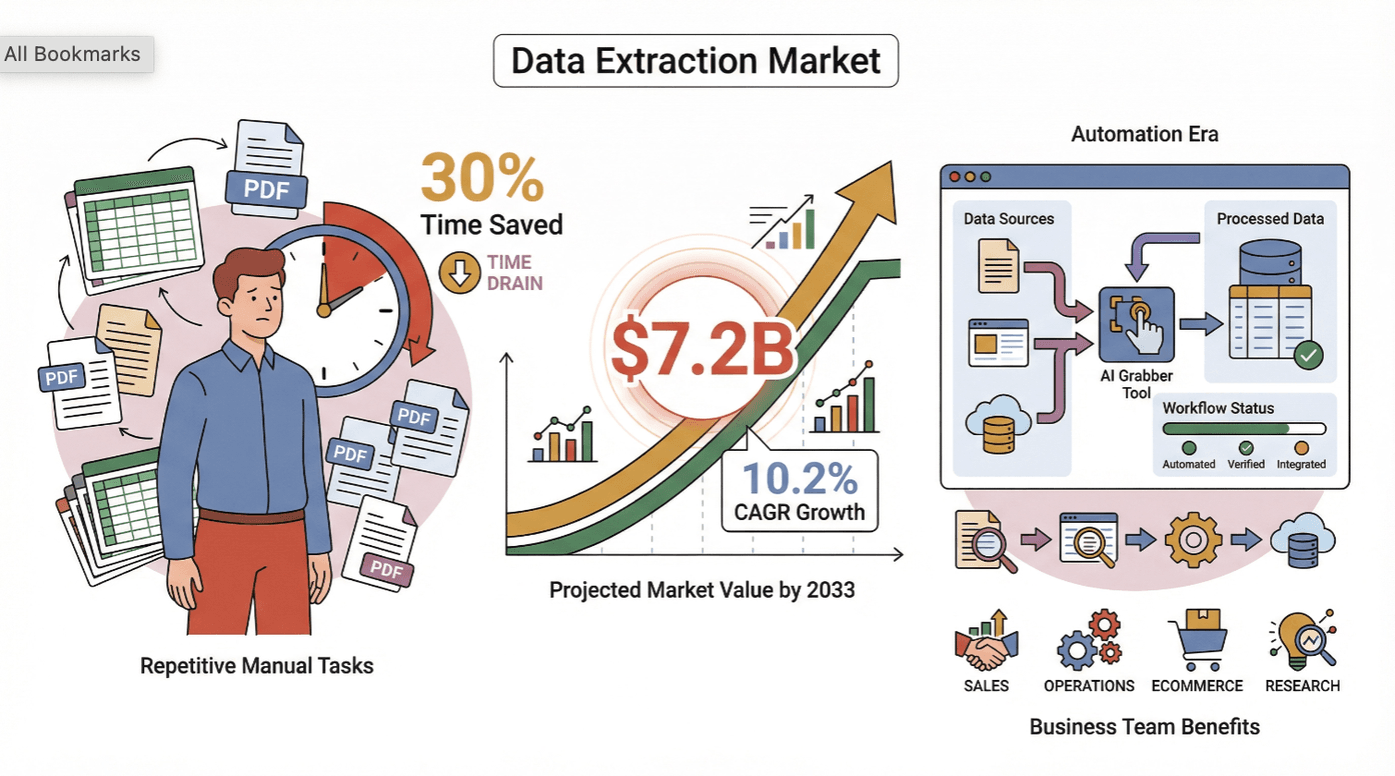 The numbers don’t lie: the global data extraction tools market is projected to reach $7.2 billion by 2033, growing at a healthy 10.2% CAGR as more teams automate repetitive tasks and double down on data-driven decision-making (DataHorizonResearch). And with the average office worker spending up to 30% of their time on repetitive data tasks (ProcessMaker), it’s no wonder that finding the best grabber tool is now a top priority for sales, operations, ecommerce, and research teams everywhere.
So, how do you choose the right tool for your needs? I’ve spent years in SaaS and automation, and I’ve seen firsthand how the right grabber tool can transform not just your workflow, but your entire approach to business intelligence. In this guide, I’ll break down the top 7 best grabber tool options for 2025—covering everything from AI-powered simplicity to enterprise-grade automation—so you can make an informed choice and finally say goodbye to manual data drudgery.
Why Choosing the Best Grabber Tool Matters for Your Business
Scrape data from any website using AI Get Started Free
Let’s get real: data is the fuel for modern business decisions. But if your data extraction process is slow, error-prone, or stuck in the Stone Age, you’re not just wasting time—you’re risking missed opportunities and costly mistakes. According to recent studies, companies leveraging AI-powered data extraction tools have reported up to a 40% decrease in operational costs and a 50% boost in data processing speed (ScrapingAPI.ai).
The right grabber tool can help you:
- Automate repetitive tasks and free up your team for higher-value work.
- Increase accuracy by eliminating manual copy-paste errors.
- Scale your data operations—whether you’re scraping 10 pages or 10,000.
- Integrate seamlessly with your analytics, CRM, or reporting tools.
- Stay compliant and organized, even as your data needs grow.
But not all grabber tools are created equal. That’s why I’ve evaluated each option based on the criteria that matter most for business users:
- Data Extraction Complexity: Can it handle messy, dynamic, or deeply nested web pages?
- Ease of Use: Is it truly no-code, or will you need to phone a developer friend?
- Automation: Does it support scheduling, batch operations, and hands-off workflows?
- Export Options: Can you get your data in the formats your business actually uses?
- Pricing Flexibility: Are there plans for every team size and budget?
- API Integration: Will it play nicely with your existing business systems?
Let’s dive into how I picked the best of the best.
How We Selected the Best Grabber Tool Options
I didn’t just throw darts at a list of tool names (tempting as that might be). Instead, I dug into real-world user reviews, expert analyses, and hands-on testing to see how each grabber tool stacks up across our key criteria. Here’s what I looked for:
- Complexity Handling: Tools that can extract data from both simple and complex sites, including those with infinite scroll, logins, or dynamic content.
- User-Friendliness: Intuitive interfaces, clear onboarding, and genuine no-code or low-code workflows.
- Automation & Scheduling: The ability to set up recurring tasks, handle large batches, and minimize manual intervention.
- Export & Integration: Support for popular formats (CSV, Excel, Google Sheets, JSON, APIs) and direct export to business apps.
- Pricing & Scalability: Transparent pricing, free tiers or trials, and plans that scale with your needs.
- API & Customization: Advanced options for teams that need deep integration or custom workflows.
I also paid close attention to user feedback on support, reliability, and ongoing maintenance—because nobody wants a grabber tool that breaks every time a website changes its layout.
With that, let’s jump into the top 7 best grabber tool options for efficient data extraction in 2025.
The Top 7 Best Grabber Tool Options
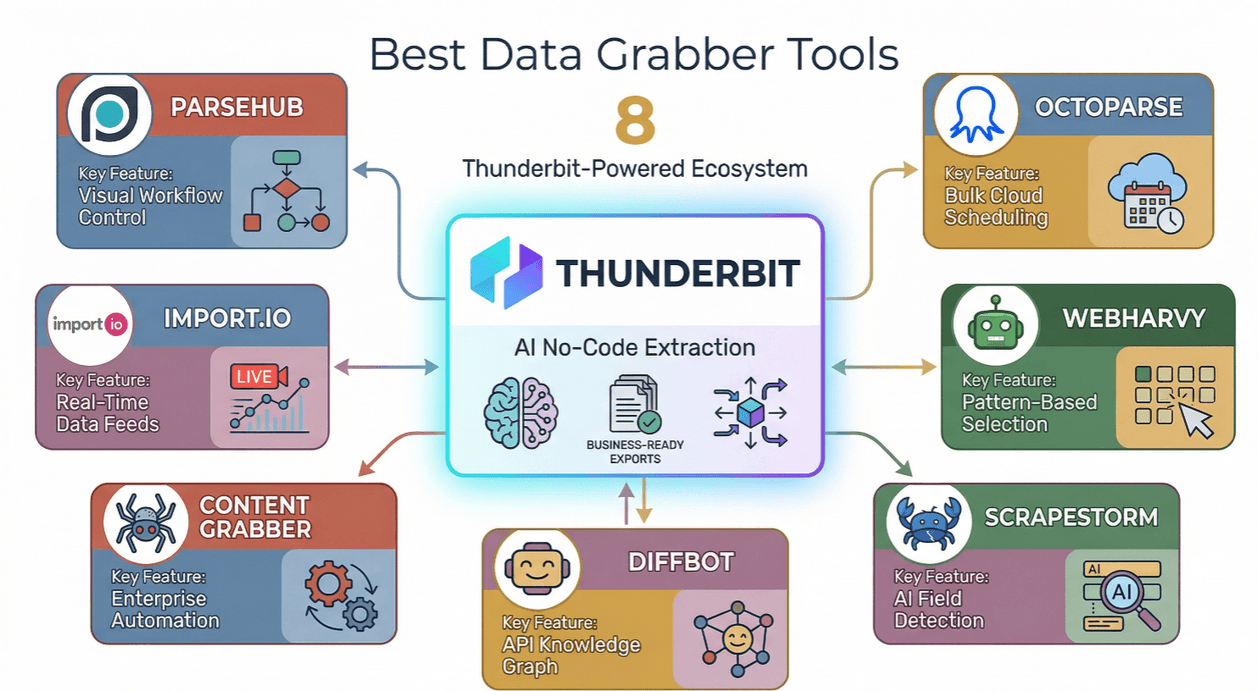
- Thunderbit for AI-powered, no-code data extraction and business-ready exports
- ParseHub for visual workflow control and complex site scraping
- Octoparse for bulk, automated extraction and cloud scheduling
- WebHarvy for intuitive, pattern-based selection and image scraping
- ScrapeStorm for AI field detection and batch operations
- Diffbot for API-first, scalable data enrichment and knowledge graph access
- Import.io for real-time data feeds and rapid analytics integration
1. Thunderbit
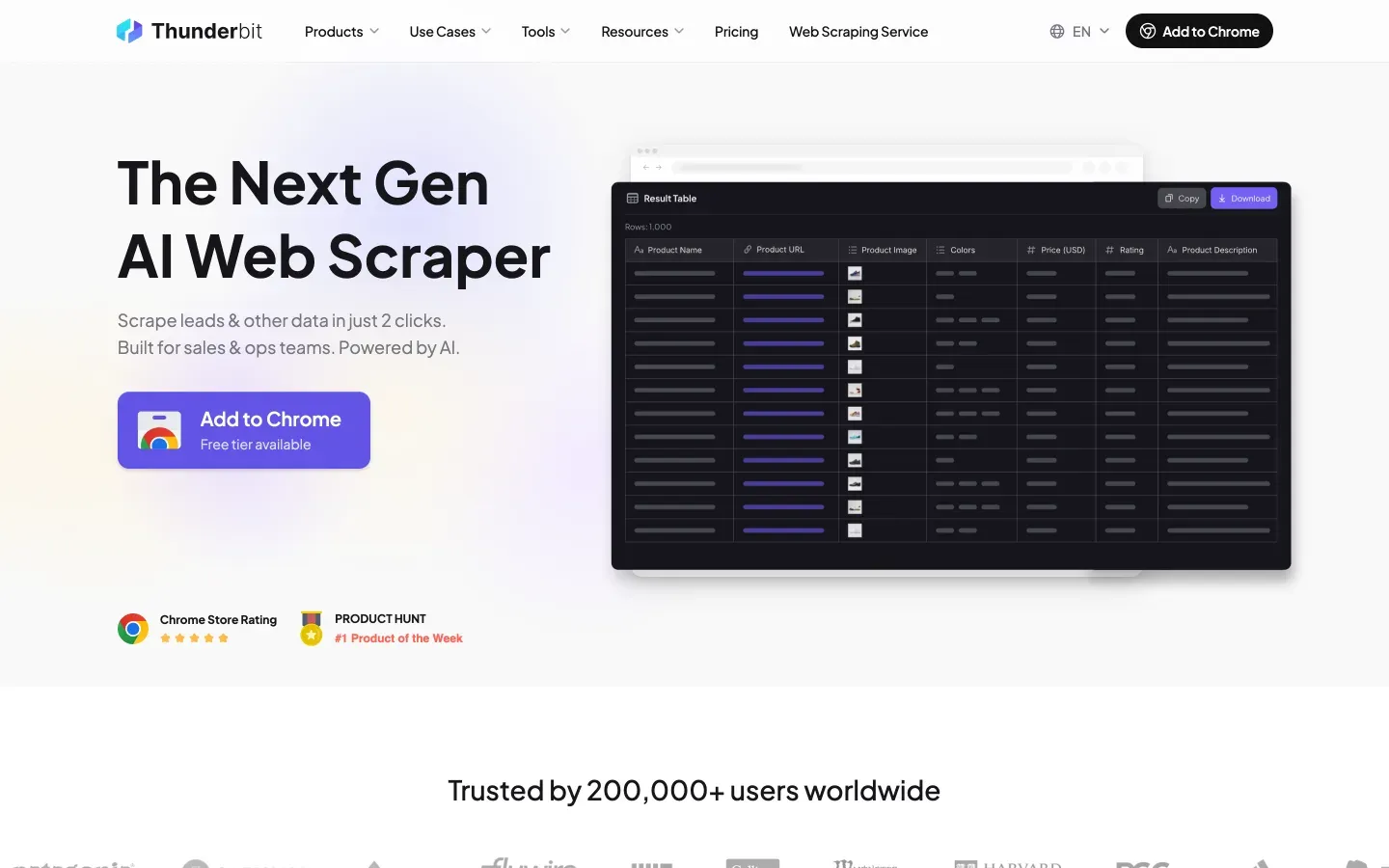
Thunderbit is my top pick for business users who want powerful, AI-driven data extraction without the technical headaches. As the co-founder and CEO, I might be a little biased—but after seeing how Thunderbit has helped thousands of teams ditch manual data entry, I can confidently say it’s a game-changer for non-technical users and power users alike.
What Makes Thunderbit Stand Out?
- AI-Powered Simplicity: Just click “AI Suggest Fields,” and Thunderbit’s AI reads the page, suggests the best columns to extract, and even creates custom prompts for each field. No coding, no templates, no setup.
- Natural Language Prompting: Describe your data needs in plain English (“Grab all product names, prices, and images from this page”), and Thunderbit figures out the rest.
- Subpage & Pagination Scraping: Need to extract data from subpages or handle infinite scroll? Thunderbit’s AI can navigate complex site structures and enrich your dataset automatically.
- Cloud & Local Modes: Choose between fast cloud scraping (great for public sites) or browser-based scraping (perfect for logged-in or dynamic pages).
- Advanced AI Field Logic: Format, categorize, translate, and label your data as you scrape—so your spreadsheet is ready to use, not just a raw dump.
- Instant Export: Send your data straight to Excel, Google Sheets, Airtable, Notion, or download as CSV/JSON. Exporting is always free.
- Flexible Pricing: Free tier for up to 6 pages, with paid plans starting at just $15/month for 500 credits (Thunderbit Pricing).
Thunderbit is trusted by over 200,000 users worldwide, from sales teams scraping leads to ecommerce pros tracking competitor prices. And with features like scheduled scraping, email/phone/image extractors, and AI autofill, it’s built for real business workflows—not just hobby projects.
Want to see it in action? Download the Chrome Extension and try it for yourself.
Try Thunderbit Free – AI Data Extraction in 2 Clicks
2. ParseHub
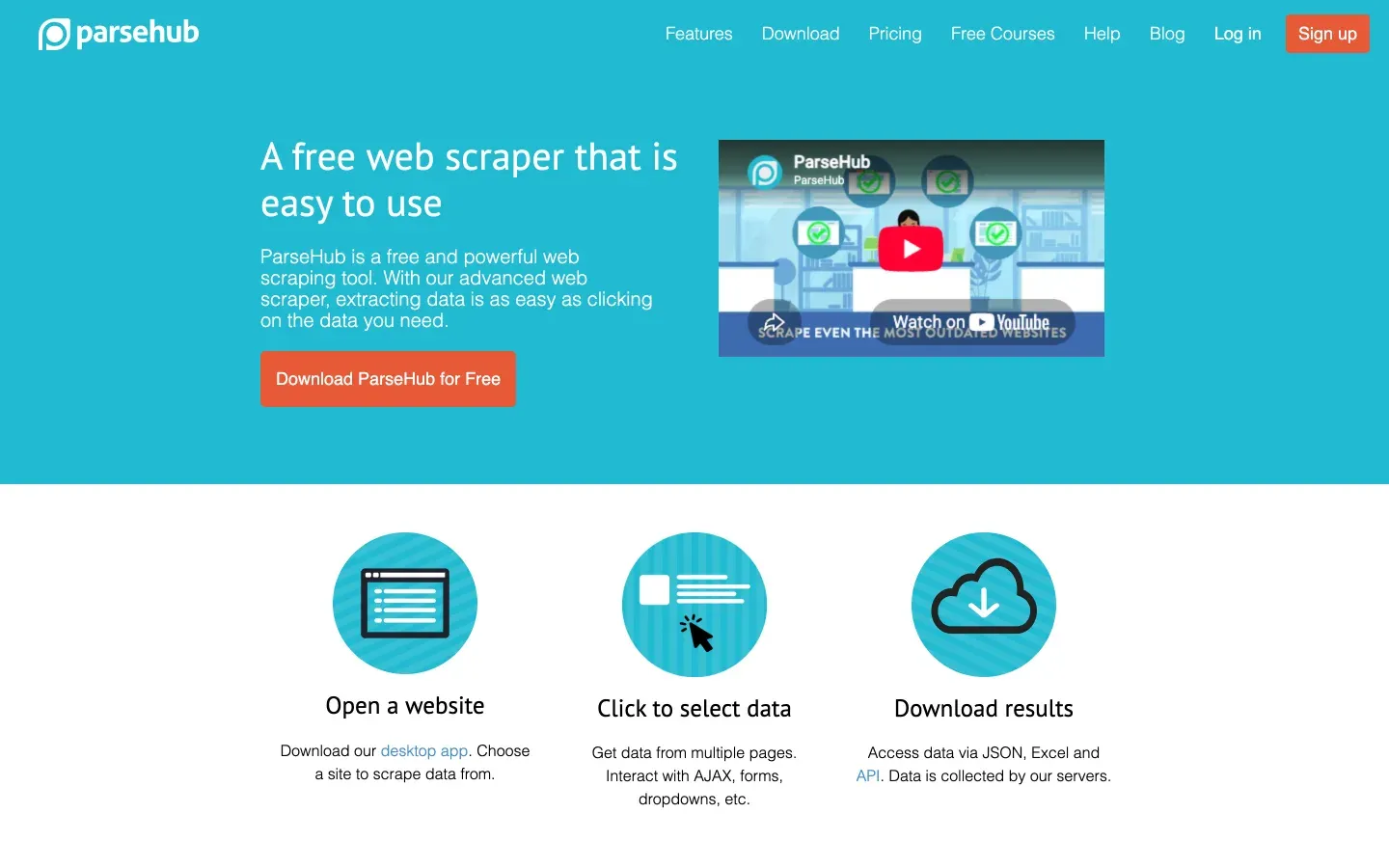
ParseHub is a flexible grabber tool known for handling complex web data and dynamic content. Its visual workflow builder lets you point-and-click to select data, set up navigation rules, and automate multi-step extractions—no coding required.
- Visual Data Selection: Click on elements to build your extraction logic, even for sites with AJAX, JavaScript, or hidden content (SalesForge).
- Automation: Schedule recurring tasks, batch process URLs, and manage multiple projects from a single dashboard.
- Export Formats: CSV, Excel, JSON, Google Sheets, Dropbox, Amazon S3, and more.
- Pricing: Free plan with limited runs; paid plans start at $189/month for advanced features (ParseHub Pricing).
- Best For: Teams needing to scrape complex or highly interactive websites, especially when visual workflow control is a must.
Some users note a learning curve for advanced features, but ParseHub’s documentation and support are solid. If you’re dealing with tricky site structures, it’s a top contender.
3. Octoparse
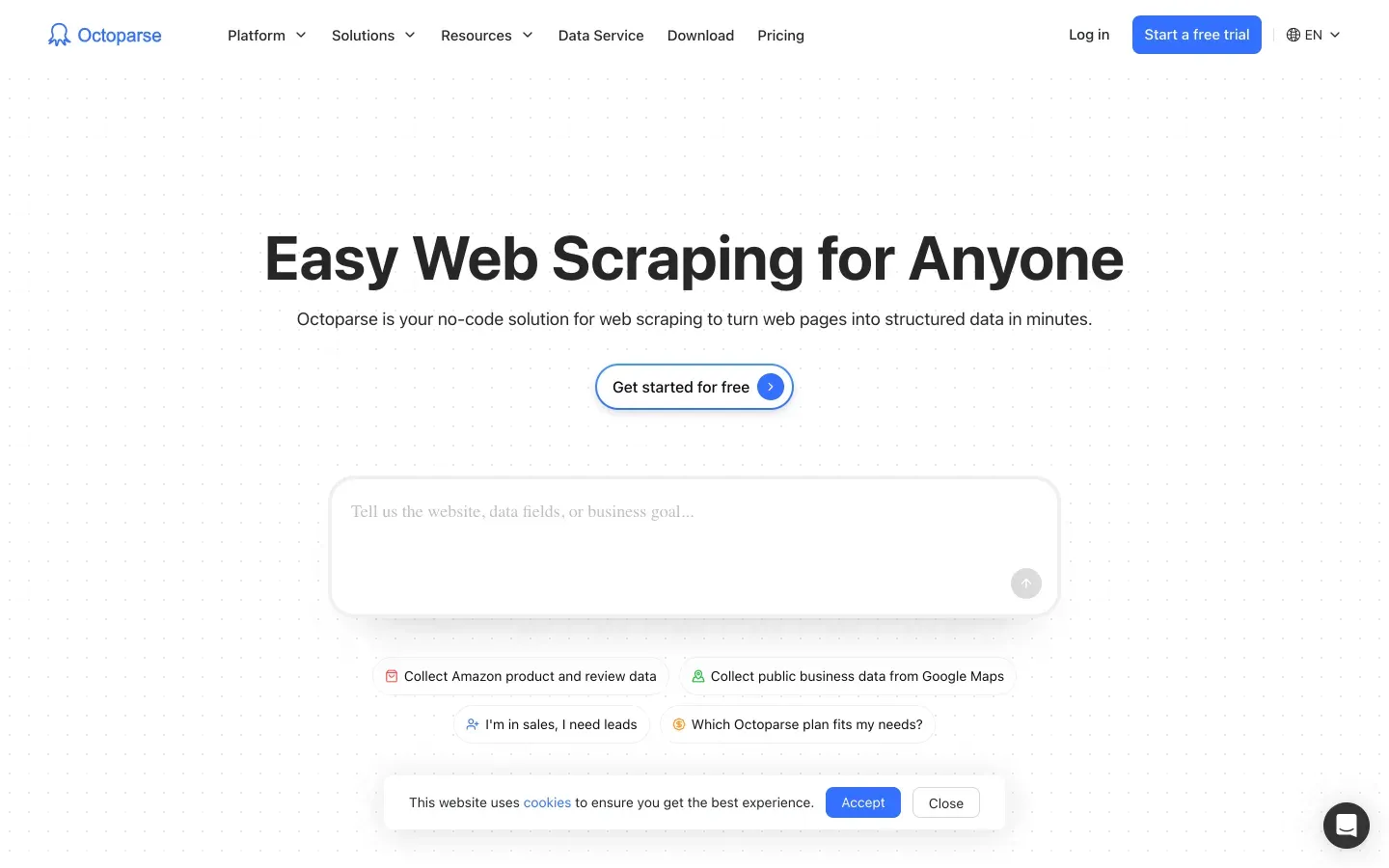
Octoparse is a robust, scalable grabber tool designed for bulk data extraction and automation. Its point-and-click interface makes it easy for non-coders to set up scraping tasks, while its cloud-based engine can handle massive jobs in parallel.
- Bulk & Batch Processing: Scrape thousands of pages at once, with distributed computing for speed (Hexomatic).
- Cloud Scheduling: Set up recurring jobs to keep your data fresh—great for price monitoring or lead generation.
- Export Options: CSV, Excel, HTML, JSON, API, and direct integration with databases.
- Pricing: Free plan available; paid plans start at $69/month for higher quotas and cloud features.
- Best For: Ecommerce, research, and ops teams needing large-scale, automated data extraction.
Octoparse is praised for its visual setup and scalability, though some users wish for even more advanced AI field detection. Still, it’s a powerhouse for bulk jobs.
4. WebHarvy
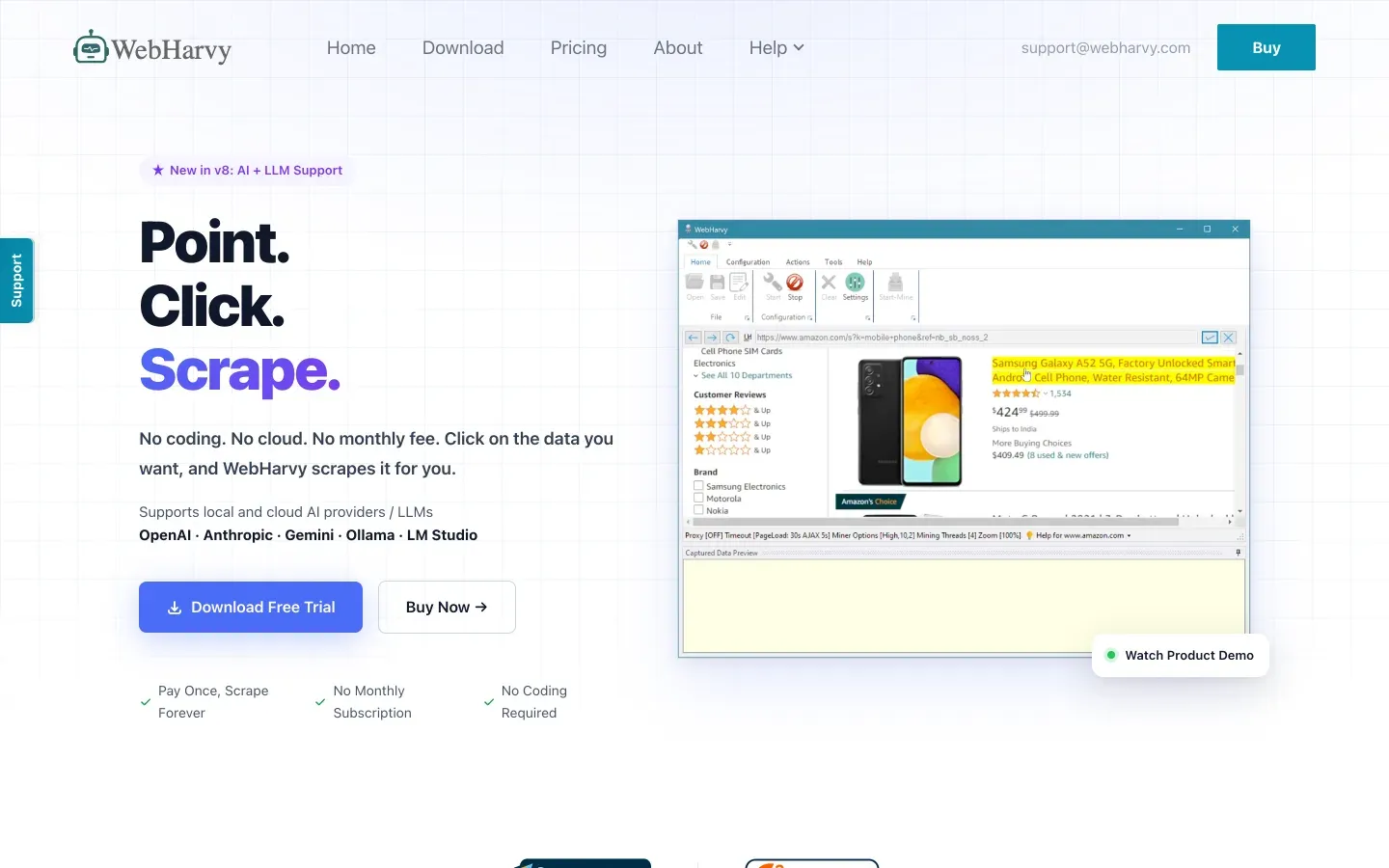
WebHarvy is a user-friendly grabber tool that shines for everyday data extraction tasks. Its visual pattern-based selection makes it easy to grab data from lists, tables, and images—no scripting needed.
- Intuitive Setup: Just click on the data you want, and WebHarvy detects similar patterns across the page (WebHarvy).
- Handles Pagination & Images: Extracts data across multiple pages and supports image scraping.
- Quick Export: Save results to Excel, CSV, XML, SQL, or databases.
- Pricing: One-time license fee; free trial available.
- Best For: Small businesses, researchers, and anyone who wants fast results without a technical learning curve.
WebHarvy is often praised for its ease of use and value for money (Capterra). If you just need to grab data from straightforward sites, it’s a great pick.
5. ScrapeStorm
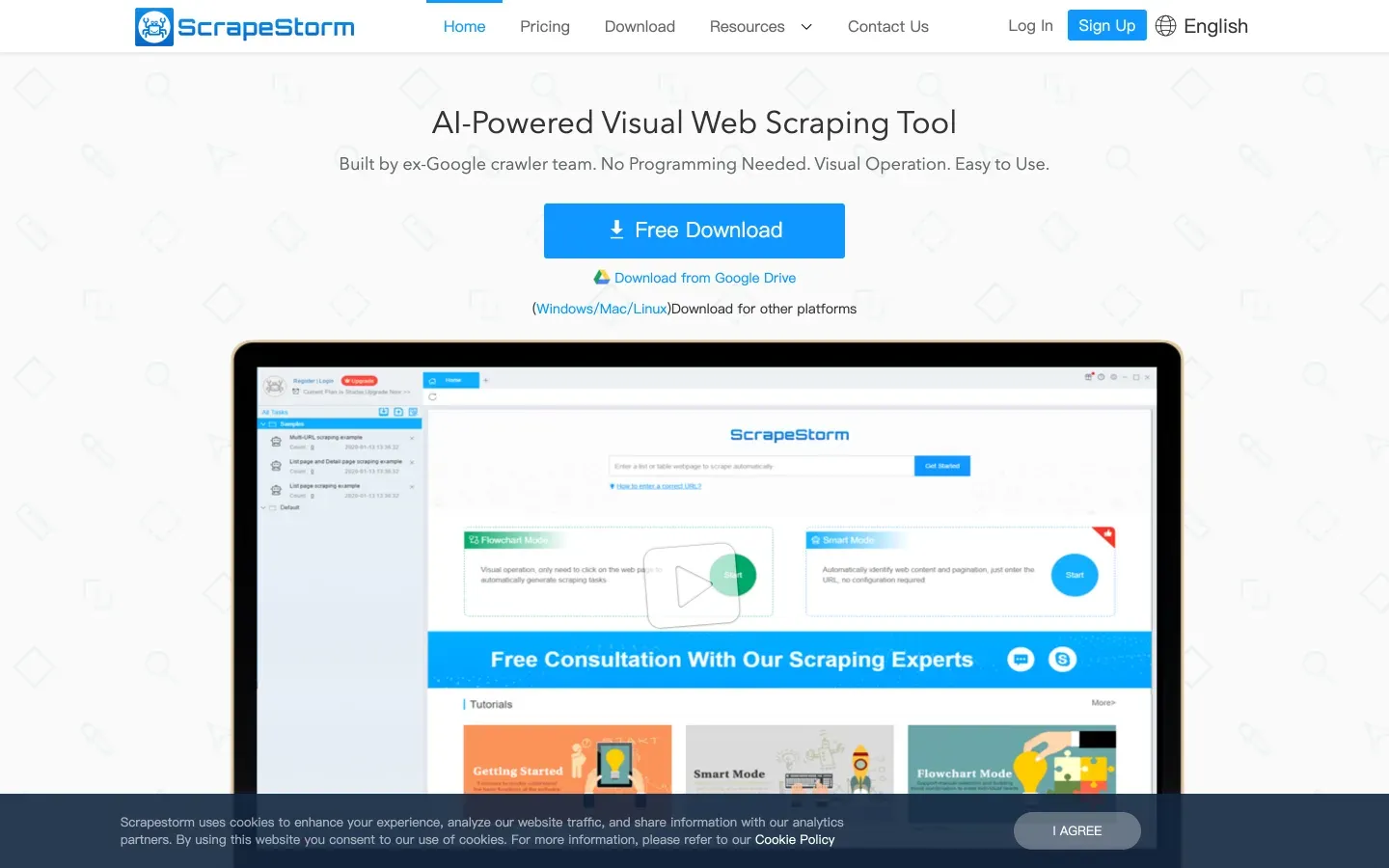
ScrapeStorm is a versatile grabber tool that leverages AI for both simple and advanced extraction needs. It’s designed to help non-technical users get started quickly, thanks to its AI-powered field recognition and batch operation features.
- AI Field Detection: Automatically identifies and extracts tabular data, even from complex layouts (SalesForge).
- Batch & Scheduled Scraping: Supports bulk URL imports, recurring tasks, and multi-platform compatibility.
- Flexible Export: CSV, Excel, databases, Google Sheets, and more.
- API & Image Recognition: Advanced users can integrate via API or use AI image recognition for richer datasets.
- Pricing: Free trial; paid plans available.
- Best For: Teams seeking a balance of AI assistance and hands-on control, especially for mixed-complexity projects.
Some users mention a slight learning curve with the flowchart mode, but ScrapeStorm’s AI suggestions help flatten it out (Thunderbit Blog).
6. Diffbot
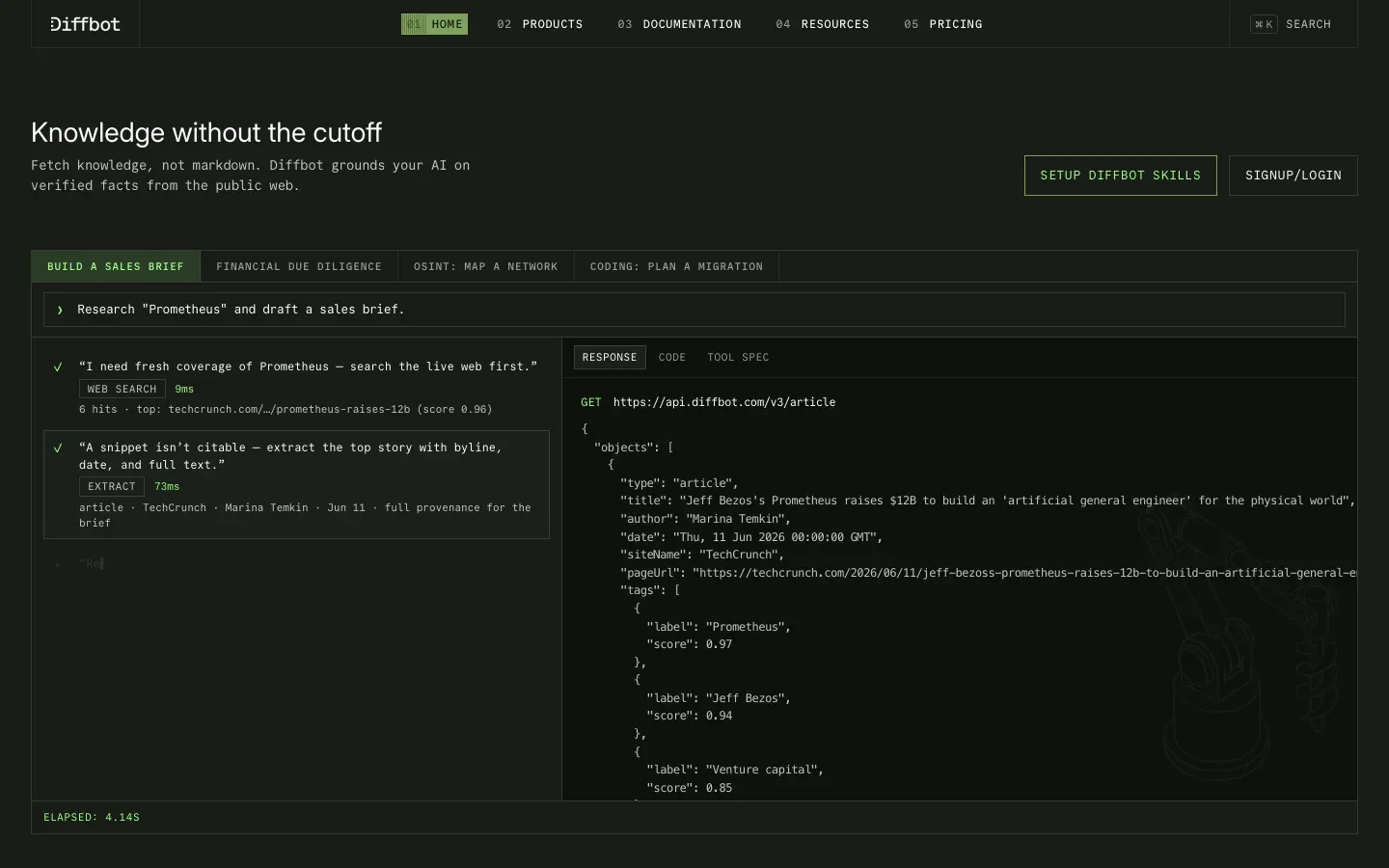
Diffbot is an API-first grabber tool built for seamless integration and data enrichment. It uses AI and machine learning to extract structured data from even the messiest web pages, making it a favorite for teams building automated, scalable data pipelines.
- API-Driven Extraction: Pull structured data (articles, products, organizations, people) directly into your business systems (Diffbot Docs).
- Knowledge Graph: Tap into a massive, continuously updated web knowledge base for insights and enrichment.
- Bulk & Real-Time: Supports bulk API calls, real-time updates, and deep web crawling.
- Best For: Enterprises and developers who need programmable, automated data flows and integration with analytics or AI tools.
Diffbot is used by companies building complex ETL pipelines and AI applications, but it’s overkill for simple, one-off scraping tasks.
7. Import.io
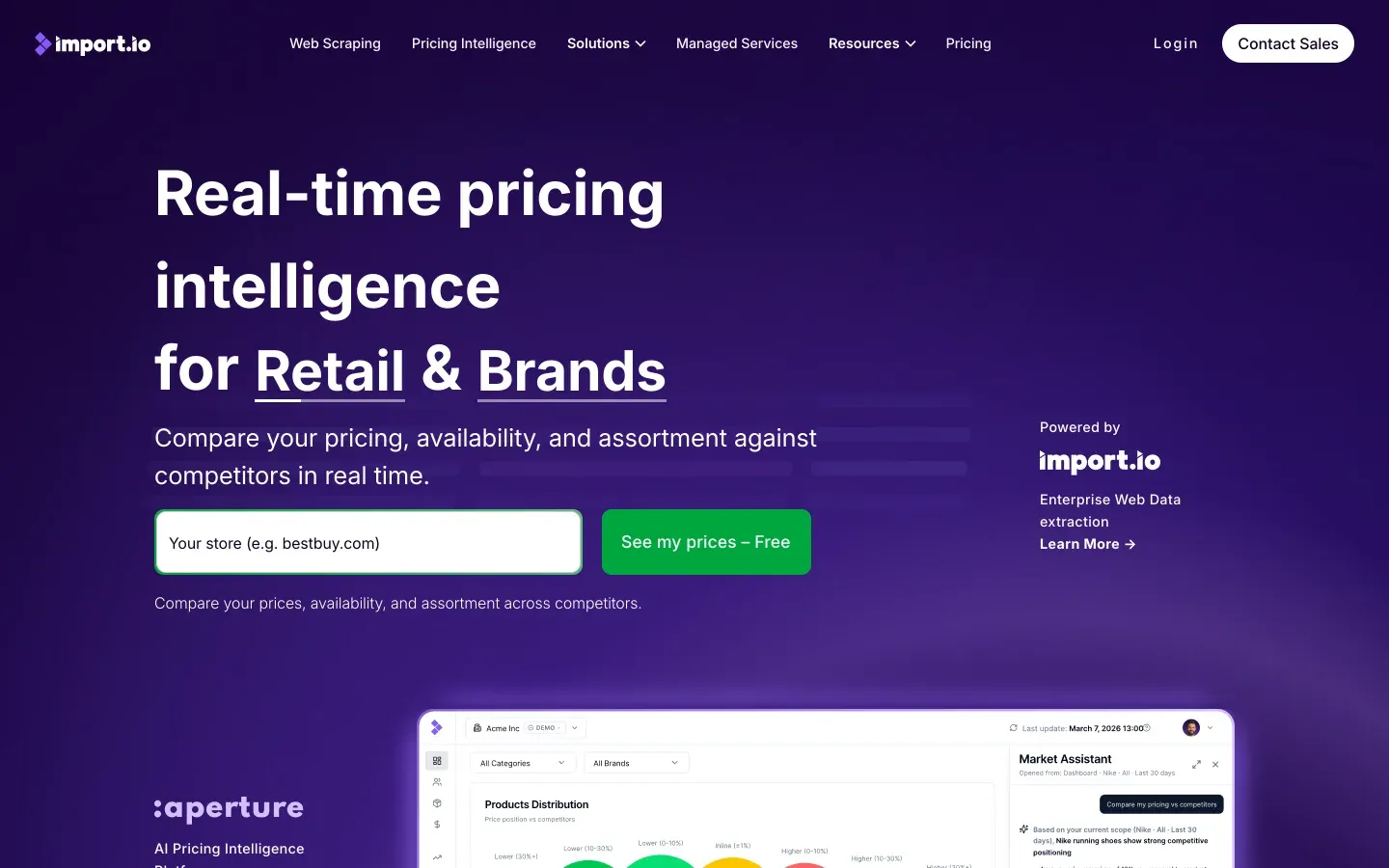
Import.io is a grabber tool focused on rapid data integration and real-time analytics. Its no-code interface lets you set up extraction tasks quickly, and its real-time data feeds are perfect for teams needing up-to-the-minute insights.
- No-Code Setup: Build extraction workflows with a visual interface—no scripting required.
- Real-Time Data Feeds: Stream web data directly into analytics or BI tools.
- Flexible Export: CSV, Excel, APIs, and direct integration with enterprise systems.
- Compliance & Security: Built for enterprise needs, with robust compliance features.
- Best For: Teams needing fast, reliable access to web data for reporting, dashboards, or analytics.
Import.io is praised for its onboarding and integration speed, making it a go-to for data-driven teams on tight deadlines.
Best Grabber Tool Comparison Table
Here’s a side-by-side look at how the top 7 grabber tools stack up across key business criteria:
| Tool | Complexity Handling | Ease of Use | Automation & Scheduling | Export Formats | Pricing Flexibility | API Integration |
|---|---|---|---|---|---|---|
| Thunderbit | ★★★★★ | ★★★★★ | ★★★★★ | Excel, CSV, Sheets, Notion, Airtable, JSON | Free tier, $15+/mo | Yes (API, Zapier) |
| ParseHub | ★★★★★ | ★★★★☆ | ★★★★★ | CSV, Excel, JSON, S3, Dropbox | Free, $189+/mo | Yes |
| Octoparse | ★★★★☆ | ★★★★☆ | ★★★★★ | CSV, Excel, HTML, JSON, API | Free, $69+/mo | Yes |
| WebHarvy | ★★★☆☆ | ★★★★★ | ★★★★☆ | Excel, CSV, XML, SQL | One-time license | Limited |
| ScrapeStorm | ★★★★☆ | ★★★★☆ | ★★★★☆ | CSV, Excel, DB, Sheets | Free, paid plans | Yes |
| Diffbot | ★★★★★ | ★★★☆☆ | ★★★★★ | JSON, API, Knowledge Graph | Free, $299+/mo | Yes (API-first) |
| Import.io | ★★★★☆ | ★★★★☆ | ★★★★★ | CSV, Excel, API, BI tools | 30-day trial, $199+/mo | Yes |
Content Grabber was previously included here. It was rebranded to Sequentum Enterprise in 2020, the legacy Content Grabber product was discontinued for new sales in 2021 and lost support in 2022, and its license servers were shut down in June 2024 (contentgrabber.com no longer resolves). Its successor, Sequentum Enterprise, now starts at $27,500/year for a 3-seat team plan -- a different price tier from every other tool on this list -- so it is no longer included as a recommendation here.
Which Best Grabber Tool Is Right for Your Business?
What Is Data Scraping and How to Do It in 2025 Get Started Free
- Thunderbit is perfect for non-technical users who want AI-powered simplicity, natural language prompts, and instant integration with business tools. It’s especially strong for complex, unstructured data and teams needing quick, accurate results.
- ParseHub and Octoparse are excellent for handling complex site structures and large-scale, automated extraction—ideal for ecommerce, research, and operations teams.
- WebHarvy and ScrapeStorm are great entry points for small businesses or anyone needing fast, visual setup for basic to moderately complex tasks.
- Diffbot is built for enterprise users who need deep API integration, custom workflows, and large-scale automation.
- Import.io is the go-to for teams needing real-time data feeds and rapid integration with analytics and BI platforms.
When choosing, consider your technical comfort, data complexity, automation needs, and integration requirements. Most tools offer free trials, so don’t be afraid to experiment and see what fits your workflow best.
Conclusion: Unlocking Efficiency with the Best Grabber Tool
Adopting the best grabber tool for your business isn’t just about saving time—it’s about unlocking new levels of efficiency, accuracy, and insight. With the right tool, you can automate away the drudgery, empower your team to focus on high-impact work, and make smarter, faster decisions based on real-time data.
The market for data extraction tools is booming for a reason: businesses that embrace automation are pulling ahead, while those stuck in manual mode are falling behind. Whether you’re a solo operator or an enterprise powerhouse, there’s a grabber tool on this list that can help you work smarter in 2025.
Ready to see what’s possible? Try Thunderbit’s free tier or explore the other options above—and let your data do the heavy lifting for you. And for more tips, deep dives, and comparisons, check out the Thunderbit Blog.
Start Scraping with Thunderbit – Free Tier Available
FAQs
1. What is a grabber tool and how does it work?
A grabber tool (or data extraction tool) is software that automatically collects data from websites or documents and organizes it into structured formats like Excel or CSV. Modern grabber tools use AI and visual workflows to make data extraction fast and easy, even for non-technical users.
2. How do I choose the best grabber tool for my business?
Consider your data complexity, technical skills, automation needs, export formats, and integration requirements. Tools like Thunderbit are ideal for non-coders and complex data, while ParseHub and Octoparse are great for bulk and advanced automation. Enterprise users may prefer Diffbot for deep integration.
3. Can grabber tools handle dynamic or login-protected websites?
Yes, many modern grabber tools (like Thunderbit, ParseHub, and Octoparse) can handle dynamic content, infinite scroll, and even login-protected pages using browser-based or cloud scraping modes.
4. Are there free options for data extraction?
Most grabber tools offer free tiers or trials. Thunderbit, for example, lets you scrape up to 6 pages for free, with paid plans for higher usage. WebHarvy and ScrapeStorm also offer free trials.
5. Is it legal to use grabber tools for web data extraction?
Generally, it’s legal to extract publicly available data for personal or business use, but you should always respect website terms of service and privacy laws. Avoid scraping sensitive or copyrighted content, and use grabber tools responsibly.
Happy scraping—and may your spreadsheets always be full, accurate, and ready for action.
Try Thunderbit AI Web Scraper for Free Get Started Free
Learn More
- 15 Best Data Extraction Tools in 2025
- 15 Best Data Extraction Tools in 2025
- Top 10 Automated Web Scraping Tools in 2025
- Top 10 Automated Web Scraping Tools in 2025
- How to Scrape Website Data Efficiently with Top Tools
- Top 6 Essential Web Scraper Tools for 2025 Success
- Top 12 Best Data Extractors to Use for Maximum Efficiency
- The Best Web Scraping Tools & Software in 2025
- Top 8 Site Rip Tools for Easy and Fast Data Extraction
- Top 9 No Code Web Scrapers for Automated Solutions




