
A single Google Shopping search page can hide sponsored placements between organic listings, drop prices entirely for out-of-stock items, and duplicate the same product across five different sellers. I spent the past few weeks pulling apart nine tools that claim to scrape this mess into clean, usable data — and the honest answer is that "best" depends entirely on whether you're a developer building a pipeline or a marketer who just wants the numbers in a spreadsheet by Friday.
That split shows up everywhere in the research. Over on r/learnpython and r/node, people are trading notes on Puppeteer, Playwright, and proxy rotation. Over on r/PPC, people are asking for something closer to "just give me the data, I don't want to touch code." So instead of ranking these nine tools alphabetically or slapping a "best overall" badge on whichever vendor has the flashiest homepage, I scored each one against six concrete criteria and ordered them by workflow — managed SERP APIs first, then proxy-and-scraper infrastructure, then a developer actor platform, then a no-code browser tool.
What Makes a "Best" Google Shopping Scraper? Our Scoring Criteria
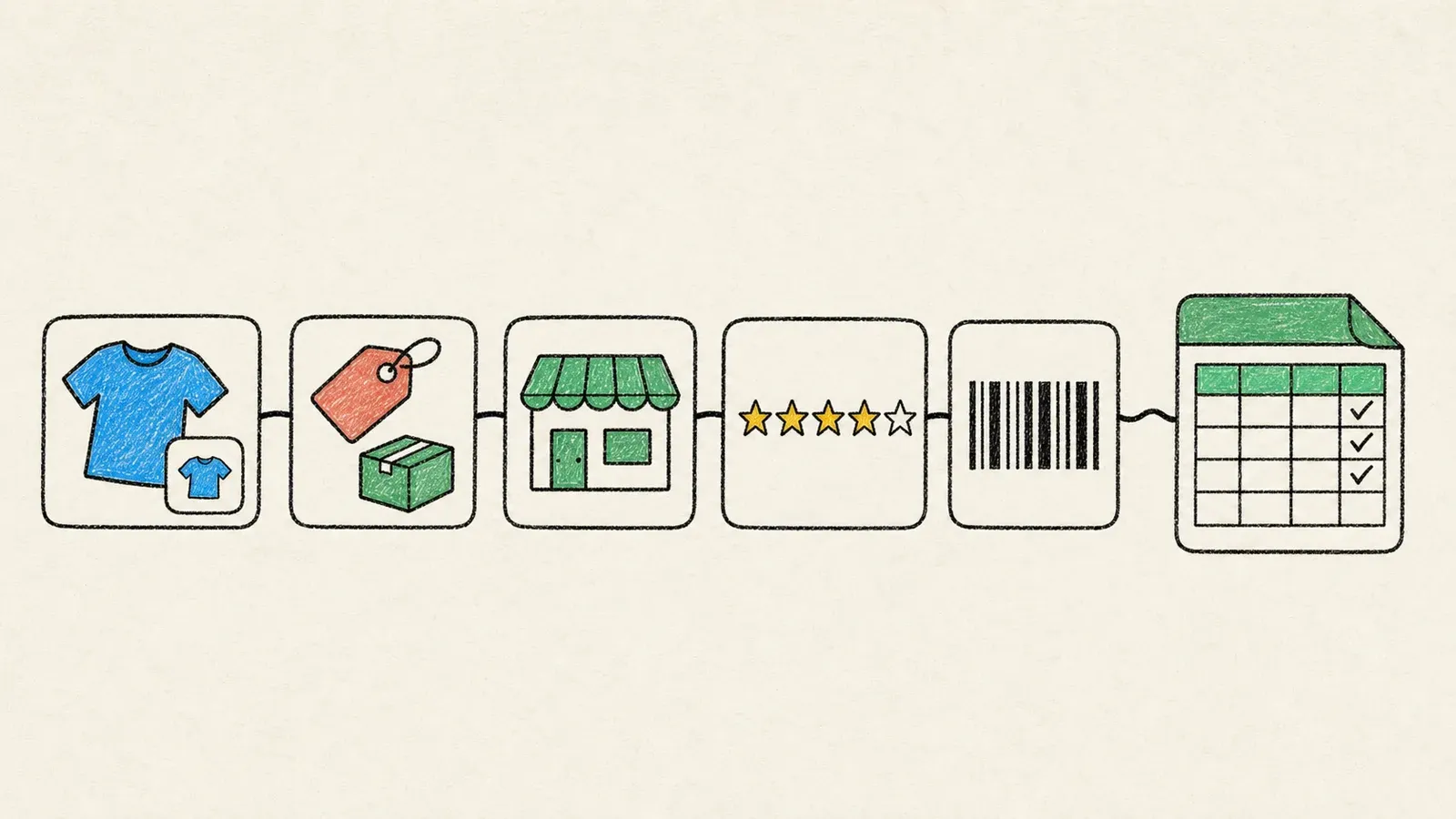
"Best" is doing a lot of heavy lifting in most listicles, so here's what it actually means in this one. I scored all nine tools against the same six factors instead of repeating whatever each vendor's marketing page claims:
- Data coverage — does the documented schema reliably return price, seller, rating, review count, shipping, and a real distinction between sponsored and organic listings?
- Locale/geo support — can you actually target a specific country, language, or device, or are you at the mercy of whatever the proxy's IP happens to resolve to?
- Setup complexity — is this an API key and a GET request, or a queued task with callbacks, or a token-chained two-step workflow, or a page you click on?
- Maintenance burden — who's responsible when Google changes its HTML structure or throws up a CAPTCHA: you, or the vendor?
- Export/integration path — JSON dump, or a direct line into Sheets, Airtable, or your data warehouse?
- Price transparency — does the vendor publish a real per-unit cost you can calculate from, or do you have to "contact sales" to find out what anything costs?
One thing I'm not going to do here is invent success rates, speed benchmarks, or accuracy percentages. Nobody in this list independently benchmarked against anybody else, and vendor claims about "99.9% success" or "blazing fast" are marketing copy, not measurements. What you'll get instead is what each vendor's own documentation actually proves — which, it turns out, is plenty to work with.
Developers Want Code, Marketers Want Zero Code
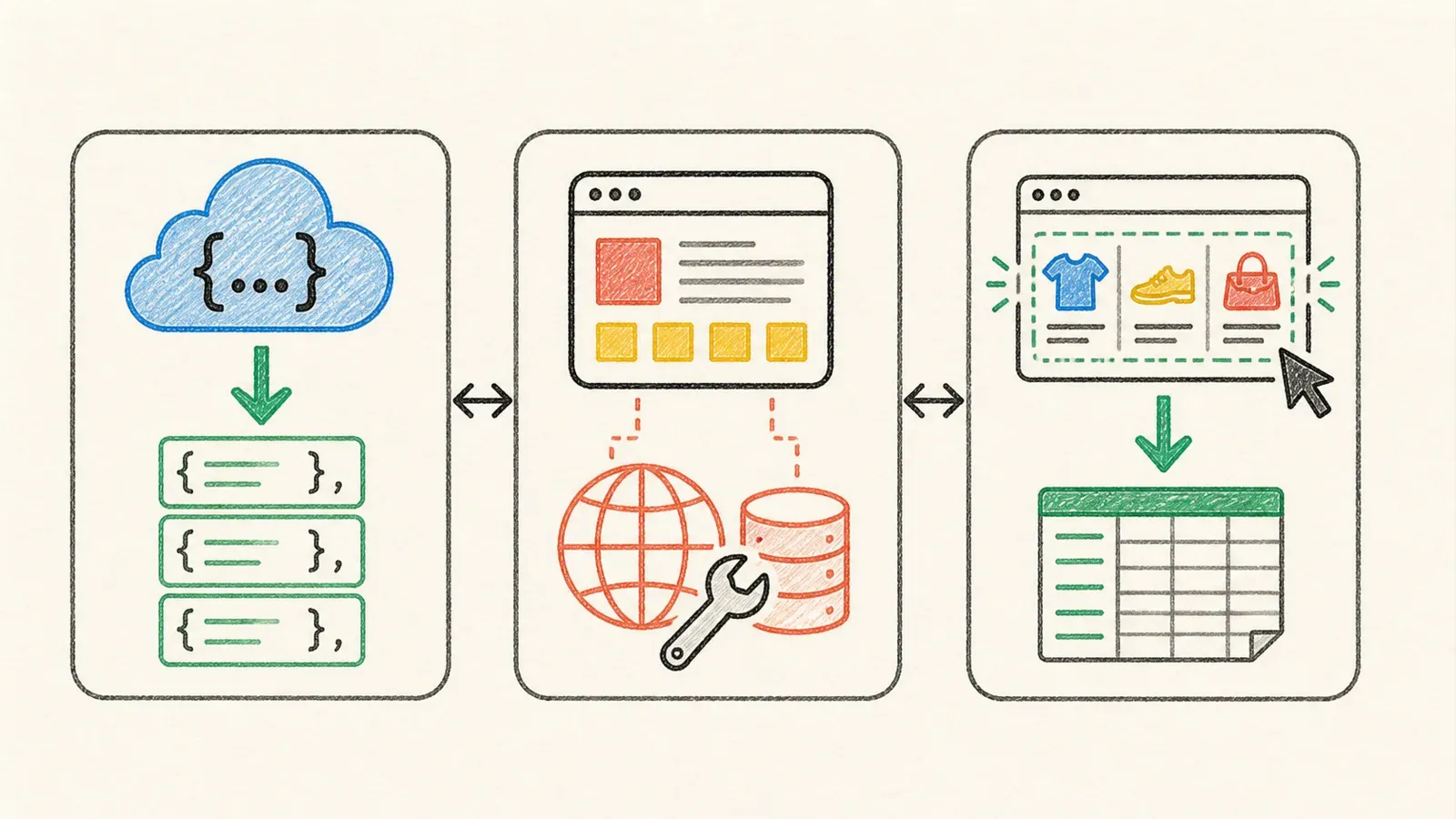
If you've spent any time in scraping-adjacent forums, you already know this split exists, but it's worth spelling out because it explains the order of this list. Developers building a data pipeline want an API key, predictable JSON, explicit locale parameters, and a schema they can validate and normalize downstream. They're the ones asking about proxy rotation and headless browser rendering.
Marketing and PPC folks want something closer to "point at the page, get the spreadsheet." They don't want to maintain a Puppeteer script when Google tweaks its shopping layout for the third time this quarter (and it will happen — Google changes shopping markup often enough that even the API vendors publish changelogs about it).
So this list moves from managed SERP-API providers (SerpApi, Serper, SearchAPI, DataForSEO) — structured JSON, no proxy work, but still requiring code — through proxy-and-scraper infrastructure (Bright Data, Oxylabs) that gives more control at the cost of more setup, into a fully customizable developer actor platform (Apify), and ends with Thunderbit, a no-code agentic browser tool for people who genuinely do not want to write or maintain scraping code.
The 9 Best Google Shopping Scrapers at a Glance
| Tool | Collection Model | Setup Complexity | Locale Support | Best-Fit Persona | Maintenance Burden |
|---|---|---|---|---|---|
| SerpApi | Managed Shopping API | Low (API key) | Strong (location, gl, hl, device) | Data engineers, SEO tools | Vendor-handled |
| Serper | General SERP API, Shopping as one result type | Low | Moderate (country/language documented) | Cost-sensitive devs | Vendor-handled |
| SearchAPI | Managed Shopping + Product Offers API | Low–Medium (two-step for offers) | Moderate | Offer/merchant comparison teams | Vendor-handled |
| DataForSEO | Task-based Merchant API | Medium (queue/callback) | Strong | Bulk/scheduled pipelines | Vendor-handled |
| Bright Data | Dataset + Scraper API + SERP API | Medium (surface-dependent) | Very strong | Enterprise data teams | Shared |
| Oxylabs | Two-step search + product-detail API | Medium (token chaining) | Very strong | Enterprise data teams | Shared |
| Scrapingdog | Dedicated Shopping endpoint | Low–Medium | Moderate | Budget-conscious devs | Vendor-handled |
| Apify | Actor/developer platform | Medium–High | Depends on actor | Custom pipeline builders | User-managed |
| Thunderbit | Agentic no-code browser extraction | Very low (One Click Extract) | Depends on target page | Marketers/PPC, non-coders | Low, page-dependent |
(Verify current pricing, credit limits, and locale coverage on each vendor's live docs before you commit — this stuff changes fast, and several of these vendors have already shipped breaking changes in 2026.)
1. SerpApi — Managed, Feature-Rich, and Explicitly Cache-Aware
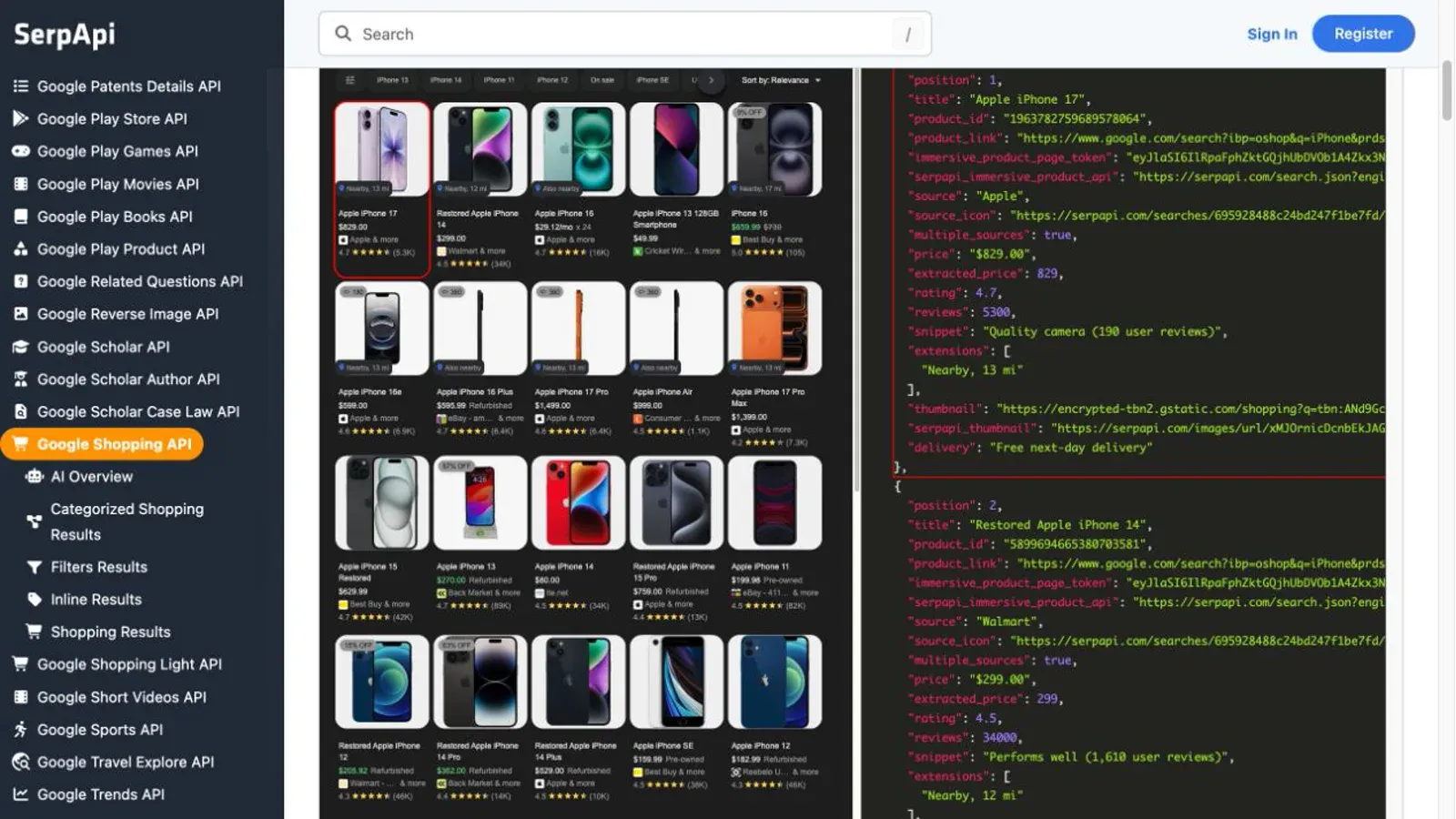
SerpApi runs a dedicated Google Shopping engine (engine=google_shopping) that takes your query and returns structured shopping_results — position, title, product ID, price plus extracted numeric price, old/installment pricing, delivery, condition, rating, reviews, and images. That's a genuinely strong schema, and SerpApi separately documents sponsored Shopping results through its Google Ads Shopping schema, so you can find sponsored placements — just not as a single reliable sponsored: true/false flag baked into the dedicated Shopping response.
What sets SerpApi apart is how explicit it is about the things that usually bite you later. Location targeting supports canonical city-level location or exact uule, plus separate gl (country), hl (language), and device (desktop, tablet, mobile) parameters. And it tells you outright that identical queries can hit a cache for up to one hour by default — cached hits are free, no_cache=true forces a fresh pull. That's the kind of disclosure most vendors bury or skip.
Pricing (checked 2026-08-13) is public and monthly: Free tier at 250 searches, Starter at $25 for 1,000, up through Big Data at $275 for 30,000. Only successful searches count against your quota — cached and failed requests don't. Worth knowing: Google filed suit against SerpApi in early 2026 over its data-access methods; SerpApi disputes the characterization and says it accesses public, unauthenticated results. That's a live legal situation, not a verdict, so treat it as a risk factor to watch rather than a reason to avoid the tool outright.
Best for: developers who want the richest documented Shopping schema and the most explicit control over caching and locale.
2. Serper — Fast, Budget-Friendly, and the Cleanest Freshness Claim
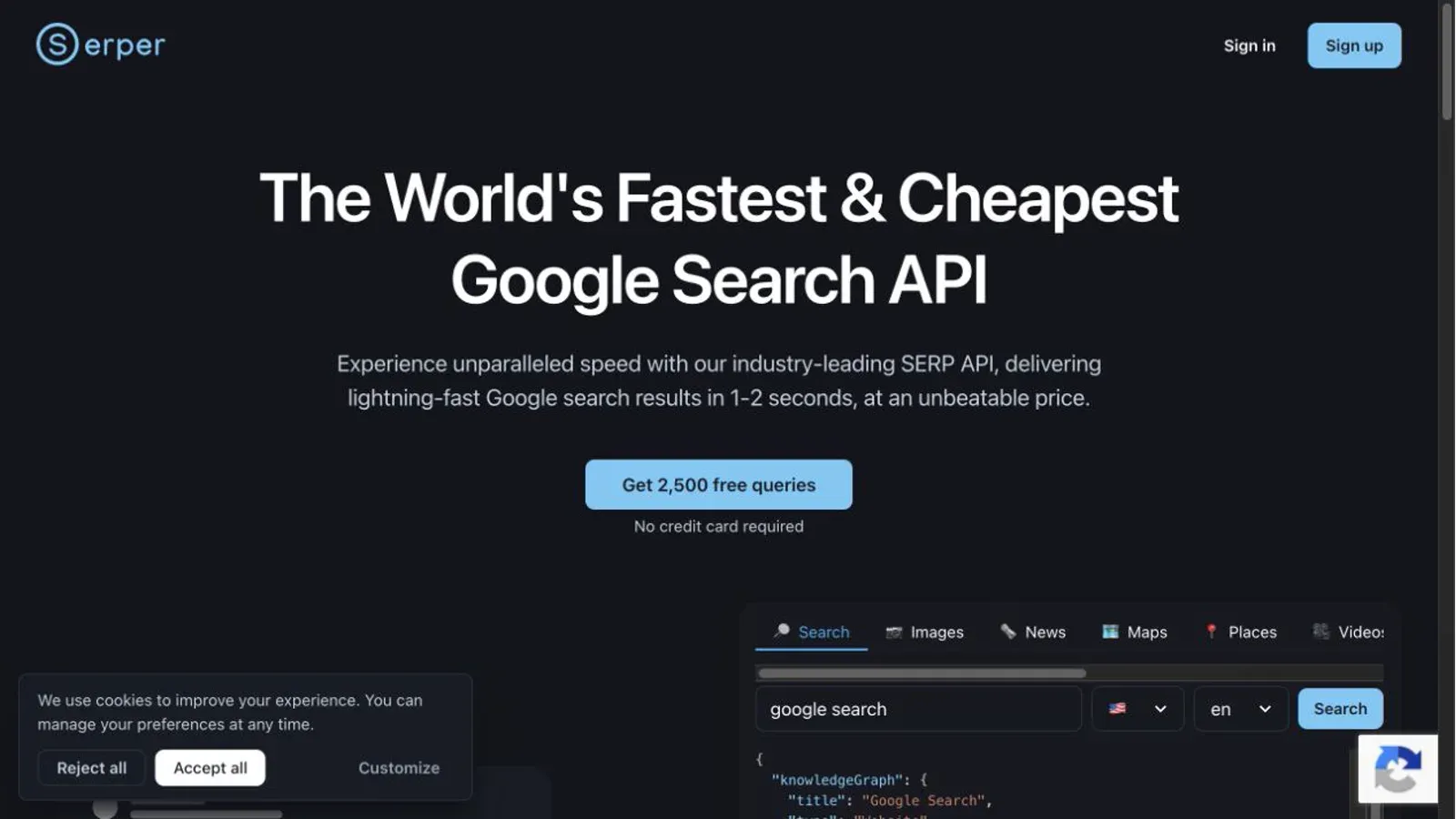
Serper positions itself as a general Google SERP API where Shopping sits alongside Search, Images, News, Maps, and half a dozen other result types. If you're already pulling regular search results and just need Shopping data bolted on, this is a lower-friction add than standing up a second dedicated vendor.
The public Shopping example returns title, source, direct merchant link, formatted price, delivery, rating, rating count, offer count, product ID, and position — solid for basic product-card monitoring, though the public docs don't expose the same depth of merchant-offer detail or promotional-pricing fields that SearchAPI or Oxylabs document. Serper's cleanest selling point is its freshness promise: it says every call queries Google live and nothing is cached, which removes the cache-management decision SerpApi users have to make (at the cost of paying for every repeated query, cached or not).
Pricing runs on prepaid credit tiers rather than subscriptions — 2,500 free queries to start, then $50 for 50,000 credits scaling down to $0.30 per 1,000 at the top tier, with credits valid for six months. The pricing page also discloses something refreshingly honest: individual requests can take 2–4 seconds "when it must retry the request to Google," which is a real latency tail you should plan around rather than a benchmark to worry about.
Best for: teams already integrating a broader SERP API who want Shopping as a bonus, not a dedicated product.
3. SearchAPI — Strong Offer-Level Detail, With a Documentation Wrinkle
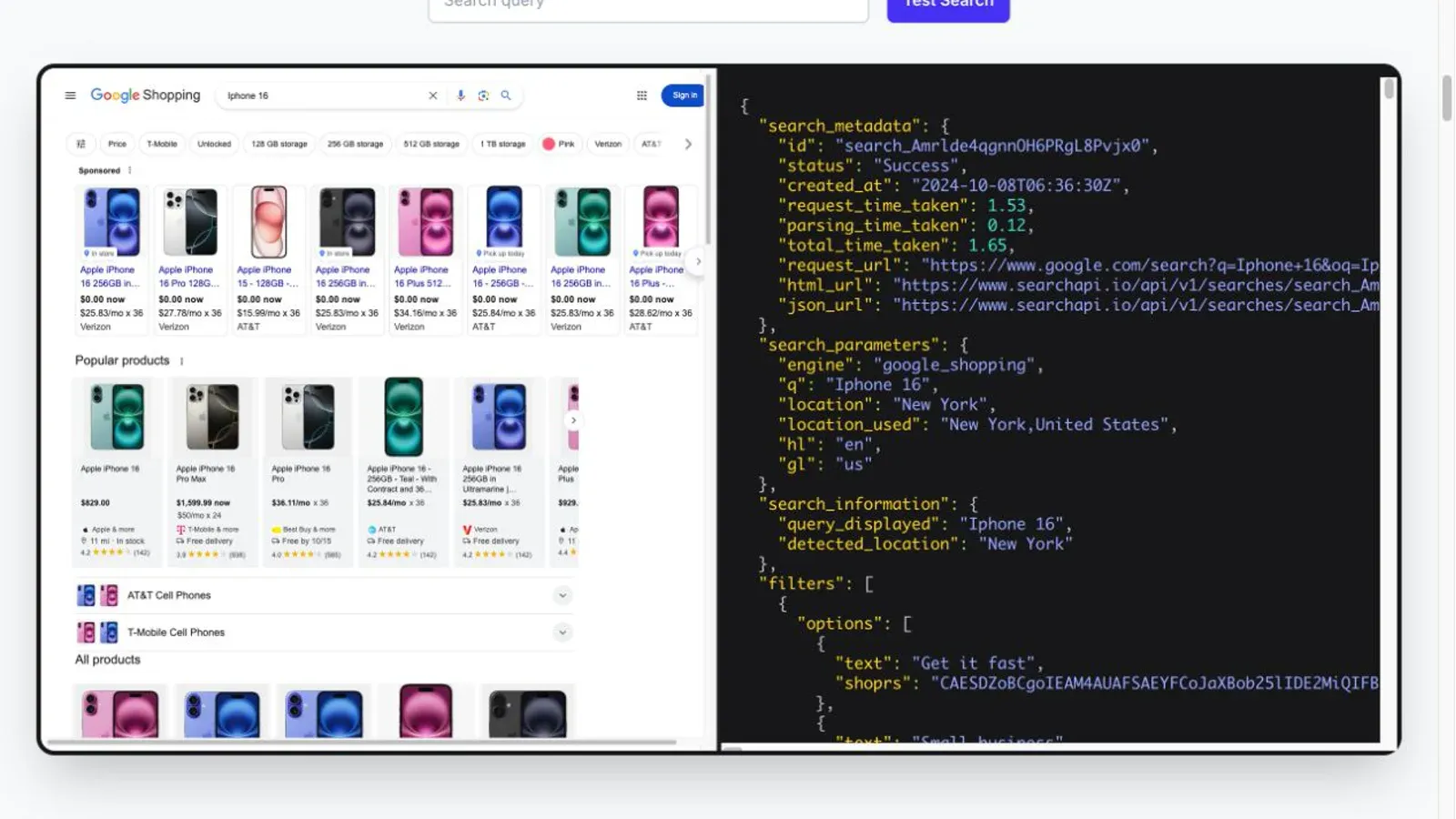
SearchAPI runs a two-step workflow that's genuinely useful if you need seller-level pricing comparisons. The Shopping endpoint returns the usual card fields plus a product_token — and that token unlocks a separate Product Offers API returning an offers array with merchant link, price, delivery price, total price, stock status, and payment methods per seller. If your use case is "show me every price this exact product sells for across sellers," this is the most direct path in the list.
There's a real gotcha here worth flagging: as of May 15, 2026, Google's changes forced SearchAPI to require a fresh product_token per request — the older product_id/prds parameters now return a flat 400 error. If you're integrating based on older code samples or tutorials, this will break silently until you notice.
SearchAPI also explicitly warns that natural-language filters inside your query (like "under $30" or "used") are hints, not strict filters — Google may still return results outside them when matches are scarce. Encoded shoprs filters are the strict route. And there's an unresolved documentation conflict worth knowing about: SearchAPI markets the endpoint as "real-time," but its own data processing agreement says it caches results for performance. No public TTL is documented either way, so if fast-moving prices matter to you, test with repeated queries before you build a pipeline around a freshness assumption.
Pricing (checked 2026-08-13) starts at $40/month for Developer tier at $4 per 1,000 searches, scaling down at higher volumes, with a documented hourly cap of 20% of your monthly credits.
Best for: teams doing seller/offer-level comparison work who can tolerate a two-request workflow and test freshness themselves.
4. DataForSEO — Merchant and Shopping Data at Scale, on a Queue
DataForSEO is genuinely the odd one out in this group because it's not a live request/response API — it's a task-based queue. You POST a task with your keyword, location, and language, get back a task ID, and either poll for results or set up a callback URL. Standard retrieval only; there's no live mode for the core Shopping endpoints, whatever the general marketing language implies.
This matters because it changes the setup complexity calculus. It's not hard, exactly, but it's a different mental model than "call the API, get JSON back" — you're managing task state, and DataForSEO's own documentation says a callback server that doesn't respond within 10 seconds bumps the task into a "Tasks Ready" queue you then have to poll manually.
Where it earns its place on this list is bulk research: the Products endpoint returns rank, domain, title, price, old price, rating, and vote count, with explicit result-type identifiers distinguishing google_shopping_sponsored_carousel from google_shopping_paid from organic results — genuinely one of the clearer sponsored/organic distinctions in this whole list. It also explicitly warns that product_id is dynamic and can be null, and that personalized ranking factors (user history, location preferences) are deliberately excluded from results — a useful honesty check most vendors skip.
Pricing is billed per block of results (40 for Products, 10 for Sellers/Reviews) at a normal queue speed of up to 45 minutes, or a priority queue at up to one minute for double the price. New accounts get $1 trial credit with no expiry.
Best for: teams comfortable with queued, task-based workflows who need bulk merchant/product data on a schedule.
5. Bright Data — Three Products Wearing One Name Tag
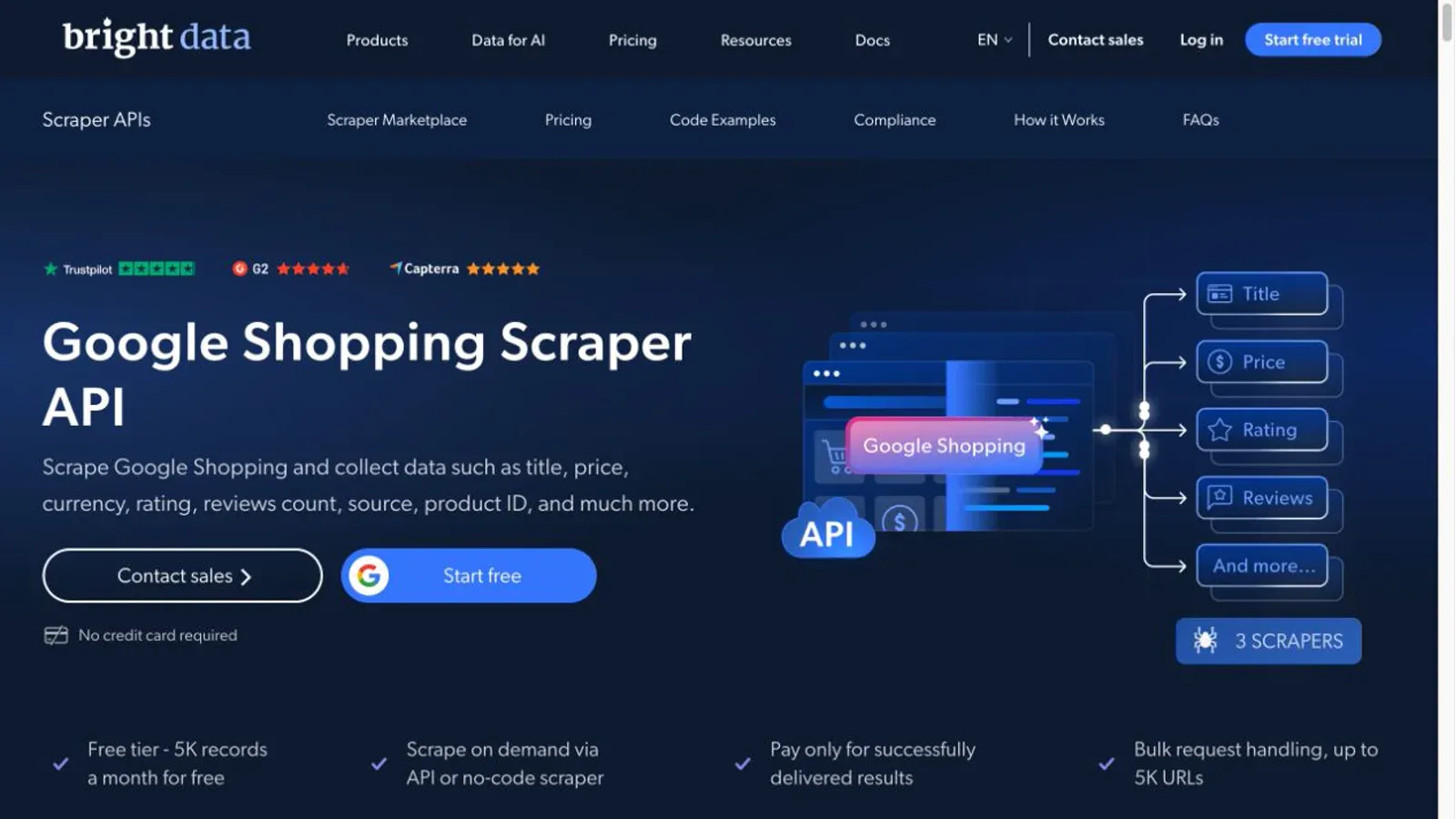
Here's where I have to slow down, because Bright Data actually offers three distinct ways to get Google Shopping data, and they behave nothing alike. There's a pre-collected dataset (marketed at over 7.4 billion records, delivered as JSON/CSV/Parquet to your cloud warehouse on a schedule), a Google Scraper API with dedicated Shopping scraper IDs that runs synchronous or async jobs, and a SERP API that hits live Shopping URLs and parses results in real time. Treating these as one product is where a lot of comparison articles get sloppy — I'm not going to do that here.
The dataset's own sample data shows null values for product ID, description, rating, and reviews count on some records — good first-party evidence that "structured dataset" doesn't mean "every field is always populated." The SERP API separately documents Product Listing Ads as their own result type (top_pla, bottom_pla, jackpot_pla) with title, price, shop, and rank — a genuinely useful sponsored-vs-organic distinction if you're working with the SERP API specifically, not the dataset.
Async jobs through the Scraper API can return an overall "success" while individual inputs inside that batch fail — the docs explicitly tell you to check an errors field and retry those individually, which is a maintenance detail worth planning for if you're running large batches.
Pricing (checked 2026-08-13) varies wildly by surface: the dataset showed $250 for 100,000 one-time records, the SERP API listed 5,000 free monthly requests with pay-as-you-go at $1.50/1,000, and the dedicated Shopping Scraper API separately listed its own free tier and rate. Don't assume these numbers are interchangeable — check the specific product page you're actually using.
Best for: enterprise teams who want one platform spanning both prepared datasets and live API access, and who are willing to price each surface separately.
6. Oxylabs — The Clearest Two-Step Chain for Search Plus Product Detail
Oxylabs splits Shopping into two dedicated targets: google_shopping_search for listing-level results, and google_shopping_product for detailed per-product data, connected by a product token. The search response cleanly separates pla (paid listing ads) from organic products — probably the clearest documented sponsored/organic split in this entire list — while the product endpoint adds per-seller offers with numeric price, condition, tax, total price, and shipping.
The catch, and it's a real one: this token workflow only works if your search request uses both render: "html" and parse: true. Skip either, and you don't get a product token, and the whole product-detail step falls apart. Oxylabs also explicitly warns that search and product requests must use identical localization values — mismatch your geo_location between the two calls, and product results can come back incomplete or wrong. And if you want the "More stores" panel expanded for additional seller offers, you need rendering turned on for that too, which adds cost.
One detail that's easy to miss: Oxylabs' pricing FAQ defines "successful" (and therefore billable) requests as including both 2xx and 4xx responses. If your own request is malformed, you might still get charged for it.
Product reviews are documented as US-locale only, and locale/language and locale/results-language are genuinely separate controls — setting one doesn't automatically set the other.
Best for: technical teams that need both ranking-level and per-seller offer detail, and who can handle token chaining and locale consistency as part of the setup.
7. Scrapingdog — Simple Endpoint, Thin on Public Detail
Scrapingdog offers a single, dedicated Google Shopping endpoint that takes an API key and a query, returning JSON with title, price and extracted numeric price, old price, rating, reviews, source/seller, delivery, and position. The page also names filtering by price, brand, country, and language, plus a separate "ads" response category for tracking sponsored listings — though the exact ads schema and exact parameter names for locale filtering aren't fully documented on the public page, so budget time to test this against your own use case before you build automation around it.
This is the one entry on this list where the credit-cost math simply doesn't add up from public documentation alone: Scrapingdog's pricing page shows monthly credit allotments (LITE at $40/month for 200,000 credits, STANDARD at $90/month for 1,000,000) but doesn't clearly state how many credits a single Google Shopping request actually costs. Don't assume it's 1:1 with their general search API examples — verify directly with the vendor before you calculate your real cost-per-query.
Like most vendors here, Scrapingdog markets built-in rotating residential proxies and automatic CAPTCHA handling as vendor-managed. Treat that as a maintenance-boundary statement, not proof of guaranteed access.
Best for: budget-conscious developers who want a narrow, dedicated endpoint and are willing to verify credit costs directly before committing.
8. Apify — Judge the Actor, Not the Marketplace
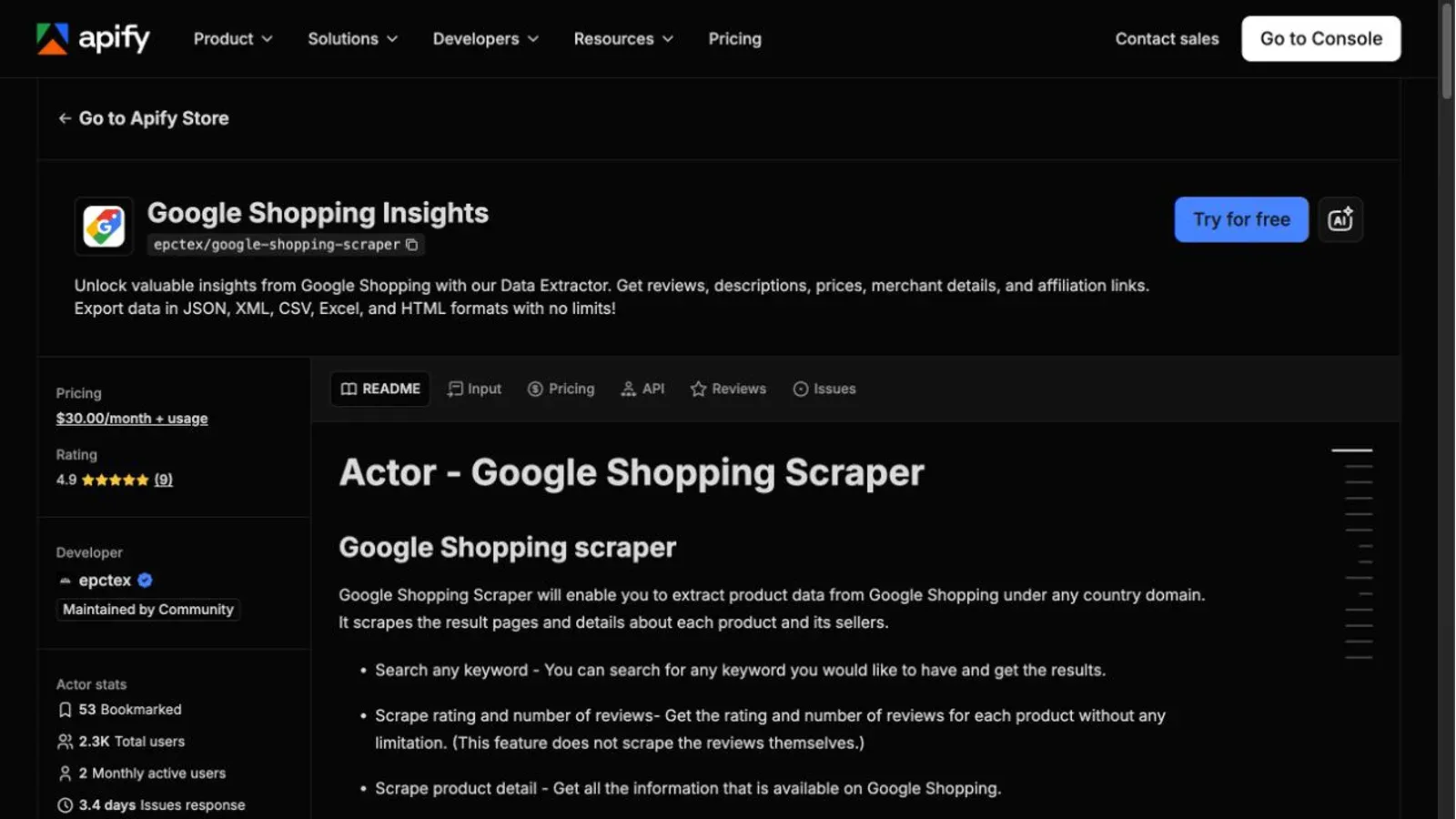
I need to be upfront about something: Apify isn't a single Google Shopping scraper — it's a marketplace of independently maintained "Actors," and the one I looked at closely (Google Shopping Insights, published by developer epctex and marked "Maintained by Community") behaves very differently from the vendor-run tools above. Apify supplies the runtime, proxy infrastructure, and dataset/export tooling. The actual Shopping extraction logic — and its maintenance — belongs to epctex, not Apify itself.
That distinction matters because this particular Actor's own official example output has a null price field. Not "sometimes," not "for out-of-stock items" — the documented sample record itself shows price: null and withoutDiscountPrice: null right alongside populated product name, merchant, and rating fields. That's genuinely the best first-party evidence in this whole roundup that price data can't be assumed complete, and it's coming straight from the tool's own docs.
You get configurable inputs — includeSponsoredResults, includeComparisonPrices for cross-merchant pricing, country code targeting, maxItemsPerQuery — and a required proxy configuration (your own, or Apify's). Results export as JSON, XML, CSV, or Excel through Apify's Dataset system. The Store listing I checked showed roughly 2,300 total users but only 2 monthly active users at the time — a metric worth noting since "community maintained" cuts both ways: flexible, but only as reliable as whoever's actively using and reporting issues on it.
Best for: developers comfortable evaluating a specific Actor's maintenance activity and reviewing its actual output schema before committing — not for anyone expecting Apify-the-brand to guarantee consistent behavior.
9. Thunderbit — No-Code Collection for Marketers
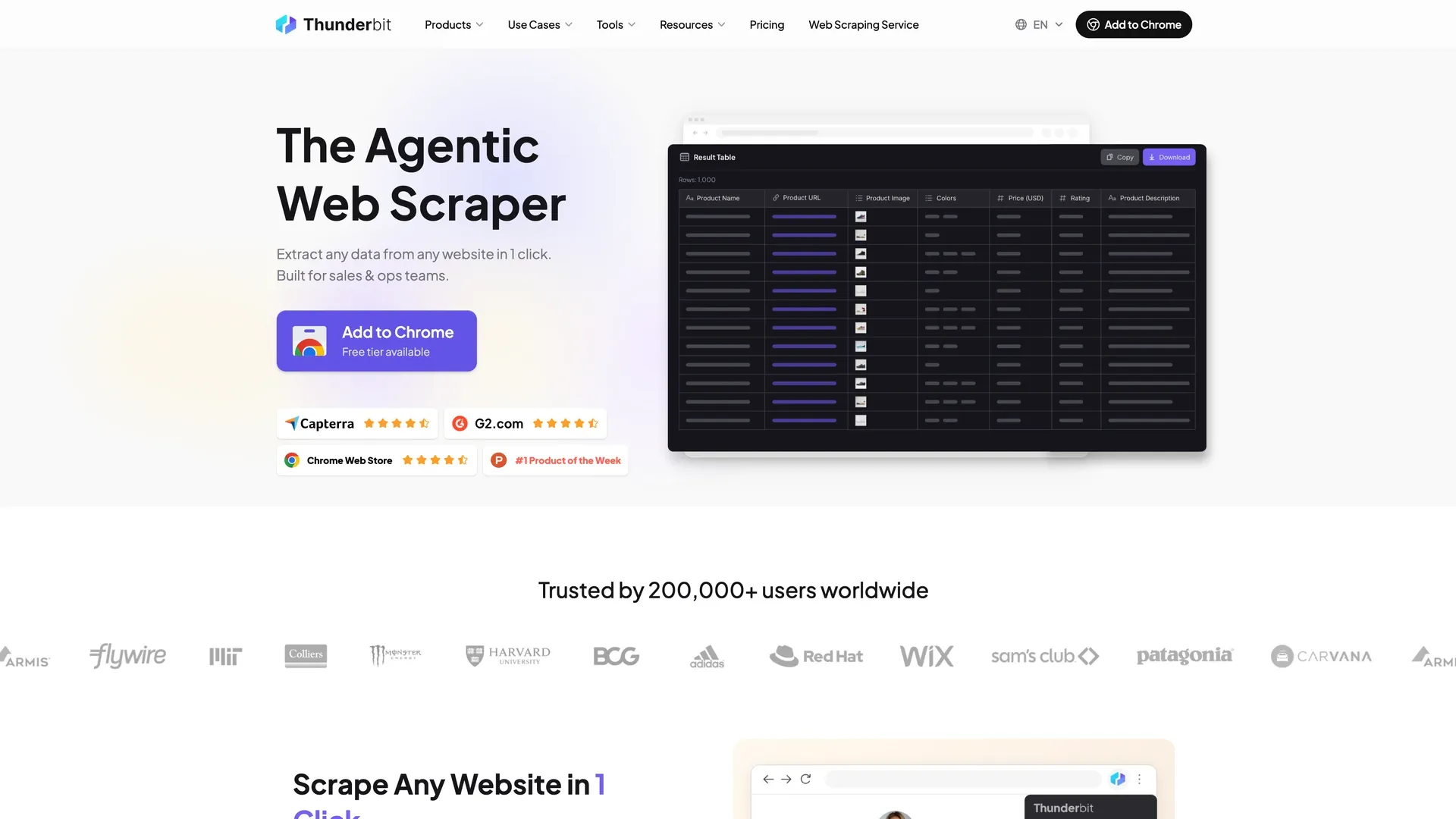
Thunderbit represents the other end of this list: a browser-based, no-code workflow for people who want to review the page they can see and turn it into a structured table, instead of integrating a Google Shopping API. That makes it the natural category fit for marketers, PPC operators, and small ecommerce teams running ad-hoc checks rather than a high-volume backend pipeline.
What you get is browser-side extraction: open the Shopping results page you actually care about, let Thunderbit read the rendered page in one click, and export the fields straight to Excel, Google Sheets, Airtable, or Notion. There is a real caveat, but it belongs to Shopping rather than to any one tool — because the extraction runs against the page in front of you, the result inherits that browser's location, language, and session. Pin those settings before you treat this week's pull as comparable to last week's. That is the same field-reliability problem the next section covers, and it applies to every option on this list.
Best for: non-technical teams that value visible, reviewed browser extraction over a developer-managed JSON pipeline — and that pull specific Shopping pages on demand rather than running a high-volume, multi-geo crawl.
What Data Can You Actually Trust? The Field-Reliability Problem
This is the part most Google Shopping comparison articles skip entirely, and it's the single most important thing to understand before you automate anything: not every field shows up on every listing, and treating "missing" as "zero" will quietly corrupt your data.
| Field | Reliability | The catch |
|---|---|---|
| Title | High | Normalize variants/bundles before matching products across sources |
| Product ID | Conditional | DataForSEO explicitly documents this as dynamic and sometimes null |
| Price | Conditional | Apify's own official example shows null price on a fully populated record |
| Seller/merchant | Usually present | Multi-seller listings mean one product can have several separate offers |
| Rating/review count | Conditional | New or unrated products can simply omit it — don't coerce to zero |
| Shipping/delivery | Inconsistent | Can depend on destination, seller inventory, and session |
| Sponsored flag | Tool-dependent | Oxylabs cleanly separates pla from organic; several others let you include/exclude sponsored results without giving you a reliable per-row label |
The practical rule: before you automate any workflow, pull a real sample with your actual keywords and check what's actually null, duplicated, or missing — not what the documentation implies should be there.
Official Google Merchant Center vs. a Google Shopping Scraper: Which Do You Need?
This is a question ecommerce teams ask before they even start comparing vendors, and it's worth a straight answer: if you're managing your own product listings, pricing, or Shopping ads, that's a job for Google's official Merchant Center tools — not a third-party scraper. Scraping tools in this list are for observing other people's listings: competitor pricing, market visibility, category research, sponsored-placement monitoring. Don't mix these up. Check Google's current official documentation directly for the current name and scope of its first-party API, since these things get renamed and restructured periodically.
How These Tools Handle Google's Anti-Bot Defenses
I'm going to frame this as a governance question, not a "how to beat Google" tutorial, because that's the honest way to think about it. Several vendors here — SerpApi, SearchAPI, Bright Data, Oxylabs, Scrapingdog — publicly state they manage proxy rotation, browser rendering, and CAPTCHA handling on their end. That's a real maintenance boundary worth valuing: it means you're not the one debugging a blocked IP at 2am. It is not, and should never be read as, a guarantee of permanent or universal access.
What doesn't disappear even with a fully managed vendor: rate and spend controls, error classification, retries, and monitoring for when Google changes something (which, based on the changelogs I found for both SearchAPI and Oxylabs, happens with some regularity). Bright Data documents partial-batch failures explicitly; DataForSEO documents callback timeout behavior; Oxylabs documents invalid-token failures. None of this amounts to instructions for bypassing anything — it's an honest accounting of who owns which failure mode.
How to Choose the Best Google Shopping Scraper for Your Team
Work through this in order:
- Identify your persona. Are you a developer building a pipeline, or a marketer/ops person who wants results without touching code?
- Define your actual required fields. Ranking-level data is different from merchant/offer-level pricing detail — SearchAPI and Oxylabs earn their spot specifically for the latter.
- Be honest about your maintenance capacity. API mapping and error handling, Actor configuration and proxy setup, or reviewed page-based extraction — pick the one your team can realistically own long-term.
- Test locale/device behavior with real queries before you commit to a vendor, since public documentation doesn't always match live behavior perfectly.
- Validate your export path fits your existing stack — a JSON dump into a data warehouse is a very different lift than a spreadsheet a marketer can open directly.
Conclusion: Which Google Shopping Scraper Should You Use?
There's no single "best" here, and if a listicle tells you otherwise, be skeptical. If you're a developer building a data pipeline and want the richest documented schema with explicit cache and locale controls, start with SerpApi. If offer-level, per-seller price comparison is your actual goal, SearchAPI or Oxylabs' token-chained workflow gets you there more directly. If you're running bulk, scheduled research and can tolerate a task queue, DataForSEO scales well. If you want one enterprise platform spanning both prepared datasets and live queries, Bright Data covers the most ground — just price each surface separately.
And if you're on a PPC or marketing team who doesn't want to touch an API key, the browser-based category represented by Thunderbit is the direct answer to “I just need the data, not a coding project.” Just be clear which surface you are choosing: the browser workflow is built for pages you open and review yourself, while Thunderbit's API documentation and CLI are separate developer-oriented paths. Pick the one that matches how your team actually works.
Whichever you pick, pull a real sample first. Every vendor here documents at least one field that isn't always present — check yours before you build anything on top of it.
FAQs
Is it legal to scrape Google Shopping data? This isn't a question I can answer categorically, and neither should any listicle. Publicly visible data and a vendor's compliance claims don't automatically make every use case legal. Before you build anything, check Google's current terms of service, review applicable law for your jurisdiction, and make sure your collection method is authorized. Treat this as a "go verify with your own legal counsel" situation, not something a blog post can settle.
What's the difference between a SERP API and a Google Shopping scraper? A SERP or Shopping API takes structured request parameters and hands you back parsed JSON — the vendor handles most of the retrieval infrastructure. A browser-based scraper (like Thunderbit) extracts from a page you or a user actually has open. Dataset products (like part of Bright Data's offering) deliver pre-collected records on a schedule rather than live requests. They overlap in purpose but differ a lot in freshness, locale control, and how much you're actually maintaining.
Do I need coding skills to scrape Google Shopping? Not always. Thunderbit's whole pitch is a no-code, click-based workflow for exactly this reason. Apify can technically be run through its web UI without writing code, though getting real customization out of it benefits from some technical comfort. Every API-based tool in this list — SerpApi, Serper, SearchAPI, DataForSEO, Bright Data, Oxylabs, Scrapingdog — requires at least basic developer skills: authentication, parameter handling, and error checking.
How often does Google Shopping data change? More often than a lot of people assume, but there's no universal "it updates every X hours" rule you can rely on. Prices, stock, sponsored placements, and rankings can shift by session, locale, and time of day. Several vendors here offer live/real-time modes specifically because cached data goes stale fast in this category. If your decisions depend on current pricing, re-run your query rather than trusting a result from yesterday.
Learn More




