
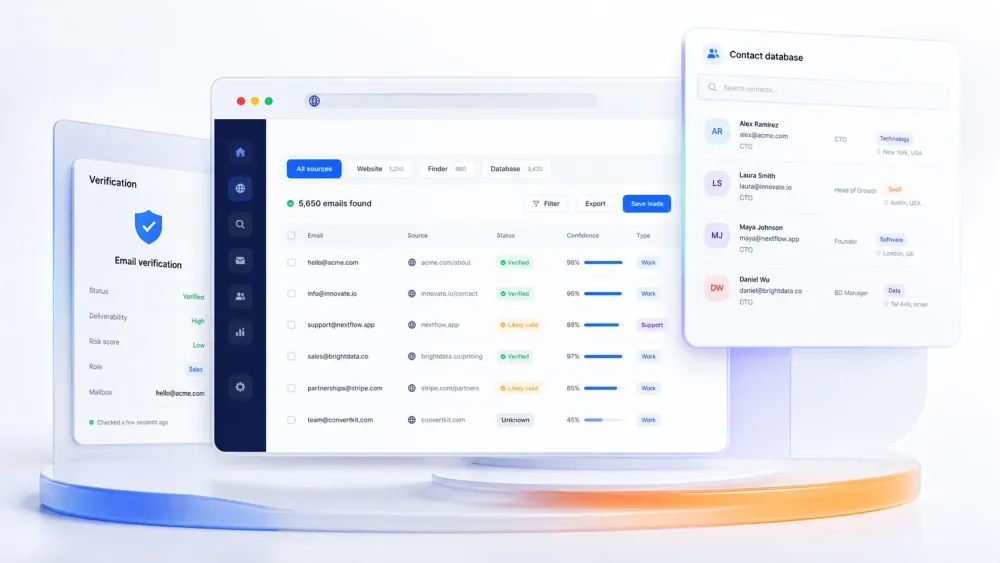
Email still works because it is direct, measurable, and easy to personalize when the underlying data is good. The hard part is not sending outreach. The hard part is getting clean public contact data without spending hours copying emails from websites, directories, PDFs, and approved databases.
That is why "email scraper" now means more than one thing. Some tools scrape emails from the open web. Others find and verify work emails from a name, company, or domain. Others act more like B2B contact databases with enrichment and outbound layers. This page is built for the real buying question: which model fits your workflow best?
Quick Picks by Workflow
- Need to scrape emails directly from websites, directories, PDFs, or images? Start with Thunderbit.
- Need finder, verifier, and multichannel outreach in one stack? Shortlist Snov.io.
- Need a large B2B contact database with sales workflow layers? Review ZoomInfo Sales.
- Need profile-led email lookup and lightweight enrichment? Compare Skrapp.io.
- Need the cleanest domain-search and email-verification workflow? Start with Hunter.
- Need a repeatable no-code scraper for more complex sites? Look at Octoparse.
- Need verified B2B contact data plus CRM-friendly enrichment? Review Lusha.
What Counts as an Email Scraper in 2026
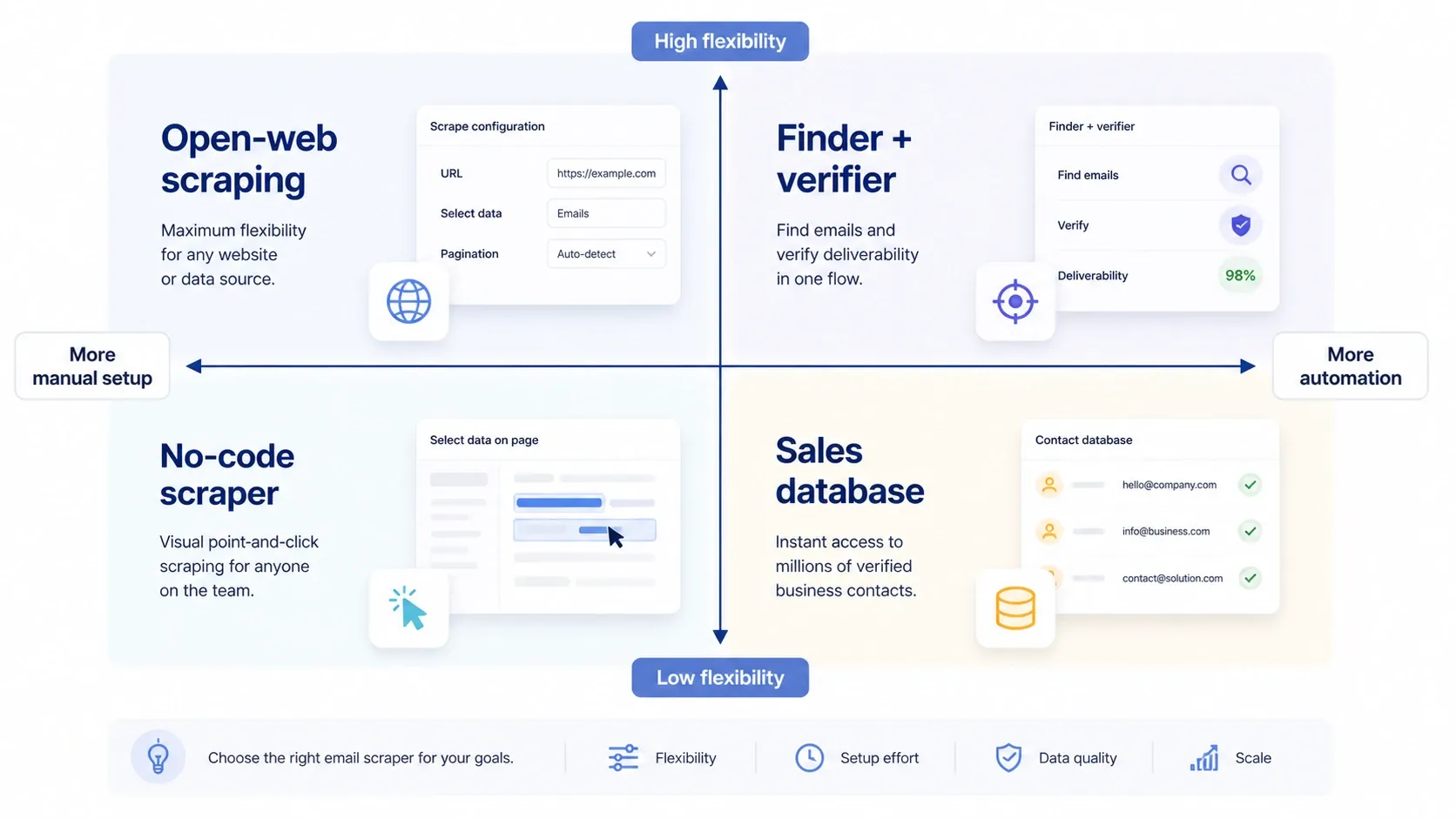
The old definition was simple: a tool that crawls a page and extracts anything that looks like name@company.com. That still matters, but most teams now buy one of four different categories:
- Open-web scraping: extract emails and context from public pages, directories, listings, PDFs, images, or search-result workflows.
- Finder plus verifier: start with a person, company, or domain and match to likely work emails, then validate deliverability.
- No-code scraping: build repeatable extraction tasks for sites where you need more control than a one-click scraper.
- Sales database prospecting: work from a commercial contact graph with enrichment, filtering, and GTM workflow layers.
The common buying mistake is treating all four as interchangeable. If your best leads live in niche public sources, a contact database alone will leave gaps. If your team already knows the company and just needs a verified work email, a generic web scraper is too indirect.
Check Whether Thunderbit Fits Your Email Collection Workflow
If you want to see the open-web side of this category before you compare database-led tools, this official Thunderbit clip is the fastest useful example. It shows the exact kind of workflow that traditional email finders do not handle well: extracting contact data from PDFs instead of only from known company domains.
Is Email Scraping Legal?
Usually, the answer is not "always yes" or "always no." Publicly accessible contact data is not the same thing as permissionless outreach at any scale. The legal risk depends on where the contact is located, how you collected the data, how you store it, and how you use it.
At minimum, teams should review the GDPR guidance at gdpr-info.eu for EU-related data handling and the FTC's CAN-SPAM compliance guide for U.S. commercial email rules. Good tools reduce manual work. They do not remove the need for relevant outreach, opt-out handling, and reasonable data governance.
Real Workflow Examples from the Previous Edition
The older version of this article had a stronger hands-on teaching layer than a typical shortlist page, so those live demos and real operation screenshots are preserved here on purpose. They are still useful because they show what "email scraping" looks like in practice across search results, PDFs, directories, vendor databases, and enrichment workflows.
General AI scraping walkthrough
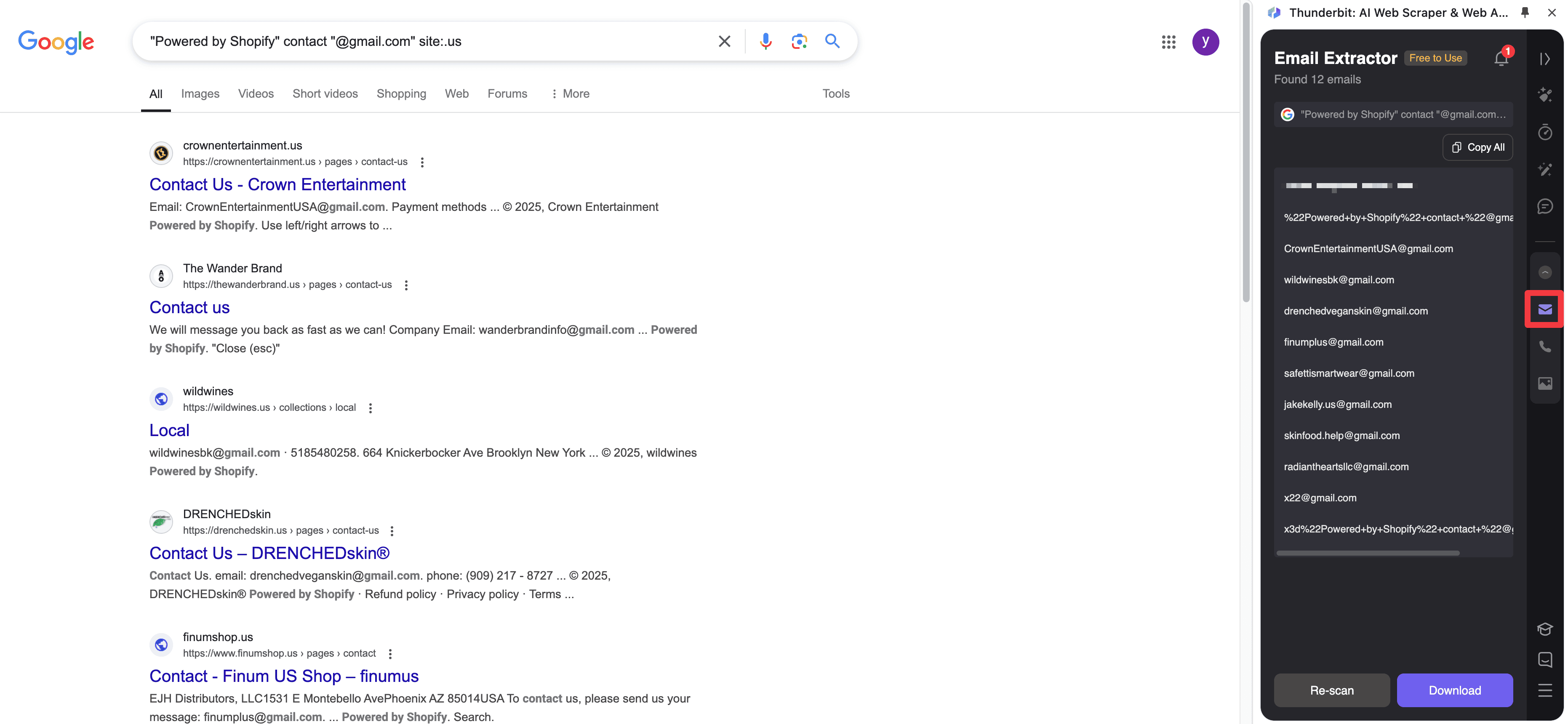
Google Search Workflow
If your lead source starts in search, this older demo still shows the fastest useful pattern: search first, then extract structured contact fields from the result set and the linked pages.
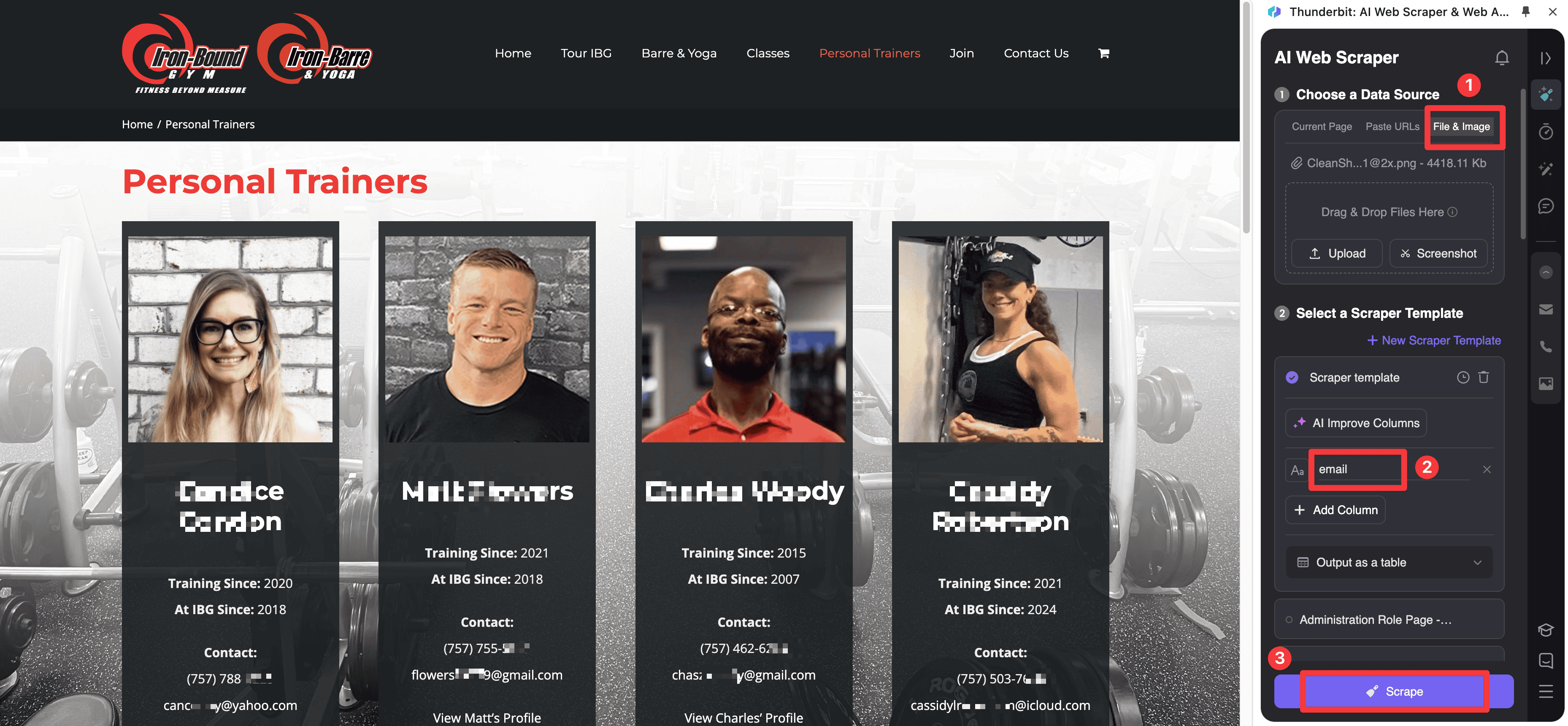
PDF and Image Extraction
Some of the most valuable contacts still live in files instead of clean HTML pages. This screenshot is worth keeping because it shows the real output style for extracting emails from a document-based source.
Website Directory Workflow
Directory pages are where AI-assisted extraction is often more practical than classic email finders, especially when each result has a slightly different layout or pushes contact details onto subpages.
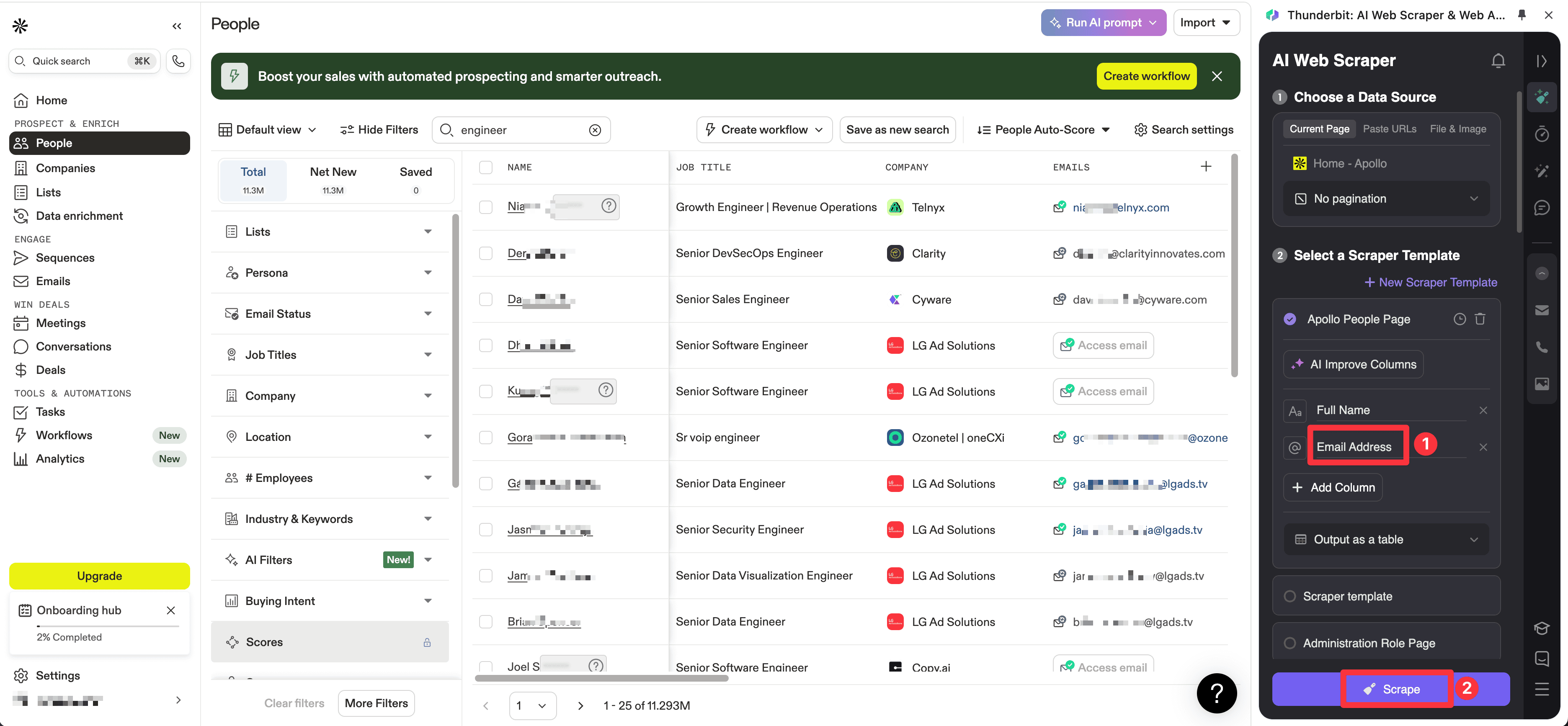
Vendor Database and Enrichment Workflows
The older article also showed two edge cases that are still relevant today: scraping from vendor-style search pages when export access is limited, and using enrichment tools when you need more than a bare email address.
Quick Comparison Table: Best Email Scrapers in 2026
| Tool | Pricing signal | Core model | Best for |
|---|---|---|---|
| Thunderbit | Free tier and paid plans; business pricing available | AI web scraper and contact extractor | Scraping emails and lead context from websites, PDFs, and directories |
| Snov.io | Starter from $29.25/month billed annually | Finder, verifier, and multichannel outreach platform | Integrated outbound for lean teams |
| ZoomInfo | Custom pricing | Enterprise contact database and GTM workflow platform | Sales-intelligence-led prospecting at scale |
| Skrapp.io | Free plan; Professional from $29/month billed annually | Profile-led email finder and enrichment | Profile-heavy prospecting |
| Hunter | Free plan; Starter from $34/month billed yearly | Domain search, email finder, verifier, and outreach | Finder-first workflows with strong verification |
| Octoparse | Free plan; Standard from $69/month | No-code web scraping platform | Repeatable custom scraping jobs |
| Lusha | Free plan; paid plans from $37.45/month billed yearly | B2B contact data and enrichment platform | Verified contact data plus CRM-friendly enrichment |
The 7 Best Email Scrapers in 2026
1. Thunderbit
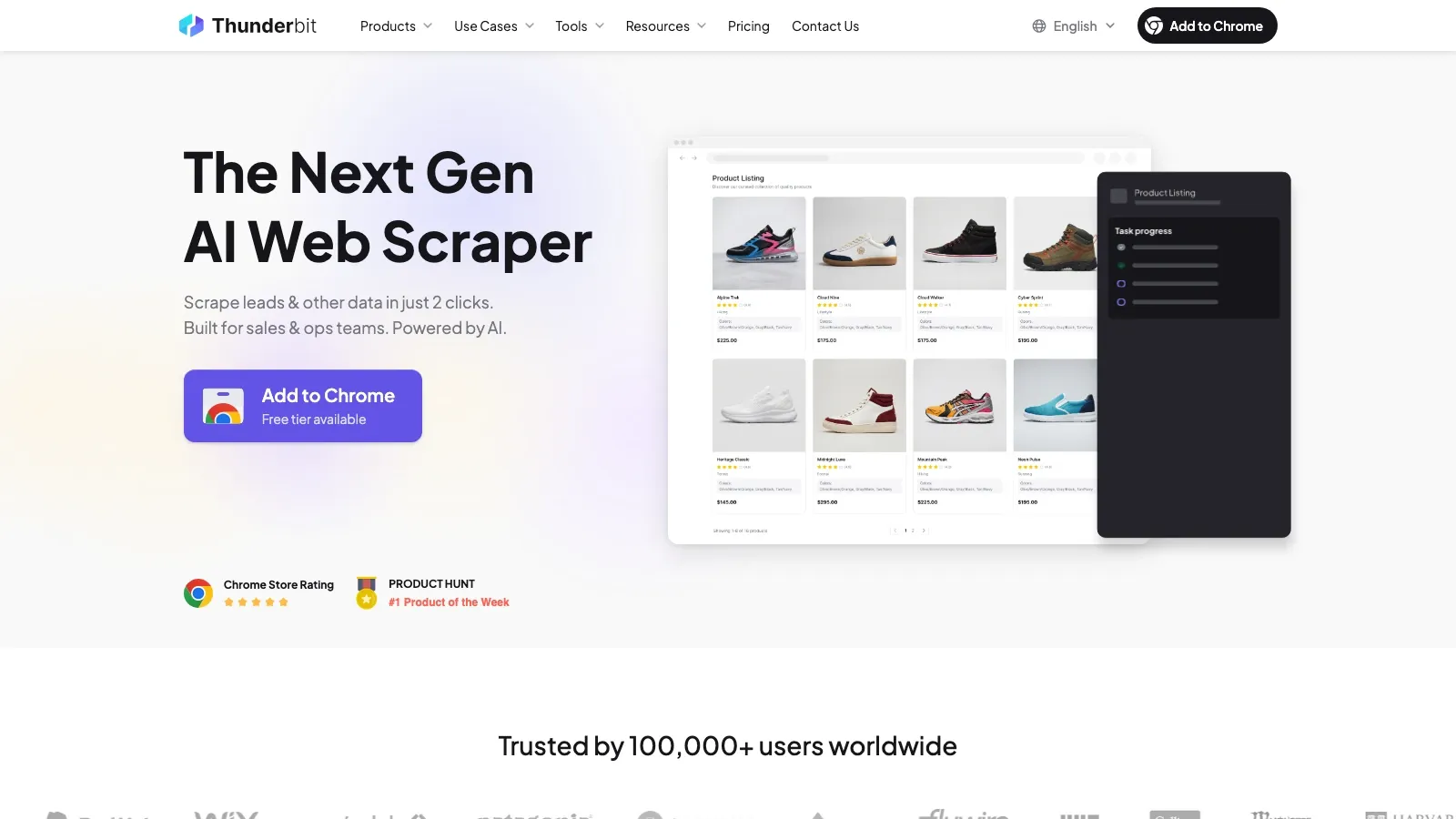
Thunderbit is the strongest pick when the job starts on the open web instead of inside a commercial contact database. Its current positioning is simple and useful: scrape websites in a couple of clicks, use AI to suggest fields, and export structured results without building selectors.
That makes it a better fit than classic email finders when your source material is a directory page, marketplace listing, local business page, PDF, image, or long-tail lead source that larger B2B databases do not cover well.
Why it belongs on the shortlist:
- AI-first scraping flow: strong fit for non-technical teams that do not want to build or maintain selectors.
- Email extraction beyond standard pages: useful for PDFs, images, and mixed-layout pages.
- Context capture, not just email capture: helps pull names, company details, titles, URLs, and notes in the same pass.
- Fast export motion: practical for Sheets, Airtable, Notion, and downstream enrichment workflows.
Pricing signal: Thunderbit currently offers a free tier, paid plans, and business pricing.
2. Snov.io
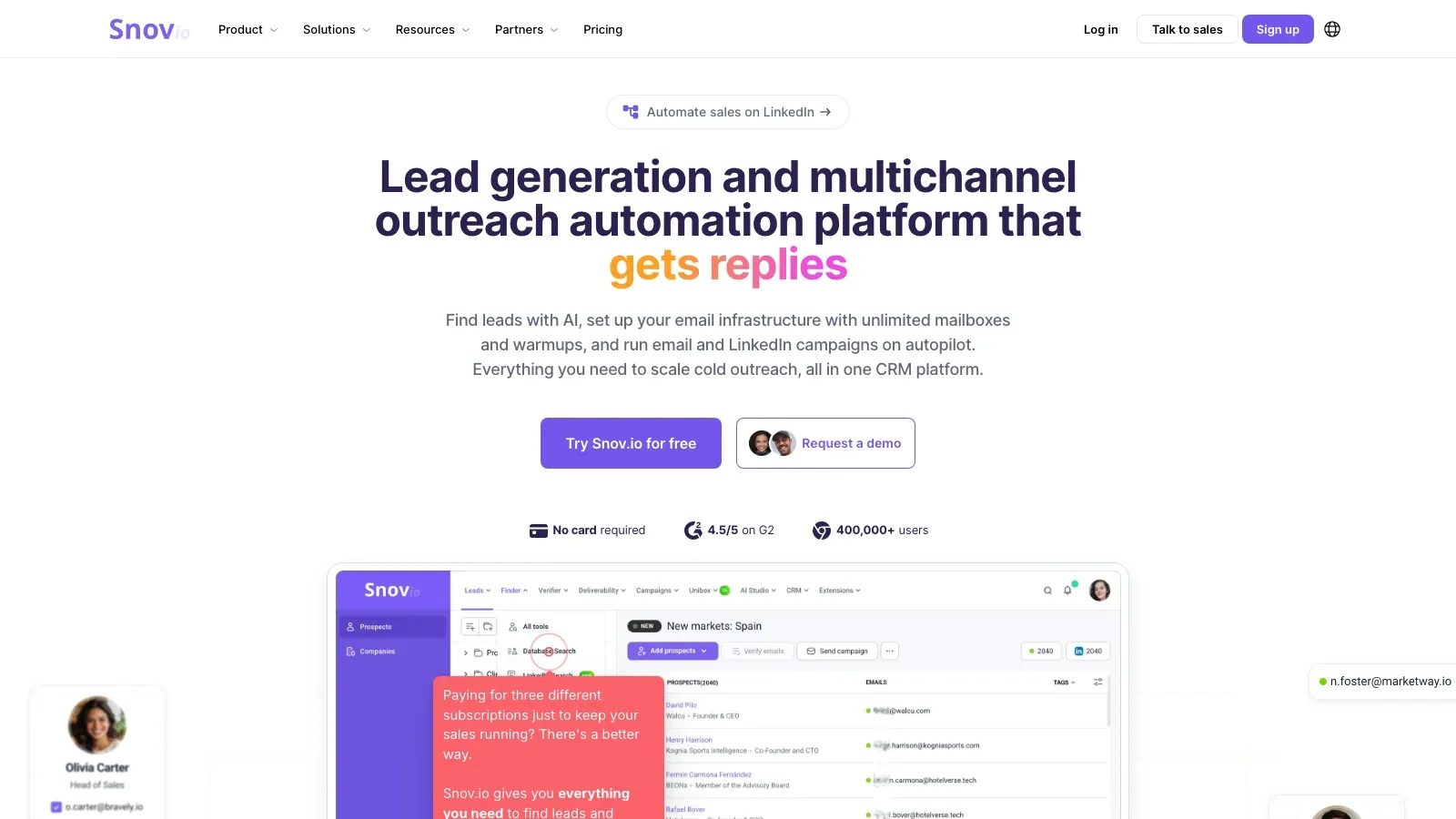
Snov.io remains one of the most practical hybrid tools in this category because it covers the three jobs smaller teams often want in one place: lead discovery, email verification, and multichannel outreach. Its current site still frames the product as a lead-generation and outreach automation platform rather than a narrow single-purpose finder.
That positioning matters. If your team does not want separate tools for finding emails, validating them, warming up mailboxes, and running first-touch outbound, Snov.io can be cleaner than stitching together several smaller products.
Why teams still shortlist it:
- Finder plus outreach in one subscription: useful for startups and agencies that want less tool sprawl.
- Verification built in: better bounce control before campaigns go live.
- CRM-like workflow layer: good for managing leads and campaigns in the same environment.
- Extension and LinkedIn motion: practical for browser-led prospecting.
Pricing signal: Snov.io's Starter plan is currently listed at $29.25/month when billed annually.
3. ZoomInfo Sales
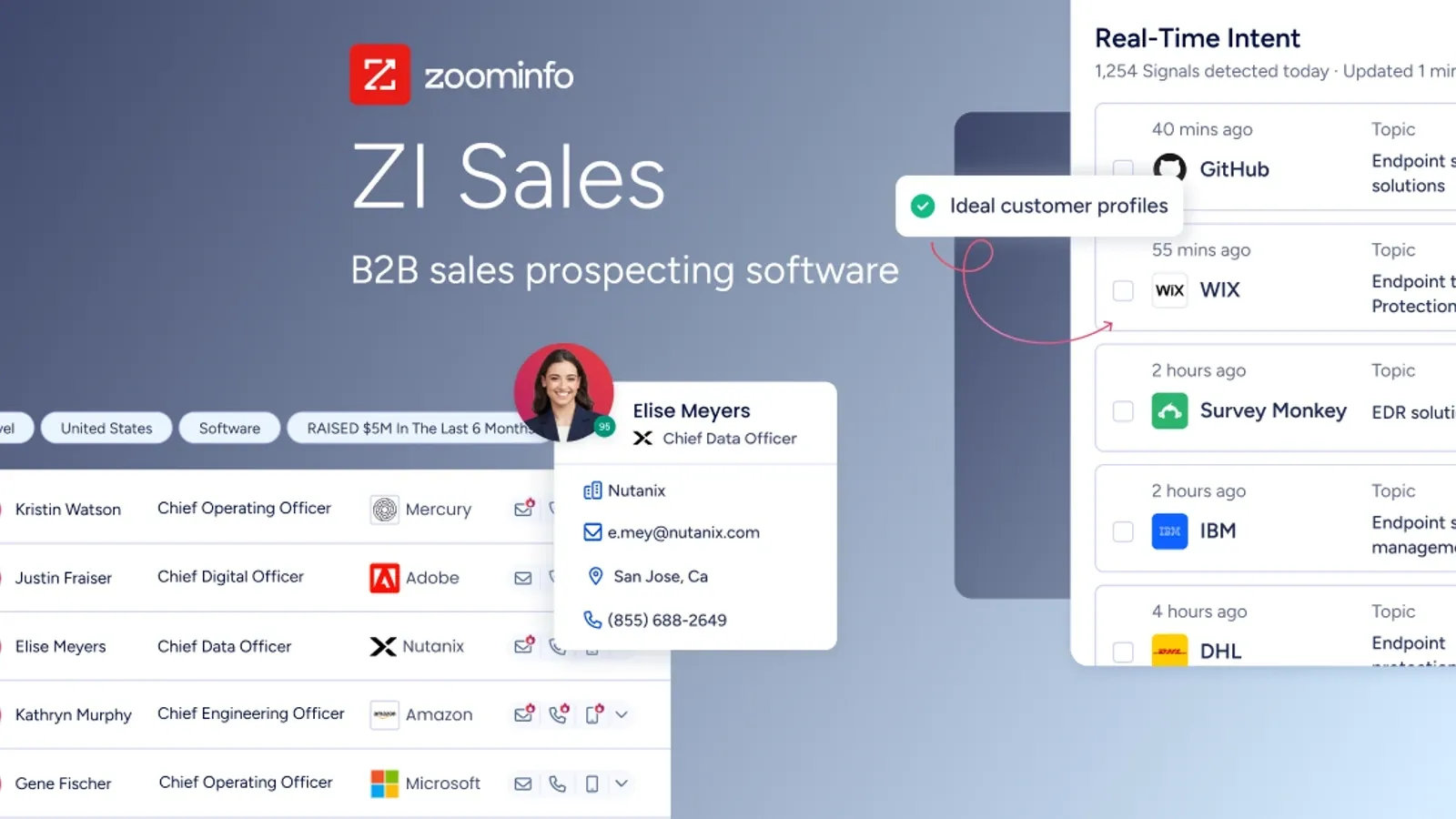
ZoomInfo belongs on this list because many buyers who say they need an "email scraper" actually need a large B2B contact database with prospecting workflows layered on top. Its current Sales product page centers on company and contact search, lead generation, buyer intent, workflow automation, and data activation across a broader GTM stack.
That is fundamentally different from raw web scraping. ZoomInfo makes sense when your team wants scale, filtering depth, and integrated prospecting operations more than source-level flexibility.
Why enterprise teams keep it on the shortlist:
- Large structured contact database: better for account-based prospecting than one-off page extraction.
- GTM workflow layers: useful when contact data needs to feed routing, enrichment, or orchestration.
- Sales-intelligence orientation: stronger fit for larger outbound organizations than simple email tools.
- Broad platform depth: attractive if the buying process is really about pipeline generation, not just email lookup.
Pricing signal: ZoomInfo still uses custom pricing based on product mix, seats, and usage.
4. Skrapp.io
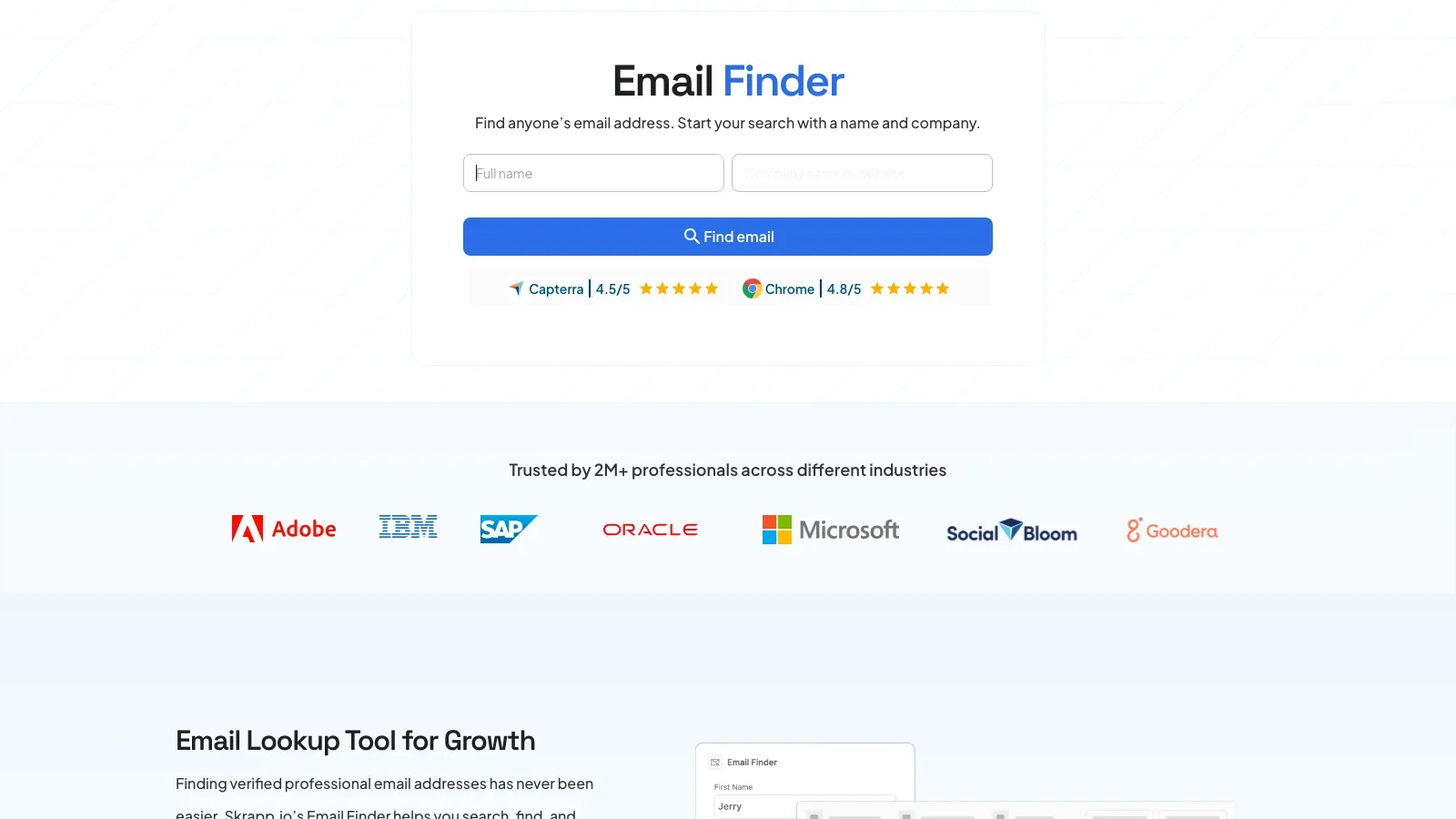
Skrapp.io stays relevant because it keeps the workflow close to where a lot of modern prospecting still begins: profile-led research, company-name-based search, and lightweight enrichment. Its current product and pricing pages emphasize verified business emails, company search, and contact discovery.
That makes it easier to evaluate than a broader GTM suite. If your reps spend most of their time in profile-led prospecting and mostly need contact discovery, Skrapp stays focused on that job.
Where it works best:
- Profile-heavy prospecting: strong fit when reps start from profiles, company pages, and known accounts.
- Lightweight enrichment: useful without paying for a much larger platform.
- Simple exports and CRM sync: practical for turning prospect lists into working outreach assets.
- Lower operational overhead: easier to roll out for smaller teams.
Pricing signal: Skrapp.io currently offers a free plan, and Professional starts at $29/month when billed annually.
5. Hunter
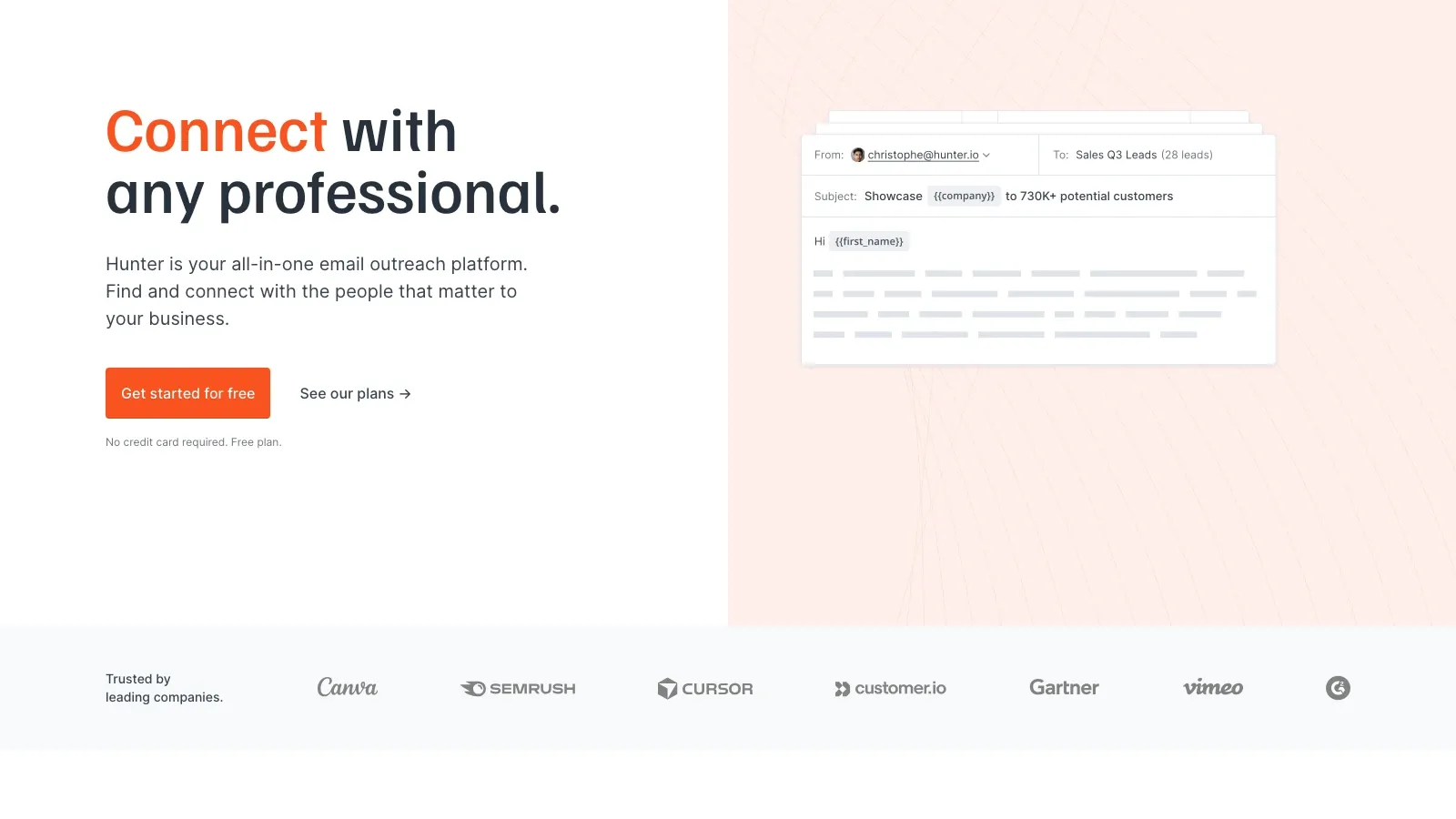
Hunter is still the cleanest answer when you want a finder-first product instead of a broader sales platform. Its current product and pricing pages continue to emphasize Domain Search, Email Finder, Email Verifier, Discover, and Sequences. That clarity matters. Many teams do not need more than a fast way to move from person plus company to a likely work email with source-backed confidence.
Why Hunter still earns a place:
- Strong domain-search workflow: especially useful for understanding company email patterns.
- Built-in verification: better deliverability hygiene before you send.
- Bulk workflows: practical for spreadsheet-based outreach preparation.
- Cold-email follow-through: helpful if you want finding and sending under one roof.
Pricing signal: Hunter's Starter plan is currently listed at $34/month when billed yearly, alongside a free plan.
If you want to compare finder-led workflows against open-web scraping, this official Hunter tutorial is the clearest midpoint. It shows the exact motion that database and verifier tools optimize for: searching by person and company, then turning that into a verified work email.
6. Octoparse
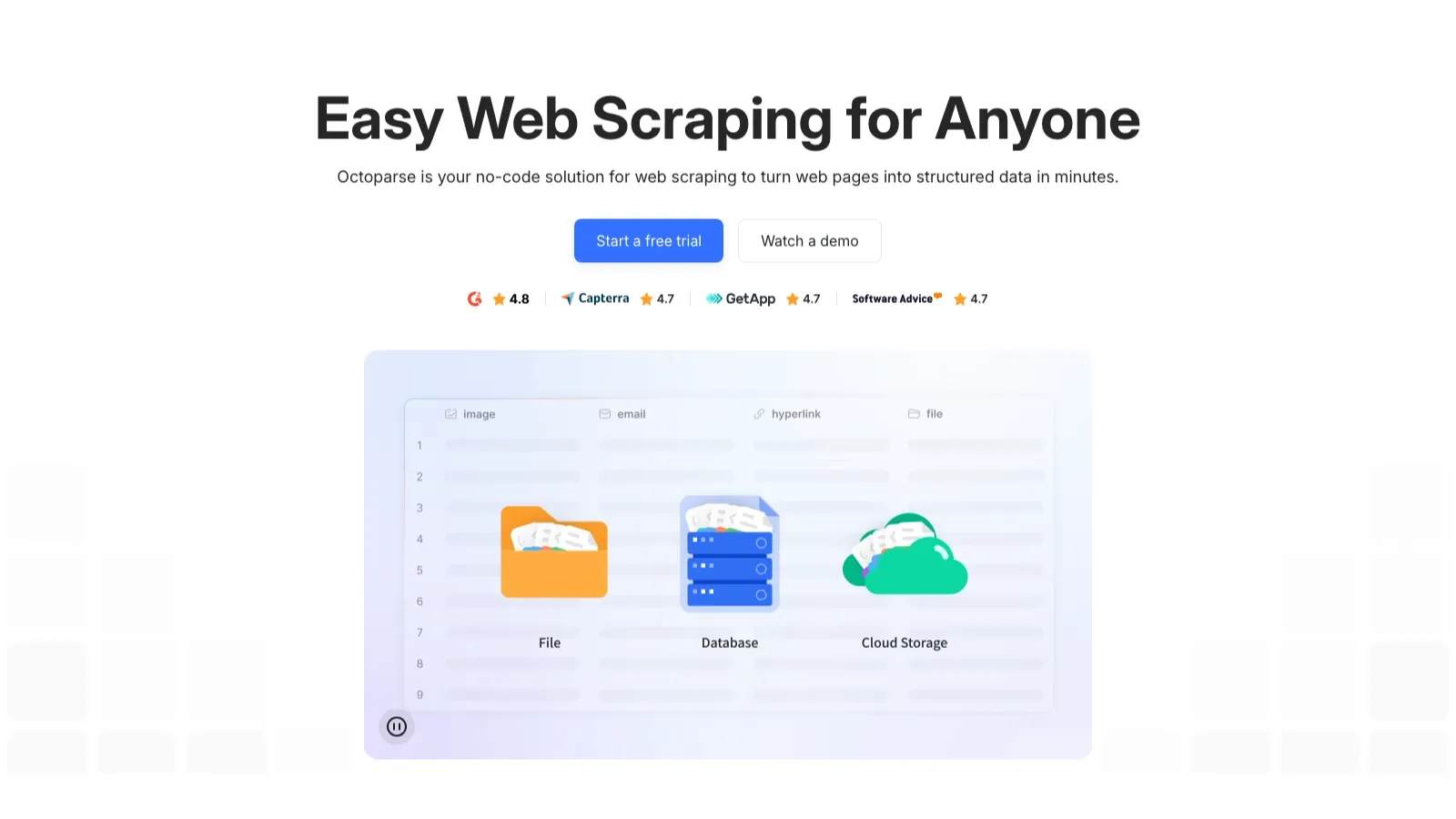
Octoparse stays in this conversation because some teams really do need a configurable scraper, not just an email finder. Its current pricing page continues to center on no-code task setup, cloud extraction, task scheduling, anti-blocking add-ons, and recurring jobs.
That makes it more capable than lightweight email extractors when the source site is complex, paginated, or frequently changing. It is the opposite of "open a page and click export." If you need control and repeatability, that is a strength rather than a drawback.
Why it matters:
- No-code task builder: useful when repeated extraction matters more than speed to first scrape.
- Cloud runs and scheduling: practical for recurring collection jobs.
- Higher customization ceiling: good when email collection is one step in a bigger data operation.
- Broader scraping utility: stronger fit for structured site collection than narrow email-finder tools.
Pricing signal: Octoparse currently offers a free plan, and Standard starts at $69/month.
7. Lusha
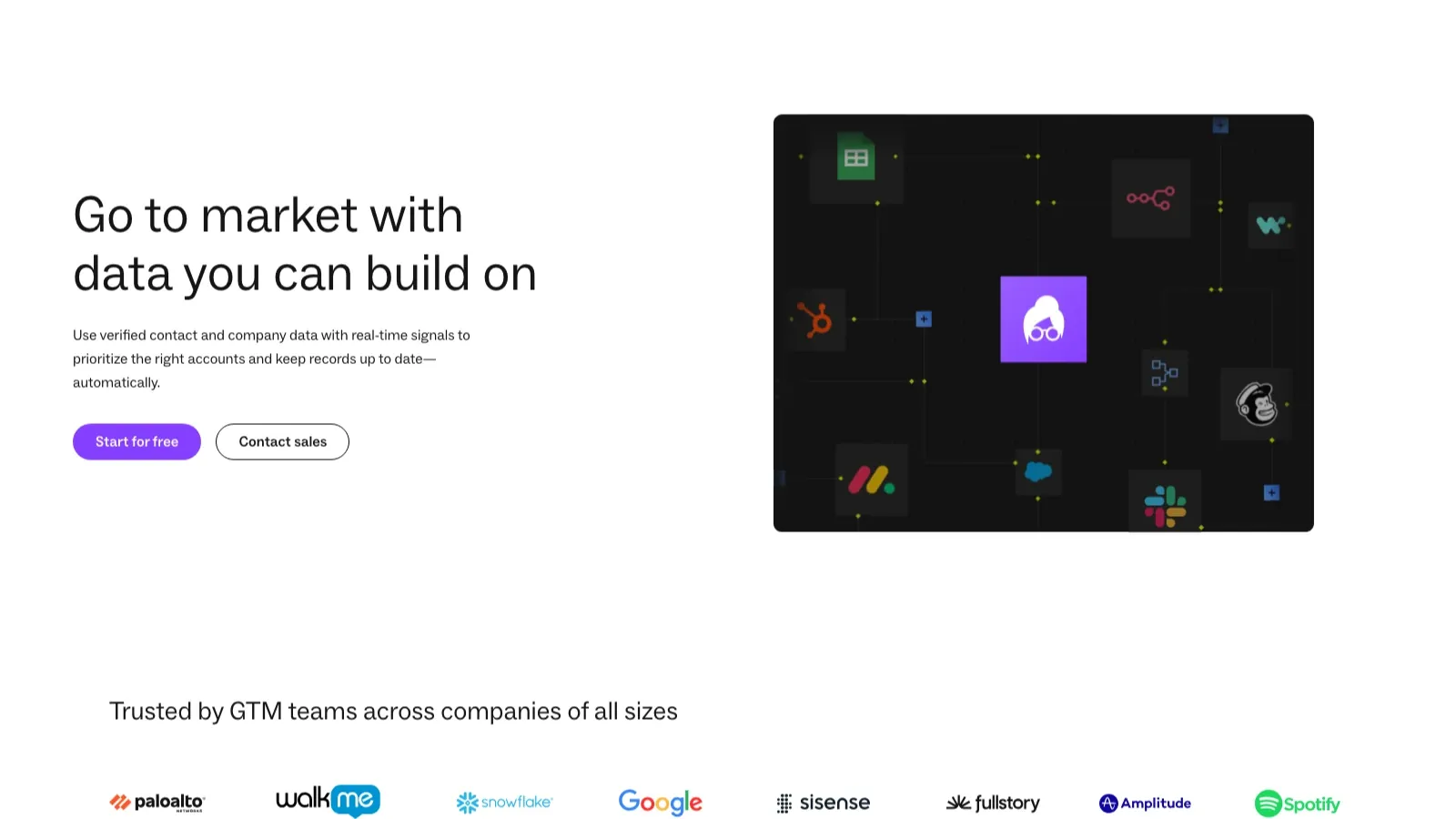
Lusha remains attractive for teams that care about verified B2B contact data, straightforward enrichment, and CRM-friendly workflows. Its current product and pricing pages position it around workspace search, extension-led prospecting, API workflows, and accurate contact data that can feed outbound systems.
That keeps it closer to the "rep-friendly data layer" side of this market than to the raw scraping side. If your team wants verified contacts and enrichment more than page-level extraction flexibility, Lusha makes more sense than a generic scraper.
Why teams still use it:
- Verified contact data: strong fit when accuracy matters more than scraping flexibility.
- Multiple operating surfaces: workspace, browser extension, and API workflows.
- CRM and enrichment orientation: useful for RevOps and outbound teams.
- Simple commercial fit: easier to roll out than a larger enterprise platform.
Pricing signal: Lusha currently offers a free plan, and paid plans start at $37.45/month when billed yearly.
The Real Decision: Scraping Flexibility vs Database Scale vs Workflow Simplicity
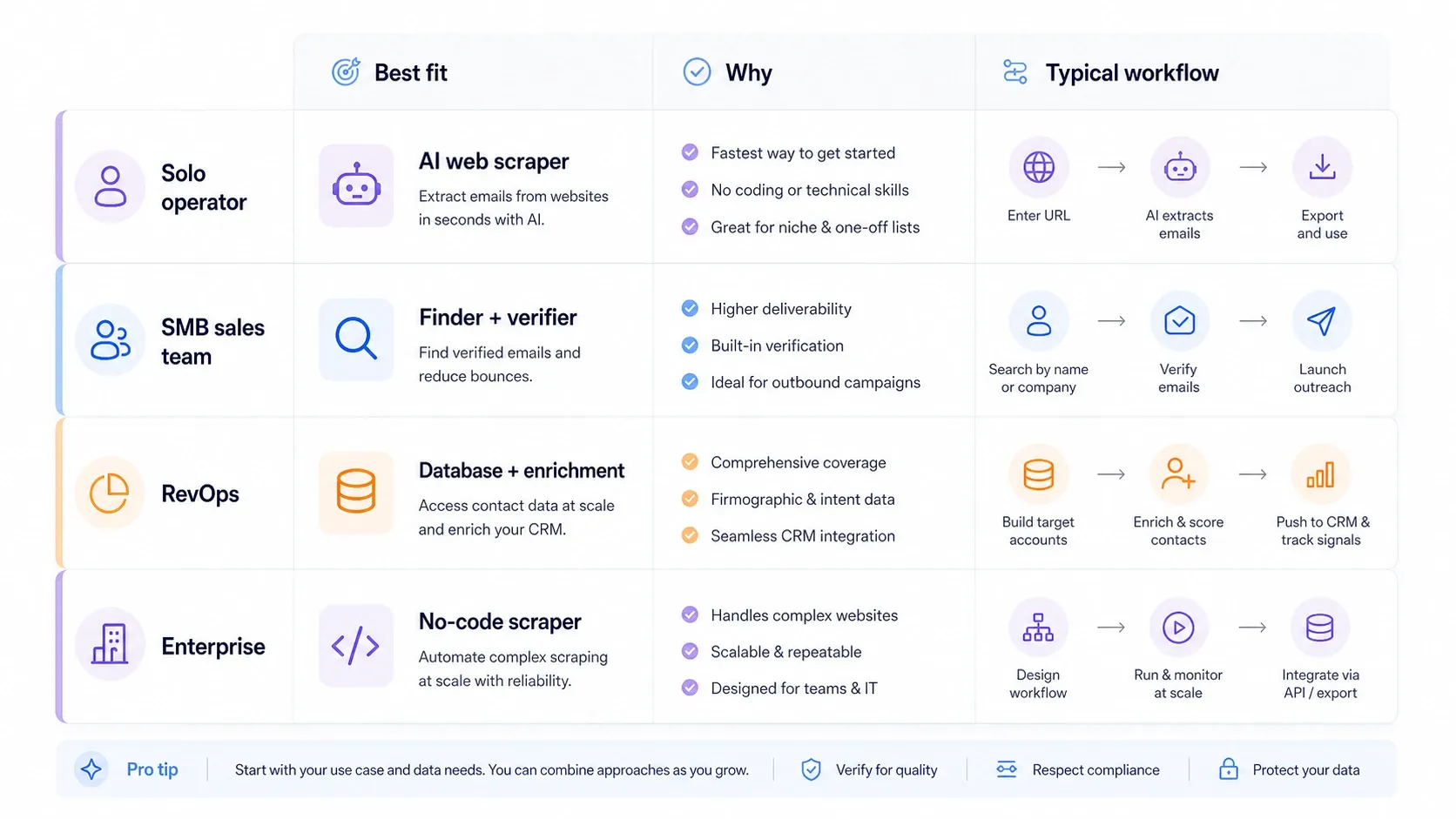
Most buyers are not choosing "the best tool" in the abstract. They are choosing which compromise they can live with:
- If you need open-web flexibility, Thunderbit and Octoparse are better starting points than database-led products.
- If you need finder plus verification, Hunter is usually cleaner than broader suites.
- If you need finder plus outreach, Snov.io gives you a more complete lightweight stack.
- If you need enterprise-scale contact coverage, ZoomInfo is the most database-heavy option here.
- If you need rep-friendly enrichment and CRM workflows, Lusha and Skrapp are easier to operationalize than a heavyweight enterprise platform.
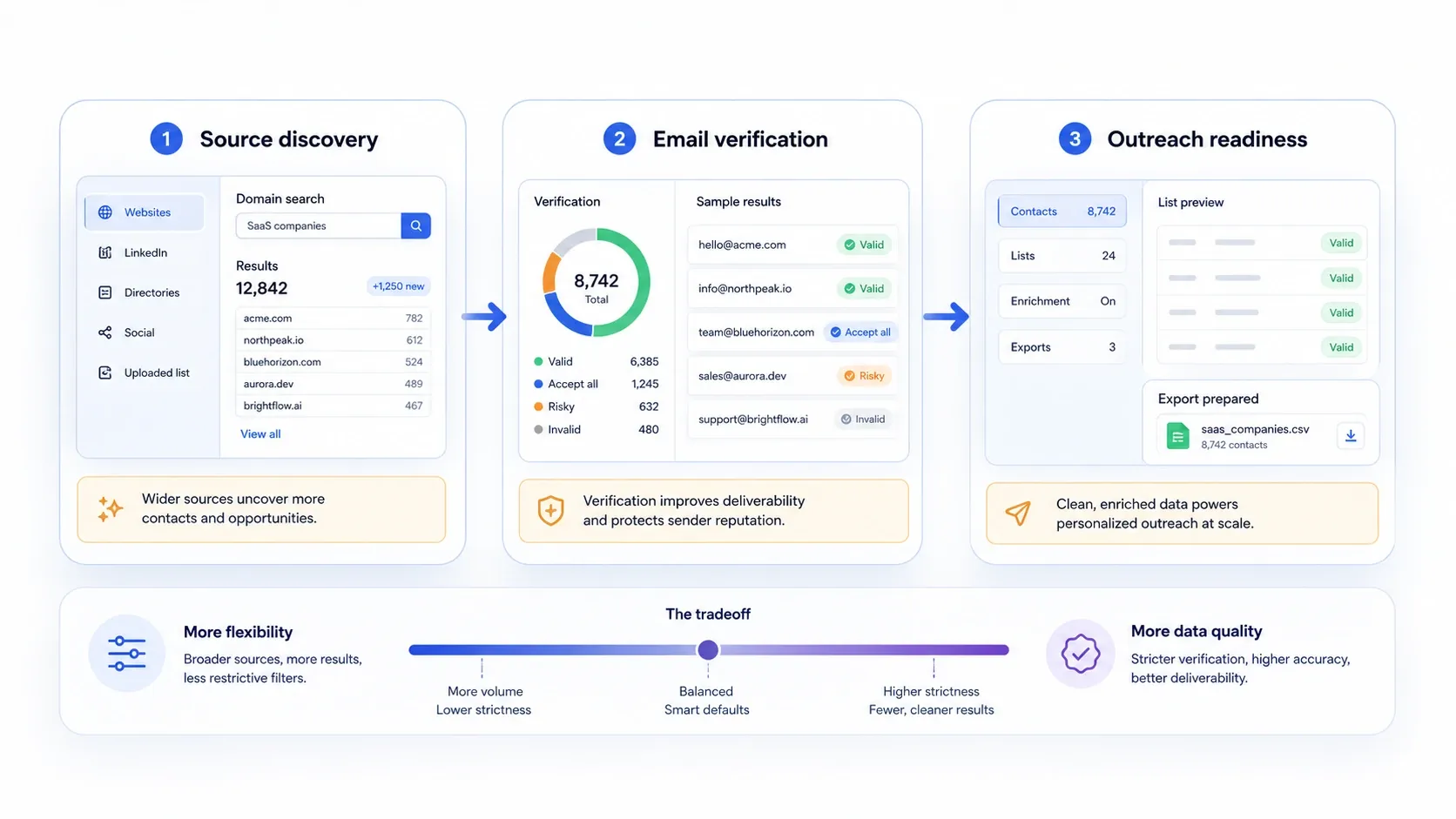
That distinction matters because many valuable lead sources still live outside polished B2B databases: directories, marketplaces, association sites, public PDFs, local listings, exhibitor pages, and search-result workflows. If your best prospects live there, a database alone will leave gaps.
How Thunderbit Fits the Modern Email-Scraping Stack
This is where Thunderbit complements the rest of the category well. Tools like Hunter, Snov.io, Lusha, Skrapp, and ZoomInfo are useful when you already know the person, company, or account set you want to reach. Thunderbit is useful earlier in the workflow, when the problem is collecting the lead source itself.
Use the stack like this:
- Collect names, company pages, directories, event pages, seller pages, PDFs, or listings with Thunderbit.
- Export the rows into Sheets, Excel, Airtable, or Notion.
- Verify or append work emails with a finder platform like Hunter, Snov.io, Skrapp, Lusha, or ZoomInfo.
- Keep the source-page context so the final outreach has real personalization material.
That combination is often stronger than expecting one platform to do everything well.
Try Thunderbit for Open-Web Lead Collection
Best Practices Before You Use Any Email Scraper
- Start with source quality, not just volume. A smaller list from a relevant public source is usually worth more than a large generic export.
- Verify before every campaign. Jobs change, domains change, and stale data hurts sender reputation.
- Keep the source context. Save the page, listing, or PDF that produced the lead so the outreach can reference something real.
- Separate extraction from sending. Collection quality and deliverability quality are different problems; treat them as separate checkpoints.
- Respect compliance and relevance. Even accurate public business contact data is not a blank check for spam.
This final official Hunter video is useful because it covers the last step many teams skip in shortlist comparisons: once you have contact data, how do you turn it into an outreach workflow without losing list quality or operational discipline?
Conclusion
The best email scraper in 2026 depends on what you actually need to finish:
- Choose Thunderbit if your lead source lives on the open web and you need fast AI-assisted extraction.
- Choose Snov.io if you want finding, verifying, and outreach in one stack.
- Choose ZoomInfo if you need database depth and GTM workflow scale.
- Choose Skrapp.io if your team prospects heavily on LinkedIn.
- Choose Hunter if you want the cleanest finder-plus-verifier workflow.
- Choose Octoparse if you need a configurable no-code scraper for more complex sites.
- Choose Lusha if verified B2B contact data and CRM-friendly enrichment matter most.
If your team needs to build lead lists from directories, marketplaces, local listings, exhibitor pages, PDFs, or other long-tail public sources before email lookup begins, start with Thunderbit and then layer a verifier or finder on top.
Explore Thunderbit for Email Scraping
FAQs
Q1: What is the difference between an email scraper and an email finder?
A: An email scraper extracts contact data from public pages or files. An email finder usually starts with a person, company, or domain and matches that input to likely work emails, often with verification.
Q2: Which tool is best for scraping emails from websites directly?
A: Thunderbit is the best fit in this list when the source is a live website, PDF, image, or directory page rather than a proprietary B2B database.
Q3: Which tool is best for domain search and email verification?
A: Hunter remains the most focused option for domain search, email finding, and verification without the overhead of a larger outbound platform.
Q4: Is ZoomInfo really an email scraper?
A: Not in the pure web-scraping sense. It is better understood as a sales-intelligence database and prospecting platform that many buyers compare against email scrapers because the end goal is still getting usable contact data.
Learn More
- Scrape data from any website using AI
- How to scrape data from PDF files using AI
- Best email finder tools for lead generation
- How to scrape Google Search results
Try AI Web Scraper Get Started Free




