
There’s something almost magical about the moment you hit “send” on a well-crafted email campaign—especially when you know your list is fresh, targeted, and ready to convert. But let’s be honest: building that list is usually the least magical part of the process.
 In 2026, with email still delivering an average ROI of $36 for every $1 spent, the pressure is on to find the right contacts, fast. Yet, between decaying databases (up to 30% of emails go bad each year), compliance headaches, and a sea of extraction tools, it’s easy to feel lost.
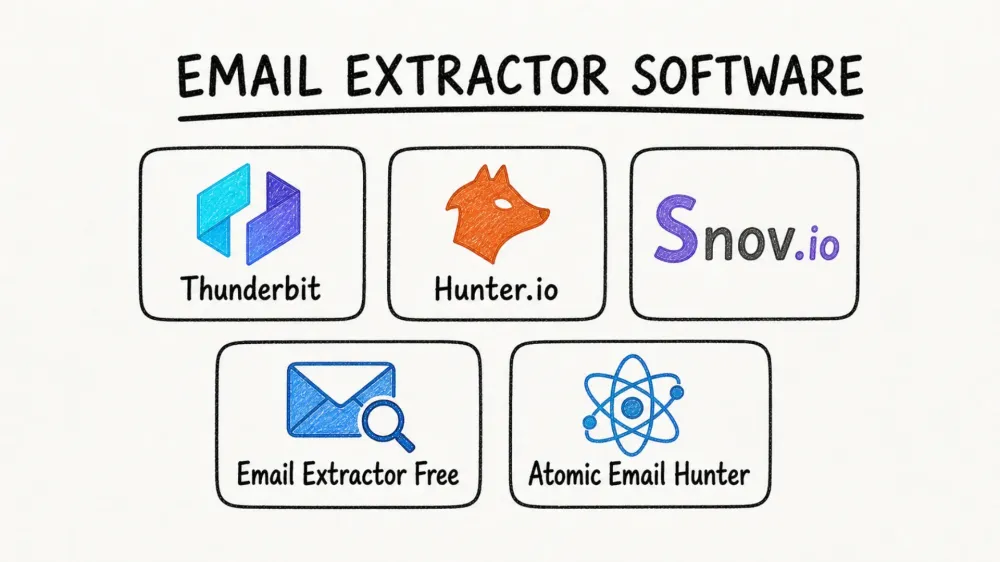
I’ve spent years in SaaS and automation, and I’ve seen firsthand how the right email extractor can turn a tedious slog into a competitive advantage. But with so many options, how do you know which tool actually fits your workflow—whether you’re a solo founder, a sales team, or a data geek? That’s why I put together this deep dive into the five best email extractor software for 2026. Each one has its own sweet spot, and I’ll break down where they shine (and where they don’t), so you can build better lists and get back to what matters: connecting with real people.
Why Choosing the Best Email Extractor Software Matters
The Best Email Scrapers in 2025 Discover the top email scrapers and how to use them effectively. Get Started Free
Email extractors aren’t just about saving time—they’re about building the foundation for every successful outreach, campaign, or sales playbook. A good tool can supercharge your pipeline by delivering accurate, targeted contacts in seconds, letting you focus on what actually moves the needle: conversations and conversions.
But here’s the catch: bad data isn’t just annoying—it’s expensive. Outdated or incorrect emails lead to bounces, hurt your sender reputation, and waste precious hours.
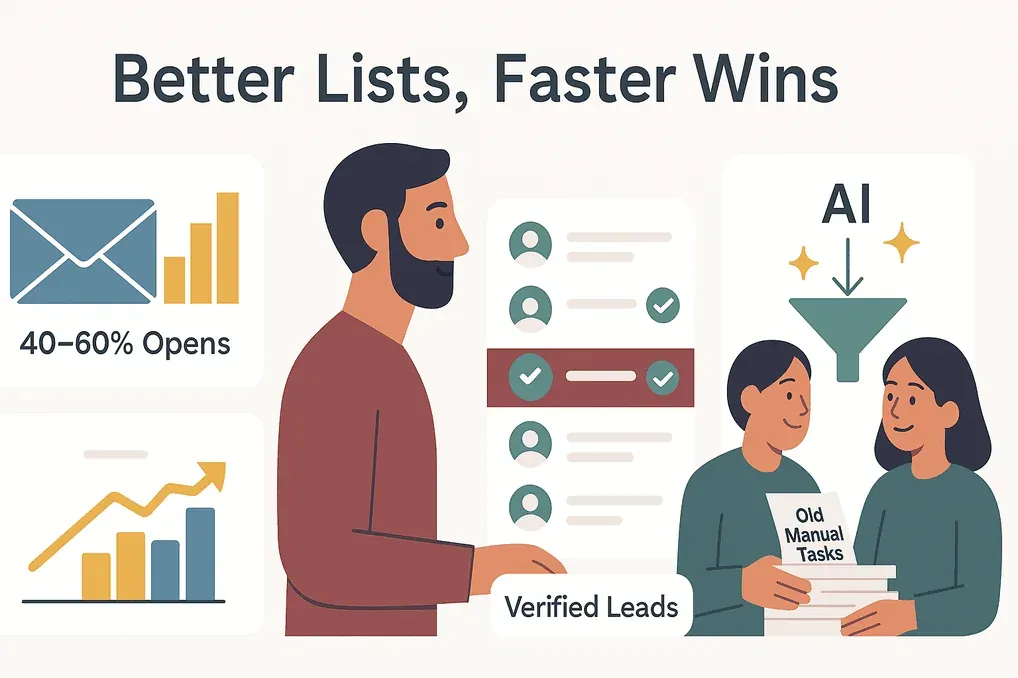 On the flip side, verified and well-targeted lists can boost open rates to 40–60%, and AI-powered extractors now help 81% of sales leaders cut down on manual research.
When picking an extractor, look for:
- Ease of use (can your whole team use it?)
- Accuracy and verification (will it keep your bounce rate low?)
- Compliance features (does it help you stay on the right side of GDPR and CAN-SPAM?)
- Integration (can you get data into your CRM or workflow instantly?)
- Pricing and scalability (does it fit your budget as you grow?)
The right tool isn’t just about features—it’s about fit. Let’s dig into how I picked the best of the best.
How We Selected the Best Email Extractor Software for 2026
I didn’t just skim feature lists—I went deep into user feedback, expert reviews, and hands-on testing. Here’s what I looked for:
- Extraction capabilities: Can it pull emails from websites, domains, LinkedIn, or even search engines?
- Accuracy: Does it verify emails or provide confidence scores?
- User experience: Is it plug-and-play, or does it require a PhD in regex?
- Automation and integrations: Can it handle bulk jobs, schedule extractions, or connect to your CRM?
- Compliance and privacy: Does it focus on public data and help you use it responsibly?
- Pricing: Is there a free tier? How does it scale for teams or agencies?
I also paid close attention to use-case fit—because the best tool for a solo marketer isn’t always the best for a 20-person sales team. Here are the five tools that stood out for 2026, each with its own unique strengths.
1. Thunderbit
Thunderbit is the AI-powered Chrome extension that’s become my go-to for web-based email extraction—especially when I want results with zero setup or coding. What sets Thunderbit apart is its focus on natural language extraction and a truly simple workflow: just click once and let the AI take stock of the page—it names the fields itself and gets through the whole page without you, or you can spell out what you’re after in a sentence and let it follow that. In one click, you’ve got a table of emails (and any other data you want) ready to export.
But Thunderbit isn’t just about scraping what’s on the current page. Its subpage scraping feature lets you automatically visit every linked profile or product page, pulling emails from each one and enriching your table as you go. It even handles pagination, so you can scrape entire directories or marketplaces without breaking a sweat.
Other standout features:
- Instant data export: Send results directly to Excel, Google Sheets, Notion, or Airtable—no extra fees, no copy-paste headaches.
- One-click extractors: Instantly pull emails, phone numbers, or images from any webpage, PDF, or image (thanks to built-in OCR).
- Scheduled scraping: Set up recurring extractions to monitor new leads or listings.
- Compliance-first: Thunderbit works in your browser, only on publicly visible data, and stores everything locally—helping you stay GDPR-safe.
Thunderbit’s pricing uses a credit system (one credit per output row), with a free tier for small jobs and affordable monthly plans for heavier users. With over 200,000 users worldwide and a 4.2★ rating on the Chrome Web Store, it’s a top pick for anyone who wants to extract emails from specific websites, fast.
Best for: Non-technical users, sales/ops teams, and anyone who wants to extract emails (and more) from any website with minimal setup.
Try Thunderbit Email Extractor for Free
2. Hunter.io
Hunter.io is the classic choice for bulk domain and company email extraction. If you know the company or domain you want to target, Hunter will return all public emails it’s indexed—often with names, job titles, and a confidence score.
Key features:
- Domain search: Find all emails at a company in seconds.
- Personal email finder: Enter a name and company, get the likely email (with pattern matching and verification).
- Bulk upload: Upload a CSV of domains or names for batch lookup.
- Built-in verification: Reduce bounces with real-time checks.
- Chrome extension: Find emails as you browse, including on LinkedIn.
- Integrations: Sync to HubSpot, Salesforce, Google Sheets, and more.
Hunter’s interface is clean and beginner-friendly, but it’s also powerful enough for large-scale prospecting. The free plan gives you 50 credits per month, shared across searches and verifications; paid plans start at $49/month (or ~$34/month billed annually), scaling up for bigger teams.
Best for: B2B sales and marketing teams building large, verified lists by company or domain—especially when you need to integrate with your CRM.
3. Snov.io
Snov.io is an all-in-one platform that combines email extraction, verification, CRM, and outreach automation. If you want a single tool to handle everything from finding leads to sending drip campaigns, Snov.io is hard to beat.
What makes Snov.io special:
- Multiple extraction modes: Find emails by domain, name + company, LinkedIn, or from their B2B database.
- Bulk search: Upload lists of up to 20,000 domains or names.
- 98%+ accuracy verification: Built-in checks for syntax, MX records, and SMTP responses.
- Drip campaigns: Design and send automated email sequences, with tracking and triggers.
- Email warm-up: Improve sender reputation before big sends.
- Built-in CRM: Manage contacts, deals, and follow-ups in one place.
- Integrations: Connect to HubSpot, Salesforce, Pipedrive, Zapier, and more.
Snov.io is especially popular with startups and growth teams who want to automate lead gen and outreach without juggling multiple tools. The free plan offers a small number of credits; paid plans start at $39/month for 1,000 credits, with higher tiers for bigger teams.
Best for: Teams that want to find, verify, and reach out to leads—all from one dashboard.
4. Email Extractor Free
Email Extractor Free is exactly what it sounds like: a lightweight Chrome extension that instantly pulls every email address from the current webpage. It’s free, simple, and has almost no learning curve—just install, click, and copy.
Notable features:
- One-click extraction: Grab all emails from a page or even the source code.
- AutoVisit mode: Feed it a list of URLs (up to 1,000), and it will crawl each one for emails.
- Domain search: Find all emails ending in a specific domain.
- Export: Copy or download results as TXT/CSV.
With over 400,000 users and a 4.7★ rating, it’s a favorite for quick, one-off tasks. There’s an optional cloud storage upgrade for heavy users, but the core features are 100% free.
Best for: Beginners, solo users, or anyone who needs to grab emails from a handful of pages—no signup, no fuss.
5. Atomic Email Hunter
Atomic Email Hunter is the power user’s choice for deep email list management and advanced extraction. It’s a Windows desktop app that acts as an email “spider,” crawling websites and even search engine results to find targeted emails.
Why Atomic Email Hunter stands out:
- Keyword-based extraction: Enter a keyword, and it’ll search the web for relevant sites, then scrape emails from each.
- Automatic crawling: Start from a URL and crawl all accessible links.
- Advanced filtering: Include/exclude by keyword or domain, remove duplicates, and personalize with username extraction.
- Plugins: Scrape emails from Facebook, Twitter, Yelp, or even your own email accounts.
- Speed control: Throttle crawling to avoid IP blocks.
Atomic Email Hunter is a one-time purchase ($89/license), making it cost-effective for agencies or anyone managing massive lists. It’s not as modern-looking as cloud tools, and there’s a learning curve—but for sheer flexibility and volume, it’s hard to beat.
Best for: Agencies, growth hackers, or anyone who needs to build and manage huge, highly targeted email lists.
At-a-Glance Comparison: Best Email Extractor Software in 2026
| Tool | Key Features | Best For | Pricing | User Rating |
|---|---|---|---|---|
| Thunderbit | AI-driven, 1-click web scraping, subpage/pagination, instant export, Chrome extension | Non-technical users, quick deep scraping | Free tier; $15/mo, or $9/mo billed annually | 4.2★ (Chrome Store) |
| Hunter.io | Domain/company search, bulk upload, verification, CRM integration, Chrome extension | B2B sales/marketing, bulk domain/company lists | Free 50 searches, paid from $49/mo | ~4.5★ (G2/Capterra) |
| Snov.io | All-in-one: extraction, verification, CRM, drip campaigns, LinkedIn, bulk search | Teams needing extraction + outreach automation | Free credits, paid from $39/mo | ~4.5★ (G2) |
| Email Extractor Free | Chrome extension, instant extraction, AutoVisit, domain search, free/no login | Beginners, quick one-off tasks | 100% Free (core features) | 4.7★ (Chrome Store) |
| Atomic Email Hunter | Desktop app, keyword search, deep crawling, plugins, advanced filtering, one-time license | Agencies, power users, large/complex lists | $89 one-time license | ~4.2★ (G2) |
How to Choose the Best Email Extractor Software for Your Business
Scrape emails from any website using AI Get Started Free
Here’s my cheat sheet for picking the right tool:
- Need to extract emails from a specific website or directory? Go with Thunderbit for the fastest, most flexible experience—especially if you want to export to Sheets or Notion.
- Building large B2B lists by company or domain? Hunter.io is your best bet, with built-in verification and CRM sync.
- Want to automate the whole lead gen and outreach workflow? Snov.io covers extraction, verification, and drip campaigns in one place.
- Just need a quick, free solution for a few pages? Email Extractor Free is perfect for instant results.
- Managing huge or highly customized lists? Atomic Email Hunter gives you power and scale, but expect a steeper learning curve.
Always consider your team’s technical comfort, integration needs, and compliance requirements. And don’t be afraid to mix and match—many pros use Thunderbit to scrape, then verify with Snov.io or Hunter before importing to their CRM.
Responsible Use: Compliance and Best Practices for Email Extraction
With great power comes great responsibility (and, let’s face it, a lot of legal fine print). Here’s how to stay compliant and ethical:
- Stick to public/work emails: Focus on business addresses, not personal ones, and only scrape what’s publicly available.
- Know your laws: Understand GDPR, CAN-SPAM, and other local regulations. Always offer opt-outs and honor unsubscribe requests.
- Verify before sending: Use built-in or third-party verification to keep bounce rates low and protect your sender reputation.
- Personalize and add value: Don’t spam—segment your lists, personalize your outreach, and make sure your emails are actually useful.
- Maintain list hygiene: Re-verify emails regularly and prune inactive contacts.
Remember, the best extractor is only as good as the strategy and respect you bring to your outreach.
Conclusion: Find Your Perfect Email Extractor Software
In 2026, there’s no excuse for building lists the hard way. Whether you’re a solo founder, a sales team, or a data-driven marketer, the right email extractor can save you hours, boost your ROI, and keep you compliant. Thunderbit is my top pick for AI-powered, no-fuss web scraping; Hunter.io and Snov.io are unbeatable for bulk and automation; Email Extractor Free is perfect for quick wins; and Atomic Email Hunter is the power tool for serious list builders.
Try the free versions, see which fits your workflow, and remember: great outreach starts with great data—and responsible use. Here’s to higher open rates, lower bounce rates, and more meaningful connections in 2026.
Start Scraping Emails with Thunderbit
FAQs
1. Is it legal to use email extractor software for lead generation?
Yes, as long as you extract and use only publicly available business emails, comply with regulations like GDPR and CAN-SPAM, and always honor opt-out requests. Avoid scraping personal emails or using data in ways that violate privacy laws.
2. What’s the difference between Thunderbit and Hunter.io for email extraction?
Thunderbit excels at scraping emails (and other data) from any website using AI, with minimal setup—great for directories, listings, or niche sites. Hunter.io specializes in finding and verifying emails by domain or company, making it ideal for large-scale B2B prospecting.
3. Can I use these tools to extract emails from LinkedIn?
Snov.io offers LinkedIn integration for extracting emails from profiles and search results. Hunter.io’s Chrome extension can sometimes find emails on LinkedIn, but always respect LinkedIn’s terms of service and privacy rules.
4. How do I keep my extracted email lists up to date?
Use tools with built-in verification (like Hunter.io or Snov.io), and regularly re-verify your lists to remove outdated or invalid emails. Data decays quickly—up to 30% per year—so ongoing list hygiene is essential.
5. What’s the best free email extractor for beginners?
Email Extractor Free (Chrome extension) is the easiest way to start—just install, click, and copy. Thunderbit also offers a free tier for small jobs and adds more advanced features if you need them later.
Want more tips on web scraping, automation, or building smarter lead lists? Check out the Thunderbit Blog for deep dives, tutorials, and the latest in AI-powered productivity.
Try AI Email Extractor for Free Get Started Free
Learn More




