
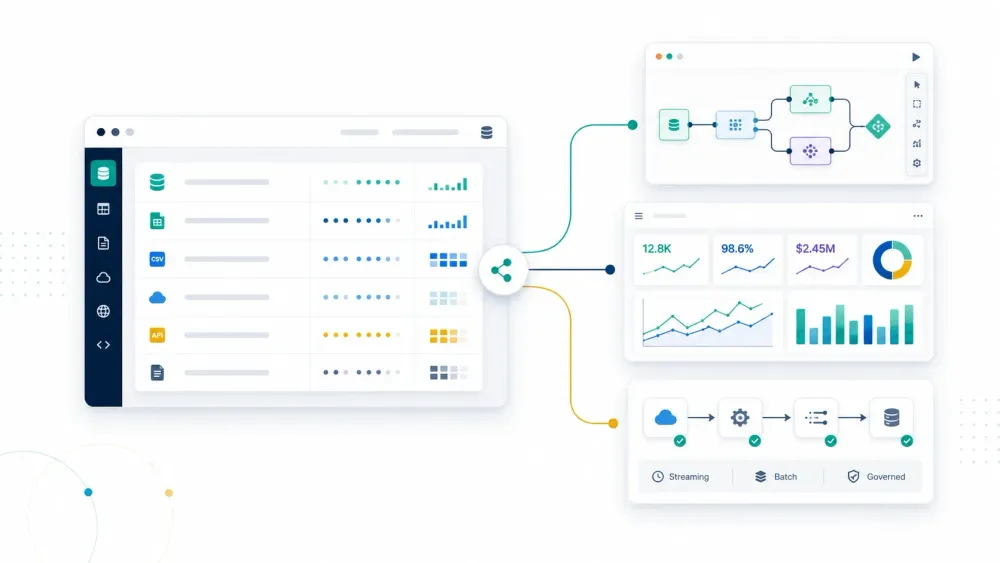
Businesses do not have a data shortage in 2026. They have a workflow-fit shortage. The World Economic Forum noted that global data creation was expected to reach 181 zettabytes in 2025, while IBM says an estimated 68% of enterprise data goes unused. That gap is why data mining software still matters: not as a buzzword, but as the practical layer that turns raw records, documents, website data, and event streams into patterns you can actually use.
IBM’s definition is still the cleanest one: data mining uses machine learning and statistical analysis to surface useful information from large datasets. In practice, that means buyers now evaluate a broader stack than the old classroom definition suggests. Some teams need visual modeling tools. Some need governed enterprise analytics. Some need cloud-scale ML and streaming infrastructure. And some just need to capture messy web data before any analysis can begin.
Quick Picks by Workflow
- Need to collect website data fast before you analyze it? Start with Thunderbit.
- Need a visual no-code data science platform? Shortlist Altair AI Studio and KNIME.
- Need the easiest open-source starting point for learning or prototyping? Look at Orange and Weka.
- Need enterprise predictive analytics with governance? Compare IBM SPSS Modeler, SAS Enterprise Miner, and Spotfire Statistica.
- Need cloud-native ML and deployment? Review Microsoft Azure Machine Learning, Dataiku, and H2O.ai.
- Need large-scale pipelines or in-database analytics? Focus on Teradata and Google Cloud Dataflow.
See Whether Thunderbit Fits Your Data Workflow
What Counts as Data Mining Software in 2026?
This keyword now covers four different buying motions:
- Data acquisition tools: products that help you collect or structure raw data before analysis starts.
- Visual workflow tools: platforms that let analysts clean data, build models, and score results without heavy coding.
- Enterprise statistical and predictive suites: governed systems for larger organizations and regulated teams.
- Cloud and infrastructure layers: platforms that support large-scale training, deployment, or real-time processing.
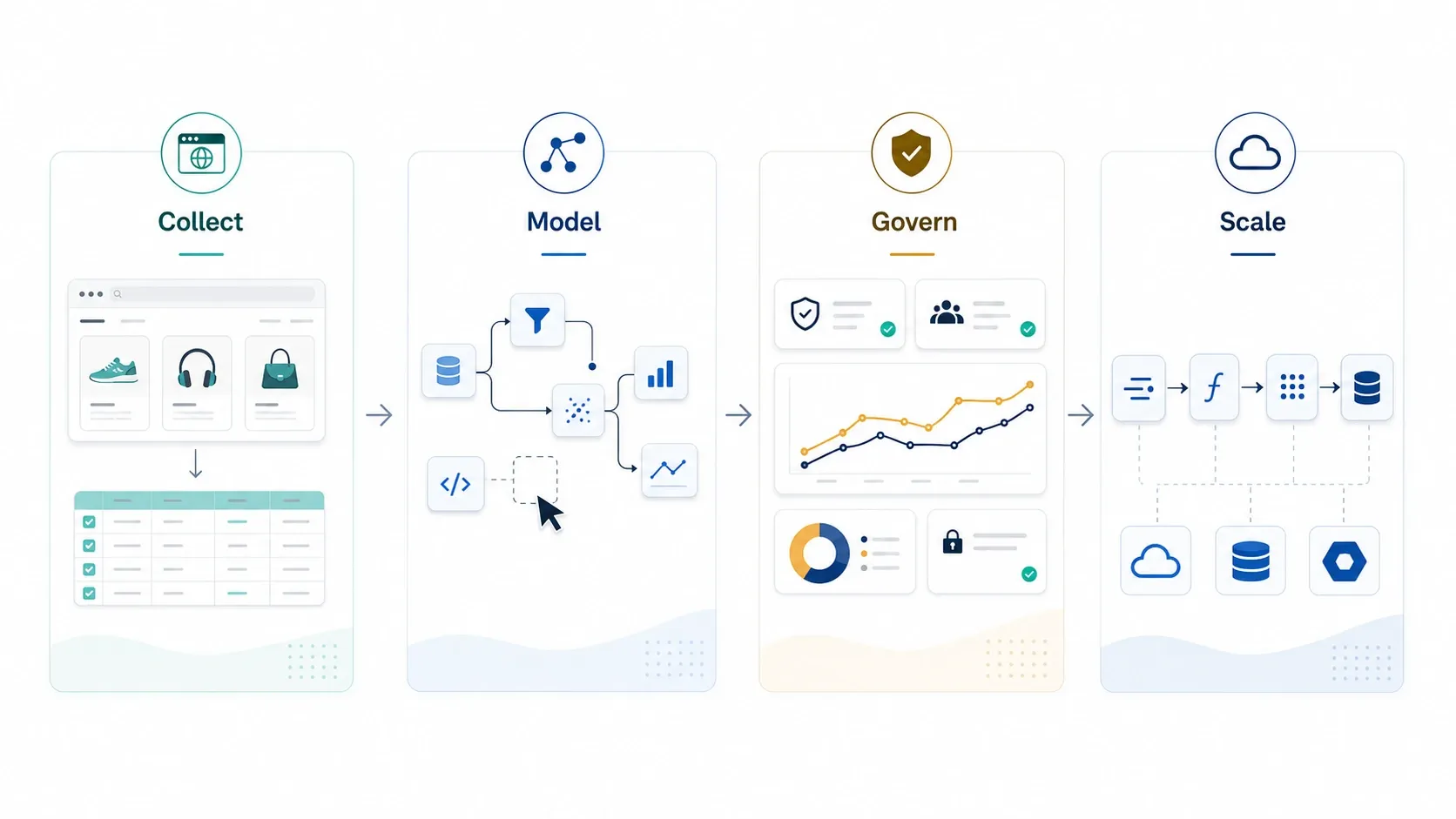
That is why this list is intentionally mixed. If your team still spends hours copying fields out of websites, a browser-first data capture tool can create more business value than a sophisticated modeling suite you never fully adopt. On the other hand, if your bottleneck is governed model deployment or warehouse-scale processing, the opposite is true.
If you want one short orientation video before comparing tools, this IBM overview is still the best high-signal primer because it explains where data mining fits relative to analytics, machine learning, and process improvement:
Quick Comparison Table: Best Data Mining Software in 2026
| Tool | Best For | What Stands Out | Pricing Signal |
|---|---|---|---|
| Thunderbit | Business teams that need raw web data before analysis | AI field suggestion, subpages, pagination, export to Sheets / Excel / Airtable / Notion | Free plan; self-serve paid tiers; business plans |
| Altair AI Studio | Visual ML workflows without heavy coding | Drag-and-drop design, AutoML, interactive data prep; formerly RapidMiner Studio | Free trial; commercial editions |
| KNIME | Open-source workflow analytics and automation | Node-based pipelines, strong community, broad extensions | Free platform; paid business products |
| Orange | Beginners and teaching-oriented visual mining | Very approachable visual widgets and exploration workflows | Free and open-source |
| Weka | Algorithm experimentation and education | Large library of classic ML methods in a lightweight GUI | Free and open-source |
| IBM SPSS Modeler | Enterprise predictive analytics teams | Visual streams, text analytics, governance-friendly deployment | Quote-based / enterprise |
| SAS Enterprise Miner | Regulated industries and SAS-centric teams | Mature modeling depth, large-scale data handling, SAS integration | Quote-based / enterprise |
| Azure Machine Learning | Microsoft-first cloud analytics and ML | AutoML, MLOps, Azure integration, managed deployment | Usage-based cloud pricing |
| Alteryx | Analysts automating prep and self-service analytics | Drag-and-drop prep, repeatable workflows, broad business adoption | Trial plus enterprise pricing |
| Spotfire Statistica | Statistical depth plus enterprise controls | Advanced analytics, reusable workflows, compliance-oriented monitoring | Quote-based / enterprise |
| Teradata | Massive-scale in-database analytics | Strong performance on huge enterprise datasets and governed data estates | Enterprise / contract |
| Rattle | R-based learning and low-cost prototyping | GUI over R workflows with code visibility | Free and open-source |
| Dataiku | Cross-functional data science teams | No-code plus code collaboration, automation, governance | Free edition; enterprise pricing |
| H2O.ai | AutoML and scalable model building | Fast modeling, explainability, strong ML ecosystem | Open-source + enterprise offerings |
| Google Cloud Dataflow | Real-time and large-batch data processing | Managed Apache Beam pipelines, autoscaling, streaming support | Usage-based cloud pricing |
The 15 Best Data Mining Software Tools for Businesses in 2026
Best for Fast Data Collection and Visual Workflow Mining
1. Thunderbit
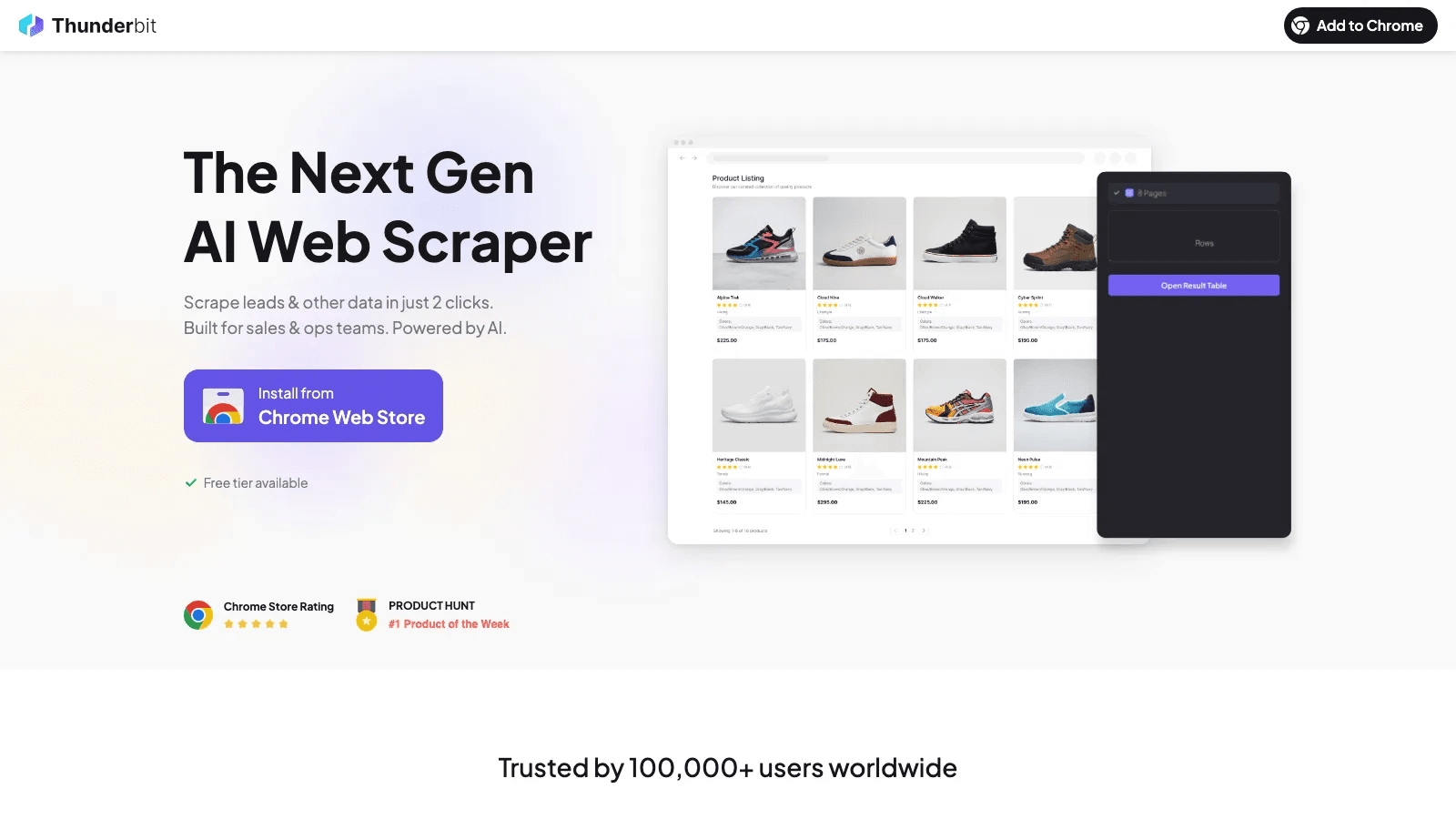
Thunderbit deserves a place in this list because many business data-mining projects fail before modeling even starts. The data lives on websites, PDFs, internal research pages, portals, or image-heavy listings. If you cannot collect it cleanly, your analytics stack does not matter.
Thunderbit is strongest when the job starts in a browser and the team wants structured output fast. Its AI field suggestion, subpage scraping, pagination handling, and direct exports make it a good fit for sales, ecommerce, operations, recruiting, and market research teams that do not want to build a scraping pipeline first.
- Best for: web-first data acquisition for business users.
- What stands out: AI Suggest Fields, subpage enrichment, browser or cloud execution, exports to Sheets / Excel / Airtable / Notion.
- Why it made the list: it removes the collection bottleneck that blocks downstream analysis.
- Pricing signal: free plan, self-serve paid plans, and business options are available.
Try Thunderbit AI Web Scraper for Free
2. Altair AI Studio

Altair AI Studio is one of the most important changes to keep straight if you know this category from older roundups: it is the current product name for what many buyers still remember as RapidMiner Studio. Altair describes it as a visual, drag-and-drop data science design tool with AutoML, interactive data prep, and support for both newer AI workflows and classic machine learning.
It remains a strong choice for teams that want serious modeling capability without building every workflow in notebooks. Compared with purely educational tools, it offers a better bridge into repeatable business use.
- Best for: analysts and domain experts who want guided visual ML workflows.
- What stands out: drag-and-drop canvas, AutoML, interactive prep, broad data connectivity.
- Watch-out: commercial positioning is stronger than open-source options, so procurement matters more.
3. KNIME Analytics Platform
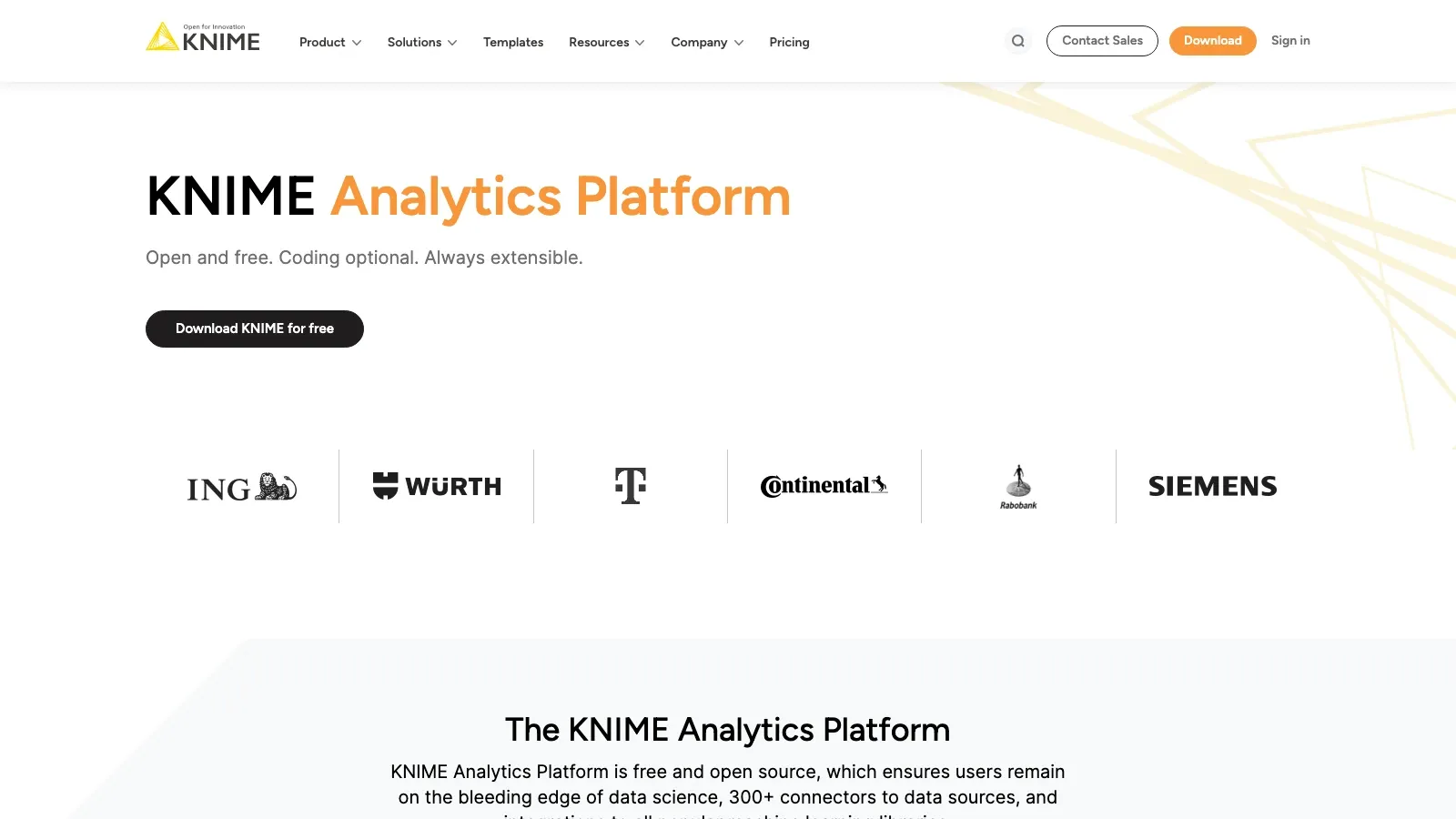
KNIME is still the most versatile open-source workflow tool on this list. Its node-based interface is approachable enough for analysts but deep enough for teams that want to combine data prep, statistical analysis, ML, automation, and extensions into one repeatable pipeline.
KNIME works especially well when transparency matters. Users can inspect each step of a workflow, share it, and extend it with integrations across Python, R, databases, and other tooling.
- Best for: open-source-first teams and workflow-heavy analysts.
- What stands out: reusable pipelines, large extension ecosystem, strong community adoption.
- Watch-out: the flexibility is excellent, but the interface can feel more engineering-oriented than lightweight beginner tools.
4. Orange
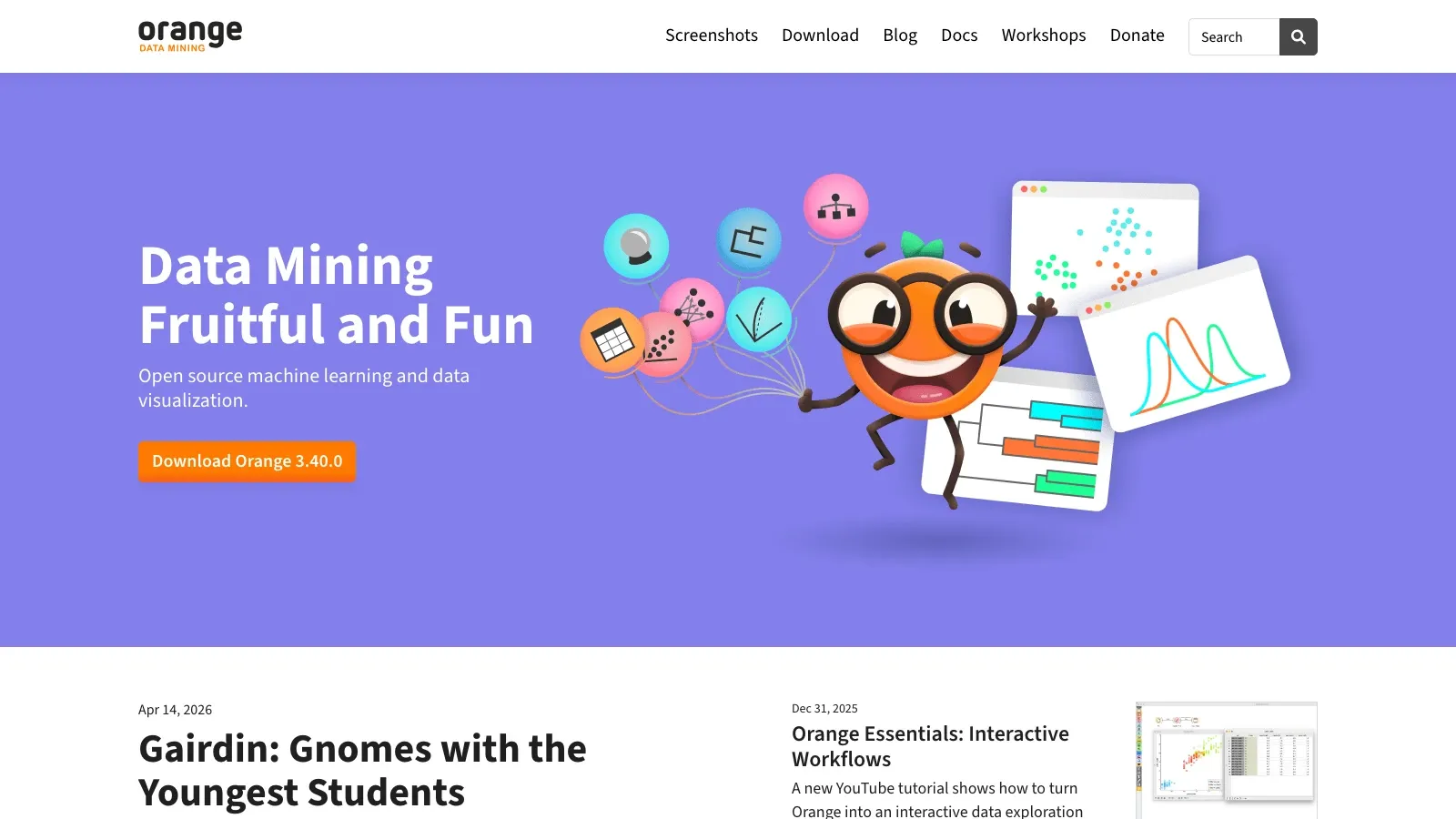
Orange remains the friendliest data mining environment for users who want to learn by seeing. Its widget-based interface makes classification, clustering, visualization, and text mining much easier to grasp than command-line-first tools.
For business teams, Orange is most useful as a fast prototyping or educational tool, not as a heavyweight governed enterprise platform.
- Best for: beginners, teachers, workshops, and early-stage exploration.
- What stands out: approachable visual interface and strong exploratory visualization.
- Watch-out: it is not the best fit for enterprise deployment or heavy operationalization.
5. Weka
Weka is still a classic for a reason. It offers a large set of machine learning algorithms in a compact interface that is easy to use for experimentation, benchmarking, and coursework.
Its business relevance is narrower than it used to be, but it still has value for quick testing, learning, and small datasets where you want broad algorithm coverage without spinning up a larger platform.
- Best for: algorithm comparison, education, and small-scale experimentation.
- What stands out: broad classic ML coverage and a lightweight GUI.
- Watch-out: it feels dated compared with newer workflow products and is not built for modern MLOps.
If you want to see what a current visual workflow product looks like before you shortlist one, this official Altair AI Studio GUI walkthrough is a useful mid-article checkpoint:
Best for Enterprise Predictive Analytics and Governed Modeling
6. IBM SPSS Modeler
IBM SPSS Modeler is still the safest shortlist item for organizations that want enterprise predictive analytics without forcing every analyst into code-heavy tooling. Its visual stream interface has held up because it keeps model building, prep, and scoring understandable for business stakeholders.
- Best for: large organizations that want approachable predictive analytics with governance.
- What stands out: visual streams, text analytics support, enterprise deployment options.
- Watch-out: this is a platform purchase, not a casual team tool.
7. SAS Enterprise Miner
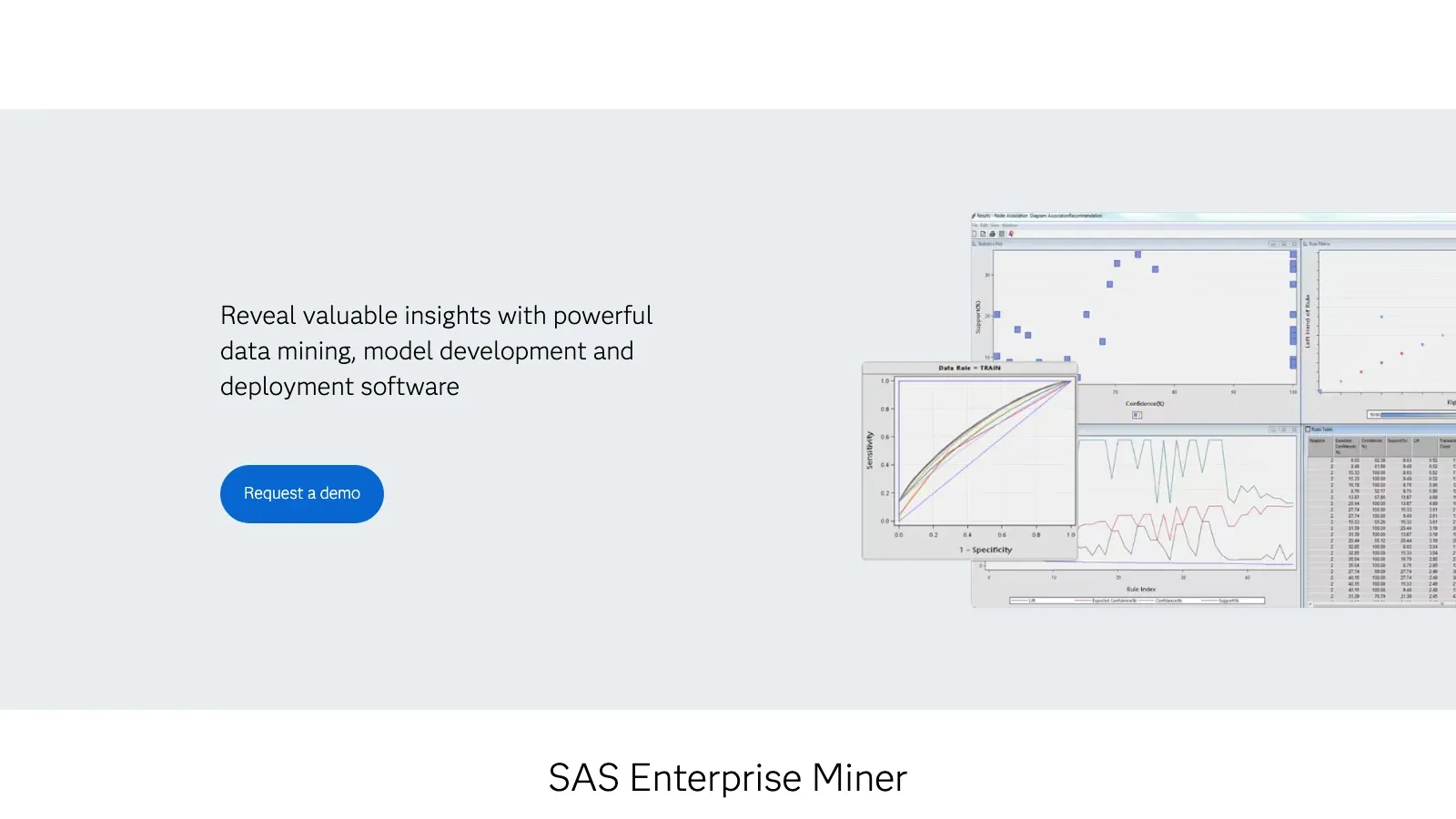
SAS Enterprise Miner remains most relevant in regulated and SAS-centric environments. It is not the most fashionable tool in the category, but it is still credible where auditability, institutional trust, and existing SAS infrastructure matter more than trendiness.
- Best for: financial services, healthcare, insurance, and other regulated workflows.
- What stands out: mature modeling depth, SAS ecosystem fit, large-data handling.
- Watch-out: teams without existing SAS investment may find newer platforms easier to adopt.
8. Microsoft Azure Machine Learning
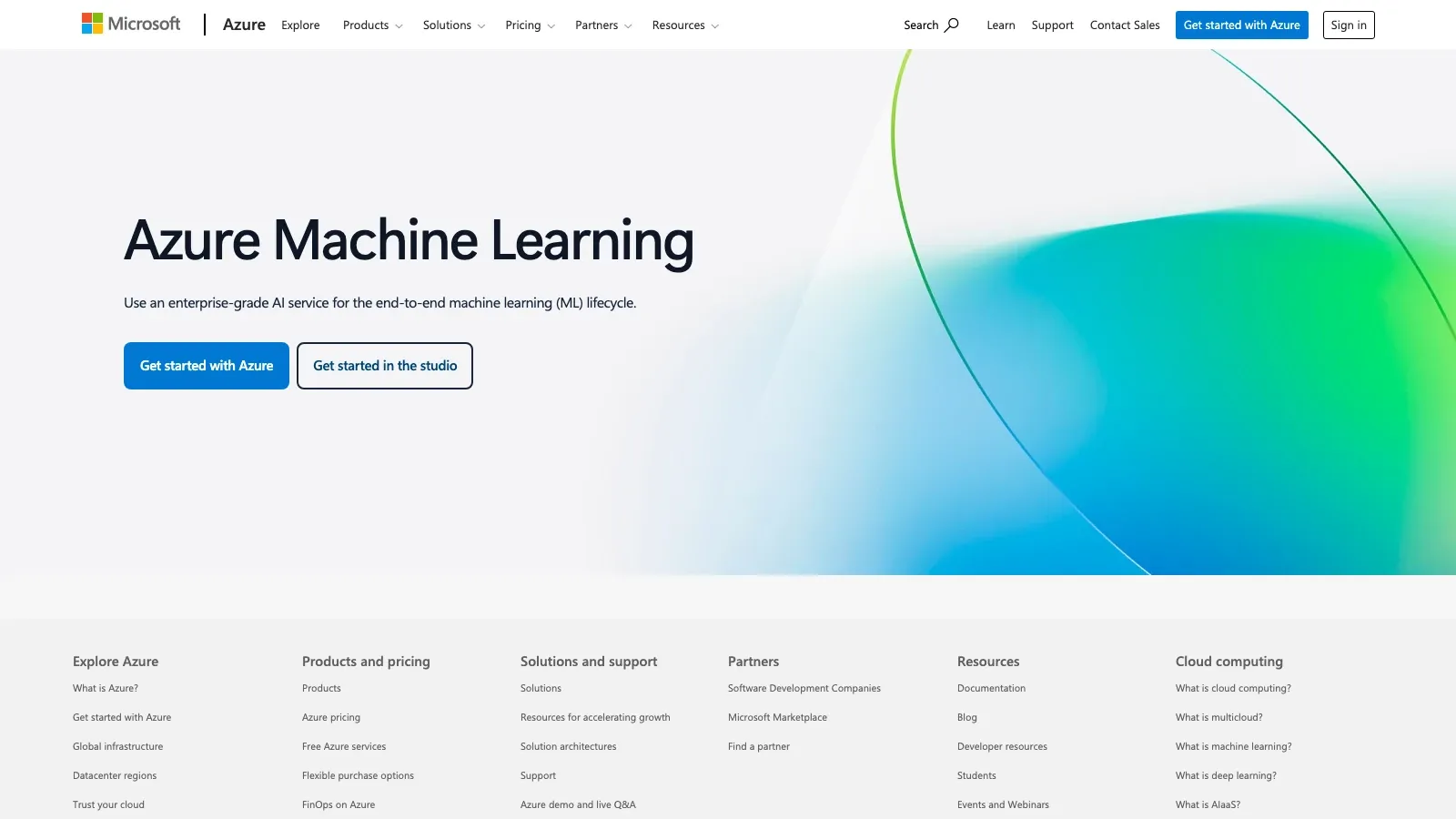
Azure Machine Learning is the strongest option here for teams that already live inside Microsoft’s cloud stack and want one environment for experimentation, AutoML, deployment, and monitoring.
- Best for: Azure-first organizations that want cloud ML plus operations.
- What stands out: AutoML, model management, deployment tooling, Microsoft ecosystem integration.
- Watch-out: cloud flexibility is a strength, but cost governance matters once usage grows.
9. Alteryx
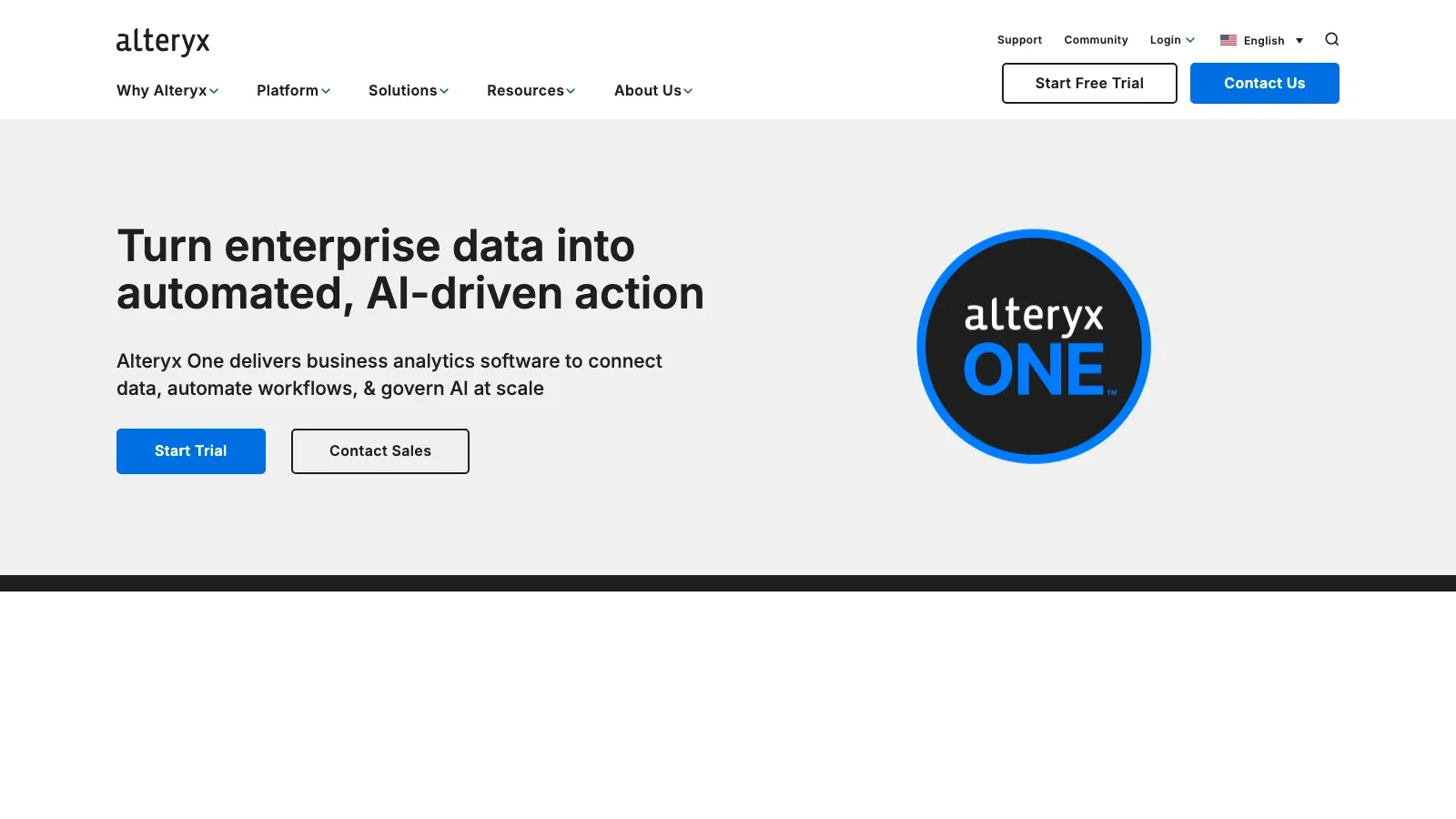
Alteryx earns its place because a lot of business data mining is still really about cleaning, blending, and operationalizing data work that used to live in spreadsheets. Alteryx has long been the tool analysts buy when they want to stop doing the same painful transformation steps by hand every week.
- Best for: business analysts automating prep-heavy workflows.
- What stands out: drag-and-drop prep, repeatable analytics workflows, strong business-user adoption.
- Watch-out: powerful, but usually not the cheapest option for lighter teams.
10. Spotfire Statistica
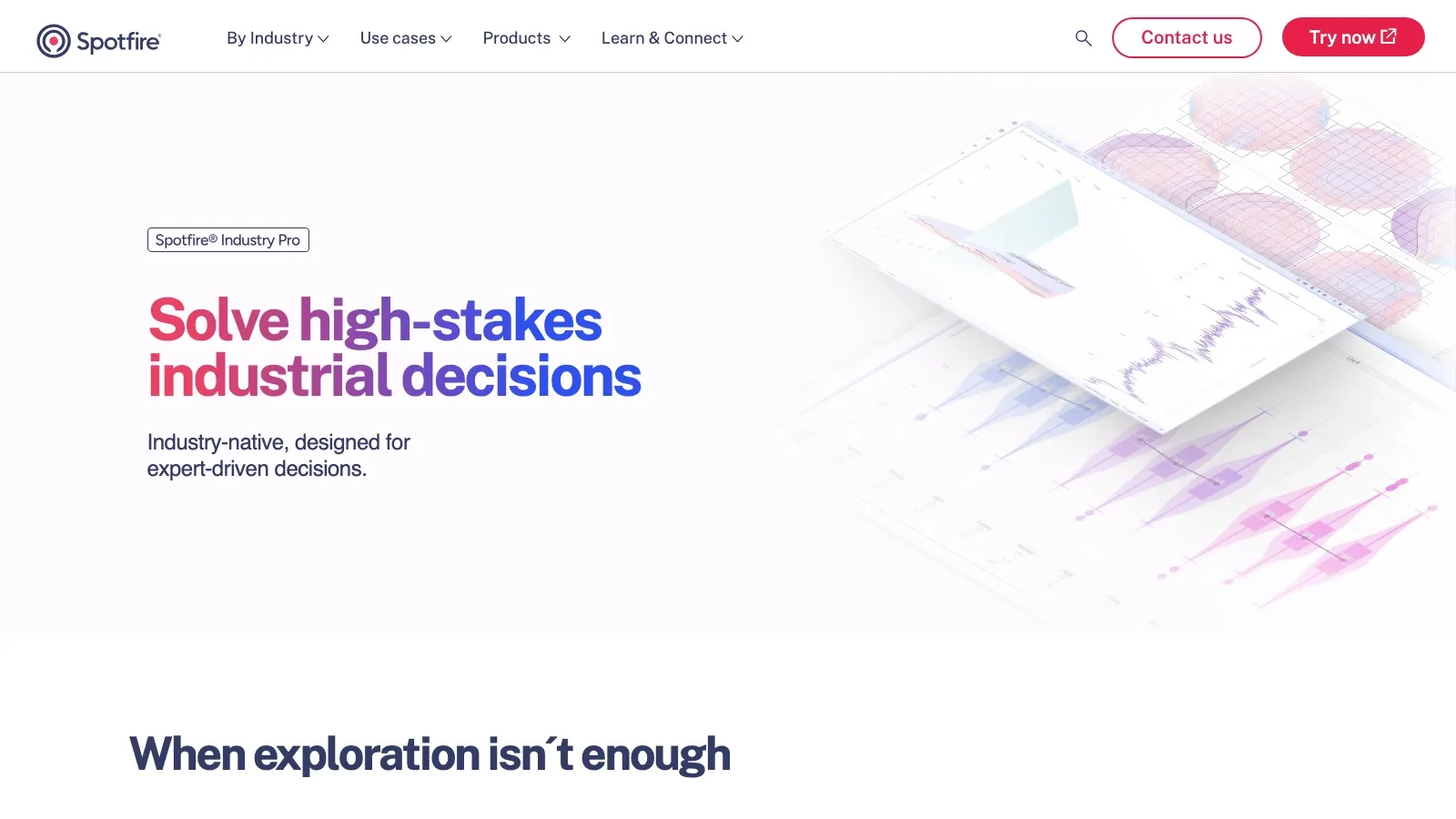
Spotfire Statistica remains one of the better options for organizations that need deep statistical methods and controlled operational use. Spotfire’s current positioning emphasizes advanced analytics, reusable workflows, and compliance-friendly governance.
- Best for: manufacturing, healthcare, quality, and compliance-oriented analytics teams.
- What stands out: mature statistical depth, reusable model workflows, monitoring and governance.
- Watch-out: better suited to structured enterprise programs than lightweight experimentation.
Best for Advanced Data Platforms, Collaboration, and Scale
11. Teradata
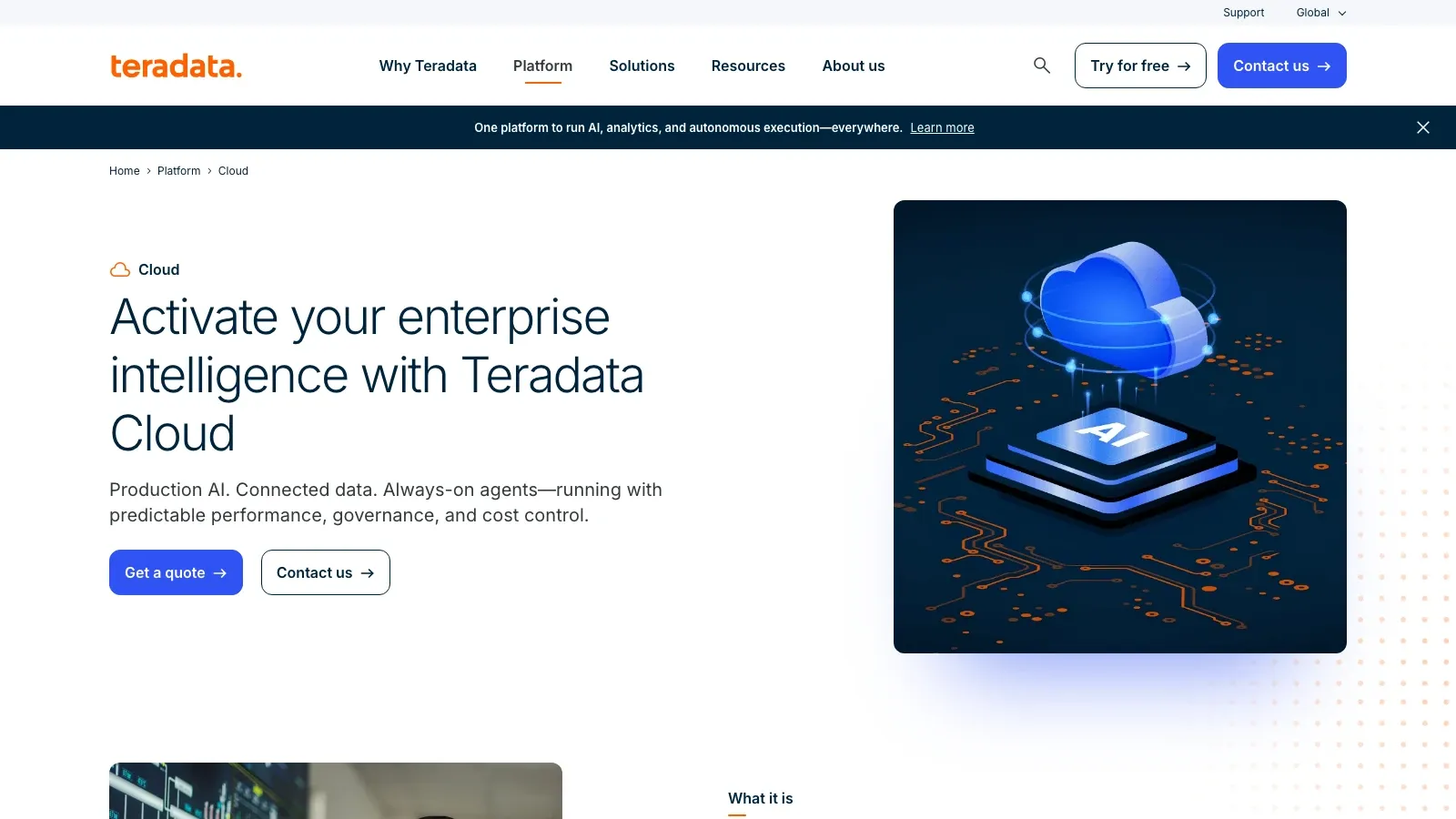
Teradata is here for one reason: when your data mining problem sits inside a huge governed data estate, performance and architecture matter as much as algorithms. Teradata remains relevant for in-database analytics, large-scale warehousing, and enterprise workloads that smaller point tools cannot comfortably absorb.
- Best for: huge enterprise datasets and in-database analytics.
- What stands out: scale, performance, and enterprise data-estate fit.
- Watch-out: overkill for most SMB and mid-market teams.
12. Rattle
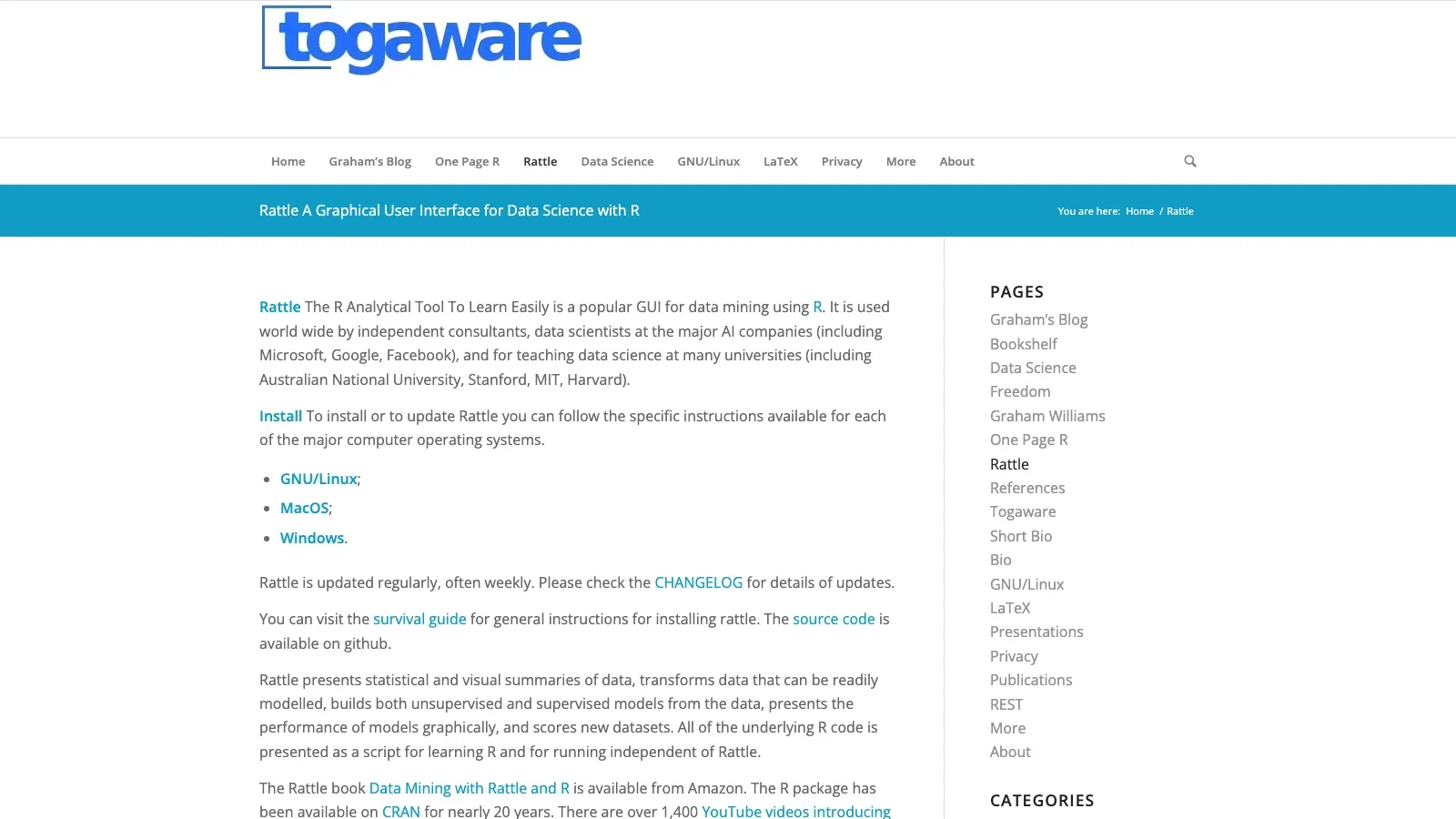
Rattle is still a useful bridge for teams or learners who want R’s modeling ecosystem with less up-front scripting. It is best treated as a low-cost learning and prototyping surface, not a modern collaboration platform.
- Best for: R learners and lightweight prototyping.
- What stands out: GUI over R workflows plus code visibility.
- Watch-out: dated compared with newer visual collaboration products.
13. Dataiku
Dataiku is one of the most balanced products on this list when you need both collaboration and scale. It works well because it does not force a false choice between no-code users and advanced practitioners. Business users can work with recipes and dashboards while technical users keep code-level control where needed.
- Best for: cross-functional analytics and data science teams.
- What stands out: no-code plus code collaboration, strong governance, automation, and deployment support.
- Watch-out: more platform than many smaller teams need if their use case is narrow.
14. H2O.ai
H2O.ai stays near the top for organizations that care about scalable modeling, AutoML, and explainability. It is especially appealing when speed and model iteration matter more than building every piece of the workflow from scratch.
- Best for: ML teams that want fast iteration and scalable automation.
- What stands out: AutoML, model speed, explainability, strong ecosystem.
- Watch-out: it is more ML-centric than some business teams actually need.
15. Google Cloud Dataflow
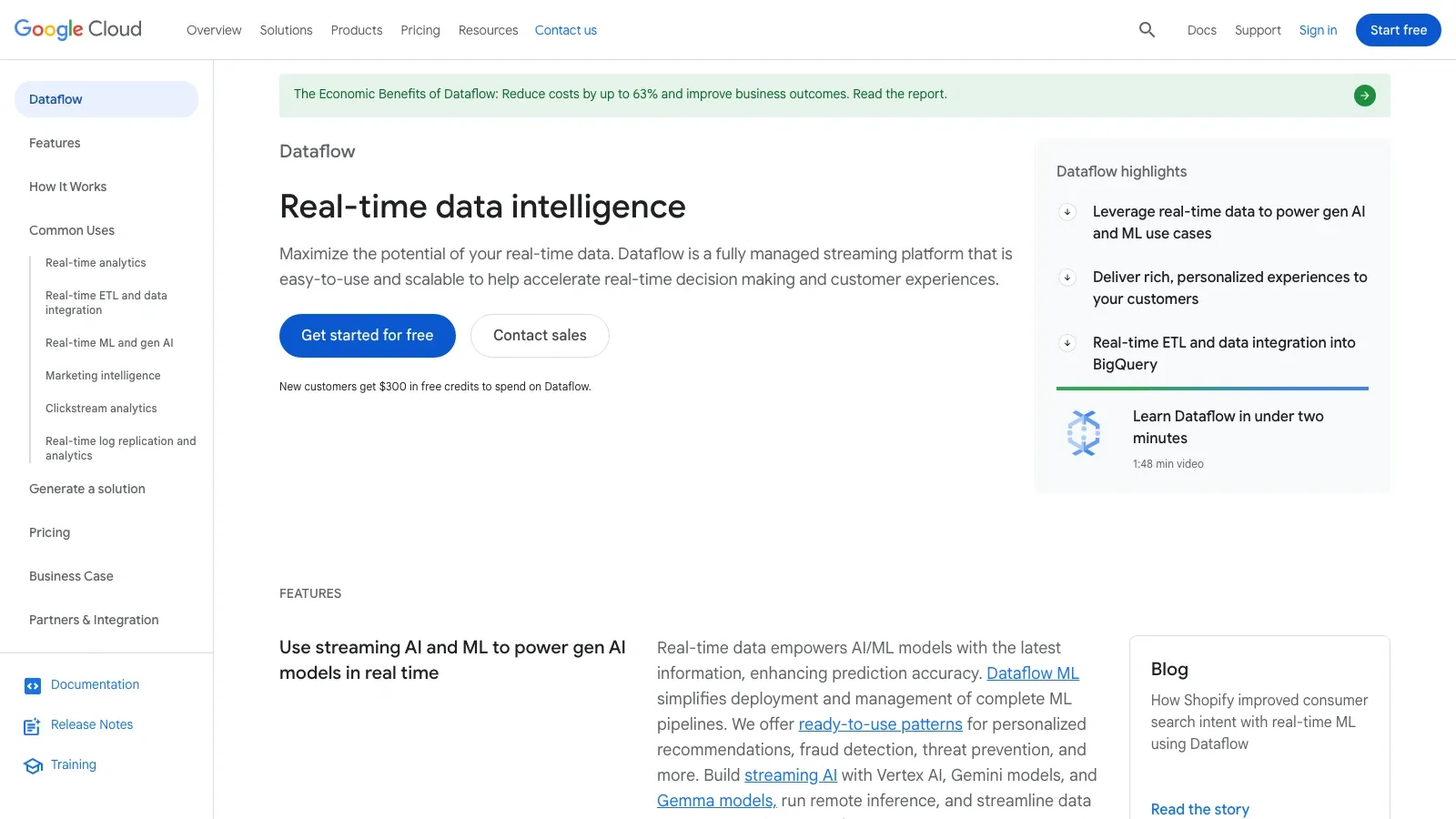
Google Cloud Dataflow is not a classic “data mining desktop tool,” but it deserves the last slot because many modern mining projects depend on real-time or large-batch data pipelines before analysis ever happens. If your use case involves streaming data, event processing, or large-scale feature preparation, Dataflow becomes part of the actual mining stack.
- Best for: streaming pipelines and large-scale batch preparation.
- What stands out: managed Apache Beam, autoscaling, strong GCP integration.
- Watch-out: it is infrastructure-led and not a business-user-first analytics tool.
How to Choose Without Overbuying
The most common buying mistake is confusing the source of friction:
- If the problem is data access, start with a collection tool like Thunderbit.
- If the problem is analyst productivity, compare Altair AI Studio, KNIME, Alteryx, and Orange first.
- If the problem is enterprise governance, shortlist SPSS Modeler, SAS Enterprise Miner, Spotfire Statistica, or Dataiku.
- If the problem is cloud ML operations, start with Azure Machine Learning, H2O.ai, or Dataiku.
- If the problem is streaming or huge-scale architecture, move toward Teradata or Dataflow.
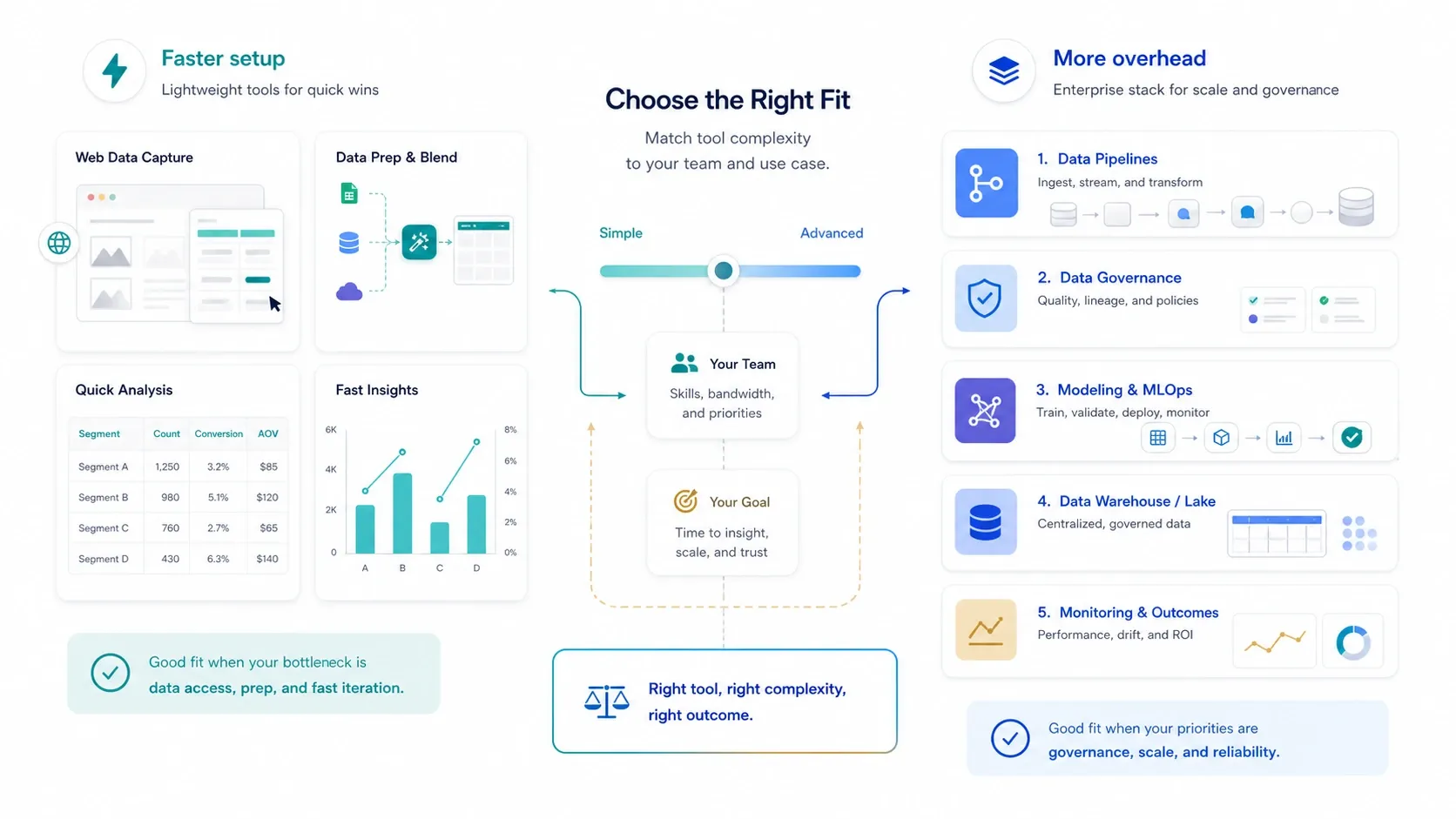
A simple rule helps: buy the least complex tool that actually clears your bottleneck. Many teams do not need a massive data-science platform. They need better data collection, cleaner prep, and one repeatable workflow their analysts will really use.
If your shortlist includes web-first data capture as part of the stack, this Thunderbit quick-start video is the most useful execution example because it shows the path from messy page to structured table without detouring into engineering overhead:
Final Shortlist by Team Type
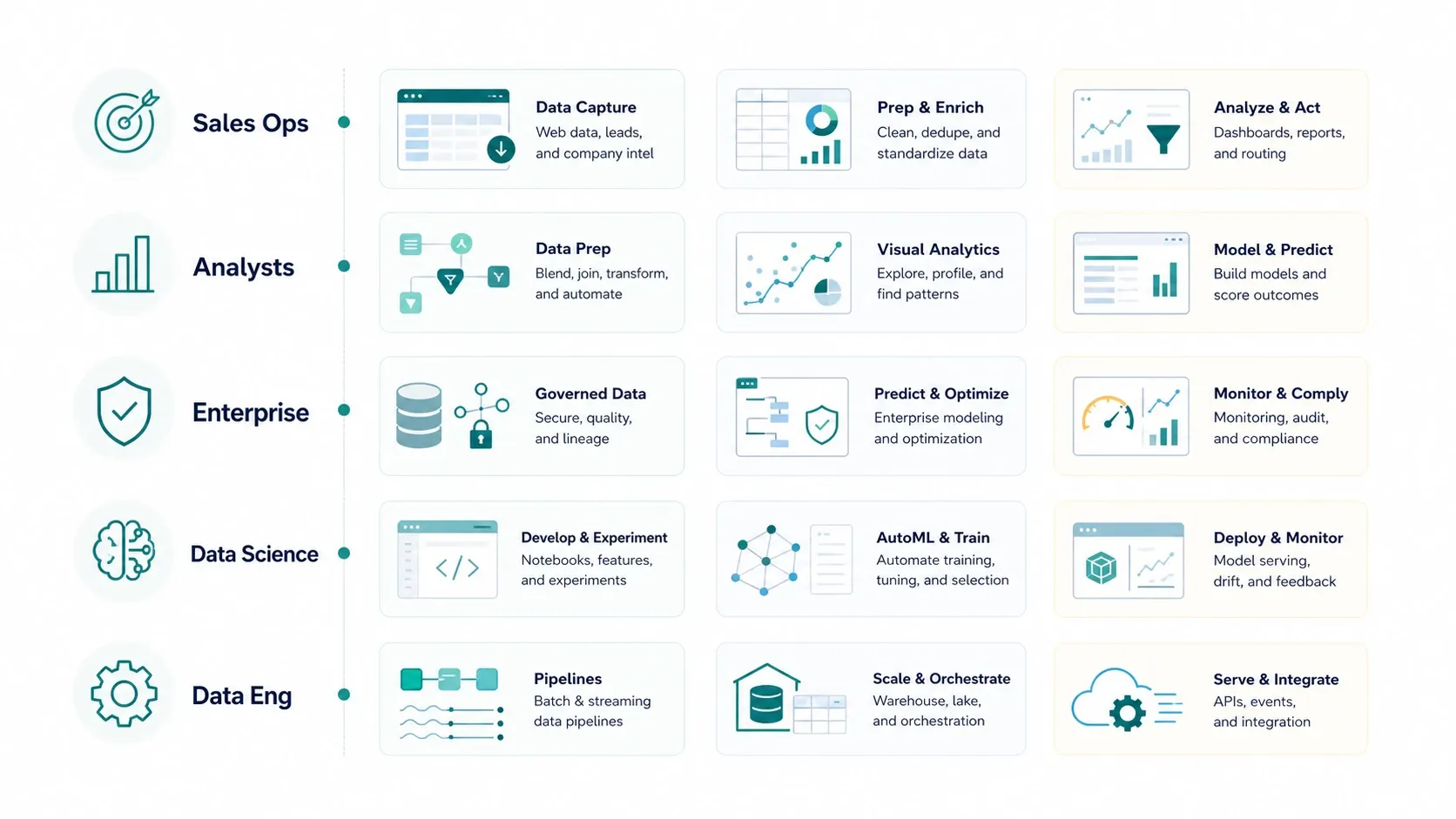
- Sales, ecommerce, and browser-heavy ops teams: Thunderbit, Alteryx, KNIME.
- Analysts who want visual workflows without deep code dependence: Altair AI Studio, KNIME, Alteryx, Orange.
- Enterprise predictive analytics teams: IBM SPSS Modeler, SAS Enterprise Miner, Spotfire Statistica.
- Cross-functional data science organizations: Dataiku, Azure Machine Learning, H2O.ai.
- Data engineering and platform teams: Teradata, Google Cloud Dataflow, Azure Machine Learning.
- Budget-conscious learners or prototype builders: Orange, Weka, Rattle, KNIME.
If I had to reduce this list to the shortest practical shortlist for most business buyers in 2026, it would be:
- Thunderbit for fast website and document data capture before analysis.
- Altair AI Studio for visual data science and AutoML without a notebook-first workflow.
- KNIME for open-source workflow flexibility.
- IBM SPSS Modeler for enterprise predictive analytics with a business-friendly interface.
- Dataiku for teams that need collaboration, governance, and scale together.
Conclusion
The real question is not which product has the longest feature list. It is which tool gets your team from raw data to a defensible decision with the least friction. In 2026, that usually means separating collection, preparation, modeling, and deployment problems instead of pretending one purchase solves every layer equally well.
If your work starts with public websites, PDFs, and unstructured pages, start with Thunderbit. If it starts with governed enterprise modeling, start higher up the stack with tools like SPSS Modeler, Dataiku, or Azure Machine Learning. And if you are still learning which class of platform you even need, KNIME, Orange, and Altair AI Studio remain the best places to get signal fast.
Related Reading
- What Is Data Scraping and How to Do It in 2025
- How to Scrape Any Website Using AI
- Best Web Scraping Tools for 2026
FAQs
1. What is data mining software, in plain business terms?
Data mining software helps teams find patterns, segments, anomalies, trends, and predictive signals in raw data. In a real business workflow, that usually means some mix of data collection, cleanup, model building, scoring, and reporting.
2. Is data mining software only for data scientists?
No. The market is now split between technical and non-technical buyers. Thunderbit, Altair AI Studio, KNIME, Orange, and Alteryx all lower the barrier for analysts and business teams, while platforms like Dataiku, Azure ML, and H2O.ai serve more advanced users too.
3. What is the best data mining software for a non-technical team?
If your data starts on the web, Thunderbit is the fastest first step. If you need broader visual analytics and workflow modeling, Altair AI Studio, KNIME, Orange, and Alteryx are the strongest non-code or low-code options on this list.
4. Should I choose an open-source tool or an enterprise platform?
Choose open-source when you need flexibility, lower entry cost, and room to experiment. Choose enterprise platforms when governance, support, deployment controls, compliance, and cross-team standardization matter more than licensing simplicity.
5. Can I use more than one of these tools together?
Yes, and many teams should. A common stack is to collect data with Thunderbit, prep or model it in KNIME or Alteryx, and then operationalize or monitor it in a cloud or enterprise platform. The best stack usually solves different layers of the workflow rather than forcing one tool to do everything.




