
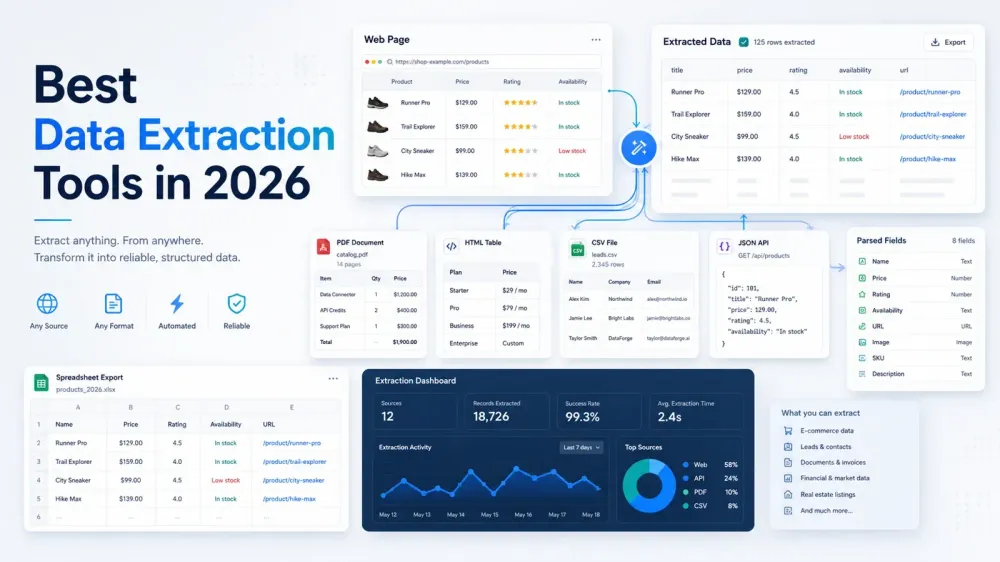
Data extraction software in 2026 is no longer one category with one buyer. Some teams need a browser-first tool that turns websites into spreadsheets in minutes. Others need crawl APIs, proxy infrastructure, or a governed pipeline that feeds a warehouse. Putting all of those jobs into one ranking without context is how buyers waste time and overbuy.
This refreshed annual roundup is built to do one thing well: help you build a shortlist quickly. The 15 tools below still cover most real buying paths in the market, but they solve very different problems. If you need fast website extraction with minimal setup, your shortlist should look very different from a team buying ELT and governance.
Review note: This annual roundup was reviewed on May 7, 2026. Next review owner: Thunderbit editorial team.
Start With The Right Tool Type
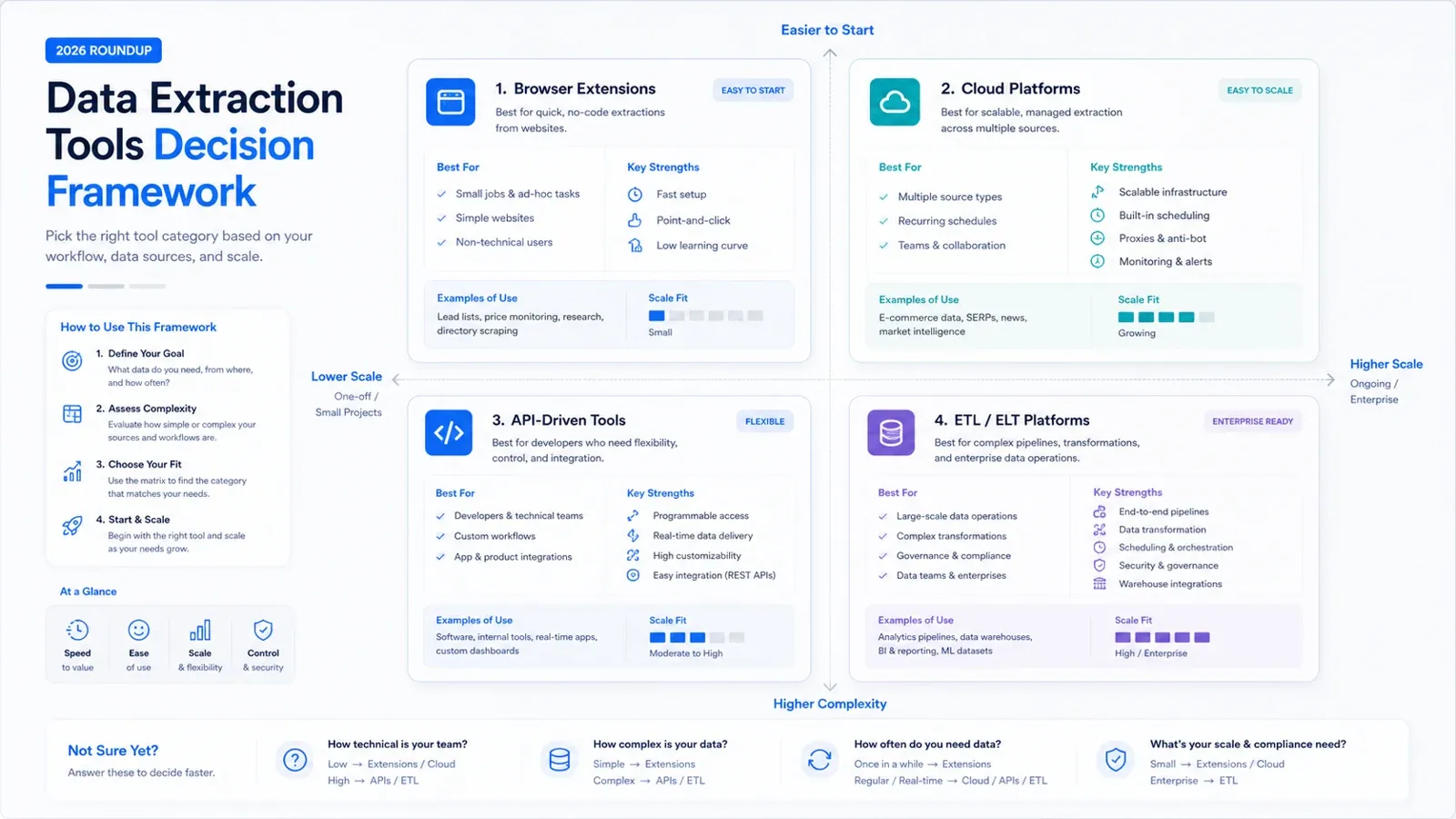
Before you compare vendors, decide what job you are actually trying to finish:
- Need website data in a sheet fast, without owning scraping infrastructure: start with AI or no-code browser tools such as Thunderbit, Octoparse, Data Miner, or Browse AI.
- Need rendered pages, API delivery, or anti-bot infrastructure for product teams: look at ScrapingBee, Diffbot, Bright Data, or Captain Data.
- Need to centralize data from SaaS apps, APIs, and databases into a warehouse: focus on Airbyte, Hevo, Fivetran, Talend, Matillion, or Integrate.io.
See if Thunderbit fits your workflow
Quick Comparison Table: Best Data Extraction Tools In 2026
| Tool | Best For | What Stands Out | Pricing Model |
|---|---|---|---|
| Thunderbit | Business users who want website data fast | AI field suggestion, subpages, pagination, spreadsheet exports | Free tier; paid subscription + credits |
| Diffbot | Teams building structured web data products | Extraction API, Crawlbot, Knowledge Graph | Free tier; paid API credits; enterprise custom |
| Captain Data | Growth and ops teams automating outbound workflows | No-code multi-step workflows across websites and SaaS tools | Usage-based / sales-led |
| ScrapingBee | Developers scraping JS-heavy pages | Headless rendering, proxy rotation, simple API delivery | Free trial; paid API plans |
| Octoparse | Analysts who want visual scraping plus cloud runs | Point-and-click task builder, templates, scheduled cloud jobs | Free tier; paid plans |
| Data Miner | Browser users extracting lists and tables on demand | Recipe-based browser extraction with quick exports | Free tier; paid plans |
| Browse AI | Teams that care about monitoring and change alerts | Trained robots, scheduled monitoring, Sheets/Zapier delivery | Free tier; paid plans |
| Bardeen | Users combining scraping with browser workflow automation | AI playbooks, browser automations, app integrations | Free tier; paid plans |
| Bright Data | Enterprise collection at scale | Proxy network, unlocker, datasets, scraping platform | Usage-based / contract |
| Airbyte | Engineering teams building warehouse pipelines | Open connectors, self-managed option, warehouse focus | Free self-managed; cloud + enterprise tiers |
| Talend / Qlik Talend Cloud | Enterprises that need governance-heavy integration | Integration, quality, governance, enterprise controls | Quote-based subscription |
| Matillion | Cloud data teams working in modern warehouses | Cloud-native ELT and in-warehouse transformation | Consumption-based |
| Integrate.io | Mid-market teams wanting managed pipelines | Managed integrations across SaaS and databases | Sales-led subscription |
| Hevo Data | Teams that want near-real-time managed sync | Managed connectors, real-time focus, low setup | Free tier; paid plans |
| Fivetran | Teams prioritizing reliability over customization | Managed connectors, schema handling, operational simplicity | Free plan; usage-based MAR pricing |
What Changed In 2026
Three shifts matter more than generic “automation” talking points now:
- AI-first extraction is mainstream. Buyers increasingly expect a tool to infer fields, handle basic page variation, and export clean tables without selector setup.
- Infrastructure has separated from workflow tooling. Some products are best bought as APIs or proxy layers, while others are better bought as complete business-user workflows.
- Annual buyers are scrutinizing maintenance cost more closely. A tool that is cheaper on paper can still be worse if your team has to babysit selectors, warehouse syncs, or anti-bot workarounds every week.
That is why this page keeps the shortlist split by operating model instead of pretending every tool competes head-to-head.
Best AI And No-Code Data Extraction Tools
1. Thunderbit
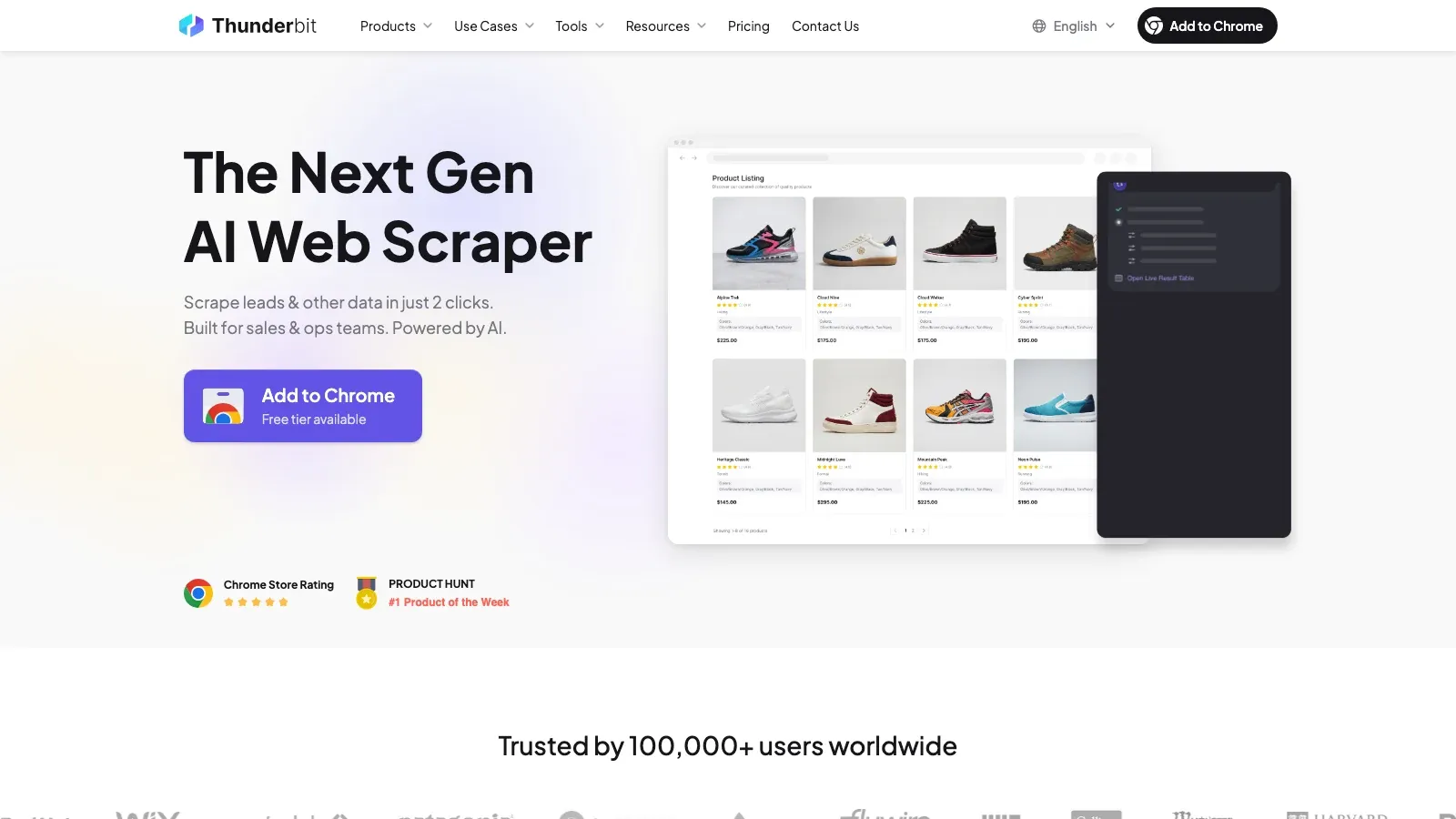
Thunderbit remains the strongest fit for non-technical teams that want website data in a structured table quickly. Its core advantage is not just that it is no-code; it is that the product is built around reducing setup friction. You open a page, ask AI to suggest fields, adjust the table if needed, and export.
- Best for: sales ops, ecommerce ops, recruiting, research, and anyone moving from browser page to spreadsheet.
- What stands out: AI field suggestion, subpage scraping, pagination handling, exports to Sheets / Excel / Airtable / Notion.
- Pricing: free tier available; paid plans scale through subscription and credit usage.
Try Thunderbit AI Web Scraper for Free
2. Octoparse
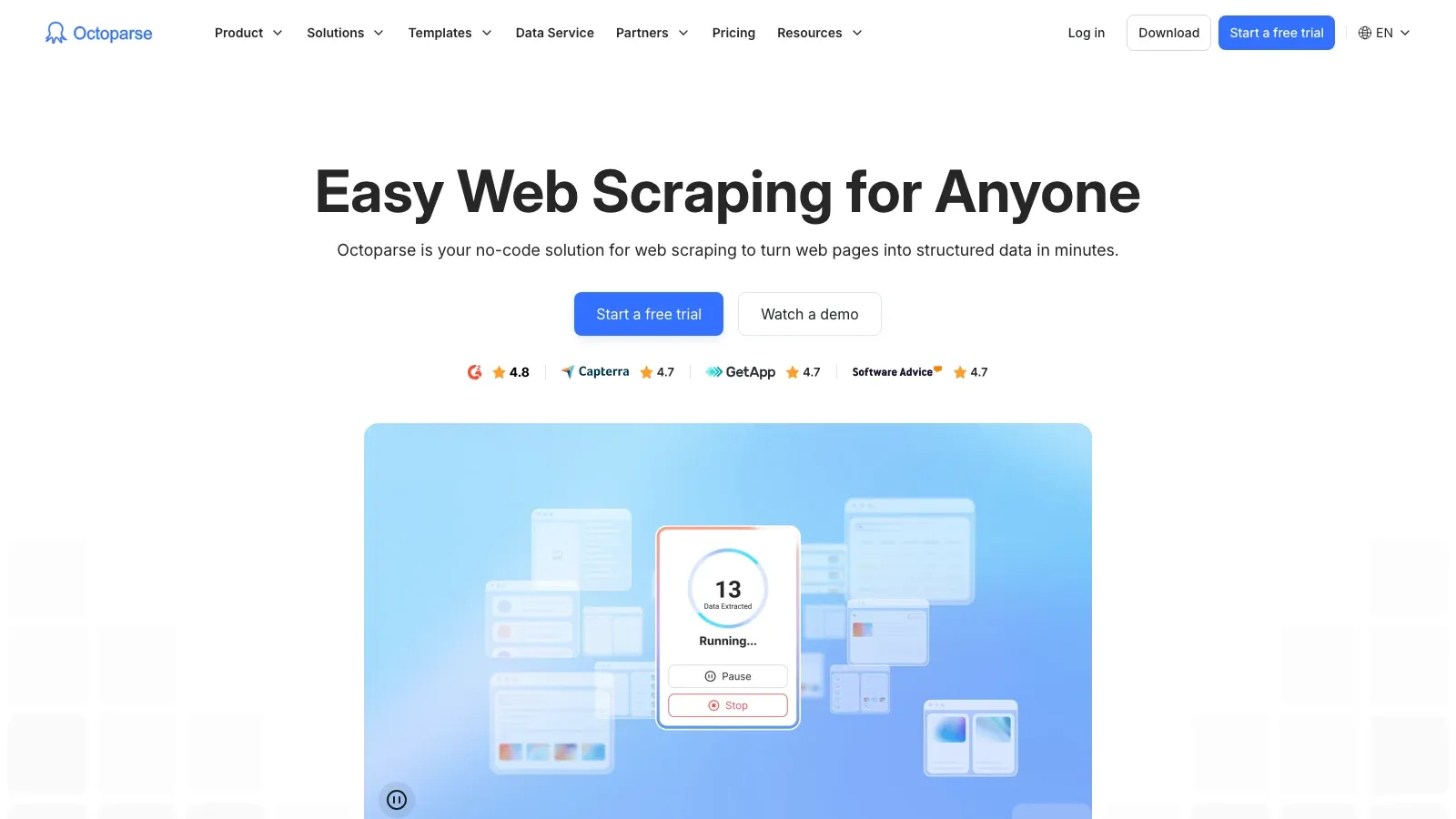
Octoparse is still one of the most established no-code scraping products for teams that want a more explicit visual task builder. It asks for more setup than Thunderbit, but the tradeoff is stronger task control for users who are willing to model the workflow.
- Best for: analysts, researchers, and ops teams scraping recurring datasets at moderate scale.
- What stands out: visual task design, cloud scheduling, task templates, login and dynamic-page support.
- Pricing: free tier plus paid plans for cloud capacity and team features.
3. Data Miner
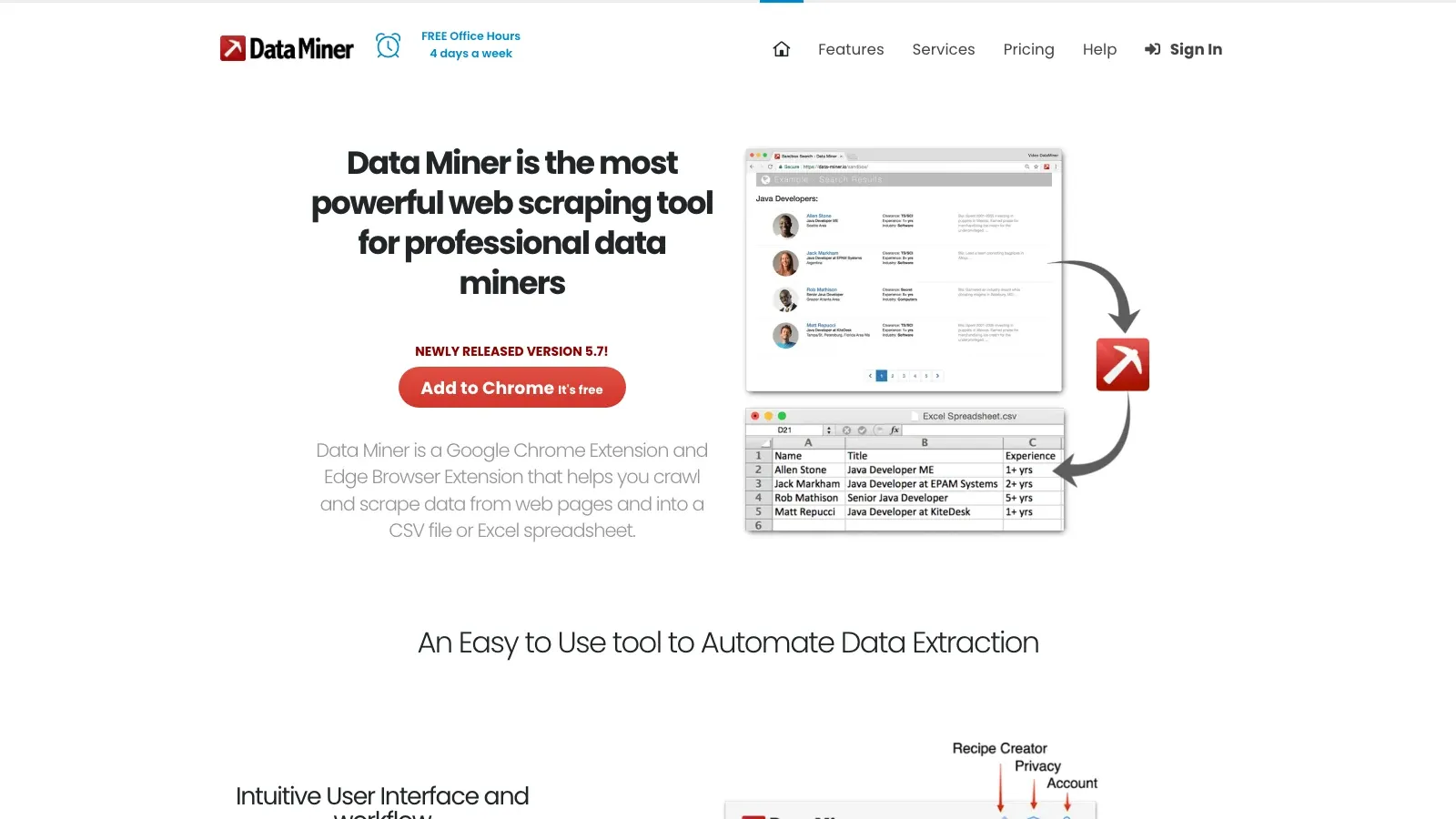
Data Miner remains useful for tactical browser extraction. It is particularly good when a user wants to grab a list, directory, or table quickly and is comfortable using or adapting recipes.
- Best for: browser-native extraction of tables, directories, and repeated page elements.
- What stands out: large recipe library, quick browser workflow, familiar CSV / sheet export patterns.
- Pricing: free tier with paid upgrades for heavier use.
4. Browse AI
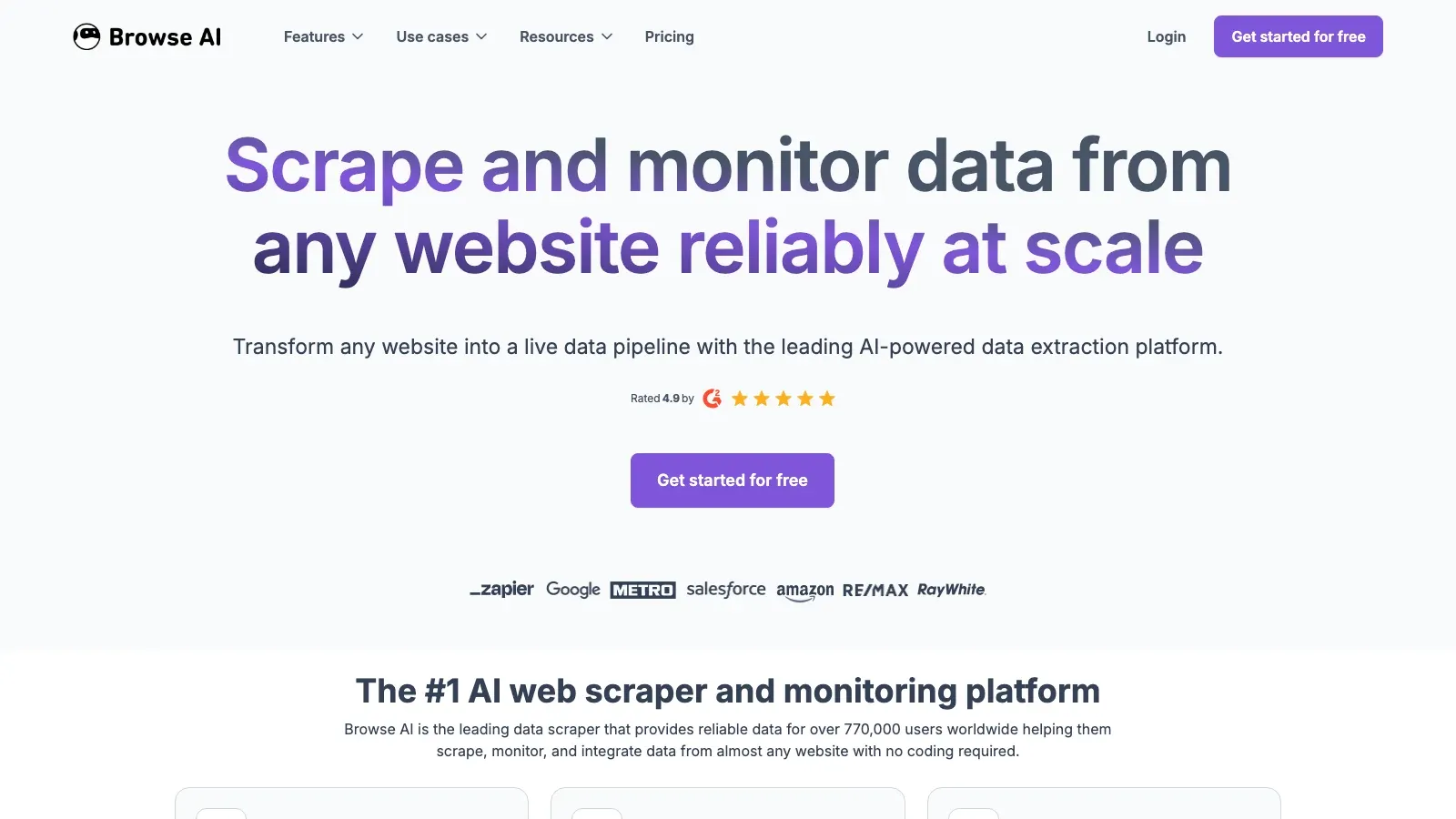
Browse AI is strongest when the job is not just extraction but monitoring. If a buyer wants a robot that revisits a page, watches for changes, and pushes results downstream, Browse AI stays relevant.
- Best for: recurring monitoring, change alerts, and simple scheduled extraction.
- What stands out: trained robots, recurring runs, alert-style workflows, delivery to Sheets and automation tools.
- Pricing: free tier plus paid plans based on run capacity.
5. Bardeen
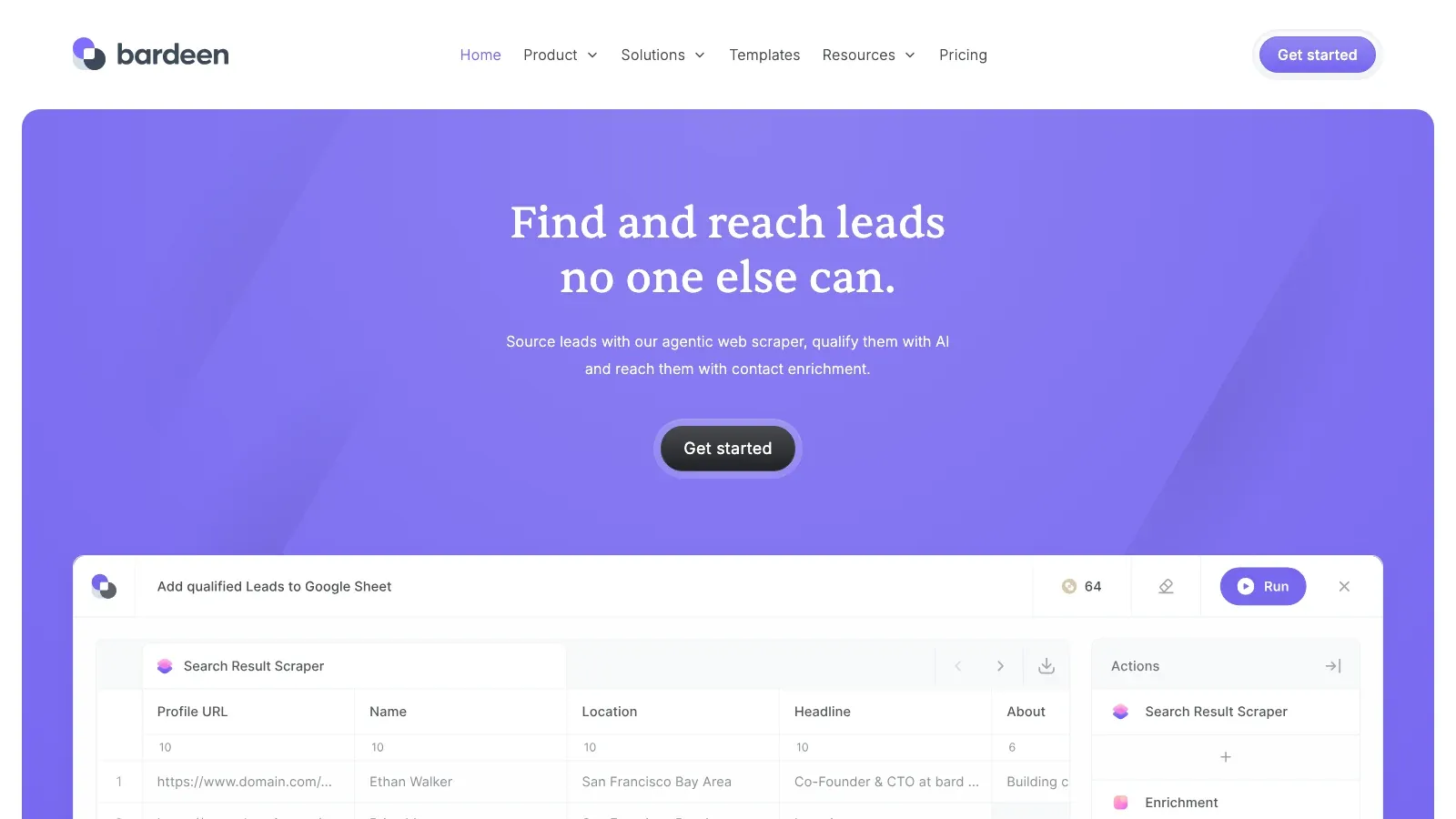
Bardeen sits on the border between extraction and browser workflow automation. It is less of a pure scraper and more of a browser productivity layer that can collect data and route it into the rest of a workflow.
- Best for: teams automating repetitive browser tasks around scraping, enrichment, and handoff.
- What stands out: AI playbooks, browser automations, deep app integrations.
- Pricing: free tier plus paid plans.
Best API, Workflow, And Infrastructure-Led Extraction Tools
6. Diffbot
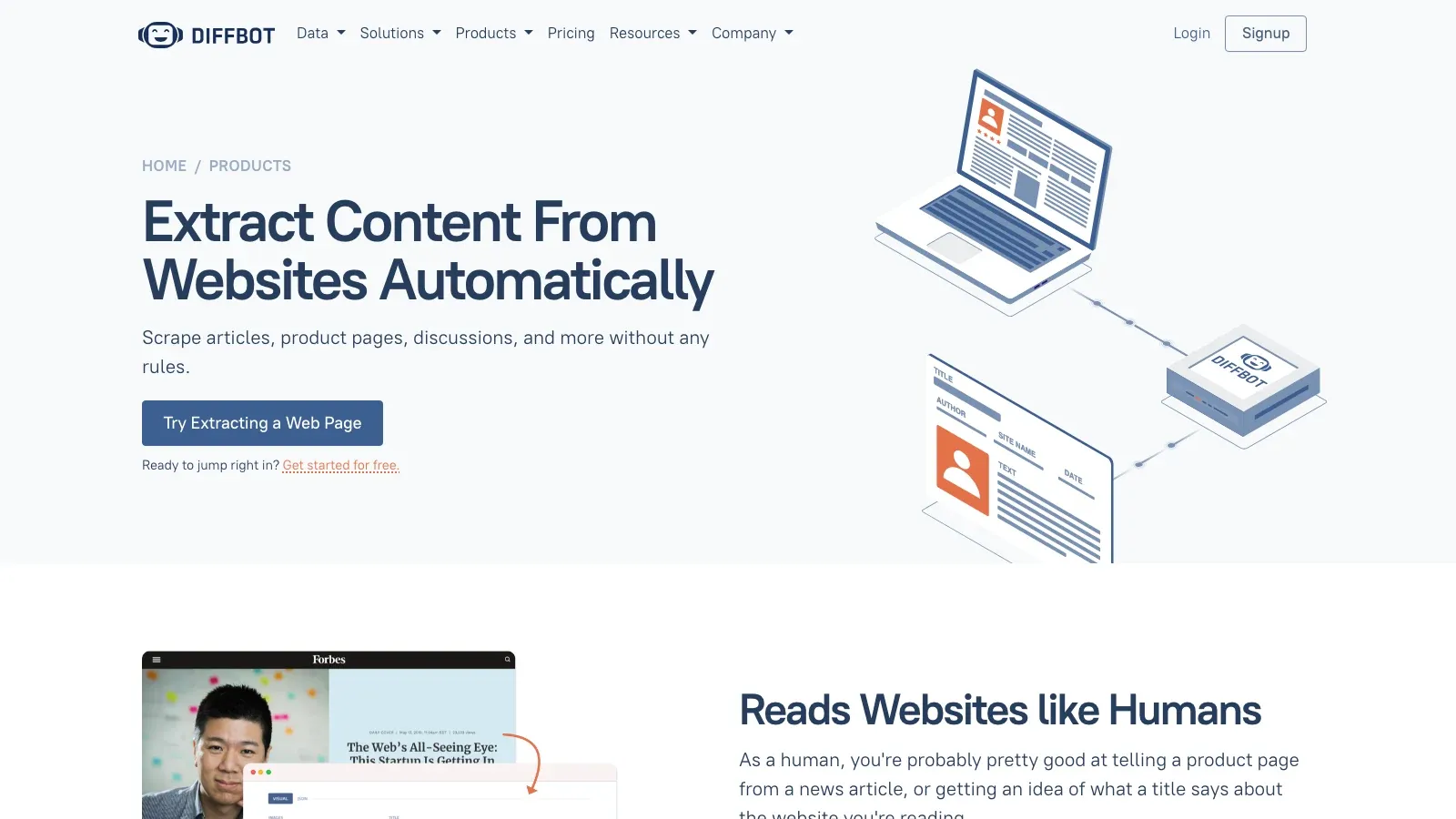
Diffbot is still one of the clearest choices when the buyer wants extraction as an API product rather than a browser workflow. It is built for structured web understanding at scale and remains more developer- and data-product-oriented than the no-code tools above.
- Best for: teams building data products, enrichment systems, or large-scale structured web pipelines.
- What stands out: extraction APIs, Crawlbot, Knowledge Graph, entity-oriented data products.
- Pricing: free tier and paid API credit tiers, with enterprise options.
7. Captain Data
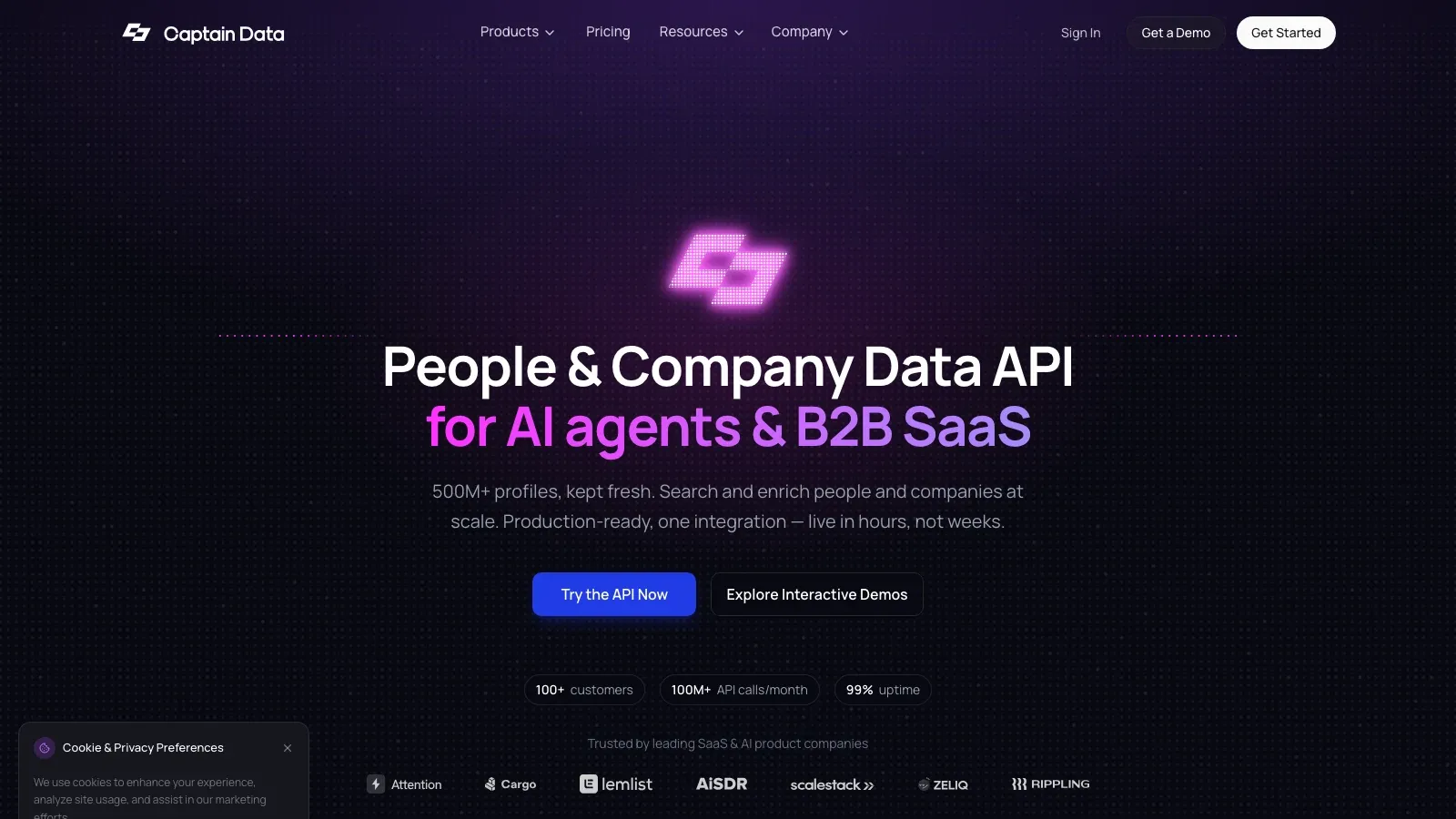
Captain Data stays relevant because it treats extraction as one step in a broader go-to-market workflow. It is most useful when the real task is not “scrape a page” but “pull leads, enrich them, route them, and update downstream systems.”
- Best for: growth, outbound, and revenue operations teams.
- What stands out: multi-step workflows, enrichment actions, CRM handoff, outbound process automation.
- Pricing: usage-based and sales-led.
8. ScrapingBee
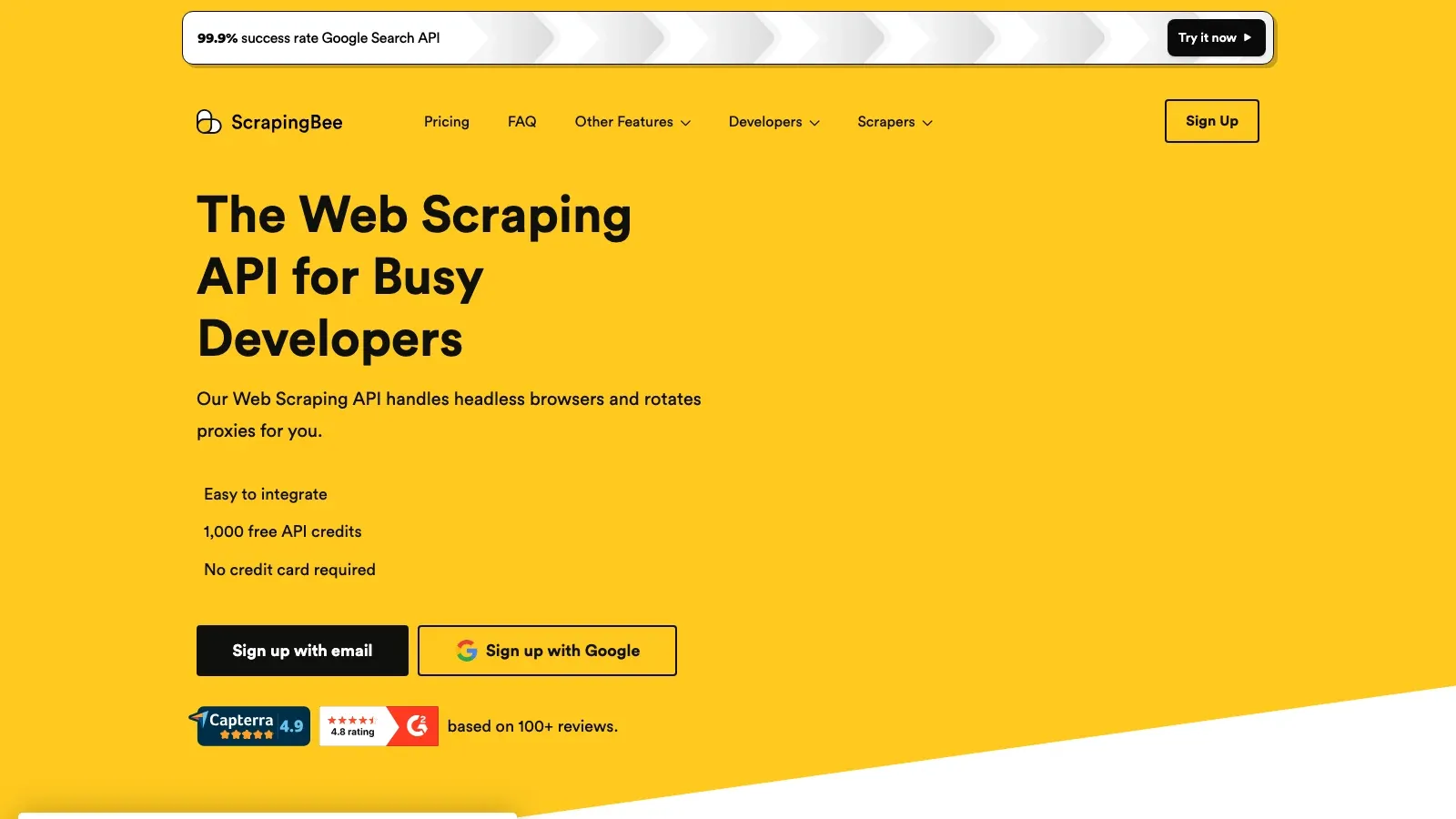
ScrapingBee remains a practical API choice for developers who want rendered-page support and infrastructure abstraction without building a full scraping stack from scratch.
- Best for: product teams and developers embedding scraping into apps or internal tools.
- What stands out: JavaScript rendering, proxy handling, simple request model, developer-first API shape.
- Pricing: paid API plans with trial access.
9. Bright Data
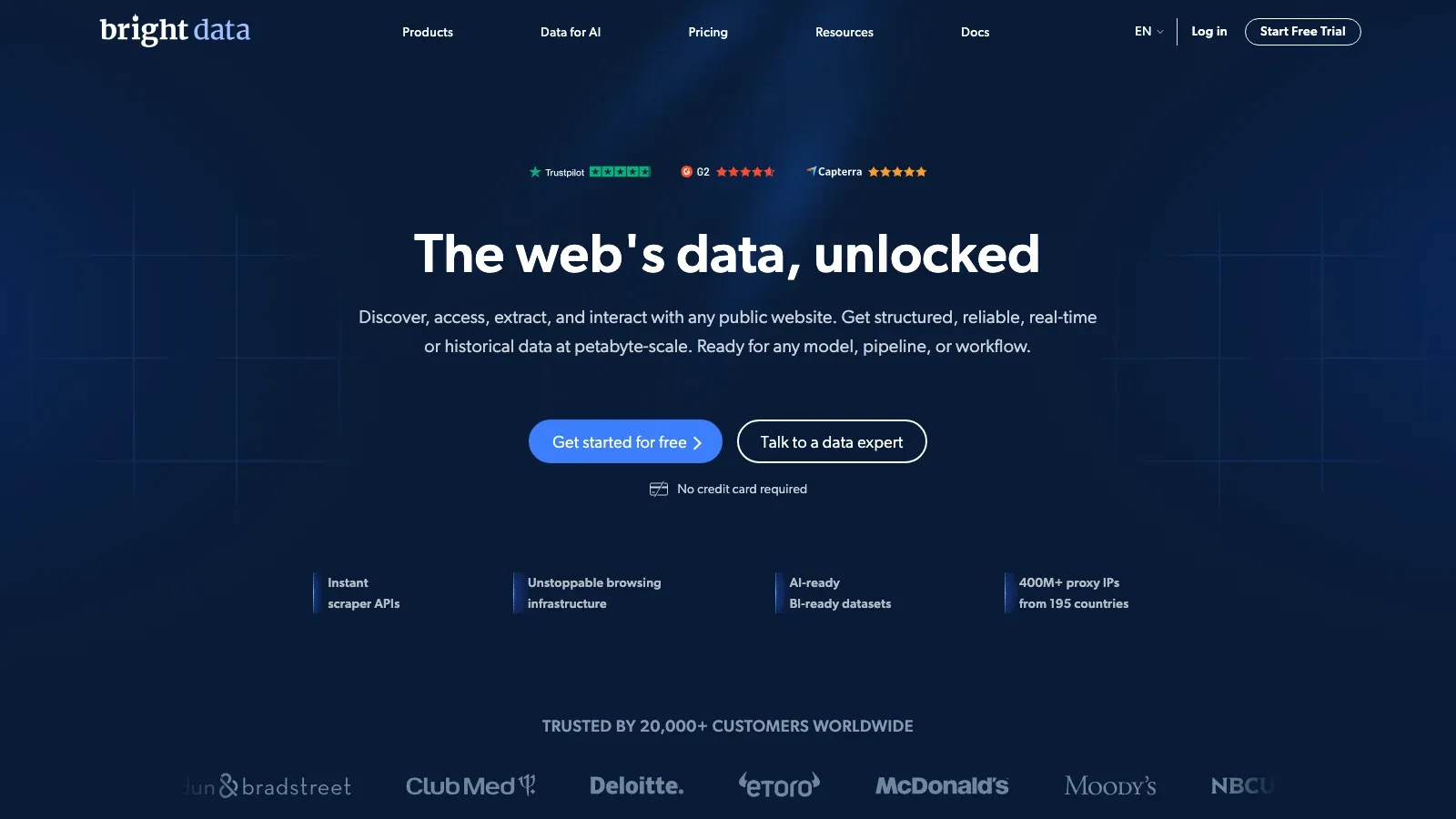
Bright Data is still the enterprise-scale option when the challenge is not one workflow but collection volume, geography, unblock infrastructure, and compliance-heavy operating requirements.
- Best for: enterprise-scale web collection, proxy-heavy workloads, and advanced acquisition programs.
- What stands out: proxy network, unlocker tools, data products, and enterprise-scale collection infrastructure.
- Pricing: usage-based and contract-led.
Best ELT And Data Pipeline Platforms With Extraction Capabilities
10. Airbyte
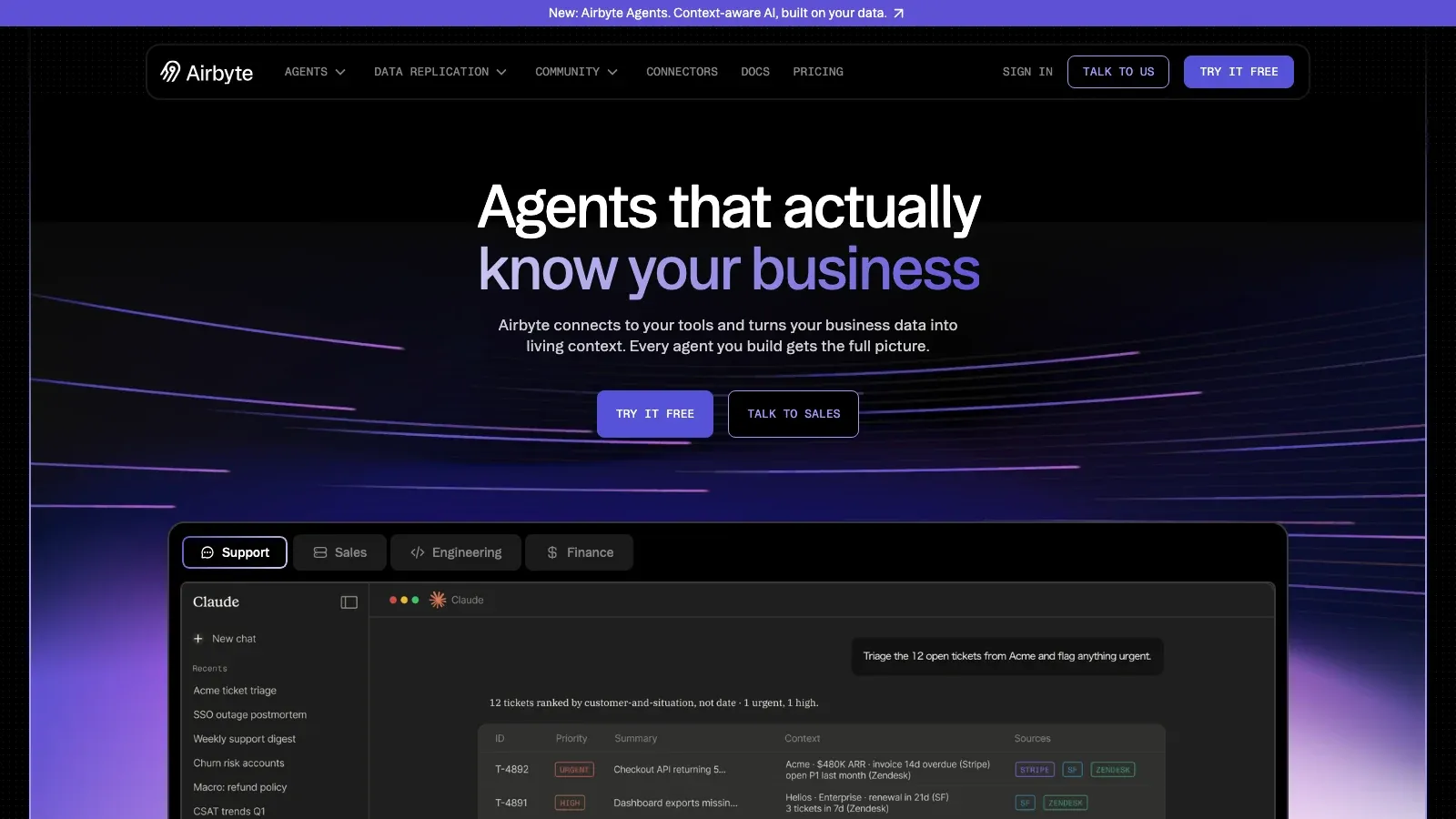
Airbyte is the right shortlist candidate when the job is broader than website extraction and the team wants connectors, warehouse movement, and control over pipeline architecture. It is not a web scraper replacement, but it is one of the better answers for centralizing SaaS, API, and database data.
- Best for: engineering-led teams that want open connectors and warehouse-first control.
- What stands out: open ecosystem, self-managed option, cloud offering, connector flexibility.
- Pricing: self-managed free path plus cloud and enterprise tiers.
11. Talend / Qlik Talend Cloud
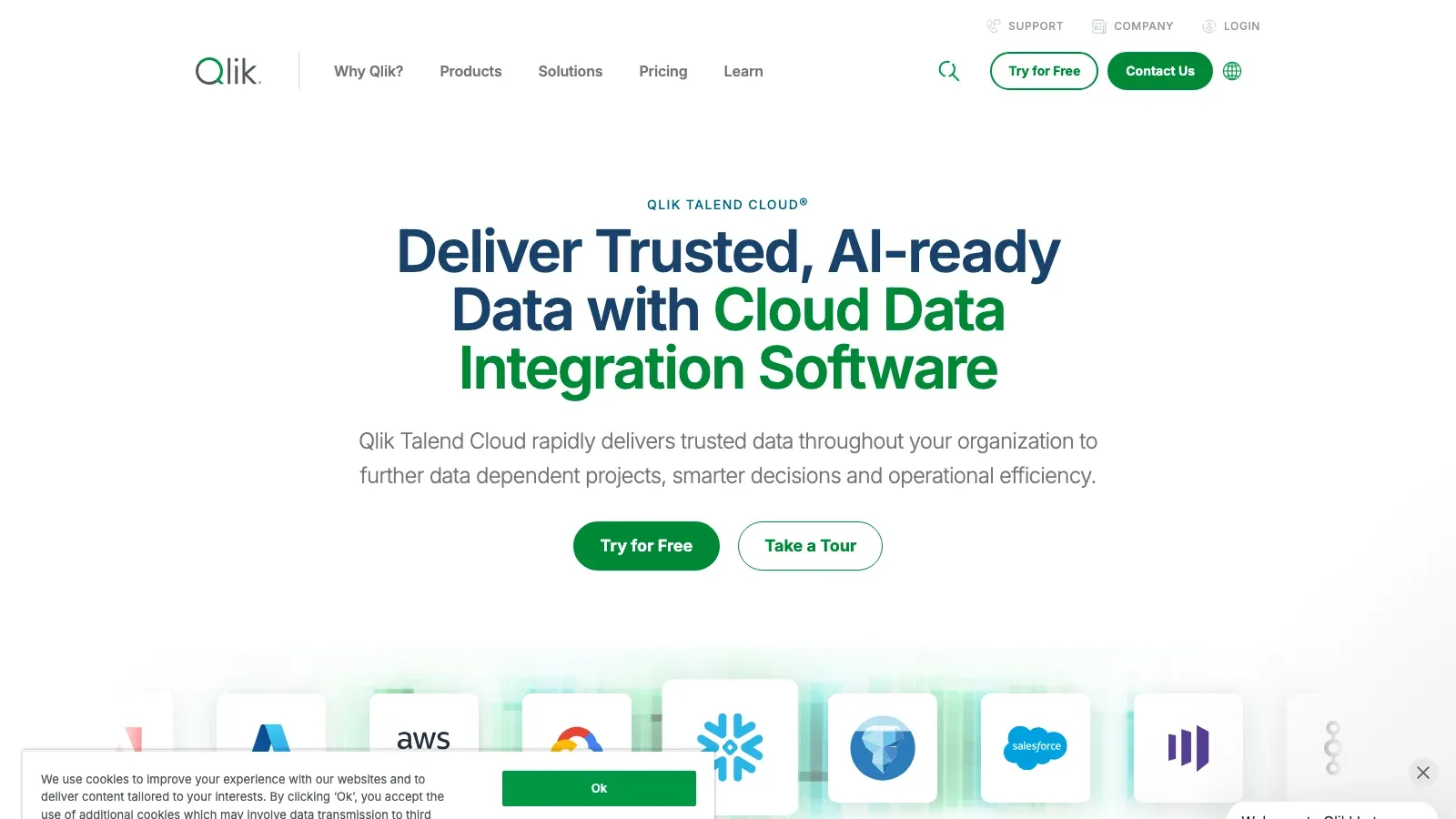
Talend remains an enterprise integration option for organizations that care about governed movement, quality, lineage, and control more than lightweight setup.
- Best for: enterprises with governance, quality, and cross-system integration requirements.
- What stands out: enterprise governance, quality tooling, integration breadth, managed cloud direction under Qlik.
- Pricing: quote-based subscription.
12. Matillion
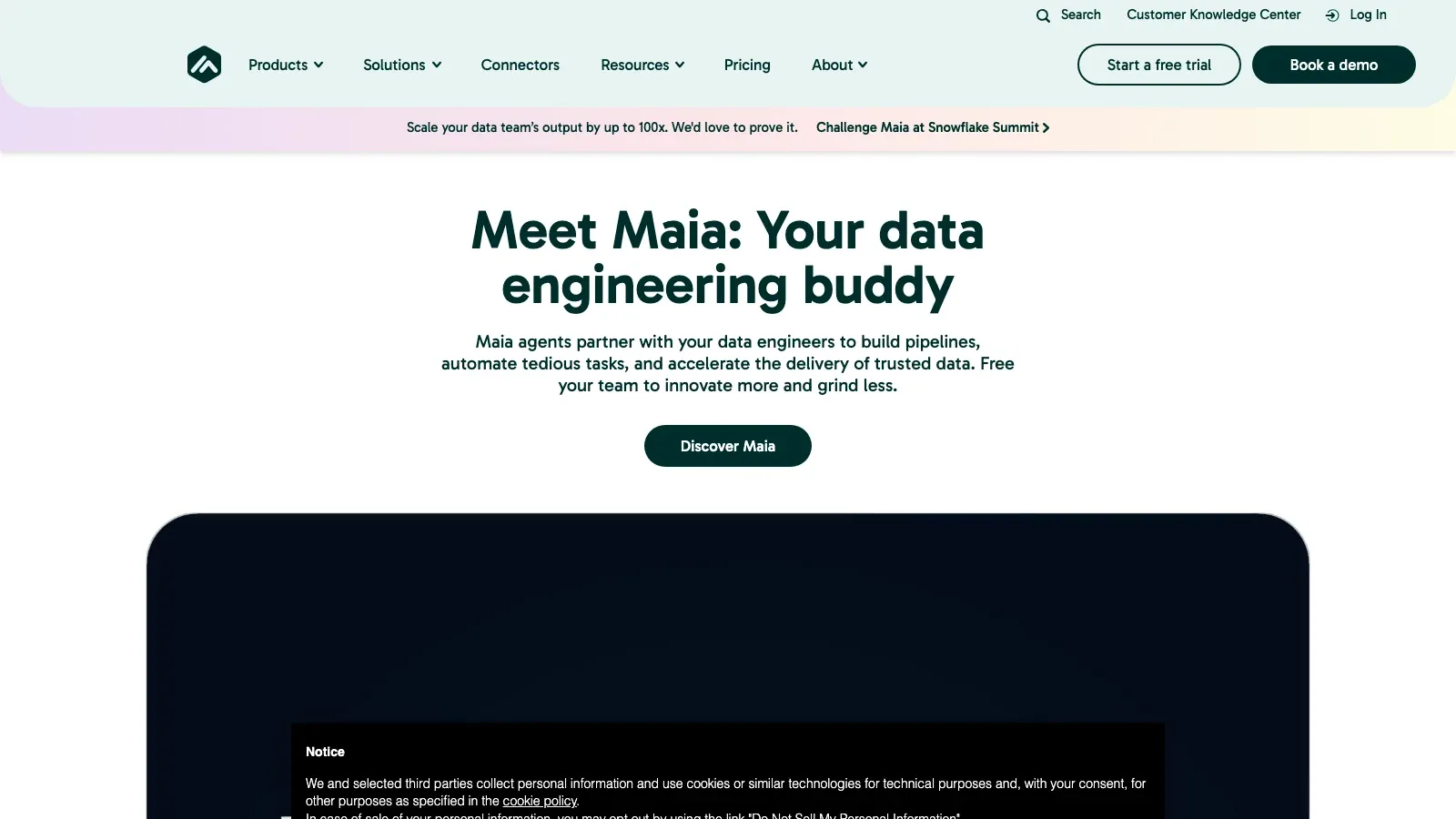
Matillion still fits cloud data teams that want ELT tightly aligned with modern warehouses and in-warehouse transformation patterns.
- Best for: Snowflake, Databricks, BigQuery, and modern warehouse teams.
- What stands out: cloud-native ELT, warehouse-centric transformation, team workflows for analytics engineering.
- Pricing: consumption-based.
13. Integrate.io
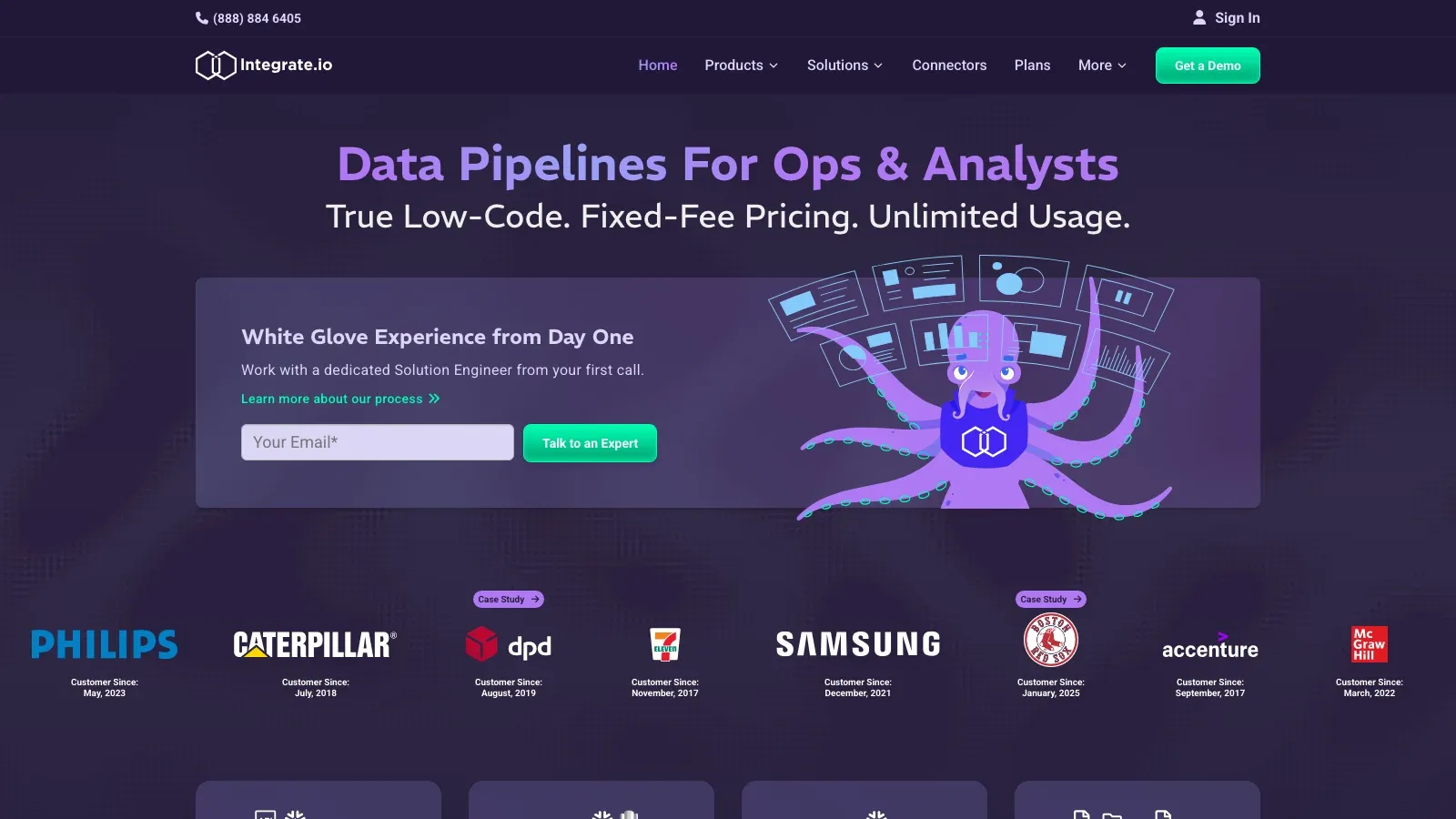
Integrate.io stays relevant for teams that want a managed integration layer without building and maintaining a broader engineering-heavy pipeline stack themselves.
- Best for: mid-market teams that prefer managed integrations across SaaS apps and databases.
- What stands out: managed implementation posture, business-system connectivity, low-friction operational model.
- Pricing: sales-led subscription.
14. Hevo Data
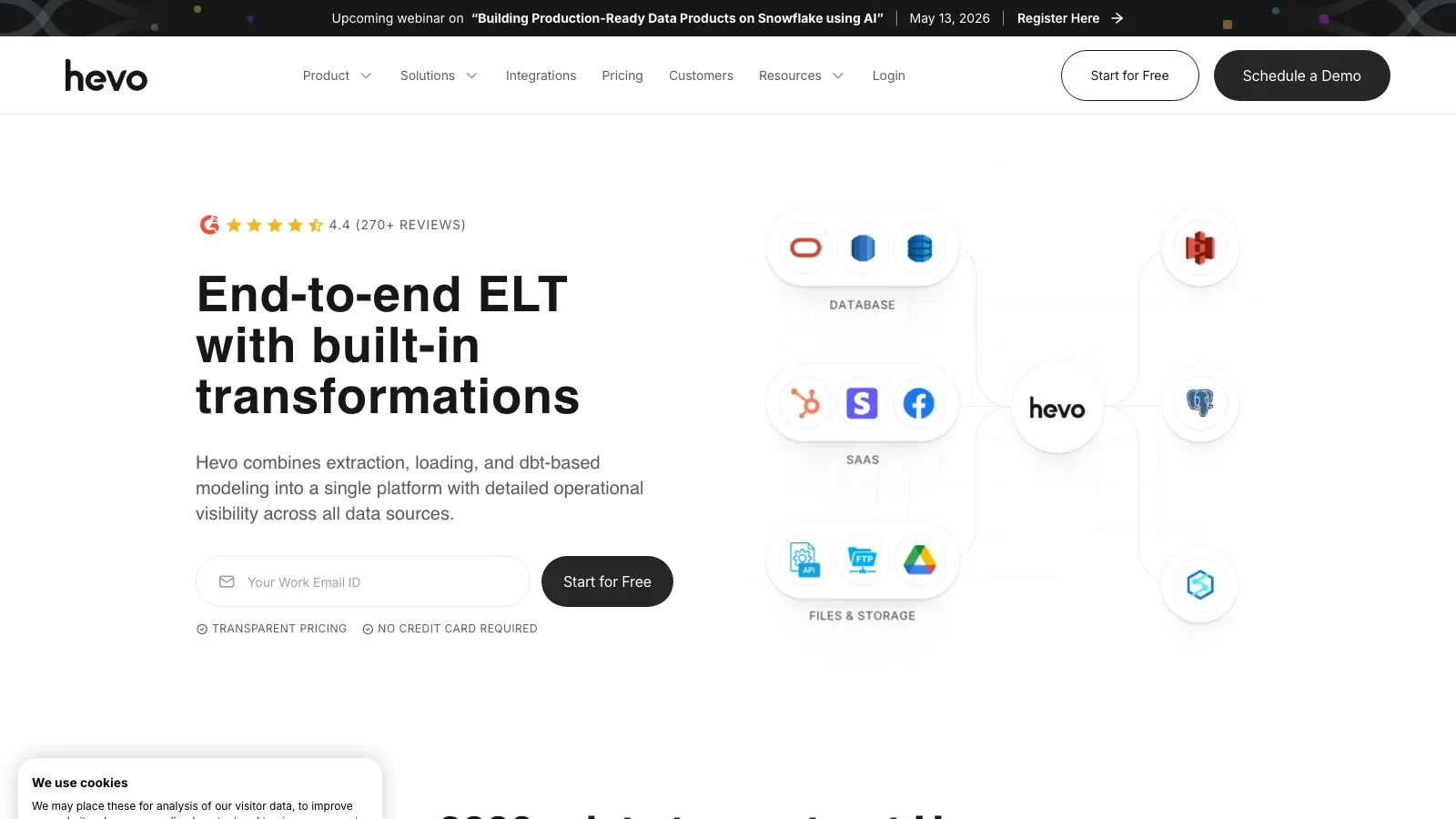
Hevo Data continues to appeal to teams that want a low-setup, managed pipeline with near-real-time sync and relatively little operational overhead.
- Best for: analytics teams that want quick movement from operational systems into a warehouse.
- What stands out: managed connectors, near-real-time sync, approachable setup.
- Pricing: free tier and paid plans.
15. Fivetran
Fivetran is still one of the safest shortlists when the buyer values reliability, connector maintenance, and operational simplicity more than cost efficiency or customization freedom.
- Best for: data teams that want a managed connector standard and are willing to pay for it.
- What stands out: managed connectors, schema handling, strong operating maturity, low-maintenance posture.
- Pricing: free plan plus usage-based MAR pricing.
How To Choose Without Overbuying
The fastest way to choose well is to avoid solving the wrong problem.
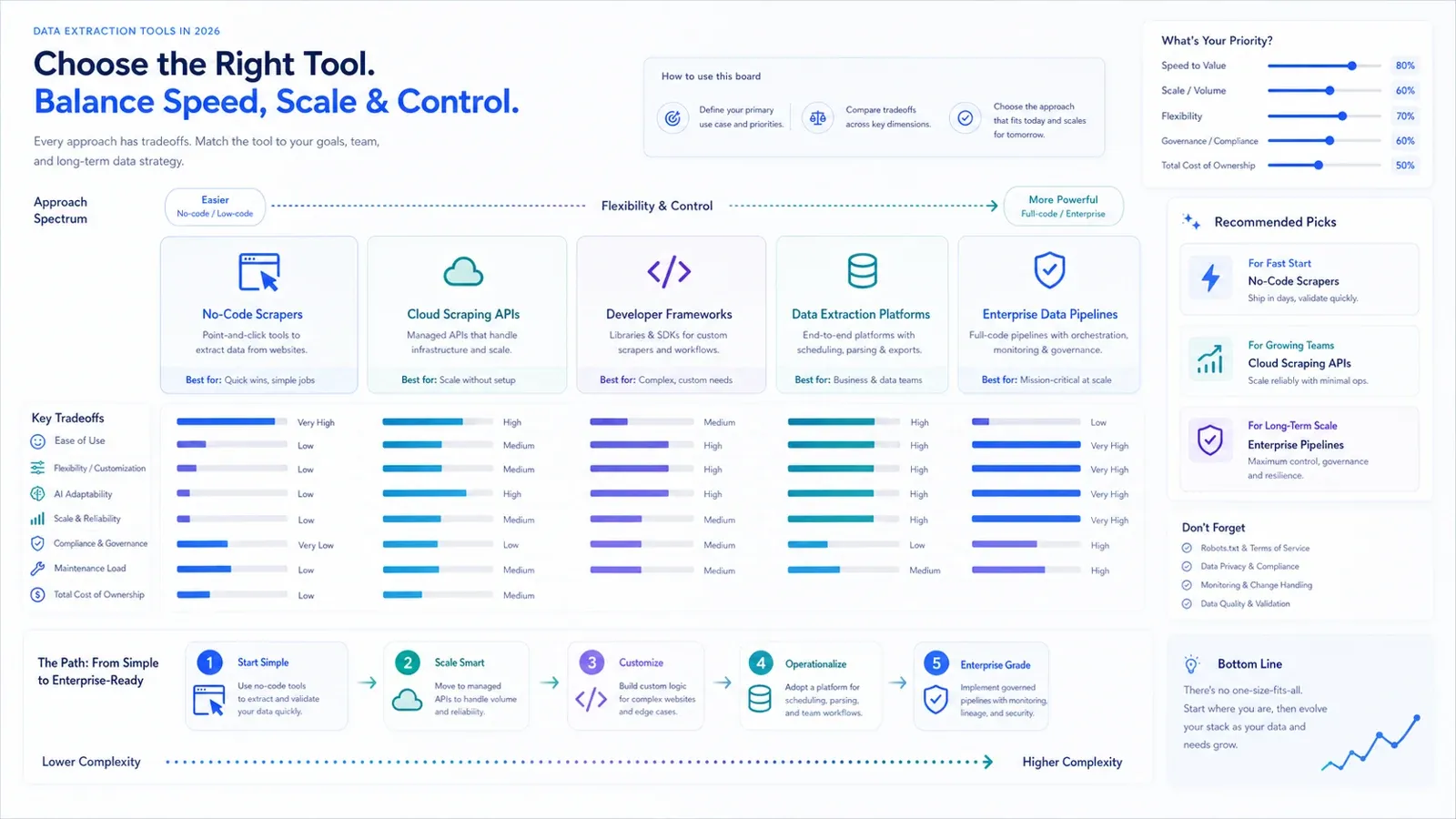
- If you mainly need website data into a spreadsheet, do not start with an ELT platform.
- If you need a governed warehouse pipeline, do not force a browser scraper to become your data platform.
- If the hardest part of the workflow is JavaScript rendering, blocking, or API delivery, compare infrastructure tools first.
- If the hardest part is teammate adoption and setup speed, compare AI and no-code tools first.
A useful buying rule in 2026 is this: buy as low in complexity as your real workflow allows. Maintenance cost compounds faster than list-price savings.
Final Shortlist By Team Type
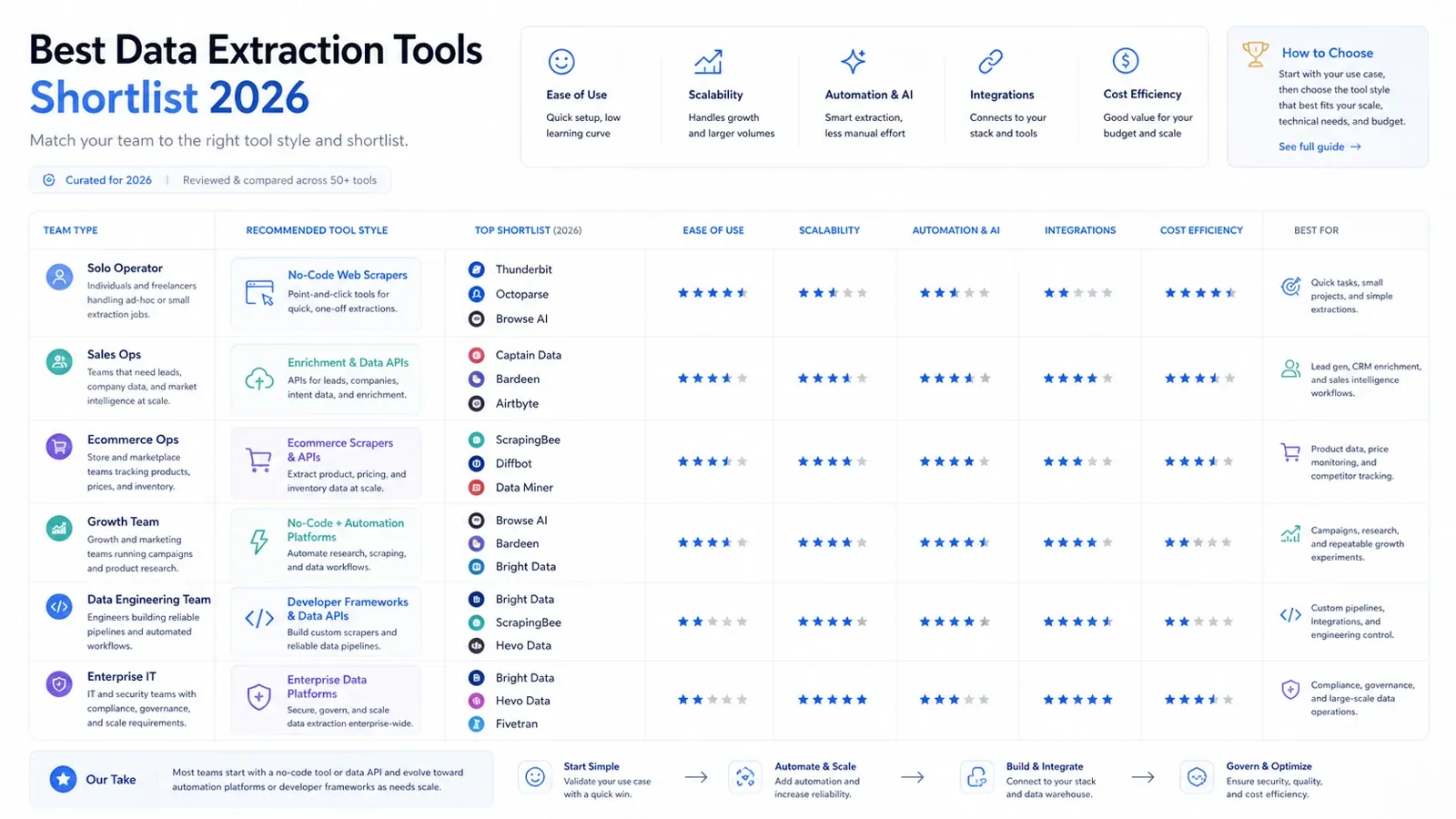
Here is the practical shortlist version:
- Solo operator or business user: Thunderbit, Data Miner, Browse AI.
- Sales ops or growth workflow team: Thunderbit, Captain Data, Bardeen.
- Ecommerce ops team: Thunderbit, Octoparse, Bright Data.
- Data engineering team: Airbyte, Fivetran, Matillion, Hevo.
- Enterprise IT / governed integration buyer: Talend, Fivetran, Integrate.io, Bright Data.
- Developer building data products: Diffbot, ScrapingBee, Bright Data.
If I had to reduce this whole market to the shortest useful starting list for most buyers in 2026, it would be:
- Thunderbit for fast AI-assisted website extraction by non-technical teams.
- ScrapingBee for developers who need rendered-page API infrastructure.
- Bright Data for enterprise-scale collection and unblock infrastructure.
- Airbyte for engineering-led warehouse pipelines with flexibility.
- Fivetran for managed connector reliability.
Start Free With Thunderbit Get Started Free
FAQs
Q1: Are data extraction tools and ETL tools the same thing?
No. A data extraction tool may focus on websites, PDFs, or page-level structured capture, while an ETL or ELT platform focuses on moving and transforming data across systems into a warehouse. Some buyers need both, but they should not be evaluated as if they solve the same first problem.
Q2: What is the best choice for a non-technical team in 2026?
For fast website extraction with minimal setup, AI and no-code tools remain the best starting point. Thunderbit, Octoparse, Browse AI, and Data Miner are the most relevant first shortlist depending on how much control versus speed your team wants.
Q3: Which tools are best for developer or enterprise use cases?
For developers, ScrapingBee and Diffbot are strong starting points depending on whether you want rendering infrastructure or structured web data APIs. For enterprise-scale collection or compliance-heavy infrastructure, Bright Data remains a major shortlist candidate. For governed internal pipelines, Airbyte, Fivetran, Talend, Matillion, Hevo, and Integrate.io are stronger fits.




