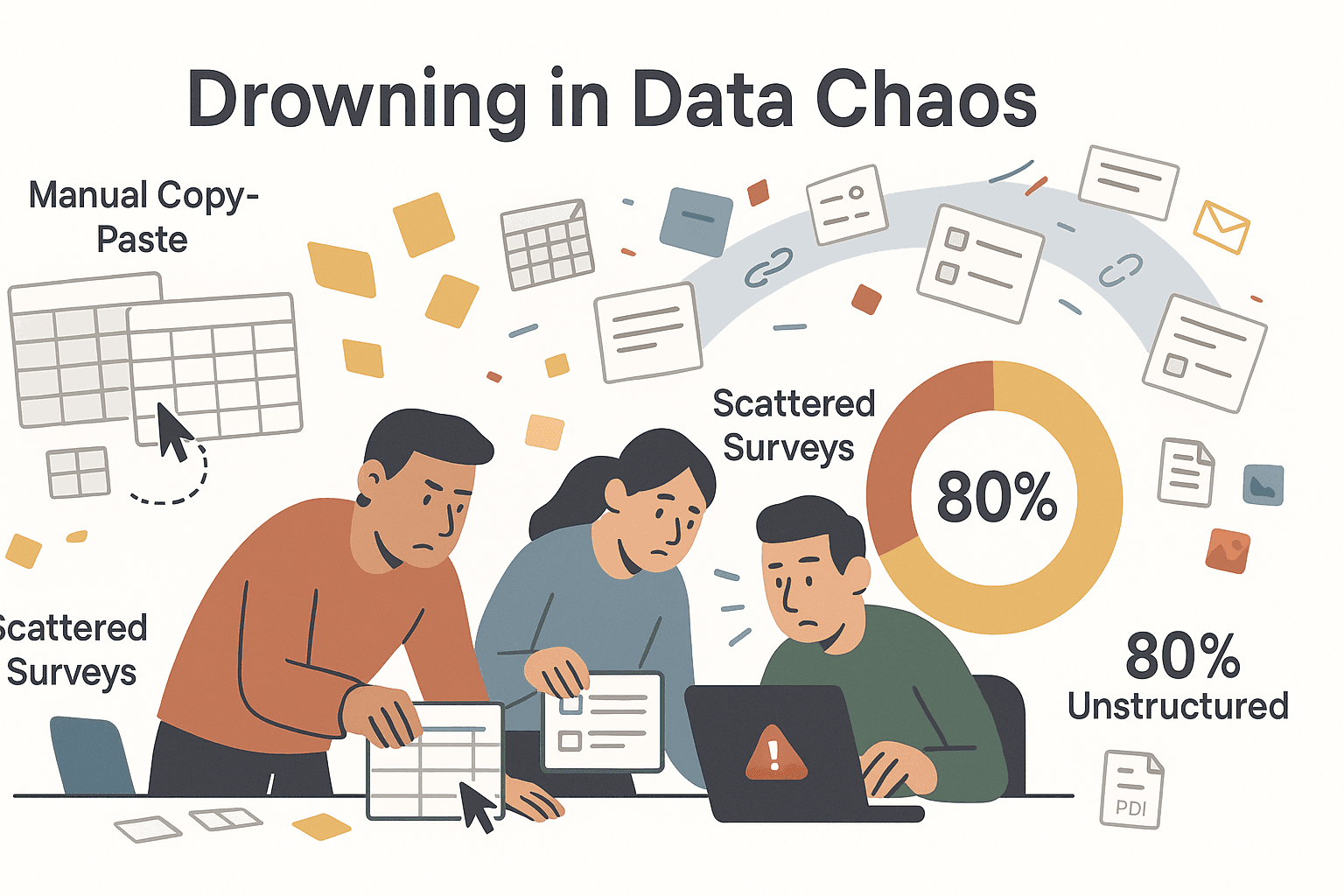
The world of business in 2026 is a data buffet, and everyone’s hungry. Whether you’re in sales, operations, marketing, or product, the pressure to collect, analyze, and act on data has never been higher. I see it every day: teams are swamped with manual copy-paste, scattered spreadsheets, and survey links flying around like confetti. But here’s the kicker—80% of global data is now unstructured and the sheer volume is only growing (Solutions Review). If you’re not using the right data collection software, you’re not just falling behind—you’re missing out on smarter decisions, faster workflows, and, yes, a lot less stress.
I’ve spent years in SaaS and automation, and I’ve seen firsthand how the right tool can turn a data nightmare into a competitive advantage. But with so many options—AI web scrapers, survey platforms, interactive forms—how do you pick the best fit for your team? Let’s break it down. Here are the top 6 data collection software tools you need in 2026, each with its own flavor, strengths, and ideal use cases. Whether you’re scraping web data for leads, running deep-dive surveys, or just need a quick feedback form, this list will help you find your perfect match.
Why Choosing the Right Data Collection Software Matters
What Is Data Scraping and How to Do It in 2026 Get Started Free
Let’s be real: data collection is the backbone of modern business. The right software isn’t just a nice-to-have—it’s the difference between hours lost to manual grunt work and having actionable insights at your fingertips. According to Salesforce, 76% of business leaders feel increased pressure to back decisions with data, and companies that get it right are 23× more likely to acquire customers and 19× more profitable (Jobspikr).
But here’s the catch: over 60% of data professionals say data gathering is the most tedious part of their job (SurveySparrow). The right tool can automate the boring stuff, reduce errors, and let your team focus on what matters—interpreting and acting on the data.
Common business use cases include:
- Lead generation: Scraping contact info from the web, building prospect lists.
- Market research: Running surveys, analyzing customer sentiment.
- Customer feedback: Collecting NPS, CSAT, or product reviews.
- Competitive analysis: Monitoring pricing, inventory, or trends.
- Workflow automation: Feeding data into CRMs, dashboards, or analytics tools.
Bottom line: picking the right data collection software is about matching your needs—structured or unstructured data, survey or web scraping, simple or advanced analytics—to the tool that does it best.
How We Chose the Best Data Collection Software
I didn’t just throw darts at a list of tools. Here’s what I looked for:
- Ease of use: Can non-technical users get started fast? Is there AI or drag-and-drop?
- Features: Does it handle your data type (web, survey, file uploads, etc.)? Support logic, scheduling, or automation?
- Analytics: Are there built-in reports, dashboards, or export options?
- Integrations: Can you push data to Sheets, CRMs, or other apps?
- Pricing: Is there a free tier? Does it scale for teams or enterprises?
- Unique strengths: What makes it stand out—AI, deep analytics, user experience?
I also dug into user reviews, expert opinions, and real-world case studies. Each tool on this list excels in a different area, so you can match your needs to the right solution.
The 6 Best Data Collection Software Tools
- Thunderbit for AI-powered web data scraping and automation
- Qualtrics for enterprise-grade surveys and analytics
- Zoho Forms for affordable, flexible online forms
- Google Forms for quick, free, and simple data collection
- SurveyMonkey for robust surveys with strong reporting and integrations
- Typeform for engaging, interactive forms and surveys
1. Thunderbit
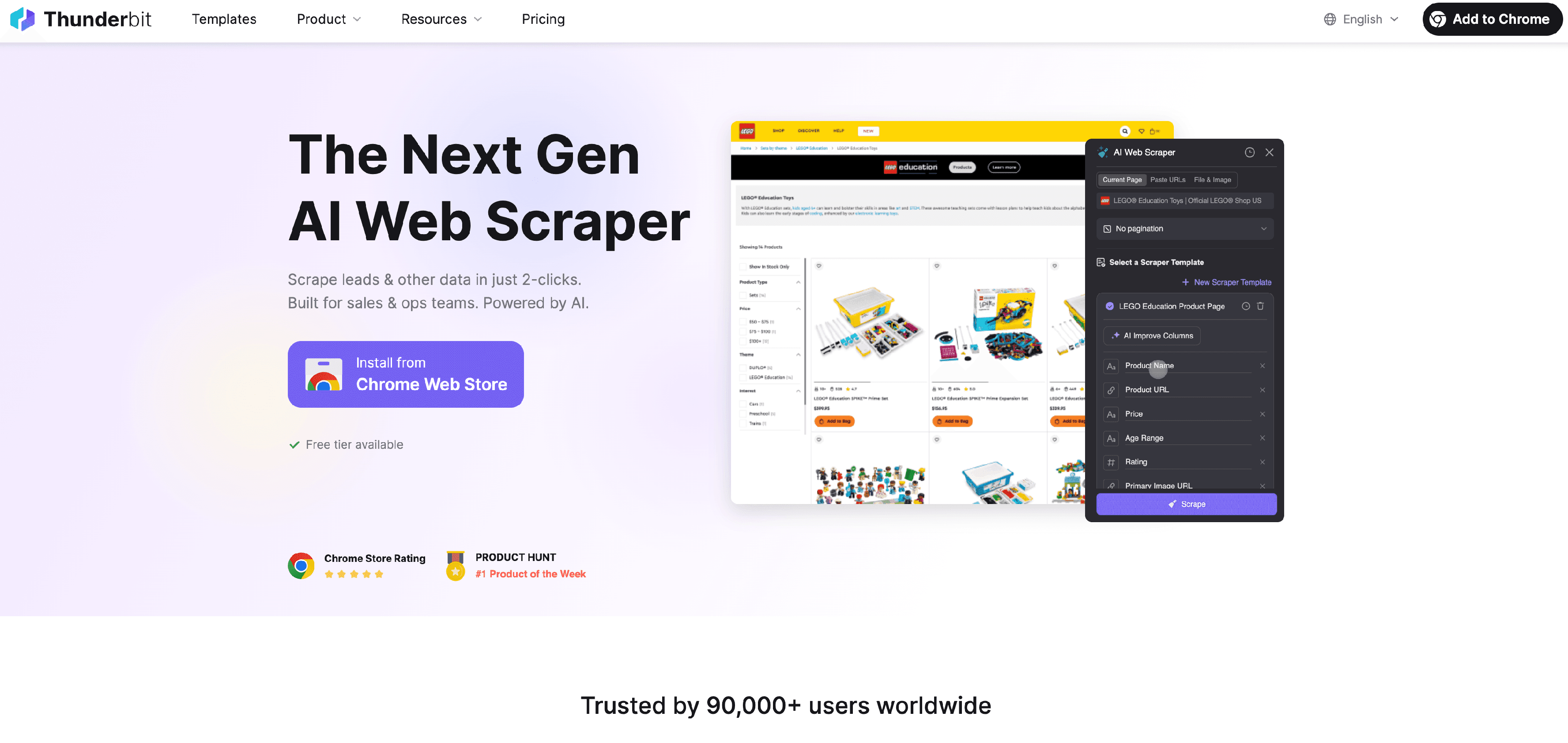
Thunderbit is my go-to for web data collection—and not just because I helped build it. It’s the only tool on this list that combines AI-powered web scraping with a no-code, business-friendly interface. If you’ve ever wasted hours copy-pasting data from websites, Thunderbit is about to become your new best friend.
Why Thunderbit Stands Out
Thunderbit is built for the messy, unstructured world of web data. Sales teams use it to scrape leads from directories, ecommerce pros track competitor SKUs, and marketers gather product info or contact details—all without writing a single line of code. Just open the Thunderbit Chrome Extension, click “AI Suggest Fields,” and let the AI figure out what’s on the page. You can tweak the columns, hit “Scrape,” and boom—structured data, ready to export to Excel, Google Sheets, Airtable, or Notion.
Thunderbit isn’t just about scraping a single page. It handles pagination (think: flipping through 20 pages of product listings) and subpage scraping (clicking into each product or profile to grab more details). It even has instant templates for popular sites like Amazon and Zillow, so you can get data in one click.
And here’s the kicker: Thunderbit’s AI can label, categorize, and transform data on the fly. Need to extract emails, phone numbers, or images? It’s built in. Want to schedule scrapes or automate form-filling? Thunderbit’s got you covered.
Thunderbit Key Features for Business Users
- AI Suggest Fields: Just describe what you want, and Thunderbit’s AI builds the scraper for you.
- Subpage & Pagination Scraping: Scrape listings, then dive into detail pages automatically.
- Free Data Export: Send data to Excel, Google Sheets, Airtable, Notion, or download as CSV/JSON—no extra cost.
- One-Click Extractors: Instantly grab emails, phone numbers, or images from any page.
- Scheduled Scraping: Automate recurring data collection (e.g., daily price checks).
- Cloud or Browser Scraping: Run jobs in the cloud for speed, or in-browser for sites that need login.
- Affordable Pricing: Free tier (6 pages), then $15/month for 500 credits (rows). Export is always free.
User feedback? One sales pro told us Thunderbit let them “build an influencer contact database in minutes instead of paying for one” (Trustpilot). Another said it turned hours of manual research into a “two-click operation.”
If you need to turn the web into your own private database—without coding or IT headaches—Thunderbit is the tool to beat.
Try Thunderbit AI Web Scraper for Free
2. Qualtrics
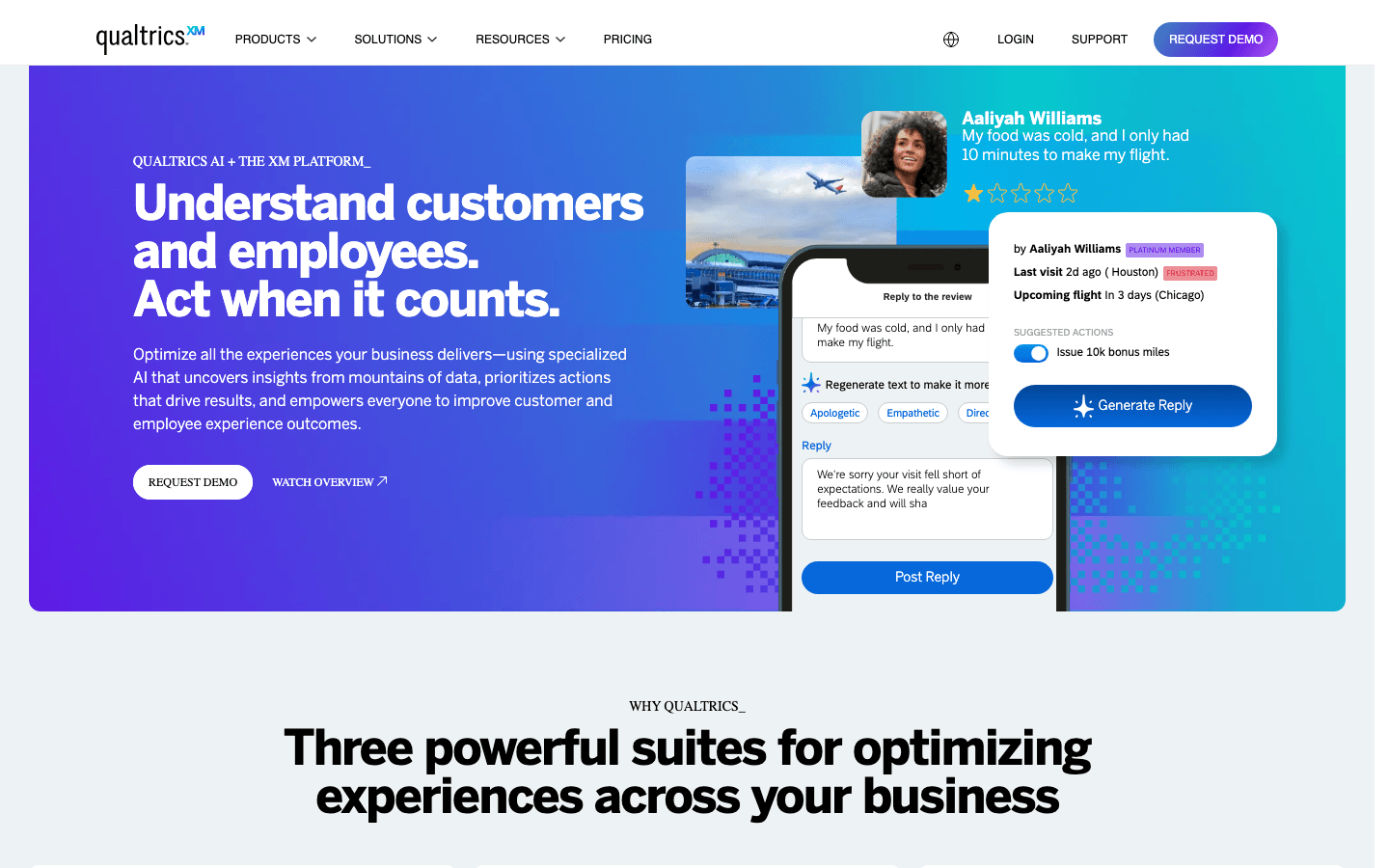
Qualtrics is the heavyweight champion of enterprise survey and analytics platforms. If your organization needs deep-dive surveys, advanced reporting, and analytics that would make a data scientist blush, Qualtrics is your best friend (as long as you’ve got the budget).
Qualtrics for In-Depth Survey Analysis
Qualtrics is all about complex survey logic, multi-channel distribution, and robust analytics. You can build surveys with advanced branching, randomization, and validation. Distribute them via email, web, mobile, or even SMS. And when the data rolls in, Qualtrics offers real-time dashboards, segmentation, statistical analysis, and even AI-powered text analytics.
It’s the go-to for:
- Employee engagement programs
- Customer satisfaction (NPS, CSAT)
- Market research studies
- Academic research
Qualtrics integrates with Salesforce, Tableau, and other enterprise tools. Security and compliance? Covered. But be warned: the learning curve is real, and the price tag starts around $420/month for small business plans, with enterprise deals often running into the tens of thousands per year (Surveysensum).
If you need to slice, dice, and visualize data at scale—and have the resources to match—Qualtrics is the gold standard.
3. Zoho Forms
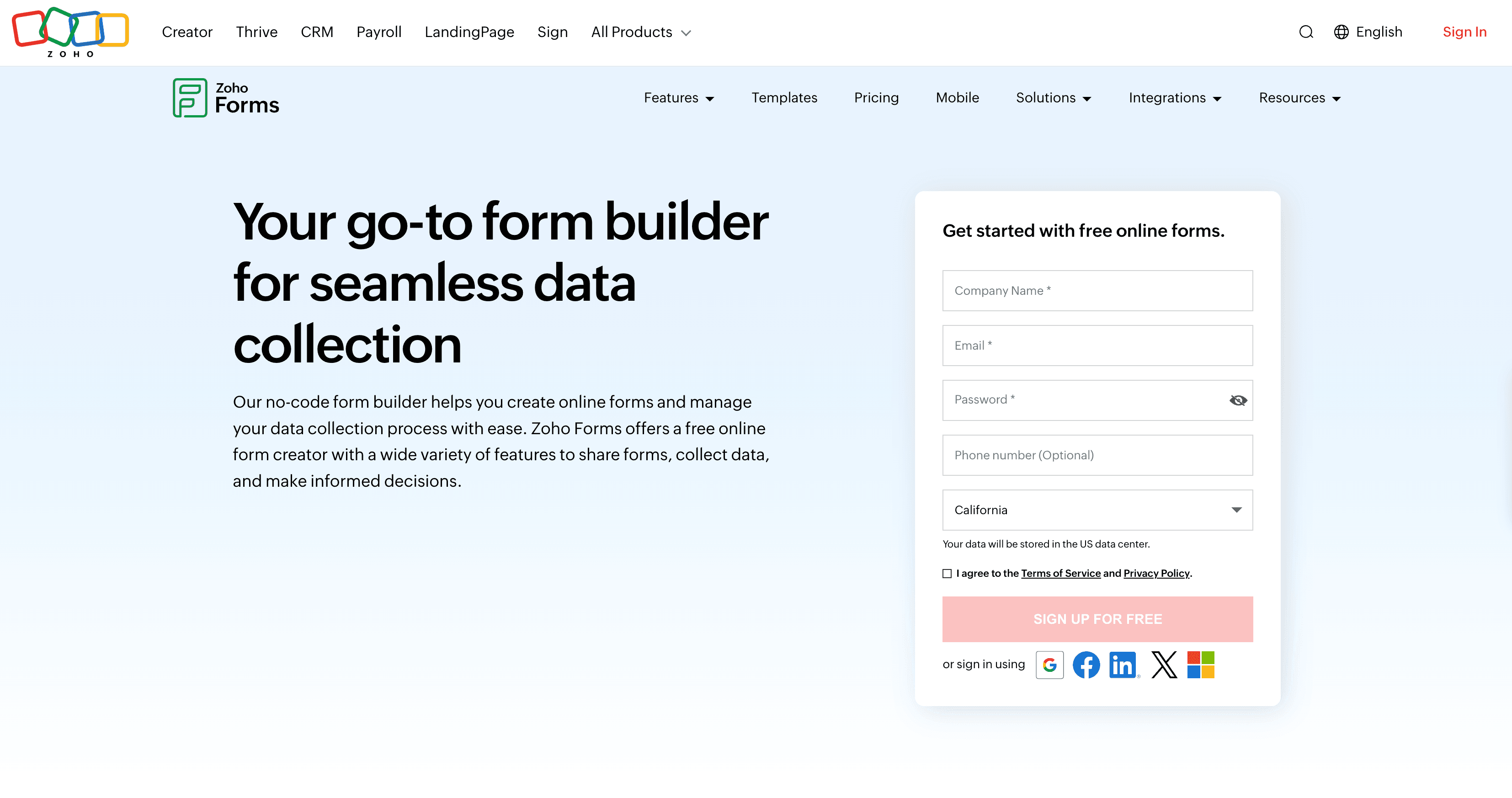
Zoho Forms is the Swiss Army knife for small teams and budget-conscious businesses. It’s a drag-and-drop online form builder that packs a punch without breaking the bank.
Zoho Forms in Action
Zoho Forms is perfect for:
- Lead capture (integrates directly with Zoho CRM)
- Event registration
- Customer feedback
- Internal requests and approvals
You get 30+ field types (including file uploads and signatures), conditional logic, customizable themes, and mobile/offline support. If you’re already using Zoho apps, the integration is seamless. And if you’re not, Zoho Forms still connects to Google Sheets, Slack, and more via Zapier.
Pricing? There’s a free tier (1 user, 5 forms), then paid plans start at $12/month for 1 user and 10,000 submissions. Higher tiers add more users and features, but even the $25/month plan covers most small team needs (Software Finder).
The only real downside? Analytics are basic, and it’s best if you’re already in the Zoho ecosystem. But for SMBs who want more than Google Forms without Qualtrics-level complexity, Zoho Forms is a smart pick.
4. Google Forms
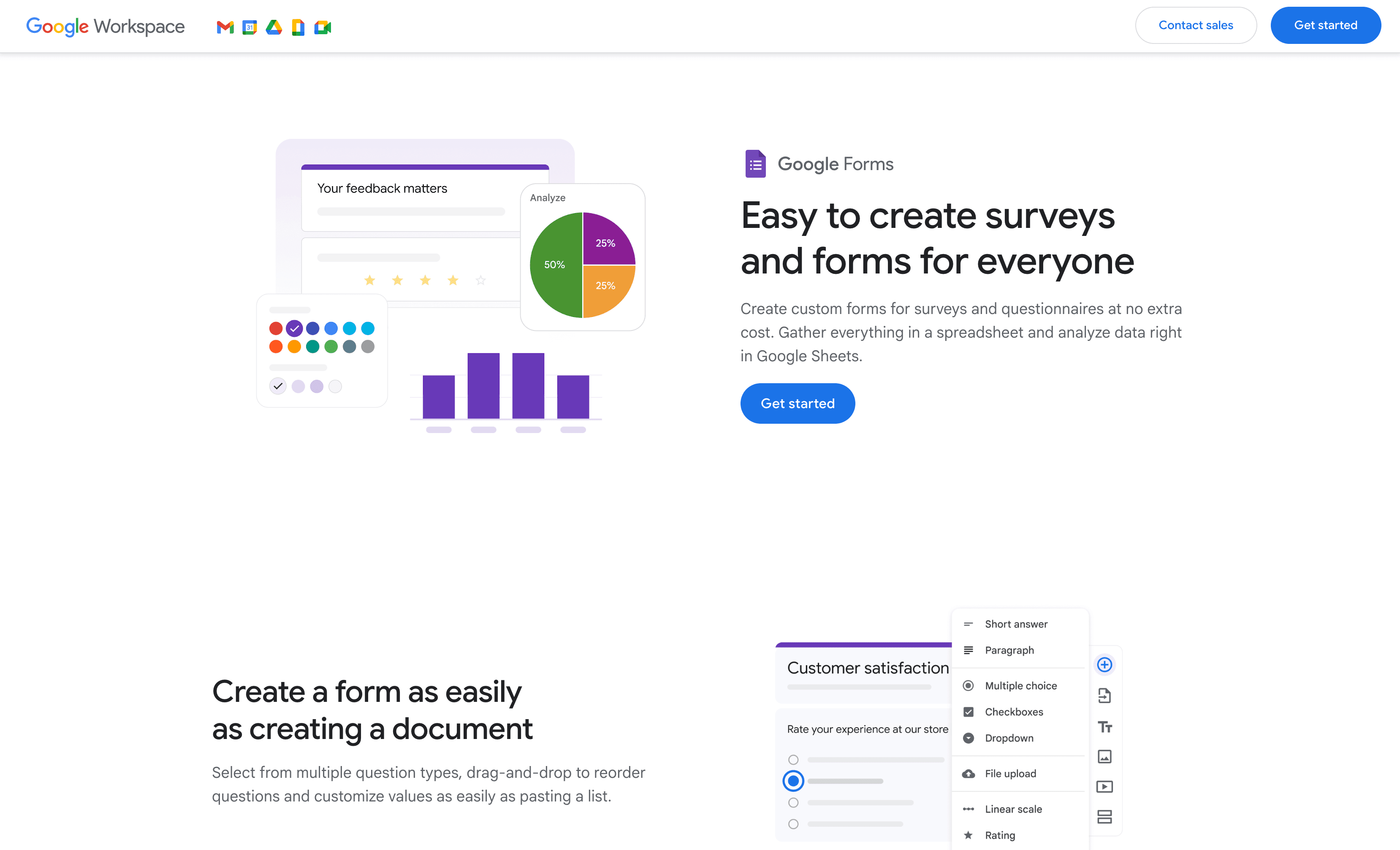
Google Forms is the MVP of quick, free data collection. If you need a survey, RSVP, or feedback form in five minutes flat—and don’t want to pay a dime—Google Forms is your best friend.
Google Forms for Fast, Simple Data Collection
Here’s what makes Google Forms a classic:
- Unlimited forms and responses for free (Jodoo)
- Real-time collaboration (multiple people can build forms together)
- Auto-export to Google Sheets for instant analysis
- Basic skip logic and a handful of question types
It’s perfect for internal polls, event sign-ups, education quizzes, and basic customer feedback. The interface is dead simple, and it plays nicely with the rest of Google Workspace.
Downsides? Customization is minimal, analytics are basic, and integrations outside Google’s world require Zapier or add-ons. But for zero cost and instant deployment, it’s hard to beat.
5. SurveyMonkey
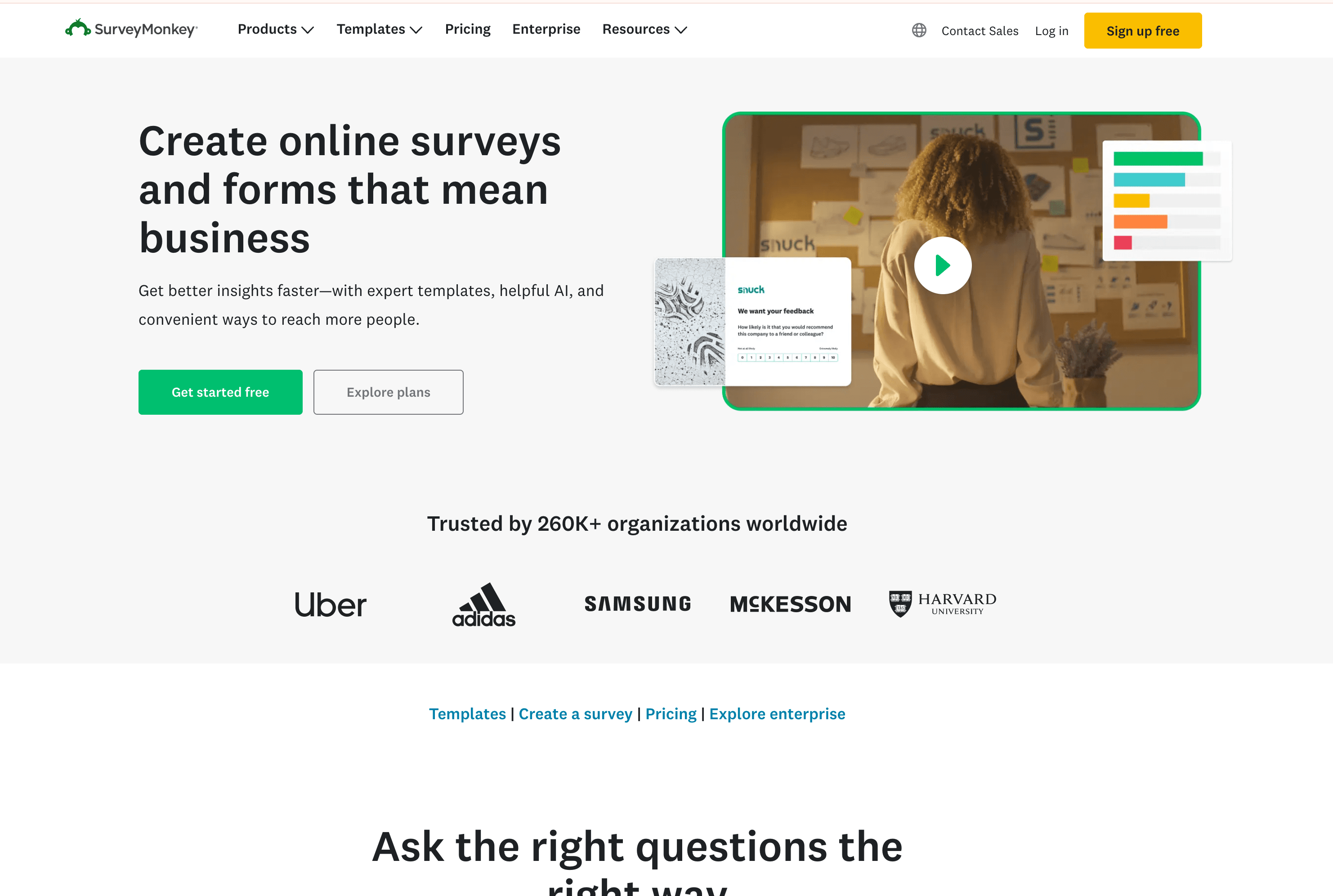
SurveyMonkey is the household name for online surveys, and for good reason. It strikes a balance between power and usability, making it ideal for teams that want robust features without the complexity of enterprise tools.
SurveyMonkey’s Reporting and Integration Capabilities
SurveyMonkey shines with:
- 15+ question types (NPS, ranking, matrix, etc.)
- Skip logic, branching, and piping
- Real-time analytics and custom reports
- 200+ integrations (Salesforce, HubSpot, Slack, Tableau, and more)
You can send surveys via email, track respondents, and even automate follow-ups. The reporting dashboard is intuitive, and you can filter, segment, and share results with a few clicks. SurveyMonkey also supports team collaboration and enterprise-grade security.
Pricing starts with a free plan (10 questions, 25 responses per survey), then $25–39/month for paid plans with higher limits (Tekpon). For most business needs, SurveyMonkey is the “just right” option.
6. Typeform
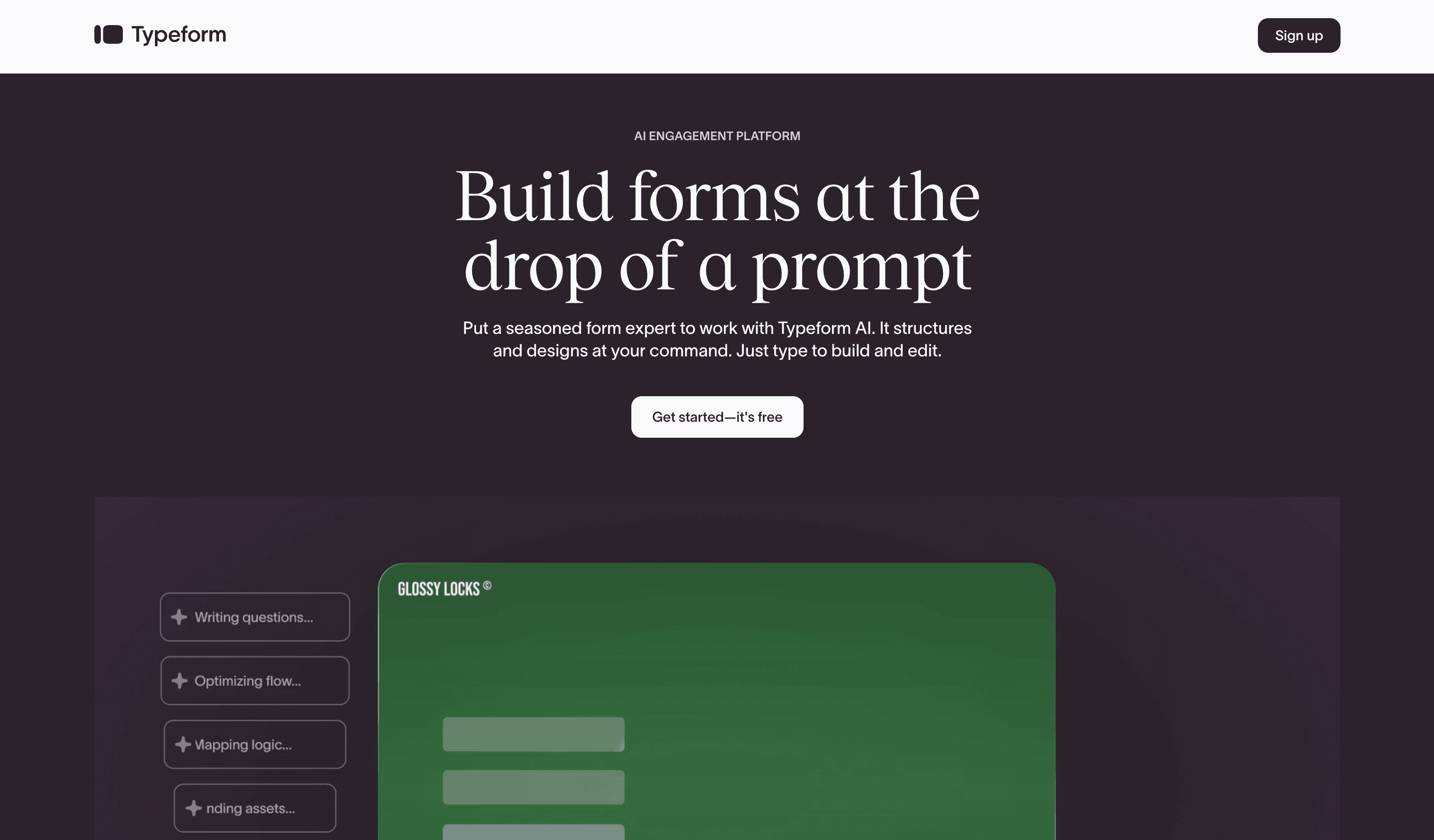
Typeform is the cool kid on the block—if you care about user experience and want your forms to feel more like a conversation than an interrogation, Typeform is your jam.
Typeform for User-Friendly Surveys
Typeform’s claim to fame is its one-question-at-a-time interface, which feels like a chat and leads to 30–40% higher completion rates (Featured.com). You can add images, GIFs, videos, and custom branding. Logic jumps personalize the flow, and integrations with Google Sheets, HubSpot, Slack, and more make it easy to automate workflows.
It’s perfect for:
- Lead generation quizzes
- Customer feedback
- Marketing surveys
- Event sign-ups
The free plan is very limited (10 responses/month), but paid plans start at $25/month for 100 responses. If you want your data collection to double as a positive brand touchpoint, Typeform is worth every penny.
Data Collection Software Comparison Table
Here’s a quick side-by-side to help you choose:
| Tool | Best For | Key Features | Starting Price | Ease of Use | Analytics/Reporting | Integrations | Unique Strengths |
|---|---|---|---|---|---|---|---|
| Thunderbit | Web data scraping, sales, ops, ecommerce | AI web scraping, subpage/pagination, instant export | Free (6 pages), $15/mo | Very easy, no code | No built-in, export only | Sheets, Excel, Notion, API | AI-powered, handles unstructured web data |
| Qualtrics | Enterprise surveys, deep analytics | Complex logic, dashboards, segmentation, multi-channel | $420/mo+ | Steep learning curve | Advanced, real-time | Salesforce, Tableau, API | Analytics powerhouse, enterprise-grade |
| Zoho Forms | SMBs, teams on budget, Zoho users | Drag-drop builder, logic, approvals, mobile/offline | Free, $12/mo+ | Easy, some learning | Basic, export to Zoho | Zoho Suite, Sheets, Zapier | Affordable, workflow automation |
| Google Forms | Quick, free, simple forms & surveys | Unlimited forms, Sheets export, basic logic | Free | Extremely easy | Basic, Sheets export | Google Workspace, add-ons | Free & unlimited, instant deployment |
| SurveyMonkey | General business surveys, reporting | Templates, logic, real-time analytics, 200+ integrations | Free, $25–39/mo+ | Intuitive, robust | Strong, custom reports | Salesforce, Slack, Tableau | Balanced power & usability, trusted brand |
| Typeform | Engaging, interactive forms & surveys | Conversational UX, logic jumps, rich media, branding | Free (10 resp), $25/mo | Modern, polished | Completion/drop-off stats | Sheets, HubSpot, Slack, API | Best-in-class UX, boosts completion rates |
How to Choose the Right Data Collection Software for Your Needs
How to Scrape Any Website Using AI Get Started Free
Here’s my cheat sheet:
-
Need to scrape web data (leads, product info, competitor research)?
Go with Thunderbit. It’s the only AI-powered web scraper here, perfect for unstructured data and automating repetitive research. -
Running large-scale, complex surveys with deep analytics?
Qualtrics is your best bet—if you’ve got the budget and need enterprise-grade insights. -
On a budget or already using Zoho apps?
Zoho Forms gives you powerful forms, logic, and workflow automation at a fraction of the cost. -
Need a quick, free form for basic data collection?
Google Forms is unbeatable for speed and simplicity. -
Want robust surveys with strong reporting and integrations?
SurveyMonkey balances power and ease, with templates and analytics for most business needs. -
Care most about user experience and engagement?
Typeform delivers beautiful, interactive forms that boost completion rates and brand perception.
Pro tip: Take advantage of free trials, test with your real use case, and get feedback from your team. Sometimes the “best” tool is the one everyone actually uses.
Conclusion: Finding Your Perfect Data Collection Software
Data is the fuel for business growth in 2026, but only if you collect it efficiently and act on it. Whether you’re scraping the web for leads, running enterprise surveys, or just need a quick feedback form, there’s a tool on this list that fits your needs—and your budget.
Thunderbit brings AI-powered web data collection to everyone, Qualtrics leads in analytics, Zoho Forms is the SMB hero, Google Forms is the free classic, SurveyMonkey is the all-rounder, and Typeform is the engagement king.
Take stock of your needs, try a few tools, and remember: the right software doesn’t just collect data—it unlocks insights, saves time, and gives your team a real edge.
Download Thunderbit Chrome Extension
FAQs
1. What’s the main difference between Thunderbit and traditional survey tools?
Thunderbit is designed for scraping and structuring unstructured web data (like product listings, contact info, or competitor research) using AI, while traditional survey tools like Qualtrics or SurveyMonkey are built for collecting responses via forms and surveys.
2. Is Google Forms really free for unlimited responses?
Yes! Google Forms lets you create unlimited forms and collect unlimited responses at no cost, making it ideal for basic data collection and quick surveys.
3. When should I choose Qualtrics over SurveyMonkey?
Choose Qualtrics if you need advanced analytics, complex survey logic, and enterprise integrations—especially for large-scale employee or customer experience programs. SurveyMonkey is better for most SMBs or teams who want robust features without the enterprise complexity or price.
4. Can I use more than one data collection tool at the same time?
Absolutely. Many teams use Thunderbit for web data extraction, Typeform for lead generation, and Google Forms for internal polls—all at once. Just make sure you have a plan for consolidating and analyzing your data.
5. How do I know which data collection software is right for my team?
Start by identifying your main use case (web scraping, surveys, forms), required features (analytics, integrations, branding), and budget. Test a few tools with real data, get feedback from your team, and choose the one that best fits your workflow and goals.
Want to see Thunderbit in action? Download the Chrome extension and try scraping your first website for free. For more tips and deep dives on data automation, check out the Thunderbit Blog. Happy data collecting!
Learn More
- Top 6 Essential Web Scraper Tools for 2025 Success
- Top 12 Best Data Collection Services for 2025 Success
- Top 9 Online Data Collection Services to Explore in 2025
- 15 Best Data Collection Services in 2025
Try Thunderbit AI Web Scraper for Free Get Started Free