

Craigslist looks like it hasn't changed since 2003, but the data hiding in those plain-text listings is surprisingly valuable. With ~127 million monthly visits and tens of millions of new postings each month, it's still one of the biggest classified ad platforms in the U.S.—and there's no public API to tap into.
I've spent years building automation tools at Thunderbit, and one thing I hear constantly from sales, operations, and real estate teams is this: "I need Craigslist data in a spreadsheet, and I don't want to copy-paste for three hours." The problem is that most "best Craigslist scraper" guides are either outdated, skip the hard parts (like anti-bot protections), or just list tools without actually comparing them.
So I put together this guide with 10 tools that genuinely still work in 2026—from no-code Chrome extensions to enterprise proxy platforms to open-source Python libraries. Whether you're a business user who's never written a line of code or a developer who dreams in Python, there's something here for you.
Why Scrape Craigslist in 2026? Top Use Cases for Business Teams
Craigslist may look old-school, but that's part of its charm—and its value. It still ranks #3 globally among classifieds sites, and it operates across 416 U.S. and territory entries on its official directory. That's a lot of hyperlocal inventory that simply doesn't exist in one place anywhere else.
Here are the use cases I see teams come back to again and again:
- Lead generation: Services and gigs posts often include a business description, geography, and a Craigslist relay contact path—enough for sales teams to build a local lead list.
- Real estate monitoring: Housing pages expose rent, neighborhood, beds/baths, square footage, and timestamps—perfect for rent comps and availability tracking.
- Competitive pricing: For-sale listings show title, price, condition, and location, which is gold for resale or arbitrage research.
- Recruiting and labor monitoring: Jobs and gigs categories surface compensation, employment type, and role descriptions for local talent market scans.
- Multi-region market analysis: Because Craigslist is segmented by subdomain and city, you can query region by region for pricing, volume, or category mix.
- Workflow automation: Many users just want Craigslist data flowing into CSV, Google Sheets, Airtable, or a CRM—without manual browsing.
One user reported that a daily Craigslist scrape that once took 60–90 minutes dropped to about 5 minutes with automation. That's the kind of time savings that adds up fast.
Scrape Craigslist data with AI Get Started Free
How We Picked the Best Craigslist Scrapers: Our Evaluation Criteria
Not all Craigslist scrapers are created equal, and the "best" tool depends heavily on who you are and what you need. I evaluated each tool across six dimensions:
- Ease of setup — Is it beginner-friendly (no-code), or does it require a developer?
- Craigslist anti-bot handling — Does it include built-in proxy rotation, CAPTCHA handling, or browser fingerprinting?
- Pricing tier — Free, freemium, paid, or enterprise?
- Data export options — CSV, Excel, Google Sheets, Airtable, Notion, JSON, database?
- Multi-region support — Can it scrape across all 416 Craigslist U.S. sites, or is it limited to one city at a time?
- Maintenance effort — Does the tool break when Craigslist changes its page layout, or does it adapt automatically?
No competing article I found provides a side-by-side comparison using consistent criteria like this—so if you've been frustrated by vague "top 10" lists, this one's for you.
The 10 Best Craigslist Scrapers at a Glance
Before we go deep on each tool, here's the master comparison table. I've grouped them into three lanes: no-code tools for business users, enterprise platforms for scale, and open-source libraries for developers.
| Tool | Type | Free Tier? | Proxy / Anti-Bot Support | CAPTCHA Handling | Export Formats | Best For |
|---|---|---|---|---|---|---|
| Thunderbit | No-code Chrome extension | Yes (6 pages/mo) | Browser mode (no proxy needed for moderate runs) | N/A (browser session) | Excel, Sheets, Airtable, Notion, CSV, JSON | Non-technical business users |
| Bright Data | Enterprise scraper + proxy + dataset | Trial | Managed unblocking, proxies, retries, rendering | Yes (auto-solved) | JSON, NDJSON, CSV, Parquet, XLSX, API | Enterprise-scale collection |
| Oxylabs | API + proxy stack | Trial | Managed unblocking, residential/ISP proxies | Yes | HTML, screenshot, API outputs | Developers needing enterprise infra |
| Apify | Cloud actor marketplace | Yes ($5/mo credits) | Proxy rotation (actor-dependent) | Partial / actor-specific | JSON, CSV, XML, Excel, JSONL | Flexible low-code cloud automation |
| ParseHub | No-code visual scraper | Yes | Paid proxy rotation, cloud runs | Not a core feature | CSV, JSON, API/S3/Dropbox (paid) | Budget no-code users |
| Phantombuster | Cloud automation platform | Yes (limited) | Proxy support exists | Credits / workflow-based | CSV, JSON (paid) | Multi-platform sales automation |
| Scrapy | Open-source Python crawler | Free (OSS) | Bring your own proxies/middleware | No | JSON, JSONL, CSV, XML, DB | Production crawlers |
| Playwright | Open-source browser automation | Free (OSS) | Bring your own browser/proxy | No | Custom export | Browser-level control |
| Selenium | Open-source browser automation | Free (OSS) | Bring your own browser/proxy | No | Custom export | Legacy multi-language stacks |
| BeautifulSoup | Open-source HTML parser | Free (OSS) | None by itself | No | Custom export | Lightweight parsing |
Three lanes emerge clearly here:
- No-code tools (Thunderbit, ParseHub, Phantombuster) for business users who want data without engineering overhead.
- Enterprise platforms (Bright Data, Oxylabs, Apify) for teams that need scale, anti-bot infrastructure, and managed delivery.
- Open-source developer tools (Scrapy, Playwright, Selenium, BeautifulSoup) for maximum control—at the cost of setup, maintenance, and proxy management.
Now, the deep dives.
1. Thunderbit
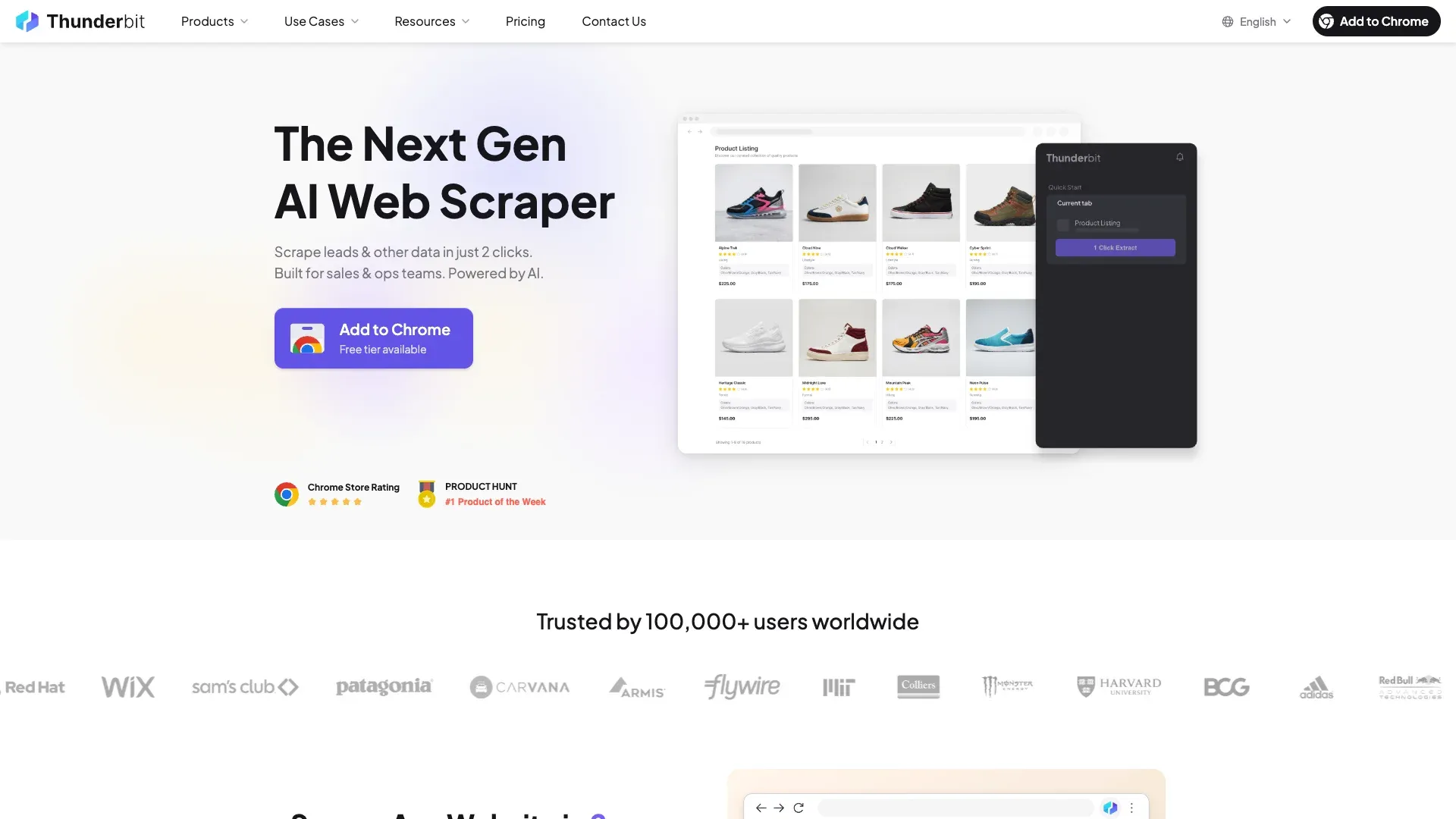 Thunderbit is an AI-powered Chrome extension built for people who want structured data from any website—including Craigslist—without writing code or configuring proxies.
I'm biased here (we built it), but the reason I'm putting Thunderbit first is that it solves the specific pain points Craigslist scraping creates for non-technical users: variable page layouts across categories, detail-page enrichment, and the constant breakage that happens when CSS selectors change.
How it works on Craigslist:
- Install the Thunderbit Chrome Extension and open any Craigslist listings page (say, apartments in your city).
- Click "AI Suggest Fields" — Thunderbit's AI reads the page and proposes columns tailored to what's actually on it. For housing, you'll get Title, Price, Sqft, Bedrooms, Location, Date Posted, Link. For jobs, you'll get Title, Compensation, Job Type, and so on. No manual selector configuration.
- Click "Scrape" and watch the data populate in a structured table.
- Handle pagination—Thunderbit works with Craigslist's click-based pagination.
- Use "Scrape Subpages" to visit each individual listing and extract detail-page-only fields: full description, all images, embedded contact info, and more.
- Export to Google Sheets, Excel, Airtable, Notion, or CSV—for free.
Key features:
- AI-powered field detection: Adapts to different Craigslist categories automatically—housing gets sqft/bedrooms columns, jobs get compensation/job type, for-sale gets condition/price. Zero manual CSS work.
- Subpage scraping: After scraping a results page, visit each listing to pull detail-page fields (full description, images, contact info).
- Browser-based scraping mode: Runs within your own Chrome session, so no proxy needed for moderate volumes. That alone cuts a huge cost and complexity layer.
- Zero maintenance: AI reads the page fresh each time. When Craigslist changes its layout (and it does), your scraper doesn't break.
- Free export: Excel, Google Sheets, Airtable, Notion, CSV, JSON—no paywall on exports.
Pricing: Free tier (6 pages/month), free trial (10 pages), paid plans for higher volume.
Best for: Sales teams scraping leads from Craigslist services/gigs, real estate teams monitoring rental pricing, operations teams who need structured Craigslist data without developer support, and anyone who wants to scrape, label, and export data in one step.
Try Thunderbit for Craigslist scraping
2. Bright Data
 Bright Data is the heavyweight enterprise option. It's the only platform in this list with both a dedicated Craigslist Scraper product page and a Craigslist Dataset marketplace.
If you need to scrape thousands of Craigslist listings daily across all U.S. regions, Bright Data is built for that scale. Its Web Unlocker handles IPs, retries, rendering, and blocking—including auto-solving CAPTCHAs by default. The Web Scraper IDE lets you build custom Craigslist collection workflows, and you can programmatically iterate through all 416 regional URLs.
Key features:
- Massive residential proxy network (millions of IPs)
- Built-in CAPTCHA solving and anti-bot bypass
- Craigslist-specific scraper and dataset products
- Export: JSON, NDJSON, CSV, Parquet, XLSX, API delivery, webhooks
Pricing: Craigslist scraper runs at $0.5 per 1K page loads pay-as-you-go, with plans like 380K page loads for $499. Residential proxies start at $4/GB pay-as-you-go. There's a 1K request free trial for one week.
Best for: Enterprise teams needing high-volume, multi-region Craigslist collection with guaranteed uptime and dedicated support. Budget-conscious small teams should look elsewhere.
3. Oxylabs
 Oxylabs is a premium proxy and scraping infrastructure provider with a dedicated Craigslist Scraper API and Craigslist proxies page.
Oxylabs is more developer-oriented than Bright Data's all-in-one approach. Its Web Scraper API and Web Unblocker support JS rendering, retries, session handling, fingerprint generation, and broader anti-bot handling. The Craigslist Scraper API free trial goes up to 2,000 results.
Key features:
- Residential and ISP proxy pools (residential from $6/GB, ISP from $0.60/IP)
- Web Unblocker with auto fingerprint and session management
- Craigslist-specific API endpoint
- 7-day free trial available
Pricing: "Other sites" scraper API starts around $0.15/1K results without JS, $0.35/1K with JS. Web Unblocker micro tier from about $75/month. Residential proxies at scale can run $0.50/GB at 1TB.
Best for: Developer teams that want managed proxy infrastructure and API-based workflows for sustained Craigslist scraping. Teams already using Oxylabs proxies for other projects will find it easy to add Craigslist.
4. Apify
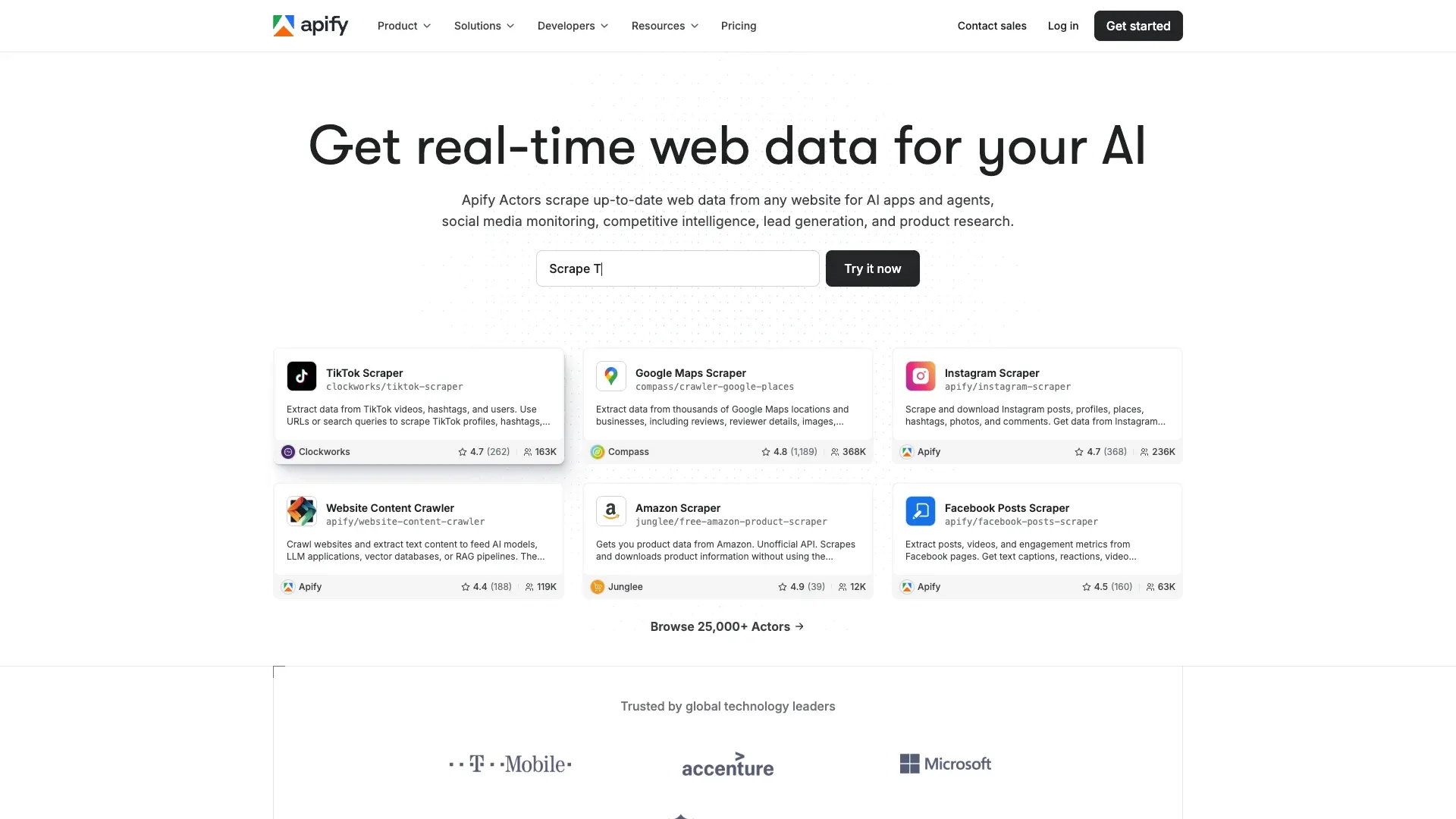 Apify is a cloud-based web scraping and automation platform with a marketplace of pre-built "Actors"—scraper templates you can run without writing code.
The Craigslist landscape on Apify is interesting: there are multiple community-maintained Craigslist actors with very different quality levels. The ivanvs/craigslist-scraper actor has 829 total users and a 5.0 rating, while automation-lab/craigslist-scraper has 44 users and a 1.0 rating. Quality is uneven, so you'll want to test before committing.
Key features:
- Multiple Craigslist actors available (some extract ~120 listings per page with built-in delays)
- Cloud execution, scheduled runs, API access, webhook integrations
- Proxy rotation available
- Export: JSON, CSV, XML, Excel, JSONL
Pricing: Free tier with $5/month in credits, paid plans from ~$49/month. Per-compute pricing can spike with heavy usage—keep an eye on your CU consumption.
Best for: Teams that want a cloud-hosted solution without managing infrastructure, users comfortable with low-code configuration, and teams that need scheduled, recurring Craigslist scrapes.
5. ParseHub
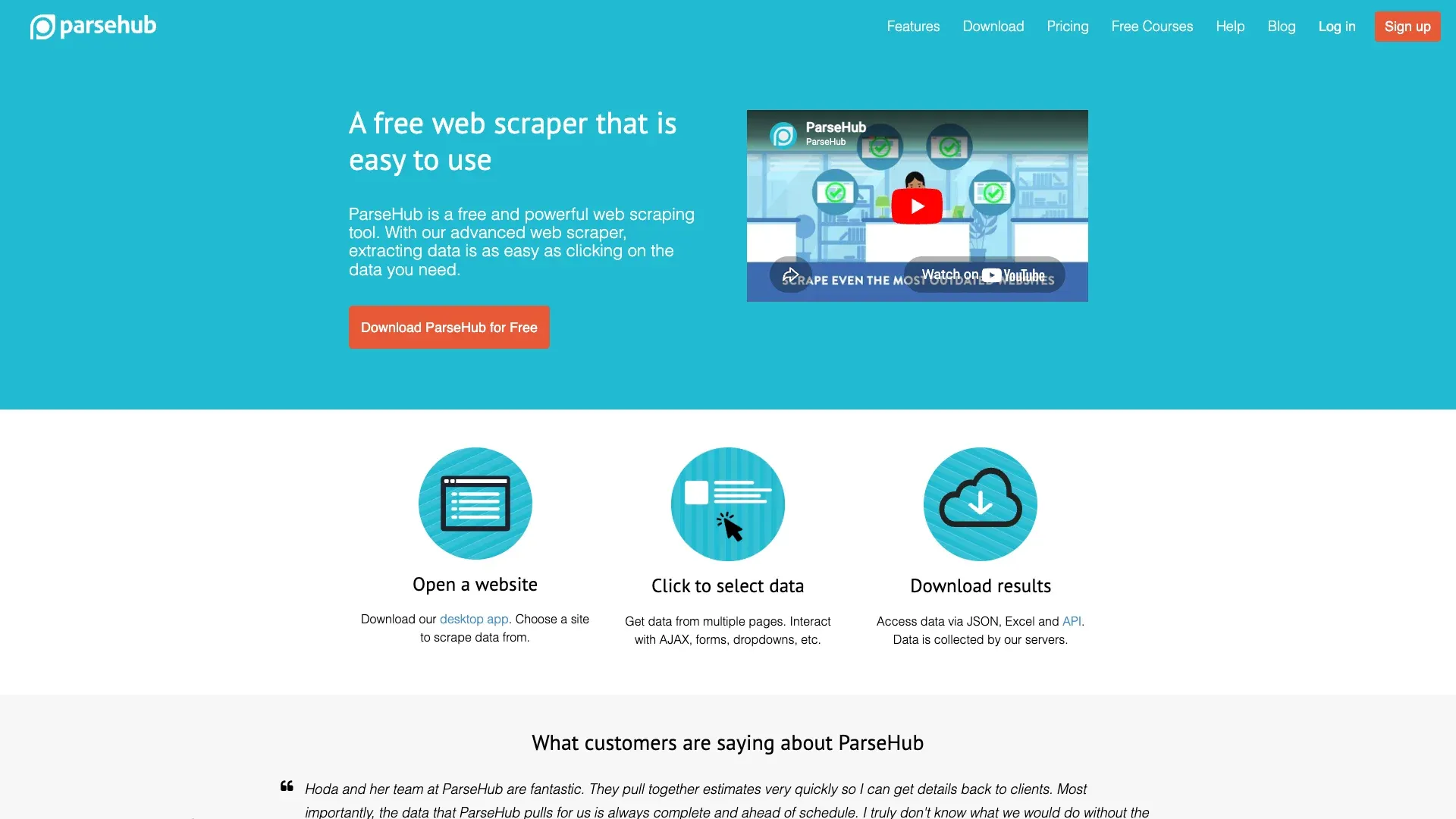 ParseHub is a desktop-based visual web scraping tool where you point and click on page elements to define what to extract.
To set up a Craigslist scrape in ParseHub, you click on listing titles, prices, and links to teach the tool what to grab. It handles pagination via AJAX click loops and supports cloud runs on paid plans. The free tier gives you up to 5 projects, which is decent for small-scale Craigslist work.
Key features:
- Visual point-and-click workflow builder
- Pagination and dynamic content handling
- Cloud runs and scheduling on paid plans
- Export: CSV, Excel, JSON
Pricing: Free tier (5 projects), paid plans from ~$189/month for more pages and scheduled runs.
Limitations: Can be slow on large-scale scrapes, limited scheduled runs on free tier, and—critically—it's CSS-selector-based, so it needs manual maintenance when Craigslist changes its layout.
Best for: Individual users or small teams with moderate scraping needs who want a visual, no-code tool but don't need AI-powered field detection.
6. Phantombuster
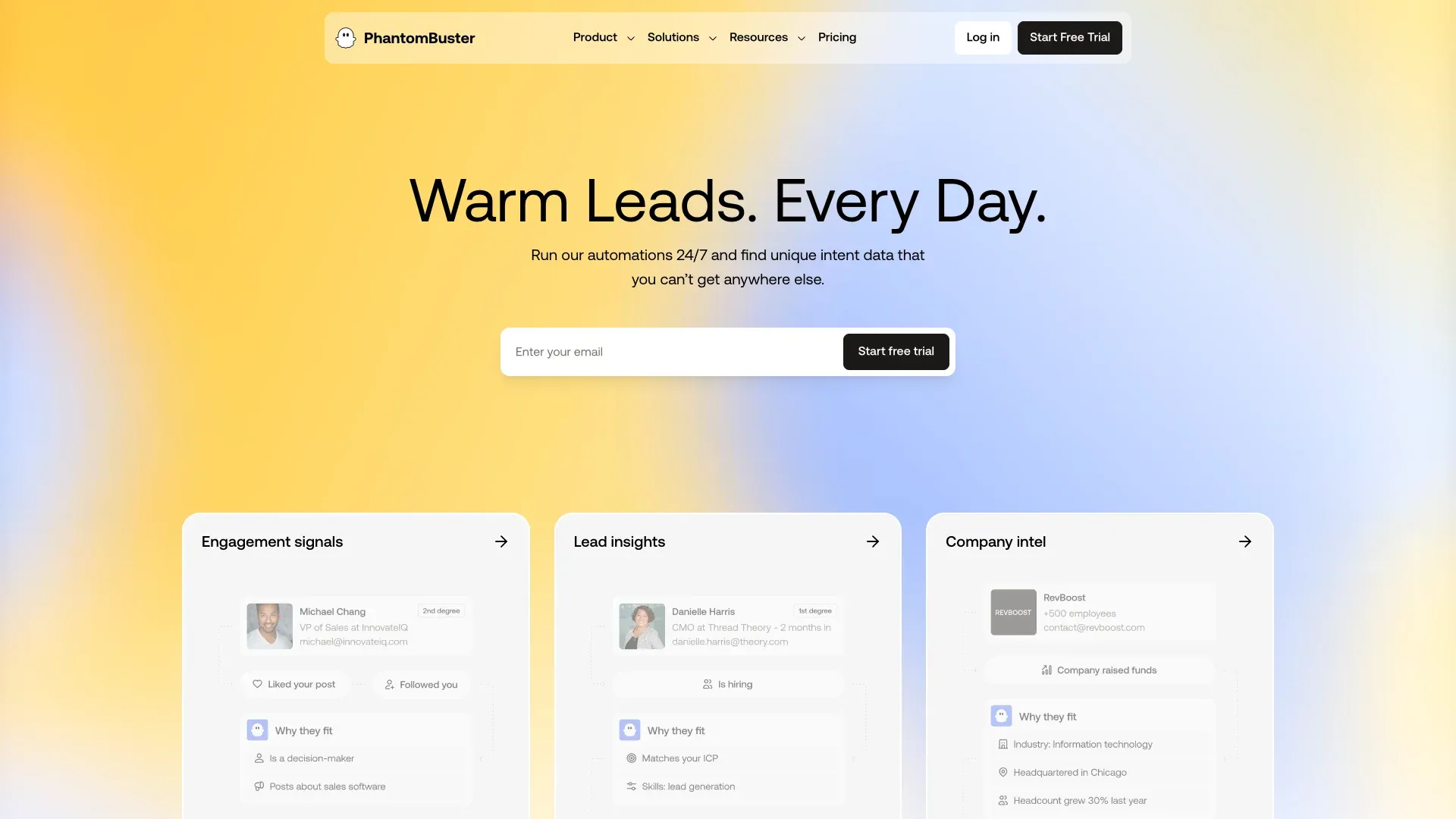 Phantombuster is a cloud-based automation platform originally popular for LinkedIn and social media scraping. It's not a Craigslist-native tool, but its Web Element Extractor can scrape public pages using CSS selectors.
Configuring a Craigslist scrape in Phantombuster takes more work than a dedicated tool—you'll need to specify selectors, build the workflow, and set up scheduling. But if you're already using Phantombuster for LinkedIn or social media lead gen, adding Craigslist to your pipeline is straightforward.
Key features:
- Pre-built automation templates and cloud execution
- Scheduling and CRM integrations
- Proxy support and CAPTCHA-solving credits available
- Export: CSV, JSON on paid plans (free tier caps at 10 rows)
Pricing: Free tier with 5 slots, 2h/month, and a 10-row export cap. Paid annual plans start at ~$56/month billed annually.
Best for: Sales teams already using Phantombuster for multi-platform lead generation who want to add Craigslist to their workflow.
7. Scrapy
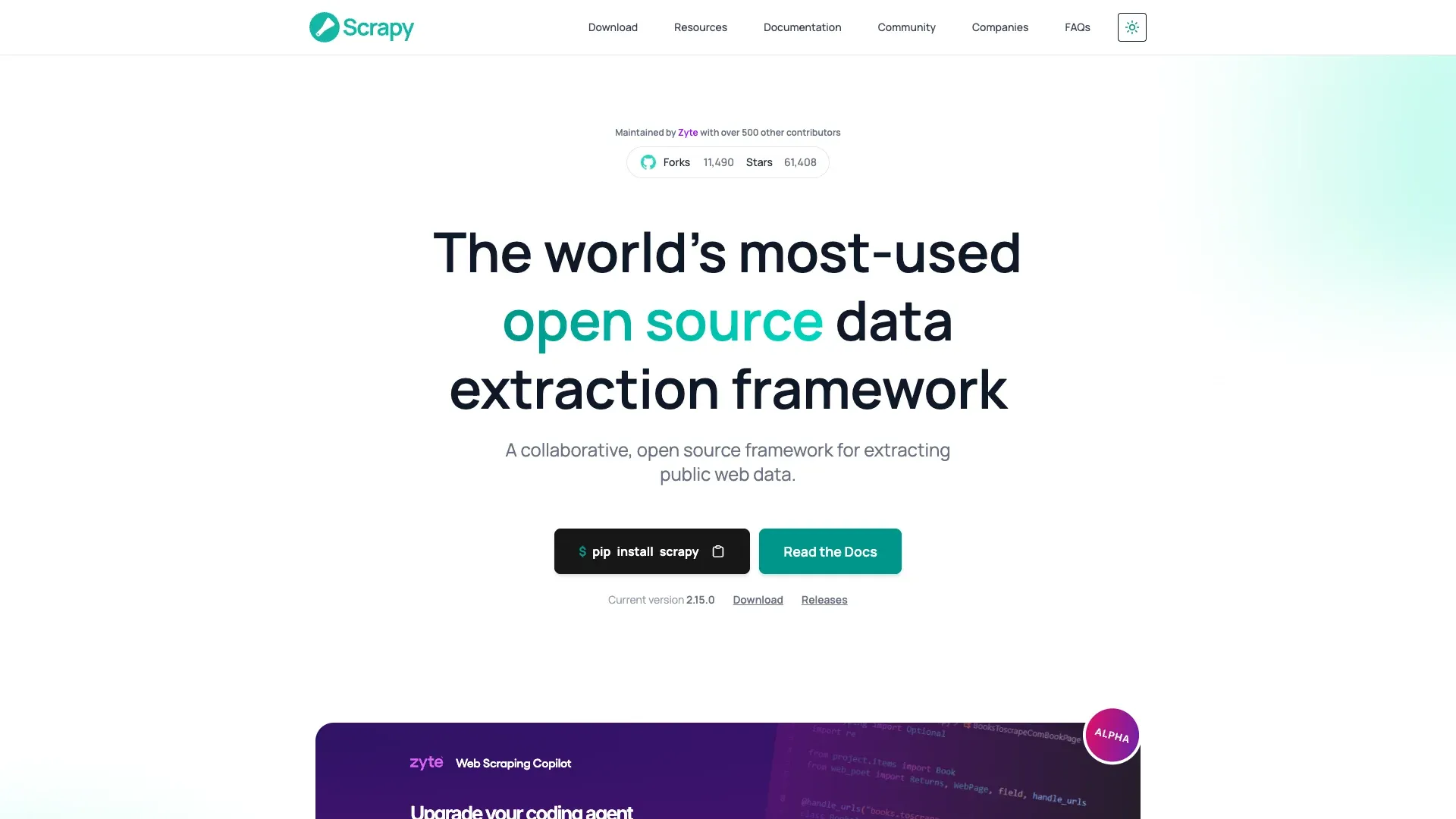 Scrapy is the most popular open-source Python web scraping framework, and it's the obvious choice for developer teams that want maximum control over their Craigslist crawling.
The latest stable version is 2.15.0 (April 9, 2026). Scrapy supports multi-region crawling (iterate through all regional URLs), built-in request scheduling and throttling, downloader middleware for proxy rotation, and feed exports to CSV, JSON, JSONL, XML, and database pipelines. The scrapy-playwright plugin adds browser-level rendering when you need it.
Key features:
- Highly customizable, production-grade crawler
- Middleware for proxies, retries, cookies, and user-agent rotation
- Feed exports: JSON, JSONL, CSV, XML, database pipelines
- Free and open-source
The hidden cost: Scrapy itself is free, but running it at scale on Craigslist means proxy subscriptions ($50–500+/month), hosting/server costs, and ongoing maintenance when Craigslist changes its HTML structure.
Best for: Developer teams with Python experience who need maximum flexibility, existing proxy infrastructure, and high-volume multi-region Craigslist crawling.
8. Playwright
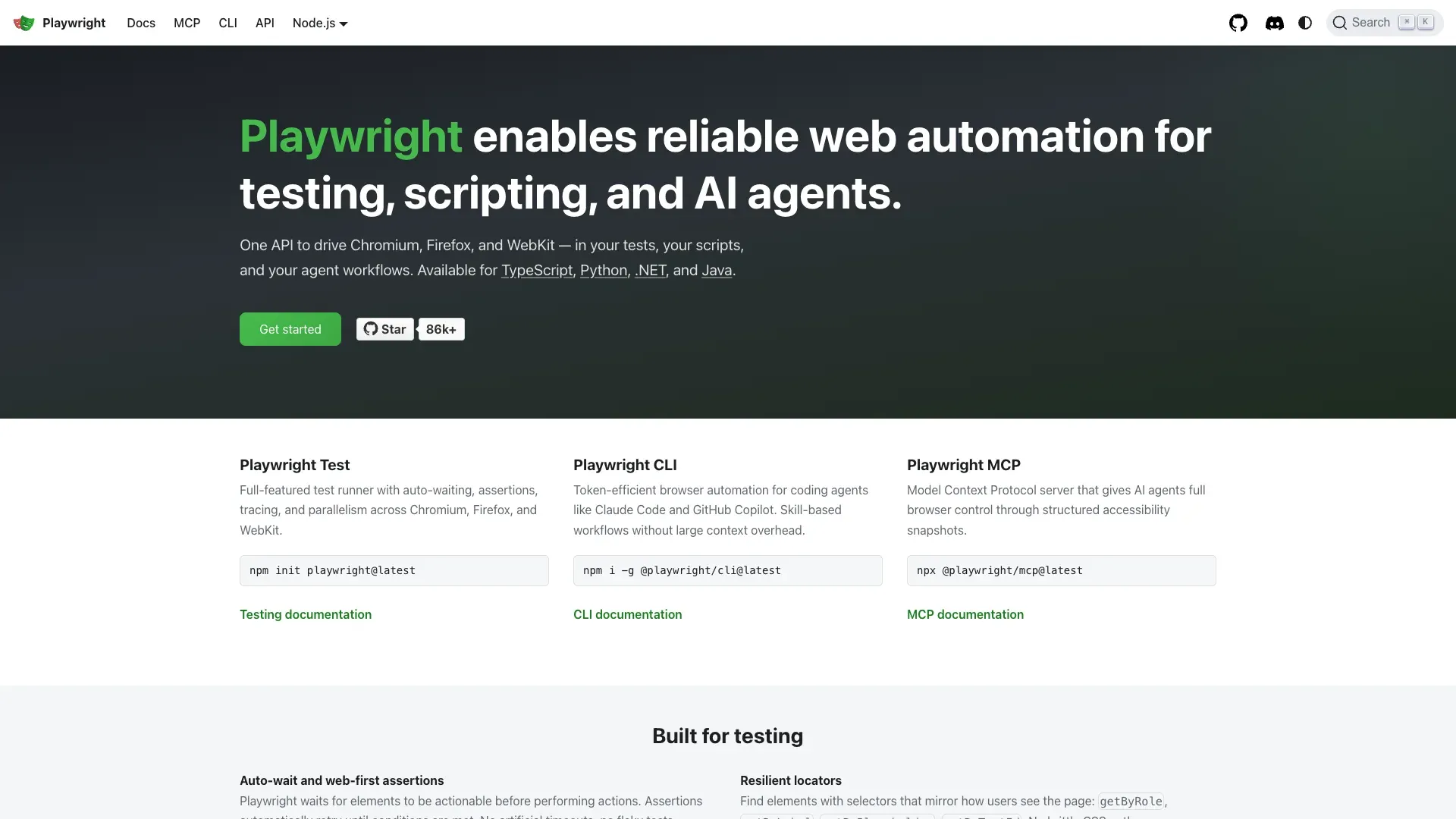 Playwright is a modern browser automation library by Microsoft that controls Chromium, Firefox, and WebKit programmatically. The current release cadence is active—v1.59.1 shipped April 1, 2026.
Playwright is increasingly the recommended choice over Selenium for Craigslist scraping in developer communities. It's faster, more reliable, and has better anti-detection stealth with community plugins like playwright-extra. It supports headless and headed modes, auto-waits for elements, network interception, and screenshot/PDF capture.
Key features:
- Supports Python, JavaScript/TypeScript, Java, and .NET
- Headless and headed browser modes
- Auto-wait for elements, network interception
- Free and open-source
Craigslist advantage: Playwright can mimic real user behavior more convincingly than raw HTTP requests, which reduces blocking risk. Community sentiment on Reddit consistently favors Playwright over Selenium for new projects.
Hidden costs: Same as Scrapy—proxy costs, hosting, and maintenance when selectors break.
Best for: Developers who need fine-grained browser control, teams building scrapers that handle JavaScript-rendered content, and anyone who prefers a modern alternative to Selenium.
9. Selenium
 Selenium is the long-standing, widely-used browser automation framework. The latest release is 4.43.0 (April 10, 2026), and it continues expanding BiDi and network-control capabilities.
Selenium supports multiple languages (Python, Java, C#, JavaScript) and all major browsers. It can simulate full browser sessions, handle login if needed, and scroll through pages. But compared to Playwright, it's slower, more verbose, and easier to detect as a bot without additional stealth libraries like undetected-chromedriver.
Key features:
- Multi-language support (Python, Java, C#, JavaScript)
- Full browser session simulation
- Mature ecosystem with extensive documentation
- Free and open-source
Limitations: Community sentiment in 2026 leans toward Playwright for greenfield projects. One Reddit thread noted that Cloudflare was still detecting Selenium "also using residential proxies"—stealth is harder out of the box.
Best for: Developer teams already invested in Selenium who don't want to migrate, projects that need multi-language support (Java, C#), and legacy scraping setups.
10. BeautifulSoup
 BeautifulSoup is a lightweight Python library for parsing HTML and XML. The current PyPI version is 4.14.3 (November 30, 2025).
An important clarification: BeautifulSoup is a parser, not a full scraper. It doesn't fetch web pages or handle browser automation. You pair it with the requests library for HTTP fetching, and it parses the HTML you give it. That makes it the simplest entry point for developers, but also the most limited.
Key features:
- Extremely easy to learn—minimal code required
- Great for small-scale or one-off Craigslist scrapes
- Free and open-source
Limitations: No built-in pagination handling, no JavaScript rendering, no proxy rotation—all must be added manually. If Craigslist changes its HTML structure, your selectors break and you fix them by hand.
Best for: Python beginners who want to try Craigslist scraping with minimal setup, quick one-off data pulls from a single category or region, and developers who just need a lightweight parser.
The Craigslist Anti-Ban Playbook: Proxies, Rate Limits, and What Gets You Blocked
This is the section most Craigslist scraping guides skip, and it's the one that matters most. Scraperly's April 2026 testing classifies Craigslist as a 3/5 difficulty target, citing custom CAPTCHA, rate limiting, and IP blocking. Bright Data's tutorial pushes users toward Web Unlocker or a Playwright-based Scraping Browser instead of plain HTTP. Oxylabs' proxy page says Craigslist can detect proxies and that residential proxies are the best choice.
Here's what actually works:
| Strategy | Effectiveness on Craigslist | Cost | Complexity |
|---|---|---|---|
| Residential proxies | ✅ High | $$ ($4–6/GB) | Medium |
| ISP proxies | ✅ High | $ ($0.60–0.80/IP) | Medium |
| Datacenter proxies | ⚠️ Low (often blocked) | $ ($0.20–0.40/IP) | Low |
| Browser-based scraping (own session) | ✅ Medium-High | Free | Low |
| Rate limiting + random delays | ✅ Essential baseline | Free | Low |
Actionable tips:
- Request delays: 2–5 seconds minimum between requests. Scraperly suggests staying around 5–10 requests/minute per IP and rotating after 20–30 requests.
- Session rotation: Rotate user agents and browser fingerprints. Predictable crawl patterns get caught fast.
- Avoid datacenter proxies: They're cheap but get blocked quickly on Craigslist.
- Browser-based scraping cuts the proxy problem entirely for moderate volumes. Thunderbit's browser mode runs within your own Chrome session—no proxy setup, no IP rotation, no cost. For most business users scraping a few hundred listings, this is more than enough.
And here's the maintenance angle most people miss: when Craigslist changes its CSS (and it does periodically), every CSS-selector-based scraper breaks. You have to inspect the page, find the new selectors, update your code, and re-test. AI-powered tools like Thunderbit avoid this entirely—the AI reads the page structure fresh each time, so layout changes don't break your workflow.
Code vs. No-Code: Two Complete Craigslist Scraping Walkthroughs
I know the audience for this article is split roughly 50/50: non-technical business users who just want the data, and beginner-to-intermediate developers who want working code. So here are both paths, side by side.
No-Code: How to Scrape Craigslist with Thunderbit (Step-by-Step)
- Install the Thunderbit Chrome Extension from the Chrome Web Store.
- Navigate to a Craigslist listings page — for example, apartments in your city (
https://yourcity.craigslist.org/search/apa). - Click "AI Suggest Fields" — Thunderbit's AI reads the page and proposes columns tailored to the category. For housing, you'll see Title, Price, Sqft, Bedrooms, Location, Date Posted, Link.
- Review and adjust the suggested columns if needed. Add or remove fields with a click.
- Click "Scrape" — watch the data populate in a structured table.
- Handle pagination — click through pages or let Thunderbit handle it.
- Use "Scrape Subpages" to visit each individual listing and enrich with detail-page fields: full description, all images, embedded contact info.
- Export to Google Sheets, Excel, Airtable, Notion, or CSV—for free.
The whole process takes about 2 minutes for a page of results. No CSS selectors, no proxies, no code.
Code Path: How to Scrape Craigslist with Python + Playwright
Playwright is the most recommended library for Craigslist scraping in developer forums in 2026. Here's a working Python snippet that scrapes a Craigslist housing results page, extracts title/price/link, handles pagination, and outputs results.
The approach: try JSON-LD structured data first (Craigslist embeds ItemList schema on some pages), then fall back to DOM selectors. Paginate by s=120.
import asyncio, json
from urllib.parse import urlparse, parse_qs, urlencode, urlunparse
from playwright.async_api import async_playwright

def next_page_url(url, step=120):
    p = urlparse(url)
    qs = parse_qs(p.query)
    offset = int(qs.get("s", ["0"])[0]) + step
    qs["s"] = [str(offset)]
    return urlunparse((p.scheme, p.netloc, p.path, "", urlencode(qs, doseq=True), ""))

async def scrape_page(page, url):
    await page.goto(url, wait_until="domcontentloaded")
    await page.wait_for_timeout(1500)
    data = []
    # Try JSON-LD first
    for raw in await page.locator('script[type="application/ld+json"]').all_text_contents():
        try:
            obj = json.loads(raw)
        except Exception:
            continue
        if isinstance(obj, dict) and obj.get("@type") == "ItemList":
            for item in obj.get("itemListElement", []):
                thing = item.get("item", {})
                data.append({
                    "title": thing.get("name"),
                    "price": thing.get("offers", {}).get("price"),
                    "link": thing.get("url"),
                })
            if data:
                return data
    # Fallback: DOM selectors
    cards = page.locator("div.cl-search-result, li.cl-static-search-result")
    count = await cards.count()
    for i in range(count):
        card = cards.nth(i)
        title = await card.locator("a.posting-title, a.titlestring").first.text_content()
        link = await card.locator("a.posting-title, a.titlestring").first.get_attribute("href")
        price = (await card.locator(".price, .result-price").first.text_content()
                 if await card.locator(".price, .result-price").count() else None)
        data.append({"title": (title or "").strip(), "price": (price or "").strip(), "link": link})
    return data

async def main():
    start_url = "https://newyork.craigslist.org/search/apa?query=studio"
    async with async_playwright() as p:
        browser = await p.chromium.launch(headless=True)
        page = await browser.new_page()
        url = start_url
        all_rows = []
        for _ in range(3):  # scrape 3 pages
            rows = await scrape_page(page, url)
            if not rows:
                break
            all_rows.extend(rows)
            url = next_page_url(url)
        await browser.close()
        for row in all_rows[:10]:
            print(row)

asyncio.run(main())
What you'll need beyond this script: Playwright installed (pip install playwright && playwright install), proxy configuration for high-volume runs, and manual CAPTCHA handling if you hit rate limits. That's the tradeoff: full control, but full responsibility.
Free vs. Paid: Honest Cost Breakdown for Every Craigslist Scraper
This is the table I wish existed when I started researching this topic. "Free" is a loaded word in web scraping.
| Tool | Completely Free? | Free Tier Limits | Paid Starting Price | Hidden Costs |
|---|---|---|---|---|
| Thunderbit | Free tier (6 pages) | 6 pages/mo; free trial = 10 pages | Paid plans for higher volume | None—export is free |
| Scrapy | ✅ Open source | Unlimited | $0 | Proxy costs, hosting, maintenance |
| BeautifulSoup | ✅ Open source | Unlimited | $0 | Proxy costs, hosting, maintenance |
| Playwright | ✅ Open source | Unlimited | $0 | Proxy costs, hosting, maintenance |
| Selenium | ✅ Open source | Unlimited | $0 | Proxy costs, hosting, maintenance |
| ParseHub | Free tier | 5 projects | ~$189/mo | Limited scheduled runs on free |
| Apify | Free tier | $5/mo credits free | ~$49/mo | Per-compute pricing can spike |
| Phantombuster | Free tier | 5 slots, 2h/mo, 10-row export | ~$56/mo (annual) | Per-slot pricing |
| Bright Data | Trial only | 1K requests/1 week | ~$500+/mo | Proxy costs extra |
| Oxylabs | Trial only | 2K results / 1GB | ~$75+/mo (Unblocker) | Enterprise pricing |
The big asterisk on "free" open-source tools: Scrapy, Playwright, Selenium, and BeautifulSoup cost $0 to install, but running them at scale on Craigslist means hours of developer time for setup, $50–500+/month for residential proxies, and ongoing maintenance every time Craigslist changes its HTML. Thunderbit's AI reads the page fresh each time (zero maintenance), exports are free, and browser-based scraping eliminates proxy costs for moderate volumes. That's a genuine advantage for non-developers.
What You Can Actually Extract: Craigslist Data Fields by Category
Different Craigslist categories have completely different data structures. A housing listing looks nothing like a job posting. Here's what you can realistically extract from each major section:
| Craigslist Category | Extractable Fields | Contact Info Available? |
|---|---|---|
| Housing / Apartments | Title, Price, Sqft, Bedrooms, Bathrooms, Location, Date, Images, Description, Map Link, Availability, Pet Policy, Laundry/Parking | ⚠️ Sometimes (anonymized email relay) |
| For Sale | Title, Price, Condition, Location, Date, Images, Description, Make/Model/Year (varies) | ⚠️ Sometimes |
| Jobs | Title, Company, Compensation, Location, Job Type, Experience Level, Date, Description | Rarely (apply link only) |
| Services | Title, Location, Description, Images | ⚠️ Sometimes |
| Gigs | Title, Compensation, Location, Date, Description | ⚠️ Sometimes |
A few important notes:
- Contact info: Craigslist uses anonymized email relays specifically to prevent direct email scraping. Tools that claim to "extract emails" are often pulling the relay address (
reply+randomstring@craigslist.org), not the poster's real email. - Detail-page fields like full description, all images, and embedded contact info only appear when you visit each individual listing—not on the search results page.
- Thunderbit's "AI Suggest Fields" automatically detects which fields are available on the current page and proposes the right column structure. A user scraping housing gets sqft/bedrooms columns; a user scraping jobs gets compensation/job-type columns—without manual configuration. Its subpage scraping then visits each listing to grab detail-page-only fields.
Legal Reality Check: Craigslist TOS, the 3Taps Case, and What You Should Know
I'm not a lawyer, and this is not legal advice. But I know users worry about this, and it deserves a straight answer.
The key precedent: In Craigslist v. 3Taps (2013), Craigslist obtained an injunction against 3Taps for scraping and republishing listings after sending a cease-and-desist. 3Taps allegedly bypassed IP blocks using proxy servers, and the court treated post-block access as potentially "without authorization." The EFF noted the case settled in 2015.
Craigslist's Terms of Use explicitly prohibit using "robots, spiders, scripts, scrapers, crawlers, or any automated or manual equivalent" to interact with the site. They even set liquidated damages of $0.25 per page after the first 1,000 page views in a 24-hour period for violations.
Practical guidance:
- ✅ Scrape public listing data for market research or personal use
- ✅ Respect robots.txt and rate limits
- ⚠️ Do not mass-republish scraped listings
- ⚠️ Do not use scraped contact info for unsolicited marketing
- ❌ Do not circumvent technical access restrictions after being blocked
The distinction matters: scraping publicly visible data for your own analysis is different from mass-republishing or email harvesting for spam. But be aware that Craigslist has historically escalated from terms enforcement to IP blocking to legal action.
Which Craigslist Scraper Is Best for You?
After testing and evaluating all 10, here's my scenario-based recommendation:
- Non-technical business user who needs Craigslist data fast → Thunderbit. No code, AI-powered field detection, zero maintenance, free export. The fastest path from "I need this data" to "it's in my spreadsheet."
- Enterprise team scraping thousands of listings daily across all regions → Bright Data. Craigslist-specific scraper, massive proxy infrastructure, auto-CAPTCHA solving, dedicated support.
- Developer team needing managed API/proxy infrastructure → Oxylabs for proxy-first workflows, Apify for actor-marketplace flexibility.
- Developer who wants full control and customization → Scrapy + Playwright. Open-source, maximum flexibility, but bring your own proxies and maintenance.
- Budget-conscious user with moderate needs → Apify free tier ($5/mo credits) or ParseHub free tier (5 projects).
- Sales team already using multi-platform lead gen tools → Phantombuster. Add Craigslist to your existing pipeline.
- Python beginner doing a one-off scrape → BeautifulSoup + requests. Minimal code, minimal setup, minimal capability.
For most non-technical business users, Thunderbit offers the best balance of ease, accuracy, and cost. For developers, Scrapy + Playwright is the most powerful combination. For enterprise scale, Bright Data is hard to beat.
If you want to see what AI-powered Craigslist scraping actually looks like, give Thunderbit a try—the free tier is enough to test it on your own use case. And if you want to go deeper on web scraping techniques, check out our guides on how to scrape into Google Sheets, best automated web scraping tools, and web scraping without getting blocked. You can also explore our YouTube channel for step-by-step video walkthroughs.
Happy scraping—and may your data always be clean, structured, and ready for action.
FAQs
Is it legal to scrape Craigslist listings?
Craigslist's Terms of Use explicitly prohibit automated scraping, and the Craigslist v. 3Taps case is the leading legal precedent. Scraping public listing data for personal or analytical use is generally treated differently than mass-republishing or spam, but you should always respect rate limits and site rules—and this is not legal advice.
Can I scrape Craigslist without coding?
Yes. Tools like Thunderbit, ParseHub, and Apify offer no-code or low-code options for extracting Craigslist data. Thunderbit's AI-powered field detection makes it especially easy—just click "AI Suggest Fields" and "Scrape."
What is the best free Craigslist scraper?
For developers, Scrapy or BeautifulSoup are completely free and open-source (though proxy and maintenance costs add up). For non-coders, Thunderbit's free tier (6 pages/month) is the best starting point, with ParseHub's free tier (5 projects) as another option.
How do I avoid getting blocked when scraping Craigslist?
Use rate limiting (2–5 second delays minimum), rotate user agents, avoid datacenter proxies (residential or ISP proxies work much better on Craigslist), and don't follow predictable crawl patterns. For moderate volumes, browser-based scraping tools like Thunderbit sidestep the proxy problem entirely by running within your own Chrome session.
Can I scrape all Craigslist regions at once?
With developer tools like Scrapy or Playwright, you can programmatically loop through all 416 U.S./territory regional URLs. Enterprise tools like Bright Data and Oxylabs have multi-region scraping built in. With Thunderbit, you can open each regional site and scrape with the same workflow—the AI adapts to each page automatically.
Try Thunderbit for Craigslist scraping Get Started Free
Learn More




