Last reviewed and updated in August 2026.
10 AI Automation Tools for Business Workflows in 2026
AI automation is no longer a single category. A browser workflow that turns visible web data into a table is different from an app-to-app trigger, a visual agent workflow, and enterprise process orchestration. Choosing well means matching the tool to the work, the people who will maintain it, and the controls the process needs.
This guide compares ten current tools with distinct roles. It focuses on product models and practical fit rather than short-lived prices, ratings, or performance claims.
How to Choose an AI Automation Tool
Start with the process you need to improve:
- Collecting browser-visible research: Use a browser-first AI scraper when approved web content needs to become a table.
- Connecting everyday apps: A workflow tool is useful when an event in one system should trigger an action in another.
- Building visible, multi-step automations: A visual canvas can help teams inspect logic, data handoffs, and agent steps.
- Running desktop or legacy-system automation: RPA platforms are useful where work still happens through a user interface rather than an API.
- Coordinating governed enterprise processes: Use an enterprise orchestration platform when people, agents, APIs, bots, documents, and controls need to work together.
1. Thunderbit: AI Web Scraping for Browser-Based Research
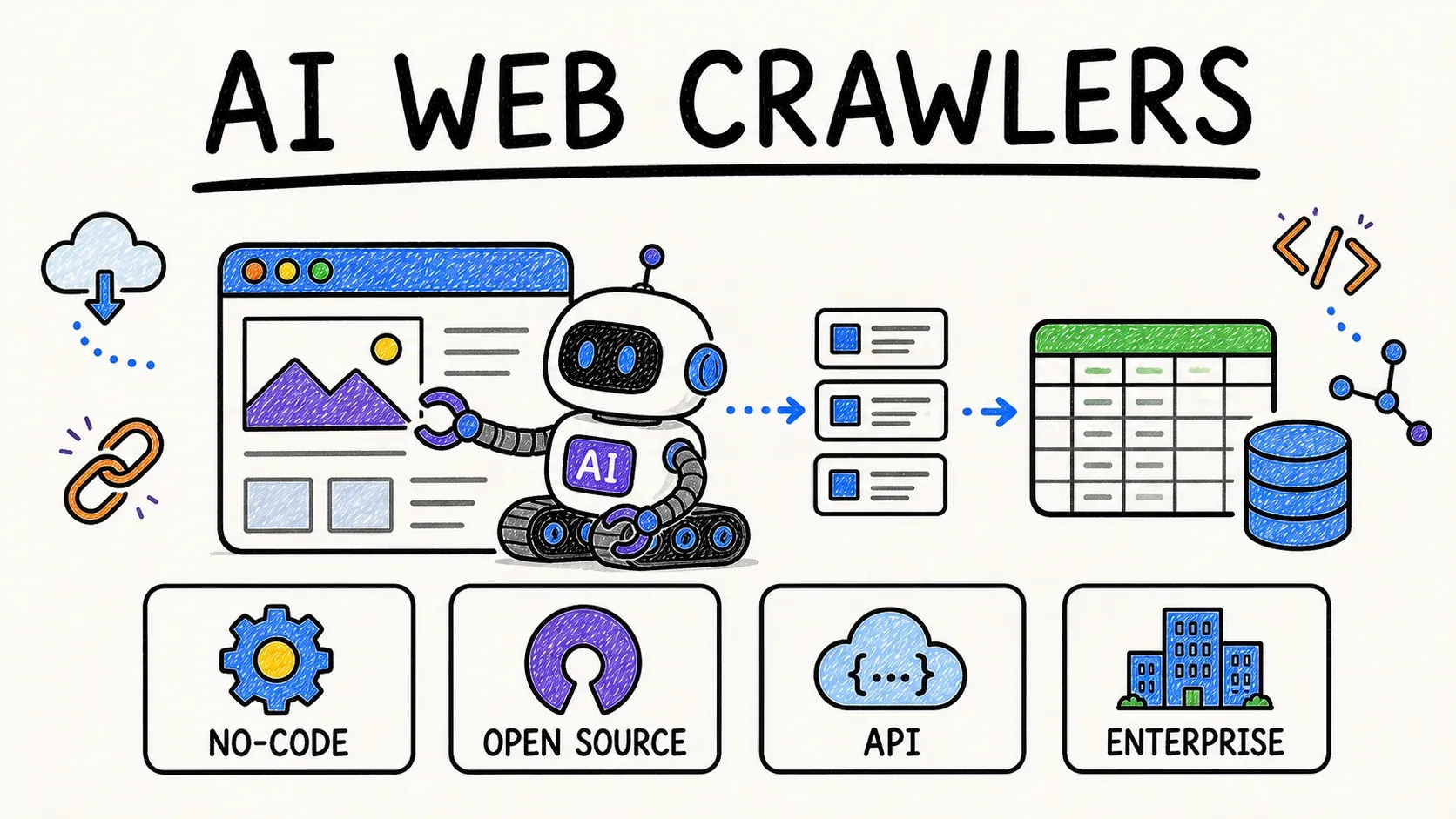
Thunderbit is an agentic web scraper—an AI agent for web scraping—for turning authorized, browser-visible information into structured rows. It fits sales research, market research, ecommerce operations, and other workflows that begin with webpages, directories, listings, PDFs, or documents.
The interaction is current and explicit: AI Suggest Fields proposes columns; the reader reviews or adjusts them; then one click on Scrape starts extraction. Results can be exported to Excel, Google Sheets, Airtable, and Notion.
Best for: Business teams that need a browser-first path from approved web data to a structured table.
For technical workflows, Thunderbit also supports a Web Scraper API, MCP, and CLI. Use these interfaces when the extraction needs to connect to a system, data pipeline, or agent workflow.
Try Thunderbit for AI Web Scraping
2. Zapier: App Workflows and AI-Powered Automation
Zapier connects apps, data, and processes through no-code, low-code, and developer tools. Its workflow model uses triggers and actions, and its current product materials describe adding AI steps for tasks such as summarizing, classifying, drafting, and making decisions. Zapier also offers developer tools for embedding automation and connecting AI assistants through MCP.
Best for: Teams that want to connect familiar SaaS tools and build app-to-app workflows without starting with custom integration code.
3. Make: Visual Automation and AI Agent Orchestration
Make uses a visual canvas for connecting apps, data sources, AI models, automations, and AI agents. Its current AI-agent materials emphasize building, testing, and inspecting agent steps inside the Scenario Builder, with real-time visibility into the sequence of tools that run.
Best for: Teams that want a visual representation of multi-step automations and a transparent way to inspect agent workflows.
4. n8n: Flexible Workflows with a Self-Hosting Option
n8n is a fair-code workflow automation tool that combines AI capabilities with business-process automation. Its documentation describes connecting apps through APIs, customizing workflows and nodes, and choosing between cloud hosting and self-hosting.
Best for: Technical teams that want flexible workflow construction, custom nodes, and a deployment choice that can include self-hosting.
5. Microsoft Power Automate: Low-Code Automation Across Microsoft and Beyond
Microsoft Power Automate combines cloud flows, desktop flows, process mining, and orchestration. Microsoft documents Copilot-assisted creation in natural language, as well as AI-powered digital, desktop, and robotic process automation with connectors for external systems.
Best for: Organizations already using Microsoft 365, Dynamics, or Power Platform that need cloud and desktop automation in the same ecosystem.
6. UiPath: Enterprise Agentic Automation and Orchestration
UiPath brings AI agents, RPA robots, API automation, document processing, process intelligence, and business orchestration together on an enterprise platform. Its current materials describe Agent Builder for creating agents and Maestro for coordinating agents, robots, and people in long-running processes.
Best for: Enterprises that need governance, auditability, and a control plane for complex processes involving people, systems, AI agents, and UI automation.
7. Automation Anywhere: Agentic Process Automation
Automation Anywhere positions its platform around agentic process automation. Its product documentation describes a cloud-based platform that combines RPA, AI, APIs, process orchestration, AI Agent Studio, and automation workspaces.
Best for: Organizations that need to combine traditional bots with AI agents, APIs, and governance for large business processes.
8. Workato: Enterprise Integration and AI Agent Control
Workato is an enterprise automation and integration platform with agent orchestration capabilities. Its documentation describes an execution and control plane for building and governing AI agents and MCP servers, alongside integration, API, data orchestration, process automation, and event-stream capabilities.
Best for: Enterprise teams that need to connect many systems while putting data, identity, and governance controls around automations and agents.
9. Appian: AI Process Automation for Regulated Workflows
Appian is an AI process automation platform that combines process orchestration, automation, intelligence, low-code development, data fabric, process mining, RPA, and AI agents. Its product materials focus on coordinating complex work across people, systems, and agents.
Best for: Teams managing complex, regulated, or case-oriented processes that need process design and governance alongside automation.
10. Bardeen: Browser-Based Workflow Automation
Bardeen is an AI-powered automation platform that runs in the browser. Its support materials describe browser-based automations alongside AI features, making it relevant for workflows that begin with browser work and then connect to other tools.
Best for: Individuals and small teams that want to automate browser-based steps and connect them to a broader app workflow.
Quick Comparison
| Tool | Primary model | Best fit |
|---|---|---|
| Thunderbit | Browser-first AI scraping | Turn approved web data into structured tables |
| Zapier | App workflows | Connect SaaS tools with triggers, actions, and AI steps |
| Make | Visual automation canvas | Build and inspect multi-step automations and agent workflows |
| n8n | Flexible workflow automation | Create custom API-based workflows with cloud or self-hosted deployment |
| Power Automate | Low-code DPA and RPA | Automate across Microsoft, cloud, and desktop systems |
| UiPath | Enterprise agentic automation | Orchestrate agents, robots, people, APIs, and processes |
| Automation Anywhere | Agentic process automation | Combine AI agents, RPA, APIs, and process control |
| Workato | Enterprise integration and orchestration | Govern connected systems, agents, and automation at scale |
| Appian | AI process automation | Run complex, process-centric, and regulated workflows |
| Bardeen | Browser automation | Automate browser work and pass it to other tools |
A Practical Way to Select a Tool
Use Thunderbit when the work begins with approved browser-visible web data and ends with a structured table. Use Zapier, Make, or n8n when you need to connect apps and define workflow logic; choose based on the team’s desired interface, customization, and hosting model.
Use Power Automate when Microsoft systems and desktop automation are central. Use UiPath, Automation Anywhere, Workato, or Appian when the process crosses multiple enterprise systems and needs stronger orchestration, governance, and operational ownership. Use Bardeen when browser workflows are the main starting point.
Before building at scale, define the trigger, data owner, required approvals, exception path, and the person responsible for maintaining the automation. Those choices matter more than a generic “AI automation” label.
FAQs
What is the difference between AI automation and RPA?
RPA commonly automates interactions with user interfaces and repeatable rules. AI automation can add language, document, classification, or decision capabilities. Modern enterprise platforms may combine AI agents, RPA, APIs, workflows, and people in one process.
Which AI automation tool is best for a non-technical team?
For app-to-app workflows, Zapier and Make provide visual or guided experiences. Thunderbit is designed for browser-based web-data collection. The best choice depends on the systems that must connect and who will own the workflow after it is launched.
Which tools suit enterprise governance?
UiPath, Automation Anywhere, Workato, Appian, and Power Automate offer enterprise-oriented automation models. The differentiator is whether your process needs RPA, integration orchestration, case management, or a governed control plane for agents and people.
Can an AI automation workflow include web data?
Yes. A browser-first AI scraper can produce a structured dataset that is then passed to a spreadsheet, database, CRM, or automation workflow. Keep collection permissions, data handling, and downstream access aligned with your organization’s policies.
Try Thunderbit for Browser-First AI Web Scraping Get Started Free