
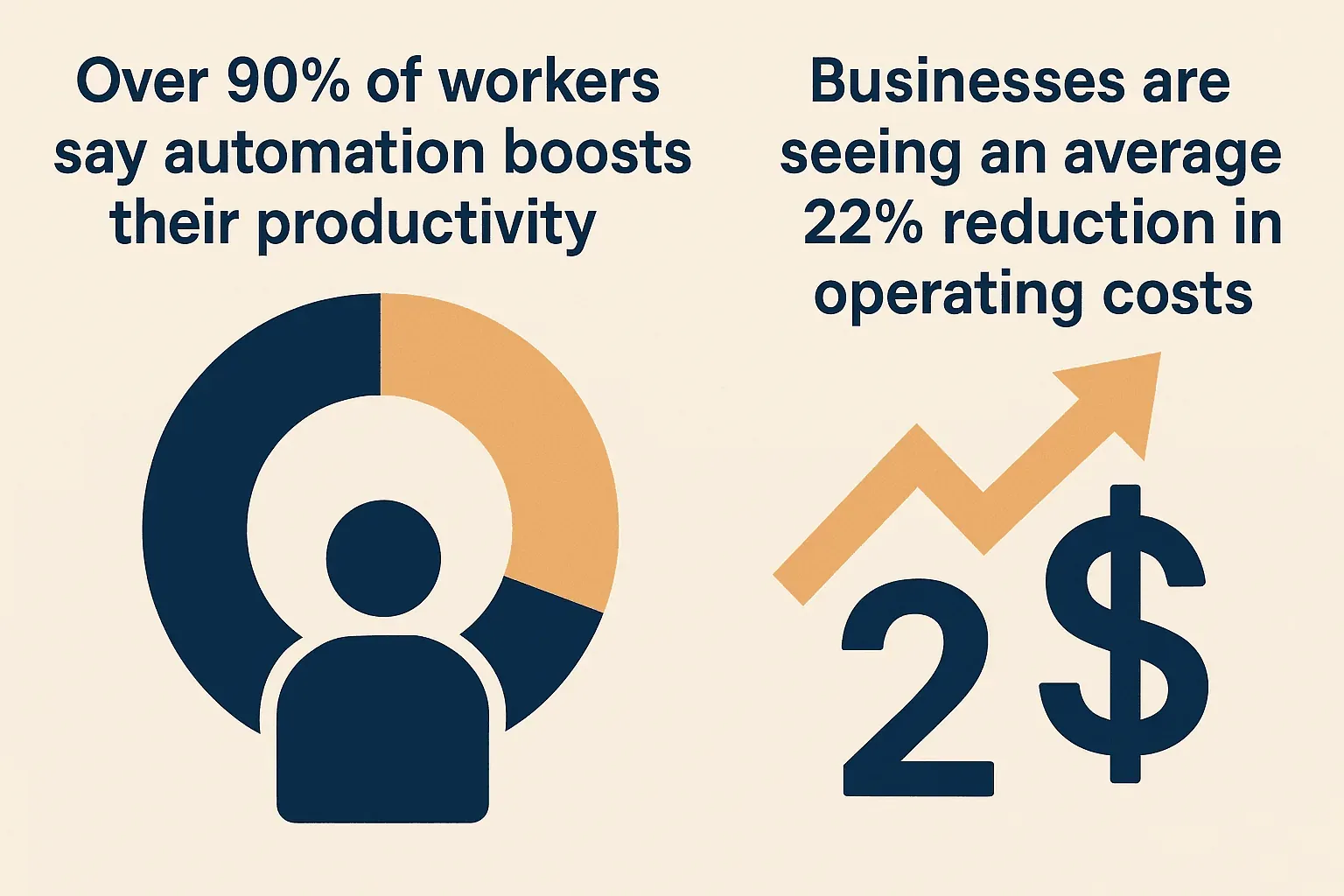
AI for automation isn’t just a buzzword anymore—it’s the secret sauce powering everything from lightning-fast sales outreach to those eerily accurate “You might also like…” recommendations. By 2024 roughly 60% of companies had implemented some form of automation, and the curve hasn't flattened since — generative AI and agentic AI in particular keep pulling new teams in. The payoff? Over 90% of workers say automation boosts their productivity, and businesses are seeing an average 22% reduction in operating costs. As someone who’s spent years building SaaS and automation tools, I’ve seen firsthand how AI is transforming the way teams work—making the impossible not just possible, but easy.
But here’s the kicker: you don’t need to be a developer or a data scientist to tap into this power. In this guide, I’ll walk you through how any business user—yes, even if you still call IT to fix your printer—can harness AI for automation. We’ll cover what AI automation really means, why it matters, and how to roll it out step by step (with plenty of real-world stories and a look at how Thunderbit makes it all, well, a breeze).
What is AI for Automation? Your Quick Primer
Scrape data from any website using AI Get Started Free
Let’s cut through the jargon. AI for automation means using artificial intelligence—think machine learning, natural language processing, and computer vision—to automate tasks that used to eat up your team’s time (and patience). Unlike traditional automation (like Excel macros or rigid scripts), AI automation is adaptive. It learns from data, handles messy inputs, and can even make context-aware decisions.
Picture traditional automation as a robot on a factory line: great at doing the same thing over and over, but totally confused if you move the wrench. AI automation, on the other hand, is like a smart assistant who can handle surprises, learn from feedback, and even figure out what you meant when you said, “Just grab all the emails from this page.”
Common business processes AI can automate:
- Data entry and extraction (from websites, PDFs, images)
- Lead generation and CRM updates
- Marketing campaign personalization
- Customer support (AI chatbots, ticket triage)
- Operations (order processing, invoice matching)
The big difference? AI automation isn’t just faster—it’s smarter and more flexible. It can handle unstructured data, adapt to changes, and improve over time (Ademero).
Why AI for Automation Matters for Business Teams
Let’s get real—nobody dreams of spending their day copy-pasting data or chasing down missing CRM notes. AI for automation is about freeing your team from the grind, so they can focus on what actually moves the needle.
Here’s what AI automation delivers:
- Time savings: Employees spend 45% of their time on manual tasks. AI gives that time back.
- Improved accuracy: No more fat-fingered numbers or missed fields—AI systems can hit 95%+ accuracy on complex data extraction.
- Faster response: AI can follow up with leads or answer customer questions in seconds, not hours.
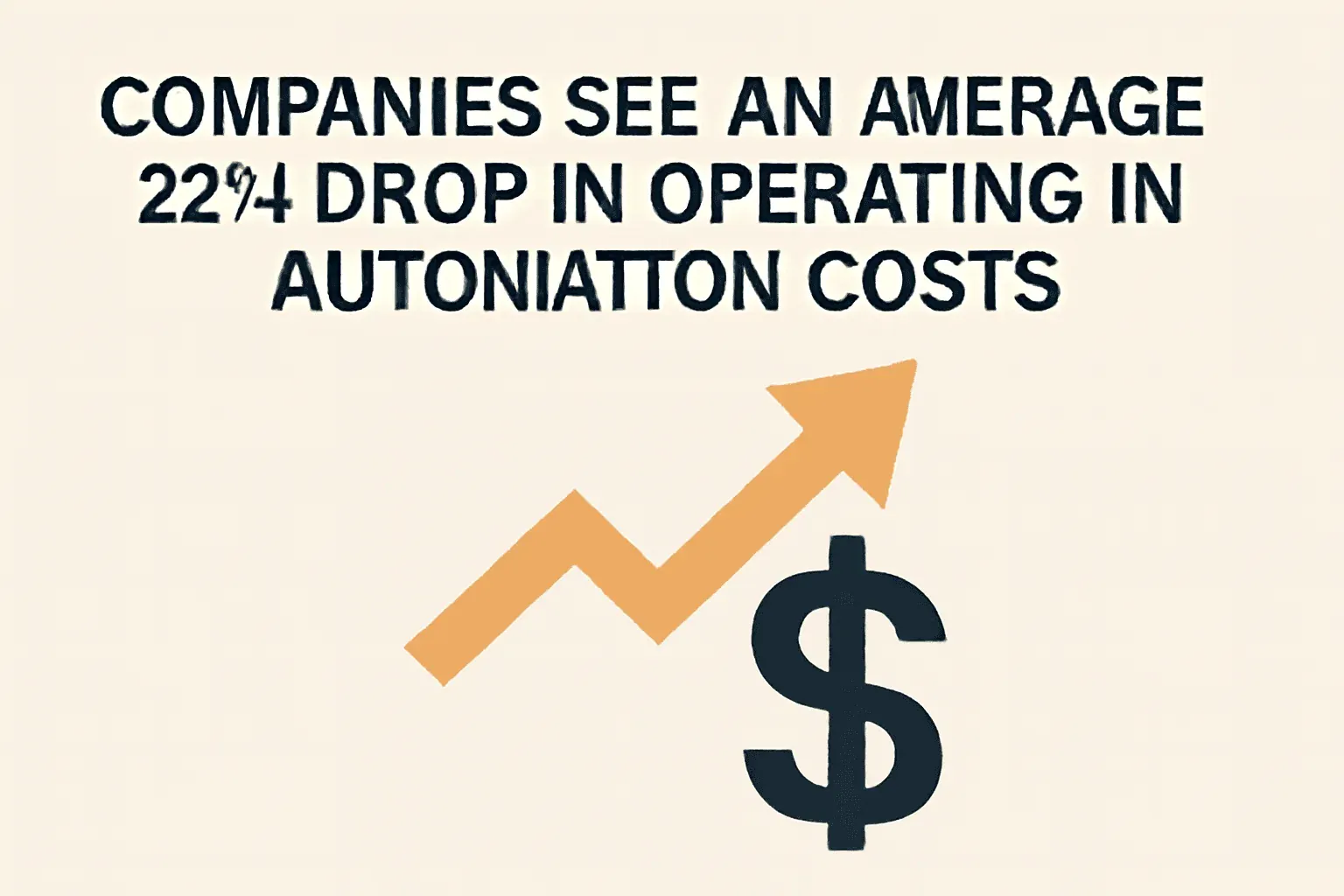
- Cost savings: Companies see an average 22% drop in operating costs after investing in automation.
- Happier teams: 88% of employees report higher job satisfaction when tedious work is automated.
 AI Automation Use Cases Across Departments:
| Department | Automation Use Case | Benefit/Outcome |
|---|---|---|
| Sales | AI-driven CRM data entry, meeting notes | 10–15% productivity boost; ~2.5 hrs/rep/week saved; faster lead response |
| Marketing | Automated campaigns, lead nurturing | 46% higher strategy effectiveness, 24/7 personalization, higher engagement |
| Customer Service | AI chatbots, inquiry routing | 24/7 instant responses, up to 85% of interactions handled by AI, improved CSAT |
| Operations | Invoice/document processing, order entry | 500+ hours saved/year, near-zero error rates, faster cycle times |
| E-commerce | Price monitoring, inventory, AI shopping agents | Dynamic pricing, 32% faster sales growth, 70% of consumers willing to use AI assistants |
(Thunderbit Automation Statistics)
Real-World Applications: How Businesses Use AI for Automation
Let’s bring this down to earth with some real examples I’ve seen (and sometimes helped build):
- Sales: B+M Industrial used AI to automatically capture business card data and meeting notes, logging them straight into HubSpot. Result? 10x more CRM data recorded, and each rep saved over 2.5 hours a week.
- Marketing: Teams use AI web scrapers like Thunderbit to pull leads from directories or competitor pricing from ecommerce sites—no more hours of copy-paste.
- Customer Service: Retailers deploy AI chatbots to handle "Where's my order?" queries 24/7. During Cyber Week 2025, Salesforce reported AI agents influenced 17% of U.S. online orders — about $13.5B in sales.
- Operations: Finance teams use AI to process invoices and match them to purchase orders—tasks that used to take hours now happen in seconds, with fewer errors.
And the best part? Most of these wins came from non-technical users picking up intuitive AI tools—no coding bootcamp required.
Thunderbit: Making AI Automation Accessible for Everyone
Here’s where I get a little excited. At Thunderbit, we set out to make AI automation so easy that anyone could use it—no code, no templates, just results.
How does Thunderbit work?
- Natural language data extraction: Just open our Chrome Extension, navigate to any website, and click “AI Suggest Fields.” Thunderbit’s AI reads the page and recommends the best columns to extract.
- Subpage and pagination scraping: Need more details? Thunderbit can automatically visit subpages (like product details or LinkedIn profiles) and combine everything into one neat table.
- Instant export: With one click, send your data to Excel, Google Sheets, Airtable, or Notion—no extra fees, no headaches.
- CRM and workflow integration: Use Thunderbit to fill your CRM with fresh leads, monitor competitor prices, or automate market research—without ever writing a line of code.
Thunderbit is trusted by over 100,000 users worldwide, from sales teams to ecommerce operators to real estate agents. And yes, my own team uses it to automate everything from lead gen to competitive analysis (I like to say we eat our own dog food—though I promise, it tastes better than it sounds).
Try Thunderbit AI Automation for Free
Comparing Traditional Automation vs. AI Automation: Why AI Wins
Let’s put it side by side. Here’s how traditional automation stacks up against AI-powered automation:
| Aspect | Traditional Automation (RPA, Macros) | AI Automation (Thunderbit, AI Bots) |
|---|---|---|
| Setup | Manual, often requires coding | AI suggests fields, 2-click setup |
| Adaptability | Brittle—breaks if inputs change | Learns from context, adapts to new layouts |
| Data Handling | Structured data only | Handles text, images, PDFs, messy inputs |
| Maintenance | High—scripts need constant updates | Low—AI re-learns each run |
| Decision-Making | Rule-based, no learning | Context-aware, can infer and improve |
| Scalability | Manual scaling, limited by scripts | Cloud-based, parallel processing |
| Integration | Often siloed, manual exports | Direct export to Sheets, Notion, Airtable, etc. |
| User Experience | Technical, slow onboarding | Designed for non-technical users, fast onboarding |
(Ademero AI vs. Traditional Automation, Thunderbit Automation Statistics)
The bottom line: AI automation is more resilient, less work to maintain, and opens up automation to everyone—not just the IT crowd.
Step-by-Step Guide: Implementing AI for Automation in Your Business
Ready to get started? Here’s my battle-tested, business-friendly roadmap:
Step 1: Identify High-Impact Processes
Look for tasks that are:
- Repetitive (think: data entry, lead research)
- Time-consuming (anything that makes you sigh before you start)
- Error-prone (manual copy-paste, invoice matching)
- High-ROI (where saving time or improving accuracy really matters)
Ask your team: “What’s the most boring part of your job?” That’s usually your automation goldmine.
Step 2: Select the Right AI Automation Tool
What should you look for?
- Ease of use: No-code, intuitive UI, quick onboarding
- Integration: Can it export to your CRM, Sheets, or other tools?
- Language support: Especially if you work across regions (Thunderbit's Chrome Web Store listing currently shows support for 55 languages)
- Scalability: Can it handle your data volume?
- Support: Good docs, responsive help
Thunderbit shines for web data extraction, lead gen, and market research. For broader workflows, you might also check out tools like Zapier or Microsoft Power Automate—but for scraping and structuring web data, Thunderbit is hard to beat for non-technical teams.
Step 3: Prepare Data and Set Up Workflows
- Define your goal: What data do you need? (e.g., product prices, contact info, reviews)
- Use AI suggestions: In Thunderbit, click “AI Suggest Fields” to auto-detect columns.
- Configure exports: Choose where your data should go—Excel, Sheets, Notion, etc.
- Test with a sample: Run a small scrape to make sure everything looks right.
Thunderbit’s setup is so simple, I’ve seen sales reps go from “never scraped a website” to “I just built a lead list in five minutes” before their coffee got cold.
Step 4: Train Your Team and Launch
- Show, don’t just tell: Demo the tool in action—seeing is believing.
- Hands-on training: Let everyone try it with real data.
- Address concerns: Be transparent about what the tool does (and doesn’t do).
- Pilot first: Start with one process or team, then roll out wider.
Remember, only 14% of employees rate their AI training as highly effective—so a little extra effort here pays off big.
Step 5: Monitor Performance and Optimize
- Track metrics: Time saved, errors reduced, leads generated, customer satisfaction
- Gather feedback: What’s working? What could be better?
- Iterate: Refine your workflows, add new automations as you go
- Celebrate wins: Share success stories to build momentum
Automation isn’t “set and forget”—it’s “set, measure, and keep getting better.”
Best Practices for Successful AI Automation Adoption
- Start small: Tackle one process first, then scale up
- Pick user-friendly tools: If your team can’t use it, it won’t get used
- Integrate with your workflow: Export data where your team already works
- Invest in training: Even the best AI needs a little human help to get started
- Keep data clean: Garbage in, garbage out—use AI to help clean and structure as you go
- Communicate: Be clear about goals, benefits, and limitations
- Iterate: Automation is a journey, not a one-off project
(Thunderbit Automation Statistics)
Thunderbit vs. Other AI Automation Tools: What Sets It Apart?
Let’s get specific. Here’s how Thunderbit stacks up against other automation solutions:
| Criteria | Thunderbit (AI Web Scraper) | Traditional Web Scraping (Scripts, APIs) | RPA/Automation Platforms |
|---|---|---|---|
| Setup Time | Minutes, 2-click AI setup | Hours/days, requires coding | Days/weeks for complex flows |
| Ease of Use | No-code, business user friendly | Technical, developer required | Medium—some no-code, some logic |
| Adaptability | AI adapts to changes, low upkeep | Brittle, breaks on layout changes | Varies, often needs maintenance |
| Data Handling | Web, PDFs, images, subpages | Structured data only | Broad, but not web-focused |
| Integration | Direct export to Sheets, Notion, etc. | Manual, or via code | Many connectors, more complex |
| Cost | Freemium, pay per row, free export | Developer time + API fees | License/subscription, higher TCO |
| Best For | Sales, marketing, ecommerce, ops | Custom, high-scale dev projects | Internal process automation |
Thunderbit’s sweet spot? Fast, flexible web data extraction for business teams who want results now—not after a week of IT tickets.
Key Takeaways: Unlocking the Power of AI for Automation
- AI automation is here—and it’s for everyone: No more waiting on IT or wrestling with scripts. Tools like Thunderbit make automation accessible to all.
- Start with high-impact, repetitive tasks: Data entry, lead gen, market research—these are ripe for AI.
- Pick the right tool for the job: Prioritize ease of use, integration, and adaptability.
- Train your team and measure results: Success comes from people and process, not just tech.
- Iterate and expand: Automation is a journey—each win builds momentum for the next.
Ready to see what AI automation can do for your business? Download Thunderbit and try it on your next data project. And if you want more tips, stories, and how-tos, check out the Thunderbit Blog.
Try AI Automation with Thunderbit Get Started Free
FAQs
1. What’s the difference between traditional automation and AI automation?
Traditional automation relies on rigid, rule-based scripts—great for repetitive, structured tasks, but brittle and hard to adapt. AI automation uses machine learning and natural language processing to handle unstructured data, adapt to changes, and improve over time, making it more flexible and resilient (Ademero).
2. Can non-technical users really set up AI automation?
Absolutely. Tools like Thunderbit are designed for business users—just click “AI Suggest Fields,” pick your columns, and hit Scrape. No coding, no templates, just results.
3. What are the best business processes to automate first?
Start with repetitive, time-consuming, and error-prone tasks like data entry, lead generation, report compilation, and customer support FAQs. These offer the fastest ROI and biggest time savings.
4. How does Thunderbit integrate with my existing tools?
Thunderbit exports directly to Excel, Google Sheets, Airtable, and Notion. You can also use its API for custom integrations or connect with workflow tools like Zapier for broader automation.
5. How do I measure the ROI of AI automation?
Track metrics like time saved, errors reduced, leads generated, and customer satisfaction. Compare before-and-after results, and don’t forget to gather team feedback—often the biggest wins are in morale and productivity.
Ready to automate smarter, not harder? Try Thunderbit for free and see how easy AI automation can be. And if you’re hungry for more, swing by the Thunderbit Blog for deep dives, tutorials, and the latest in AI-powered productivity.
Learn More




