TikTok Profile Scraper

โดย
Extract key details from any TikTok profile, including bio, followers, and total likes, into a structured table for quick analysis.

Scrape hundreds of webpages with the Thunderbit Chrome Extension in one click, try the Thunderbit API for free, or use our บริการดึงข้อมูลเว็บ to save engineering time.

Scrape TikTok Profiles in Seconds

Thunderbit lets you gather TikTok profile information such as nickname, bio, followers, and total likes directly from any profile page. Just enter the profile URL, and Thunderbit structures the data for you—no coding or spreadsheets needed. You can also export your results to Google Sheets, Airtable, or Notion for further analysis. Thunderbit supports scraping from subpages and offers AI-powered field suggestions to make your workflow even faster.

How to Extract TikTok Profile Info Using Thunderbit

step_01.png
STEP 1Download and InstallDownload and install the Thunderbit Chrome Extension from the Thunderbit Chrome Extension Download Page. Once installed, log in or create a free account to get started.
step_02.png
STEP 2Open ExtensionNavigate to the TikTok profile page you want to extract information from. Open the Thunderbit Chrome Extension and select the 'TikTok Profile Scraper' tool. Enter the TikTok profile URL in the provided field.
step03.png
STEP 3Click the Extract TikTok Profile Info ButtonClick the 'Extract TikTok Profile Info' button. Thunderbit will process the profile and display the extracted data, including nickname, profile picture, bio, signature, number of videos, followers, and total likes in a table. You can export the results to Excel, Google Sheets, Airtable, Notion, or download them as CSV or JSON.

Learn how to extract TikTok profile data for research and analysis

Collect Key TikTok Profile Information
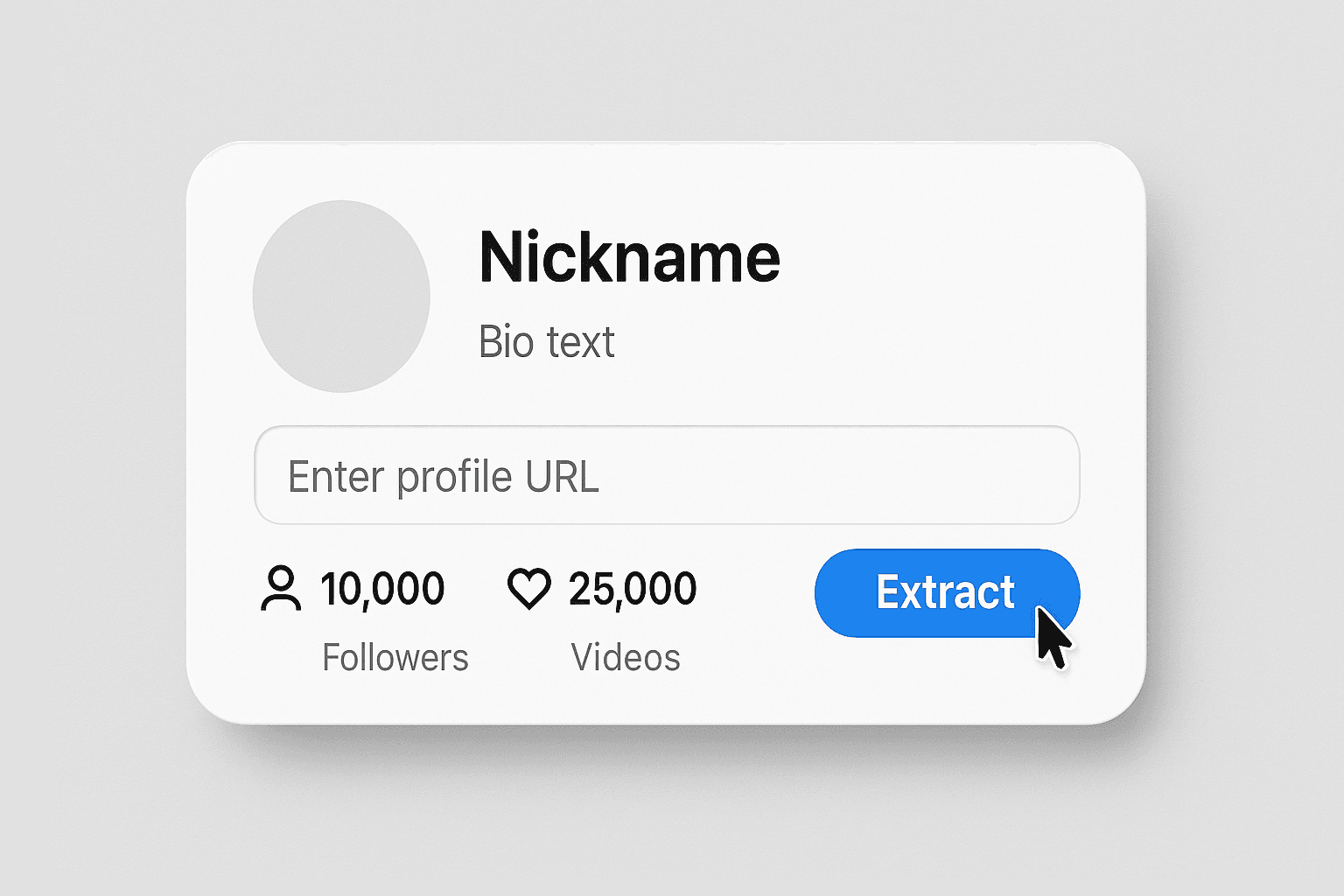
The TikTok Profile Scraper allows you to extract essential details from any public TikTok profile by simply entering the profile URL. It gathers data such as nickname, profile picture, bio, signature, number of videos, followers, and total likes. This tool is ideal for social media managers, marketers, and researchers who need to analyze influencer profiles or monitor competitor activity without manual data entry.
เริ่มใช้ฟรี
1-Collect Key TikTok Profile Information.png

Automate Social Media Research

By automating the extraction of TikTok profile data, you can save significant time compared to manual research. The tool ensures accuracy by capturing all relevant fields in a structured table, reducing the risk of missing important information. This is especially useful for agencies and brands tracking multiple profiles or compiling influencer lists for campaigns.
เริ่มใช้ฟรี
2-Automate Social Media Research.png

Export Data for Reporting and Collaboration
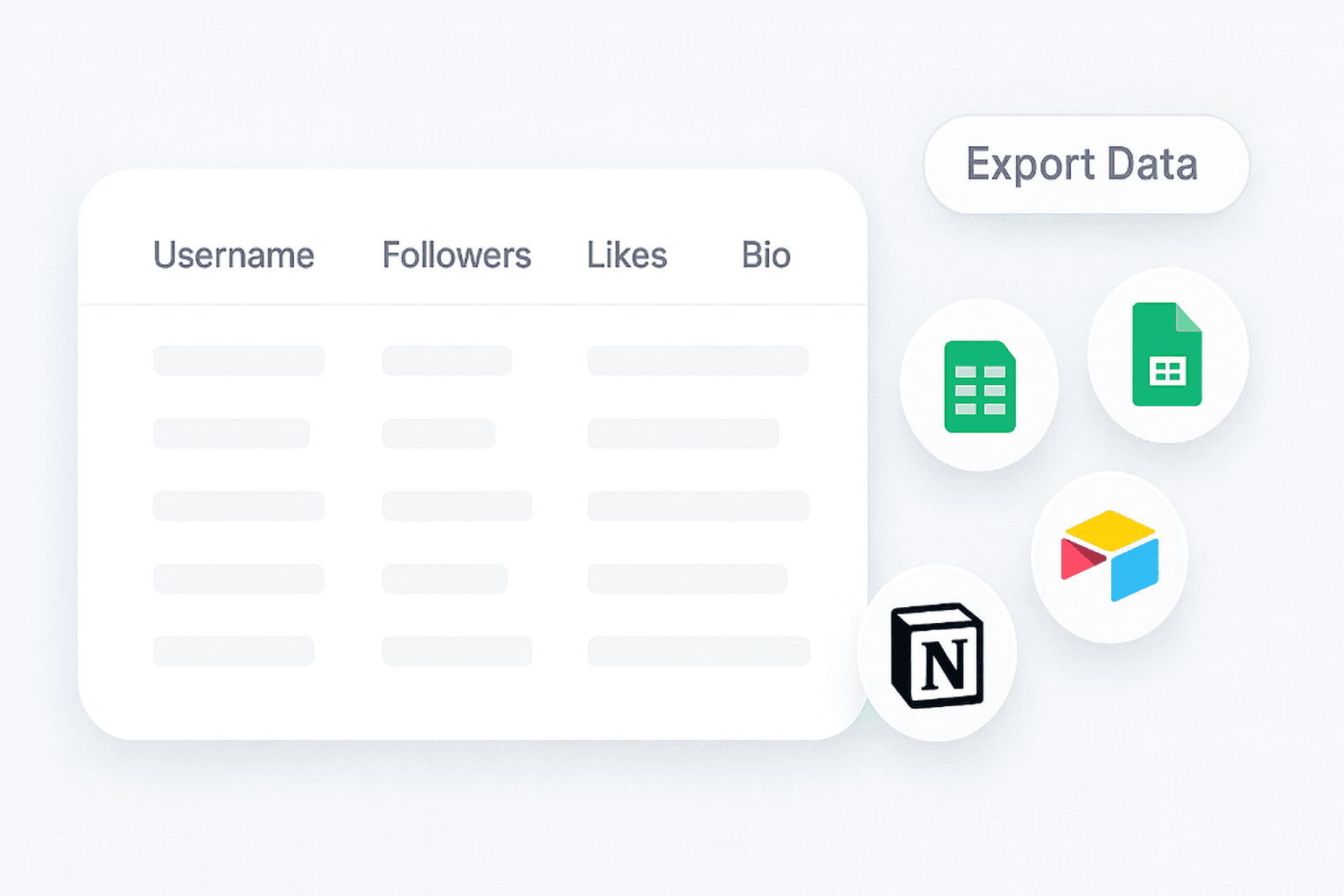
Once the TikTok profile data is extracted, you can export the results to Excel, Google Sheets, Airtable, or Notion. The output is organized in a table format, making it easy to integrate into your existing reporting workflows or share with your team. This streamlines the process of building reports, tracking influencer metrics, or maintaining up-to-date records.
เริ่มใช้ฟรี
3-Export Data for Reporting and Collaboration.png

Support Influencer Marketing and Competitive Analysis
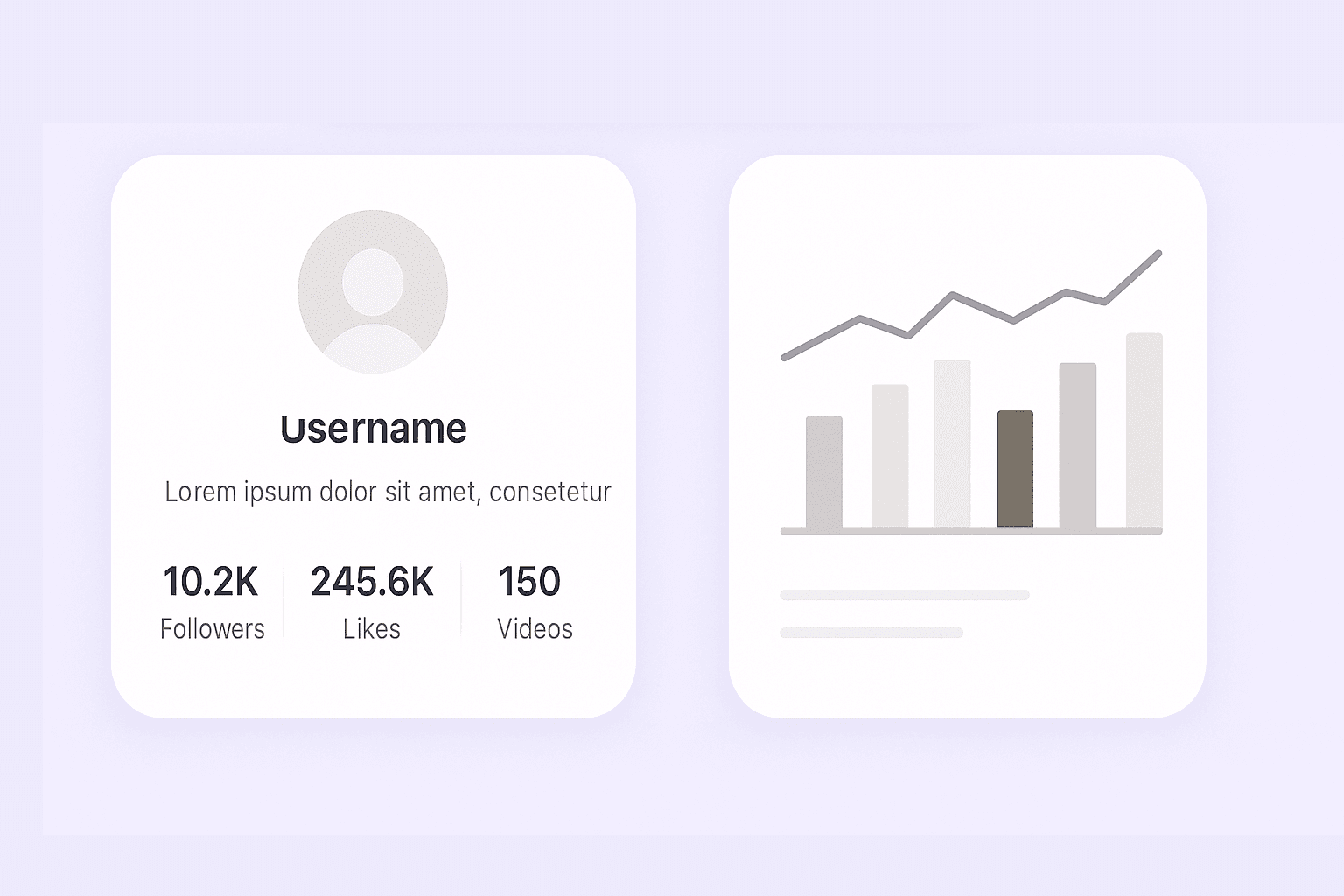
Use the TikTok Profile Scraper to quickly gather data for influencer vetting, campaign planning, or competitor benchmarking. By having access to up-to-date profile statistics and bios, marketing teams can make informed decisions about partnerships and monitor trends in their industry. The tool is also valuable for researchers studying social media engagement and content strategies.
เริ่มใช้ฟรี
4-Support Influencer Marketing and Competitive Analysis.png

ค้นหาเครื่องมือฟรีเพิ่มเติม

ตัวดาวน์โหลดภาพปก YouTube

ดึงภาพปกวิดีโอจาก URL ได้คมชัดสูง ดูตัวอย่างได้หลายขนาด และดาวน์โหลดเวอร์ชันที่ต้องการได้โดยไม่ต้องสมัครสมาชิก

เครื่องมือสร้างแฮชแท็กโซเชียลมีเดีย

อัปโหลดรูปภาพใดก็ได้ แล้วสร้างแฮชแท็กโซเชียลมีเดียที่ดีที่สุดด้วย AI ทันที เพิ่มการมองเห็น ดึงดูดกลุ่มเป้าหมาย และเพิ่มการมีส่วนร่วมด้วยคำแนะนำแฮชแท็กที่ปรับให้เหมาะกับคอนเทนต์ของคุณ เหมาะสำหรับอินฟลูเอนเซอร์ แบรนด์ และครีเอเตอร์ที่อยากเติบโตบนโซเชียลมีเดียได้เร็วขึ้น

เครื่องมือดึงคำบรรยาย YouTube

ดึงบทพูดจากวิดีโอจาก URL แล้วได้ข้อความที่สะอาด อ่านง่าย พร้อมเวลาประทับ คัดลอกหรือดาวน์โหลดคำบรรยายสำหรับบันทึก การวิจัย และการทบทวนคอนเทนต์

ตัวดึงข้อมูลช่อง YouTube

ดึงวิดีโอสาธารณะจากช่อง YouTube ออกมาเป็นตารางที่มีโครงสร้าง พร้อมชื่อวิดีโอ คำอธิบาย วันที่เผยแพร่ และสถิติใช้งาน นำไปวิเคราะห์แนวโน้มผลงานและค้นหาคอนเทนต์ได้เร็วขึ้น

เครื่องมือดึงข้อมูลการเปิดตัวบน Product Hunt

ดึงข้อมูลสินค้าใหม่ที่เปิดตัวรายวันบน Product Hunt และรับข้อมูลแบบมีโครงสร้างสำหรับวิเคราะห์เทรนด์ หาไอเดีย หรือศึกษาคู่แข่ง

เครื่องมือดึงข้อมูล Pinterest

ดึงข้อมูล Pinterest แบบมีโครงสร้างจากพิน กระดาน โปรไฟล์ และผลการค้นหา รับผลลัพธ์ที่สะอาดพร้อมใช้งานสำหรับงานวิจัย การติดตามเทรนด์ และการรวบรวมคอนเทนต์

เครื่องมือสร้างแท็ก YouTube

สร้างไอเดียแท็ก YouTube ที่ตรงกับเนื้อหาจากชื่อวิดีโอของคุณ เพื่อให้สอดคล้องกับความตั้งใจของผู้ชมและเพิ่มการมองเห็นในการค้นหา รับคำแนะนำที่คำนึงถึงทั้งกลุ่มเฉพาะทางและภาษา พร้อมนำไปคัดลอกได้ในไม่กี่วินาที

หาเครื่องมือเพิ่มเติมตอนนี้

ผู้ใช้พูดถึง Thunderbit ว่าอย่างไร

Taryn W.Growth Strategist@Thunderbit เปลี่ยนวิธีที่ฉันทำรีเสิร์ชคู่แข่งไปเลย ฉันกด 'AI Suggest Fields' แล้วมันสร้างตารางสะอาด ๆ จากผลลัพธ์หลายหน้าให้ทันที—ไม่ต้องเขียนโค้ด ไม่ต้องใช้ CSS ช่วยประหยัดเวลามหาศาลตอนวิเคราะห์ข้อมูลสินค้าจากมาร์เก็ตเพลสเฉพาะกลุ่ม
Miles T.Sales Development Consultantฉันใช้ Thunderbit ดึงอีเมลและเบอร์โทรจากไดเรกทอรี มันดึงข้อมูลติดต่อได้สะอาดในคลิกเดียว และส่งออกไป Sheets หรือ Notion ก็ใช้เวลาแค่ไม่กี่วินาที ไม่ต้องตั้งค่าเพิ่ม ไม่ต้องเขียนโค้ด ได้ข้อมูลพร้อมใช้งานทันที
Rhea C.E-commerce AnalystThunderbit ช่วยให้ฉันเฝ้าดูข้อมูล SKU ข้ามหลายหน้าได้ ฉันดึงรายการสินค้า แล้วใช้ Subpage Scraping เพื่อเก็บสเปกสินค้า ราคา รีวิว และสต็อกครบ AI จะจัดทุกอย่างลงคอลัมน์ตามที่ฉันกำหนด
Cassian B.Real Estate AdvisorScheduled Scraper ของ Thunderbit ทำให้การติดตามอสังหาง่ายขึ้นมาก ฉันแค่พิมพ์ช่วงเวลาเป็นภาษาคน แล้วระบบก็จะดึงประกาศ ราคา และลิงก์ล่าสุดให้อัตโนมัติ โดยไม่ต้องกลับไปตั้งค่าใหม่เลย ง่ายและใช้ได้จริงมาก
Dorian B.Content & SEO Specialistฉันใช้ Field AI Prompts ของ Thunderbit เพื่อทำความสะอาดและใส่แท็กคอนเทนต์บล็อกที่ดึงมา มันดึงหัวข้อ ผู้เขียน และยังช่วยแนะนำหมวดหมู่ได้ด้วย ใช้ได้ดีทั้งกับเว็บที่เปลี่ยนแปลงตลอดและหน้า subpage—เหมาะมากสำหรับสร้างชุดข้อมูล SEO แบบมีโครงสร้าง
Lina K.Marketplace Operations Leadเราติดตาม SKU จากร้านเฉพาะกลุ่มด้วย Thunderbit โดย Cloud Scraping จัดการได้ครั้งละ 50 หน้า และสำหรับเว็บที่ต้องล็อกอิน เราก็สลับไปใช้โหมด browser มันเร็ว ยืดหยุ่น และไม่ต้องคอยดูแลหรือแก้ไขเองเรื่อย ๆ
Jorge F.Inbound Sales ManagerAI Autofill ของ Thunderbit ช่วยชีวิตสุด ๆ หลังดึงข้อมูลติดต่อมาแล้ว ฉันใช้มันกรอกฟอร์มลีดตรงในเบราว์เซอร์ แค่เลือกแท็บ มันก็เติมทุกช่องจากแถวข้อมูลที่ดึงมา ไม่ต้องกรอกเองเลย
Alina D.Freelance Researcherฉันพึ่ง Thunderbit ในการดึงข้อมูลจาก PDF เว็บที่เป็นรูปภาพ และหน้าแบบ infinite scroll มันจัดการข้อมูลที่ยุ่งยากด้วย AI และส่งออกเป็นตารางพร้อมใช้ที่ฉันจะส่งไป Google Sheets หรือ Airtable ได้ในไม่กี่วินาที
Taryn W.Growth Strategist@Thunderbit เปลี่ยนวิธีที่ฉันทำรีเสิร์ชคู่แข่งไปเลย ฉันกด 'AI Suggest Fields' แล้วมันสร้างตารางสะอาด ๆ จากผลลัพธ์หลายหน้าให้ทันที—ไม่ต้องเขียนโค้ด ไม่ต้องใช้ CSS ช่วยประหยัดเวลามหาศาลตอนวิเคราะห์ข้อมูลสินค้าจากมาร์เก็ตเพลสเฉพาะกลุ่ม
Miles T.Sales Development Consultantฉันใช้ Thunderbit ดึงอีเมลและเบอร์โทรจากไดเรกทอรี มันดึงข้อมูลติดต่อได้สะอาดในคลิกเดียว และส่งออกไป Sheets หรือ Notion ก็ใช้เวลาแค่ไม่กี่วินาที ไม่ต้องตั้งค่าเพิ่ม ไม่ต้องเขียนโค้ด ได้ข้อมูลพร้อมใช้งานทันที
Rhea C.E-commerce AnalystThunderbit ช่วยให้ฉันเฝ้าดูข้อมูล SKU ข้ามหลายหน้าได้ ฉันดึงรายการสินค้า แล้วใช้ Subpage Scraping เพื่อเก็บสเปกสินค้า ราคา รีวิว และสต็อกครบ AI จะจัดทุกอย่างลงคอลัมน์ตามที่ฉันกำหนด
Cassian B.Real Estate AdvisorScheduled Scraper ของ Thunderbit ทำให้การติดตามอสังหาง่ายขึ้นมาก ฉันแค่พิมพ์ช่วงเวลาเป็นภาษาคน แล้วระบบก็จะดึงประกาศ ราคา และลิงก์ล่าสุดให้อัตโนมัติ โดยไม่ต้องกลับไปตั้งค่าใหม่เลย ง่ายและใช้ได้จริงมาก
Dorian B.Content & SEO Specialistฉันใช้ Field AI Prompts ของ Thunderbit เพื่อทำความสะอาดและใส่แท็กคอนเทนต์บล็อกที่ดึงมา มันดึงหัวข้อ ผู้เขียน และยังช่วยแนะนำหมวดหมู่ได้ด้วย ใช้ได้ดีทั้งกับเว็บที่เปลี่ยนแปลงตลอดและหน้า subpage—เหมาะมากสำหรับสร้างชุดข้อมูล SEO แบบมีโครงสร้าง
Lina K.Marketplace Operations Leadเราติดตาม SKU จากร้านเฉพาะกลุ่มด้วย Thunderbit โดย Cloud Scraping จัดการได้ครั้งละ 50 หน้า และสำหรับเว็บที่ต้องล็อกอิน เราก็สลับไปใช้โหมด browser มันเร็ว ยืดหยุ่น และไม่ต้องคอยดูแลหรือแก้ไขเองเรื่อย ๆ
Jorge F.Inbound Sales ManagerAI Autofill ของ Thunderbit ช่วยชีวิตสุด ๆ หลังดึงข้อมูลติดต่อมาแล้ว ฉันใช้มันกรอกฟอร์มลีดตรงในเบราว์เซอร์ แค่เลือกแท็บ มันก็เติมทุกช่องจากแถวข้อมูลที่ดึงมา ไม่ต้องกรอกเองเลย
Alina D.Freelance Researcherฉันพึ่ง Thunderbit ในการดึงข้อมูลจาก PDF เว็บที่เป็นรูปภาพ และหน้าแบบ infinite scroll มันจัดการข้อมูลที่ยุ่งยากด้วย AI และส่งออกเป็นตารางพร้อมใช้ที่ฉันจะส่งไป Google Sheets หรือ Airtable ได้ในไม่กี่วินาที

คำถามที่พบบ่อย

ดึงข้อมูลด้วย AI
ส่งข้อมูลไปยัง Google Sheets, Airtable หรือ Notion ได้อย่างง่ายดาย
Chrome Store Rating
PRODUCT HUNT#1 Product of the Week