เครื่องมือดึงข้อมูลการเปิดตัวบน Product Hunt

โดย
Scrape daily new product launches from Product Hunt and get structured data for trend analysis, inspiration, or competitor research.

อยากดึงข้อมูลแบบจำนวนมากใช่ไหม? ลองใช้ Thunderbit ฟรี

Chrome Store Rating
PRODUCT HUNT#1 Product of the Week
Accenture logoCriteo logoGrammarly logoVerisk logoklook logoPuma logoRingCentral logoAccenture logoCriteo logoGrammarly logoVerisk logoklook logoPuma logoRingCentral logoAccenture logoCriteo logoGrammarly logoVerisk logoklook logoPuma logoRingCentral logoAccenture logoCriteo logoGrammarly logoVerisk logoklook logoPuma logoRingCentral logoAccenture logoCriteo logoGrammarly logoVerisk logoklook logoPuma logoRingCentral logoAccenture logoCriteo logoGrammarly logoVerisk logoklook logoPuma logoRingCentral logo
Discover New Product Hunt Launches FastExtract daily product data from Product Hunt’s Launches page in seconds—no manual copy-paste required.
chrome-web-store
ติดตั้งจากChrome Web Store

Discover New Product Hunt Launches Fast

Monitor new product launches, upvotes, and categories on Product Hunt with Thunderbit’s AI-powered scraper. Just provide the Launches page URL and receive a clean, structured table with product names, descriptions, upvotes, and more—ideal for market research or inspiration. Thunderbit supports scraping subpages, extracting additional details, and exporting your data to Google Sheets, Airtable, or Notion. Analyze trends, compare competitors, and keep your research organized with minimal effort.

How to Scrape Product Hunt Launches Using Thunderbit

step_01.png
STEP 1Download and InstallDownload and install the Thunderbit Chrome Extension from the Thunderbit Chrome Extension Download Page. Once installed, log in or create a free account to get started.
step_02.png
STEP 2Open ExtensionNavigate to the Product Hunt Launches page you want to scrape, such as https://www.producthunt.com/launches. Open the Thunderbit Chrome Extension and select the "Product Hunt Launches Scraper" tool from the menu. Paste the URL of the Product Hunt Launches page into the provided input field.
step03.png
STEP 3Click the Scrape Launches ButtonClick the "Scrape Launches" button. Thunderbit will process the page and extract product information including Product Name, Product URL, Product Description, Product Category, Upvotes, and Comments Count into a structured table. You can then export the results to Excel, Google Sheets, Airtable, Notion, or download them as CSV or JSON.

Learn how to extract daily product launches from Product Hunt

Scrape Product Hunt Launches for Key Product Data

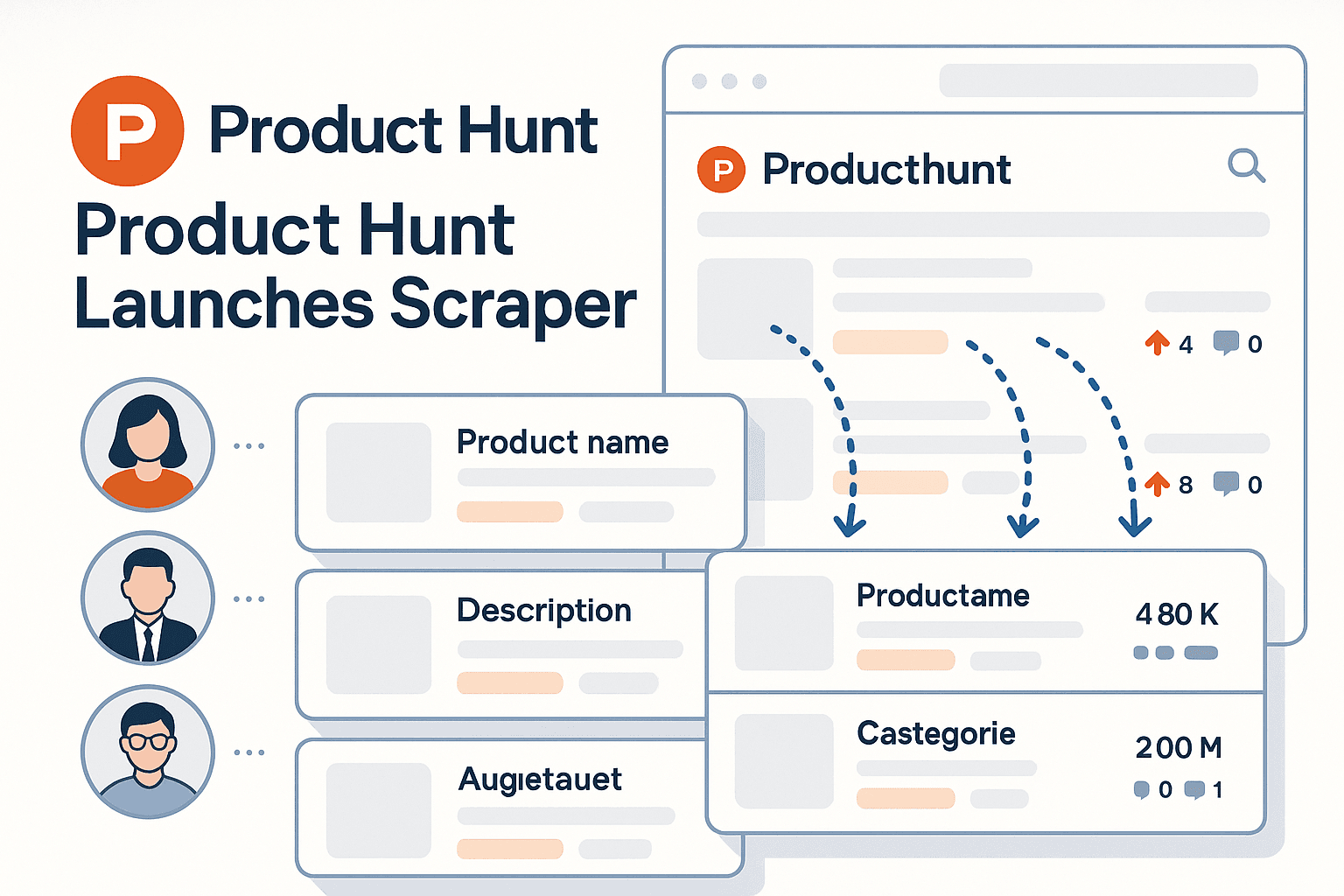
The Product Hunt Launches Scraper allows you to collect structured information from the Product Hunt Launches page. By simply entering the page URL, you can gather details such as product name, description, category, upvotes, and comments. This tool is ideal for entrepreneurs, marketers, and analysts who want to monitor new tech trends or keep an eye on emerging competitors without manual data collection.
เริ่มต้นฟรี
product_hunt_scraper (1).png

Automate Trend Analysis and Competitor Research

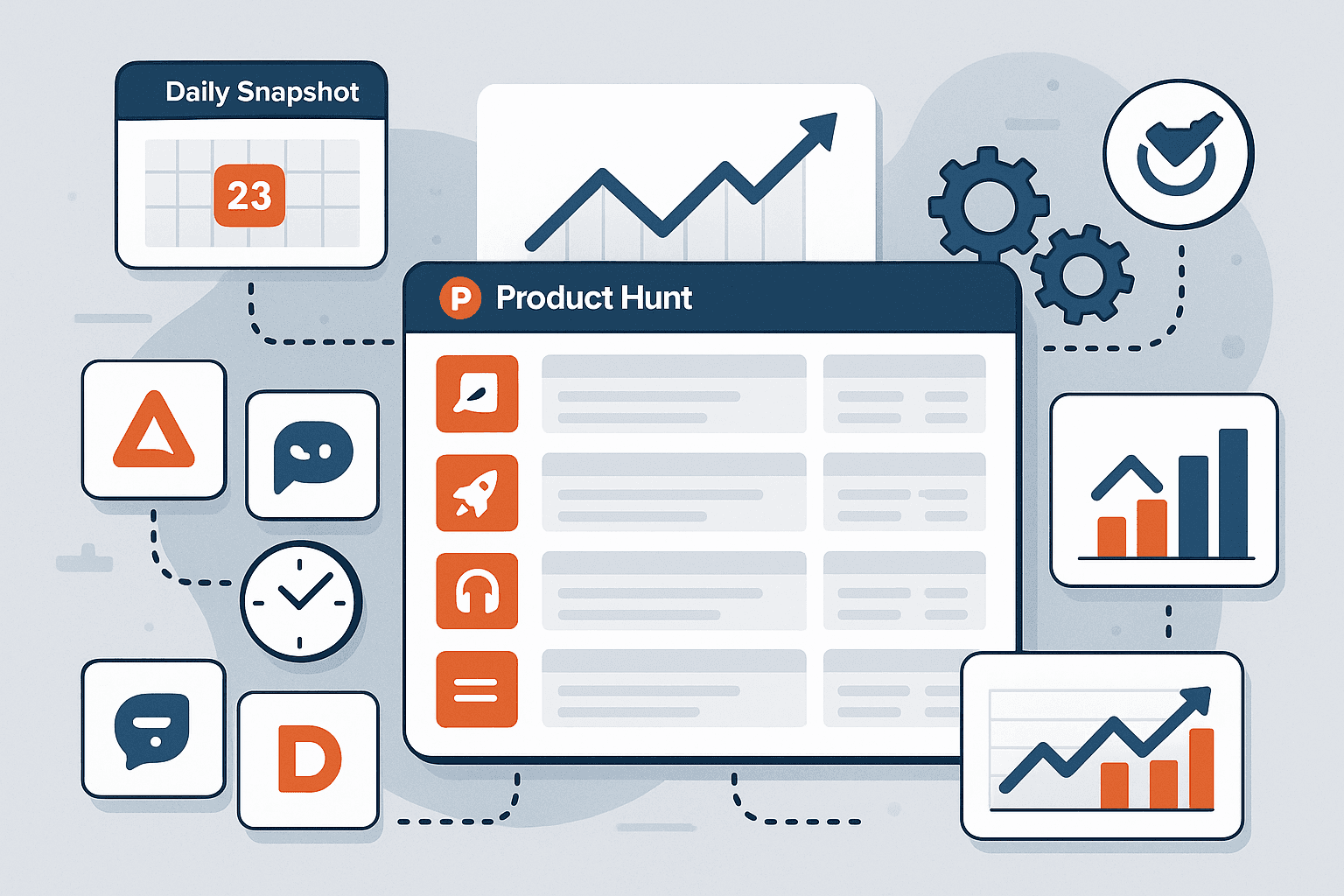
With this tool, you can quickly build a daily snapshot of newly launched products, making it easier to spot trends and analyze market movements. The scraper organizes all relevant data into a table, saving you hours of manual research. Whether you’re tracking up-and-coming startups or gathering inspiration for your next project, this tool streamlines the process and increases the accuracy of your findings.
เริ่มต้นฟรี
product_hunt_trend_analysis (1).png

Export and Integrate Product Data Effortlessly

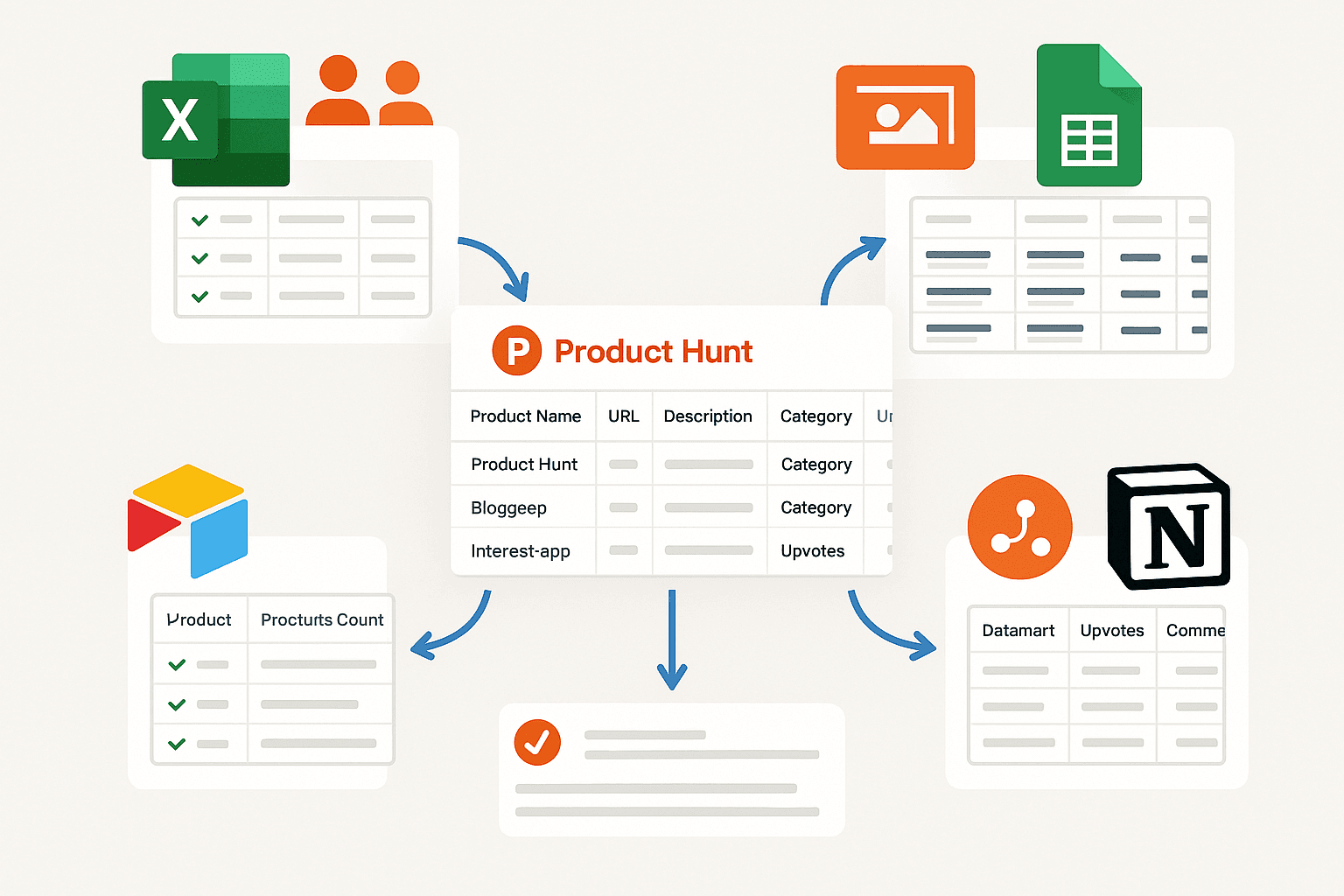
After scraping, you can export the collected product data to Excel, Google Sheets, Airtable, or Notion. The output is formatted as a table with columns for product name, URL, description, category, upvotes, and comments count. This makes it easy to integrate the data into your existing workflows, create custom dashboards, or share insights with your team for further analysis.
เริ่มต้นฟรี
product_hunt_data_export (1).png

Support Inspiration Gathering and Product Discovery

Use the structured data to build inspiration boards, track product launches over time, or curate lists of interesting tools. Designers, founders, and product managers can leverage this information to discover new ideas, benchmark against competitors, or identify gaps in the market. The organized output ensures you always have the latest product information at your fingertips for brainstorming or strategic planning.
เริ่มต้นฟรี
product_hunt_inspiration.png

ค้นพบเครื่องมือฟรีเพิ่มเติม

เครื่องมือดึงแท็ก (Tag Extractor)

ดึงแท็กเมตาดาต้าและรายละเอียดสำคัญของโพสต์จาก URL โซเชียลมีเดีย พร้อมได้รายการคีย์เวิร์ดที่สะอาดและฟิลด์แบบมีโครงสร้างสำหรับงานวิจัยและการวางแผน SEO

Post Scraper

ดึงรายละเอียดโพสต์สาธารณะ ตัวชี้วัดการมีส่วนร่วม และข้อมูลผู้เขียนจาก URL ของโพสต์ สร้างเป็นตารางที่สะอาดพร้อมวิเคราะห์และส่งออกได้ภายในไม่กี่นาที

เครื่องมือสร้างแฮชแท็กโซเชียลมีเดีย

อัปโหลดรูปภาพใดก็ได้ แล้วสร้างแฮชแท็กโซเชียลมีเดียที่ดีที่สุดด้วย AI ทันที เพิ่มการมองเห็น ดึงดูดกลุ่มเป้าหมาย และเพิ่มการมีส่วนร่วมด้วยคำแนะนำแฮชแท็กที่ปรับให้เหมาะกับคอนเทนต์ของคุณ เหมาะสำหรับอินฟลูเอนเซอร์ แบรนด์ และครีเอเตอร์ที่อยากเติบโตบนโซเชียลมีเดียได้เร็วขึ้น

เครื่องมือดึงคำถอดเสียง (Transcript Extractor)

แปลงลิงก์วิดีโอให้เป็นคำถอดเสียงแบบมีโครงสร้าง พร้อมระบุผู้พูดและไทม์สแตมป์ เก็บเมทาดาทาสำคัญ และส่งออกเป็นตารางที่อ่านง่ายเพื่อใช้วิเคราะห์และนำไปใช้ต่อได้ทันที

เครื่องมือสแครปช่อง YouTube

ดึงข้อมูลวิดีโอจากช่องสาธารณะให้อยู่ในตารางที่เป็นระเบียบ พร้อมชื่อเรื่อง คำอธิบาย วันที่ และสถิติสำคัญ ใช้เพื่อวิเคราะห์แนวโน้มผลงานและทำรีเสิร์ชคอนเทนต์ได้เร็วขึ้น

เครื่องมือส่งออกคอมเมนต์จากโพสต์

ดึงคอมเมนต์จาก URL หรือ ID ของโพสต์ แล้วดาวน์โหลดเป็น CSV หรือ JSON ได้ทันที พร้อมฟิลด์แบบมีโครงสร้าง เช่น ผู้เขียน ข้อความ เวลา และเมทาดาทาเพื่อใช้วิเคราะห์

เครื่องมือสร้างแท็ก YouTube

สร้างไอเดียแท็ก YouTube ที่เกี่ยวข้องจากชื่อวิดีโอของคุณ เพื่อให้ตรงกับเจตนาการค้นหาของผู้ชมและเพิ่มโอกาสการมองเห็นบนผลการค้นหา ได้คำแนะนำที่คำนึงถึงทั้งนิชและภาษา คัดลอกไปใช้ได้ภายในไม่กี่วินาที

เครื่องมือสร้างแคปชัน TikTok

สร้างแคปชันพร้อมใช้สำหรับ TikTok จากหัวข้อ อารมณ์ หรือคีย์เวิร์ดของคุณ ได้ตัวเลือกสั้น กระชับ น่าอ่าน พร้อมแฮชแท็กที่เกี่ยวข้องเพื่อช่วยเพิ่มยอดวิวและคอมเมนต์

เครื่องมือดาวน์โหลดรูปภาพ Ameblo ฟรีออนไลน์

ดึงรูปภาพจาก URL โพสต์ Ameblo แบบสาธารณะและดาวน์โหลดเป็นไฟล์แยกหรือไฟล์ ZIP ช่วยประหยัดเวลาเมื่อเก็บถาวรหรือรวบรวมภาพประกอบ

เครื่องมือเขียนโพสต์โซเชียลมีเดีย

สร้างโพสต์โซเชียลให้พร้อมใช้บนแต่ละแพลตฟอร์มจากหัวข้อหรือคีย์เวิร์ด ช่วยประหยัดเวลา พร้อมคงข้อความให้ชัดเจนและน่าสนใจ

เครื่องมือสร้างโพสต์ LinkedIn

สร้างโพสต์ LinkedIn ที่ดูเป็นมืออาชีพจากหัวข้อ กลุ่มเป้าหมาย และโทนที่ต้องการ ได้ร่างแบบมีโครงสร้างครบ ทั้งประโยคเปิดที่ดึงดูดและ CTA ชัดเจน ช่วยประหยัดเวลาและโพสต์ได้อย่างมั่นใจ

ตัวดึงแท็ก YouTube

ดึงแท็กวิดีโอจาก URL ของ YouTube ได้ทุกลิงก์ เพื่อค้นหาคีย์เวิร์ดสำหรับ SEO และการวางแผนคอนเทนต์ รับรายการที่สะอาดเรียบร้อย พร้อมคัดลอก เรียงลำดับ และนำกลับไปใช้เพื่อการปรับแต่งได้เลย

เครื่องมือดาวน์โหลดภาพปก YouTube

ดาวน์โหลดภาพปก YouTube จากผลการค้นหา หน้าแชนเนล หรือ URL ของวิดีโอ รับลิงก์ตรงหลายความละเอียด และส่งออกผลลัพธ์เป็น CSV เพื่อใช้งานต่อได้อย่างรวดเร็ว

เครื่องมือสร้างแคปชัน Instagram

สร้างไอเดียแคปชันจากโน้ตภาพหรือคีย์เวิร์ดของคุณ รับตัวเลือกหลากหลายที่เข้ากับอารมณ์หรือธีม ช่วยประหยัดเวลาและทำให้โพสต์น่าสนใจอยู่เสมอ

เครื่องมือดึงชื่อวิดีโอจาก YouTube

ดึงชื่อทางการของวิดีโอจาก URL ได้อย่างแม่นยำ รวดเร็ว สำหรับการติดตามงาน วิจัย และการจัดระเบียบคอนเทนต์

ตัวดึงข้อมูลโพสต์ Reddit

ดึงโพสต์ Reddit ตามชื่อซับเรดดิทหรือคีย์เวิร์ดที่ค้นหา แล้วรับข้อมูลชื่อเรื่อง ผู้เขียน เวลาโพสต์ และข้อความสรุปในตารางที่อ่านง่ายสำหรับนำไปวิเคราะห์

หาเครื่องมือเพิ่มเติมตอนนี้

ผู้ใช้พูดถึง Thunderbit ว่าอย่างไร

Taryn W.Growth Strategist@Thunderbit เปลี่ยนวิธีที่ฉันทำรีเสิร์ชคู่แข่งไปเลย ฉันกด 'AI Suggest Fields' แล้วมันก็สร้างตารางที่สะอาดจากผลลัพธ์หลายหน้าให้ทันที—ไม่ต้องเขียนโค้ด ไม่ต้องแตะ CSS ช่วยประหยัดเวลาได้มากตอนวิเคราะห์ข้อมูลสินค้าจากมาร์เก็ตเพลสเฉพาะกลุ่ม
Miles T.Sales Development Consultantฉันใช้ Thunderbit ดึงอีเมลและเบอร์โทรจากไดเรกทอรี มันดึงข้อมูลติดต่อได้สะอาดในคลิกเดียว และส่งออกไป Sheets หรือ Notion ก็ใช้เวลาแค่ไม่กี่วินาที ไม่ต้องตั้งค่าเพิ่ม ไม่ต้องเขียนโค้ด—ได้ข้อมูลพร้อมใช้งานทันที
Rhea C.E-commerce AnalystThunderbit ช่วยให้ฉันติดตามข้อมูล SKU ข้ามหลายหน้าได้ ฉันดึงรายการสินค้า แล้วใช้ Subpage Scraping เพื่อเก็บสเปกสินค้า ราคา รีวิว และสต็อกแบบครบ ๆ AI จัดทุกอย่างลงคอลัมน์ตามที่ฉันกำหนด
Cassian B.Real Estate AdvisorScheduled Scraper ของ Thunderbit ทำให้การติดตามอสังหาฯ ง่ายขึ้นมาก ฉันแค่บอกช่วงเวลาที่ต้องการเป็นภาษาธรรมดา แล้วมันก็ไปดึงรายการ ราคา และลิงก์ที่อัปเดตให้เอง โดยไม่ต้องกลับมาแตะการตั้งค่าอีก เรียบง่ายและใช้งานได้จริงมาก
Dorian B.Content & SEO Specialistฉันใช้ Field AI Prompts ของ Thunderbit เพื่อทำความสะอาดและติดแท็กคอนเทนต์บล็อกที่ดึงมา มันดึงหัวข้อ ผู้เขียน และยังช่วยแนะนำหมวดหมู่ได้ด้วย ใช้ได้ดีทั้งกับเว็บไดนามิกและ subpage—เหมาะมากสำหรับสร้างชุดข้อมูล SEO แบบมีโครงสร้าง
Lina K.Marketplace Operations Leadเราติดตาม SKU จากร้านเฉพาะกลุ่มด้วย Thunderbit Cloud Scraping จัดการได้ครั้งละ 50 หน้า และถ้าเป็นเว็บที่ต้องล็อกอิน เราก็สลับไปใช้โหมดเบราว์เซอร์ได้ มันเร็ว ยืดหยุ่น และไม่ต้องดูแลหรือแก้ไขเองต่อเนื่อง
Jorge F.Inbound Sales ManagerAI Autofill ของ Thunderbit ช่วยชีวิตมาก หลังดึงข้อมูลติดต่อแล้ว ฉันใช้มันเติมฟอร์มลีดตรงในเบราว์เซอร์ แค่เลือกแท็บ มันก็กรอกทุกอย่างจากแถวข้อมูลที่ดึงมา ไม่ต้องพิมพ์เองเลย
Alina D.Freelance Researcherฉันพึ่ง Thunderbit ในการดึงข้อมูลจาก PDF เว็บที่เป็นรูปภาพ และหน้าที่เลื่อนแบบไม่สิ้นสุด มันจัดการฟอร์แมตที่ยุ่งยากด้วย AI และส่งออกเป็นตารางที่พร้อมใช้งาน ส่งต่อไป Google Sheets หรือ Airtable ได้ในไม่กี่วินาที
Taryn W.Growth Strategist@Thunderbit เปลี่ยนวิธีที่ฉันทำรีเสิร์ชคู่แข่งไปเลย ฉันกด 'AI Suggest Fields' แล้วมันก็สร้างตารางที่สะอาดจากผลลัพธ์หลายหน้าให้ทันที—ไม่ต้องเขียนโค้ด ไม่ต้องแตะ CSS ช่วยประหยัดเวลาได้มากตอนวิเคราะห์ข้อมูลสินค้าจากมาร์เก็ตเพลสเฉพาะกลุ่ม
Miles T.Sales Development Consultantฉันใช้ Thunderbit ดึงอีเมลและเบอร์โทรจากไดเรกทอรี มันดึงข้อมูลติดต่อได้สะอาดในคลิกเดียว และส่งออกไป Sheets หรือ Notion ก็ใช้เวลาแค่ไม่กี่วินาที ไม่ต้องตั้งค่าเพิ่ม ไม่ต้องเขียนโค้ด—ได้ข้อมูลพร้อมใช้งานทันที
Rhea C.E-commerce AnalystThunderbit ช่วยให้ฉันติดตามข้อมูล SKU ข้ามหลายหน้าได้ ฉันดึงรายการสินค้า แล้วใช้ Subpage Scraping เพื่อเก็บสเปกสินค้า ราคา รีวิว และสต็อกแบบครบ ๆ AI จัดทุกอย่างลงคอลัมน์ตามที่ฉันกำหนด
Cassian B.Real Estate AdvisorScheduled Scraper ของ Thunderbit ทำให้การติดตามอสังหาฯ ง่ายขึ้นมาก ฉันแค่บอกช่วงเวลาที่ต้องการเป็นภาษาธรรมดา แล้วมันก็ไปดึงรายการ ราคา และลิงก์ที่อัปเดตให้เอง โดยไม่ต้องกลับมาแตะการตั้งค่าอีก เรียบง่ายและใช้งานได้จริงมาก
Dorian B.Content & SEO Specialistฉันใช้ Field AI Prompts ของ Thunderbit เพื่อทำความสะอาดและติดแท็กคอนเทนต์บล็อกที่ดึงมา มันดึงหัวข้อ ผู้เขียน และยังช่วยแนะนำหมวดหมู่ได้ด้วย ใช้ได้ดีทั้งกับเว็บไดนามิกและ subpage—เหมาะมากสำหรับสร้างชุดข้อมูล SEO แบบมีโครงสร้าง
Lina K.Marketplace Operations Leadเราติดตาม SKU จากร้านเฉพาะกลุ่มด้วย Thunderbit Cloud Scraping จัดการได้ครั้งละ 50 หน้า และถ้าเป็นเว็บที่ต้องล็อกอิน เราก็สลับไปใช้โหมดเบราว์เซอร์ได้ มันเร็ว ยืดหยุ่น และไม่ต้องดูแลหรือแก้ไขเองต่อเนื่อง
Jorge F.Inbound Sales ManagerAI Autofill ของ Thunderbit ช่วยชีวิตมาก หลังดึงข้อมูลติดต่อแล้ว ฉันใช้มันเติมฟอร์มลีดตรงในเบราว์เซอร์ แค่เลือกแท็บ มันก็กรอกทุกอย่างจากแถวข้อมูลที่ดึงมา ไม่ต้องพิมพ์เองเลย
Alina D.Freelance Researcherฉันพึ่ง Thunderbit ในการดึงข้อมูลจาก PDF เว็บที่เป็นรูปภาพ และหน้าที่เลื่อนแบบไม่สิ้นสุด มันจัดการฟอร์แมตที่ยุ่งยากด้วย AI และส่งออกเป็นตารางที่พร้อมใช้งาน ส่งต่อไป Google Sheets หรือ Airtable ได้ในไม่กี่วินาที

Frequently Asked Questions

ดึงข้อมูลด้วย AI
ส่งข้อมูลไปยัง Google Sheets, Airtable หรือ Notion ได้อย่างง่ายดาย
Chrome Store Rating
PRODUCT HUNT#1 Product of the Week