PlayStation Scraper













Unlock PlayStation data with ease
Extract game data from PlayStation's website quickly and effortlessly.
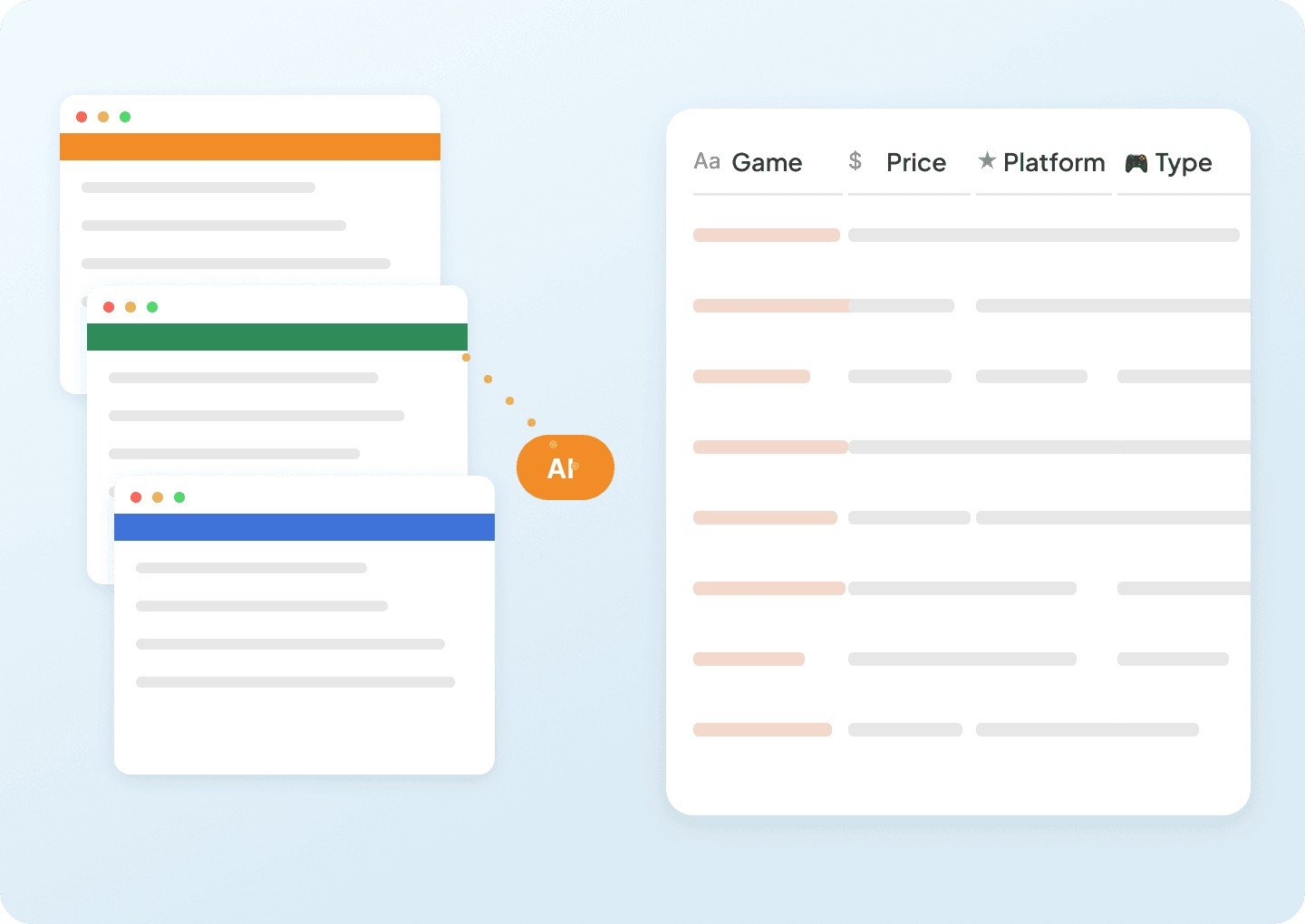
Get clean PlayStation data, instantly
Sifting through raw PlayStation data shouldn't slow you down. Thunderbit automatically cleans and structures game information as it scrapes — delivering formatted titles, prices, ratings, and genres directly into Google Sheets, ready to analyze right away.
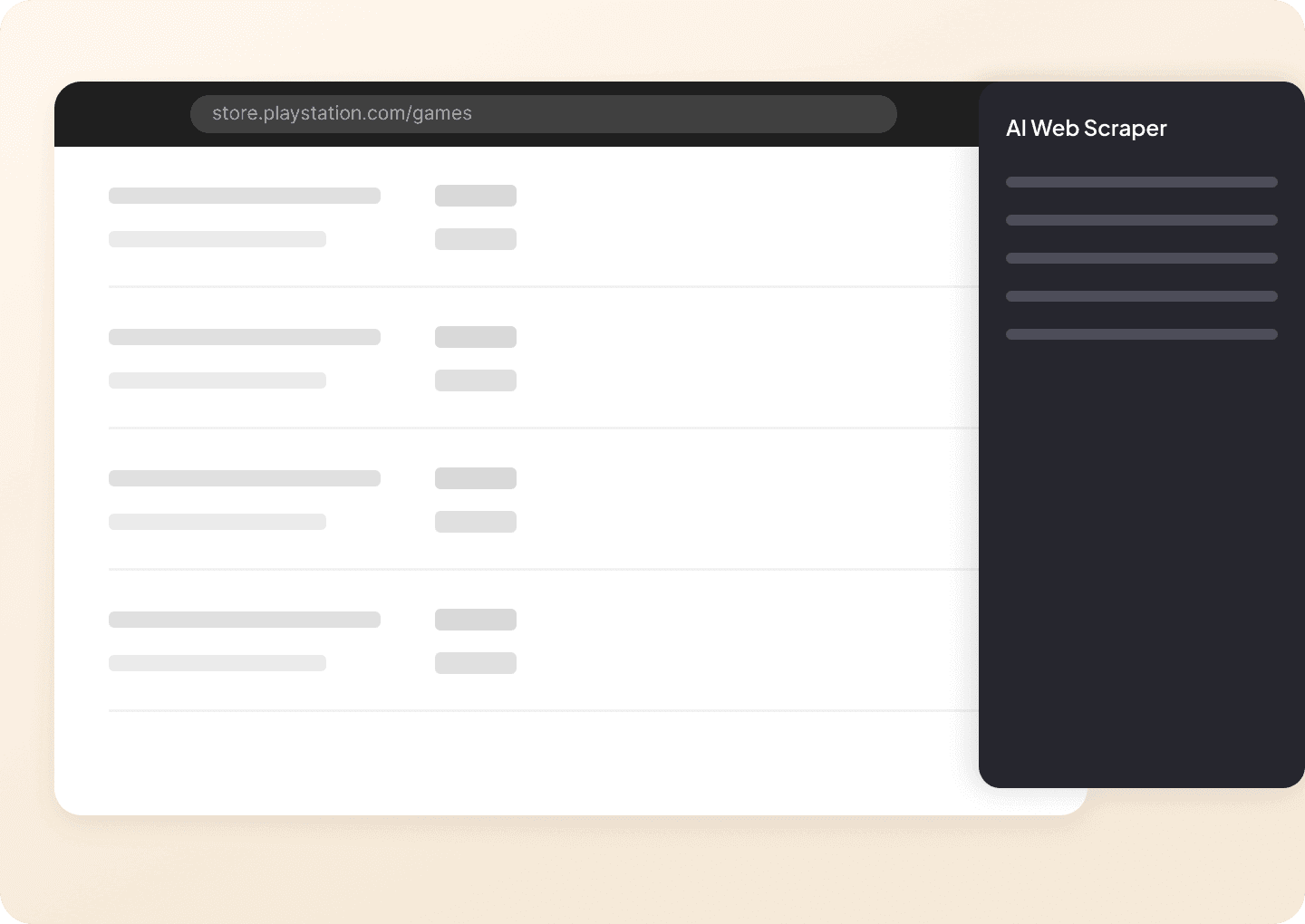
Two clicks to PlayStation data
No complicated setup, no coding required. With Thunderbit, extracting PlayStation data is as simple as pointing and clicking. Just select the game title, price, or rating you need, and Thunderbit captures the information instantly. No CSS selectors, no technical skills needed.
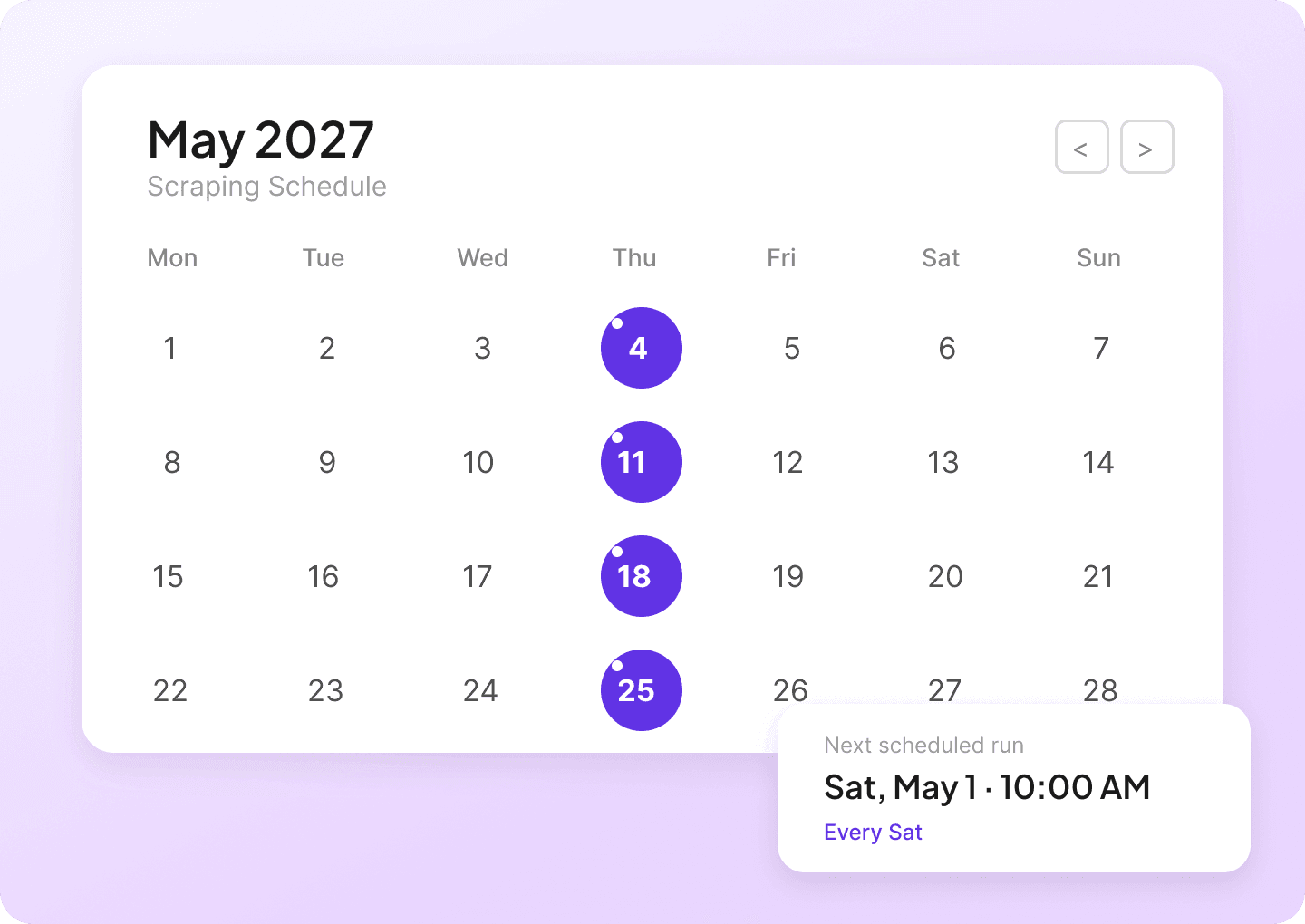
Automate your PlayStation scraping
PlayStation prices and game listings change constantly. Manually checking every day is tedious. Set up scheduled scraping with Thunderbit and have the latest titles, prices, and platform data automatically delivered to your Google Sheet on your schedule. Never miss a price drop or new release again.
Why is Thunderbit Different from Traditional PlayStation Scrapers?
Scrape PlayStation data effortlessly, even when layouts change unexpectedly.
Traditional scrapers
The old way of doing thingsThunderbit AI
The smarter approach







Frequently asked questions
ที่เกี่ยวข้อง กรณีใช้งาน
สำรวจกรณีใช้งานเพิ่มเติมของ web scraper จาก Thunderbit

Price Scraper
Price Scraper ของ Thunderbit ช่วยดึง “ราคาสินค้า” และข้อมูลสำคัญของรายการขายจากมาร์เก็ตเพลสอย่าง Amazon และ eBay ด้วยพลัง AI ใช้ AI Suggest Fields เพื่อเลือกฟิลด์ของผลลัพธ์รายการขาย จากนั้นสแครปหน้ารายละเอียดสินค้าเพื่อเก็บข้อมูลครบขึ้น แล้วส่งออกไปยัง Excel, Google Sheets, Airtable หรือ Notion ได้ทันที
เรียนรู้เพิ่มเติม ->
เครื่องมือสแครปสินค้าบน E-commerce
E-commerce Product Scraper ของ Thunderbit ช่วยดึงข้อมูลรายการสินค้าและข้อมูล SKU แบบละเอียด เพื่อใช้ติดตามราคาในมาร์เก็ตเพลสทั่วโลกและทำ C2C arbitrage ใช้ AI Suggest Fields สแครปหลายหน้า (pagination) และเพิ่มความครบถ้วนด้วยการสแครปจากหน้าสินค้า (Subpage Scraping) ก่อนส่งออกไปยัง Excel, Google Sheets, Airtable หรือ Notion
เรียนรู้เพิ่มเติม ->
Image Scraper
Image Scraper ของ Thunderbit ช่วยดึง URL รูปภาพและข้อมูลที่เกี่ยวข้องบนหน้าเว็บจากทั้งหน้ารายการและหน้ารายละเอียดด้วย AI เพียงกด AI Suggest Fields แล้วกด Scrape ก็เก็บรูปสินค้าและรูปจากโซเชียลได้ทันที พร้อมส่งออกไปยัง Excel, Google Sheets, Airtable, Notion, CSV หรือ JSON
เรียนรู้เพิ่มเติม ->
ThemeForest Scraper
ThemeForest Scraper ของ Thunderbit ช่วยดึงข้อมูลแบบมีโครงสร้างจากหน้ารายการบน ThemeForest ด้วย AI คุณสามารถเก็บข้อมูลผลลัพธ์ของเทมเพลตเว็บไซต์และธีม WordPress จากนั้นเสริมชุดข้อมูลด้วยการสแครปหน้ารายละเอียด (subpage scraping) เพื่อให้ได้ข้อมูลครบทุกมิติของแต่ละรายการ ส่งออกได้ทั้ง Excel, Google Sheets, Airtable, Notion, CSV หรือ JSON
เรียนรู้เพิ่มเติม ->
Audible Scraper
Audible Scraper ของ Thunderbit ช่วยดึงข้อมูลหนังสือเสียงจากหน้า Audible Bestsellers และ New Releases ด้วย AI คุณสามารถสแครปรายการผลลัพธ์ และเพิ่มความสมบูรณ์ของชุดข้อมูลด้วยรายละเอียดจากหน้ารายการย่อย เช่น ชื่อเรื่อง ผู้เขียน ผู้บรรยาย คะแนน ราคา และวันวางจำหน่าย จากนั้นส่งออกไปยัง Excel, Google Sheets, Airtable หรือ Notion ได้อย่างสะดวก
เรียนรู้เพิ่มเติม ->
Trader Joe's Scraper
Trader Joe’s Scraper ของ Thunderbit ช่วยดึงรายการสินค้าใหม่และสินค้าตามฤดูกาล รวมถึงคอนเทนต์สูตรอาหารให้อยู่ในรูปแบบข้อมูลที่เป็นระเบียบด้วย AI เก็บข้อมูลจากหน้าสินค้าและรายละเอียดสูตรอาหารได้ใน 2 คลิก แล้วส่งออกไปยัง Excel, Google Sheets, Airtable หรือ Notion ได้ทันที
เรียนรู้เพิ่มเติม ->พร้อมเร่งพลังการดึงข้อมูลของคุณหรือยัง?
เข้าร่วมกับมืออาชีพกว่า 200,000+ คนที่ใช้ Thunderbit เพื่อทำเวิร์กโฟลว์การดึงข้อมูลเว็บให้อัตโนมัติ
ทดลองใช้ฟรีพร้อมเครดิตไม่จำกัดสำหรับ 8 หน้าเว็บ



