
O mercado de web scraping movimentou US$ 754 milhões em 2024 e deve chegar a US$ 2,87 bilhões até 2034. Mesmo assim, a maioria dos compradores ainda escolhe o fornecedor errado na primeira tentativa.
Isso não é nada surpreendente. "Empresa de web scraping" é um termo amplo, que vai desde uma extensão do Chrome instalada em dez segundos até uma pipeline corporativa de dados de vários milhões de dólares. Some a isso páginas de preços pouco claras, falhas constantes nos scrapers (um usuário do Reddit relatou 10%–15% dos scrapers quebrando toda semana) e centenas de fornecedores dizendo que "extraem dados de qualquer site", e a confusão faz sentido.
Faço parte da equipe do Thunderbit Official Website, então acompanho de perto as dúvidas que os compradores trazem antes de fechar negócio — e a frustração acumulada de ferramentas antigas que paravam de funcionar no instante em que o site de destino mudava o layout. Este guia é o recurso que eu gostaria de ter encontrado quando comecei a pesquisar o mercado: 12 empresas, três categorias bem definidas, preços reais de 2026, uma tabela comparativa unificada e um framework de decisão que realmente ajuda a escolher.
Por que escolher a empresa certa de Web Scraping importa em 2026
Web scraping já não é um projeto paralelo de desenvolvedor. Hoje ele é uma entrada estratégica para inteligência de preços, geração de leads, pesquisa de mercado, agregação de conteúdo e, cada vez mais, pipelines de IA e LLMs. A Market.us atribui 25,8% do mercado de web scraping apenas a monitoramento de preços e precificação dinâmica. Já a Mordor Intelligence projeta o mercado de 2026 em US$ 1,17 bilhão, com monitoramento de preços e concorrência crescendo a um CAGR de 19,23%. As duas empresas usam definições diferentes para a categoria, por isso os números não batem — use ambos como uma noção aproximada de escala, não como valor exato.
O retorno é mensurável. Estudos de caso de fornecedores mostram isso na prática: a Zyte informa uma economia de 25% no tempo de desenvolvimento por spider para um grande varejista global. Um case de geração de leads da Apify cita a eliminação de mais de 40 horas de trabalho manual por ciclo de campanha.
Mas os problemas são igualmente consistentes:
- Os scrapers quebram o tempo todo quando os sites-alvo mudam o layout ou adicionam camadas anti-bot.
- O preço fica imprevisível em escala, especialmente em modelos por uso.
- Muitas ferramentas ainda pressupõem tempo de desenvolvedor — algo que a maioria das equipes de negócios simplesmente não tem.
Escolher a categoria errada — e não apenas o fornecedor errado — é o erro mais caro. Um time comercial que assina uma API pensada para desenvolvedores pode gastar semanas até perceber que precisava de uma solução sem código. Já uma equipe de engenharia que escolhe um construtor de clique-e-arraste pode bater no limite de volume em menos de um mês. Primeiro vem a decisão da categoria. Depois, a do fornecedor.
Três tipos de empresas de Web Scraping (e por que isso importa)
Antes de avaliar fornecedores individuais, você precisa entender os três modelos de operação que existem por trás do rótulo único de "empresa de web scraping". Confundi-los é a principal causa de arrependimento entre compradores.
| Categoria | O que você recebe | Ideal para | Exemplos desta lista |
|---|---|---|---|
| Serviço completo / gerenciado | Eles constroem e mantêm os scrapers para você; você recebe dados limpos e estruturados | Equipes sem recursos de desenvolvimento ou com alvos complexos e de alto volume | Bright Data (datasets), Zyte, Nimbleway |
| APIs e infraestrutura de scraping | Você chama uma API; eles cuidam de proxies, renderização e anti-bot | Desenvolvedores que querem controle sem gerenciar infraestrutura | ScrapingBee, Scrapfly, Oxylabs, Firecrawl, Apify |
| Ferramentas sem código / baseadas no navegador | Interface visual de clique-e-arraste; pouco ou nenhum código | Usuários de negócios em vendas, e-commerce, marketing e imobiliário | Thunderbit, Octoparse, Browse AI, ParseHub |
Empresas de Web Scraping com Serviço Completo / Gerenciado
Esses fornecedores controlam toda a pipeline. Você define quais dados precisa; eles cuidam da extração, proteção anti-bot, renderização, manutenção e entrega. A troca é simples: menos trabalho de manutenção, custo mais alto. Se sua equipe não tem capacidade de desenvolvimento e precisa de dados de alvos muito protegidos em escala, esta é a categoria para começar.
Provedores de APIs e Infraestrutura de Scraping
Você envia uma URL ou tarefa para um endpoint. Eles devolvem HTML renderizado, dados estruturados ou capturas de tela — lidando nos bastidores com proxies, renderização de navegador, tentativas automáticas e resolução de CAPTCHA. Você continua responsável pelo código de integração, pela lógica de parsing e pelos fluxos posteriores. A troca: custo intermediário, manutenção de média a alta e controle total da pipeline.
Ferramentas de Web Scraping Sem Código / Baseadas no Navegador
Essas ferramentas foram feitas para operadores, não para engenheiros. A maioria usa uma extensão do navegador, um construtor visual de fluxos ou uma interface guiada por IA para gerar dados estruturados rapidamente. A troca: o início é muito mais rápido, mas os limites de volume costumam ser menores do que nos provedores API-first.
Thunderbit se encaixa perfeitamente nesta terceira categoria. Você abre uma página, clica uma vez e a IA entende o que deve ser extraído e preenche a tabela sem precisar de instruções adicionais. A ideia é levar um representante de vendas ou um analista de e-commerce da página para a planilha em poucos minutos, com exportação gratuita para Excel, Google Sheets, Airtable e Notion.
Experimente o Raspador Web com IA da Thunderbit
Como avaliamos as melhores empresas de Web Scraping
Aplicamos os mesmos sete critérios a todos os 12 fornecedores.
| Critério | Por que importa |
|---|---|
| Tipo de empresa (serviço completo / API / sem código / extensão) | Define quem realmente faz o trabalho |
| Tratamento de anti-bot e proxies | Principal dor técnica — ser bloqueado costuma consumir mais tempo do que escrever o parser |
| Esforço de manutenção | Scrapers quebram; a grande pergunta é quem corrige |
| Preço transparente (custo real do plano em 2026, plano grátis) | "Fale com vendas" não é resposta |
| Facilidade para não programadores | Grande parte dos compradores não é técnica |
| Formatos de exportação e integrações | A compatibilidade da saída molda todo o fluxo posterior |
| Etiqueta de melhor uso | Ajuda o leitor a casar fornecedor e cenário rapidamente |
Esses critérios refletem diretamente o que os usuários reclamam em comunidades públicas. No Hacker News, uma discussão de 2025 argumentava que APIs são contratos, enquanto scraping é inerentemente frágil. No GitHub, um issue da Firecrawl com o título "All scraping engines failed!" foi um bom lembrete de que até ferramentas modernas e amigáveis para IA ainda enfrentam casos extremos.
1. Thunderbit
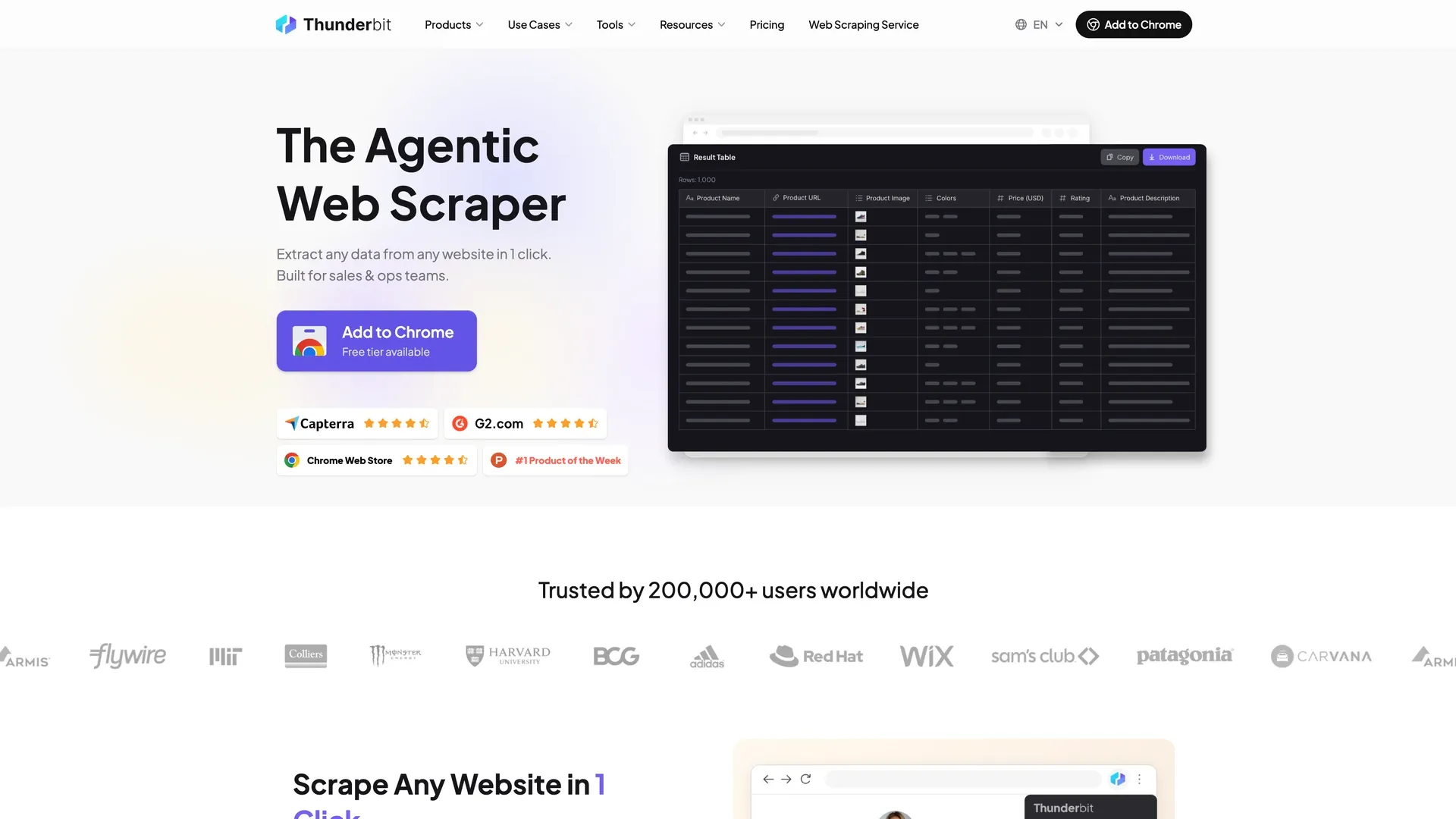 Thunderbit é uma Extensão do Chrome com IA, criada para usuários sem perfil técnico que precisam de dados estruturados de sites, PDFs e imagens sem escrever código ou lidar com seletores.
Categoria: Ferramenta sem código / baseada no navegador com API opcional
Fluxo principal: Abra qualquer página → clique uma vez → a IA identifica quais campos extrair e conclui a tabela sozinha. Se você quiser campos específicos, diga em linguagem natural e ela usa esses em vez dos padrões. Para a maioria dos casos, esse é o processo inteiro.
Principais recursos:
- Detecção automática de campos: identifica as colunas de dados na página e faz a extração sem precisar de configuração.
- Extração de subpáginas: visita cada página de detalhe e enriquece a tabela principal — sem configuração manual.
- Extração agendada: descreva o intervalo em linguagem natural; o sistema executa no horário certo na nuvem.
- Modo nuvem e modo navegador: use o modo navegador para páginas com login; o modo nuvem para velocidade (50 páginas por vez).
- Extratores gratuitos de e-mail, telefone e imagem: úteis para fluxos de geração de leads sem ferramentas adicionais.
- Exportação gratuita: Excel, Google Sheets, Airtable, Notion, CSV, JSON — sem cobrança extra de exportação.
Anti-bot e manutenção: A IA lê a página do zero a cada execução, se adaptando automaticamente a mudanças de layout. Isso elimina o vetor de falha mais comum para usuários de negócios que lidam com sites variados e de longa cauda. Não é livre de manutenção (nada é), mas ataca justamente o tipo de problema que mais frustra equipes não técnicas.
Preço: Plano grátis (6 páginas por mês), além de um teste de 7 dias dos recursos Pro. Starter por US$ 15/mês, ou US$ 9/mês no plano anual. Pro por US$ 38/mês, ou US$ 24/mês no anual. Business com preço sob consulta. A Web Scraper API da Thunderbit é cobrada separadamente, a partir de US$ 29/mês (ou US$ 16/mês no anual), com 600 unidades grátis para começar. Os créditos são contados por linha de saída: 1 por linha, 2 quando a linha vem de uma subpágina e 30 para cada consulta de enriquecimento de dados pessoais. Veja Thunderbit Pricing para detalhes atualizados.
Opção para desenvolvedores: A Open API da Thunderbit inclui um endpoint Distill (página web → Markdown) e um endpoint Extract (página web → JSON estruturado via schema).
Ideal para: equipes de vendas (geração de leads em diretórios), operações de e-commerce (monitoramento de preços, scraping de SKUs concorrentes), imobiliárias (dados de anúncios) e profissionais de marketing e operações que precisam de dados estruturados da web sem ajuda de engenharia.
Limitações: não é a melhor opção para monitoramento de SERP em escala de 100 mil+ páginas, nem para sites com proteção anti-bot pesada — para isso existem os provedores de proxy e API desta lista. O teto de volume é menor do que o de fornecedores de infraestrutura API dedicados.
2. Bright Data
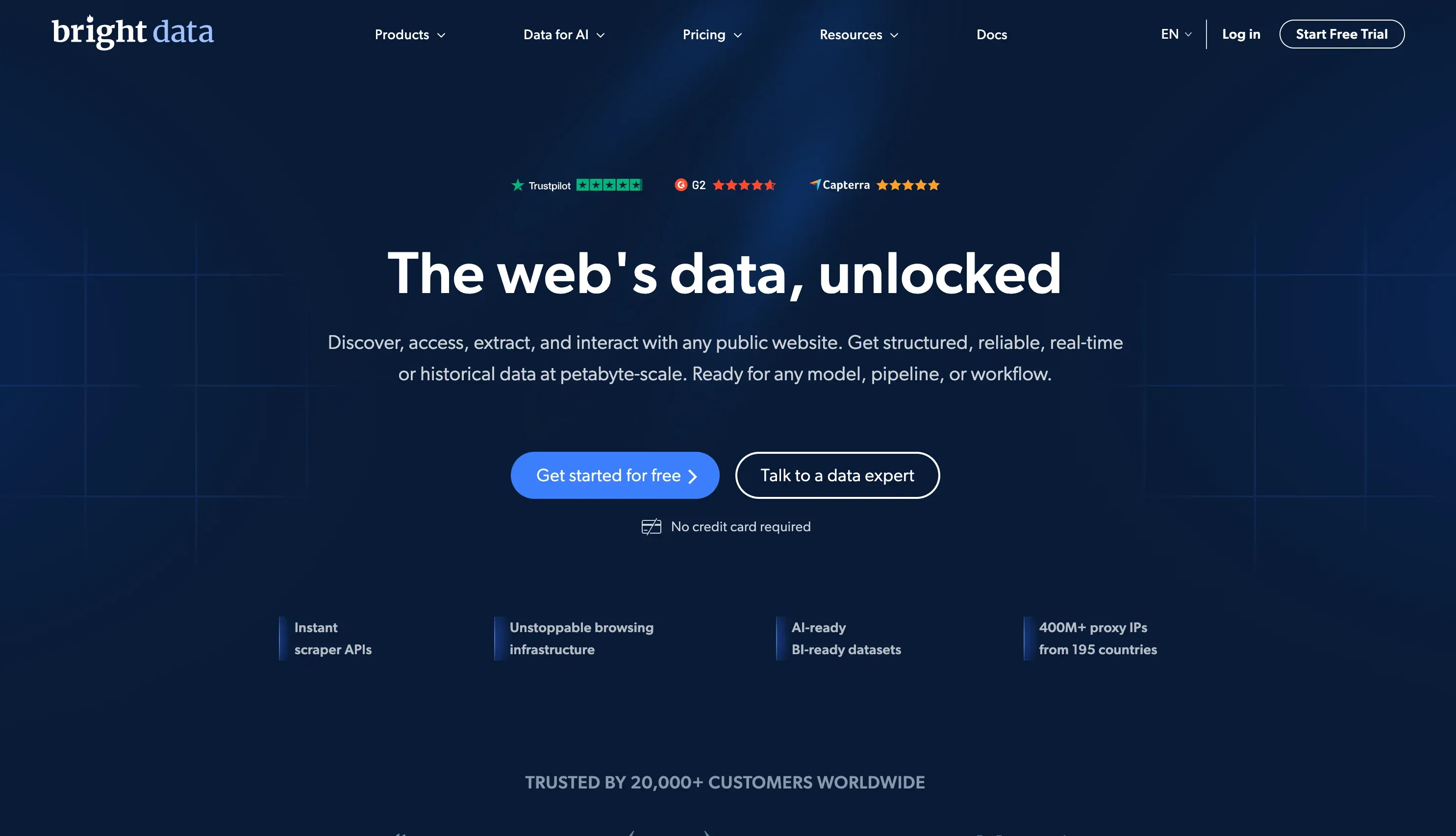 A Bright Data é uma das plataformas de dados web mais abrangentes do mundo, combinando uma enorme rede de proxies, APIs de scraping, um Web Scraper IDE e datasets prontos.
Categoria: Híbrida — serviço gerenciado + infraestrutura API
Principais recursos:
- Rede de proxies com mais de 400 milhões de IPs (residenciais, datacenter, móveis e ISP)
- Web Scraper API, Web Unlocker, IDE de scraping baseada no navegador
- Mais de 350 datasets e mais de 437 scrapers prontos
- Infraestrutura corporativa de entrega e conformidade
Anti-bot e manutenção: lida com Cloudflare, CAPTCHAs e renderização JS em escala. Os datasets gerenciados absorvem toda a manutenção.
Preço: Web Scraper API a US$ 1,5 / 1 mil registros no modelo PAYG, plano Scale a US$ 499/mês. Os custos de proxy podem subir bastante em alto volume — o orçamento exige acompanhamento cuidadoso.
Ideal para: grandes empresas com necessidades complexas e de alto volume, e orçamento compatível.
Limitações: curva de aprendizado acentuada para usuários não técnicos. Complexidade de preço e possibilidade de picos de custo em escala.
3. Oxylabs
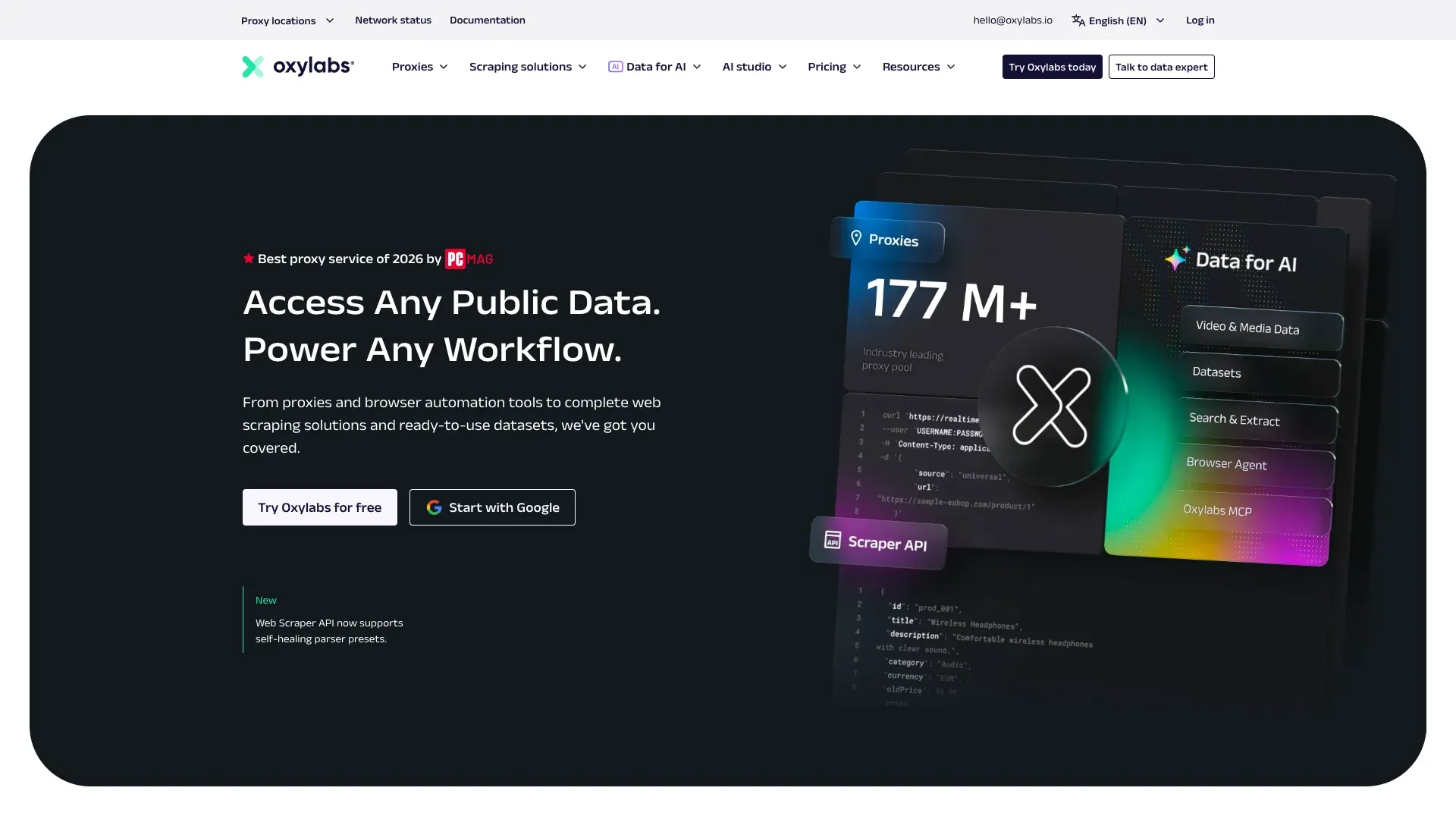 A Oxylabs é uma fornecedora premium de proxies e infraestrutura de scraping, com uma das maiores pools de IP do setor.
Categoria: API de scraping + infraestrutura de proxy
Principais recursos:
- Proxies residenciais e datacenter com geotargeting avançado
- Web Scraper API, SERP Scraper API, E-commerce Scraper API
- AI Web Scraping API / OxyCopilot para parsing aprimorado
- Teste grátis para até 2.000 resultados
Anti-bot e manutenção: unblocking robusto para scraping de alto volume e alta dependência de IP. Muito forte para extrações recorrentes em escala.
Preço: Web Scraper API a partir de US$ 49/mês. Pacotes de proxy e complementos de pool de IP podem aumentar o custo total.
Ideal para: times de desenvolvimento que precisam de infraestrutura de proxy confiável para extração recorrente em grande escala — especialmente SERP e inteligência de produto.
Limitações: não há um caminho real sem código para usuários de negócios. O custo total sobe quando proxies e casos avançados entram na conta.
4. Zyte
 A Zyte foi fundada pelos criadores do framework open source Scrapy e combina APIs de scraping com apoio de IA, hospedagem Scrapy Cloud e serviços gerenciados de extração.
Categoria: Híbrida — API + serviço gerenciado
Principais recursos:
- Zyte API com extração automática assistida por IA
- Scrapy Cloud para implantar e gerenciar spiders
- Gerenciamento inteligente de proxies e renderização de navegador já incluídos
- Zyte Data para extração gerenciada em clientes corporativos
Anti-bot e manutenção: rotação inteligente de proxy integrada e recursos de IA que ajudam a reduzir a manutenção de seletores.
Preço: crédito inicial de US$ 5 grátis. Preço da Zyte API baseado em uso. Scrapy Cloud a partir de US$ 9/unidade/mês.
Ideal para: equipes de Python/Scrapy que querem um ambiente em nuvem gerenciado com extração assistida por IA.
Limitações: curva de aprendizado mais alta para não desenvolvedores. A proposta sem código é limitada em comparação com ferramentas baseadas em navegador.
5. Octoparse
 A Octoparse é uma das marcas de web scraping sem código mais consolidadas, construída em torno de um criador visual de fluxos de clique-e-arraste.
Categoria: Ferramenta sem código
Principais recursos:
- Construtor visual de fluxo com lógica de arrastar e soltar
- Aplicativo desktop com execução agendada na nuvem
- Lida com paginação, rolagem infinita e páginas com login
- Modelos prontos para sites populares
- Exportação para CSV, Excel, JSON, HTML e XML
Anti-bot e manutenção: tratamento de CAPTCHA integrado e scraping na nuvem com rotação de IP. Ainda assim, os usuários precisam atualizar os fluxos quando o layout do site muda.
Preço: plano Free Forever (10 tarefas, 50.000 linhas exportadas por mês). Standard por US$ 83/mês, ou US$ 69/mês no anual. Professional por US$ 299/mês, ou US$ 249/mês no anual. Enterprise sob consulta.
Ideal para: profissionais de marketing, pesquisadores e equipes de e-commerce que querem uma interface visual de scraping sem código.
Limitações: o software desktop exige instalação. A manutenção do fluxo ainda fica com o usuário quando o site-alvo muda, porque o fluxo roda em seletores salvos, e não relendo a página a cada execução.
6. Apify
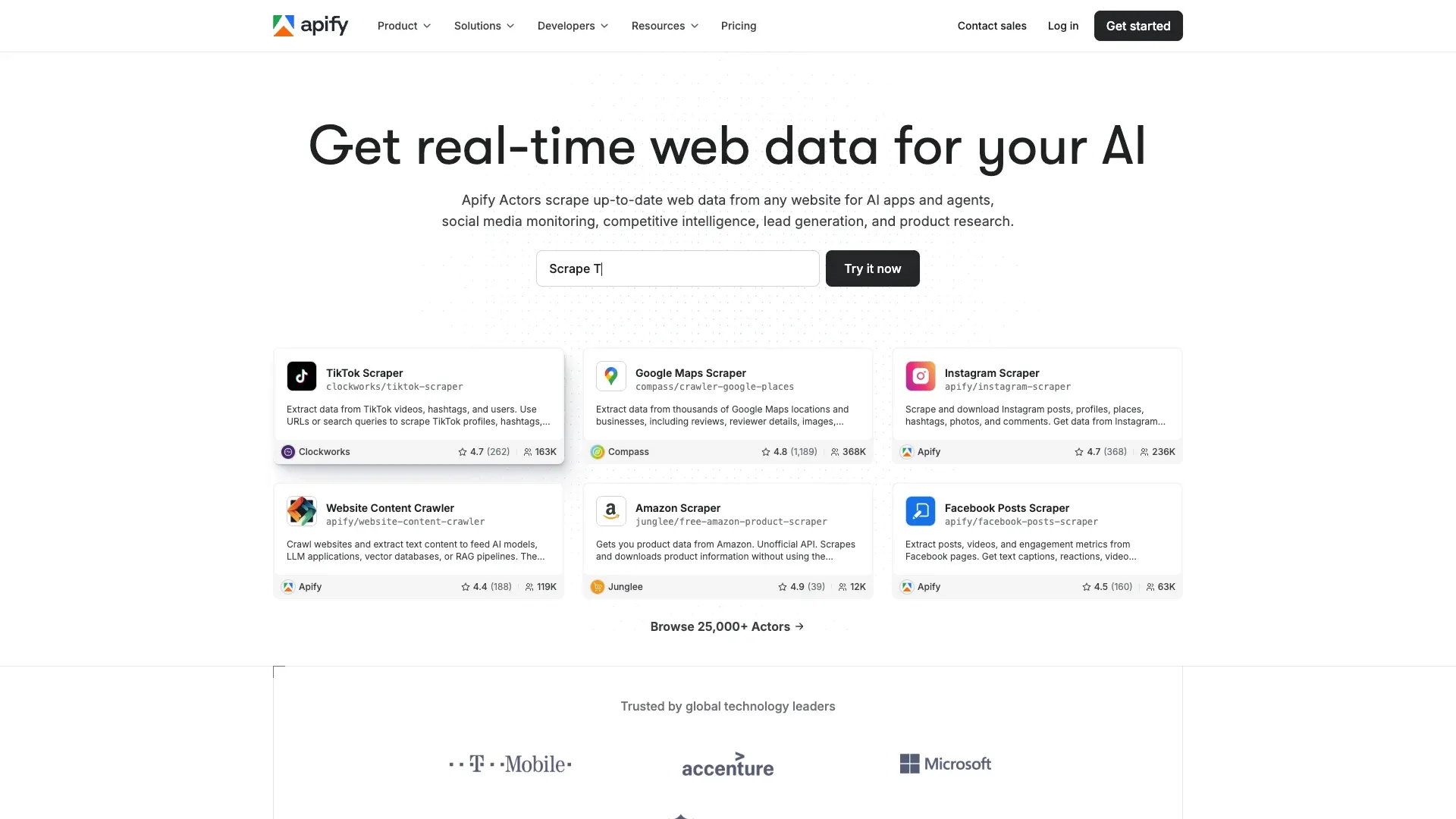 A Apify não é apenas um scraper — é uma plataforma com marketplace. Isso a torna especialmente forte quando já existe um scraper pronto para o site que você quer.
Categoria: Plataforma API / para desenvolvedores com marketplace
Principais recursos:
- Marketplace de Actors com cerca de 59.000 scrapers e automações prontos (Apify Store, agosto de 2026)
- SDK da Apify para crawlers personalizados
- Integrações com Zapier, Google Sheets, webhooks e APIs
- Gerenciamento de proxy incluído nos planos da plataforma
Anti-bot e manutenção: depende da qualidade de cada Actor. Actors oficiais são bem mantidos; Actors da comunidade podem quebrar sem aviso.
Preço: plano grátis com US$ 5 de crédito de uso. Starter a partir de US$ 29/mês. Créditos de computação por uso cobrados à parte.
Ideal para: equipes que querem um scraper pronto para um site popular específico (Google Maps, Amazon, Instagram) sem começar do zero.
Limitações: a qualidade varia entre os Actors da comunidade. Sites complexos ou de nicho ainda exigem desenvolvimento personalizado. Não é realmente sem código para scrapers customizados.
7. ScrapingBee
 A ScrapingBee é uma das APIs mais limpas para desenvolvedores na categoria — com foco em tornar a busca, a renderização e a rotação de proxy tão simples quanto uma única chamada de API. Hoje faz parte do grupo Oxylabs e continua operando como produto separado, algo importante se você estiver comparando os dois.
Categoria: API de scraping
Principais recursos:
- API REST em chamada única (envia a URL, recebe HTML ou JSON)
- Renderização embutida com Chrome headless
- Rotação de proxies residenciais e datacenter
- Google Search API e API de screenshots
- Opções mais novas de extração em Markdown e com IA
Anti-bot e manutenção: lida automaticamente com renderização JS e rotação de proxies. A lógica de parsing e o desenho do schema continuam sob sua responsabilidade.
Preço: 1.000 créditos grátis no teste. Planos a partir de US$ 49/mês.
Ideal para: desenvolvedores que querem uma API limpa e simples para renderizar e buscar páginas — e depois tratar a extração por conta própria.
Limitações: o produto principal ainda é a busca de páginas. Você fica responsável pela extração, estruturação e confiabilidade do fluxo posterior.
8. Scrapfly
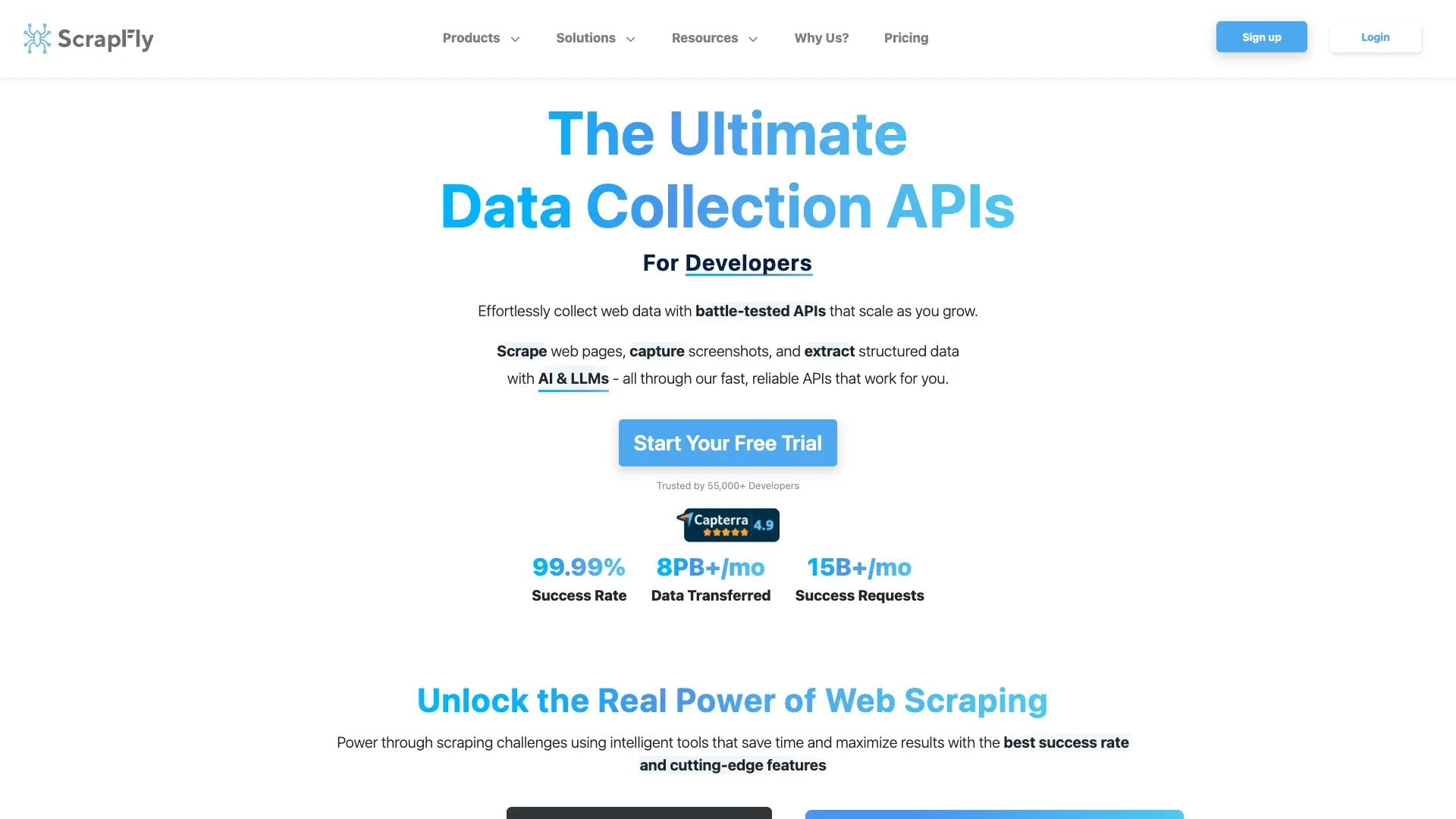 A Scrapfly é a API mais explicitamente focada em anti-bot desta lista, criada para desenvolvedores que miram sites fortemente protegidos.
Categoria: API de scraping
Principais recursos:
- Bypass anti-bot para Cloudflare, DataDome, PerimeterX e defesas semelhantes
- Renderização com navegador headless
- Rotação de proxies residenciais
- Entrega por webhook, tentativas automáticas e captura de screenshots
Anti-bot e manutenção: especializada em alvos difíceis de raspar. Absorve a maior parte da complexidade anti-bot. Você ainda cuida do parsing.
Preço: plano grátis com 1.000 créditos. Planos pagos a partir de US$ 30/mês.
Ideal para: desenvolvedores que raspam sites com proteção anti-bot agressiva e precisam de alta taxa de sucesso sem manter sua própria infraestrutura de proxy e bypass.
Limitações: focada em busca e renderização — a extração estruturada continua sendo sua responsabilidade. Ecossistema menor do que o da Bright Data ou da Oxylabs.
9. Firecrawl
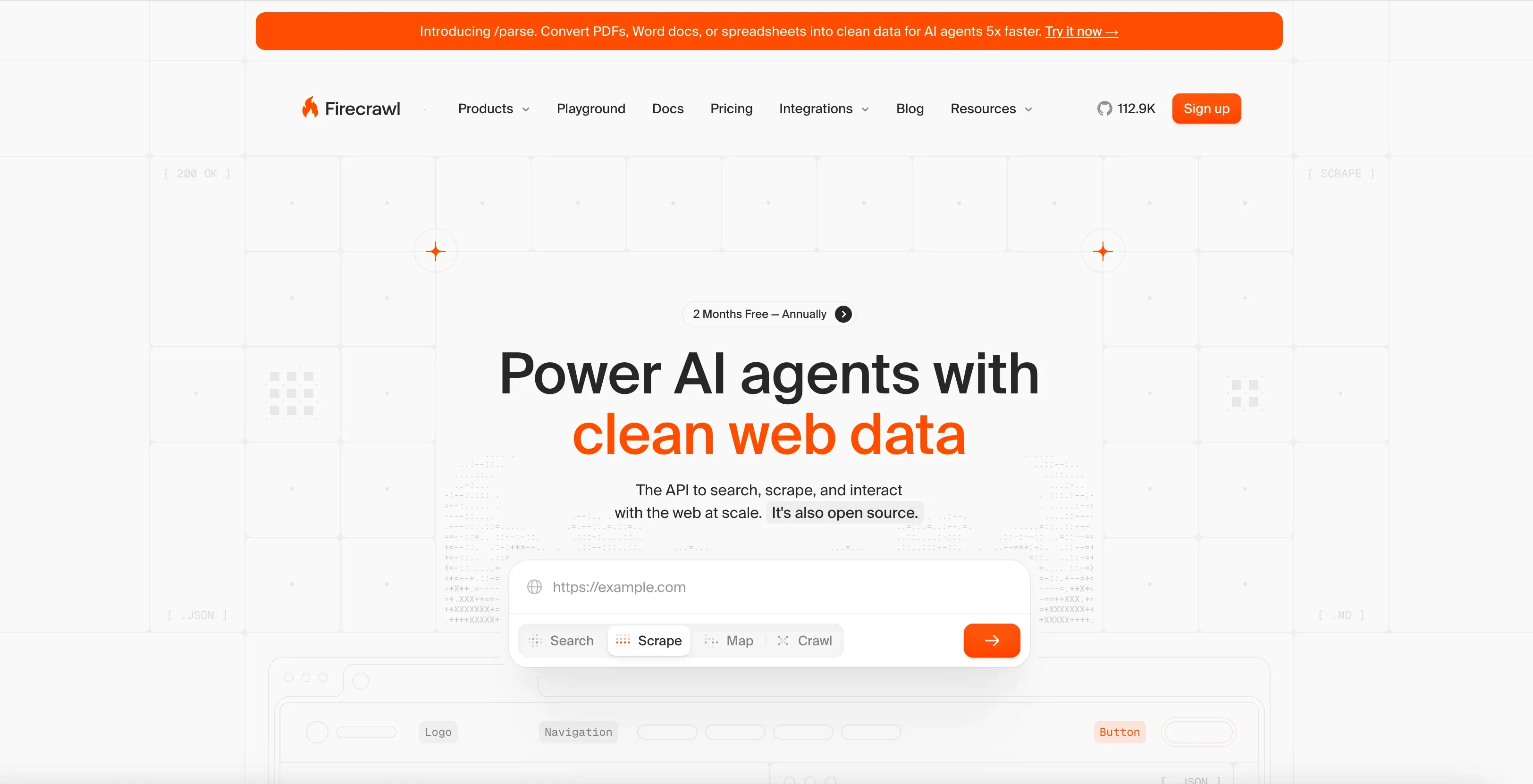 A Firecrawl foi projetada para desenvolvedores que querem conteúdo web limpo para fluxos de IA — não apenas HTML bruto.
Categoria: API de scraping para IA / pipelines de LLM
Principais recursos:
- Endpoints de scrape e crawl
- Saída com foco em Markdown (pensada para RAG e ingestão em LLM)
- Extração estruturada de dados via LLM
- Renderização JS e modos de proxy
- Fluxo amigável para processamento em lote e sistemas agentes
Anti-bot e manutenção: lida com renderização e anti-bot básico. Otimizada para qualidade do conteúdo, não para volume bruto.
Preço: 1.000 créditos grátis por mês. Hobby por US$ 19/mês, ou US$ 16/mês no anual. Standard por US$ 99/mês, ou US$ 83/mês no anual.
Ideal para: equipes de IA/ML e desenvolvedores que constroem pipelines de RAG, bases de conhecimento ou apps com LLM que precisam de conteúdo web limpo.
Limitações: produto mais novo e com conjunto de recursos menor que o de fornecedores corporativos. Não foi pensada para monitoramento de e-commerce em alto volume. Apenas para desenvolvedores — sem opção no-code.
10. Nimbleway
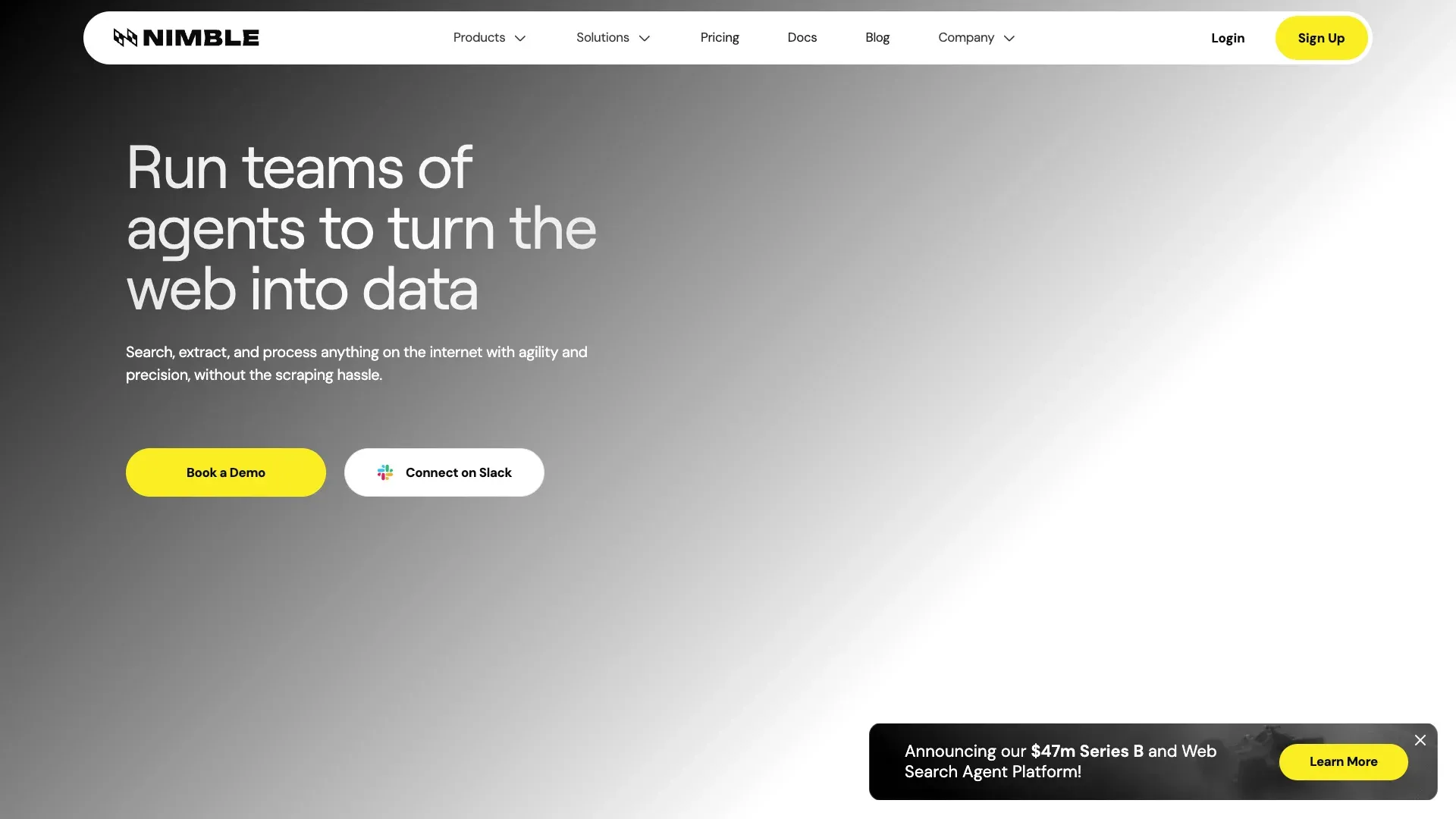 A Nimbleway se posiciona mais como uma plataforma de entrega de dados estruturados do que como uma ferramenta de scraping self-service para pequenas e médias empresas.
Categoria: Serviço completo / scraping gerenciado com camada de API
Principais recursos:
- Nimble Browser (navegador em nuvem para scraping)
- APIs em tempo real para dados estruturados de busca, e-commerce e mapas
- Parsing com IA e infraestrutura de desbloqueio
- Entrega gerenciada da pipeline
Anti-bot e manutenção: totalmente gerenciado. A Nimbleway assume manutenção da pipeline, anti-bot e entrega dos dados.
Preço: pay-as-you-go a partir de US$ 1 por 1.000 requisições para extract, crawl e map, e US$ 3 por 1.000 para os templates prontos de extração. Os Managed Data Services começam em US$ 2.500/mês, cobrados anualmente.
Ideal para: empresas de médio a grande porte que querem dados limpos e estruturados sem administrar scrapers por conta própria.
Limitações: preço alto para muitos fluxos de SMB. É exagero para trabalhos simples ou pontuais de scraping.
11. Browse AI
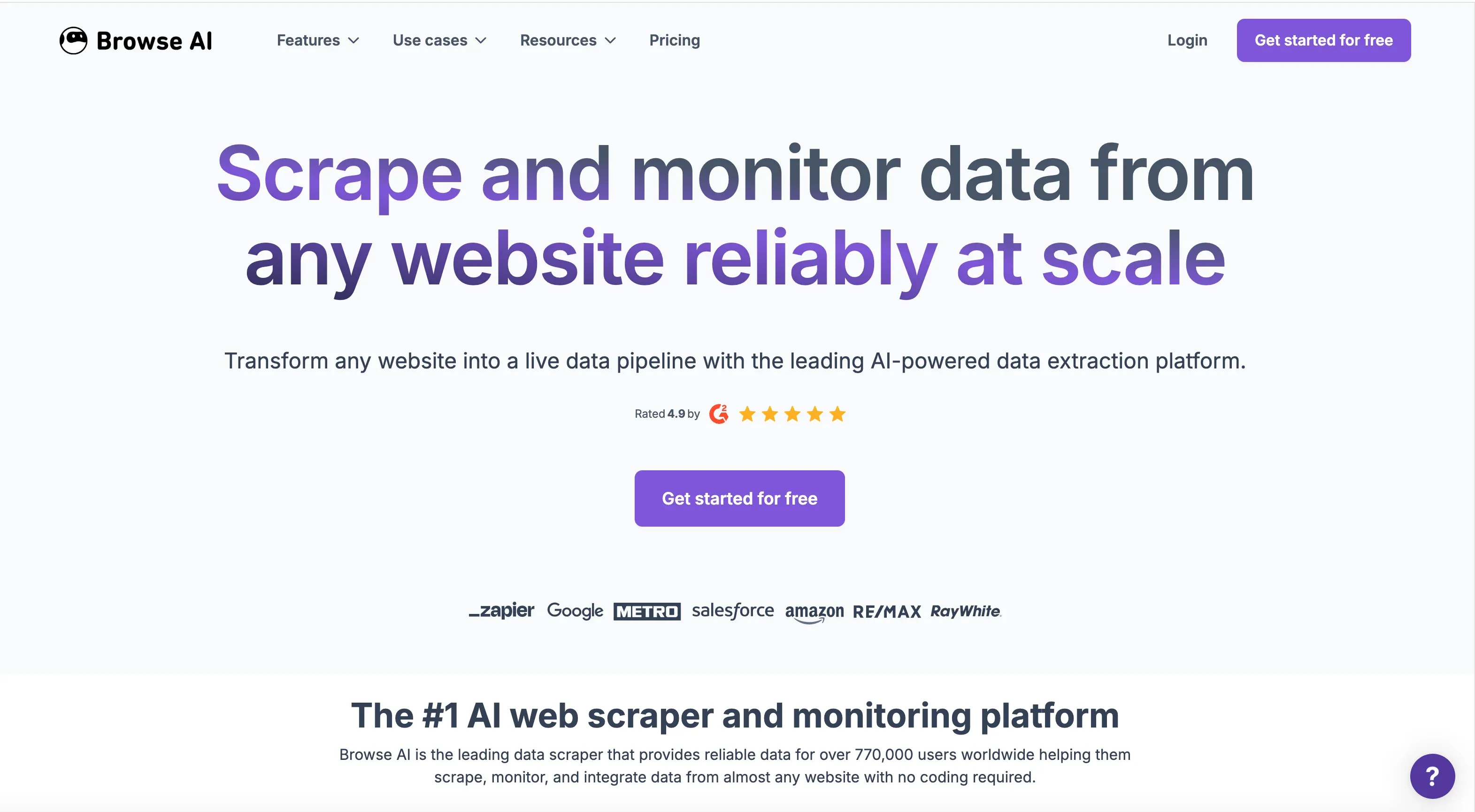 A Browse AI se destaca quando o fluxo é menos sobre uma extração pontual e mais sobre monitoramento recorrente com alertas.
Categoria: Ferramenta sem código
Principais recursos:
- Treinamento de robôs com clique-e-arraste
- Detecção de mudanças e monitoramento com alertas
- Integrações com Google Sheets, Airtable, Zapier, webhook e API
- Extração em massa e execuções recorrentes agendadas
Anti-bot e manutenção: lida com anti-bot básico. Os robôs podem precisar ser reensinados quando a estrutura do site muda bastante.
Preço: plano Free Forever (50 créditos por mês). Personal por US$ 48/mês, ou US$ 19/mês no anual. Professional por US$ 87/mês, ou US$ 69/mês no anual.
Ideal para: usuários de negócios monitorando preços de concorrentes, vagas ou disponibilidade de produtos ao longo do tempo.
Limitações: pode ter dificuldade com sites muito dinâmicos ou intensivos em JS. É necessário re-treinar o robô quando o layout muda.
12. ParseHub
 A ParseHub ainda faz sentido para pequenos projetos, estudantes e equipes testando scraping pela primeira vez.
Categoria: Ferramenta sem código
Principais recursos:
- Extração visual de clique-e-arraste
- Suporte a páginas renderizadas em JS
- Saídas em CSV, JSON, Excel, API e webhook
- Plano gratuito conhecido (5 projetos, 200 páginas por execução)
Anti-bot e manutenção: tratamento básico. Sem infraestrutura avançada de proxy. Os fluxos podem quebrar quando o site muda.
Preço: plano gratuito disponível. Planos pagos a partir de US$ 189/mês.
Ideal para: pequenos projetos com orçamento apertado ou usuários explorando scraping sem investir em infraestrutura.
Limitações: preço pago alto para a profundidade de recursos oferecida. Produto com aparência mais antiga em comparação com concorrentes nativos de IA. Mais lento e menos flexível do que opções modernas com foco em nuvem.
Melhores empresas de Web Scraping comparadas: a tabela mestre
Tudo o que vimos acima em um só lugar. Os preços de entrada correspondem à mensalidade no plano mês a mês, com o valor anual entre parênteses quando houver. Em "Plano grátis?", "Sim" significa um limite que se renova ou não expira; "Teste" significa uma concessão única.
| Empresa | Categoria | Ideal para | Plano grátis? | Preço inicial | Modelo de preço | Anti-bot | Esforço de manutenção | Sem código? | Principais formatos de exportação |
|---|---|---|---|---|---|---|---|---|---|
| Thunderbit | Sem código + API | Equipes de negócios, sites diversos | Sim (6 páginas/mês) | US$ 15/mês (US$ 9/mês anual) | Créditos por linha; unidades de API | Moderado | 🟡 | Sim | Excel, Sheets, Airtable, Notion, CSV, JSON |
| Bright Data | Híbrida gerenciada + API | Extração em escala corporativa | Sim (5 mil registros/mês) | US$ 1,5/1 mil registros ou US$ 499/mês | Por resultado, por requisição, dataset | Muito forte | 🟢 datasets / 🟠 API | Parcial | Saídas por API, entrega de datasets |
| Oxylabs | API + infraestrutura de proxy | Extração recorrente com muito uso de proxy | Teste | US$ 49/mês | Baseado em resultados + pacotes de proxy | Muito forte | 🟠 | Não | API / definido pelo usuário |
| Zyte | Híbrida gerenciada + API | Equipes com Scrapy/Python | Sim (crédito de US$ 5) | Baseado em uso; cloud US$ 9/unidade/mês | API por uso + cloud | Forte | 🟢 Zyte Data / 🟠 Zyte API | Limitado | CSV, JSON, XML, armazenamento |
| Octoparse | Sem código | Fluxos visuais de scraping | Sim (10 tarefas) | US$ 83/mês (US$ 69/mês anual) | Assinatura + extras | Moderado | 🟡 | Sim | CSV, Excel, JSON, HTML, XML |
| Apify | Plataforma + marketplace | Scrapers prontos para sites específicos | Sim | US$ 29/mês | Assinatura + uso + Actor | Bom (varia) | 🟠 | Parcial | Datasets, API, integrações |
| ScrapingBee | API | Renderização e desbloqueio simples | Teste | US$ 49/mês | Créditos mensais | Bom | 🟠 | Não | HTML, Markdown, JSON |
| Scrapfly | API | Alvos com anti-bot pesado | Sim | US$ 30/mês | Créditos mensais de API | Muito forte | 🟠 | Não | HTML, screenshots, JSON |
| Firecrawl | API de scraping para IA/LLM | Markdown e pipelines de dados para IA | Sim (1 mil créditos/mês) | US$ 19/mês (US$ 16/mês anual) | Baseado em créditos | Moderado-forte | 🟠 | Não | Markdown, HTML, JSON |
| Nimbleway | Gerenciada + API | Dados estruturados para empresas | Sim (5 mil requisições/mês) | US$ 1/1 mil requisições ou US$ 2.500/mês gerenciado | PAYG API + planos anuais | Forte | 🟢 gerenciado / 🟠 API | Não | Feeds estruturados, APIs |
| Browse AI | Sem código | Monitoramento e alertas de mudança | Sim (50 créditos/mês) | US$ 48/mês (US$ 19/mês anual) | Créditos + limites por site | Básico-moderado | 🟡 | Sim | Sheets, Airtable, Zapier, API |
| ParseHub | Sem código | Pequenos projetos gratuitos | Sim (200 páginas/execução) | US$ 189/mês | Planos de assinatura | Básico | 🟡 | Sim | CSV, JSON, Excel, API |
Escala de esforço de manutenção:
- 🟢 Mais baixo: o fornecedor assume a maior parte da manutenção
- 🟡 Baixo a médio: o fornecedor cuida da busca e do parsing; o usuário executa o fluxo e o corrige quando o site muda
- 🟠 Médio a alto: o fornecedor cuida da busca/desbloqueio; o usuário assume parsing e integração
- 🔴 Mais alto: o usuário assume quase tudo
Confiabilidade e manutenção: o que quebra e quem corrige
Esta seção importa mais do que qualquer comparação de recursos.
A principal razão de insatisfação com fornecedores de scraping não é a primeira execução falhar. É a quinta, a quinquagésima ou a de número quinhentas falhar — e alguém do time ter que resolver a bagunça.
| Nível de manutenção | Tipo de fornecedor | O que você faz | O que eles fazem |
|---|---|---|---|
| 🟢 Mais baixo | Serviço completo (datasets da Bright Data, Zyte gerenciado, Nimbleway) | Requisitos e validação da saída | Scraping, anti-bot, mudanças de layout, QA, entrega |
| 🟡 Baixo-médio | Ferramentas sem código (Thunderbit, Octoparse, Browse AI, ParseHub) | Executar o fluxo, checar a saída e reconstruí-lo quando a ferramenta depende de seletores salvos | Busca, parsing, hospedagem e agendamento |
| 🟠 Médio-alto | APIs de scraping (ScrapingBee, Scrapfly, Oxylabs, Apify, Firecrawl) | Código de integração, parsing, retries, checagem de schema | Proxies, renderização, parte da camada de desbloqueio |
| 🔴 Mais alto | Frameworks DIY / open source | Tudo | Nada |
As ferramentas sem código ficam no meio do caminho. Nenhuma elimina todos os modos de falha, e as baseadas em seletores salvos ainda quebram quando a página é reconstruída. É justamente esse tipo de falha que a abordagem com IA tenta resolver: a Thunderbit lê cada página do zero em vez de depender de seletores fixos que o usuário precisa manter. Para usuários de negócios lidando com uma longa cauda de sites inconsistentes, isso é muito mais fácil de sustentar do que um construtor visual tradicional.
Os fornecedores de serviço completo continuam absorvendo mais manutenção no geral. Mas também cobram mais. Não existe almoço grátis — você sempre está decidindo quem vai assumir a dor operacional.
Preços reais de 2026: comparação transparente de custos
A maioria dos artigos de resumo foge desta parte. "Fale com vendas" não é página de preço. Aqui está como os números realmente se comportam. As mesmas convenções da tabela mestre acima, com uma coluna para os custos que não aparecem no preço principal.
| Empresa | Plano grátis? | Preço inicial | Modelo de preço | Riscos de custos ocultos |
|---|---|---|---|---|
| Thunderbit | Sim (6 páginas/mês) | US$ 15/mês (US$ 9/mês anual) | Créditos por linha | Linhas de subpáginas custam 2 créditos; consultas de enriquecimento custam 30 |
| Bright Data | Sim (5 mil registros/mês) | US$ 1,5/1 mil registros, ou US$ 499/mês no plano Scale | Por resultado ou por requisição | Custos de proxy sobem em alto volume |
| Oxylabs | Teste (2 mil resultados) | US$ 49/mês | Por requisição + pacotes de proxy | Complementos de pool de IP |
| Zyte | Sim (crédito de US$ 5) | Baseado em uso | Uso da API + unidades de cloud | Renderização e níveis de complexidade |
| Octoparse | Sim (10 tarefas) | US$ 83/mês (US$ 69/mês anual) | Assinatura + extras | Proxy, CAPTCHA e add-ons de serviço |
| Apify | Sim (crédito de US$ 5) | US$ 29/mês | Assinatura + computação + taxas do Actor | Variação de uso e de Actors |
| ScrapingBee | Teste (1.000 créditos) | US$ 49/mês | Baseado em créditos | Opções de renderização consomem mais créditos |
| Scrapfly | Sim (1.000 créditos) | US$ 30/mês | Baseado em créditos | Modos residencial e avançado custam mais |
| Firecrawl | Sim (1 mil créditos/mês) | US$ 19/mês (US$ 16/mês anual) | Baseado em créditos | Proxy avançado e modos de extração mais ricos |
| Nimbleway | Sim (5 mil requisições/mês) | US$ 1/1 mil requisições ou US$ 2.500/mês gerenciado | API + planos anuais | Planos gerenciados são cobrados anualmente |
| Browse AI | Sim (50 créditos/mês) | US$ 48/mês (US$ 19/mês anual) | Créditos + limites | Sites premium e limites por site |
| ParseHub | Sim (200 páginas/execução) | US$ 189/mês | Planos de assinatura | Preço claro, valor mais fraco nos planos pagos |
Entre as ferramentas com preço mensal fixo, Thunderbit (US$ 15) e Firecrawl (US$ 19) são a porta de entrada mais barata, seguidas de perto por Apify (US$ 29) e Scrapfly (US$ 30); Octoparse (US$ 83) e ParseHub (US$ 189) são as opções mais caras entre as sem código. Bright Data e Zyte cobram por uso, então um piloto pequeno com qualquer uma delas pode sair mais barato do que todas as demais. Bright Data, Oxylabs e Nimbleway fazem mais sentido quando volume, dificuldade do alvo e exigências corporativas pesam mais do que um orçamento simples.
Qual empresa de Web Scraping é a certa para você? Um framework de decisão
Use esta sequência para afunilar a escolha rapidamente.
1. Qual é o volume de dados?
- Menos de 1.000 páginas/mês → ferramentas sem código (Thunderbit, Browse AI, Octoparse, ParseHub)
- Mais de 10 mil páginas/mês → APIs (Oxylabs, ScrapingBee, Apify, Scrapfly, Firecrawl)
- Mais de 100 mil páginas/mês → serviços corporativos gerenciados (Bright Data, Nimbleway, Zyte Data)
2. Você tem desenvolvedores na equipe?
- Sim → ferramentas API oferecem mais controle (Oxylabs, ScrapingBee, Apify, Scrapfly, Firecrawl, Zyte API)
- Não → sem código (Thunderbit, Browse AI, Octoparse) ou serviço completo (datasets da Bright Data, Nimbleway)
3. Quantos sites-alvo existem?
- Poucos sites estáveis e conhecidos → templates e Actors prontos funcionam bem
- Sites diversos, de longa cauda, que mudam com frequência → a adaptabilidade da IA faz diferença (Thunderbit se destaca aqui)
4. Qual é o teto do orçamento?
- Abaixo de US$ 50/mês → planos grátis (Thunderbit, ParseHub, Apify, Scrapfly, Firecrawl)
- US$ 50–US$ 500/mês → APIs intermediárias e planos pagos sem código
- Acima de US$ 500/mês → serviços gerenciados corporativos
5. Extração pontual ou monitoramento contínuo?
- Contínuo → recursos de execução agendada importam (Thunderbit, Browse AI, datasets da Bright Data)
- Pontual → quase qualquer ferramenta serve; priorize velocidade de configuração
Resumo rápido:
- Equipe não técnica, sites diversos, sem recursos de desenvolvimento → Thunderbit
- Desenvolvedor construindo uma pipeline de dados em escala → Oxylabs, ScrapingBee ou Apify
- Quer que outra empresa cuide de tudo → serviços gerenciados da Bright Data ou Zyte
- Construindo pipelines de dados para IA/LLM → Firecrawl ou Thunderbit API
Casos de uso reais: qual empresa de Web Scraping serve para cada cenário
Monitoramento de preços em e-commerce
Para uma equipe de operações acompanhando preços de concorrentes em uma loja Shopify, o caminho mais rápido é o Thunderbit. Abra a página da coleção e clique uma vez. A IA identifica quais campos extrair — normalmente título do produto, preço, disponibilidade e URL — e preenche a tabela sozinha. Se você quiser outro conjunto de campos, descreva em uma frase e ela usa esse conjunto. Depois, agende a execução no modo nuvem. Se você também precisar verificar cada página de detalhe do produto, a extração de subpáginas enriquece a tabela automaticamente. Exporte para o Google Sheets e deixe o fluxo de preços rodando a partir dali.
A Bright Data resolve o mesmo problema por outro caminho. Em vez de operar o fluxo, você pode comprar um dataset gerenciado de e-commerce ou usar a stack corporativa. Isso dá menos trabalho, mas o perfil de custo é completamente diferente.
Geração de leads B2B (e-mails e telefones)
Para projetos pequenos e médios de prospecção, os extratores gratuitos de e-mail e telefone da Thunderbit são muito práticos para diretórios públicos, páginas de listagem local e sites de nicho. O valor está na velocidade: puxar uma lista, exportar e levar para o CRM sem configuração técnica.
A Apify é mais forte quando a origem é uma plataforma grande e popular com um ecossistema maduro de Actors. Se você quer listas de leads do Google Maps em alto volume, um Actor pronto coloca você em operação muito mais rápido do que começar do zero.
Monitoramento de SERP em grande escala
Aqui é importante ser honesto. Thunderbit não é a melhor opção para mais de 100 mil consultas diárias de SERP. Nessa escala, você deve olhar para APIs SERP da Oxylabs, produtos SERP da Bright Data ou infraestrutura corporativa semelhante, onde taxa de sucesso, qualidade de IP e gestão de limites importam mais do que facilidade de uso.
Alimentar dados raspados em pipelines de IA / LLM
Se o seu objetivo é transformar páginas públicas em conteúdo limpo para RAG ou fluxos com agentes, a Firecrawl é uma candidata óbvia por ser centrada em Markdown. Vale comparar com a Thunderbit porque a Distill API converte páginas web em Markdown e a Extract API transforma páginas em JSON estruturado via schema — ou seja, uma única plataforma pode atender tanto o scraping para usuários de negócio (Extensão do Chrome) quanto pipelines de IA para desenvolvedores (camada de API). Para saber mais sobre como a Thunderbit lida com extração de dados por IA para negócios, temos um guia mais detalhado.
Dicas para aproveitar melhor qualquer empresa de Web Scraping
- Comece pelo plano grátis ou pelo teste antes de comprometer orçamento. Todos os fornecedores desta lista oferecem isso.
- Defina o schema antes de raspar. Primeiro decida quais campos, formatos e destinos você precisa. Só isso já evita a maior parte da frustração posterior.
- Teste com 50 a 100 páginas para avaliar qualidade dos dados e taxa de sucesso antes de estimar custo em escala.
- Confirme o formato de exportação com antecedência. Nem todas as ferramentas suportam todos os destinos igualmente. Se você precisa de Airtable ou Notion, valide isso antes de começar.
- Para trabalhos recorrentes, agende execuções em vez de depender de raspagens manuais ad hoc. Thunderbit, Browse AI, Octoparse e Bright Data suportam isso.
- Monitore a degradação da qualidade ao longo do tempo. Mesmo serviços gerenciados podem perder desempenho quando o alvo muda.
- Entenda o consumo de créditos e os limites de taxa antes de escalar o fluxo. O preço por uso pode explodir se você não acompanhar.
O erro de quem está começando geralmente não é técnico. É operacional. As equipes começam a raspar antes de decidir qual formato de saída precisam ou como vão consumir os dados depois. Se quiser entender melhor o que é data scraping e como fazer, temos um guia para iniciantes que cobre o básico.
Conclusão
A forma certa de comprar neste mercado é simples: escolha a categoria primeiro, depois o fornecedor.
Se você precisa que outra empresa assuma toda a pipeline, comece por provedores gerenciados como Bright Data, Zyte Data ou Nimbleway. Se sua equipe tem desenvolvedores e quer controle direto de infraestrutura, APIs como Oxylabs, ScrapingBee, Scrapfly, Apify e Firecrawl são mais adequadas. Se você precisa de um caminho rápido para operadores e usuários de negócio que não programam, a camada sem código é onde está a maior alavancagem — e é exatamente aí que a Thunderbit foi criada para atuar.
As melhores escolhas por cenário:
- Início mais rápido para equipes não técnicas: Thunderbit
- Infraestrutura corporativa mais poderosa: Bright Data ou Oxylabs
- Melhor API para desenvolvedores em simplicidade: ScrapingBee
- Melhor para pipelines de IA/LLM: Firecrawl ou Thunderbit API
- Melhor opção grátis para pequenos projetos: ParseHub ou o plano gratuito da Apify
Para a maioria das equipes não técnicas que raspam uma mistura de sites diversos, Thunderbit é o ponto de partida mais prático. O plano grátis reduz o risco, a configuração é mínima e o fluxo orientado por IA está muito mais alinhado com a realidade de manutenção de 2026 do que os antigos construtores visuais de scraping. Experimente a Extensão do Chrome da Thunderbit e veja até onde um único clique pode levar você. E, se quiser ver a ferramenta em ação antes de instalar qualquer coisa, o Thunderbit YouTube Channel tem tutoriais para os casos de uso mais comuns.
Experimente o Raspador Web com IA da Thunderbit Get Started Free
FAQs
1. Qual é a diferença entre uma empresa de web scraping e uma ferramenta de web scraper?
Uma empresa de web scraping pode oferecer o serviço completo — infraestrutura, manutenção, suporte e entrega dos dados. Já uma ferramenta de web scraper é um software que você mesmo opera. Alguns fornecedores (como Bright Data e Zyte) atuam nos dois modelos. Outros (como Thunderbit) são principalmente ferramentas, com uma camada de API opcional para desenvolvedores.
2. Empresas de web scraping são legais de usar?
Extrair dados públicos é amplamente legal em muitas jurisdições, mas os detalhes dependem do site, dos dados coletados e das leis locais. Sempre respeite os Termos de Serviço, o robots.txt e leis de privacidade como GDPR e CCPA. Fornecedores confiáveis incorporam considerações de compliance em suas plataformas. Para um olhar mais aprofundado, veja nosso guia sobre implicações legais do web scraping.
3. Quanto custam as empresas de web scraping em 2026?
O mercado vai de planos grátis e planos iniciais abaixo de US$ 50/mês até serviços gerenciados corporativos a partir de cerca de US$ 500/mês — e muito acima disso. Thunderbit, ParseHub e Apify oferecem planos grátis. APIs intermediárias como ScrapingBee e Scrapfly começam entre US$ 30 e US$ 49/mês. Os fornecedores corporativos começam mais alto: o plano Scale da Bright Data custa US$ 499/mês e os planos gerenciados da Nimbleway começam em US$ 2.500/mês.
4. Posso usar uma empresa de web scraping sem programar?
Sim. Ferramentas sem código como Thunderbit, Octoparse, Browse AI e ParseHub foram criadas para usuários não técnicos. A Thunderbit não exige código nenhum: instale a Extensão do Chrome, abra uma página e clique uma vez — a IA descobre quais campos extrair e conclui o trabalho sozinha. Você também pode simplesmente descrever os dados desejados em linguagem natural. Os dados vão direto para sua planilha ou banco de dados.
5. Qual empresa de web scraping é melhor para pequenas empresas?
Thunderbit é a recomendação padrão mais forte para pequenas empresas que precisam de dados estruturados de sites diversos sem apoio de desenvolvedores. O plano grátis e o preço por linha facilitam o começo e tornam o custo mais previsível assim que você sabe aproximadamente quantas linhas precisa. A Apify também é interessante quando existe um Actor pronto para o site específico que você precisa, e a ParseHub funciona bem para pequenos projetos no plano grátis, com baixo volume.
Saiba mais




