
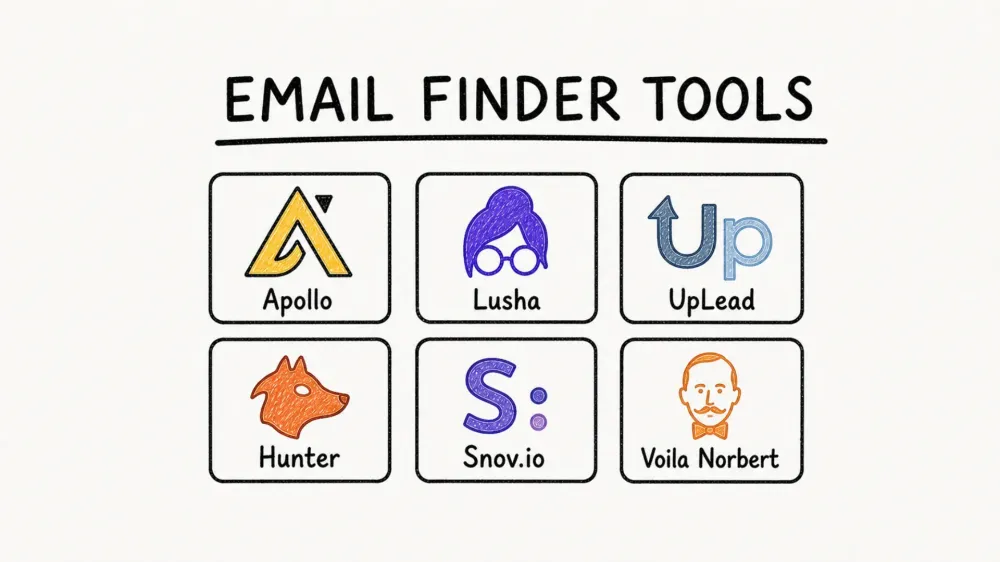
Email finders still solve one of the most stubborn B2B workflow problems: getting from “we know the account” to “we can reach the right person” without wasting half a day on LinkedIn tabs, guessed email formats, and bounced outreach. The category is mature now, but the tools still separate into very different buying paths. Some are database-led prospecting platforms. Some are finder-first verification tools. Some try to cover the whole motion from contact discovery to outbound sequencing.
This annual shortlist is built for fast evaluation, not padded ranking. I reviewed the current official product and pricing pages for the six tools below on May 8, 2026, then prioritized workflow fit over hype. If your real job is enriching scraped contact lists, pulling prospects from niche directories, or adding fresh context before outreach, pair an email finder with Thunderbit’s guide to lead generation tools and the Thunderbit Chrome Extension.
Quick Picks by Workflow
If you already know the bottleneck, start here:
- Need the broadest all-in-one database plus sequences? Start with Apollo.
- Need fast rep-friendly enrichment with direct dials? Shortlist Lusha.
- Need the safest accuracy-first option for outbound hygiene? Compare UpLead first.
- Need lightweight domain search and verification without a heavyweight sales suite? Go to Hunter.
- Need finder plus outreach automation in one stack? Look closely at Snov.io.
- Need targeted one-to-one prospecting and verification for PR, agencies, or founder-led outbound? Try Voila Norbert.
Why Email Finders Still Matter
For most B2B teams, the hard part is not sending the email. It is reliably identifying the right buyer, getting a deliverable work address, and enriching the lead enough that the outreach is worth sending in the first place. That is why email finders remain useful even as AI sales tools get better. The best ones compress three jobs into one workflow:
- find likely contacts
- verify deliverability before you burn your sender reputation
- export data into CRM, Sheets, or an outreach system without a cleanup project
That matters across sales, recruiting, partnerships, PR, and revenue operations. A database-heavy sales team may care most about scale and filters. A founder doing targeted outbound may care more about freshness and verification. A growth or ops team may need to combine contact discovery with data scraped from directories, marketplaces, event pages, or company websites.
Start With the Right Search Model
The biggest buying mistake is treating every email finder as interchangeable. In practice, there are three operating models:
- Database-led platforms: Best when you need scale, segmentation, and account filters. Apollo, Lusha, and UpLead lean this way.
- Finder-first and verification-first tools: Best when you already know the person or the domain and want a clean address fast. Hunter is the clearest example.
- Hybrid finder plus outreach tools: Best when you want discovery, verification, and first-touch automation in one workflow. Snov.io and Voila Norbert fit this path.

Check if Thunderbit fits your lead enrichment workflow
Quick Comparison Table: Best Email Finder Tools in 2026
| Tool | Operating Model | Best For | What Stands Out | Pricing Signal |
|---|---|---|---|---|
| Apollo | Database-led sales platform | Teams that want prospecting plus sequencing | Large contact graph, filters, workflows, Chrome extension | Free plan; paid plans and custom tiers |
| Lusha | Database-led enrichment | Reps and recruiters who want simple contact lookup | Verified emails, direct dials, LinkedIn-friendly workflow | Free credits; paid plans and team tiers |
| UpLead | Database-led, verification-first | Teams that cannot tolerate bounces | Real-time email verification, intent and technographic filters | Free trial; paid plans |
| Hunter | Finder-first and verification-first | Domain search, one-off lookups, list cleanup | Domain search, confidence scoring, verifier, bulk tasks | Free plan from $0; paid monthly plans |
| Snov.io | Hybrid finder plus outreach | Lean teams wanting discovery and drip workflows | Finder, verifier, CRM-lite workflows, extensions | Trial credits; paid plans |
| Voila Norbert | Hybrid finder plus verifier | Targeted outreach and agency-style prospecting | Simple finder UX, verifier, enrichment, list workflows | Trial credits; paid monthly plans |
The 6 Best Email Finder Tools for Lead Generation in 2026
1. Apollo
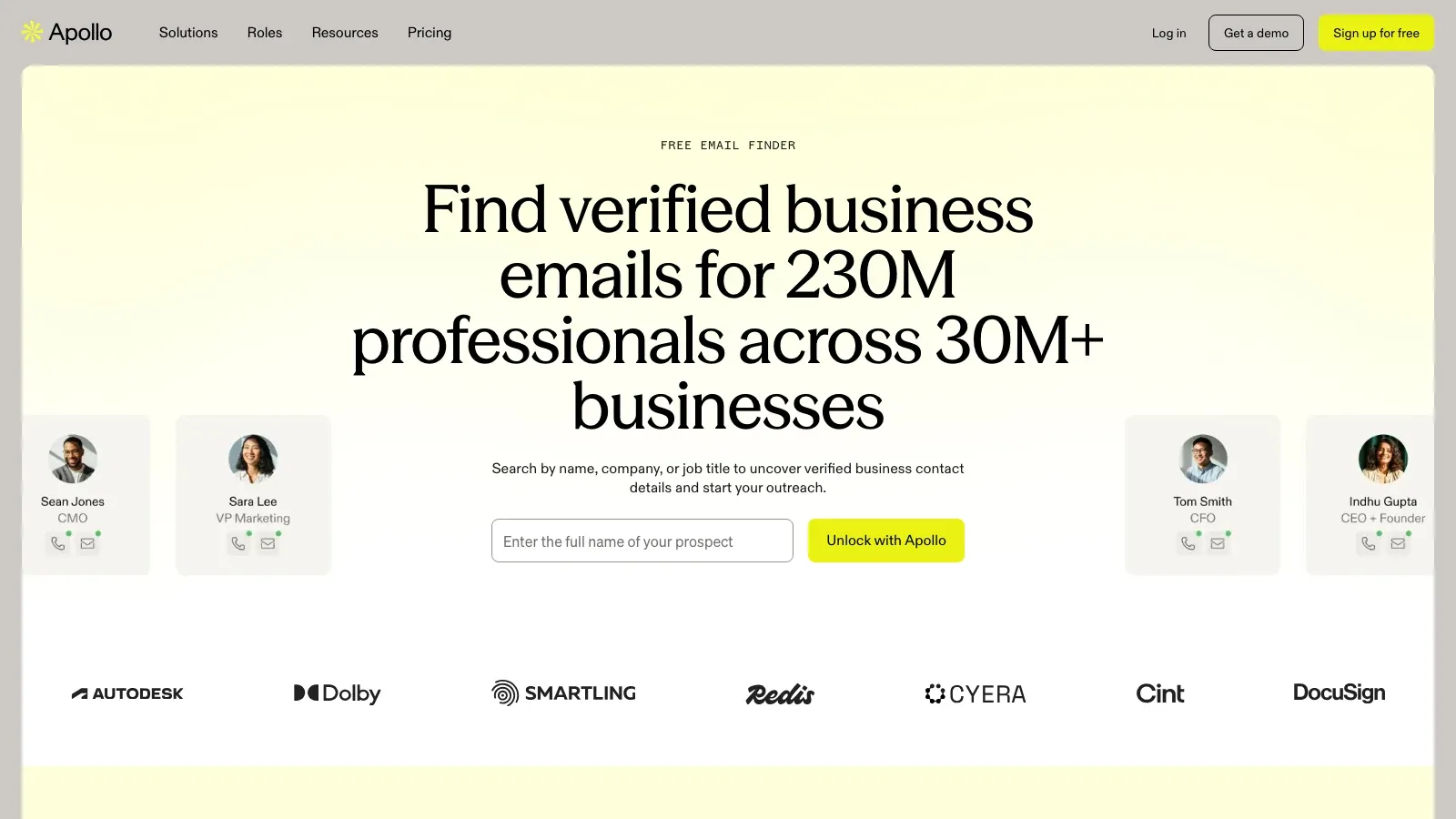
Apollo remains the strongest shortlist candidate when your team wants more than a standalone email finder. The product is clearly positioned as a sales intelligence and engagement platform, and its email finder sits inside a much broader prospecting workflow. Apollo’s current product page highlights a contact graph of 240 million professionals across more than 30 million businesses, which is exactly why it continues to win mindshare with SDR teams and growth-heavy outbound motions.
Why it belongs on the shortlist:
- Broad prospecting surface: Strong fit if you need account filters, titles, regions, company signals, and outreach sequencing in one place.
- Database depth: Better for bulk list building than narrower finder-only tools.
- Extension workflow: Useful when reps prospect on LinkedIn or company sites and want context without tab-hopping.
- Sales engagement built in: A practical choice if you do not want separate products for discovery and early-stage outbound.
Apollo is best when scale matters more than absolute minimalism. The tradeoff is that it is not the lightest tool in the category, and teams that only need a finder may be paying for a much broader operating surface.
Pricing signal: Apollo currently advertises a free plan and paid plan tiers through its pricing page.
2. Lusha
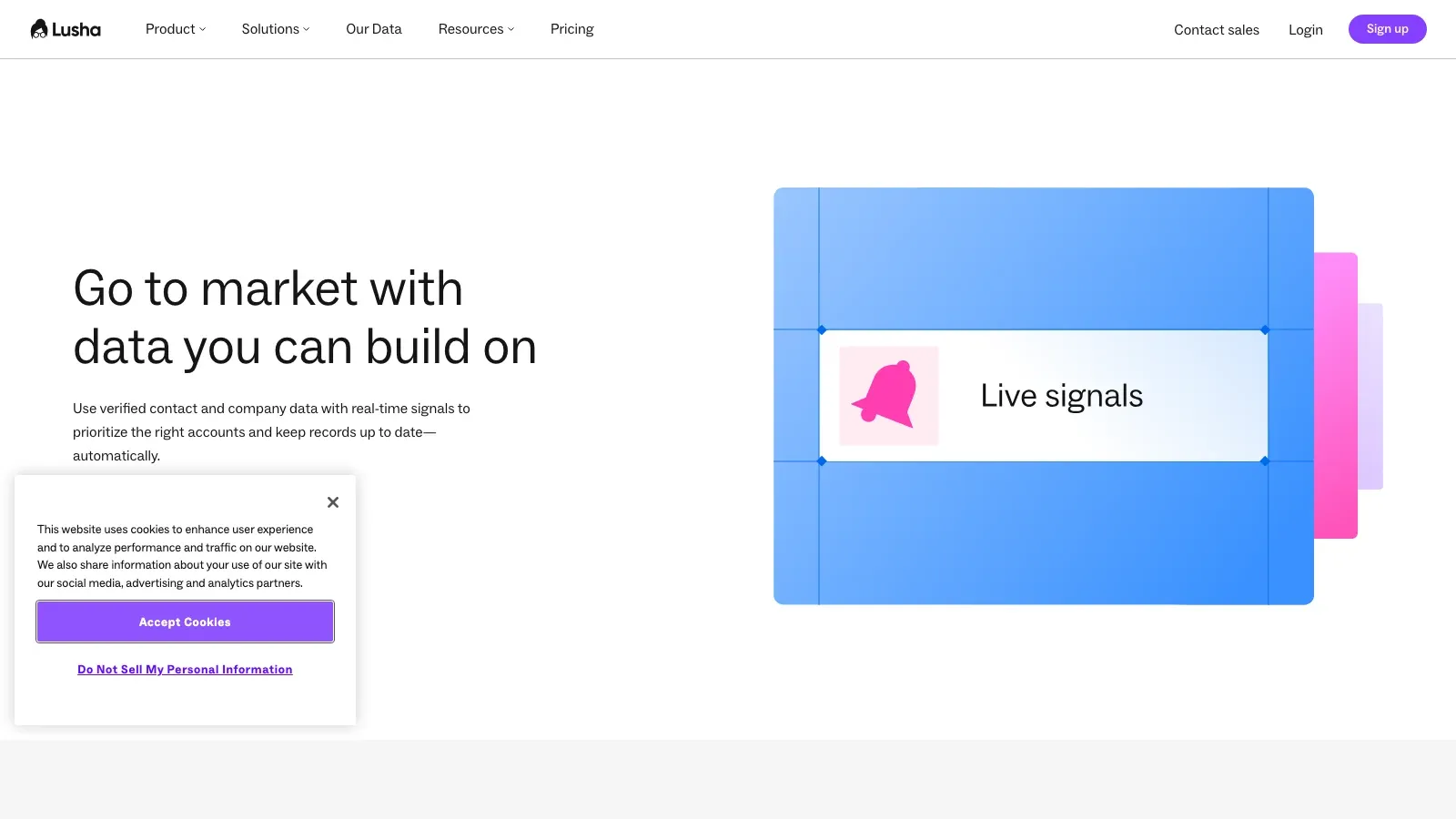
Lusha remains attractive because it keeps the workflow straightforward. Instead of feeling like a full prospecting operating system, it feels closer to a rep-first enrichment layer with a familiar browser-extension motion. Its current official database page emphasizes verified emails, phone numbers, intent signals, and company data, with the extension workflow spanning LinkedIn, Sales Navigator, Salesforce, Gmail, and company websites.
Why it works:
- Rep-friendly UX: Easier to operationalize for individual sellers and recruiters who want a simple lookup workflow.
- Direct dial emphasis: Still one of the better-known options when phone data matters alongside email discovery.
- Fast extension usage: Good fit for prospecting directly inside social and company-research flows.
- Compliance posture: Lusha continues to position privacy and compliant data handling as part of the product story.
Lusha is the kind of tool that feels strongest when quality, speed, and ease of adoption matter more than owning the biggest possible contact graph.
Pricing signal: Lusha currently promotes a free plan with limited credits and paid team-oriented plans.
3. UpLead
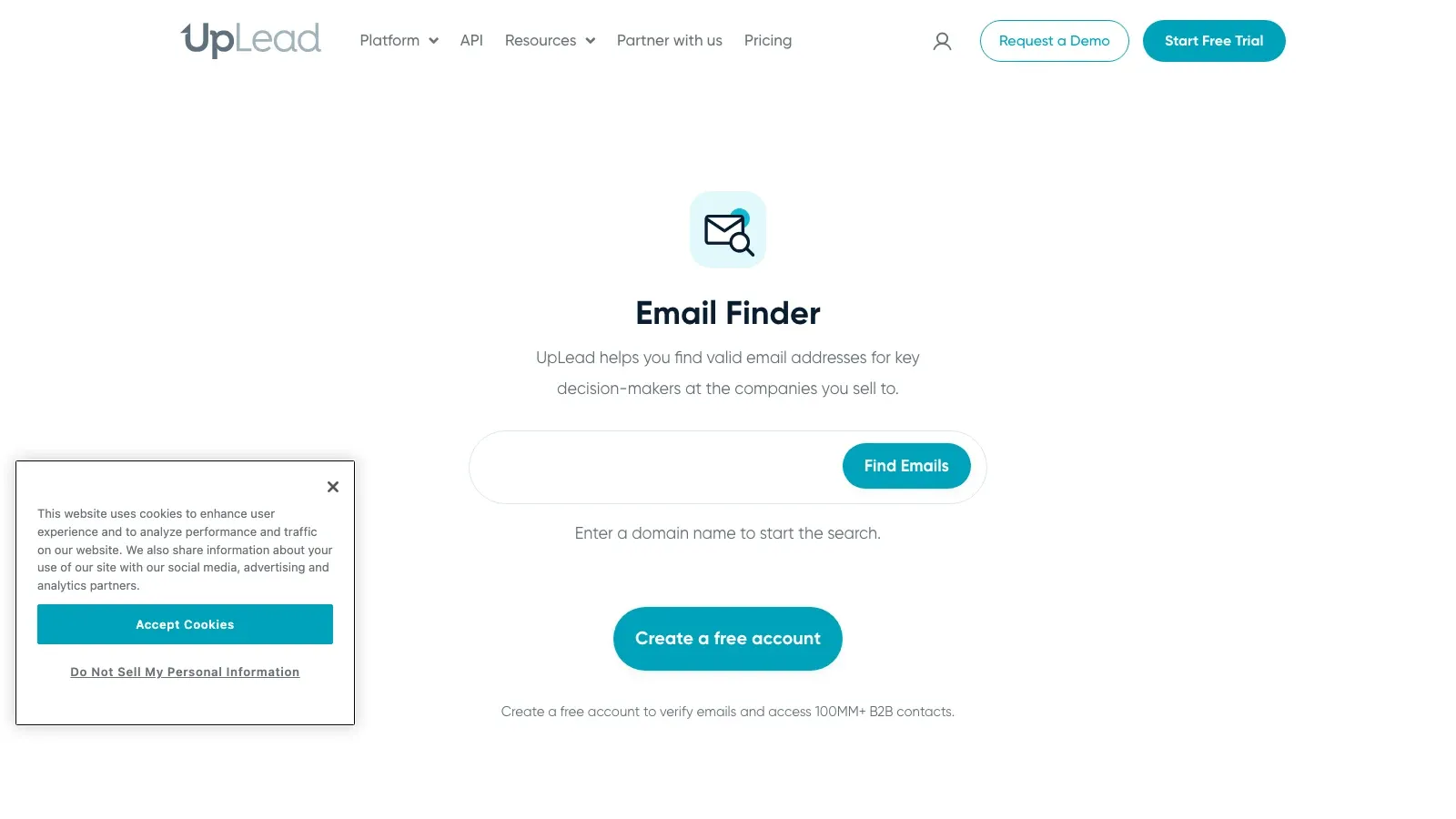
UpLead stays on this list for one reason: it keeps pushing a verification-first pitch that is easy to understand and operationally useful. The official page still centers on verified B2B emails, advanced search filters, and a 95% data accuracy guarantee. If your team has already been burned by bounced outreach and messy imports, that positioning matters.
What stands out:
- Verification-first workflow: Strong fit for teams that care more about data hygiene than brute-force database volume.
- Advanced filters: Useful for account-based list building, especially when firmographics and technographics matter.
- Cleaner export confidence: Better fit for teams that feed lists directly into outbound sequences.
- Lower ambiguity: UpLead’s value proposition is unusually clear compared with broader “all-in-one” sales suites.
UpLead is not trying to become everything. That focus is exactly why it is worth considering for high-trust outbound, lean sales teams, and marketers who care about email deliverability.
Pricing signal: UpLead currently offers a free trial and paid monthly plans.
4. Hunter
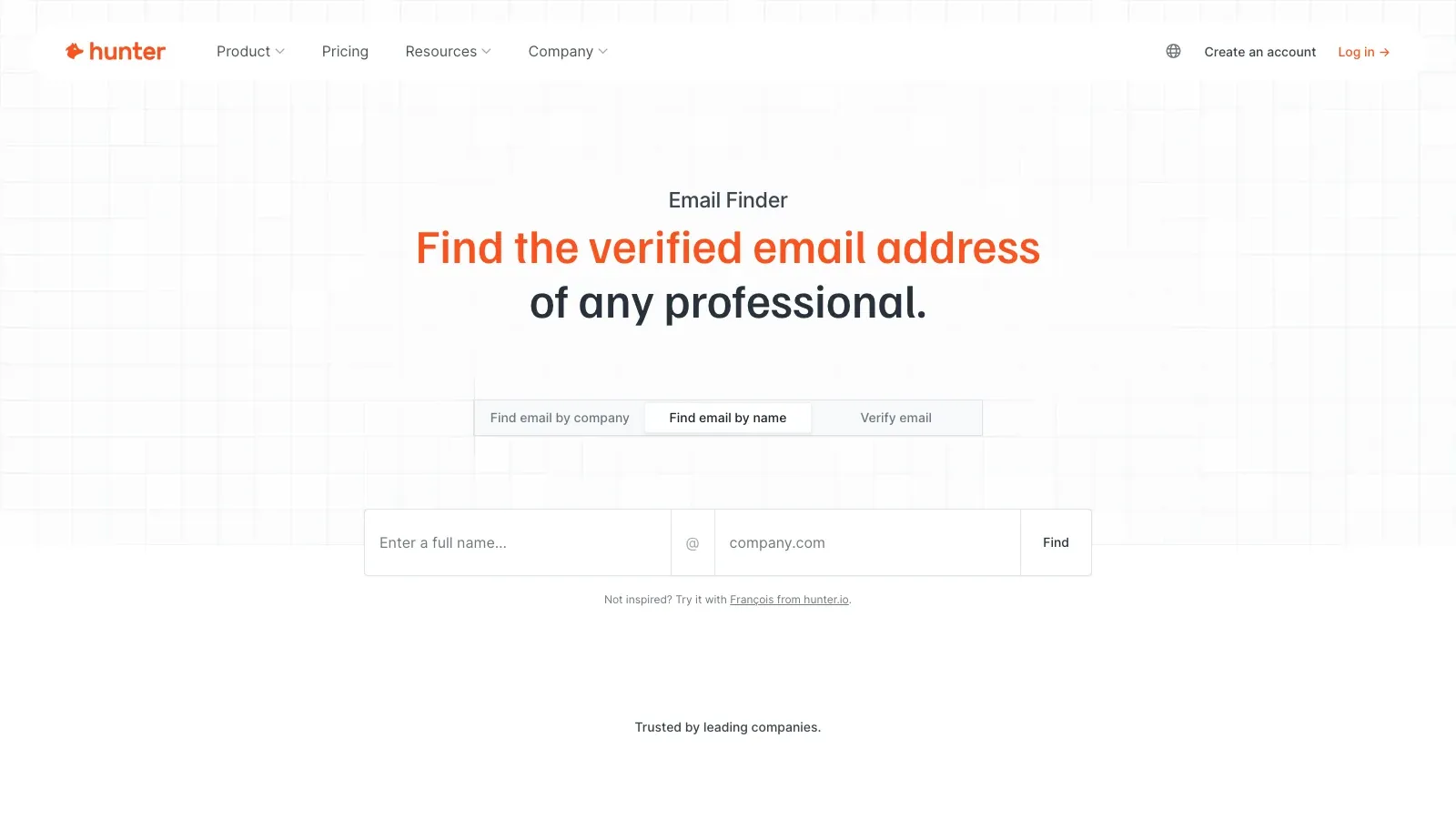
Hunter is still the cleanest answer when you want a finder-first product instead of a full sales stack. The current email finder page stays close to the category’s core job: find and verify professional email addresses, expose the source context, and help users move quickly from a company domain or person name to a usable work email.
Why Hunter still earns a place:
- Domain search remains excellent: Still one of the easiest tools for mapping a company’s public email patterns and likely contacts.
- Verification is built into the workflow: Good for final hygiene before sending.
- Bulk tasks are straightforward: Helpful for cleaning, checking, or validating smaller outbound lists.
- Low cognitive overhead: Strong fit for founders, consultants, recruiters, and marketers who do not want a heavy sales platform.
Hunter is less about owning your whole outbound stack and more about doing one job cleanly. That clarity is valuable.
Pricing signal: Hunter currently advertises a free plan and paid monthly plans on its pricing page.
5. Snov.io
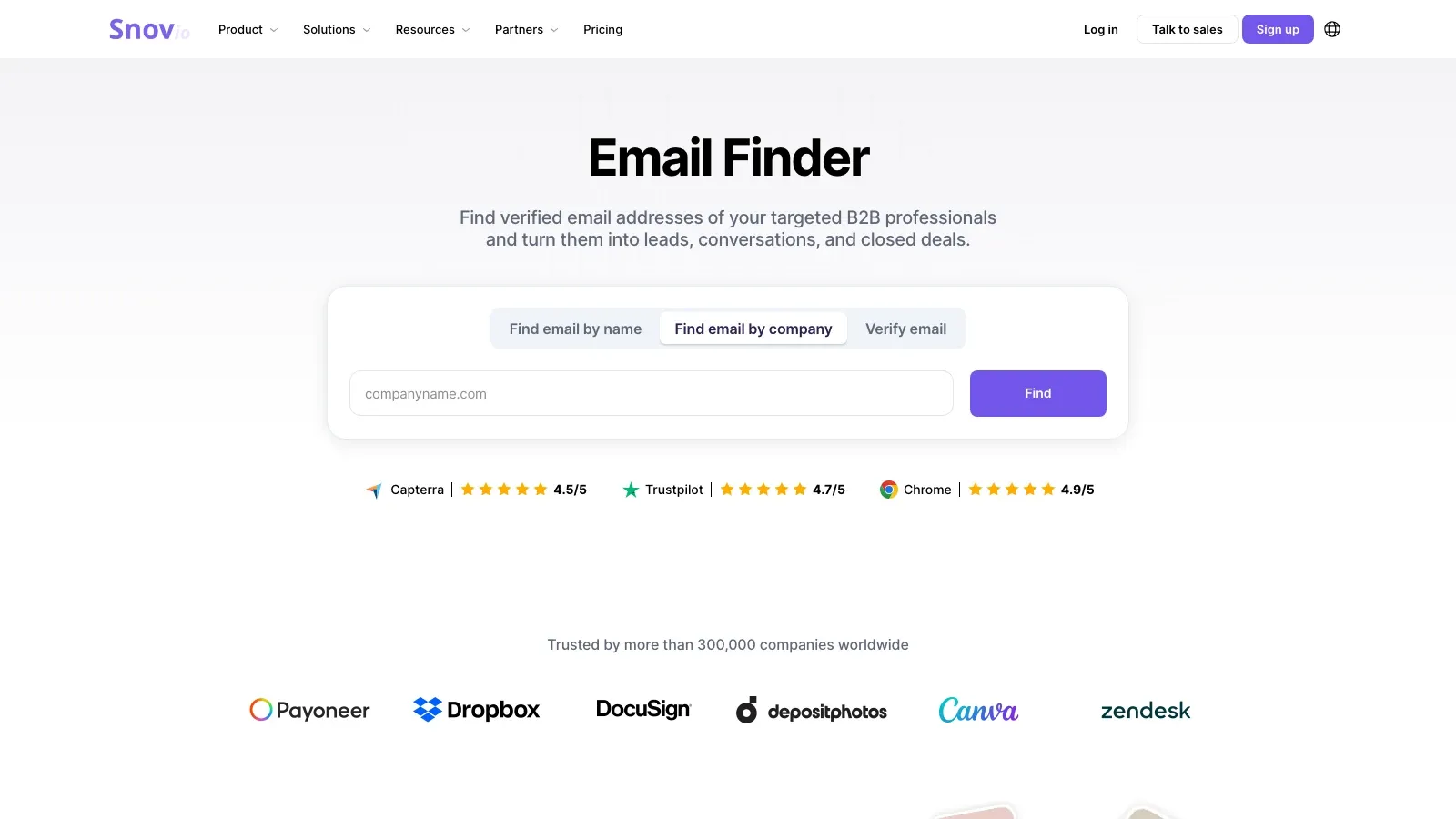
Snov.io remains useful because it bridges two buyer needs that often show up together: finding emails and running early outreach. Its current email finder page highlights access to more than 500 million prospects, plus LinkedIn-friendly discovery, domain search, and layered verification.
Why teams still shortlist it:
- Hybrid workflow: Better fit than Hunter if you also want drip sequences and basic outbound automation.
- Large prospect pool: Good enough breadth for lean teams without immediately moving up to a heavier platform.
- Extension-led prospecting: Works well when a lot of discovery happens in-browser.
- Good startup fit: Practical when you want multiple jobs covered by one subscription.
Snov.io is especially appealing for startups, agencies, and compact revenue teams that need finder, verifier, and lightweight campaign motion without buying a full enterprise sales platform.
Pricing signal: Snov.io currently offers trial credits and paid plan tiers.
6. Voila Norbert
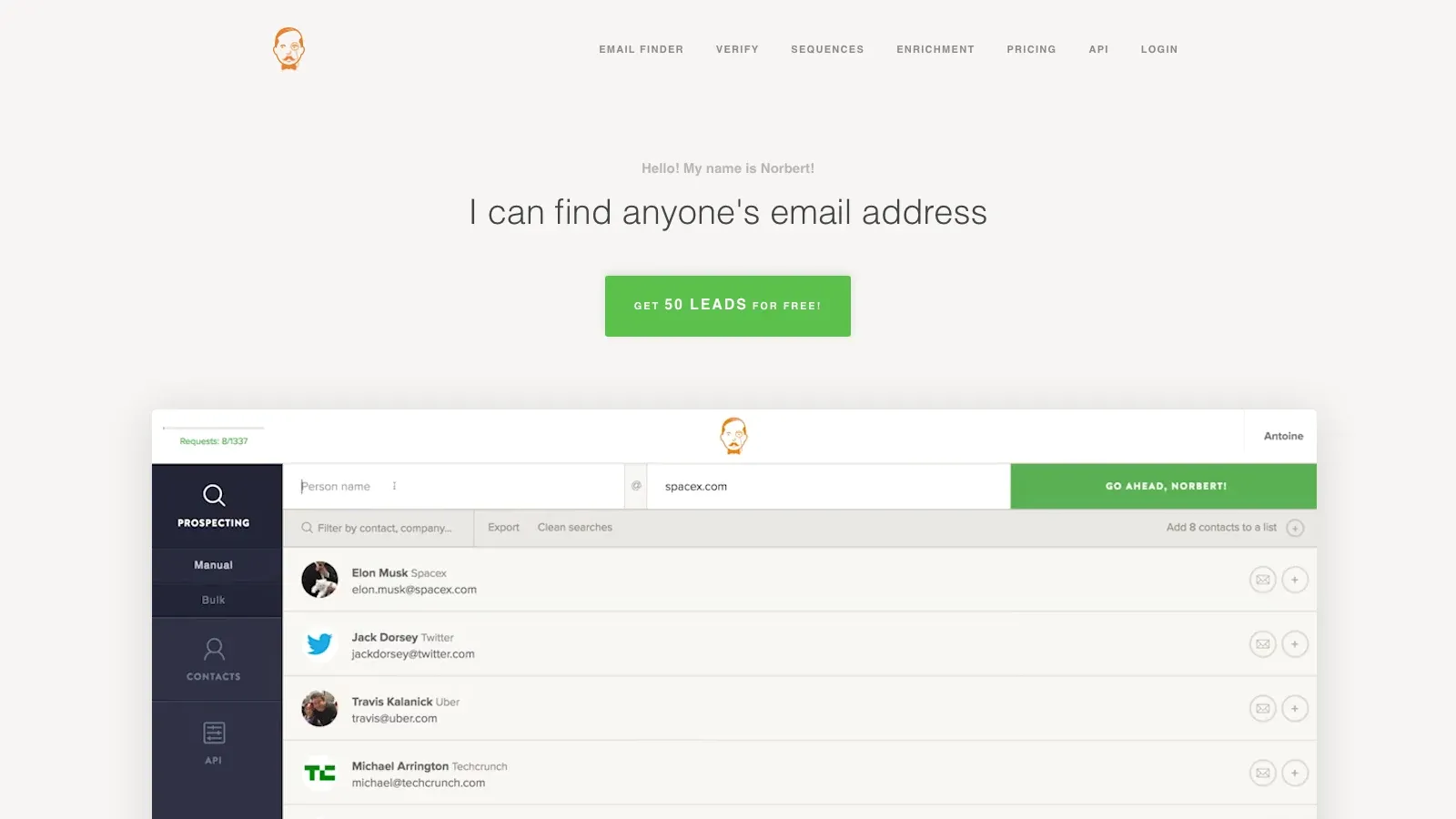
Voila Norbert still makes sense for teams that prefer targeted prospecting over massive database exploration. The product keeps its pitch simple: find corporate email addresses, verify them, enrich where needed, and move into smaller-scale outreach workflows without unnecessary complexity.
Where it fits best:
- Targeted lookups: Useful when you already know the company and likely contact but need a deliverable address.
- Agency and PR workflows: Strong fit for smaller batches and higher-precision prospecting.
- Verification included: Helpful when the workflow starts with guessed or partially matched addresses.
- Less cluttered buying surface: Easier to evaluate than broader platforms if your use case is narrow.
Voila Norbert is not the broadest product here, but it remains a credible option when accuracy, speed, and low workflow overhead matter more than giant database scale.
Pricing signal: Voila Norbert currently promotes trial credits and paid monthly plans, with separate options for verification and outreach volume.
The Real Tradeoff: Scale vs Freshness vs Workflow Simplicity
The right tool usually comes down to which compromise you are happiest to make:
- If you want maximum scale, database-led platforms like Apollo usually win.
- If you want cleaner verification and less guesswork, UpLead and Hunter are safer shortlists.
- If you want finder plus outreach in one tool, Snov.io and Apollo make more sense than piecing together separate apps.
- If you want low-friction rep adoption, Lusha often feels easier to roll out than heavier systems.

That tradeoff matters even more when you are sourcing prospects from places the major databases do not cover well, such as niche directories, event attendee pages, local listings, supplier catalogs, or industry-specific company pages.
How to Use Email Finder Data with Thunderbit
This is where Thunderbit complements the category well. Email finders are good at discovering or validating contact information. Thunderbit is good at collecting the surrounding context from the open web, especially when your lead source is not already packaged into a clean B2B database.
Use the workflow like this:
- scrape names, companies, titles, event pages, directories, or contact lists with Thunderbit
- export the structured rows to Sheets, Excel, Airtable, or Notion
- append or verify professional emails with Apollo, Hunter, UpLead, Snov.io, Lusha, or Voila Norbert
- enrich each lead with company notes, product context, or current signals before outreach
That gives you a better pipeline than relying on a database alone. It also reduces the stale-data problem, because you are combining finder tools with fresher company and page-level evidence from the public web.
Try Thunderbit for Lead List Enrichment
Best Practices Before You Send
- Verify before every campaign: Even strong tools drift as people switch jobs and domains change settings.
- Segment before personalizing: A smaller list with tighter role and industry relevance usually beats a larger generic blast.
- Keep raw source context: Save the company page, event page, or directory row that produced the lead so the rep has real personalization material.
- Protect sender reputation: Use clean domains, warm inboxes carefully, and avoid sending at full volume to untested lists.
- Respect compliance rules: Stay focused on relevant business outreach, make opt-out clear, and avoid treating finder data as a license to spam.
Conclusion
The best email finder is not the one with the loudest database claim. It is the one that matches your actual prospecting motion.
- Choose Apollo if you want scale and a broader outbound system.
- Choose Lusha if you want fast enrichment and direct-dial-friendly workflows.
- Choose UpLead if accuracy and verification come first.
- Choose Hunter if you want a focused finder and verifier without stack bloat.
- Choose Snov.io if you want discovery plus lightweight automation.
- Choose Voila Norbert if you run narrower, high-precision prospecting motions.
If your team also needs to build lists from the open web, enrich niche prospect sources, or move browser data into a usable table before email lookup, pair the finder with Thunderbit. That combination is often more practical than expecting one database to cover every market edge case.
Explore Thunderbit for Smarter Lead Generation
FAQs
Q1: What is an email finder tool?
A: An email finder tool helps you locate and often verify professional email addresses for specific people or companies, usually through a mix of stored contact data, domain pattern matching, public-source discovery, and verification workflows.
Q2: Which email finder is best for bulk prospecting?
A: Apollo is usually the strongest bulk-shortlist option in this group because it combines a large contact graph with filters and built-in outreach workflows.
Q3: Which email finder is best if I care most about deliverability?
A: UpLead and Hunter are the clearest verification-first options in this roundup, with UpLead positioned more as a database platform and Hunter positioned more as a finder-first workflow.
Q4: Should I use only an email finder for lead generation?
A: Usually no. Email finders work better when paired with fresh context from websites, directories, company pages, event listings, or other structured lead sources. That is where a web data tool like Thunderbit adds value.




