
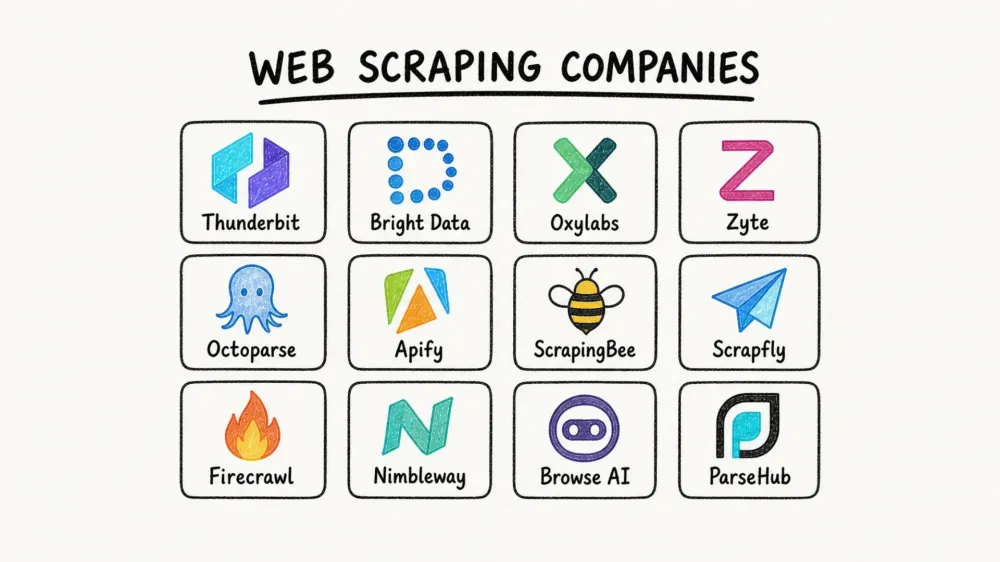
Il mercato del web scraping ha raggiunto 754 milioni di dollari nel 2024 ed è sulla buona strada per arrivare a 2,87 miliardi di dollari entro il 2034. Eppure, la maggior parte degli acquirenti continua a scegliere il fornitore sbagliato al primo tentativo.
Questo divario non stupisce affatto. “Web scraping company” è un’etichetta ombrello che racchiude di tutto: da una semplice estensione Chrome installabile in dieci secondi fino a una pipeline dati enterprise da milioni di dollari. Se ci aggiungiamo prezzi poco trasparenti, scraper che si rompono di continuo (un utente su Reddit ha segnalato che il 10–15% degli scraper smette di funzionare ogni singola settimana) e centinaia di provider che promettono tutti di “scrapare qualsiasi sito”, la confusione è più che comprensibile.
Lavoro nel team del sito ufficiale di Thunderbit, quindi vedo da vicino le domande che gli acquirenti si fanno prima di scegliere — e la frustrazione che si portano dietro da strumenti precedenti che smettevano di funzionare non appena il sito di destinazione cambiava layout. Questa guida è la risorsa che avrei voluto avere quando ho iniziato a studiare il settore: 12 aziende, tre categorie distinte, prezzi reali del 2026, una tabella comparativa unica e un framework decisionale che aiuta davvero a scegliere.
Perché trovare la giusta azienda di web scraping conta nel 2026
Il web scraping non è più un progettino parallelo per sviluppatori. È un input di business che alimenta intelligence sui prezzi, lead generation, ricerche di mercato, aggregazione di contenuti e, sempre più spesso, pipeline per AI e LLM. Market.us attribuisce da solo il 25,8% del mercato del web scraping al monitoraggio dei prezzi e al dynamic pricing. Mordor Intelligence stima il mercato del 2026 a 1,17 miliardi di dollari, con il monitoraggio dei prezzi e della concorrenza in crescita a un CAGR del 19,23%. Le due aziende definiscono la categoria in modo diverso, ed è per questo che i numeri non coincidono — prendili come un’indicazione di massima della scala, non come una cifra precisa.
I vantaggi sono misurabili. I case study dei vendor lo dimostrano: Zyte riporta un risparmio del 25% del tempo di sviluppo per spider per un grande retailer globale. Un caso d’uso di Apify per lead generation cita oltre 40 ore di lavoro manuale eliminate per ogni ciclo di campagna.
Ma i problemi ricorrenti sono altrettanto chiari:
- Gli scraper si rompono spesso quando i siti target cambiano layout o introducono nuove difese anti-bot.
- I costi diventano imprevedibili su larga scala, soprattutto con modelli basati sull’uso.
- Molti strumenti danno ancora per scontato il tempo di uno sviluppatore, cosa che la maggior parte dei team business non ha semplicemente a disposizione.
Scegliere la categoria sbagliata — non solo il vendor sbagliato — è l’errore più costoso. Un team sales che si iscrive a una API pensata per sviluppatori perde settimane prima di capire che gli serviva uno strumento no-code. Un team engineering che sceglie un builder point-and-click arriva ai limiti di volume in un mese. Prima viene la scelta della categoria. Poi quella del fornitore.
Tre tipi di aziende di web scraping (e perché fa la differenza)
Prima di valutare i singoli provider, bisogna capire i tre modelli operativi nascosti dietro l’unica etichetta “web scraping company”. Confonderli è la causa principale della delusione degli acquirenti.
| Categoria | Cosa ottieni | Ideale per | Esempi in questa lista |
|---|---|---|---|
| Full-service / managed scraping | Costruiscono e mantengono gli scraper per te; ricevi dati puliti e strutturati | Team senza risorse di sviluppo o con target complessi e ad alto volume | Bright Data (dataset), Zyte, Nimbleway |
| API e infrastruttura per scraping | Chiami una API; loro gestiscono proxy, rendering e anti-bot | Sviluppatori che vogliono controllo senza gestire l’infrastruttura | ScrapingBee, Scrapfly, Oxylabs, Firecrawl, Apify |
| Strumenti no-code / browser-based | Interfaccia point-and-click; poca o nessuna programmazione | Utenti business in sales, e-commerce, marketing, real estate | Thunderbit, Octoparse, Browse AI, ParseHub |
Aziende di web scraping full-service / managed
Questi provider gestiscono l’intera pipeline. Tu definisci quali dati ti servono; loro si occupano di estrazione, anti-bot, rendering, manutenzione e consegna. Il compromesso è semplice: meno lavoro di mantenimento, costo più alto. Se il tuo team non ha praticamente tempo di sviluppo e ha bisogno di dati da target molto protetti su larga scala, questa è la categoria da cui iniziare.
Provider di API e infrastruttura per scraping
Invii un URL o un task a un endpoint. Loro restituiscono HTML renderizzato, dati strutturati o screenshot — gestendo in background proxy, rendering del browser, retry e risoluzione dei CAPTCHA. Rimani però responsabile del codice di integrazione, della logica di parsing e dei flussi downstream. Il compromesso: costo medio, manutenzione medio-alta e pieno controllo della pipeline.
Strumenti di web scraping no-code / browser-based
Questi strumenti sono pensati per gli operatori, non per gli ingegneri. La maggior parte usa un’estensione browser, un builder visuale o un’interfaccia guidata dall’AI per produrre rapidamente dati strutturati. Il compromesso: il modo più veloce per partire, ma i limiti di volume sono in genere più bassi rispetto ai provider API-first.
Thunderbit rientra pienamente in questa terza categoria. Apri una pagina, fai un clic, e l’AI capisce cosa estrarre e compila la tabella senza ulteriori input. L’obiettivo è portare un sales rep o un analista e-commerce dalla pagina al foglio di calcolo in un paio di minuti, con export gratuiti su Excel, Google Sheets, Airtable e Notion.
Prova l'AI Web Scraper di Thunderbit
Come abbiamo valutato le migliori aziende di web scraping
Abbiamo applicato gli stessi sette criteri a tutti e 12 i provider.
| Criterio | Perché conta |
|---|---|
| Tipo di azienda (full-service / API / no-code / estensione) | Determina chi fa davvero il lavoro |
| Gestione anti-bot e proxy | Il principale problema tecnico — essere bloccati spesso richiede più tempo che scrivere il parser |
| Carico di manutenzione | Gli scraper si rompono; la vera domanda è chi li aggiusta |
| Prezzi trasparenti (costo reale dei piani 2026, free tier) | “Contatta il reparto vendite” non è una risposta |
| Facilità d’uso no-code | Una grande parte degli acquirenti non è tecnica |
| Formati di export e integrazioni | La compatibilità dell’output influenza l’intero flusso downstream |
| Tag di caso d’uso ideale | Aiuta i lettori ad abbinare rapidamente il provider allo scenario |
Questi criteri rispecchiano direttamente ciò di cui gli utenti si lamentano nelle community pubbliche. Su Hacker News, una discussione del 2025 sosteneva che le API sono contratti, mentre lo scraping è per natura fragile. Su GitHub, un issue di Firecrawl intitolato “All scraping engines failed!” ricorda bene che anche gli strumenti moderni, ottimizzati per l’AI, incontrano ancora casi limite.
1. Thunderbit
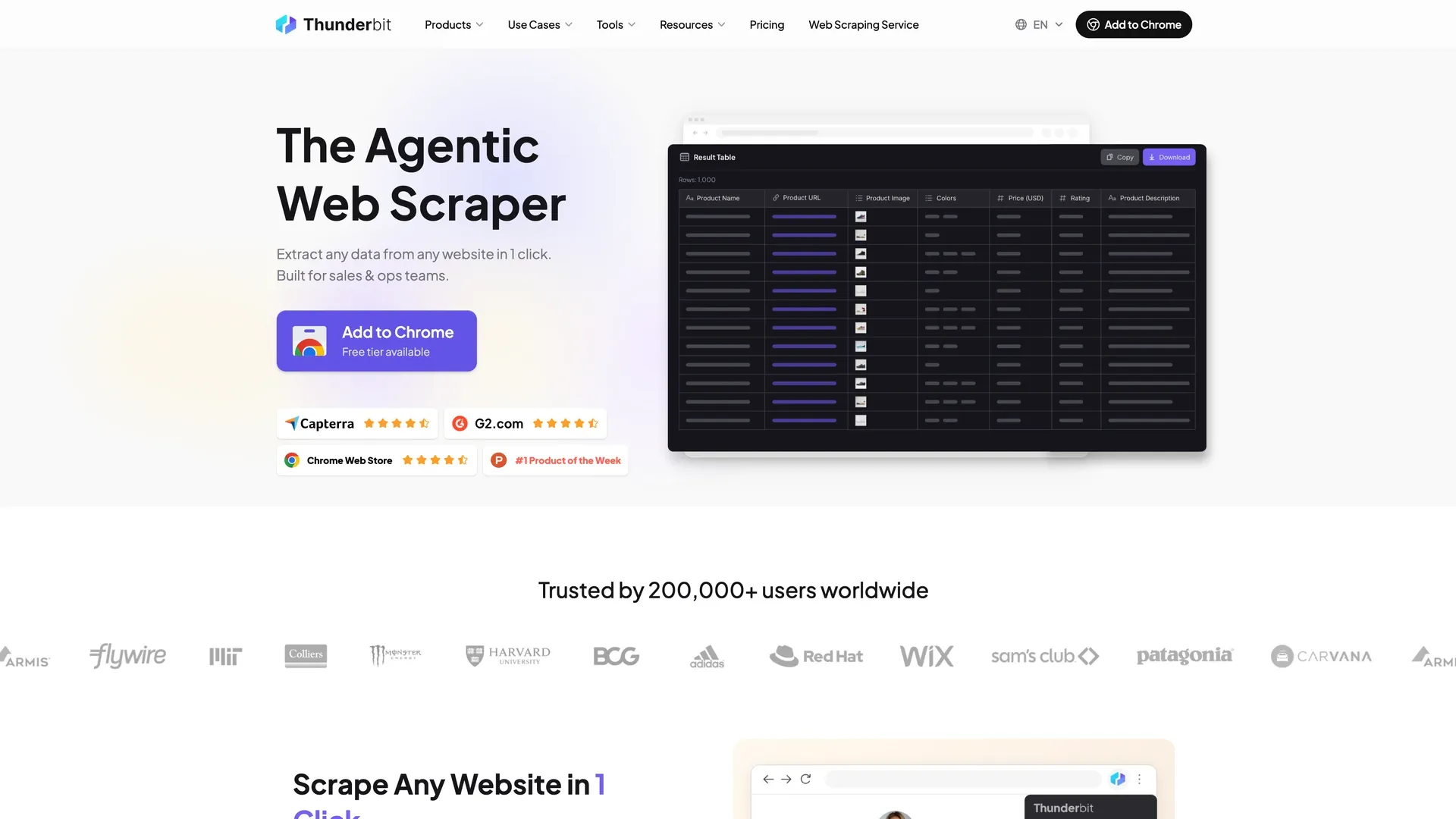 Thunderbit è un'estensione Chrome basata su AI, pensata per utenti non tecnici che hanno bisogno di dati strutturati da siti web, PDF e immagini senza scrivere codice né gestire selector.
Categoria: Strumento no-code / browser-based con API opzionale
Workflow principale: Apri qualsiasi pagina → fai un clic → l’AI capisce quali campi estrarre e porta a termine il lavoro fino a una tabella pronta. Se vuoi campi specifici, descrivili in linguaggio naturale e userà quelli. Per la maggior parte dei lavori, il processo finisce lì.
Funzionalità principali:
- Rilevamento automatico dei campi: Identifica le colonne dati presenti nella pagina ed estrae le informazioni senza configurazione iniziale.
- Scraping delle sottopagine: Visita ogni pagina di dettaglio e arricchisce la tabella principale — senza configurazioni manuali.
- Scraping programmato: Descrivi l’intervallo in linguaggio naturale; il sistema esegue tutto in cloud secondo pianificazione.
- Modalità cloud e browser: Usa la modalità browser per pagine protette da login, la modalità cloud per la velocità (50 pagine alla volta).
- Estrattori gratuiti per email, telefoni e immagini: Utili per workflow di lead generation senza strumenti aggiuntivi.
- Export gratuiti: Excel, Google Sheets, Airtable, Notion, CSV, JSON — nessun sovrapprezzo per l’export.
Anti-bot e manutenzione: L’AI rilegge ogni pagina da zero a ogni esecuzione, adattandosi automaticamente ai cambi di layout. Questo elimina il principale punto di rottura per gli utenti business che lavorano su siti diversi e distribuiti a coda lunga. Non è “zero manutenzione” (nulla lo è), ma colpisce esattamente il tipo di problema che frustra di più i team non tecnici.
Prezzi: Piano gratuito (6 pagine al mese), più prova di 7 giorni delle funzionalità Pro. Starter a $15/mese, oppure $9/mese con fatturazione annuale. Pro a $38/mese, oppure $24/mese con fatturazione annuale. Business su preventivo. L’API Web Scraper di Thunderbit si paga separatamente, da $29/mese ($16/mese con fatturazione annuale), con 600 unità gratuite iniziali. I crediti si conteggiano per riga di output: 1 per riga, 2 quando la riga proviene da una sottopagina e 30 per ogni query di arricchimento dati personali. Consulta i prezzi di Thunderbit per i dettagli aggiornati.
Opzione developer: Thunderbit Open API include un endpoint Distill (pagina web → Markdown) e un endpoint Extract (pagina web → JSON strutturato tramite schema).
Ideale per: Team sales (lead generation da directory), operazioni e-commerce (monitoraggio prezzi, scraping SKU dei competitor), agenti immobiliari (dati degli annunci), marketer e operatori che hanno bisogno di dati web strutturati senza supporto tecnico.
Limiti: Non è la soluzione migliore per il monitoraggio enterprise di SERP su 100K+ pagine, né per siti con protezioni anti-bot molto aggressive — per questi casi servono i provider proxy e API di questo elenco. Il tetto di volume è inferiore rispetto ai provider di infrastruttura API dedicata.
2. Bright Data
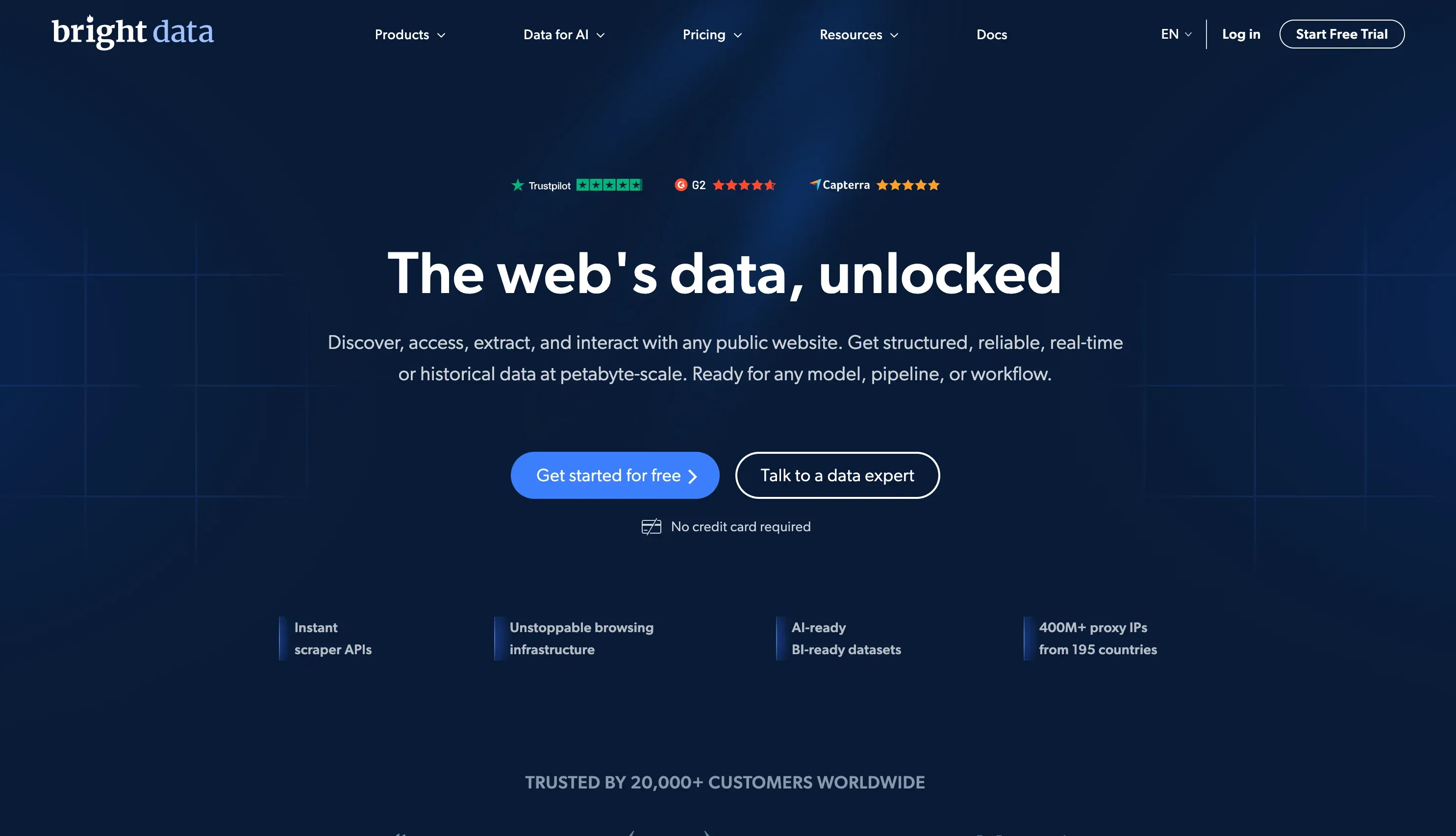 Bright Data è una delle piattaforme di web data più ampie al mondo, e combina una rete proxy enorme, scraper API, un Web Scraper IDE e dataset preconfezionati.
Categoria: Ibrida — servizio gestito + infrastruttura API
Funzionalità principali:
- Rete proxy con oltre 400M di IP (residential, datacenter, mobile, ISP)
- Web Scraper API, Web Unlocker, IDE di scraping basato su browser
- Oltre 350 dataset e più di 437 scraper preconfigurati
- Infrastruttura enterprise per delivery e compliance
Anti-bot e manutenzione: Gestisce Cloudflare, CAPTCHA e rendering JS su larga scala. I dataset gestiti assorbono completamente la manutenzione.
Prezzi: Web Scraper API a $1,5 / 1K record pay-as-you-go, piano Scale a $499/mese. I costi dei proxy possono crescere rapidamente con il volume — il budgeting richiede un monitoraggio attento.
Ideale per: Grandi aziende con esigenze di scraping complesse, ad alto volume e budget adeguato.
Limiti: Curva di apprendimento ripida per utenti non tecnici. Prezzi complessi e possibili picchi di costo su larga scala.
3. Oxylabs
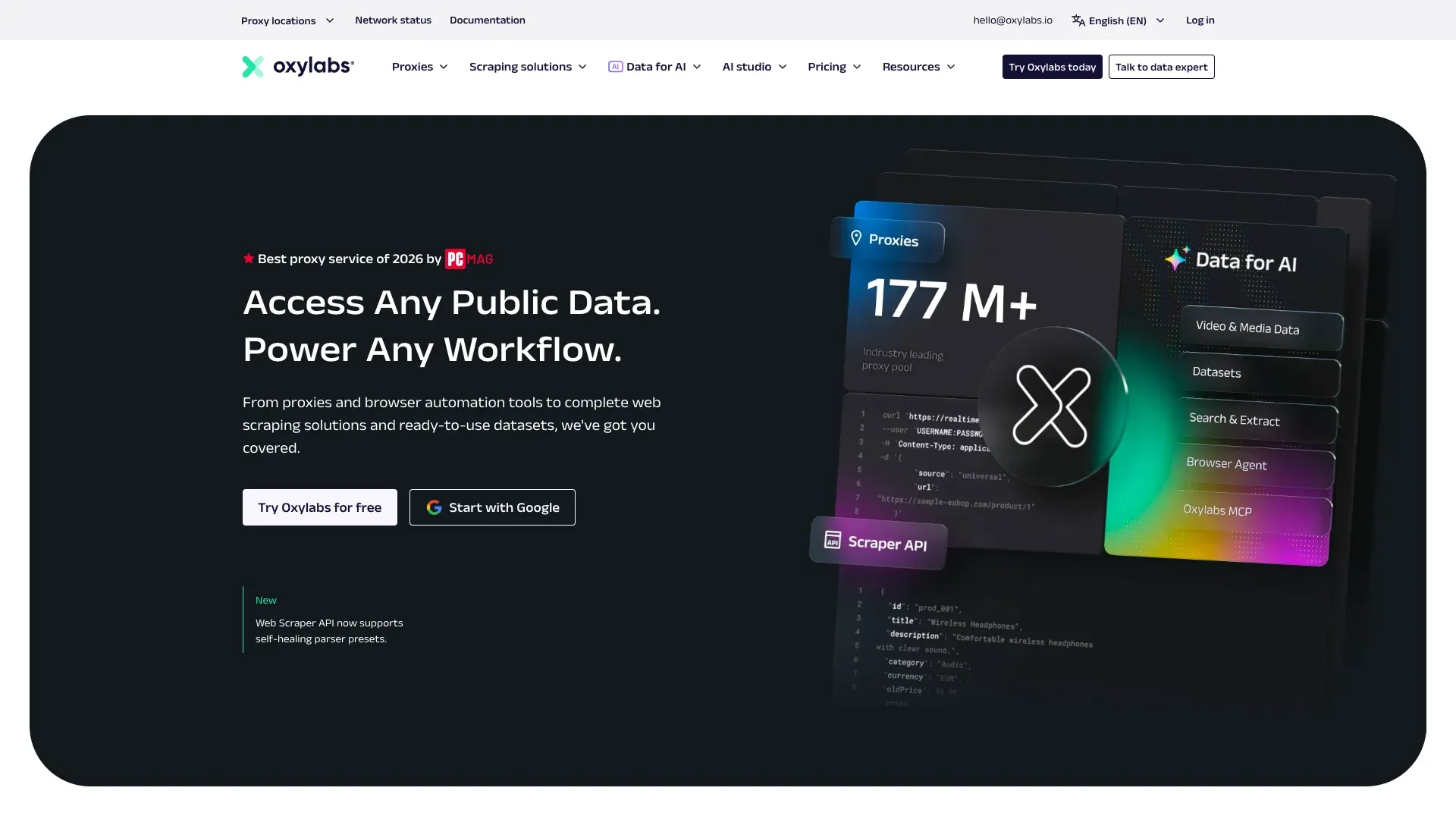 Oxylabs è un provider premium di proxy e infrastruttura per scraping, con uno dei più grandi pool di IP del settore.
Categoria: API per scraping + infrastruttura proxy
Funzionalità principali:
- Proxy residential e datacenter con geotargeting avanzato
- Web Scraper API, SERP Scraper API, E-commerce Scraper API
- AI Web Scraping API / OxyCopilot per parsing avanzato
- Prova gratuita fino a 2.000 risultati
Anti-bot e manutenzione: Unblocking robusto per scraping ad alto volume e ad alta intensità di IP. Ottimo per estrazioni ricorrenti su larga scala.
Prezzi: Web Scraper API da $49/mese. I bundle proxy e gli add-on per il pool IP possono aumentare il costo totale.
Ideale per: Team di sviluppo che hanno bisogno di un’infrastruttura proxy affidabile per estrazioni dati ricorrenti su larga scala — soprattutto SERP e product intelligence.
Limiti: Nessun vero percorso no-code per utenti business. Il costo totale cresce rapidamente quando si sommano proxy e casi d’uso avanzati.
4. Zyte
 Zyte è stata fondata dai creatori del framework open-source Scrapy e combina API di scraping assistite dall’AI con hosting Scrapy Cloud e servizi di estrazione gestita.
Categoria: Ibrida — API + servizio gestito
Funzionalità principali:
- Zyte API con estrazione automatica assistita dall’AI
- Scrapy Cloud per distribuire e gestire spider
- Gestione smart dei proxy e rendering del browser integrati
- Zyte Data per estrazione gestita dedicata ai clienti enterprise
Anti-bot e manutenzione: Rotazione smart dei proxy integrata e funzionalità AI che riducono la manutenzione dei selector.
Prezzi: $5 di credito gratuito iniziale. Prezzi Zyte API basati sull’utilizzo. Scrapy Cloud da $9/unità/mese.
Ideale per: Team Python/Scrapy che vogliono un ambiente cloud gestito con estrazione assistita dall’AI.
Limiti: Curva di apprendimento più ripida per i non sviluppatori. La componente no-code è limitata rispetto agli strumenti browser-based.
5. Octoparse
 Octoparse è uno dei brand no-code più affermati nel web scraping, costruito attorno a un builder visuale point-and-click.
Categoria: Strumento no-code
Funzionalità principali:
- Builder visuale con logica drag-and-drop
- App desktop più esecuzione programmata via cloud
- Gestisce paginazione, infinite scroll e pagine protette da login
- Template preconfigurati per siti popolari
- Export in CSV, Excel, JSON, HTML e XML
Anti-bot e manutenzione: Gestione CAPTCHA integrata e scraping cloud con rotazione IP. Gli utenti devono comunque aggiornare i workflow quando cambia il layout del sito.
Prezzi: Piano free forever (10 task, 50.000 righe esportate al mese). Standard a $83/mese, oppure $69/mese con fatturazione annuale. Professional a $299/mese, oppure $249/mese con fatturazione annuale. Enterprise su preventivo.
Ideale per: Marketer, ricercatori e team e-commerce che vogliono un’interfaccia visuale per lo scraping senza programmare.
Limiti: Il software desktop richiede installazione. La manutenzione del workflow resta a carico dell’utente quando i siti target cambiano, perché il workflow si basa su selector salvati invece di rileggere la pagina ogni volta.
6. Apify
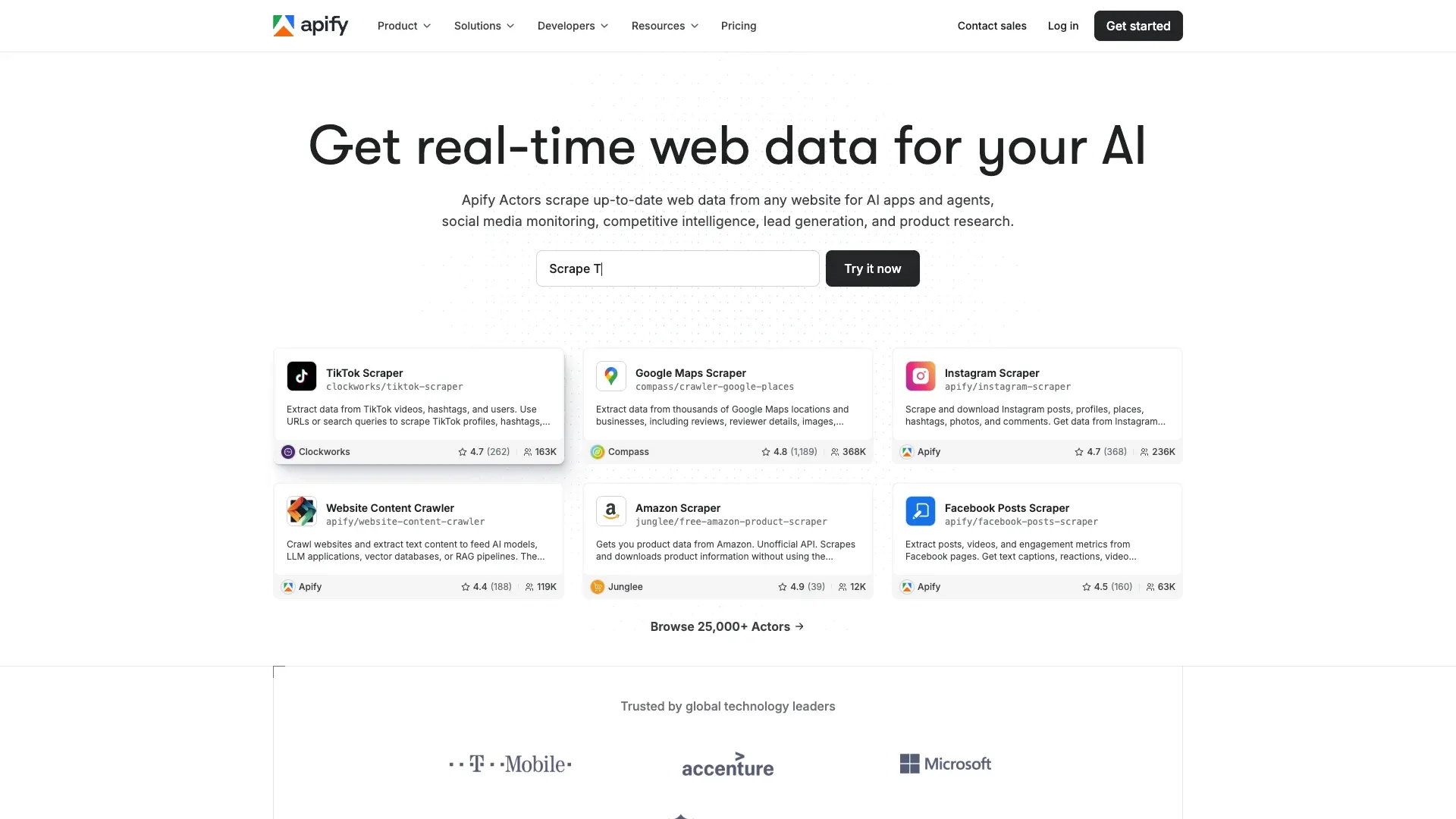 Apify non è solo uno scraper — è una piattaforma con marketplace. Questo lo rende particolarmente forte quando esiste già uno scraper pronto per il sito che ti interessa.
Categoria: Piattaforma API / developer con marketplace
Funzionalità principali:
- Marketplace di Actor con circa 59.000 scraper e automazioni pronti all’uso (Apify Store, agosto 2026)
- Apify SDK per crawler personalizzati
- Integrazioni con Zapier, Google Sheets, webhook e API
- Gestione proxy inclusa nei piani della piattaforma
Anti-bot e manutenzione: Dipende dalla qualità del singolo Actor. Gli Actor ufficiali sono ben mantenuti; quelli della community possono rompersi senza preavviso.
Prezzi: Piano gratuito con $5 di credito d’uso. Starter da $29/mese. In aggiunta, crediti di calcolo a consumo.
Ideale per: Team che vogliono uno scraper già pronto per un sito popolare specifico (Google Maps, Amazon, Instagram) senza costruire tutto da zero.
Limiti: La qualità varia tra gli Actor della community. I siti complessi o di nicchia richiedono comunque sviluppo custom. Non è davvero no-code per gli scraper personalizzati.
7. ScrapingBee
 ScrapingBee è una delle API developer più pulite della categoria — focalizzata sul rendere fetch delle pagine, rendering e rotazione proxy semplici come una singola chiamata API. Ora fa parte del gruppo Oxylabs e continua a operare come prodotto separato, cosa utile da sapere se stai valutando entrambi.
Categoria: API per scraping
Funzionalità principali:
- API REST a chiamata singola (invia l’URL, ricevi HTML o JSON)
- Rendering integrato con Chrome headless
- Rotazione di proxy residential e datacenter
- Google Search API e screenshot API
- Opzioni più recenti per Markdown e estrazione AI
Anti-bot e manutenzione: Gestisce automaticamente rendering JS e rotazione proxy. Rimangono a tuo carico la logica di parsing e il design dello schema.
Prezzi: 1.000 crediti gratuiti in prova. Piani da $49/mese.
Ideale per: Sviluppatori che vogliono un’API pulita e semplice per renderizzare e recuperare pagine — per poi parsare i dati in autonomia.
Limiti: Il prodotto core resta il page fetching. Sei tu a occuparti di estrazione, strutturazione e affidabilità downstream.
8. Scrapfly
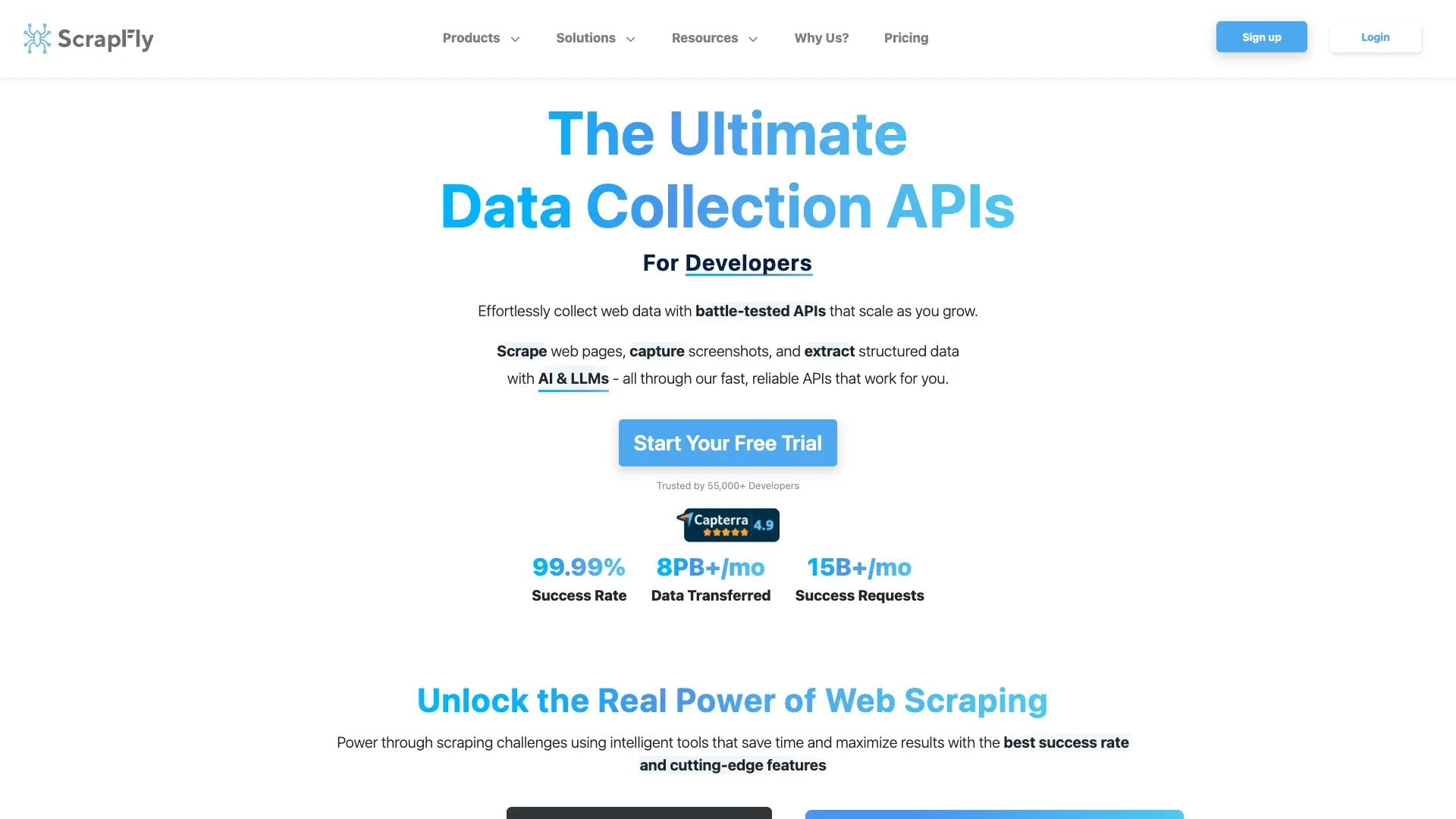 Scrapfly è l’API più esplicitamente orientata all’anti-bot di questa lista, pensata per sviluppatori che puntano siti fortemente protetti.
Categoria: API per scraping
Funzionalità principali:
- Bypass anti-bot per Cloudflare, DataDome, PerimeterX e difese simili
- Rendering con browser headless
- Rotazione dei proxy residential
- Consegna via webhook, retry automatici e acquisizione screenshot
Anti-bot e manutenzione: Specializzata nei target difficili da scrapare. Assorbe gran parte della complessità anti-bot. Il parsing resta comunque a tuo carico.
Prezzi: Tier gratuito con 1.000 crediti. Piani a pagamento da $30/mese.
Ideale per: Sviluppatori che estraggono dati da siti con protezioni anti-bot aggressive e hanno bisogno di un alto tasso di successo senza gestire in proprio lo stack proxy/bypass.
Limiti: Concentrata su fetch e rendering — l’estrazione strutturata è responsabilità tua. Ecosistema più piccolo rispetto a Bright Data o Oxylabs.
9. Firecrawl
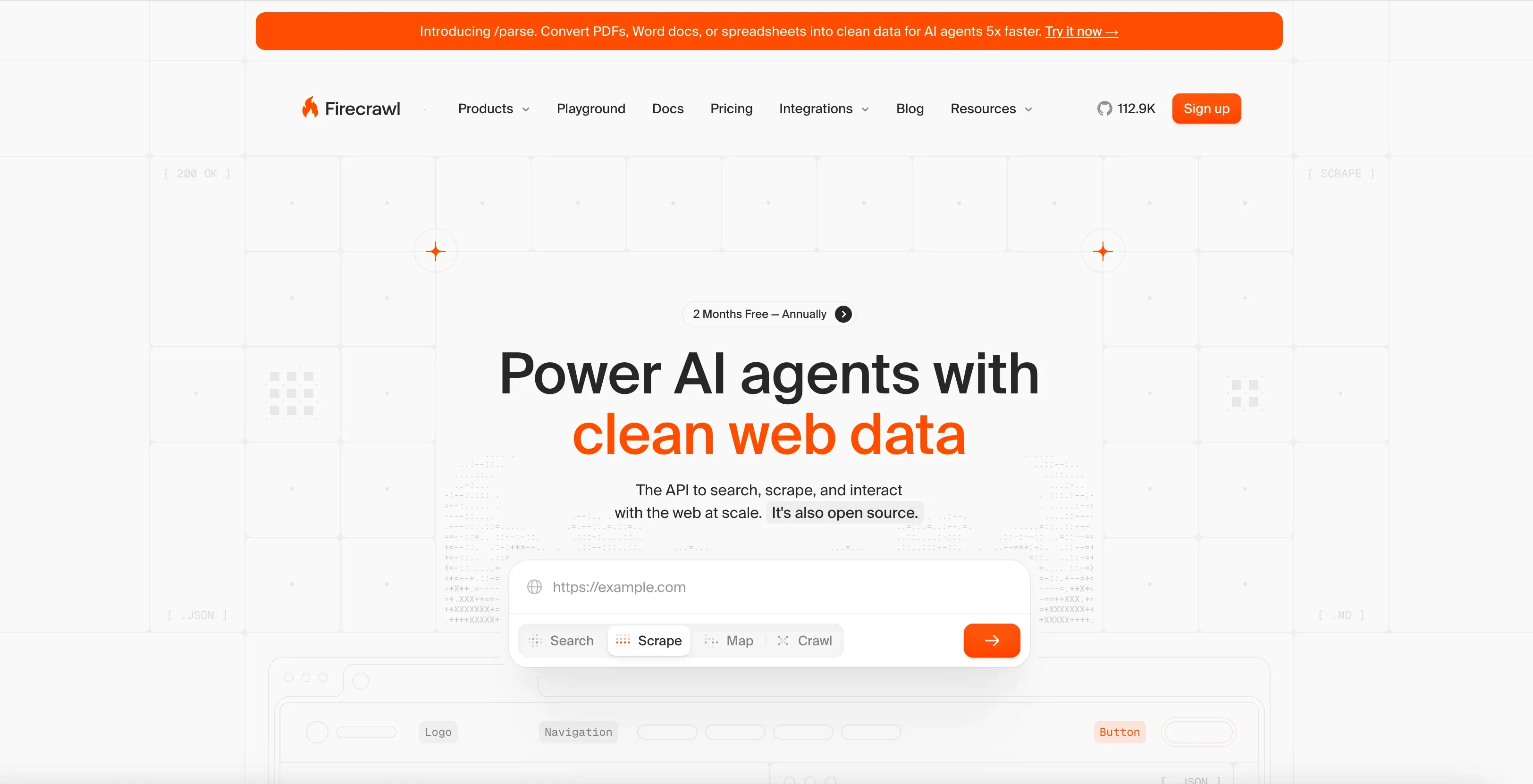 Firecrawl è progettato per sviluppatori che vogliono contenuti web puliti per workflow AI — non solo HTML grezzo.
Categoria: API di scraping per pipeline AI / LLM
Funzionalità principali:
- Endpoint scrape e crawl
- Output Markdown-first (pensato apposta per RAG e ingestione LLM)
- Estrazione dati strutturati tramite LLM
- Rendering JS e modalità proxy
- Workflow adatto a batch per sistemi agentici
Anti-bot e manutenzione: Gestisce rendering e anti-bot di base. Ottimizzato per la qualità del contenuto più che per il volume puro.
Prezzi: 1.000 crediti gratuiti al mese. Hobby a $19/mese, oppure $16/mese con fatturazione annuale. Standard a $99/mese, oppure $83/mese con fatturazione annuale.
Ideale per: Team AI/ML e sviluppatori che costruiscono pipeline RAG, knowledge base o app alimentate da LLM e hanno bisogno di contenuti web puliti.
Limiti: Prodotto più recente con un set di funzionalità più piccolo rispetto ai provider enterprise. Non pensato per monitoraggio e-commerce ad alto volume. Solo per sviluppatori — nessuna opzione no-code.
10. Nimbleway
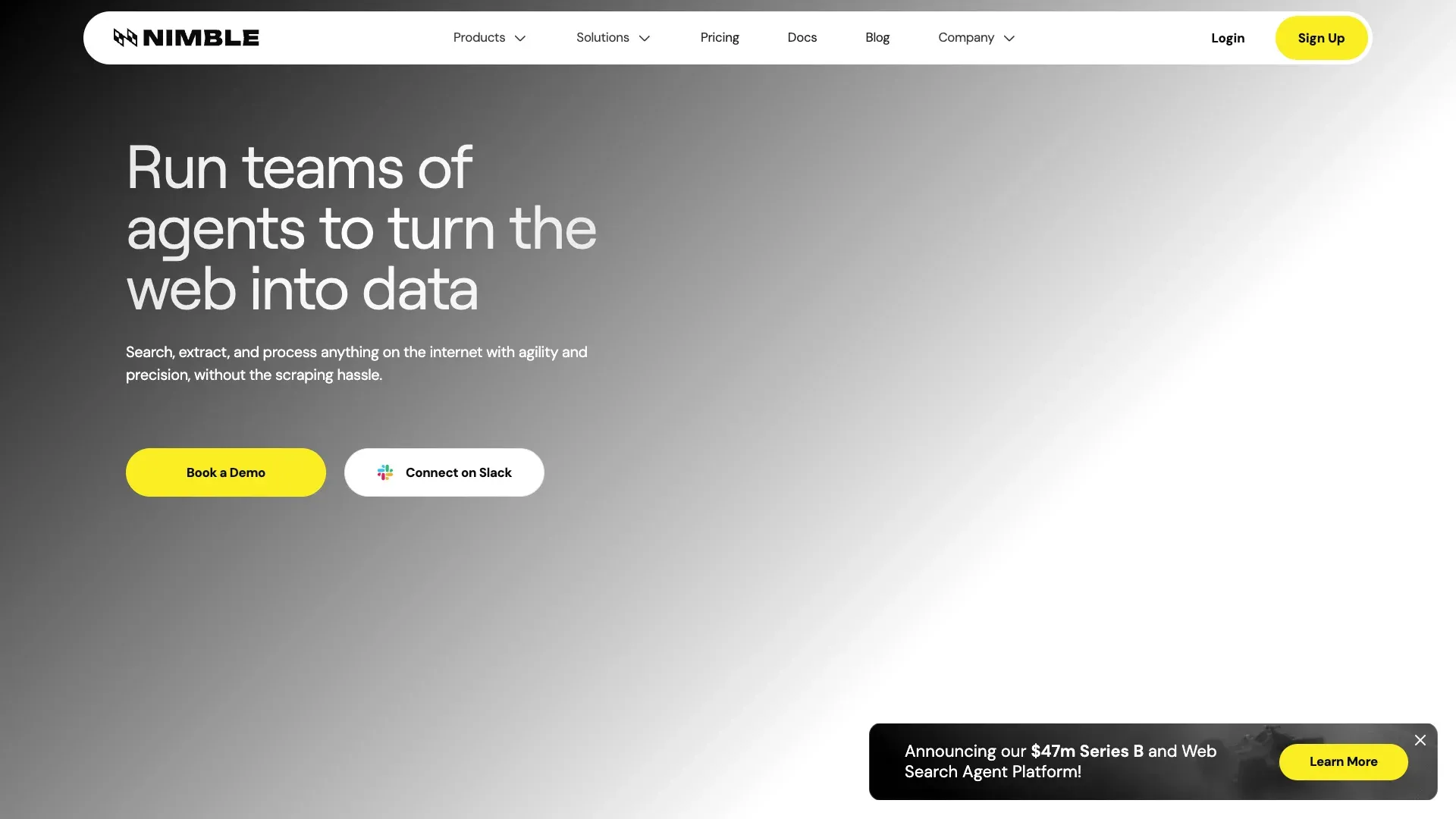 Nimbleway è posizionato più come piattaforma di delivery di dati strutturati che come strumento self-service per le PMI.
Categoria: Full-service / managed scraping con layer API
Funzionalità principali:
- Nimble Browser (browser cloud per lo scraping)
- API in tempo reale per dati strutturati su search, e-commerce e mappe
- Parsing basato su AI e infrastruttura di unblock
- Consegna di pipeline gestita
Anti-bot e manutenzione: Completamente gestito. Nimbleway si occupa di manutenzione della pipeline, anti-bot e consegna dei dati.
Prezzi: Pay-as-you-go da $1 per 1.000 richieste per extract, crawl e map, e $3 per 1.000 per i template di estrazione preconfigurati. I Managed Data Services partono da $2.500/mese, con fatturazione annuale.
Ideale per: Aziende medio-grandi che vogliono dati puliti e strutturati senza gestire in proprio gli scraper.
Limiti: Prezzi troppo alti per molti workflow SMB. Eccessivo per lavori semplici o spot.
11. Browse AI
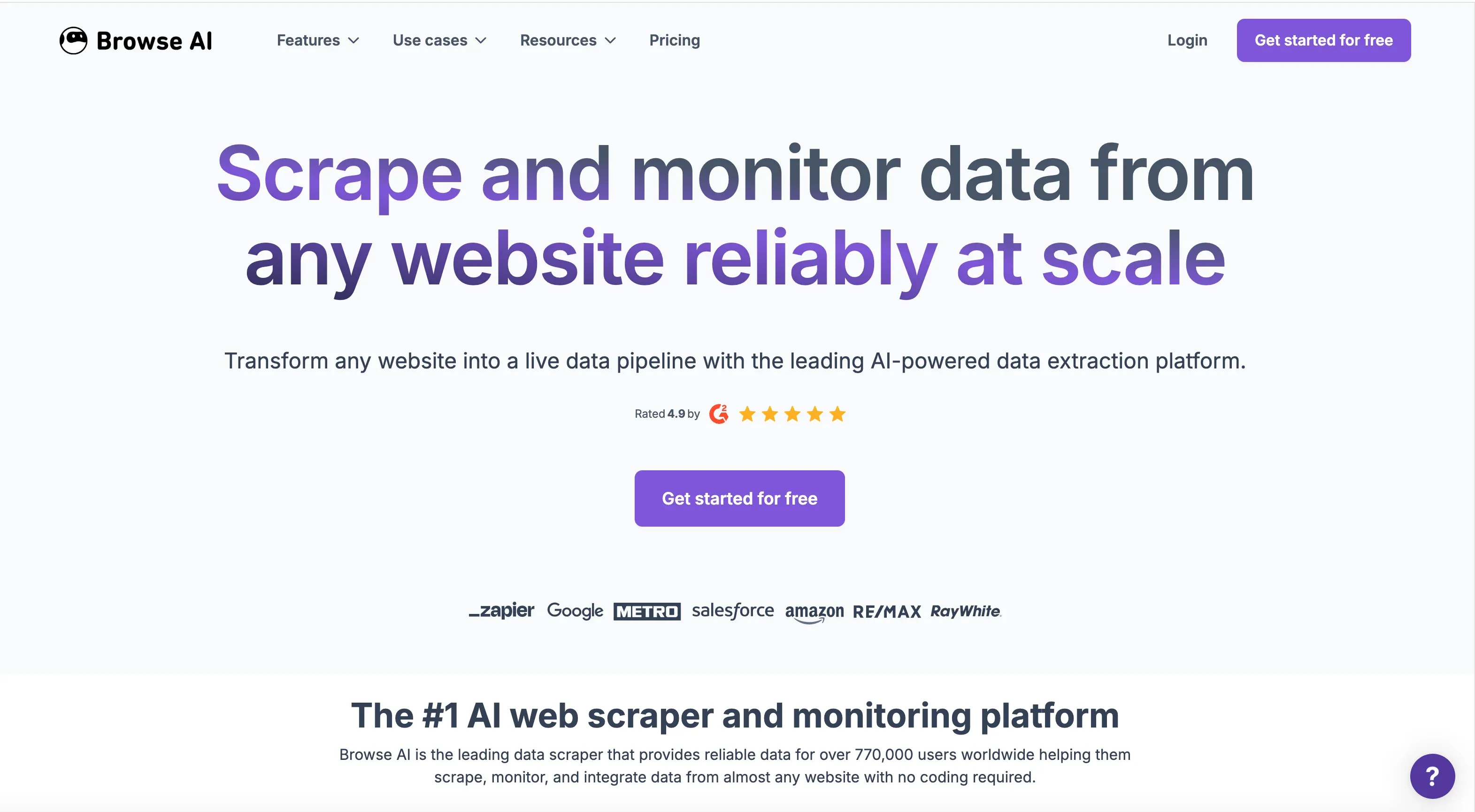 Browse AI dà il meglio quando il workflow non riguarda solo un’estrazione una tantum, ma soprattutto il monitoraggio ricorrente con alert.
Categoria: Strumento no-code
Funzionalità principali:
- Training del robot con point-and-click
- Rilevamento cambiamenti e monitoraggio con notifiche
- Integrazioni con Google Sheets, Airtable, Zapier, webhook e API
- Estrazione massiva e run ricorrenti programmati
Anti-bot e manutenzione: Gestisce l’anti-bot di base. I robot possono richiedere un nuovo training quando la struttura del sito cambia in modo significativo.
Prezzi: Piano free forever (50 crediti al mese). Personal a $48/mese, oppure $19/mese con fatturazione annuale. Professional a $87/mese, oppure $69/mese con fatturazione annuale.
Ideale per: Utenti business che monitorano nel tempo prezzi dei concorrenti, annunci di lavoro o disponibilità dei prodotti.
Limiti: Può avere difficoltà con siti molto dinamici o ricchi di JavaScript. Se il layout cambia, serve riaddestrare il robot.
12. ParseHub
 ParseHub ha ancora una sua collocazione per piccoli progetti, studenti e team che stanno provando lo scraping per la prima volta.
Categoria: Strumento no-code
Funzionalità principali:
- Estrazione visuale point-and-click
- Gestione di pagine renderizzate in JS
- Output CSV, JSON, Excel, API e webhook
- Free tier riconoscibile (5 progetti, 200 pagine per run)
Anti-bot e manutenzione: Gestione basilare. Nessuna infrastruttura proxy avanzata. I workflow possono rompersi quando il sito cambia.
Prezzi: Piano gratuito disponibile. Piani a pagamento da $189/mese.
Ideale per: Piccoli progetti con budget limitato o utenti che vogliono esplorare lo scraping senza investire in infrastruttura.
Limiti: Il prezzo dei piani a pagamento è alto rispetto alla profondità delle funzionalità. Sensazione di prodotto più vecchio rispetto ai competitor nativi AI. Più lento e meno flessibile delle opzioni cloud-first moderne.
Le migliori aziende di web scraping a confronto: la tabella completa
Tutto in un unico posto. I prezzi di ingresso sono quelli mensili; tra parentesi trovi il costo con fatturazione annuale, quando disponibile. Nella colonna “Free Tier?” il “Sì” indica un credito o un limite che si rinnova o non scade; “Trial” indica un credito una tantum.
| Azienda | Categoria | Ideale per | Free Tier? | Prezzo d'ingresso | Modello di prezzo | Anti-Bot | Carico di manutenzione | No-Code? | Principali formati di export |
|---|---|---|---|---|---|---|---|---|---|
| Thunderbit | No-code + API | Team business, siti diversi | Sì (6 pagine/mese) | $15/mese ($9/mese annuale) | Crediti per riga; unità API | Medio | 🟡 | Sì | Excel, Sheets, Airtable, Notion, CSV, JSON |
| Bright Data | Managed ibrido + API | Estrazioni enterprise su larga scala | Sì (5K record/mese) | $1,5/1K record o $499/mese | Per risultato, per richiesta, dataset | Molto forte | 🟢 dataset / 🟠 API | Parziale | Output API, consegna dataset |
| Oxylabs | API + infrastruttura proxy | Estrazioni ricorrenti con uso intensivo di proxy | Trial | $49/mese | Basato sui risultati + bundle proxy | Molto forte | 🟠 | No | API / definito dall’utente |
| Zyte | Ibrido managed + API | Team Scrapy/Python | Sì ($5 di credito) | Basato sull’uso; cloud $9/unità/mese | API a consumo + cloud | Forte | 🟢 Zyte Data / 🟠 Zyte API | Limitato | CSV, JSON, XML, storage |
| Octoparse | No-code | Workflow visuali di scraping | Sì (10 task) | $83/mese ($69/mese annuale) | Abbonamento + add-on | Medio | 🟡 | Sì | CSV, Excel, JSON, HTML, XML |
| Apify | Piattaforma + marketplace | Scraper preconfigurati per siti specifici | Sì | $29/mese | Abbonamento + uso + Actor | Buono (variabile) | 🟠 | Parziale | Dataset, API, integrazioni |
| ScrapingBee | API | Rendering/unblocking semplice | Trial | $49/mese | Crediti mensili | Buono | 🟠 | No | HTML, Markdown, JSON |
| Scrapfly | API | Target con anti-bot difficile | Sì | $30/mese | Crediti API mensili | Molto forte | 🟠 | No | HTML, screenshot, JSON |
| Firecrawl | API per scraping AI/LLM | Markdown e pipeline dati per AI | Sì (1K crediti/mese) | $19/mese ($16/mese annuale) | A crediti | Medio-forte | 🟠 | No | Markdown, HTML, JSON |
| Nimbleway | Managed + API | Dati strutturati enterprise | Sì (5K richieste/mese) | $1/1K richieste o $2.500/mese managed | PAYG API + piani annuali | Forte | 🟢 managed / 🟠 API | No | Feed strutturati, API |
| Browse AI | No-code | Monitoraggio e alert sui cambiamenti | Sì (50 crediti/mese) | $48/mese ($19/mese annuale) | Crediti + limiti sito | Base-medio | 🟡 | Sì | Sheets, Airtable, Zapier, API |
| ParseHub | No-code | Piccoli progetti gratuiti | Sì (200 pagine/run) | $189/mese | Tier di abbonamento | Base | 🟡 | Sì | CSV, JSON, Excel, API |
Scala del carico di manutenzione:
- 🟢 Minimo: il vendor si occupa della maggior parte della manutenzione
- 🟡 Basso-medio: il vendor gestisce fetch e parsing, l’utente esegue il workflow e lo sistema quando il sito cambia
- 🟠 Medio-alto: il vendor gestisce fetch/unblock, l’utente si occupa di parsing e integrazione
- 🔴 Massimo: l’utente gestisce quasi tutto
Affidabilità e manutenzione: cosa si rompe e chi lo sistema
Questa sezione conta più di qualsiasi confronto tra funzionalità.
Il motivo principale per cui gli acquirenti restano delusi dai vendor di scraping non è che il primo run fallisca. È che fallisce il quinto, il cinquantesimo o il cinquecentesimo — e qualcuno nel team deve prendersi carico del problema.
| Livello di manutenzione | Tipo di provider | Cosa gestisci tu | Cosa gestiscono loro |
|---|---|---|---|
| 🟢 Più basso | Full-service (dataset Bright Data, Zyte managed, Nimbleway) | Requisiti e validazione dell’output | Scraping, anti-bot, cambi di layout, QA, delivery |
| 🟡 Basso-medio | Strumenti no-code (Thunderbit, Octoparse, Browse AI, ParseHub) | Esecuzione del workflow, controllo dell’output e ricostruzione quando uno strumento si basa su selector salvati | Fetch, parsing, hosting e scheduling |
| 🟠 Medio-alto | API di scraping (ScrapingBee, Scrapfly, Oxylabs, Apify, Firecrawl) | Codice di integrazione, parsing, retry, controlli dello schema | Proxy, rendering, parte del layer di unblock |
| 🔴 Più alto | Framework fai-da-te / open source | Tutto | Niente |
Gli strumenti no-code si collocano nel mezzo. Nessuno elimina tutti i possibili punti di rottura, e quelli basati su selector salvati continuano a rompersi quando una pagina viene ricostruita. È proprio questo il tipo di problema su cui punta l’approccio AI-first: Thunderbit rilegge ogni pagina da zero invece di affidarsi a selector fissi che l’utente deve mantenere. Per i team business che lavorano su una lunga coda di siti incoerenti, è molto più semplice da gestire rispetto a un builder visuale tradizionale.
I vendor full-service assorbono ancora la maggior parte della manutenzione complessiva. Di conseguenza, sono anche i più costosi. Non esistono scorciatoie: stai sempre decidendo chi si assume il dolore operativo.
Prezzi reali 2026: confronto trasparente dei costi
Molti articoli riassuntivi evitano questa sezione. “Contatta il reparto vendite” non è una pagina prezzi. Ecco come stanno davvero i numeri. Le stesse convenzioni della tabella principale sopra, più una colonna per i costi che non compaiono nel prezzo in evidenza.
| Azienda | Free Tier? | Prezzo d'ingresso | Modello di prezzo | Rischi di costi nascosti |
|---|---|---|---|---|
| Thunderbit | Sì (6 pagine/mese) | $15/mese ($9/mese annuale) | Crediti per riga | Le righe delle sottopagine costano 2 crediti, le query di arricchimento 30 |
| Bright Data | Sì (5K record/mese) | $1,5/1K record oppure $499/mese con il piano Scale | Per risultato o per richiesta | I costi dei proxy aumentano con il volume |
| Oxylabs | Trial (2.000 risultati) | $49/mese | Per richiesta + bundle proxy | Add-on per il pool IP |
| Zyte | Sì ($5 di credito) | Basato sull’uso | Uso API + unità cloud | Rendering e livelli di complessità |
| Octoparse | Sì (10 task) | $83/mese ($69/mese annuale) | Abbonamento + extra | Proxy, CAPTCHA e add-on di servizio |
| Apify | Sì ($5 di credito) | $29/mese | Abbonamento + compute + fee Actor | Variabilità di Actor e utilizzo |
| ScrapingBee | Trial (1.000 crediti) | $49/mese | A crediti | Le opzioni di rendering consumano più crediti |
| Scrapfly | Sì (1.000 crediti) | $30/mese | A crediti | Le modalità residential e avanzate costano di più |
| Firecrawl | Sì (1.000 crediti/mese) | $19/mese ($16/mese annuale) | A crediti | Proxy avanzati e modalità di estrazione più ricche |
| Nimbleway | Sì (5K richieste/mese) | $1/1K richieste oppure $2.500/mese managed | API + piani annuali | I piani managed si fatturano annualmente |
| Browse AI | Sì (50 crediti/mese) | $48/mese ($19/mese annuale) | Crediti + limiti | Siti premium e limiti per website |
| ParseHub | Sì (200 pagine/run) | $189/mese | Tier di abbonamento | Prezzi chiari, valore più debole nei piani a pagamento |
Tra gli strumenti con prezzo mensile fisso, Thunderbit ($15) e Firecrawl ($19) sono i punti d’ingresso più economici, con Apify ($29) e Scrapfly ($30) subito dietro; Octoparse ($83) e ParseHub ($189) sono i più costosi per entrare nel no-code. Bright Data e Zyte fatturano invece in base all’uso, quindi un piccolo pilot con uno dei due può costare meno di tutti gli altri. Bright Data, Oxylabs e Nimbleway hanno più senso quando volume, difficoltà del target e requisiti enterprise contano più del semplice budget.
Quale azienda di web scraping fa al caso tuo? Un framework decisionale
Usa questa sequenza per restringere rapidamente il campo.
1. Quanto è alto il volume dei tuoi dati?
- Meno di 1.000 pagine/mese → strumenti no-code (Thunderbit, Browse AI, Octoparse, ParseHub)
- Oltre 10.000 pagine/mese → API (Oxylabs, ScrapingBee, Apify, Scrapfly, Firecrawl)
- Oltre 100.000 pagine/mese → managed enterprise (Bright Data, Nimbleway, Zyte Data)
2. Hai sviluppatori nel team?
- Sì → gli strumenti API offrono più controllo (Oxylabs, ScrapingBee, Apify, Scrapfly, Firecrawl, Zyte API)
- No → no-code (Thunderbit, Browse AI, Octoparse) oppure full-service (dataset Bright Data, Nimbleway)
3. Quanti siti target hai?
- Pochi siti noti e stabili → template e Actor preconfigurati vanno benissimo
- Siti diversi, a coda lunga, che cambiano spesso → l’adattabilità AI conta molto (Thunderbit eccelle qui)
4. Qual è il tetto di budget?
- Sotto i $50/mese → free tier (Thunderbit, ParseHub, Apify, Scrapfly, Firecrawl)
- $50–$500/mese → API di fascia media e piani no-code a pagamento
- Oltre $500/mese → servizi enterprise managed
5. Estrazione una tantum o monitoraggio continuo?
- Continuo → conta la capacità di scraping programmato (Thunderbit, Browse AI, dataset Bright Data)
- Una tantum → quasi ogni strumento va bene; ottimizza per la velocità di setup
Sintesi rapida:
- Team non tecnico, siti diversi, nessuna risorsa di sviluppo → Thunderbit
- Sviluppatore che costruisce una pipeline dati su larga scala → Oxylabs, ScrapingBee o Apify
- Vuoi che qualcun altro gestisca tutto → servizi managed di Bright Data o Zyte
- Stai costruendo pipeline dati per AI/LLM → Firecrawl o Thunderbit API
Casi d’uso reali: quale azienda di web scraping si adatta a quale scenario
Monitoraggio prezzi per e-commerce
Per un team operativo che traccia i prezzi dei concorrenti su uno store Shopify, Thunderbit è il percorso più veloce. Apri la pagina della collection e fai un clic. L’AI capisce quali campi estrarre — di solito titolo prodotto, prezzo, disponibilità e URL — e compila la tabella da sola. Se vuoi un set di campi diverso, descrivilo in una frase e userà quello. Poi eseguilo in modalità cloud su base programmata. Se ti serve controllare anche ogni pagina di dettaglio prodotto, lo scraping delle sottopagine arricchisce automaticamente la tabella. Esporta su Google Sheets e fai partire da lì il tuo workflow prezzi.
Bright Data risolve lo stesso problema dall’altro lato. Invece di gestire il workflow, puoi acquistare un dataset e-commerce gestito oppure usare lo stack enterprise. È molto più hands-off, ma il profilo di costo è completamente diverso.
Lead generation B2B (email e numeri di telefono)
Per piccoli e medi progetti di prospecting, gli estrattori gratuiti di Thunderbit per email e telefono sono pratici per directory pubbliche, pagine di attività locali e siti aziendali di nicchia. Il vantaggio è la velocità: estrai una lista, esportala, e portala nel CRM senza configurazioni tecniche.
Apify è più forte quando la fonte è una piattaforma grande e nota con un ecosistema di Actor maturo. Se vuoi lead list da Google Maps ad alto volume, un Actor preconfigurato ti fa partire più velocemente che costruire tutto da zero.
Monitoraggio SERP su larga scala
Qui serve essere onesti. Thunderbit non è la scelta migliore per 100K+ query SERP al giorno. A quella scala, dovresti valutare le SERP API di Oxylabs, i prodotti SERP di Bright Data o infrastrutture enterprise simili, dove tasso di successo, qualità degli IP e gestione delle rate contano più della semplicità d’uso.
Portare i dati estratti in pipeline AI / LLM
Se il tuo obiettivo è trasformare pagine pubbliche in contenuti puliti per workflow RAG o agentici, Firecrawl è un candidato naturale per via del suo design Markdown-first. Vale comunque la pena confrontarlo con Thunderbit, perché la sua Distill API converte le pagine web in Markdown e la Extract API trasforma le pagine in JSON strutturato tramite schema — il che significa che una sola piattaforma può servire sia il web scraping per utenti business (estensione Chrome) sia pipeline AI per sviluppatori (layer API). Per saperne di più su come Thunderbit gestisce il data extraction AI per il business, abbiamo una guida dedicata più approfondita.
Consigli per ottenere il massimo da qualsiasi azienda di web scraping
- Parti dal free tier o dalla prova gratuita prima di impegnare il budget. Ogni provider in questa lista ne offre uno.
- Definisci lo schema prima di scrapare. Decidi prima quali campi, formati e destinazioni ti servono. Questo singolo passaggio evita la maggior parte delle frustrazioni downstream.
- Fai un test con 50–100 pagine per valutare qualità dei dati e tasso di successo prima di stimare il costo su larga scala.
- Conferma in anticipo il formato di export. Non tutti gli strumenti supportano allo stesso modo tutte le destinazioni. Se ti servono Airtable o Notion, verificane la disponibilità prima di iniziare.
- Per lavori ricorrenti, programma le esecuzioni invece di affidarti a scraping manuali ad hoc. Thunderbit, Browse AI, Octoparse e Bright Data lo supportano tutti.
- Monitora il degrado della qualità nel tempo. Anche i servizi gestiti possono peggiorare quando i target cambiano.
- Capisci consumo di crediti e rate limit prima di scalare il workflow. I prezzi a consumo possono esplodere se non li tieni sotto controllo.
L’errore del principiante di solito non è tecnico. È operativo. I team iniziano a scrapare prima di decidere quale formato di output serve e come lo consumeranno downstream. Se vuoi approfondire cos’è il data scraping e come farlo, abbiamo una guida per principianti che copre le basi.
Conclusione
Il modo giusto di acquistare in questo mercato è semplice: scegli prima la categoria, poi il provider.
Se vuoi che qualcun altro si occupi dell’intera pipeline, parti da provider managed come Bright Data, Zyte Data o Nimbleway. Se hai sviluppatori e vuoi controllo diretto sull’infrastruttura, API come Oxylabs, ScrapingBee, Scrapfly, Apify e Firecrawl sono più adatte. Se ti serve una strada veloce per operatori e utenti business che non possono scrivere codice, il livello no-code è dove si trova il vero vantaggio — ed è lì che Thunderbit è stato costruito per stare.
Le scelte più forti per scenario:
- Partenza più rapida per team non tecnici: Thunderbit
- Infrastruttura enterprise più potente: Bright Data o Oxylabs
- Migliore API per sviluppatori in termini di semplicità: ScrapingBee
- Migliore per pipeline AI/LLM: Firecrawl o Thunderbit API
- Migliore opzione gratuita per piccoli progetti: ParseHub o free tier di Apify
Per la maggior parte dei team non tecnici che estraggono dati da un mix di siti diversi, Thunderbit è il punto di partenza più pratico. Il piano gratuito riduce il rischio, la configurazione è minima e il workflow AI-first è più allineato alle realtà di manutenzione del 2026 rispetto ai vecchi builder visuali di scraping. Prova l’estensione Chrome di Thunderbit e scopri quanta strada può fare un solo clic. E se vuoi vedere lo strumento in azione prima di installare qualcosa, il canale YouTube di Thunderbit offre walkthrough per i casi d’uso più comuni.
Prova Thunderbit AI Web Scraper Get Started Free
FAQ
1. Qual è la differenza tra un’azienda di web scraping e uno strumento di web scraper?
Un’azienda di web scraping può offrire il servizio completo — infrastruttura, manutenzione, supporto e consegna dei dati. Uno strumento web scraper è un software che usi tu direttamente. Alcuni vendor (come Bright Data e Zyte) coprono entrambi i modelli. Altri (come Thunderbit) sono principalmente strumenti con un layer API opzionale per sviluppatori.
2. Le aziende di web scraping sono legali da usare?
L’estrazione di dati pubblicamente disponibili è in generale legale in molte giurisdizioni, ma i dettagli dipendono dal sito, dai dati raccolti e dalle normative locali. Rispetta sempre i Termini di Servizio, robots.txt e le leggi sulla privacy dei dati come GDPR e CCPA. I provider affidabili integrano considerazioni di compliance nelle loro piattaforme. Per un’analisi più approfondita, consulta la nostra guida su web scraping e implicazioni legali.
3. Quanto costano le aziende di web scraping nel 2026?
Il mercato va dai free tier e dai piani entry-level sotto i $50/mese fino ai servizi enterprise managed che partono intorno ai $500/mese e possono salire molto di più. Thunderbit, ParseHub e Apify offrono free tier. Le API di fascia media come ScrapingBee e Scrapfly partono da $30–$49/mese. I provider enterprise iniziano più in alto: il piano Scale di Bright Data è a $499/mese e i piani managed di Nimbleway partono da $2.500/mese.
4. Posso usare un’azienda di web scraping senza programmare?
Sì. Strumenti no-code come Thunderbit, Octoparse, Browse AI e ParseHub sono pensati per utenti non tecnici. Thunderbit non richiede alcun codice: installi l’estensione Chrome, apri una pagina e fai un clic — l’AI capisce quali campi estrarre e completa il lavoro da sola. Puoi anche descrivere i dati che vuoi in linguaggio naturale. I dati fluiscono direttamente nel tuo foglio di calcolo o database.
5. Qual è la migliore azienda di web scraping per le piccole imprese?
Thunderbit è la raccomandazione di default più forte per le piccole imprese che hanno bisogno di dati strutturati da siti diversi senza configurazione da sviluppatore. Il piano gratuito e il pricing a crediti per riga rendono facile iniziare e semplice prevedere la spesa una volta che sai più o meno quante righe ti servono. Anche Apify è interessante quando esiste un Actor già pronto per il sito specifico che ti serve, mentre ParseHub funziona bene per piccoli progetti nel free tier con volumi bassi.
Scopri di più




